

Specs – Custom Measures & Marks for Photoshop 2021
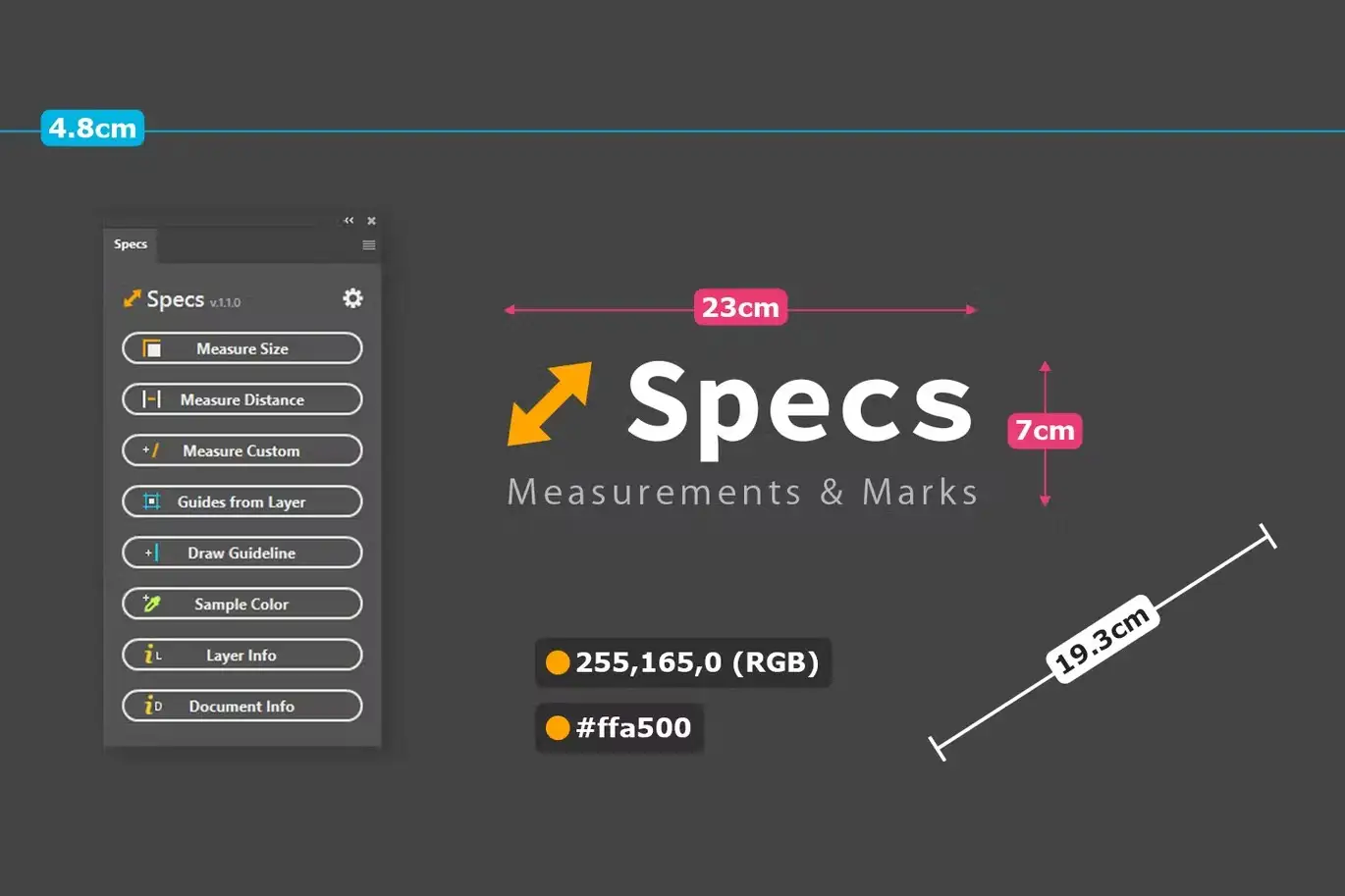
Are you tired of struggling with measurements and guidelines in your design projects? Specs is here to simplify your workflow! This powerful plugin, compatible with Photoshop CC 2021 and newer, allows you to generate precise measurements, guidelines, and color samples effortlessly.
Product Overview
Specs is designed for designers and digital artists who need to annotate their work with accurate measurements and color information. Its customizable features and real-time updates make it an essential tool for both web and print design.
Key Features & Benefits
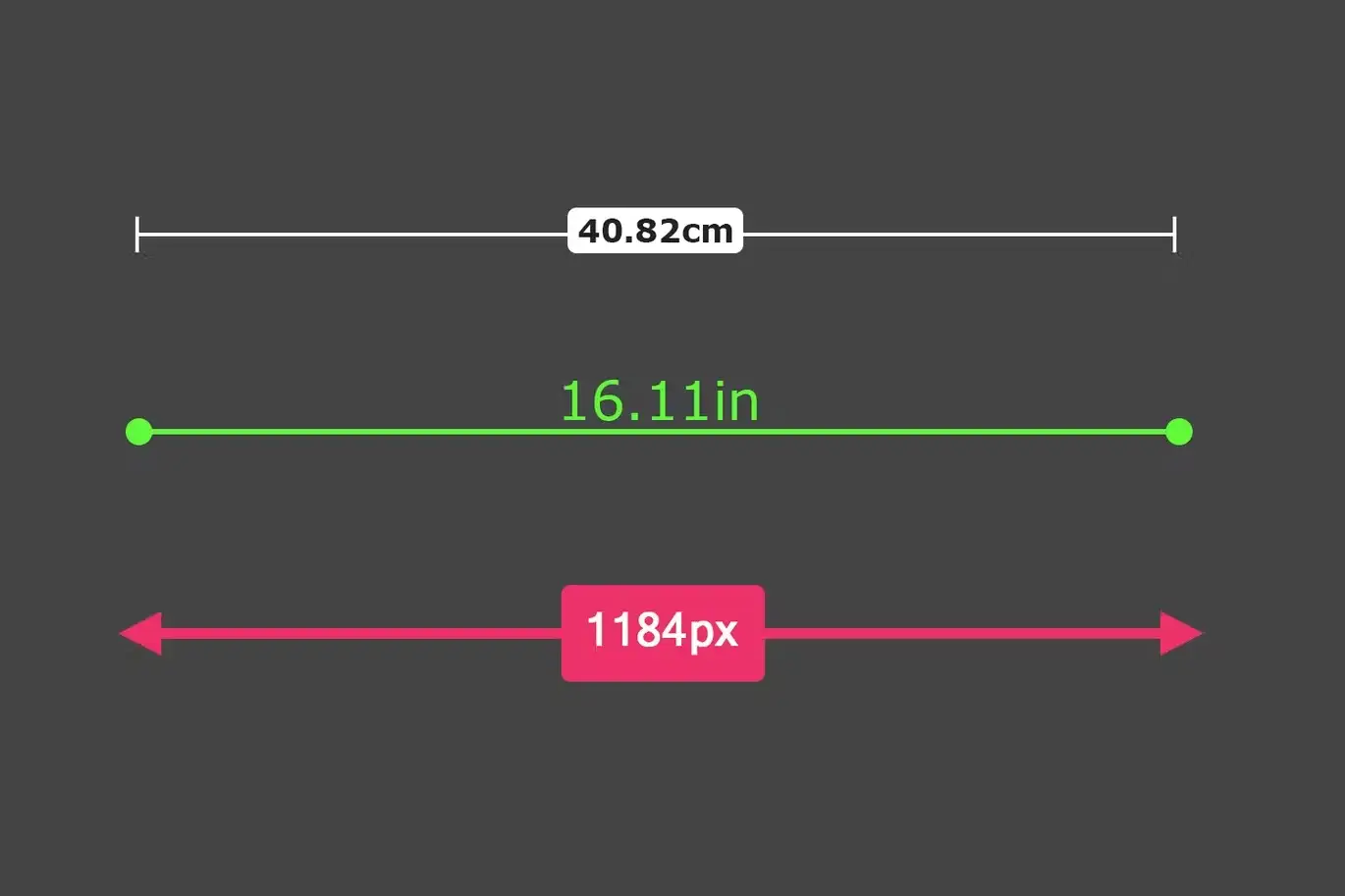
- ✅ Measure Size → Easily add height and width measurements for selected layers.
- ✅ Measure Distance → Quickly measure the distance between two layers or from the document edge.
- ✅ Measure Custom → Auto-selects the ruler tool for drawing precise measurements.
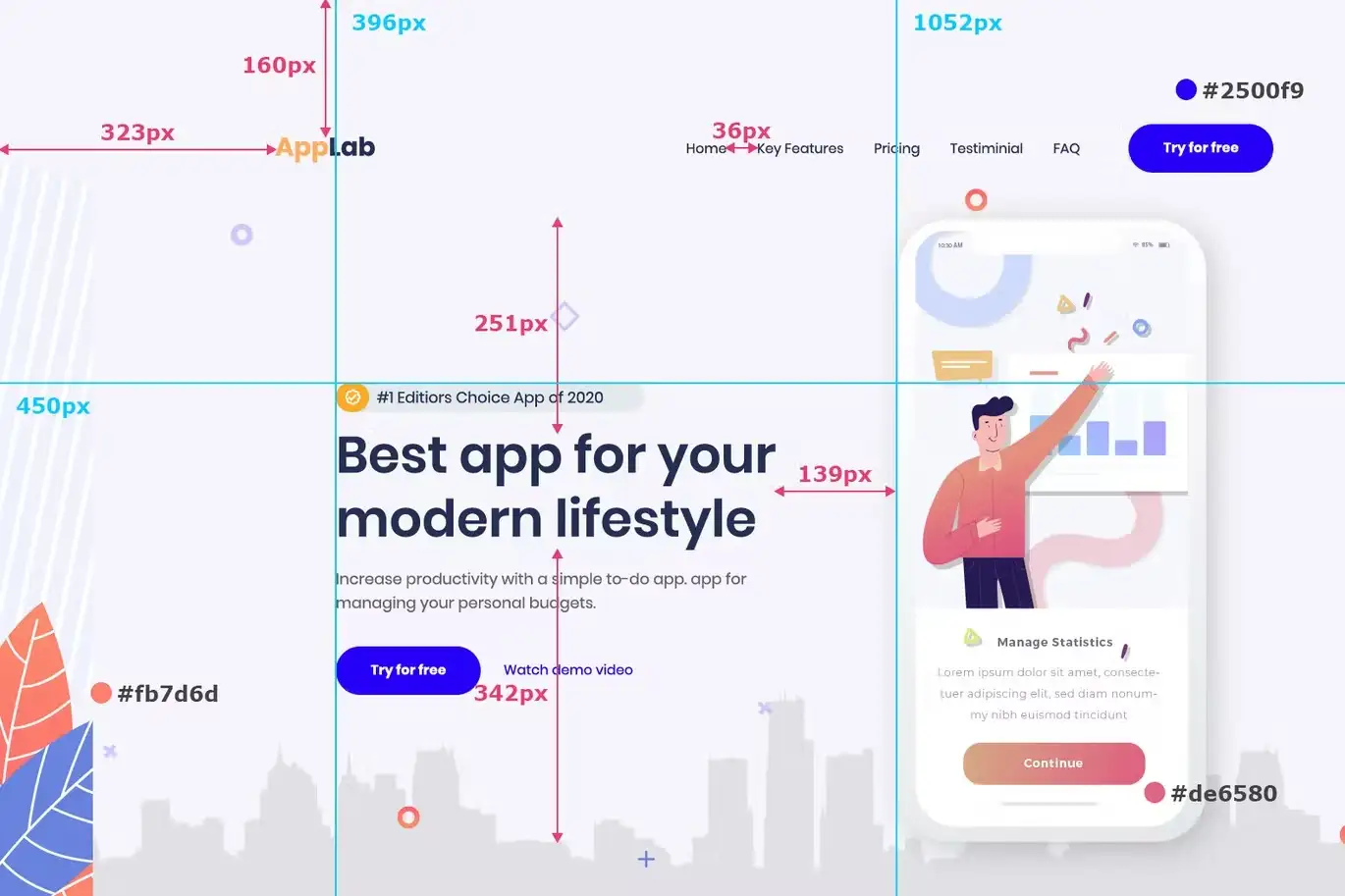
- ✅ Guides from Layer → Generate guidelines along the edges of any layer for better alignment.
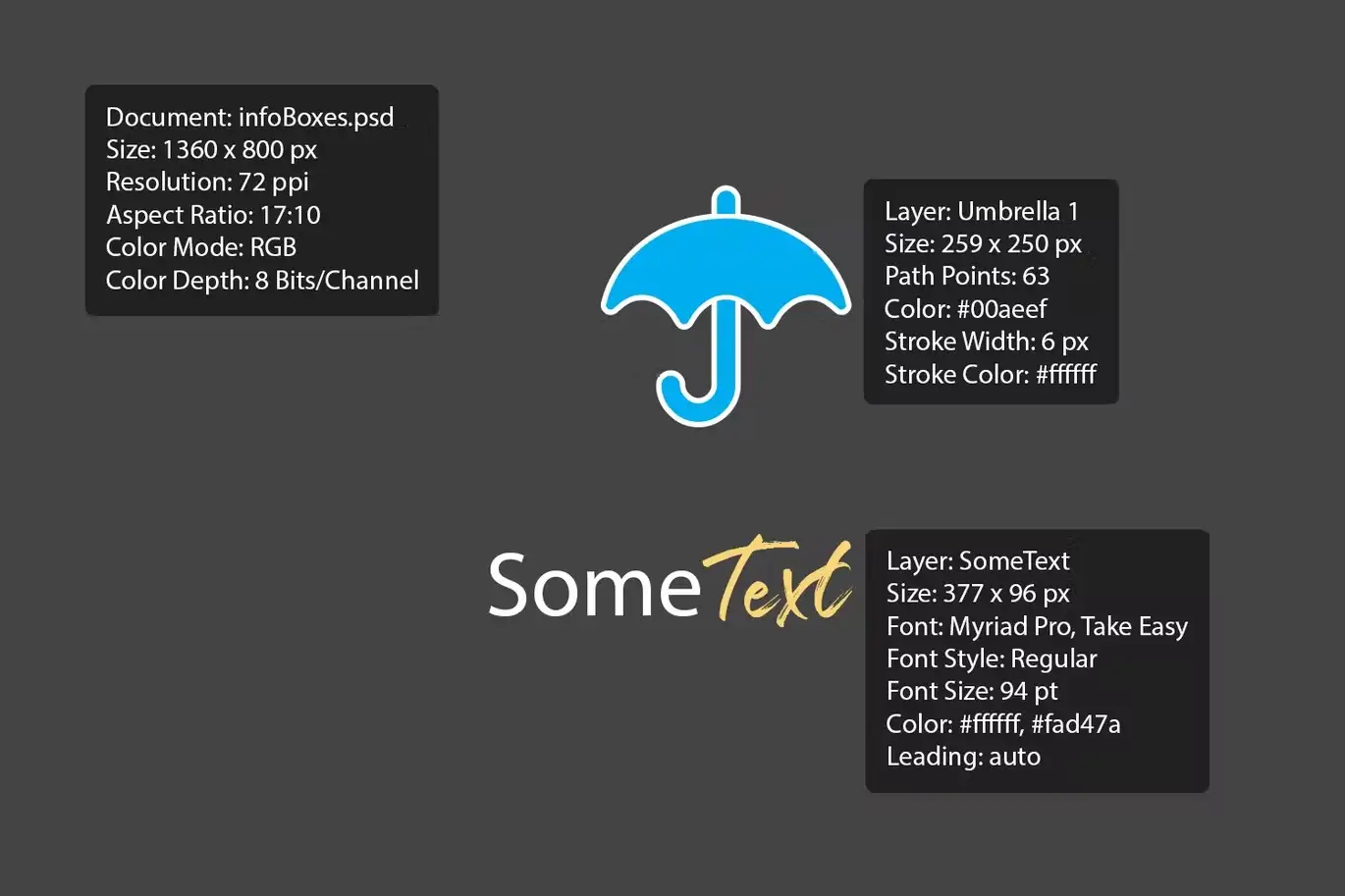
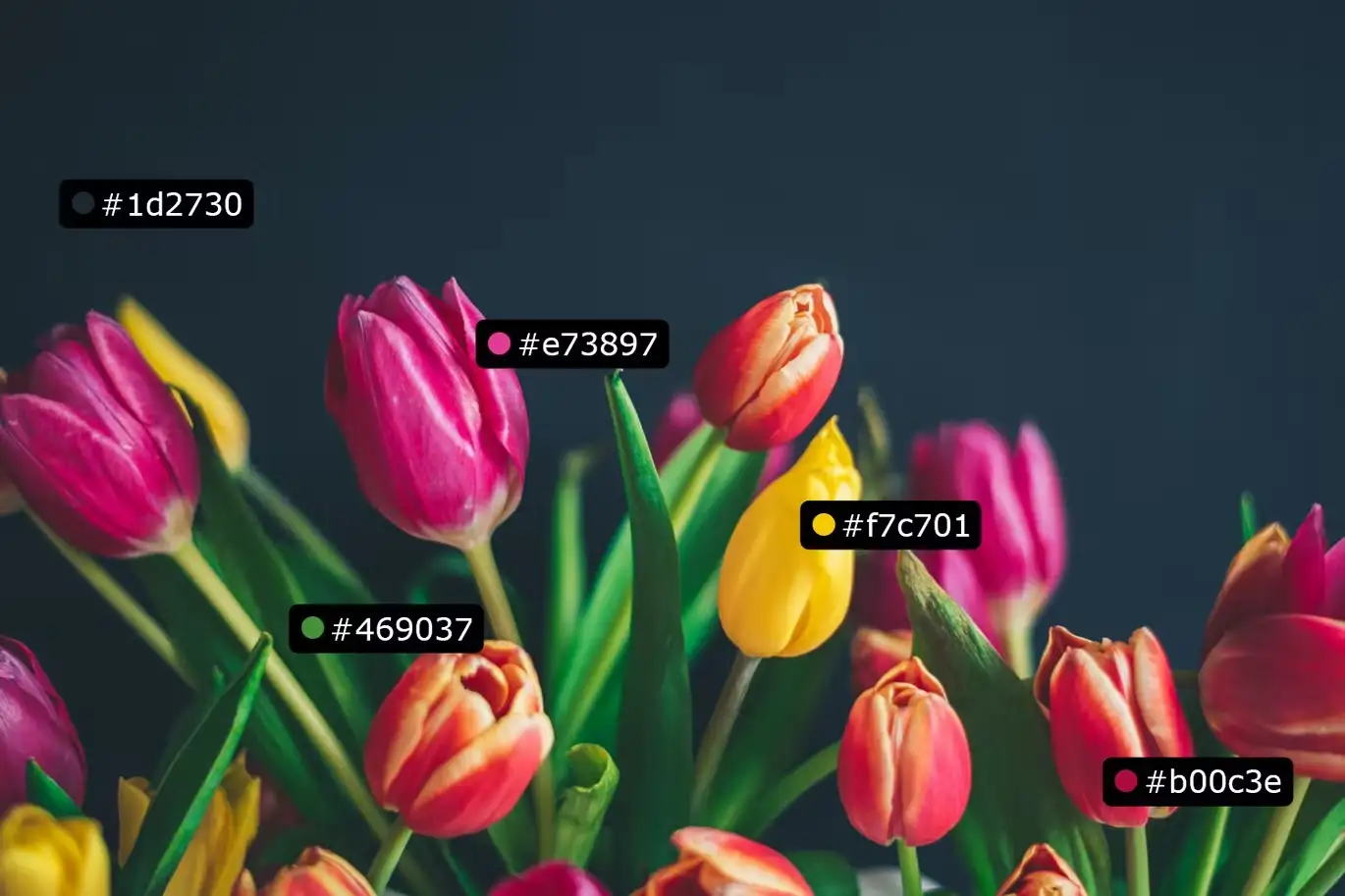
- ✅ Sample Color → Capture color samples in various formats like Hex, RGB, CMYK, and HSB.
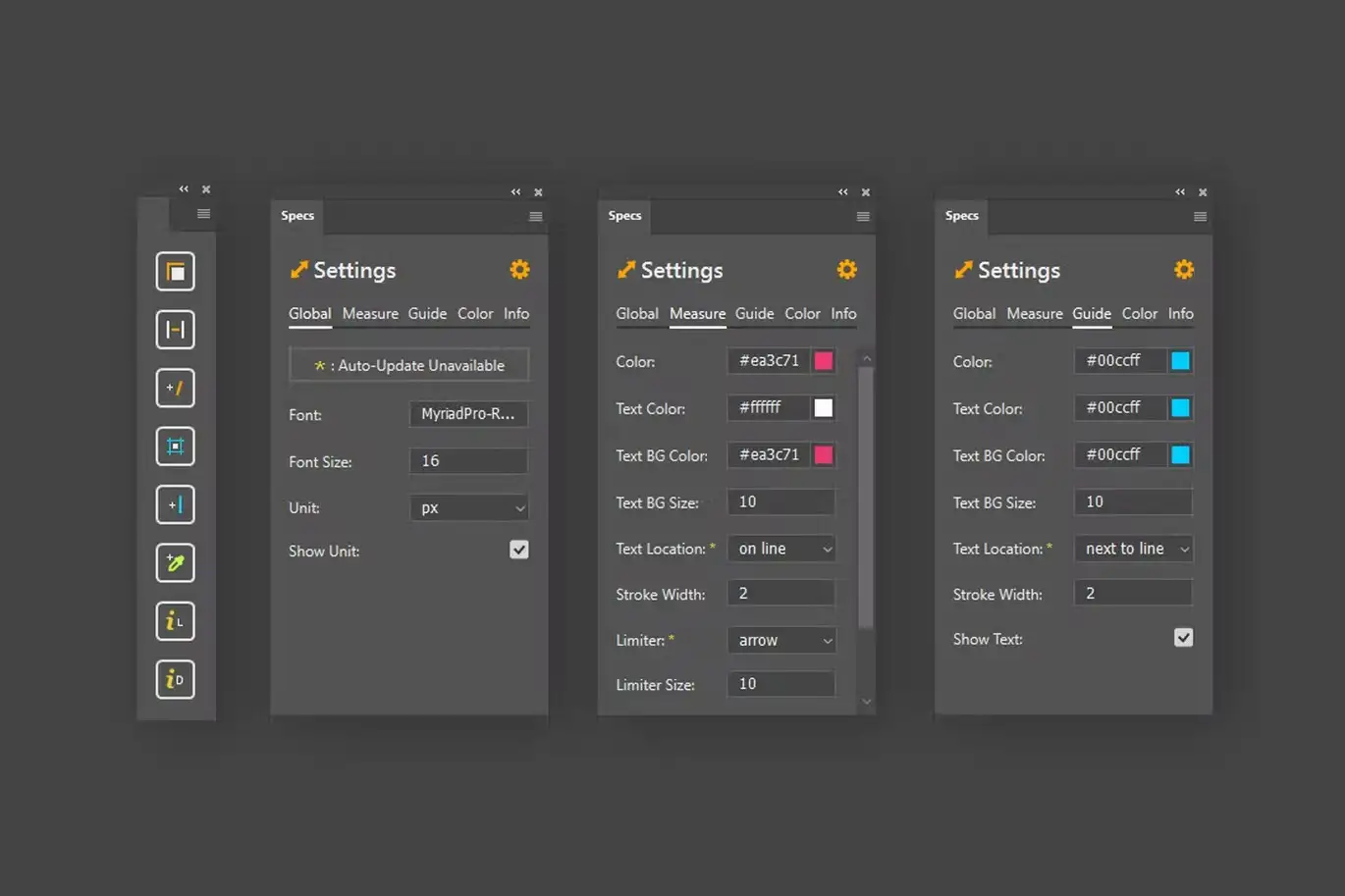
- ✅ Customizability → Adjust font styles, sizes, colors, and more to fit your design needs.
Why Choose This Product
With Specs, you gain a comprehensive set of tools that enhances your design process. Whether you’re working on digital or print projects, this plugin adapts to your needs, ensuring that you can focus on creativity rather than measurement hassles. Trusted by professionals worldwide, Specs is your go-to solution for accurate design specifications.
Specifications
| Compatibility | Photoshop CC 2021 or newer |
|---|---|
| Measurement Units | Pixel, Inch, Millimeter, Centimeter |
| Color Formats | Hex, RGB, CMYK, HSB |
What’s Included 📦
- Specs Plugin for Photoshop
- User Guide
- Customer Support
Perfect For
- Graphic Designers
- Web Designers
- Print Designers
- Digital Artists
How to Use
To get started with Specs, simply install the plugin in Photoshop and follow these steps:
- Select the layer you want to measure.
- Choose the measurement tool from the Specs panel.
- Customize your measurement settings as needed.
- Click to add measurements or guidelines directly onto your canvas.
FAQ
- Is this plugin compatible with older versions of Photoshop?
No, Specs is only compatible with Photoshop CC 2021 and newer.
- Can I customize the appearance of measurements?
Yes, you can adjust font sizes, colors, and styles to fit your design.
Ready to enhance your design process? Add to cart now and start measuring with precision today! 🚀
User Reviews
Be the first to review “Specs – Custom Measures & Marks (Photoshop 2021)”
You must be logged in to post a review.
Better Grids – Layout Creation Kit
Sold by
Art & Branding Scene Generator – Part 1
Sold by

Quick Align – Layer Positioning made easy
Sold by
Shadowify – Realistic Blur & Shadow Kit
Sold by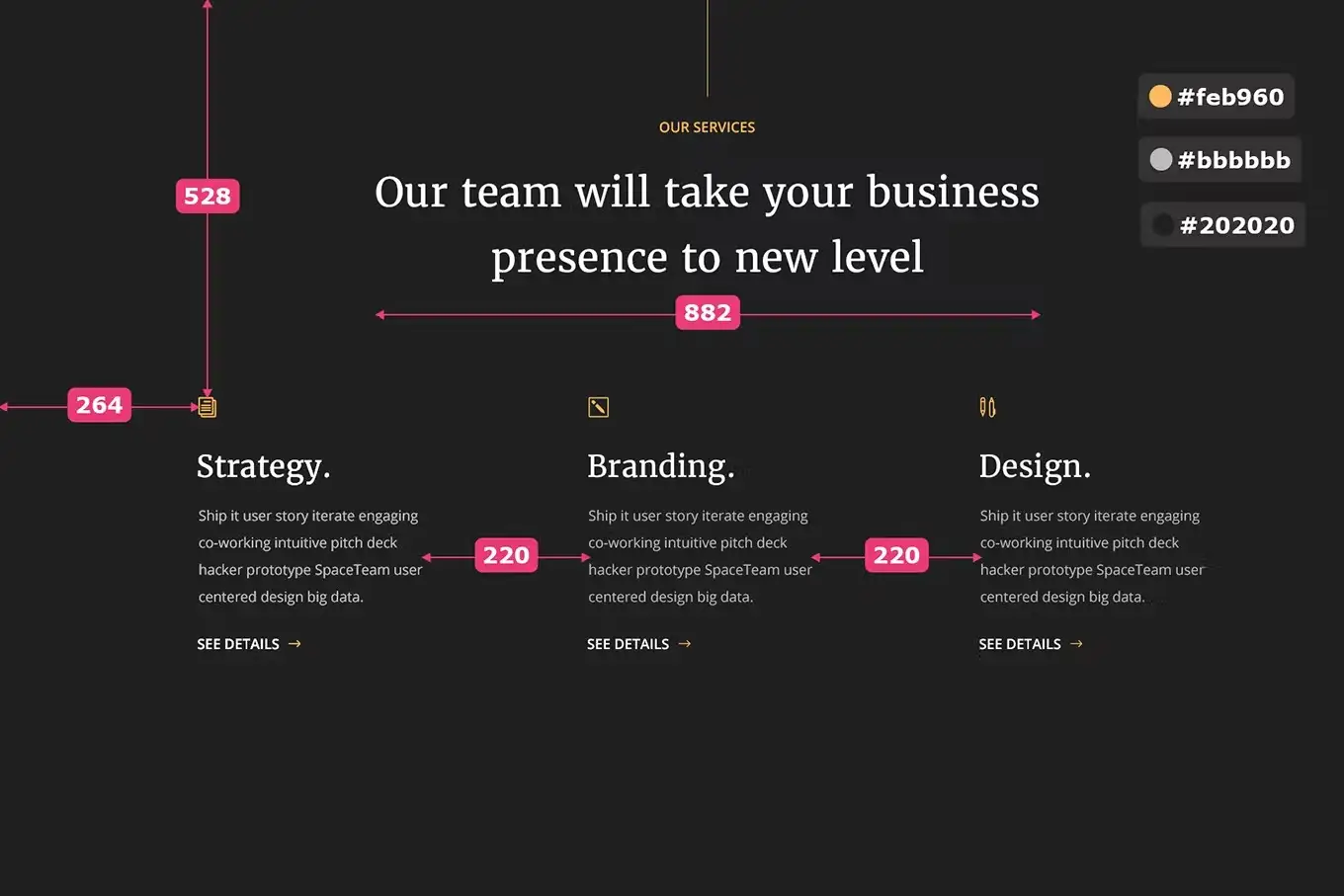
Original price was: $5.00.$2.50Current price is: $2.50.


There are no reviews yet.