
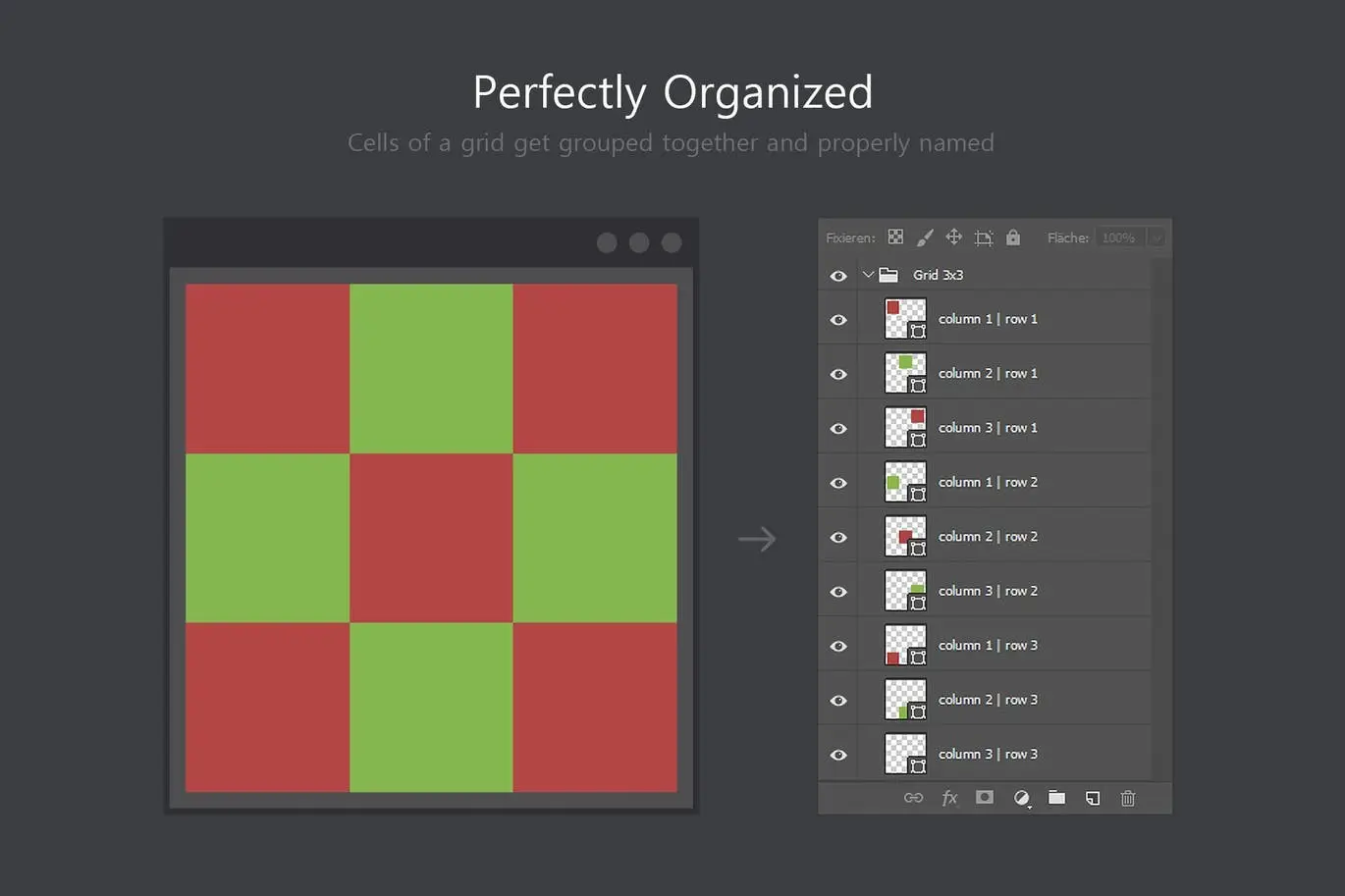

Better Grids – Layout Creation Kit
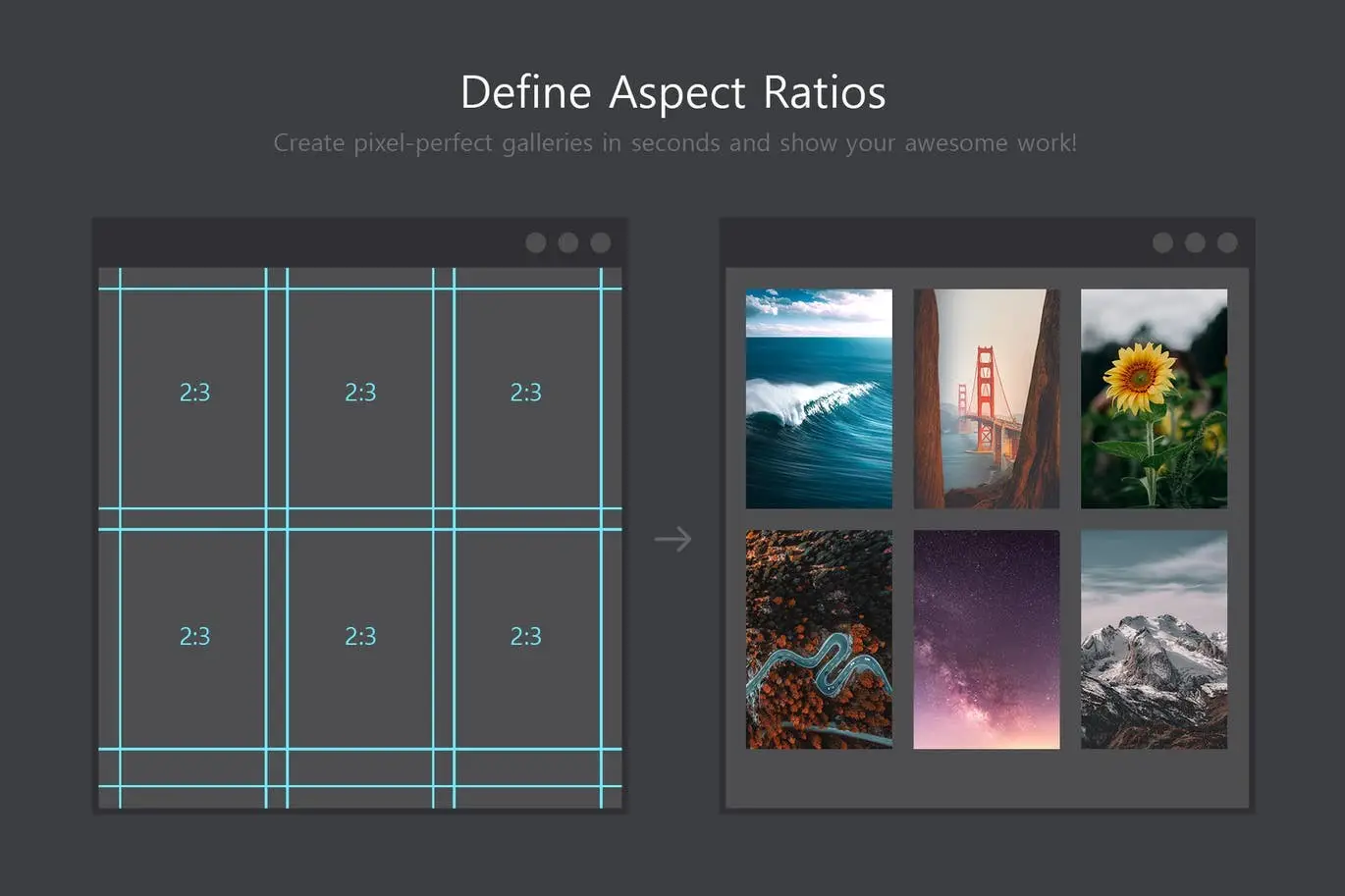
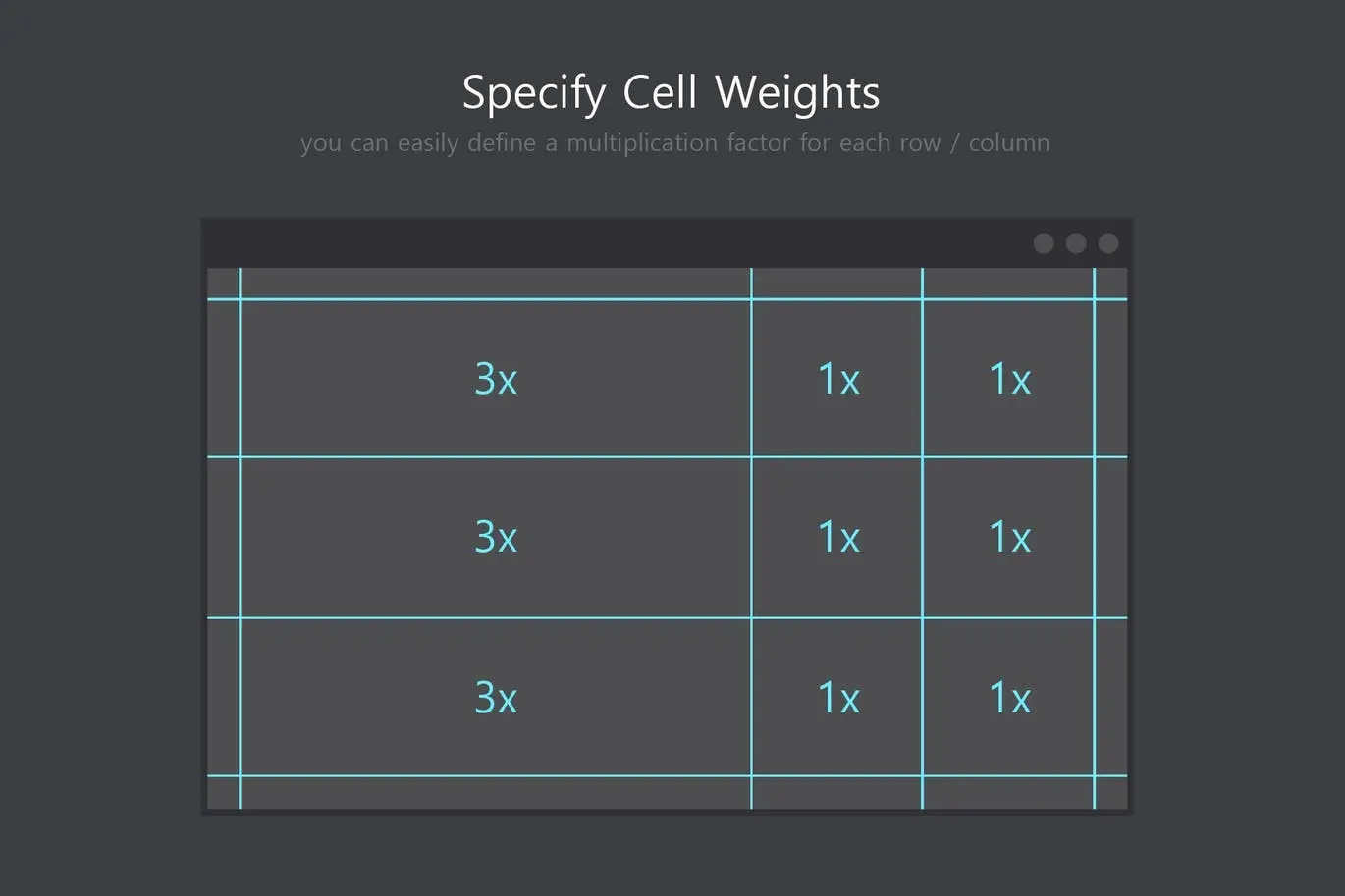
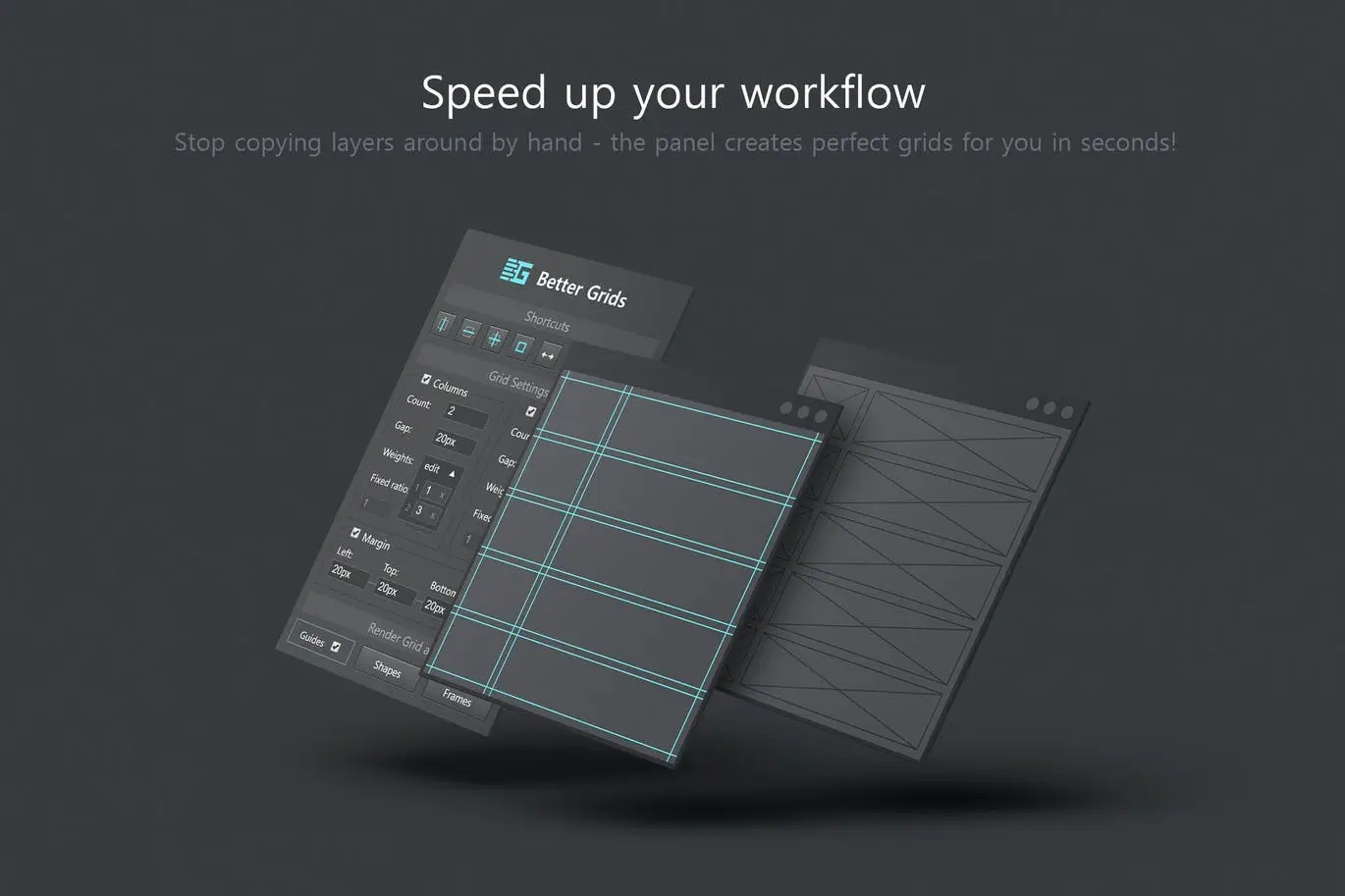
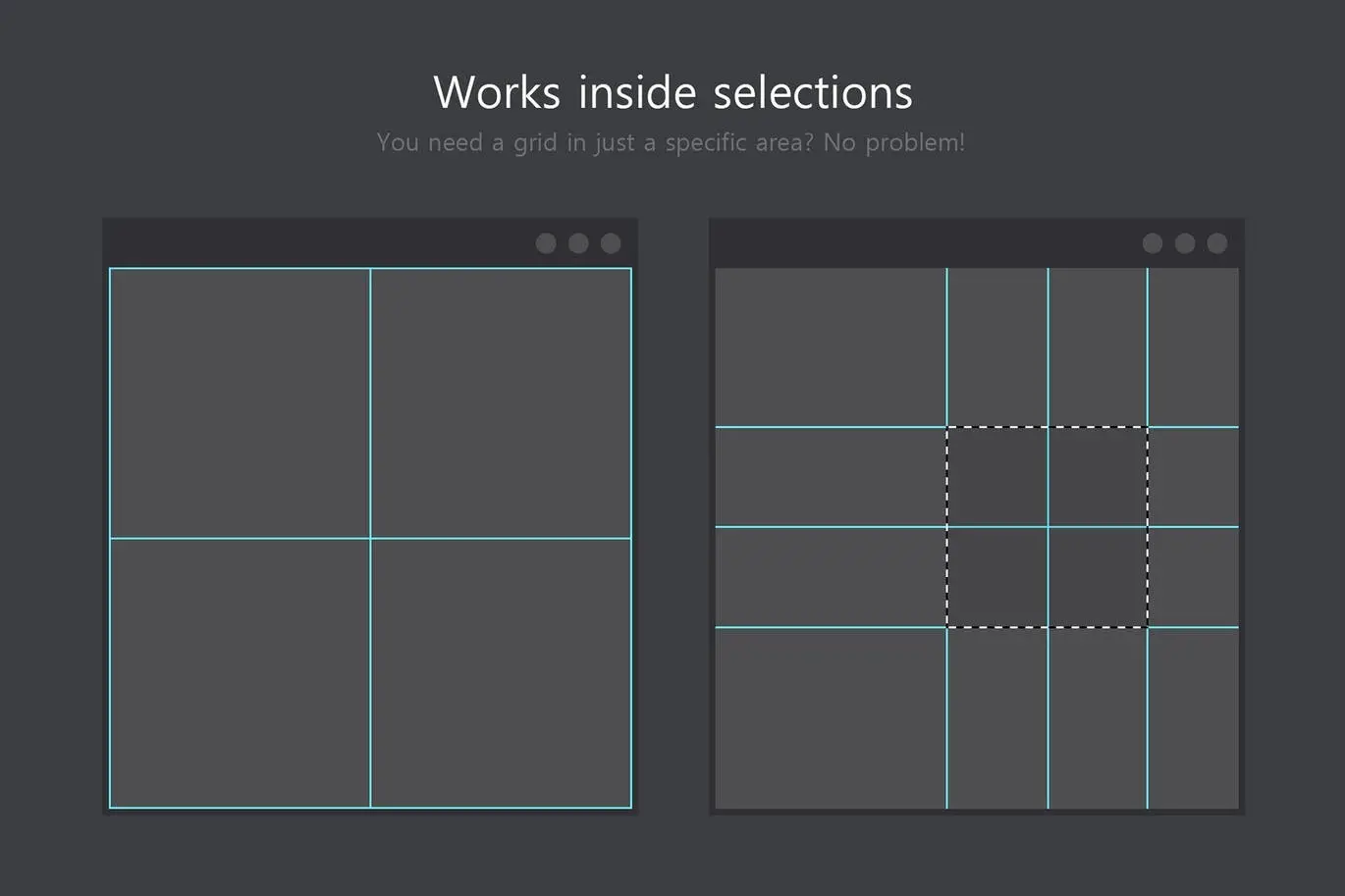
Are you tired of the tedious process of creating grid layouts and galleries by hand? Better Grids is here to streamline your workflow! This professional layout creation kit offers unparalleled customizability that native Photoshop lacks, allowing you to set individual cell weights and perfect aspect ratios with ease.
Product Overview
Better Grids is designed for graphic designers and digital artists who want to enhance their layout creation process. With this kit, you can quickly generate precise grid layouts and galleries, saving you time and effort while ensuring pixel-perfect results.
Key Features & Benefits
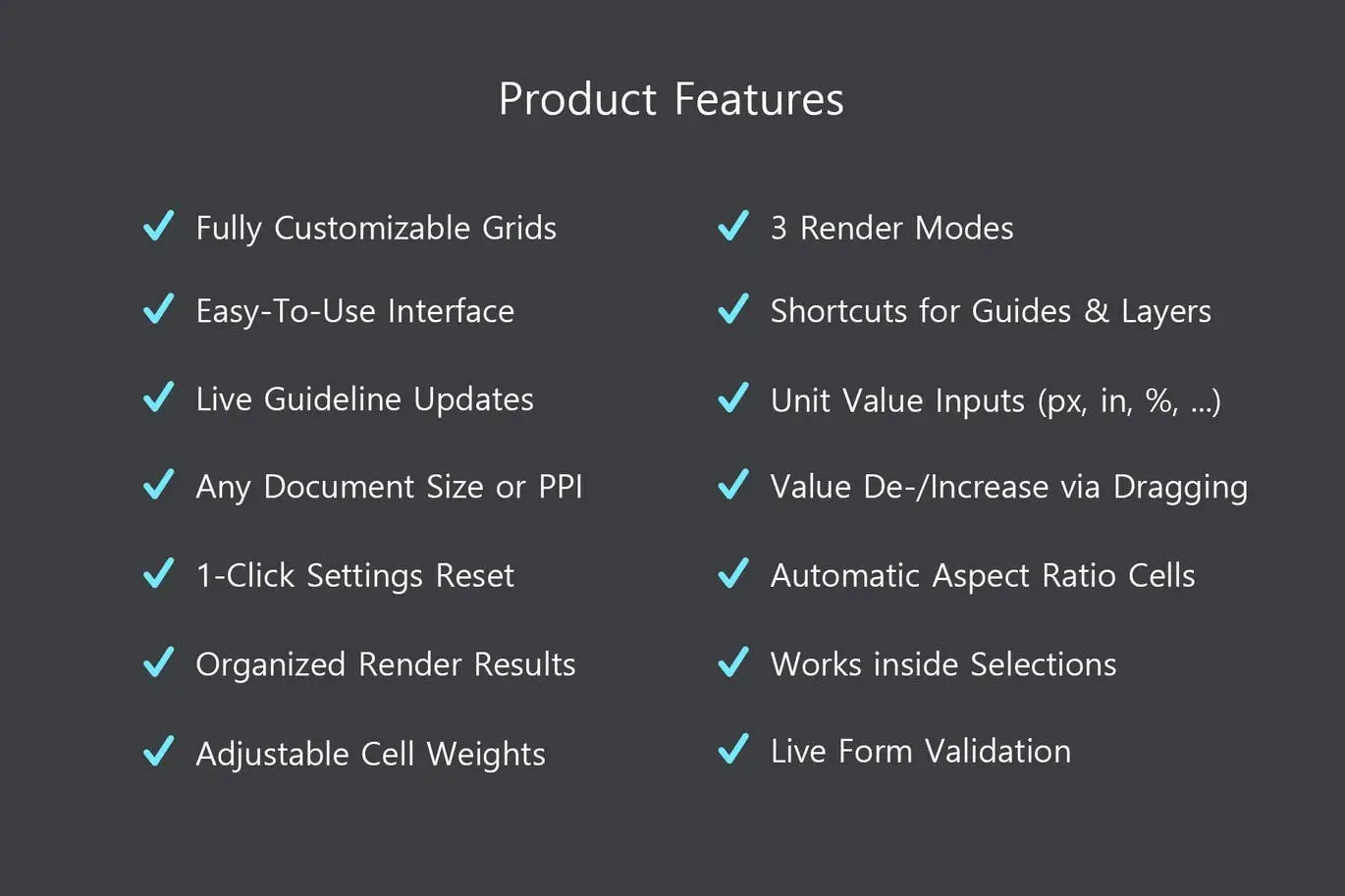
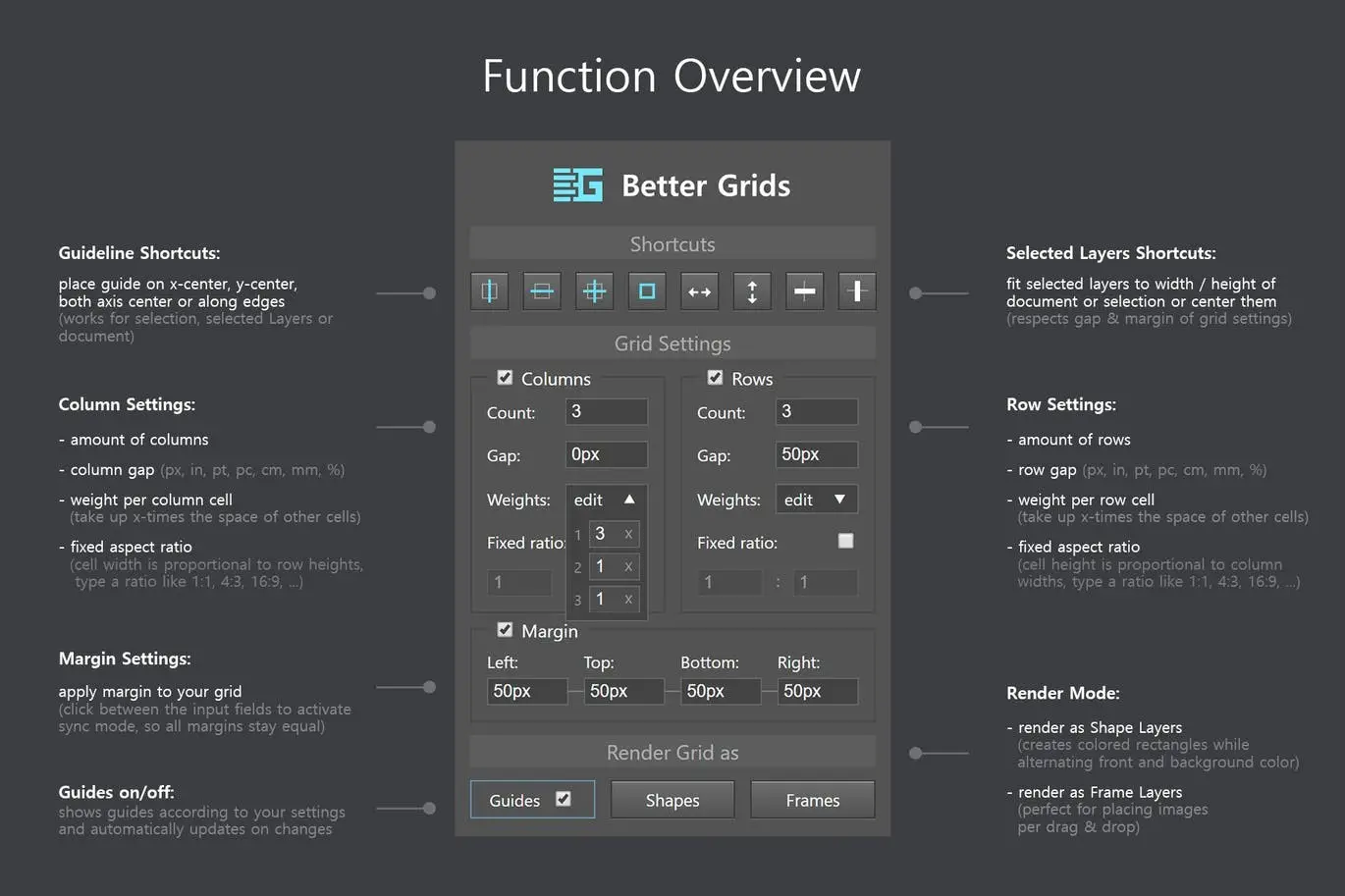
- ✅ Fully Customizable Grid Layout → Specify the amount, gap, weight, aspect ratio, and margin for columns and gaps.
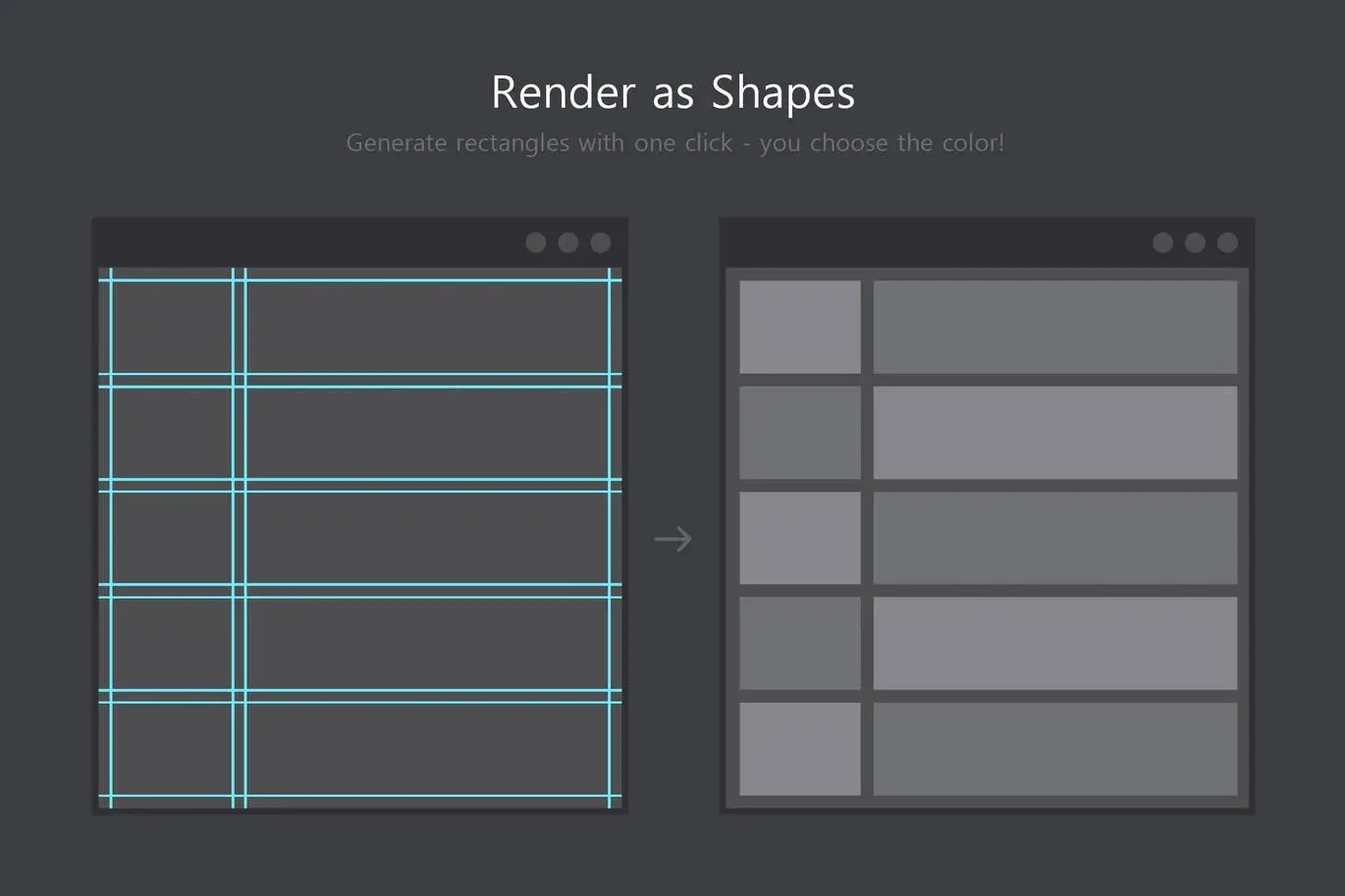
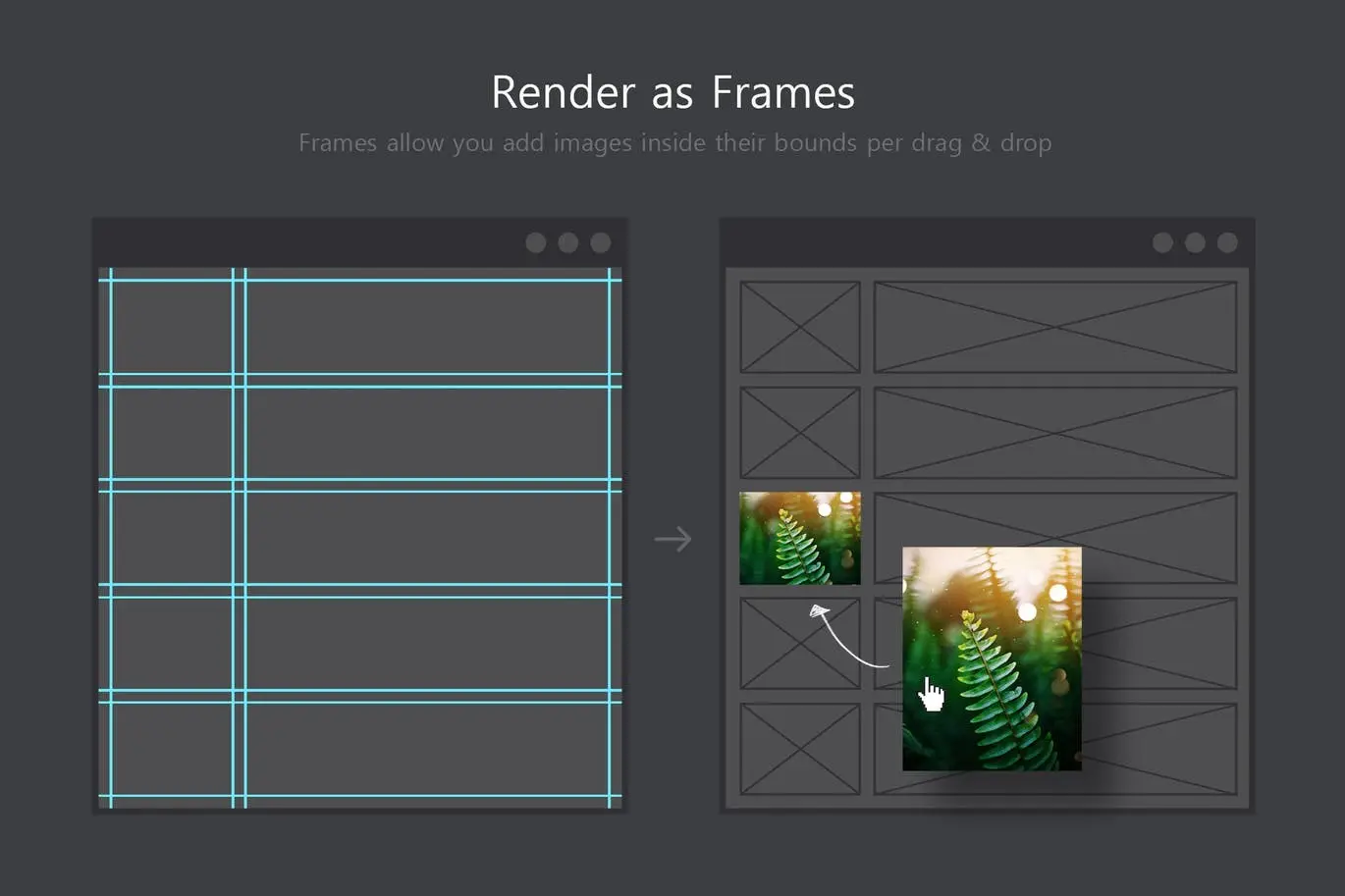
- ✅ Three Render Modes → Choose between guides, shape layers, or frames for versatile output.
- ✅ Live Updates for Guides → See real-time changes while adjusting values, ensuring accuracy.
- ✅ Intuitive Interface → Seamlessly blends with Photoshop, making it easy to navigate.
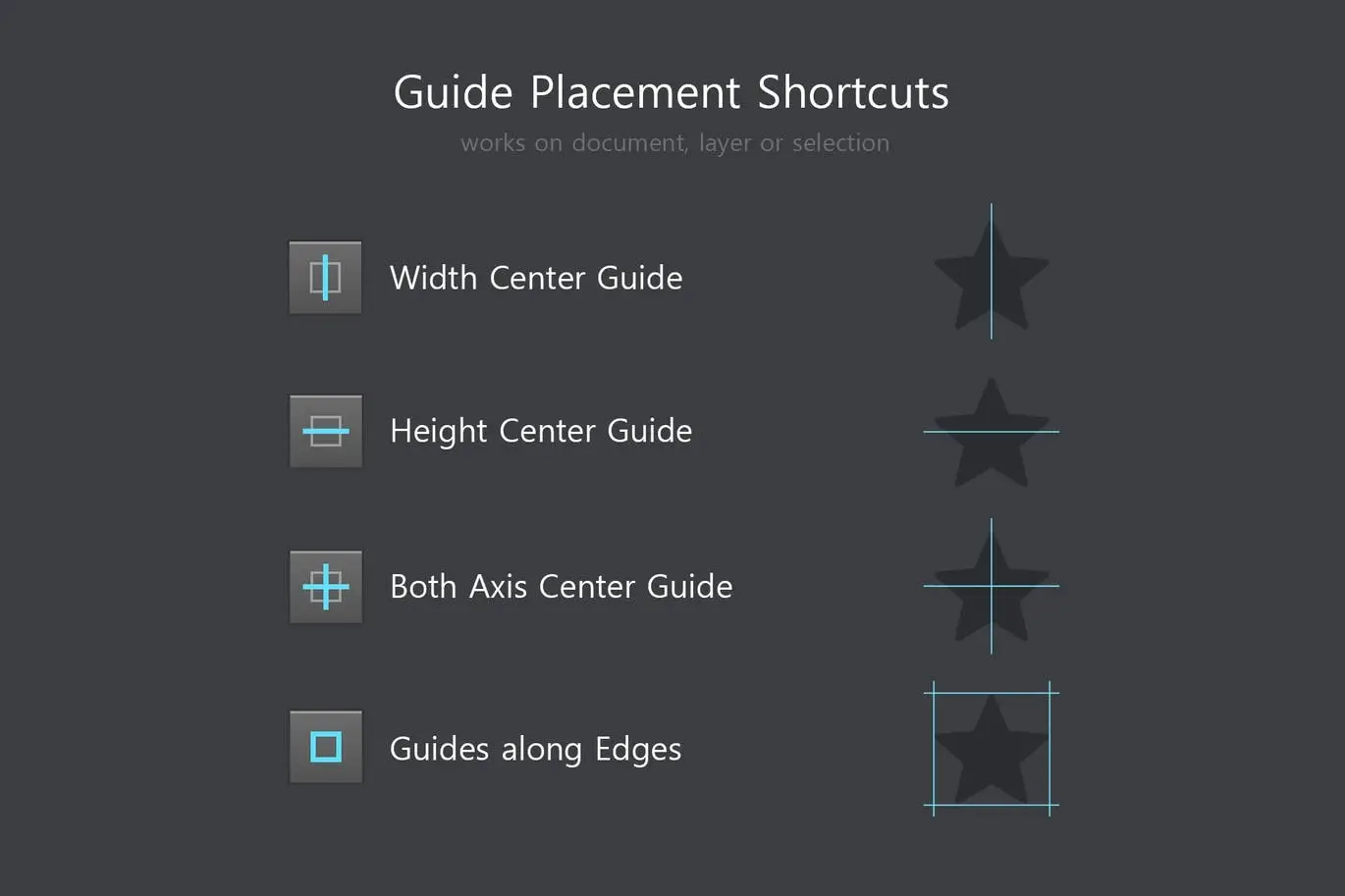
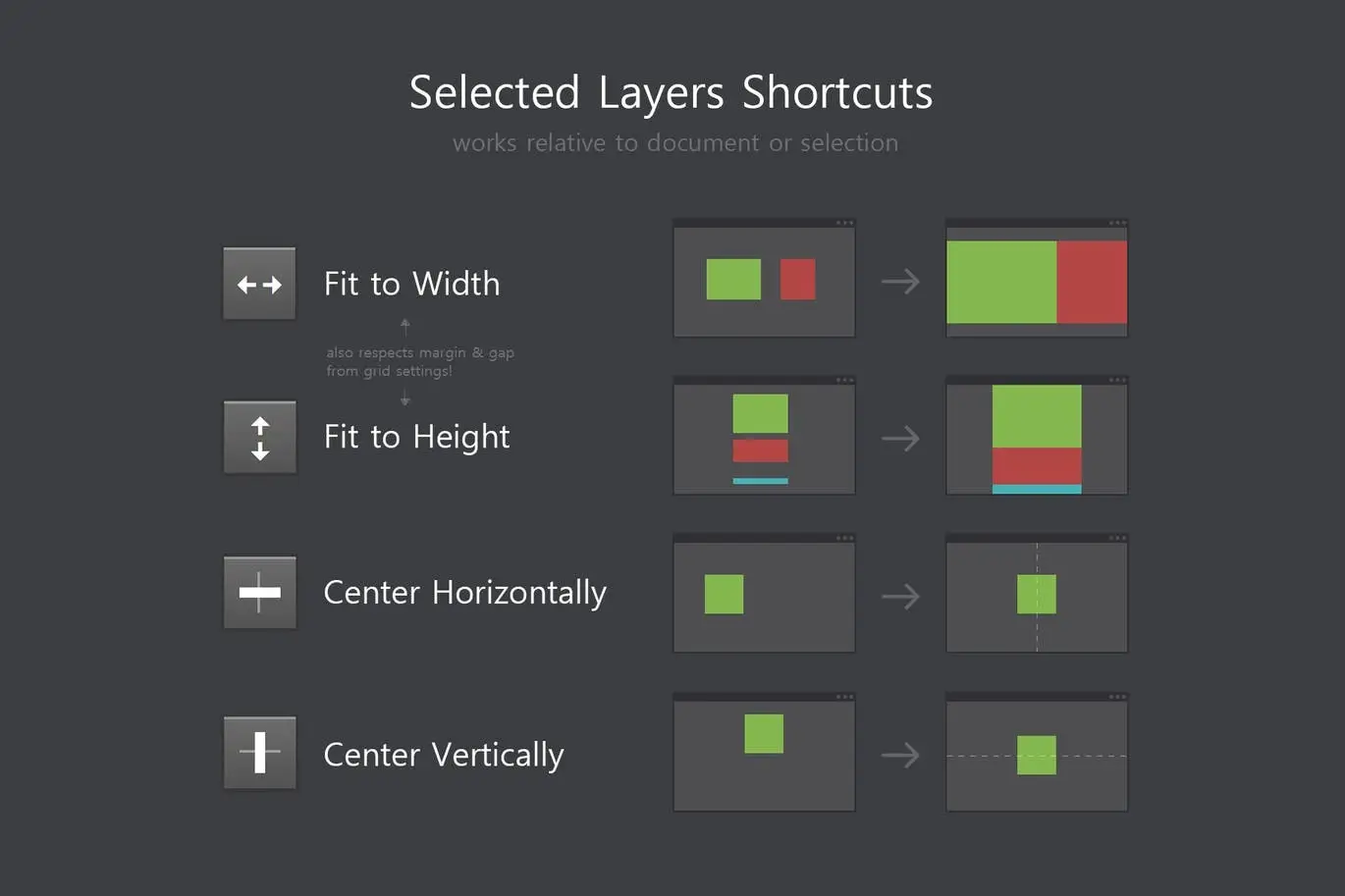
- ✅ Eight Timesaving Shortcuts → Quickly place and center guides or selected layers for efficiency.
- ✅ Control Over Aspect Ratios → Easily maintain specific ratios like 1:1, 4:3, or 16:9 for your designs.
- ✅ Undo Functionality → Quickly revert any action with a single history entry.
Why Choose This Product
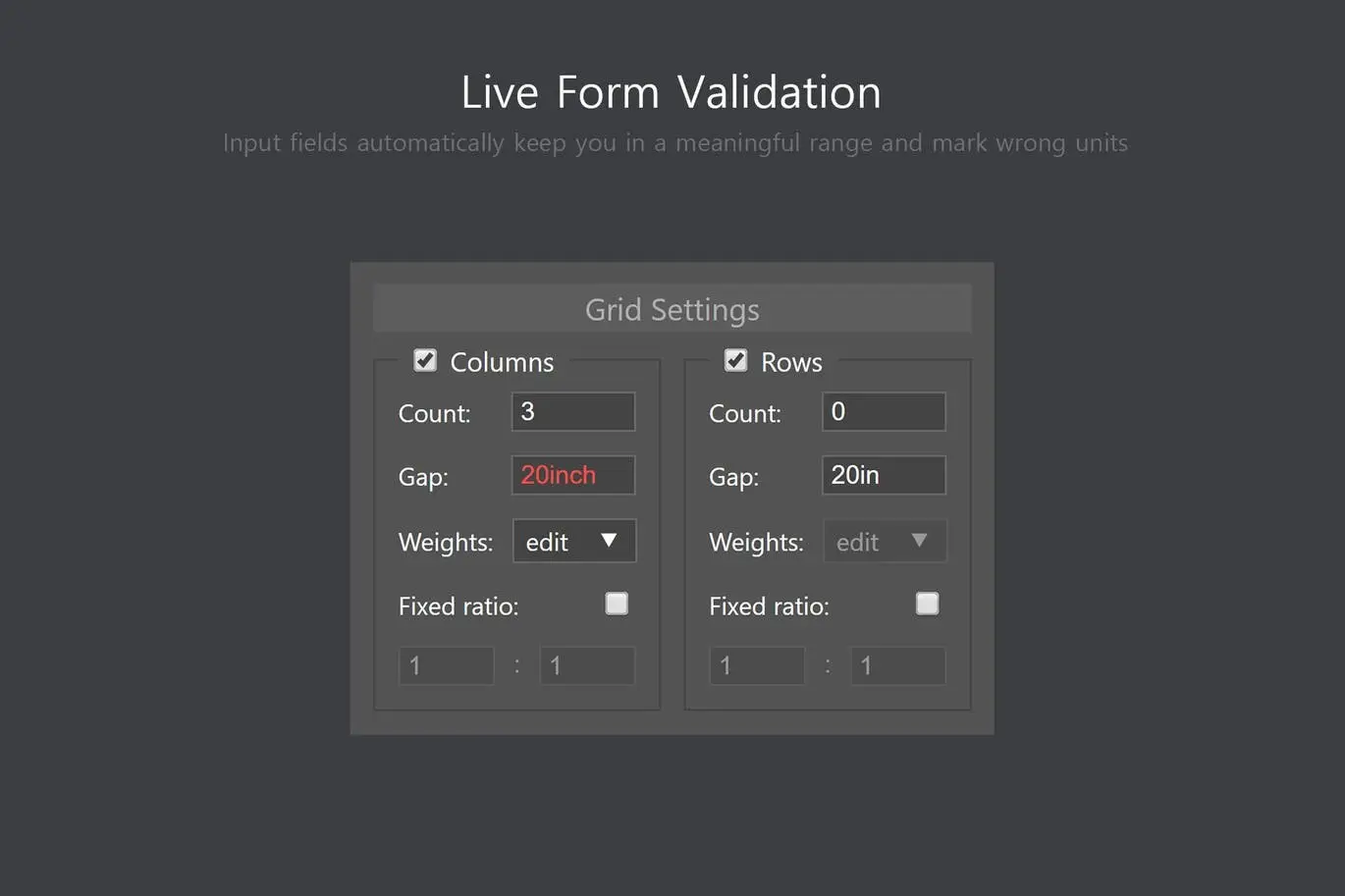
Better Grids not only simplifies the grid creation process but also enhances your overall design experience. Its unique features, such as live form validation and customizable margin inputs, ensure that you can achieve your desired layout without hassle. Trusted by professionals, this tool is perfect for anyone looking to elevate their design projects.
Specifications
| Compatibility | Adobe Photoshop CC+ |
|---|---|
| Document Size | Works with any document size |
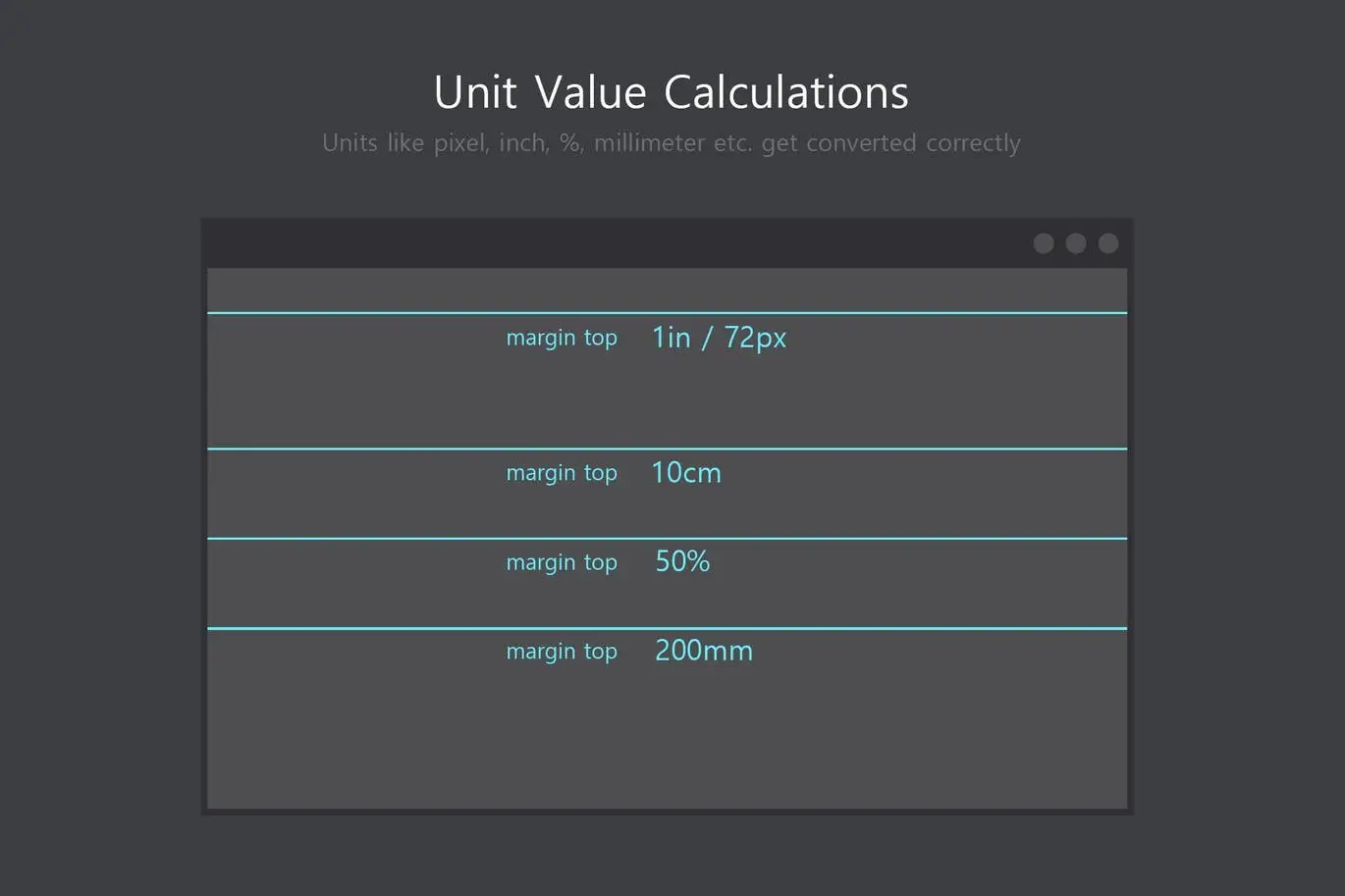
| Units Supported | px, in, pt, pc, %, mm, cm |
What’s Included
- Better Grids Plugin
- User Guide
- Access to Updates
Perfect For
- Graphic Designers
- Digital Artists
- Web Designers
- UI/UX Designers
How to Use
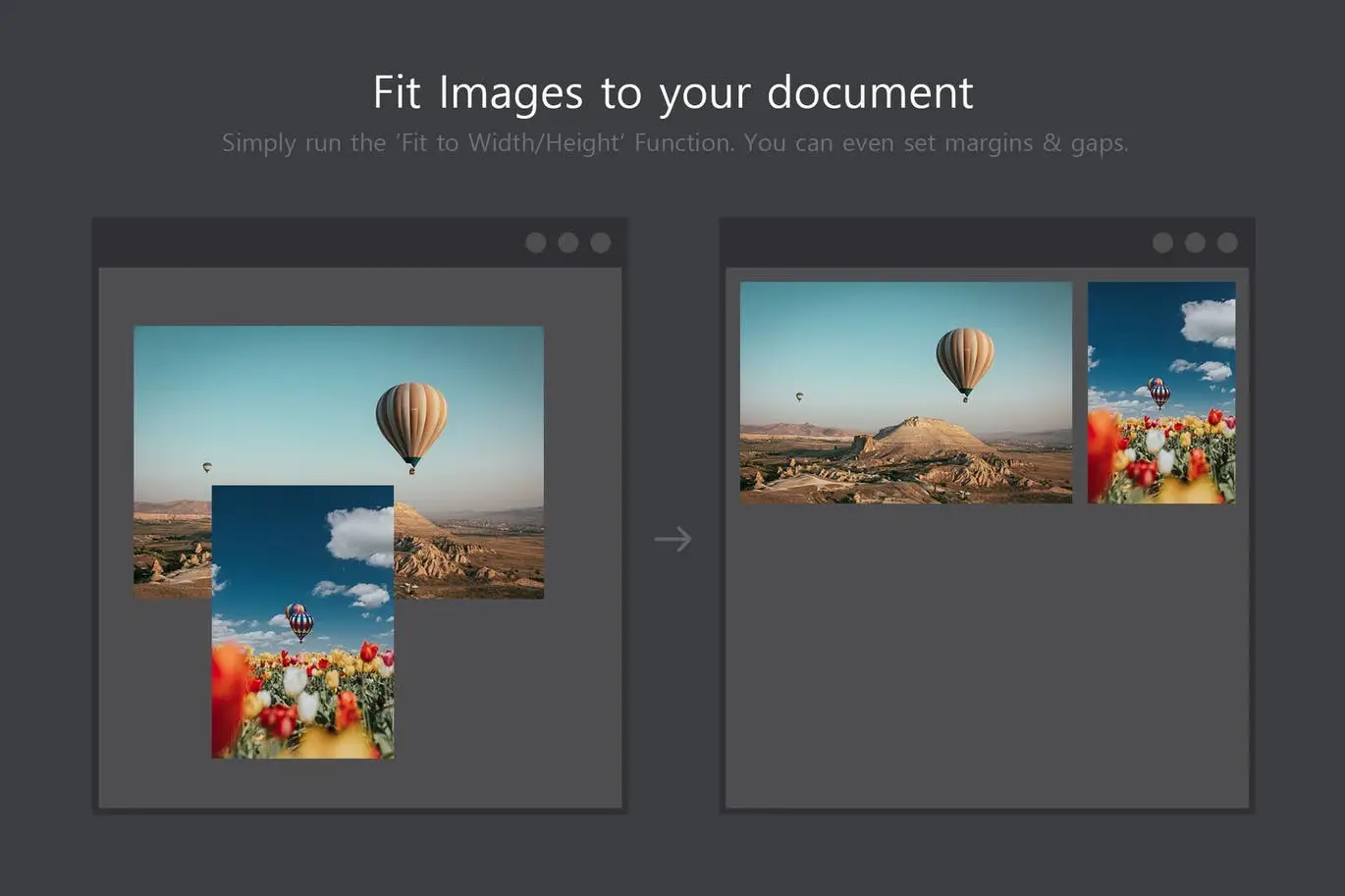
Simply install the Better Grids plugin in Photoshop, select your desired grid settings, and render your layout with a single click. Utilize the shortcuts to enhance your workflow and create stunning layouts effortlessly.
FAQ
- Can I use Better Grids with any document size? Yes, it works with any document size in Photoshop.
- What versions of Photoshop are compatible? Better Grids is compatible with Adobe Photoshop CC and later versions.
Add to cart now and start creating stunning layouts effortlessly! 🚀
User Reviews
Be the first to review “Better Grids – Layout Creation Kit”
You must be logged in to post a review.
Adobe Photoshop Scene Photo Overlay Bundle – 19 Overlays
Sold by
Specs – Custom Measures & Marks (Photoshop 2021)
Sold by
Art & Branding Scene Generator – Part 1
Sold by
Quick Align – Layer Positioning made easy
Sold by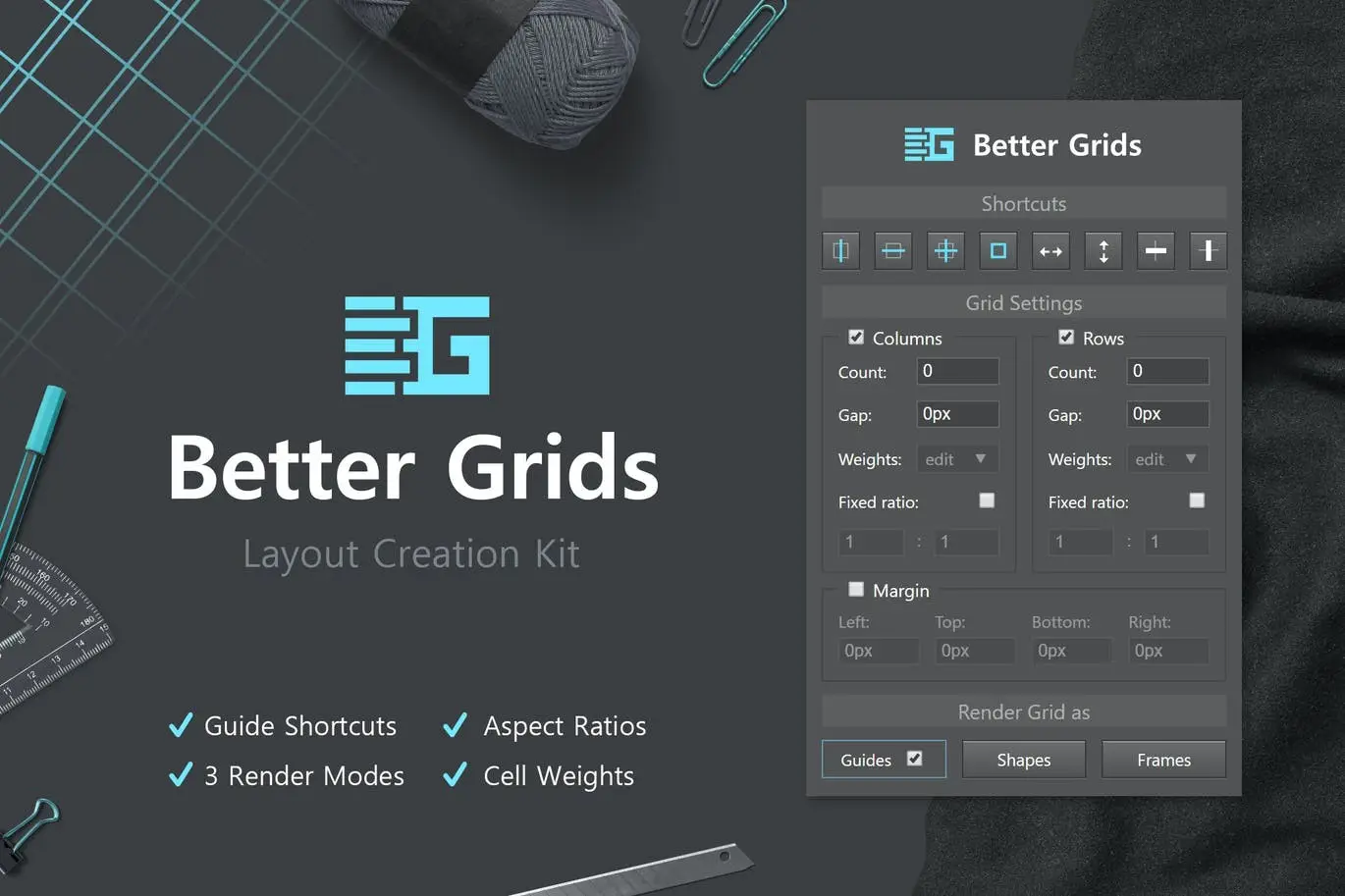
Original price was: $5.00.$2.50Current price is: $2.50.


There are no reviews yet.