
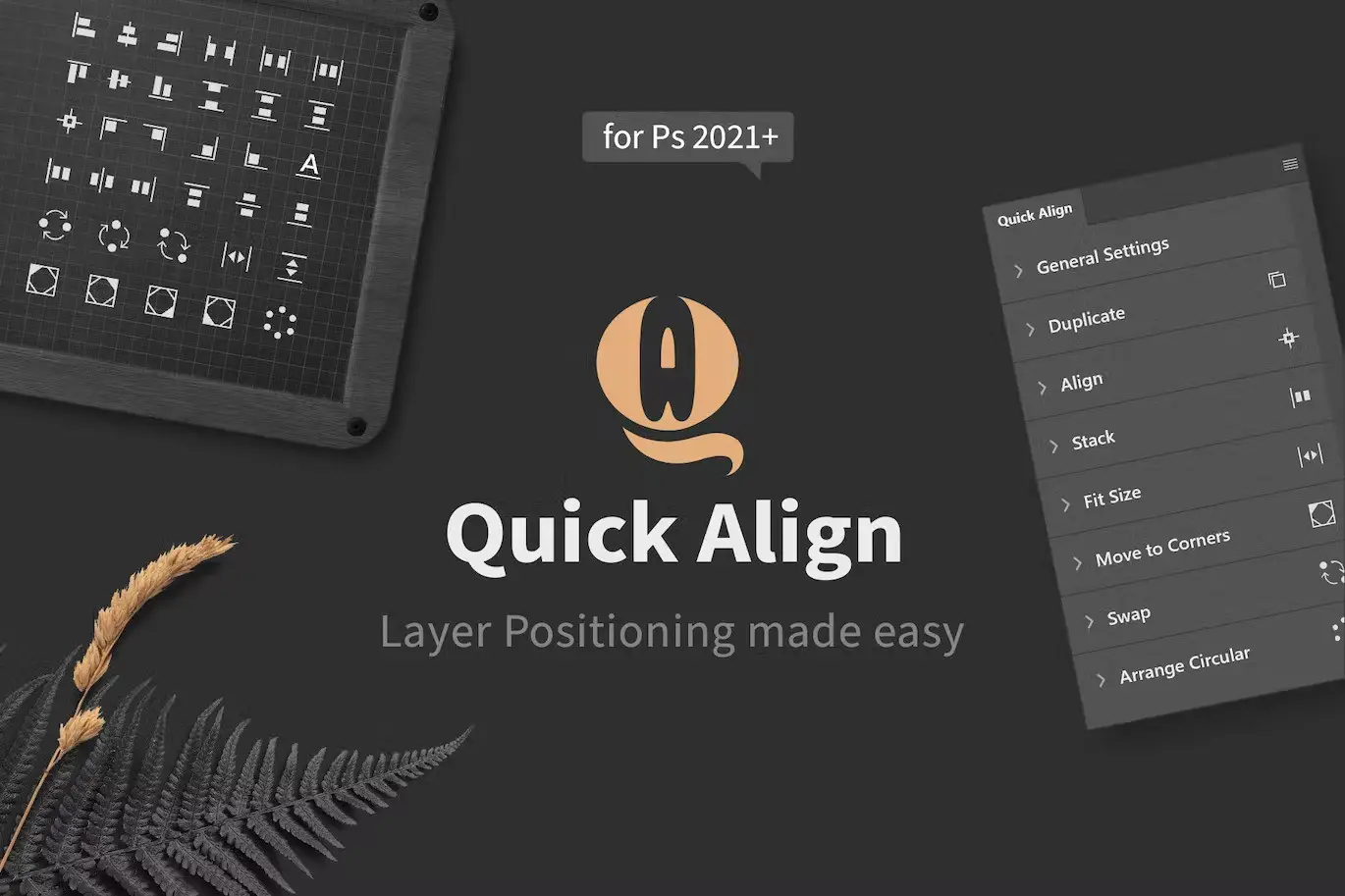

Quick Align – Layer Positioning Made Easy
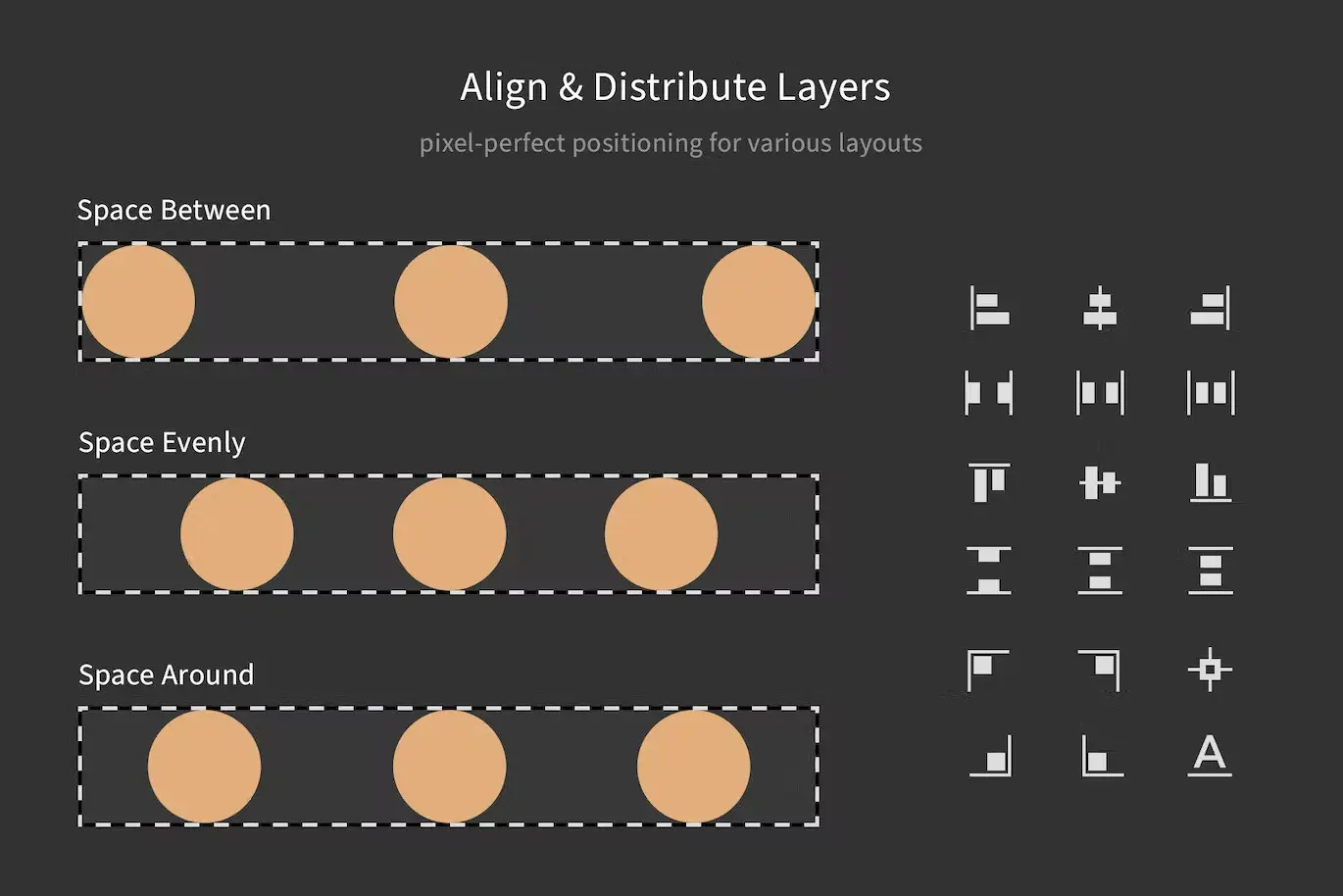
Are you tired of struggling with layer positioning in Photoshop? Quick Align is here to simplify your workflow. This innovative plugin enhances Photoshop’s built-in align and distribute functions, providing you with a variety of powerful tools for efficient layer management.
Product Overview
Quick Align is designed for digital designers who need a reliable solution for positioning layers quickly and accurately. Whether you’re arranging elements for a layout or creating intricate designs, this plugin offers the flexibility and precision you need.
Key Features & Benefits
- ✅ Customizable Interface → Tailor your workspace by hiding sections and selecting quick-access functions for streamlined efficiency.
- ✅ Unit Value Inputs → Work with various units (px, cm, inch, %, etc.) to suit your design needs.
- ✅ Live Updates → Enjoy immediate feedback as you adjust settings, allowing for real-time design modifications.
- ✅ Theme Awareness → Seamlessly integrates with all four color schemes of Photoshop for a cohesive look.
- ✅ Flexible Layer Processing → Choose to arrange layers in the order of the layer panel or by their position on the canvas.
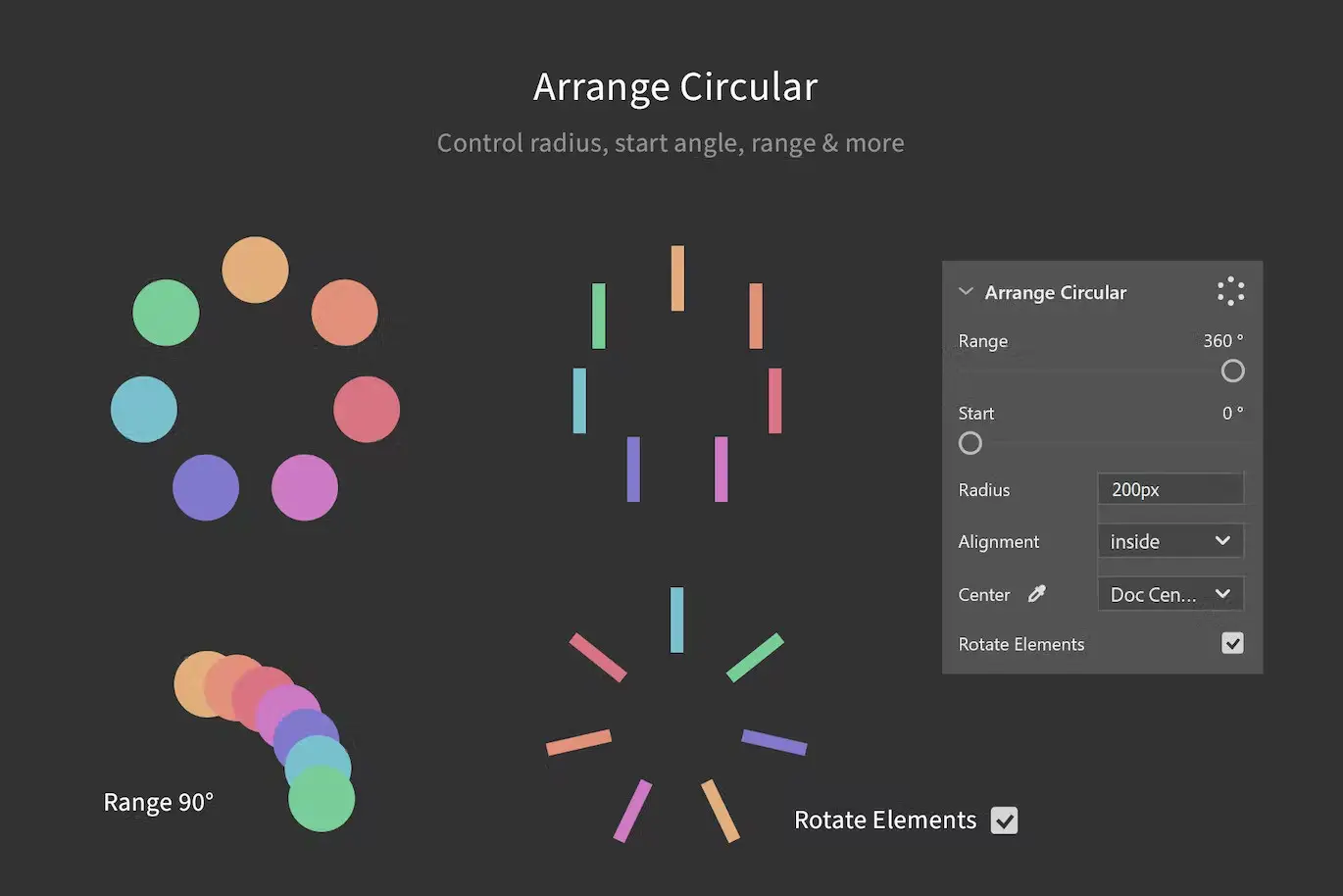
- ✅ Precise Circular Arrangement → Set a center point for circular arrangements and watch as layers rotate into perfect circles.
Why Choose This Product
Quick Align stands out from other positioning tools due to its user-friendly interface and advanced features. Trusted by designers worldwide, it simplifies the tedious task of layer management, allowing you to focus on your creativity. With Quick Align, you can say goodbye to manual adjustments and hello to a more efficient design process!
Specifications
| Compatibility | Photoshop 2021 or newer |
|---|
What’s Included / What’s in the Box
- 📦 Quick Align Plugin
- Comprehensive User Guide
- Access to Customer Support
Perfect For
- Graphic Designers
- UI/UX Designers
- Digital Artists
- Illustrators
How to Use
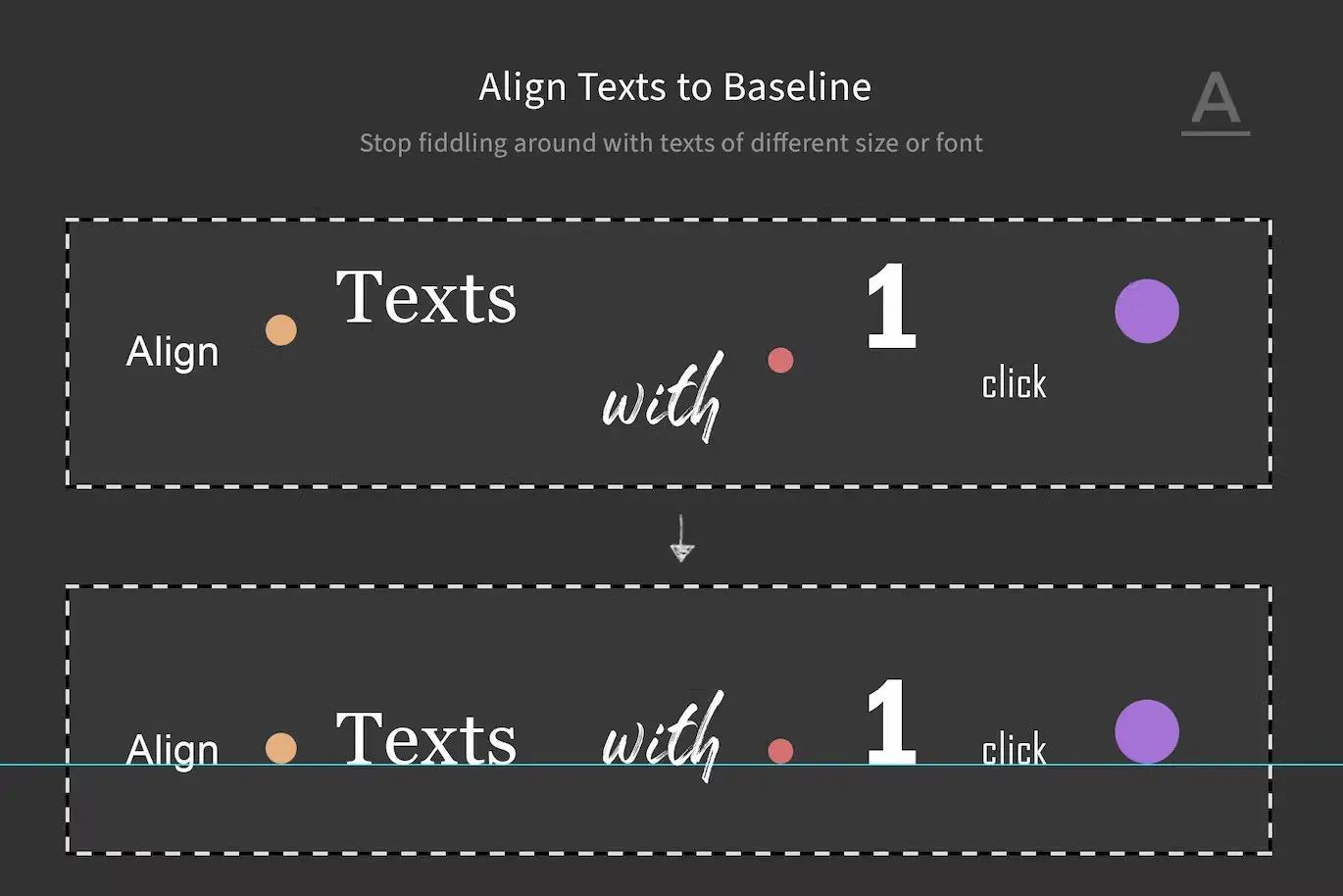
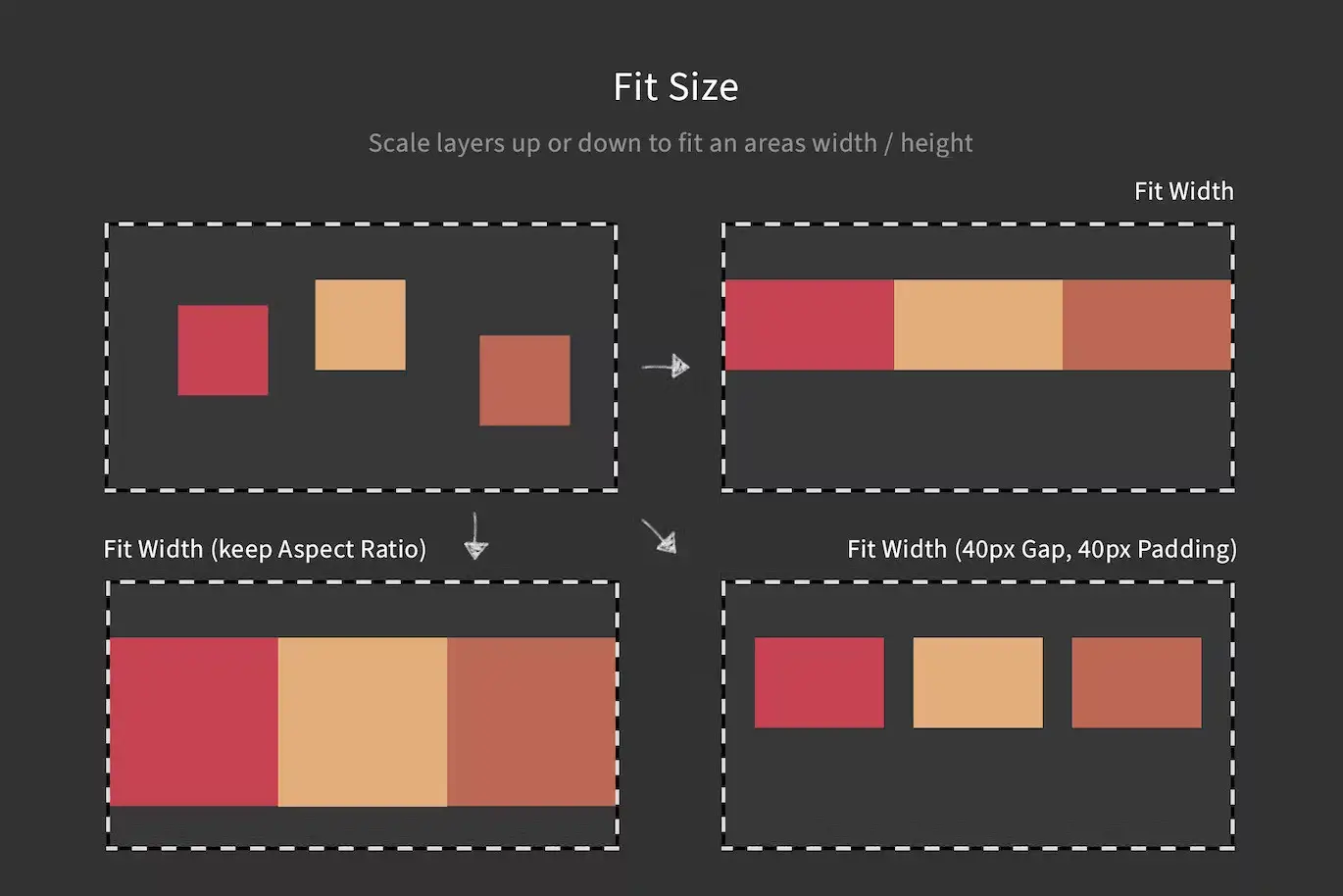
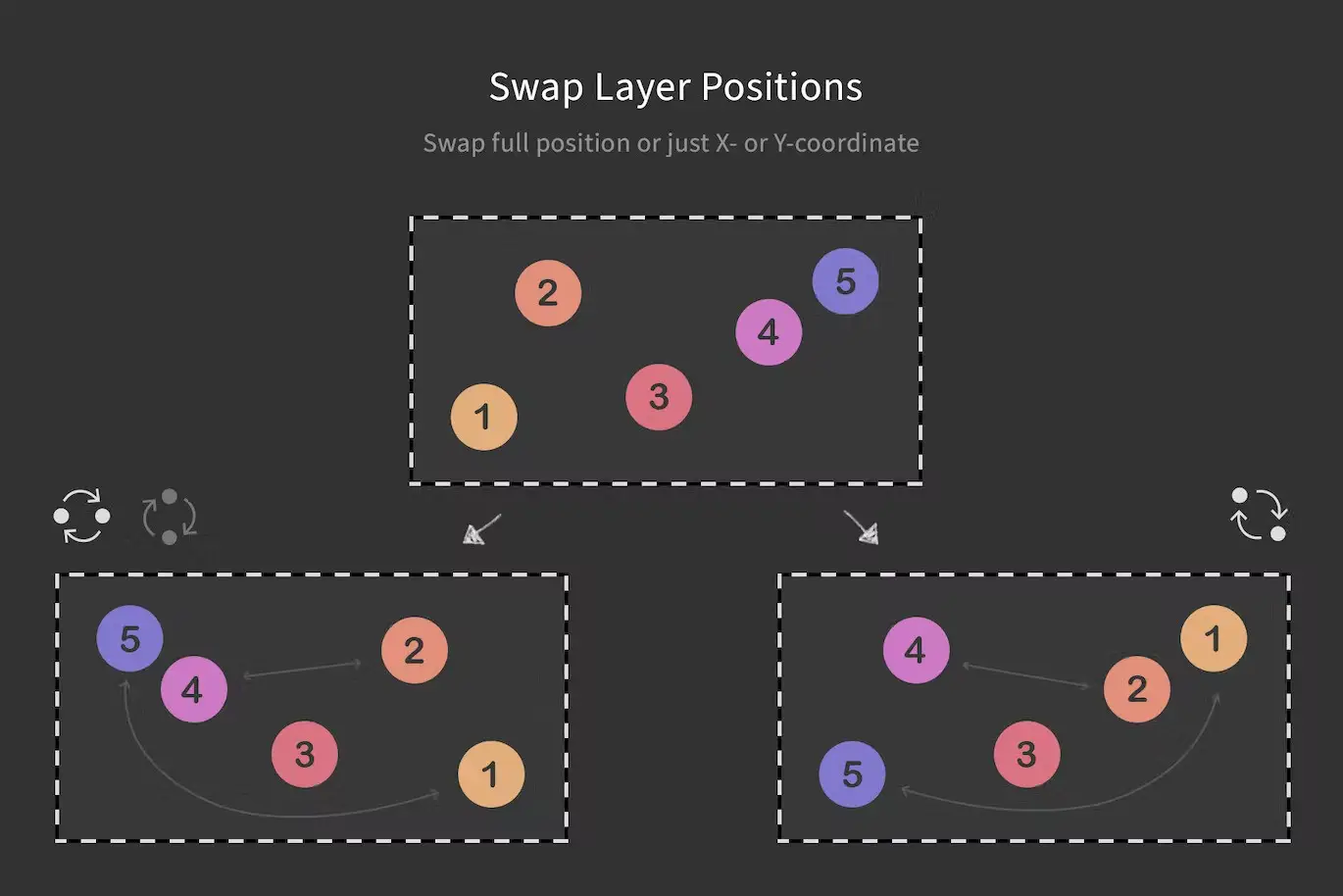
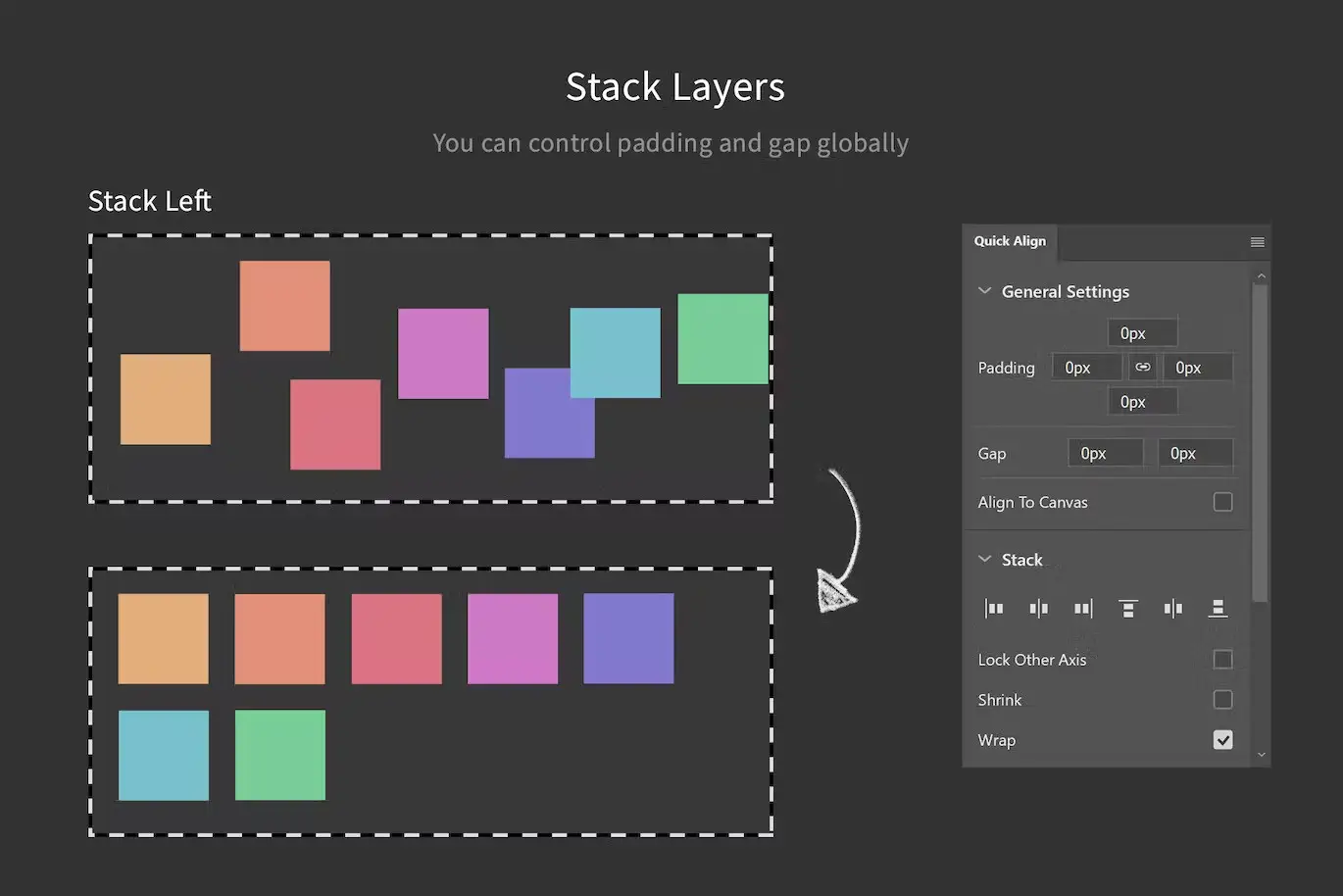
Using Quick Align is straightforward. Simply install the plugin, select the layers you want to position, and choose your desired function from the customizable interface. Whether you’re stacking layers, fitting them to a specific area, or arranging them in a circle, Quick Align makes the process effortless.
FAQ
- Can I use Quick Align with older versions of Photoshop? No, this plugin is compatible only with Photoshop 2021 or newer.
- Is there a trial version available? Currently, a trial version is not offered, but we provide comprehensive support to help you get started.
Add Quick Align to your toolkit today and enhance your design workflow! 🚀
User Reviews
Be the first to review “Quick Align – Layer Positioning made easy”
You must be logged in to post a review.
Smaller PSD – Filesize Reduce Kit
Sold by

Easy Cut – Layer Splitting Kit
Sold by
Clockwork – Create Gears & More in Photoshop
Sold by
Specs – Custom Measures & Marks (Photoshop 2021)
Sold by

Original price was: $5.00.$2.50Current price is: $2.50.


There are no reviews yet.