
Smaller PSD – Filesize Reduce Kit
Smaller PSD – Filesize Reduce Kit
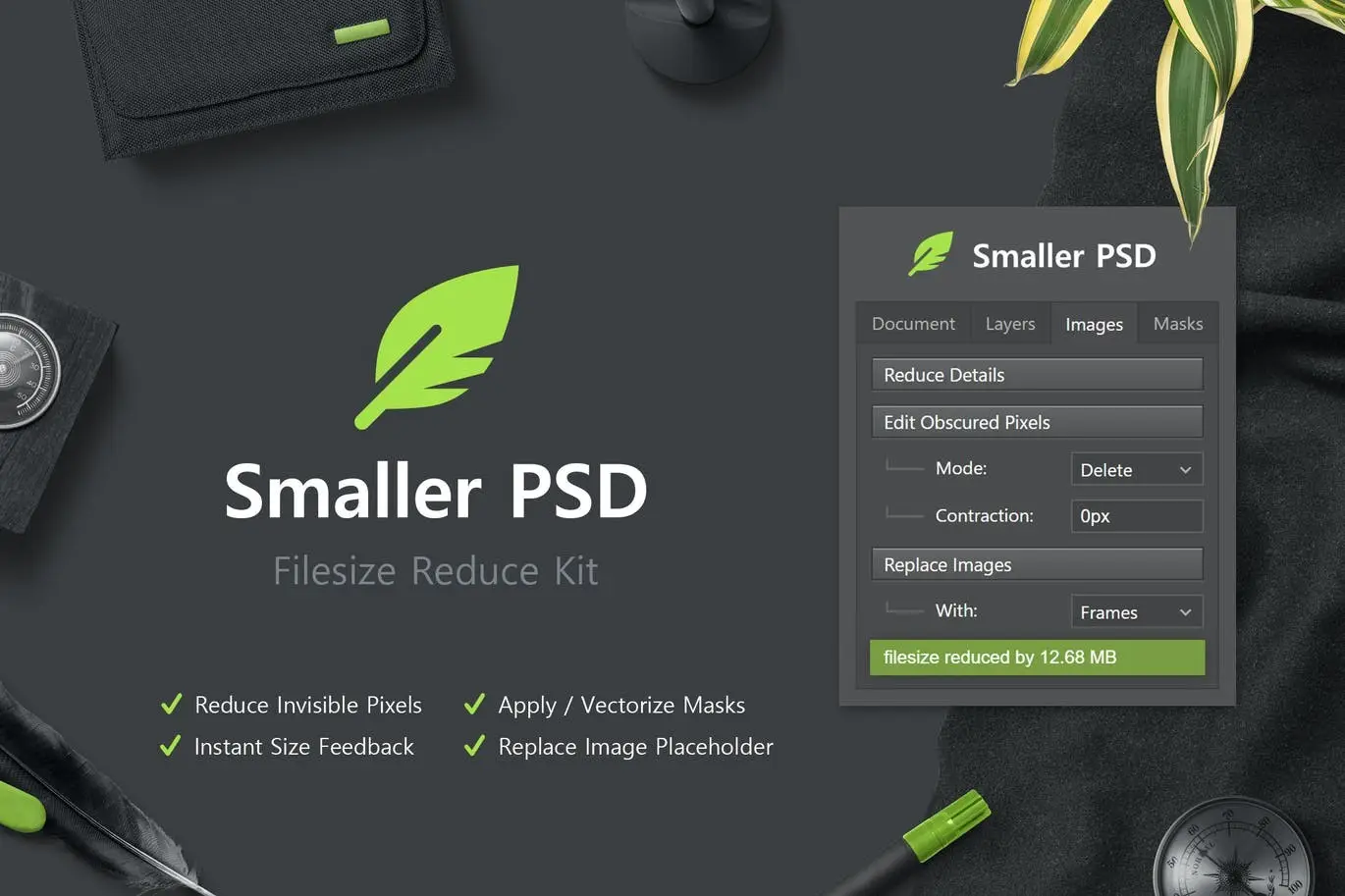
Are you struggling with large PSD files that slow down your workflow? The Smaller PSD – Filesize Reduce Kit is here to help! This powerful toolkit, compatible with Photoshop CC 2015 and later, provides an array of scripts and functions designed to effectively reduce your PSD file sizes without sacrificing essential elements.
Product Overview
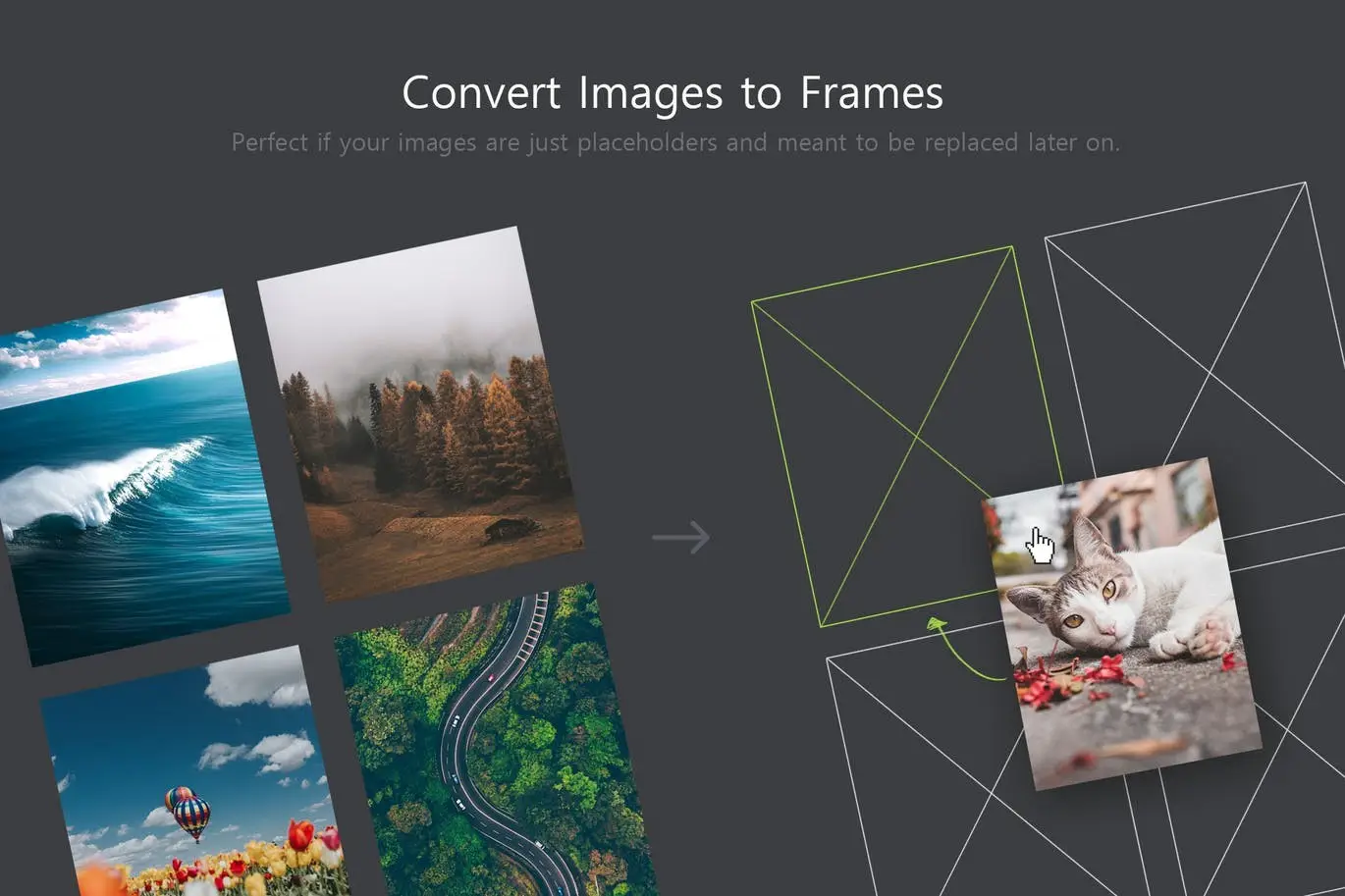
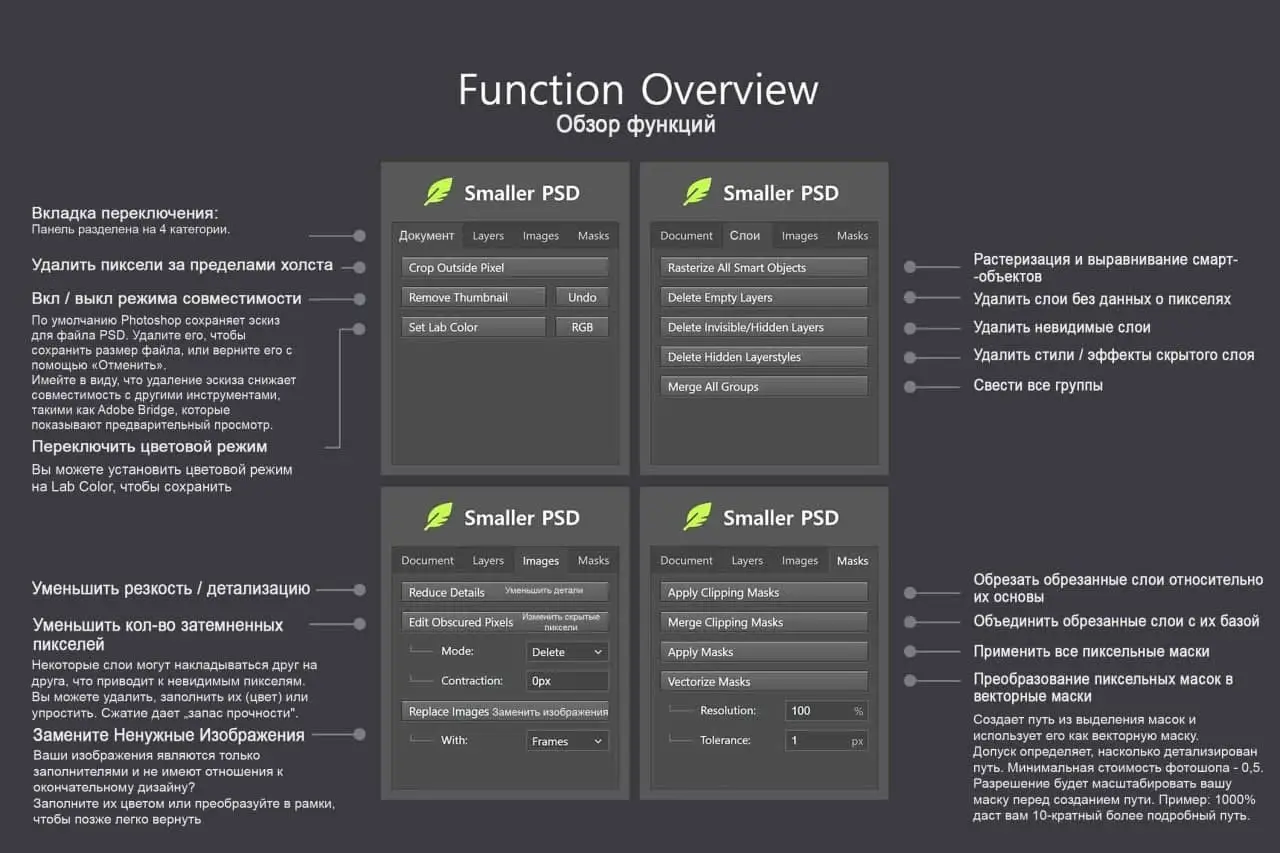
The Smaller PSD kit simplifies the process of managing your Photoshop documents. It automatically processes all layers, eliminating the need for manual selection. With this toolkit, you can easily delete invisible layers, flatten or rasterize layers, and even replace placeholder images with frames. Say goodbye to cumbersome file sizes!
Key Features & Benefits
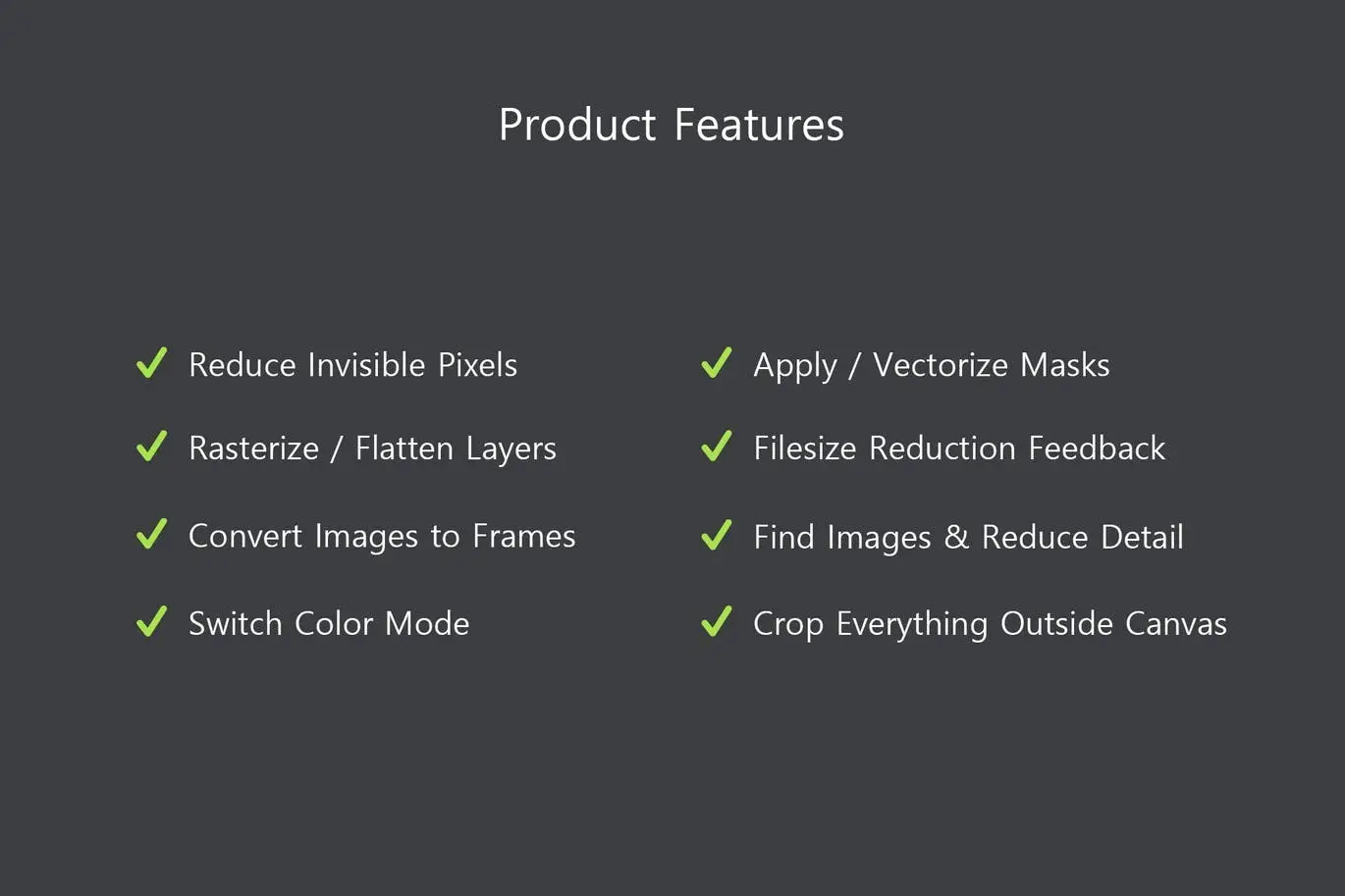
- ✅ Automated Layer Processing → Save time by letting the kit handle all layers automatically.
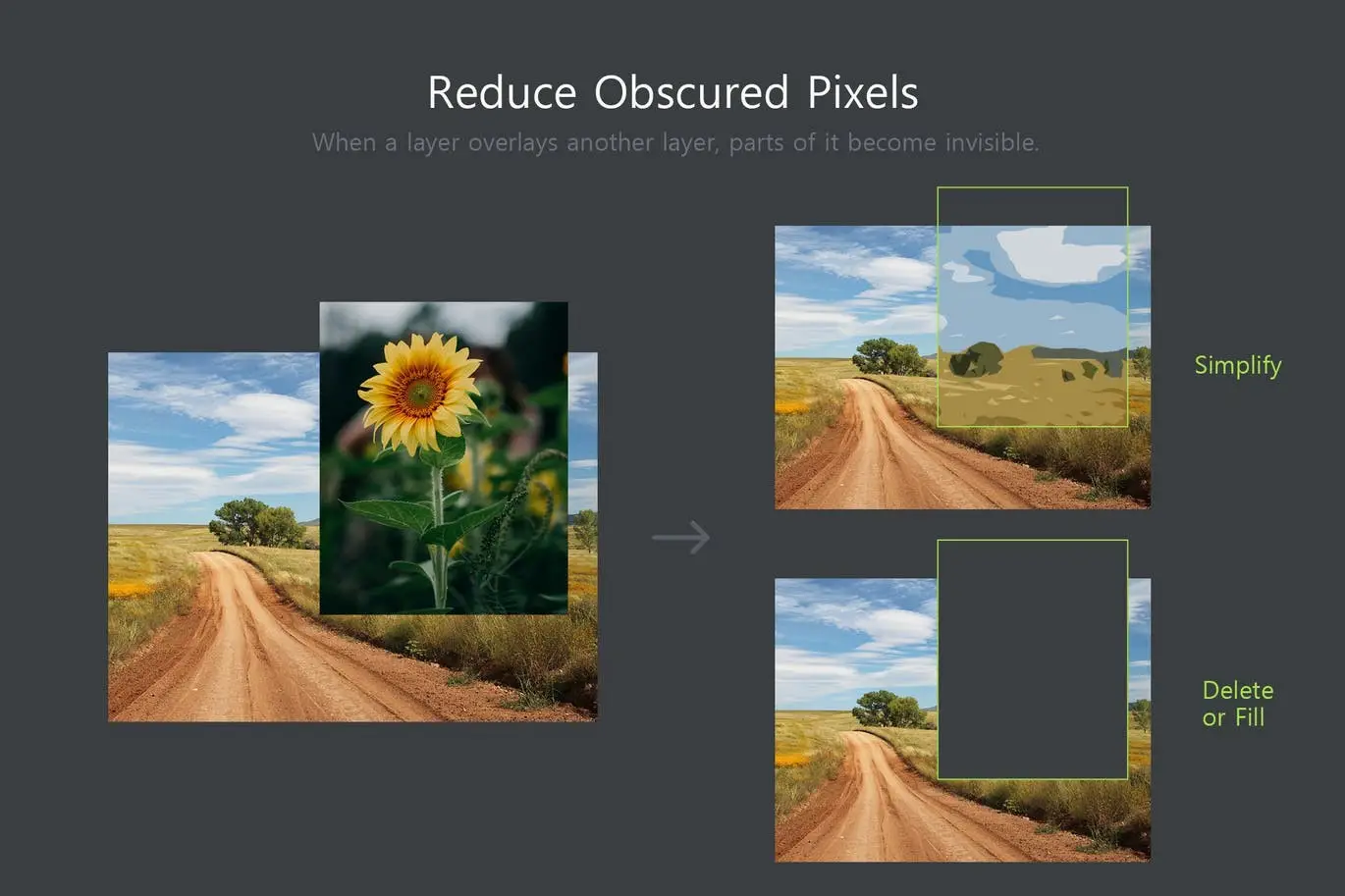
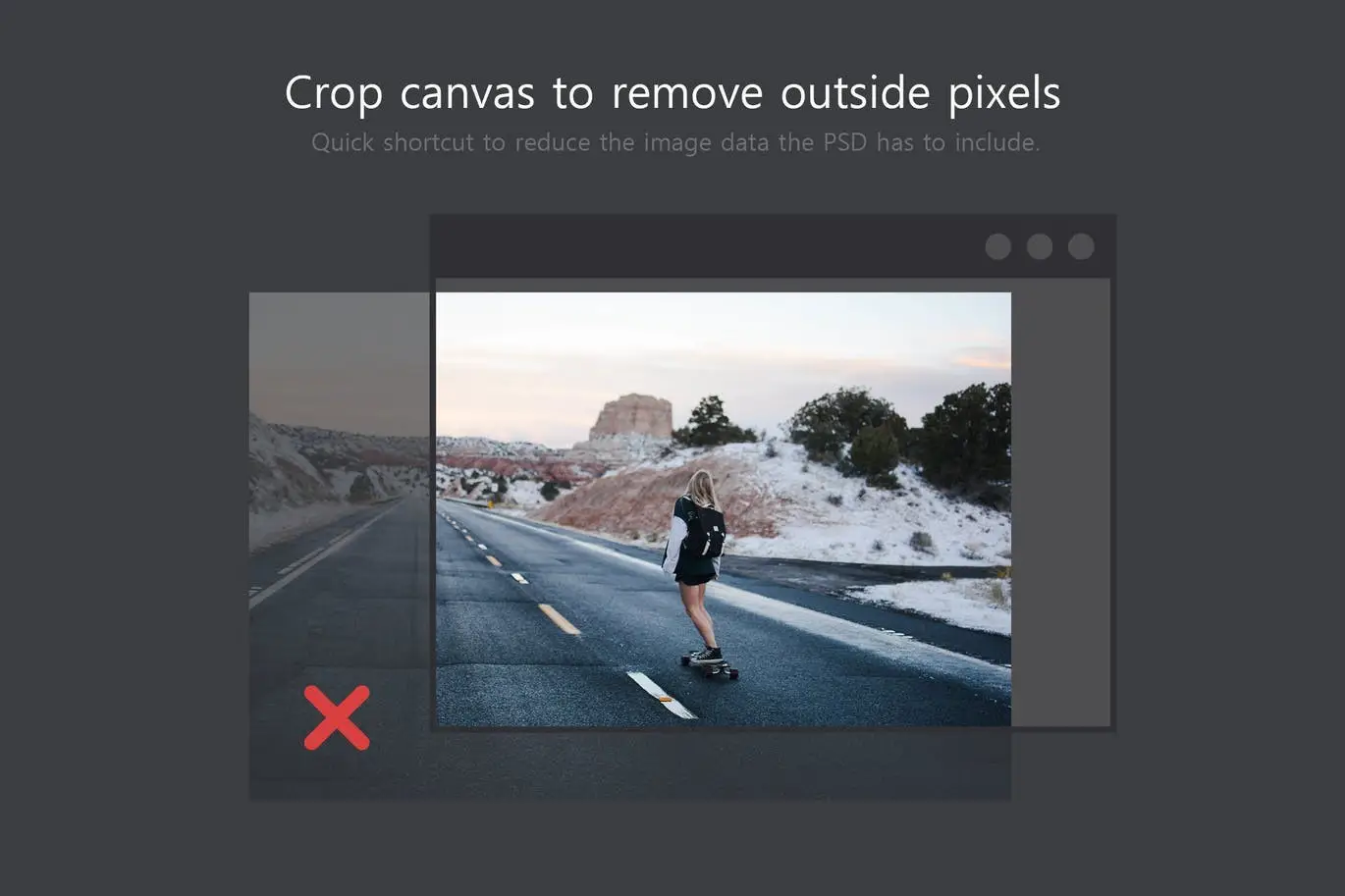
- ✅ Invisible Layer Management → Reduce file size by deleting unnecessary invisible layers and pixels.
- ✅ Layer Flattening & Rasterization → Simplify your PSDs for easier handling and sharing.
- ✅ Placeholder Image Replacement → Quickly swap out placeholder images for frames or colors.
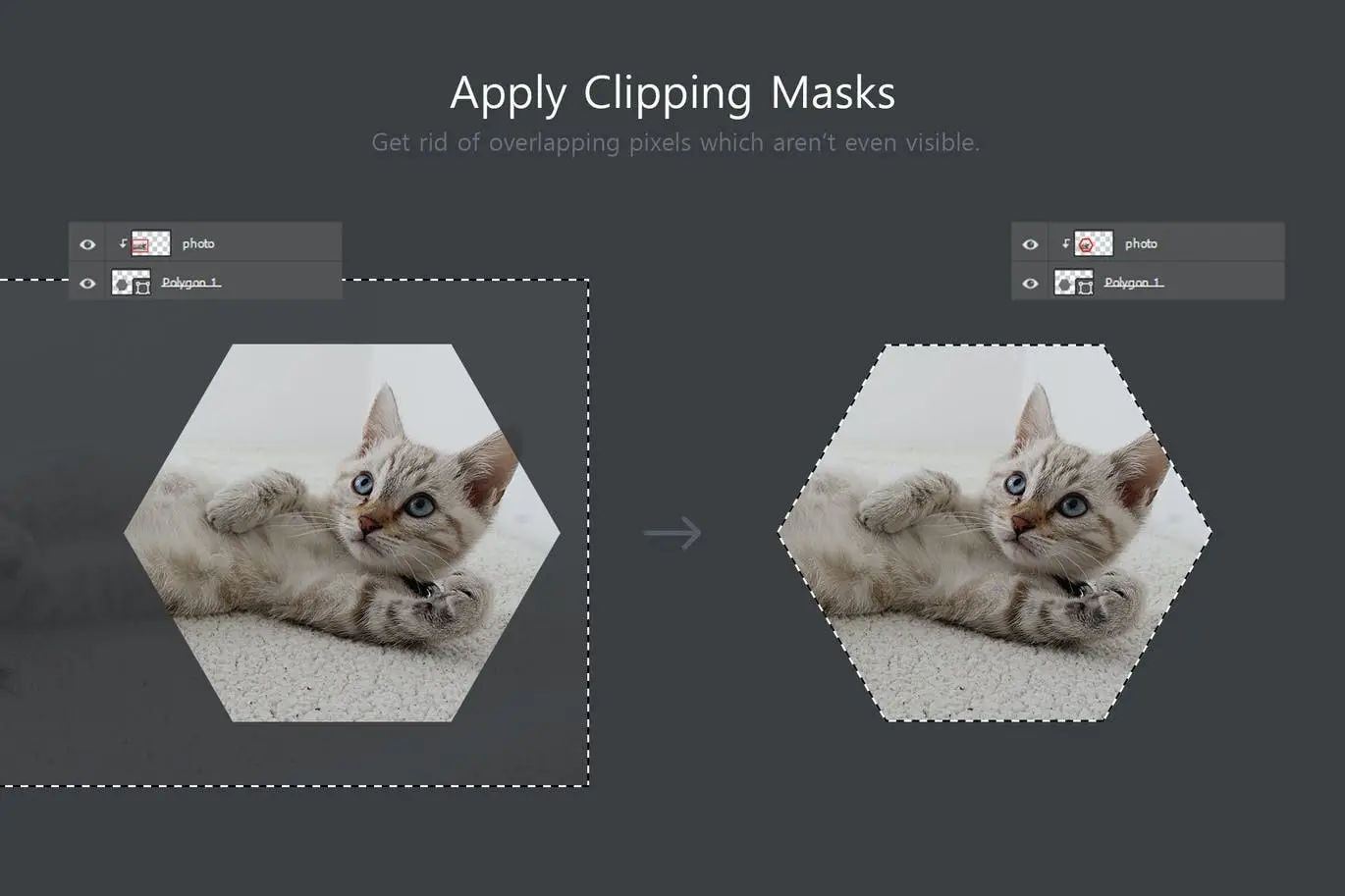
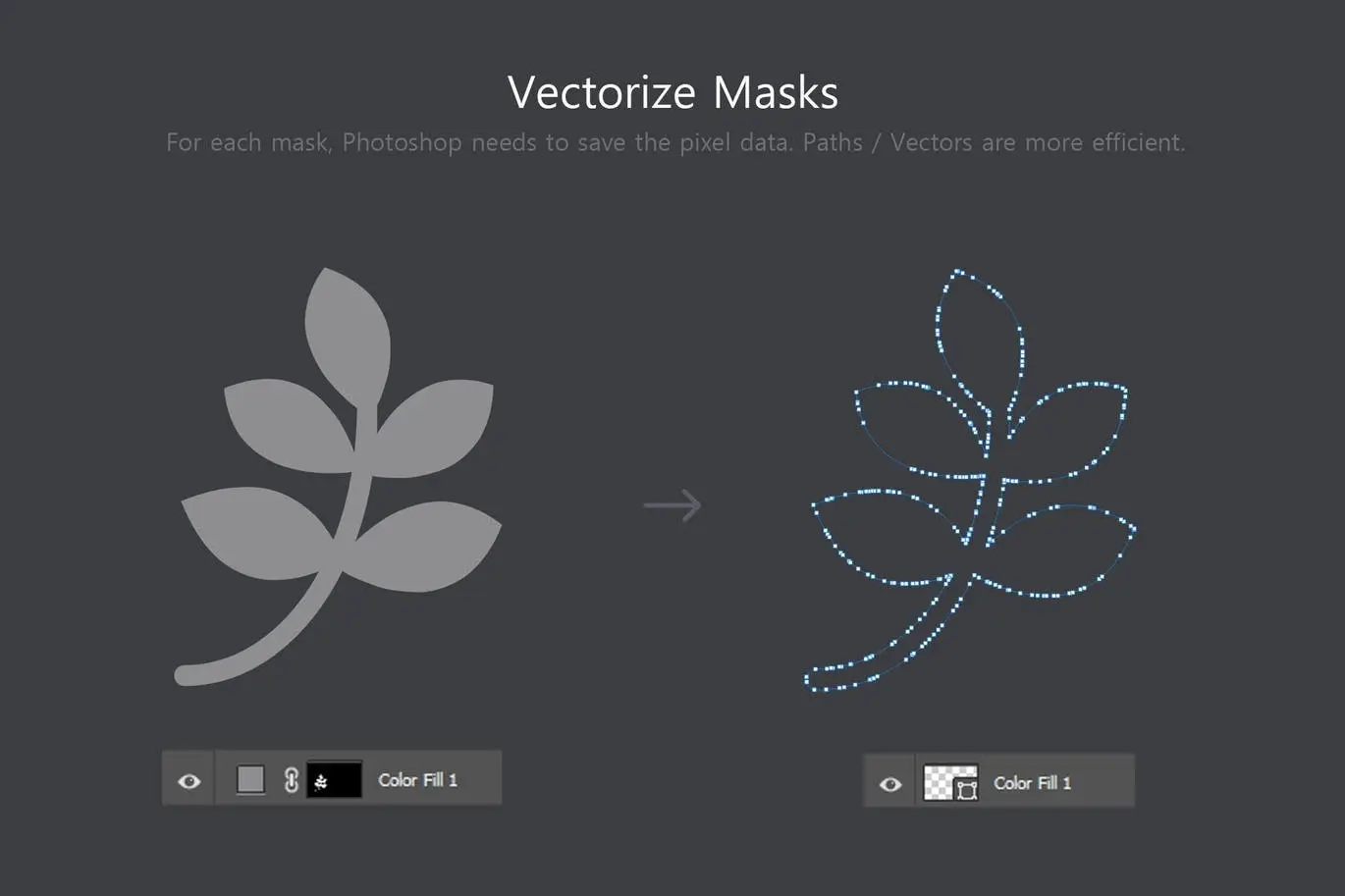
- ✅ Efficient Mask Application → Apply masks with ease, enhancing your design workflow.
Why Choose This Product
The Smaller PSD – Filesize Reduce Kit stands out for its comprehensive approach to file size management. Unlike other tools, it focuses on optimizing your PSD files while preserving their integrity. Trusted by designers worldwide, this toolkit is perfect for anyone looking to streamline their digital assets, especially when sharing files with clients. You can maintain a balance between editability and file size, ensuring your work remains professional and efficient.
Specifications (Technical Details)
| Compatibility | Photoshop CC 2015+ |
|---|---|
| File Type | PSD |
| Functionality | File size reduction, layer management |
What’s Included / What’s in the Box
- 📦 Scripts for layer processing
- 📦 Functions for image and layer management
- 📦 User guide for easy setup and usage
Perfect For
- Graphic designers
- Digital artists
- Freelancers working with clients
- Anyone needing to manage large PSD files
How to Use
To get started, simply install the Smaller PSD kit in your Photoshop. Follow the user guide to access the panel and utilize the various scripts to reduce your file sizes effectively. Remember to evaluate which layers and images can be optimized without compromising your design.
FAQ
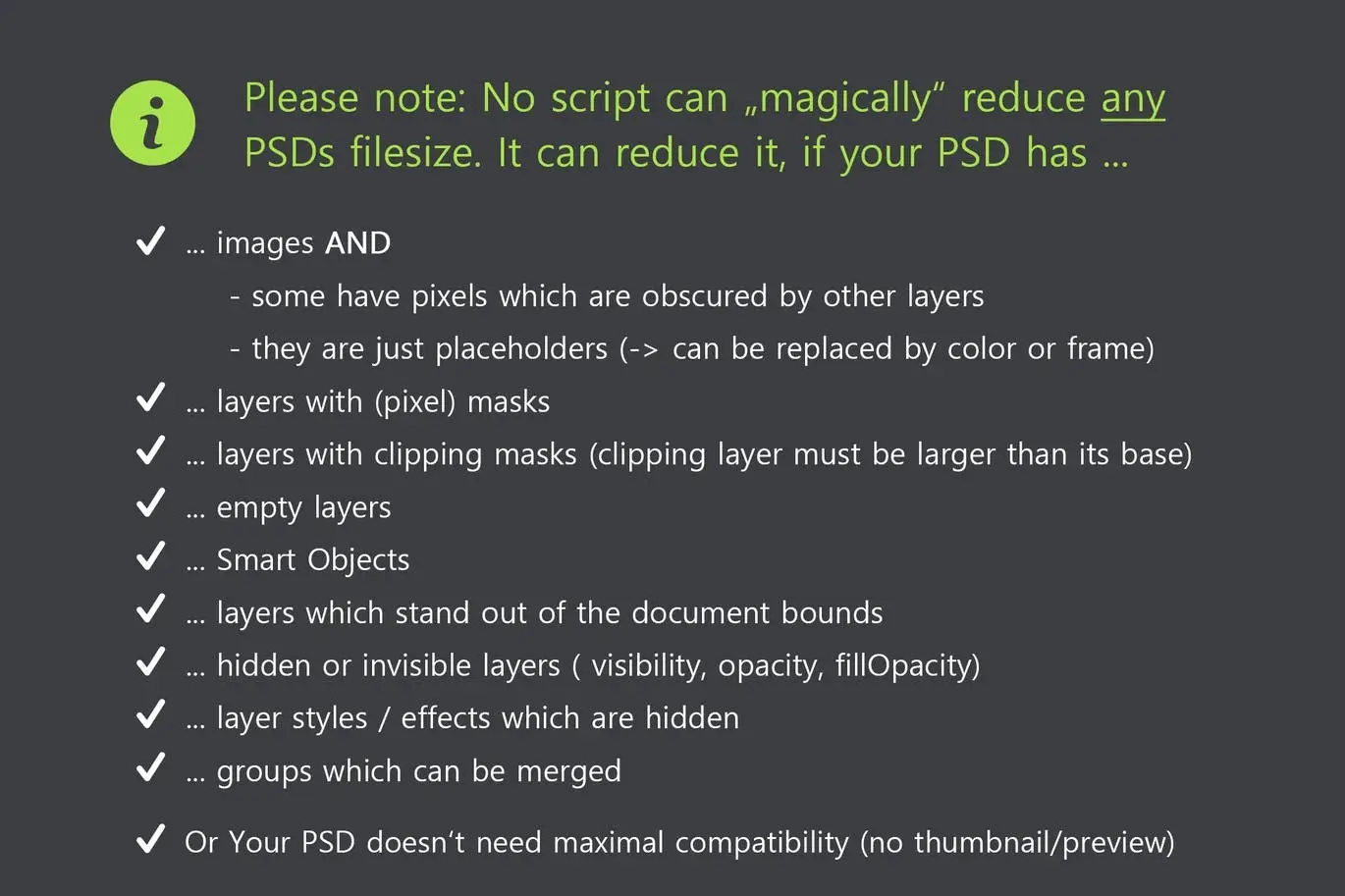
- Can this kit restore lost data? No, most methods are lossy, meaning reduced data cannot be restored.
- Is it safe to use for client files? Yes, just ensure you maintain the necessary editable elements as per your client’s requirements.
Add to cart now and start optimizing your PSD files today! 🚀
User Reviews
Be the first to review “Smaller PSD – Filesize Reduce Kit”
You must be logged in to post a review.
Original price was: $5.00.$2.50Current price is: $2.50.


There are no reviews yet.