
Easy Cut – Layer Splitting Kit
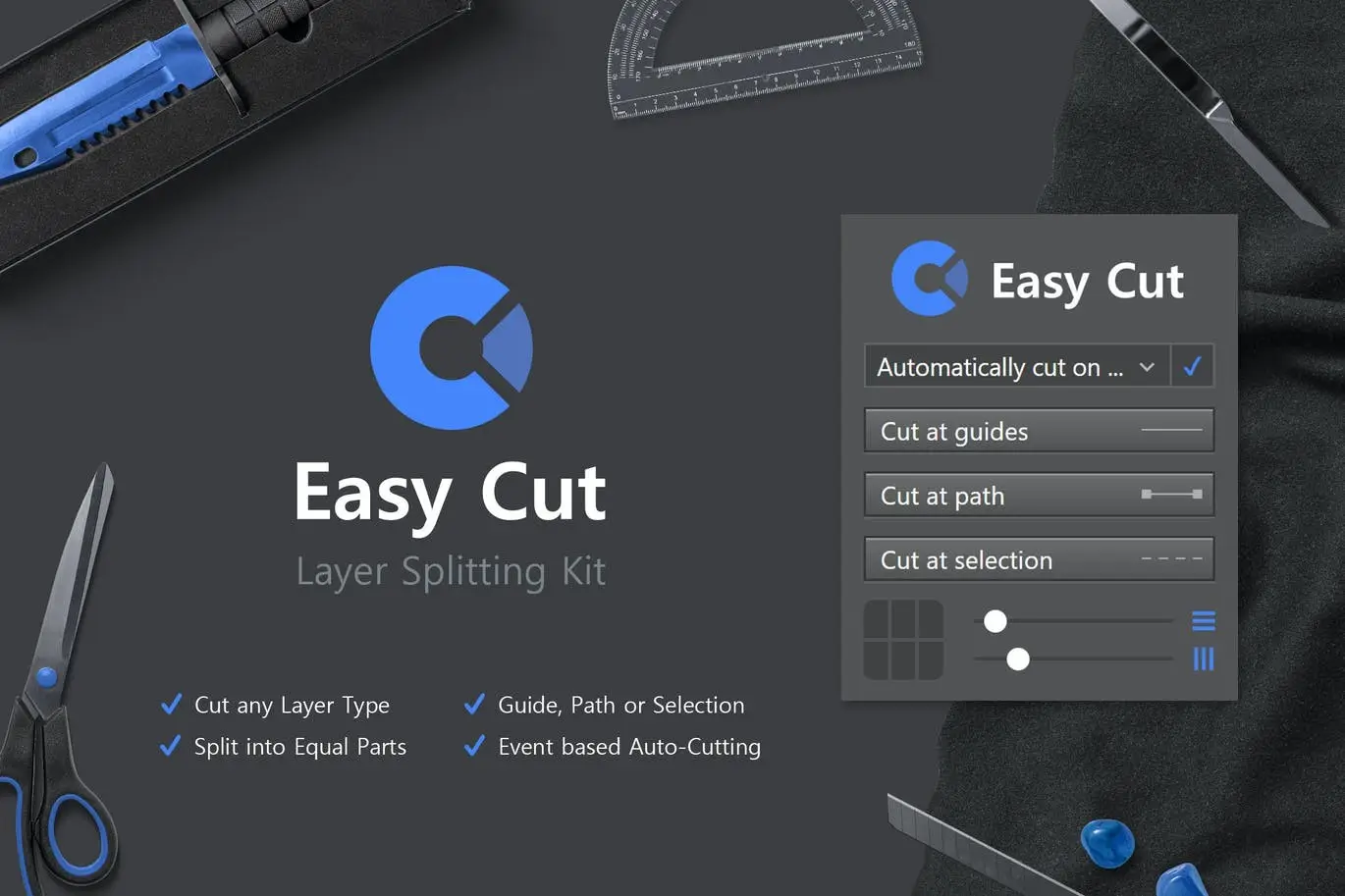
Easy Cut – Layer Splitting Kit for Adobe Photoshop
Are you tired of struggling to separate layers in Adobe Photoshop? The Easy Cut – Layer Splitting Kit simplifies the process, allowing you to cut any layer type with just a click. Whether you’re working with pixel layers, shapes, or text, this powerful tool streamlines your workflow and enhances your design capabilities.
Product Overview
The Easy Cut – Layer Splitting Kit is designed for Adobe Photoshop CC 2018 and later. It empowers you to effortlessly split layers into separate components, making complex tasks simple and efficient. This kit is perfect for graphic designers, digital artists, and anyone who frequently works with layered designs.
Key Features & Benefits
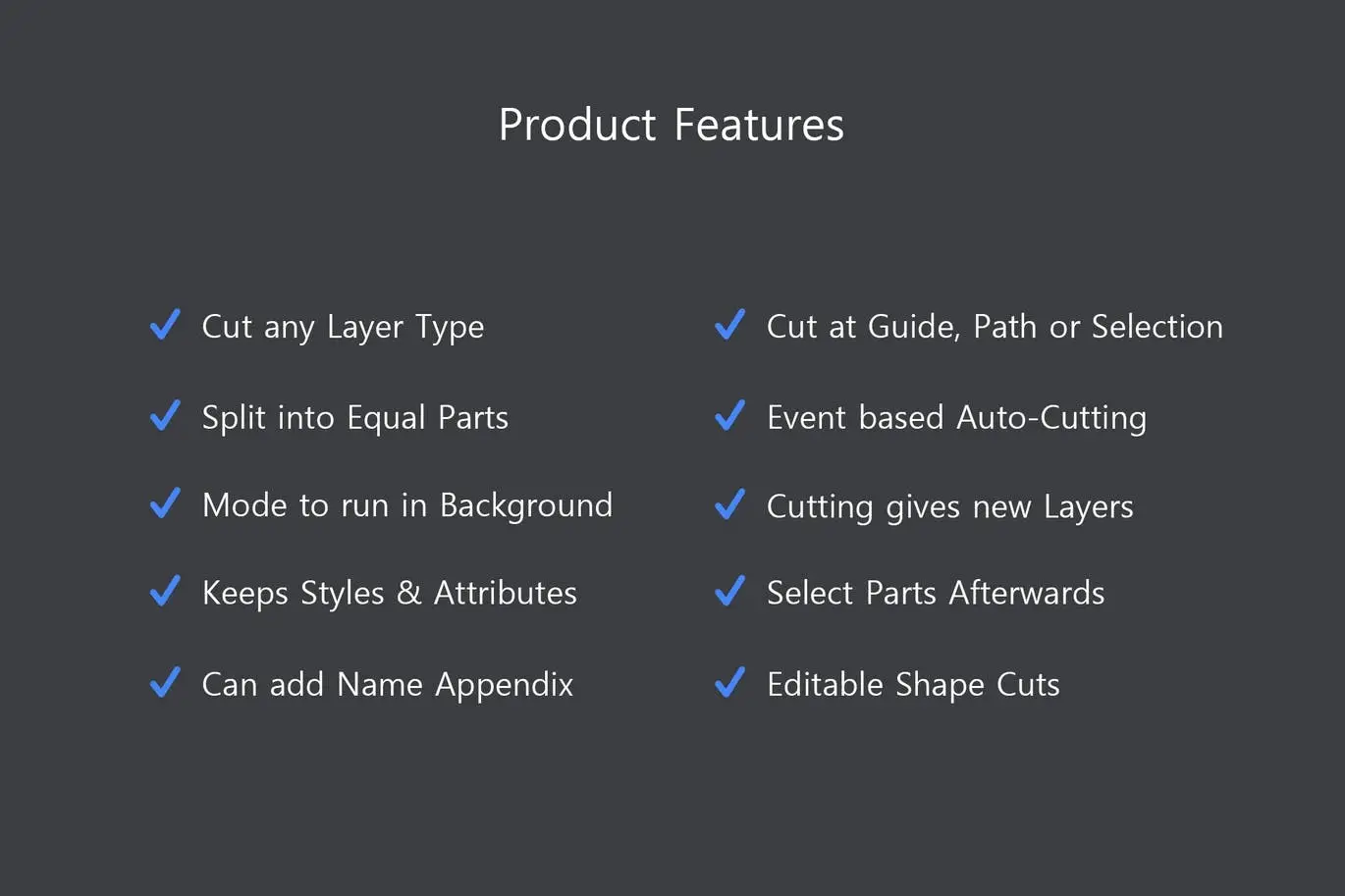
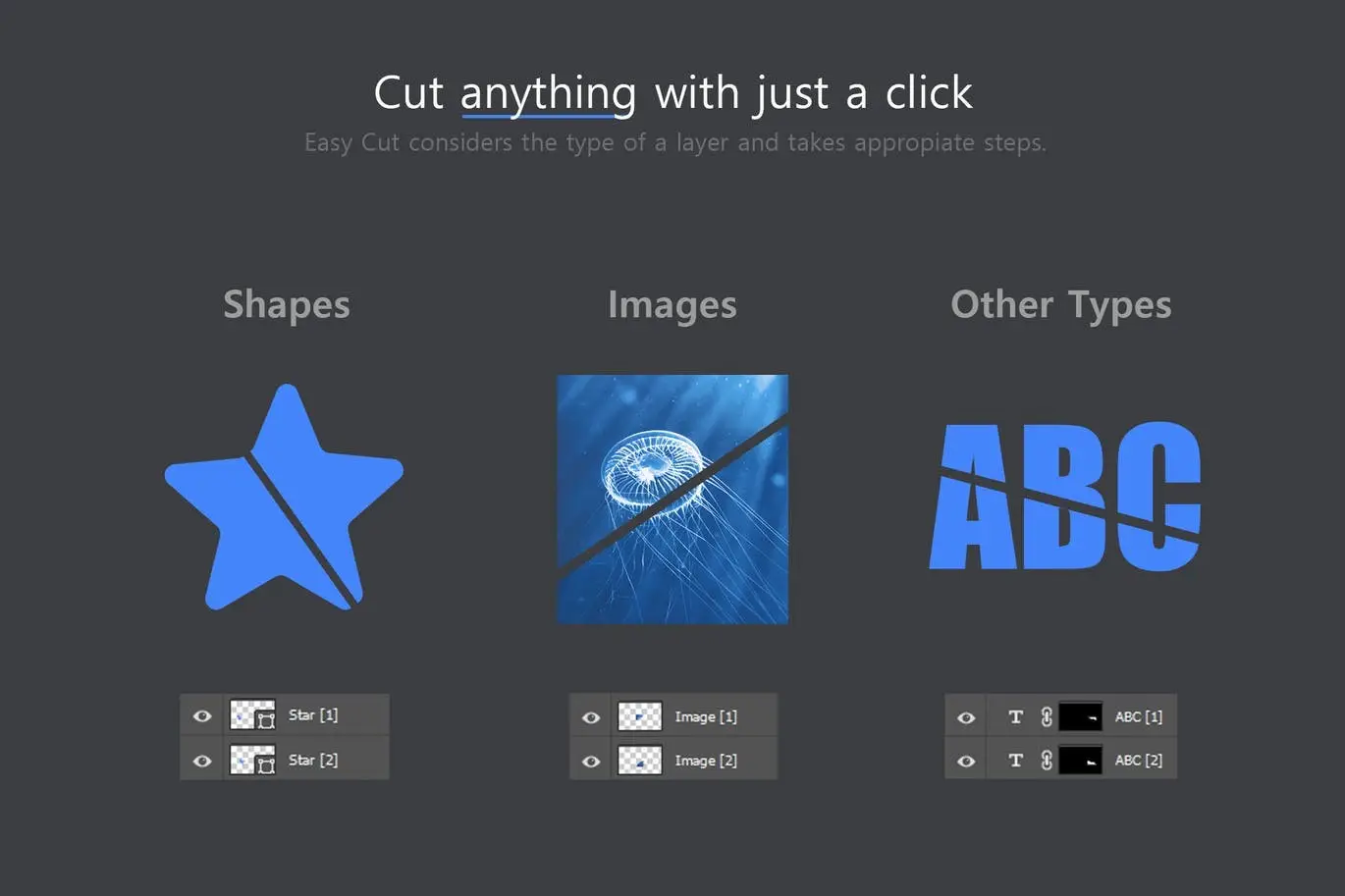
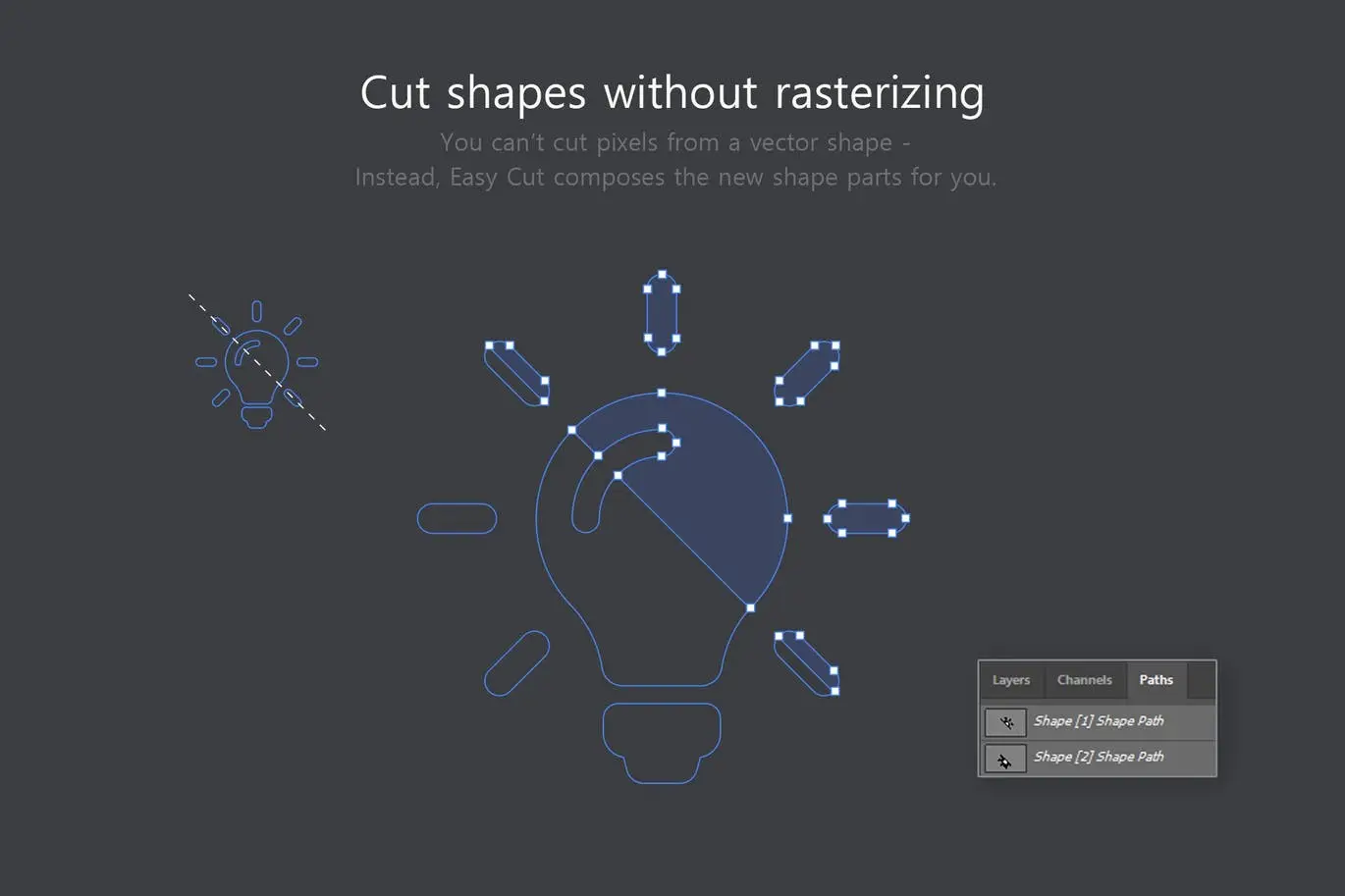
- ✅ Cut Any Layer Type → Easily split pixel layers, shapes, texts, and smart objects.
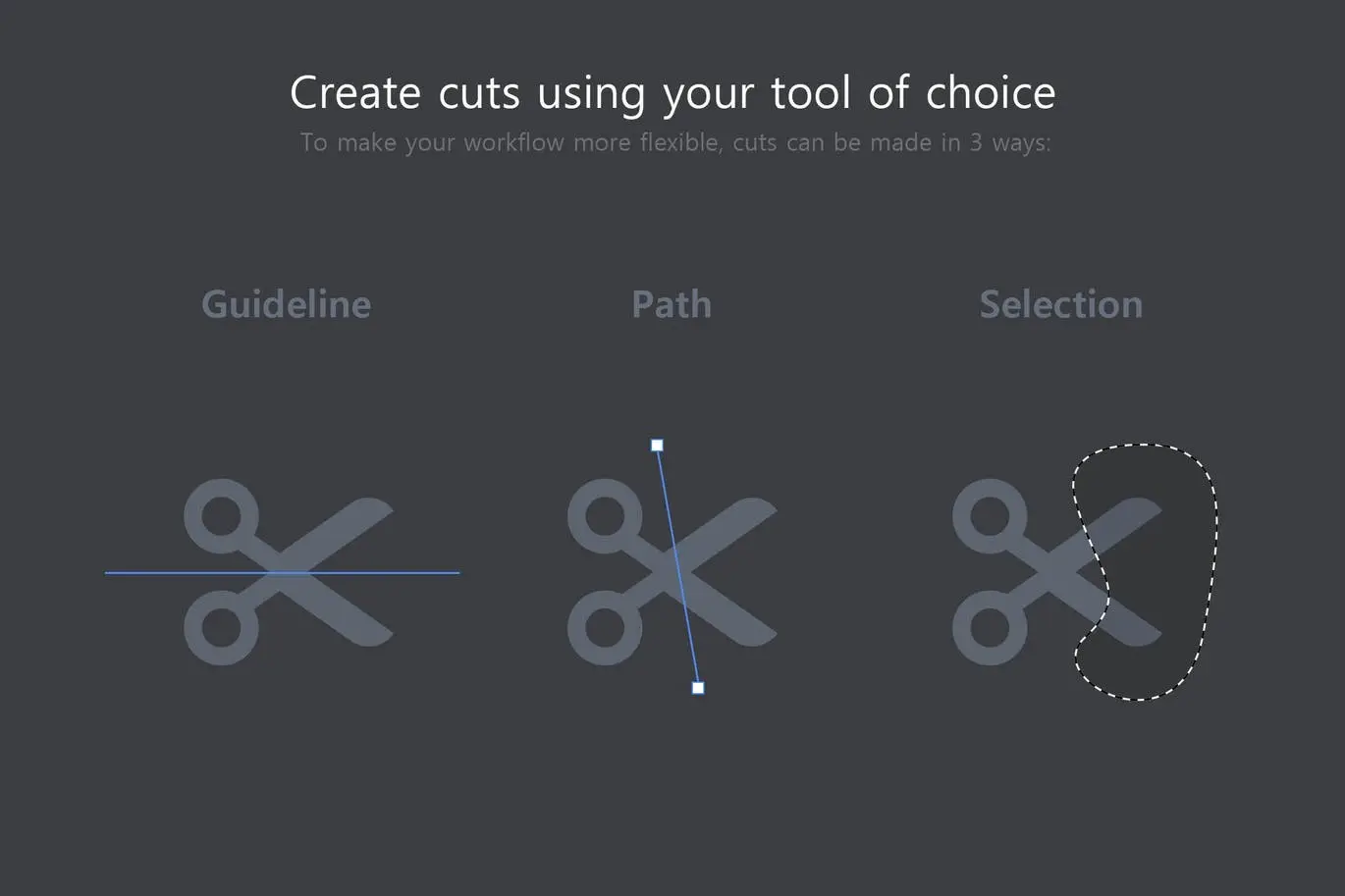
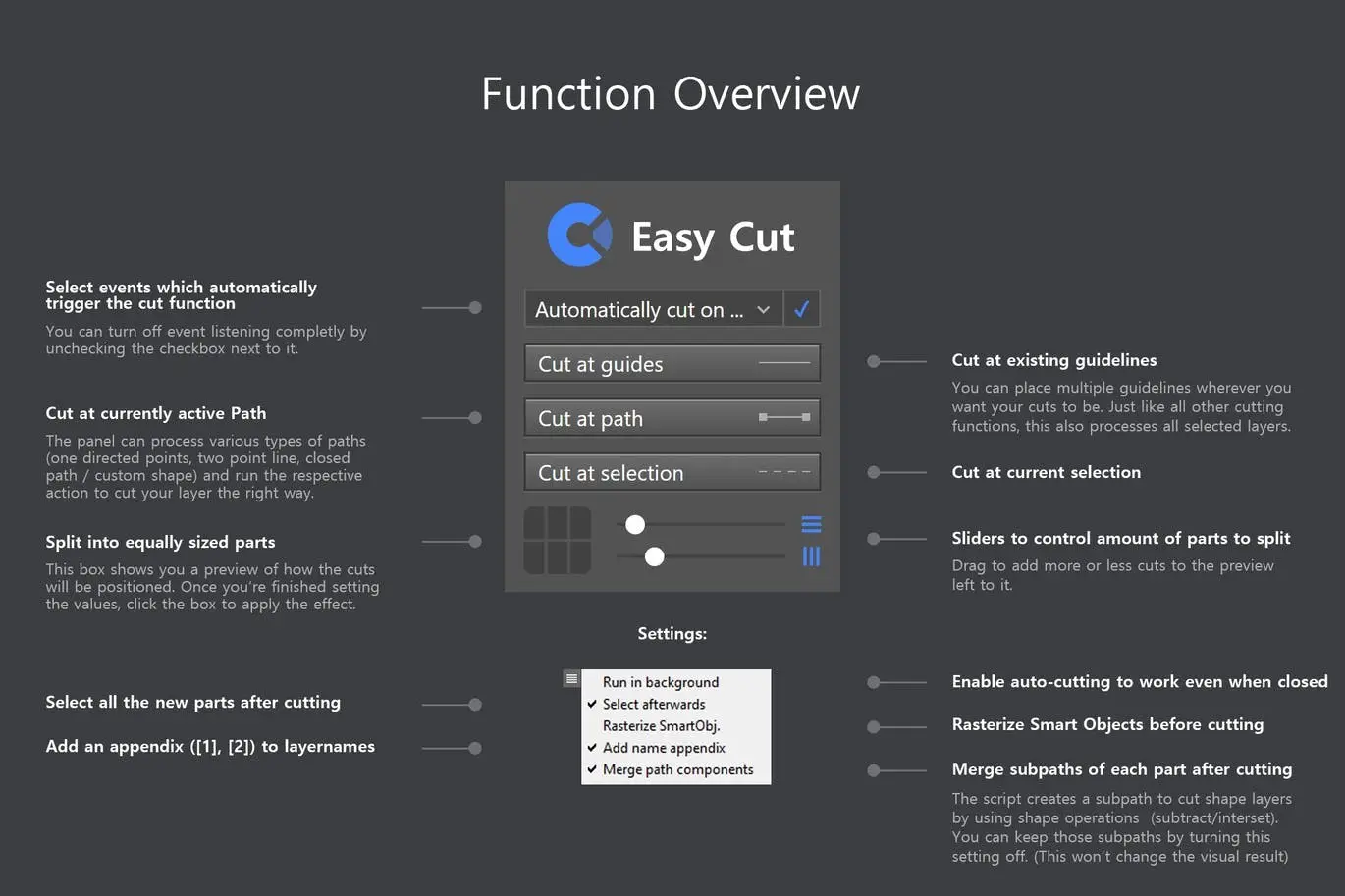
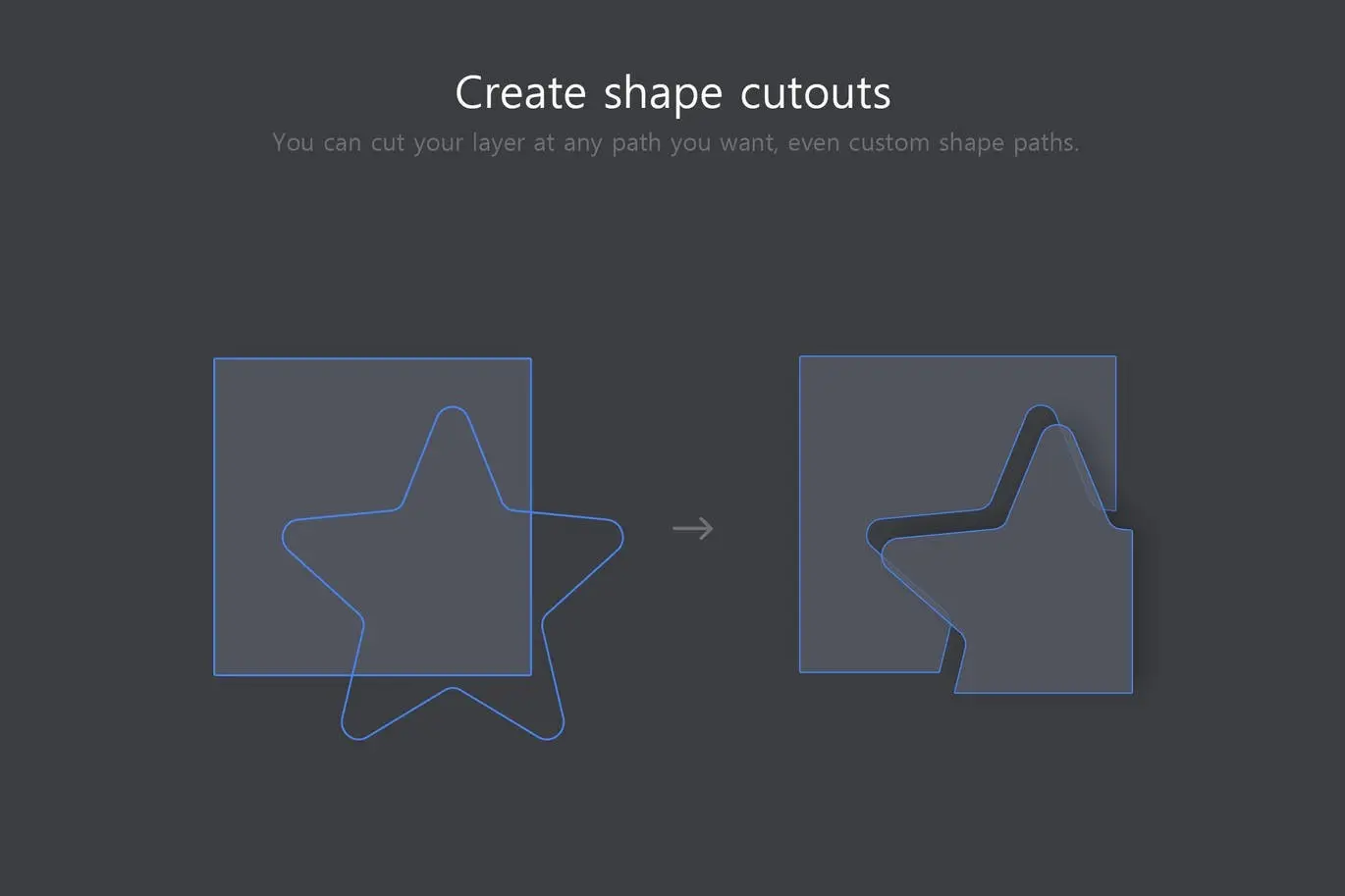
- ✅ Use Guidelines, Paths, or Selections → Choose your preferred method for precise cutting.
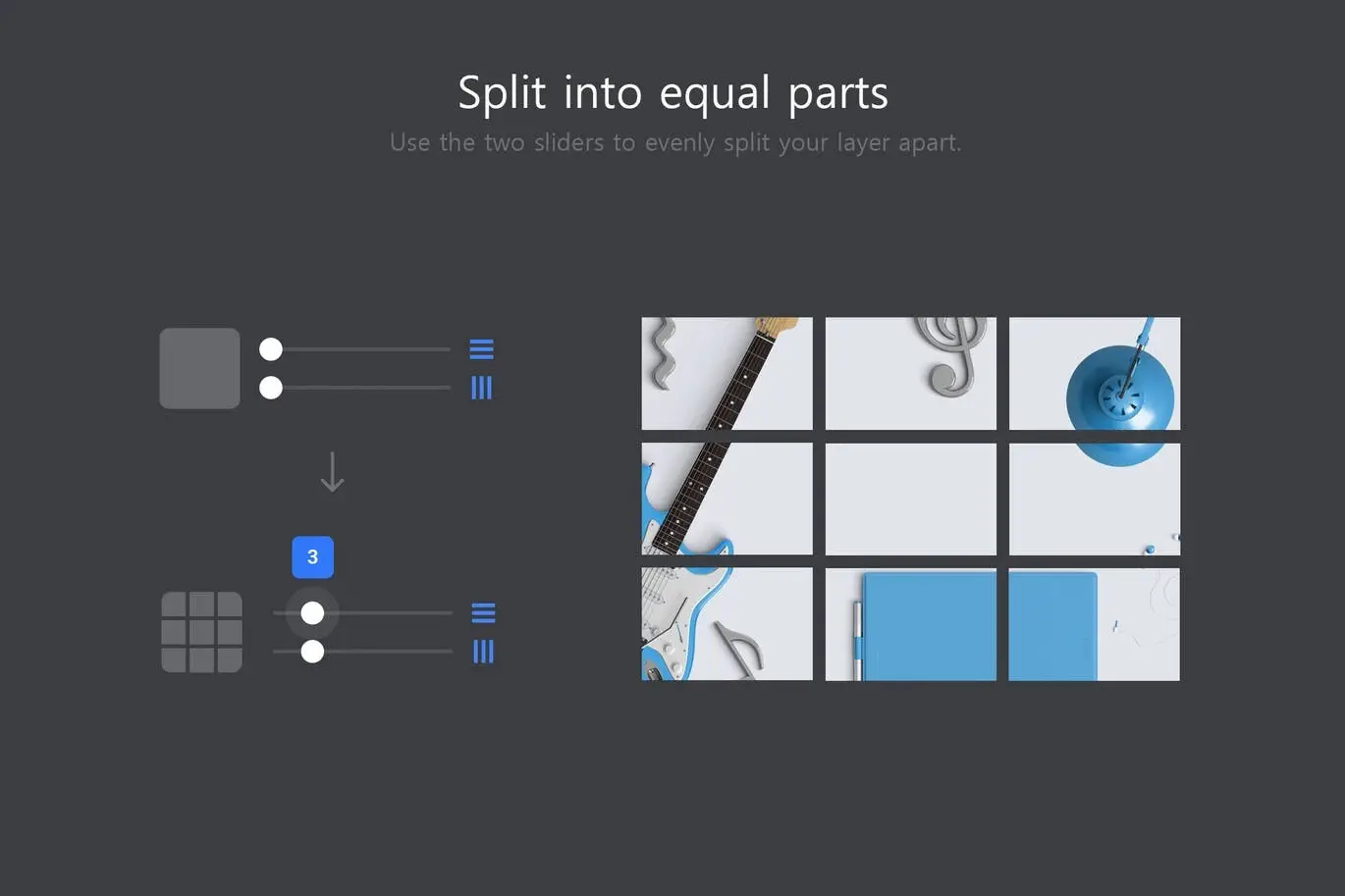
- ✅ Split Layers into Equally Sized Parts → Achieve uniformity in your designs effortlessly.
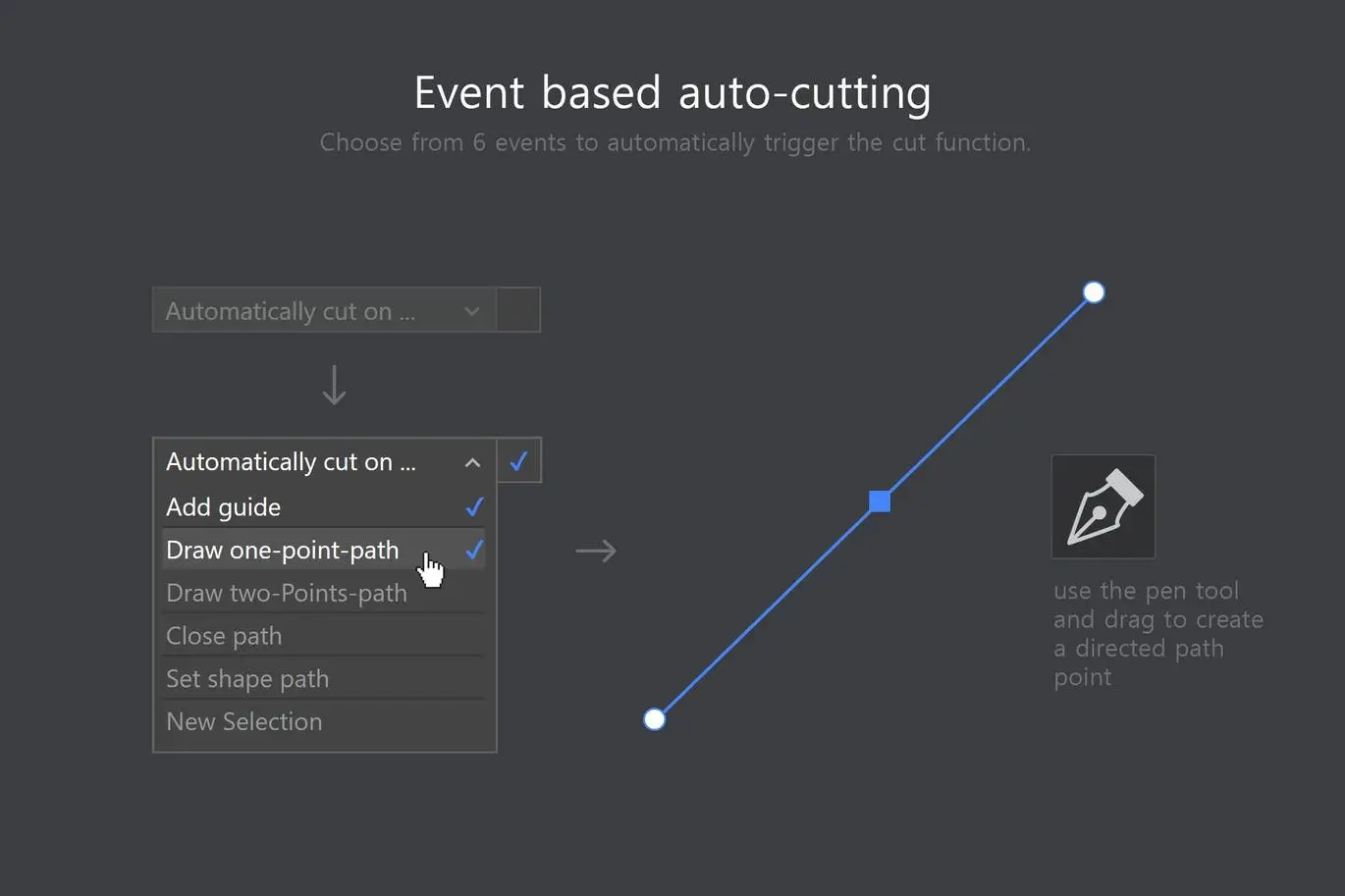
- ✅ Automatic Cutting Based on Events → Trigger cuts with new guidelines or one-point paths.
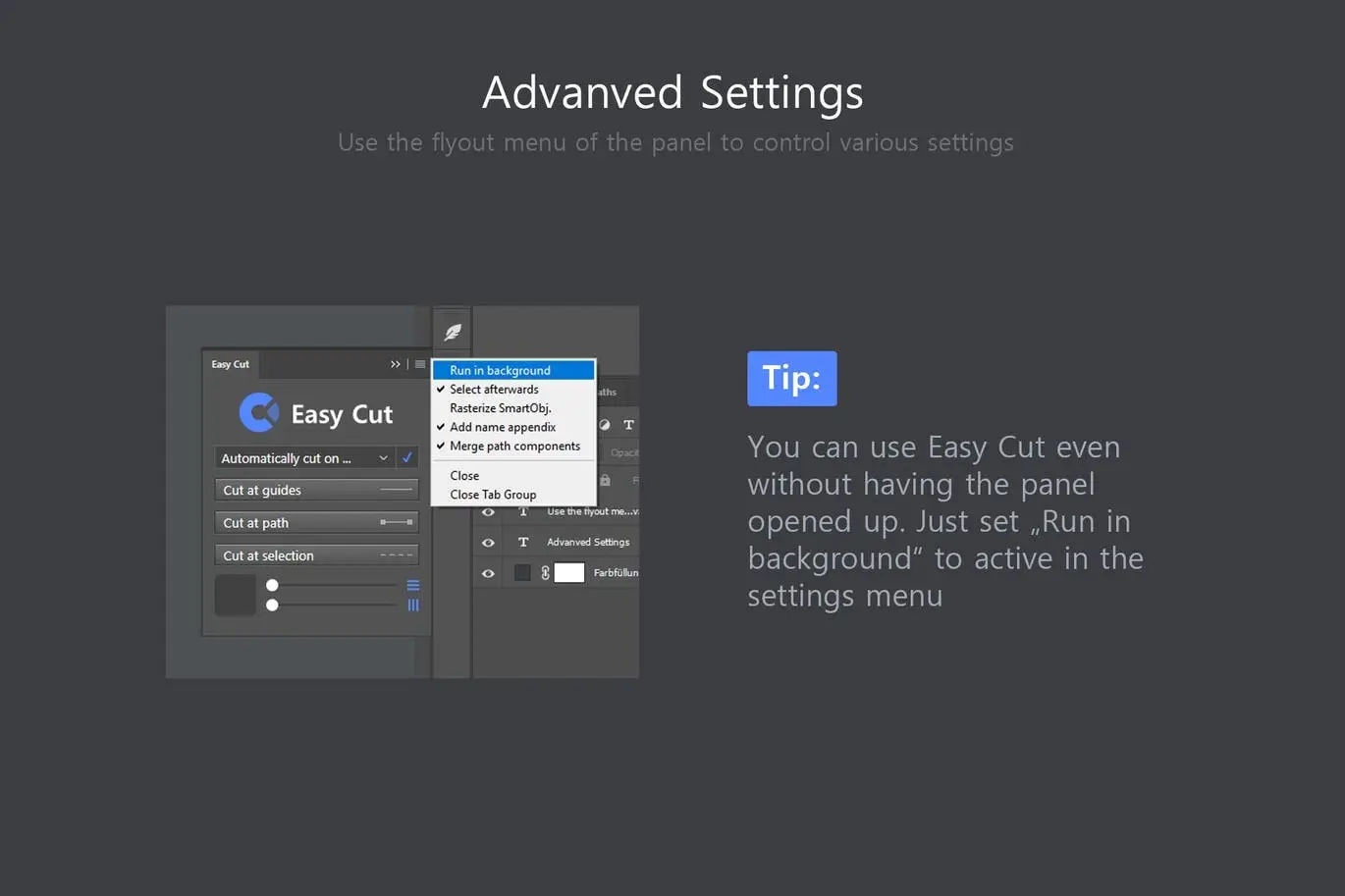
- ✅ Background Mode → Utilize the cut function while the panel is closed, enhancing your workflow.
- ✅ Preserve Layer Styles and Attributes → Maintain consistency in your design elements.
- ✅ Batch Processing → Cut multiple layers simultaneously for increased efficiency.
Why Choose This Product
The Easy Cut – Layer Splitting Kit stands out due to its user-friendly interface and powerful features. It allows you to focus on your creativity without getting bogged down by technical challenges. Trusted by professional designers, this tool ensures that your layer management is seamless and effective, enabling you to produce stunning designs with ease.
Specifications
| Compatibility | Adobe Photoshop CC 2018+ |
|---|---|
| Layer Types Supported | Pixel Layers, Shapes, Texts, Smart Objects |
| Panel Interface | Easy-to-use |
| Batch Processing | Yes |
What’s Included
- Easy Cut – Layer Splitting Kit Plugin
- User Guide
- Access to Updates
Perfect For
- Graphic Designers
- Digital Artists
- Photoshop Users
- Creative Professionals
How to Use
Using the Easy Cut tool is straightforward. Simply select the layer you wish to cut, choose your cutting method (guidelines, paths, or selections), and let the tool do the rest. You can even work with the panel closed, allowing for a more streamlined workspace.
FAQ
- Can I use this tool with older versions of Photoshop? No, it is compatible with Adobe Photoshop CC 2018 and later.
- Will my layer styles be preserved after cutting? Yes, the Easy Cut tool maintains all layer styles and attributes.
Add to cart now and simplify your layer management in Photoshop! 🚀
User Reviews
Be the first to review “Easy Cut – Layer Splitting Kit”
You must be logged in to post a review.
Original price was: $5.00.$2.50Current price is: $2.50.


There are no reviews yet.