

Art & Branding Scene Generator – Part 1
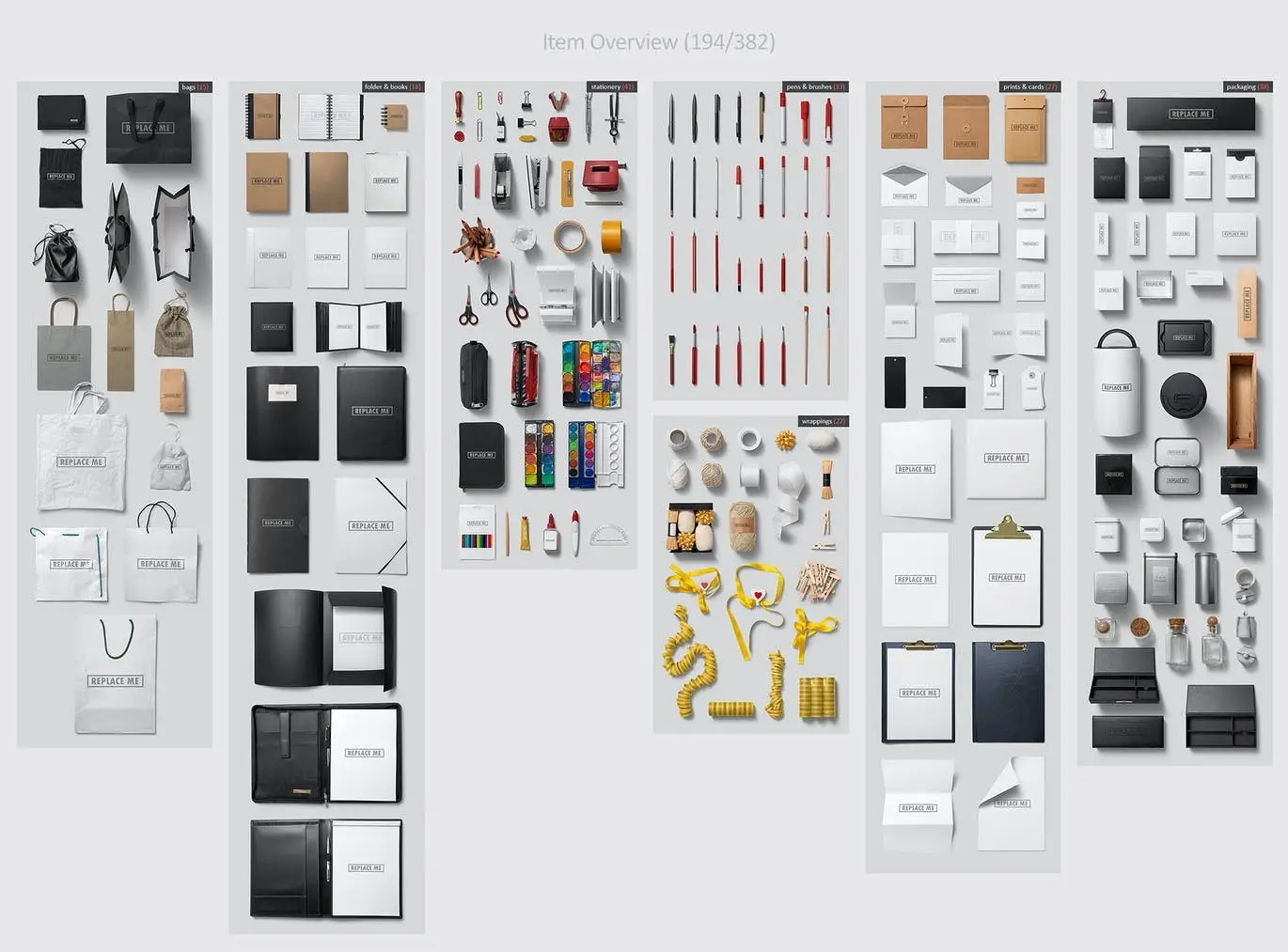
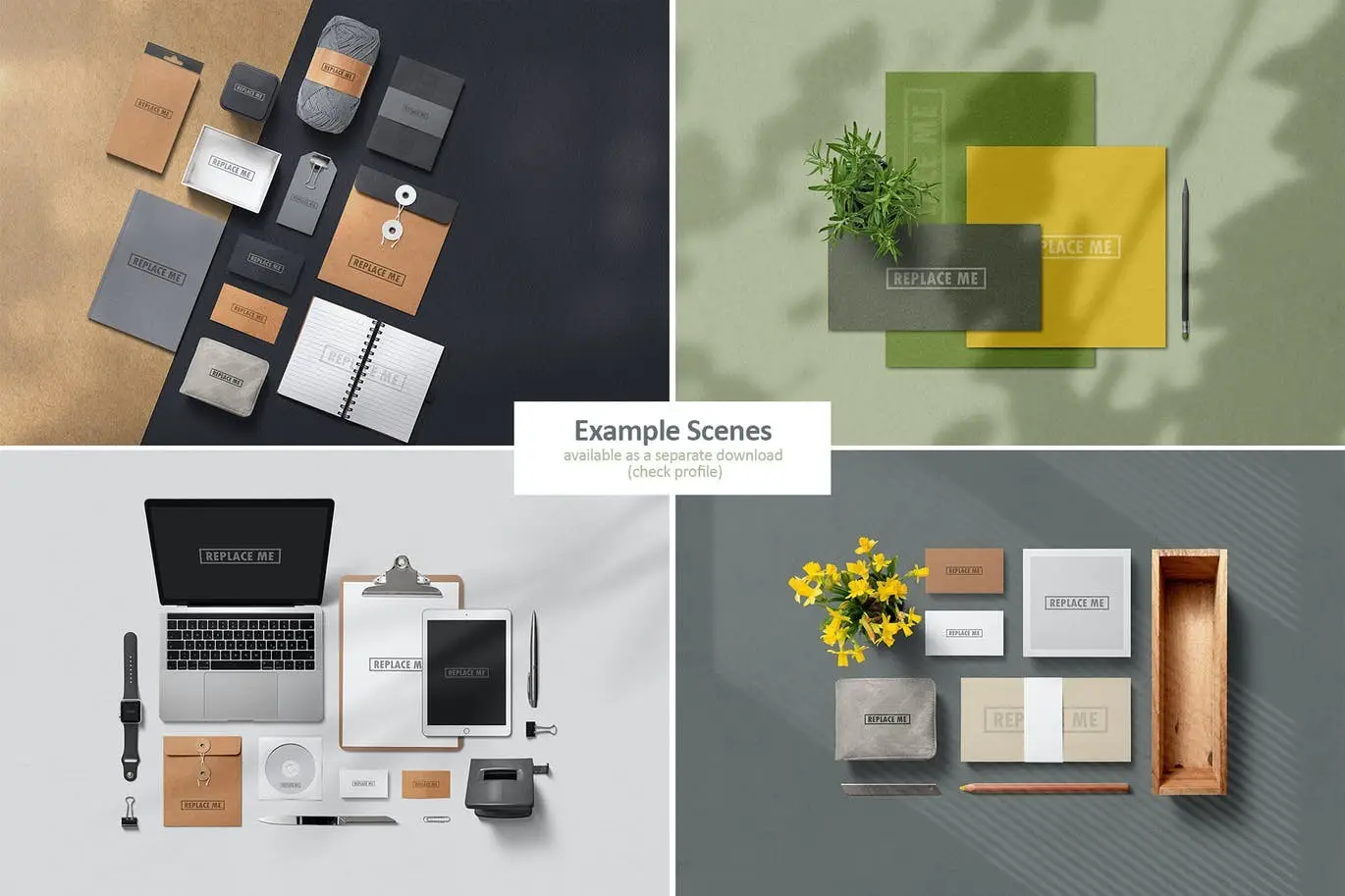
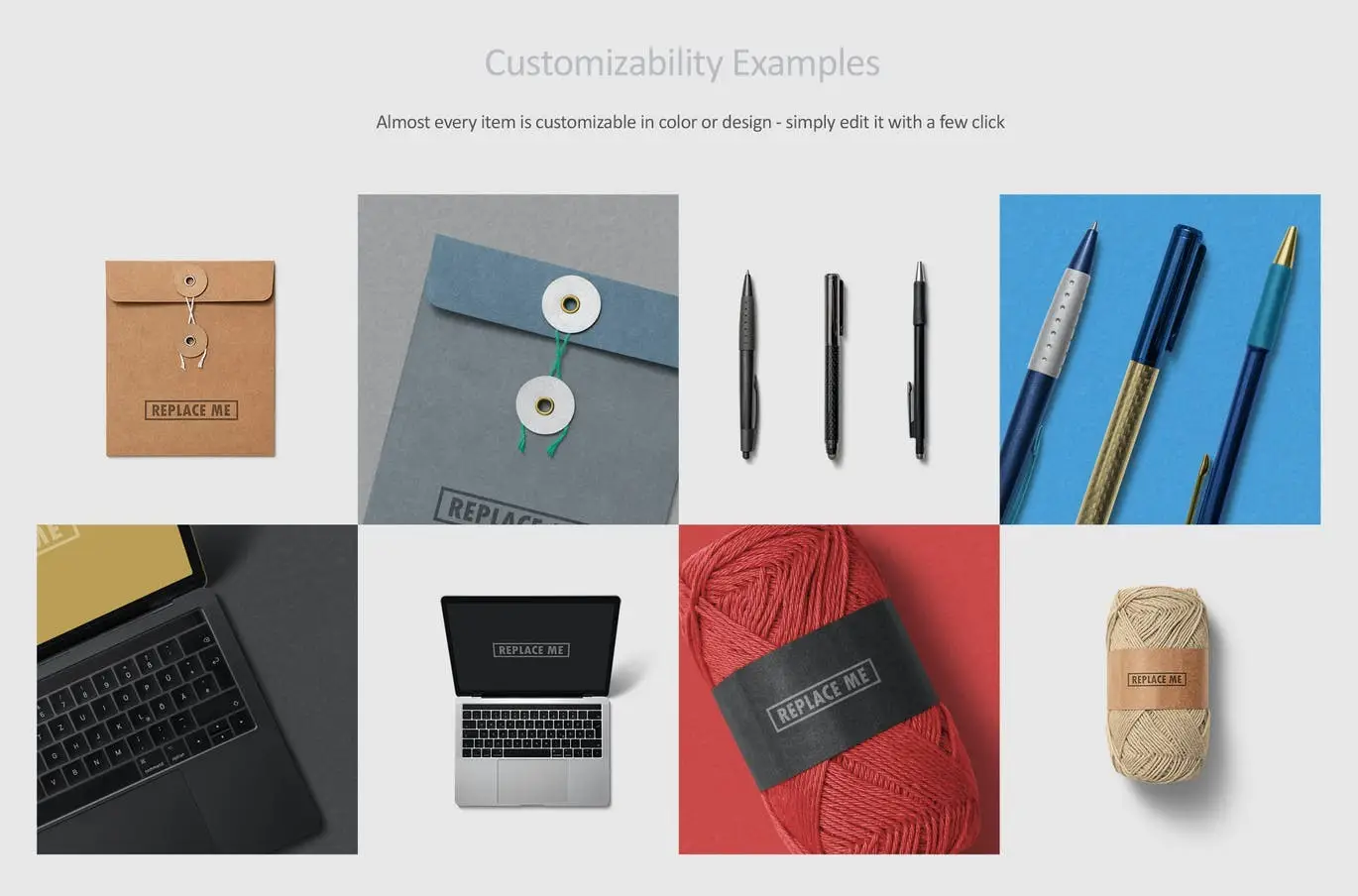
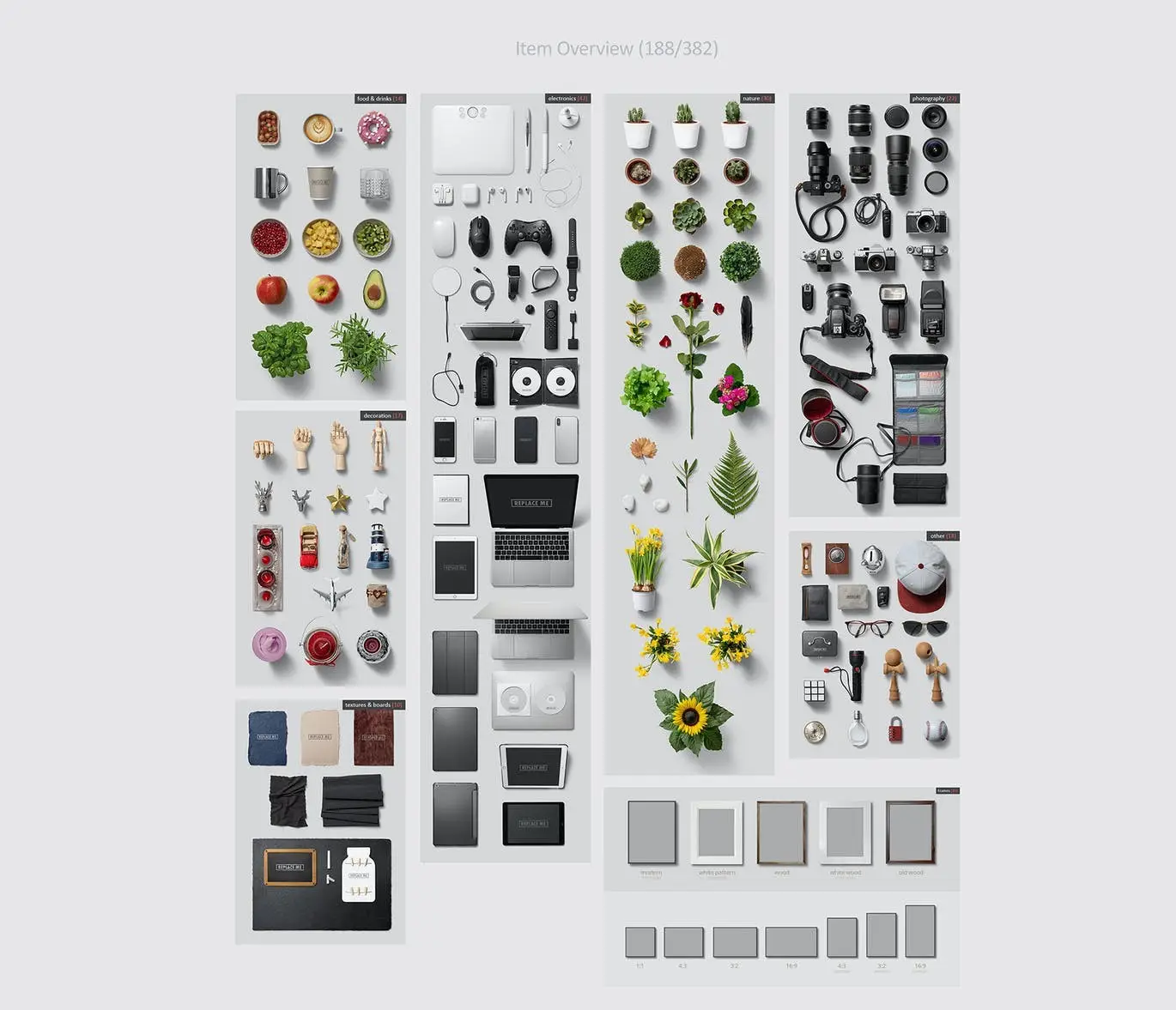
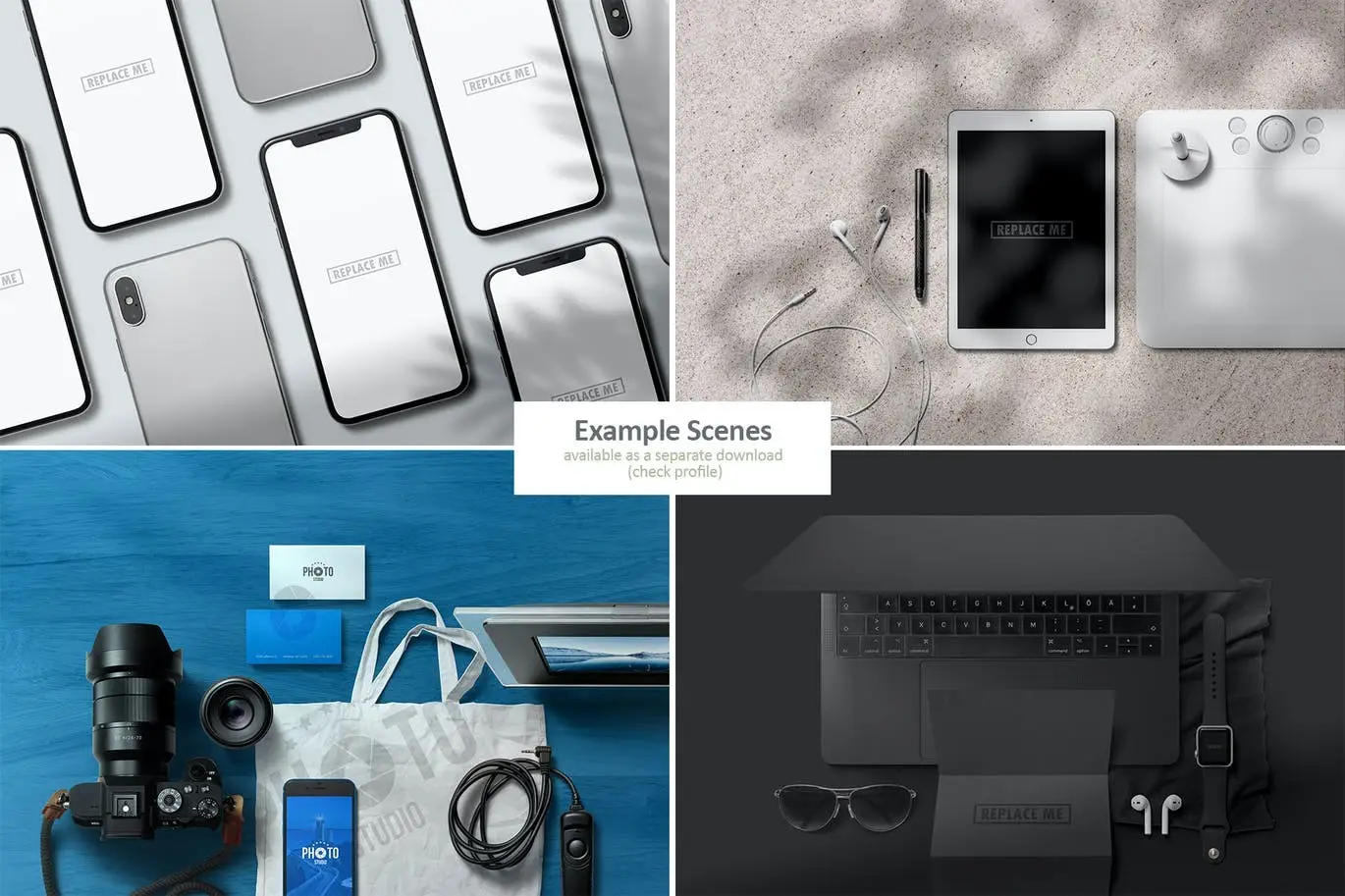
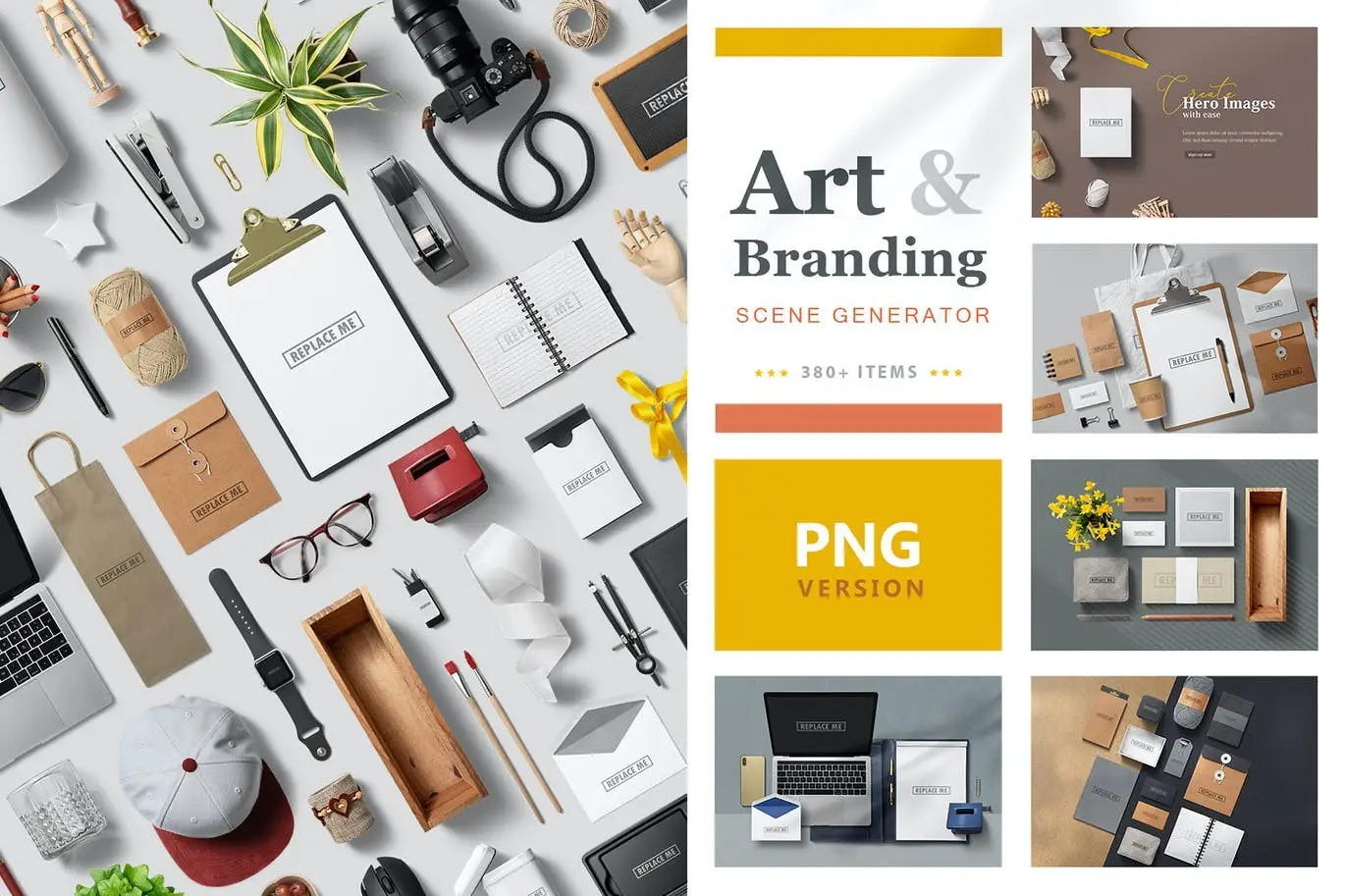
Elevate your brand presentation with the Art & Branding Scene Generator. This powerful tool allows you to create stunning visuals tailored to your specific project needs. With 194 isolated items included in this pack, along with shadow overlays for added realism, your mockups will stand out like never before. Customize nearly every element to fit your brand identity by placing your logo or design templates on various branding items and adjusting colors to your preference.
Product Overview
This scene generator is perfect for designers, marketers, and creators who want to enhance their branding visuals. Whether you’re working on a corporate identity project or crafting unique stationery designs, this pack provides the versatility you need.
Key Features & Benefits
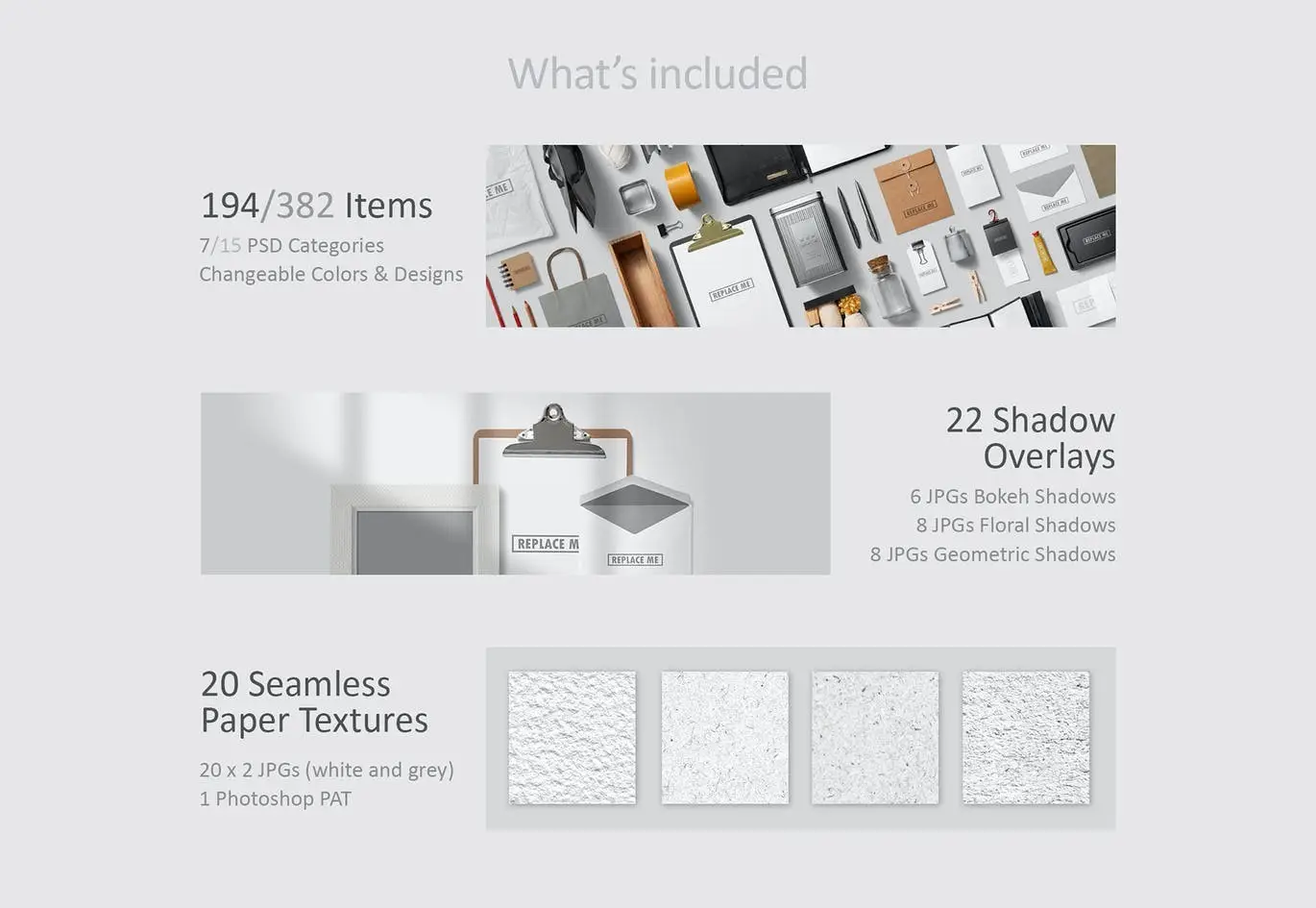
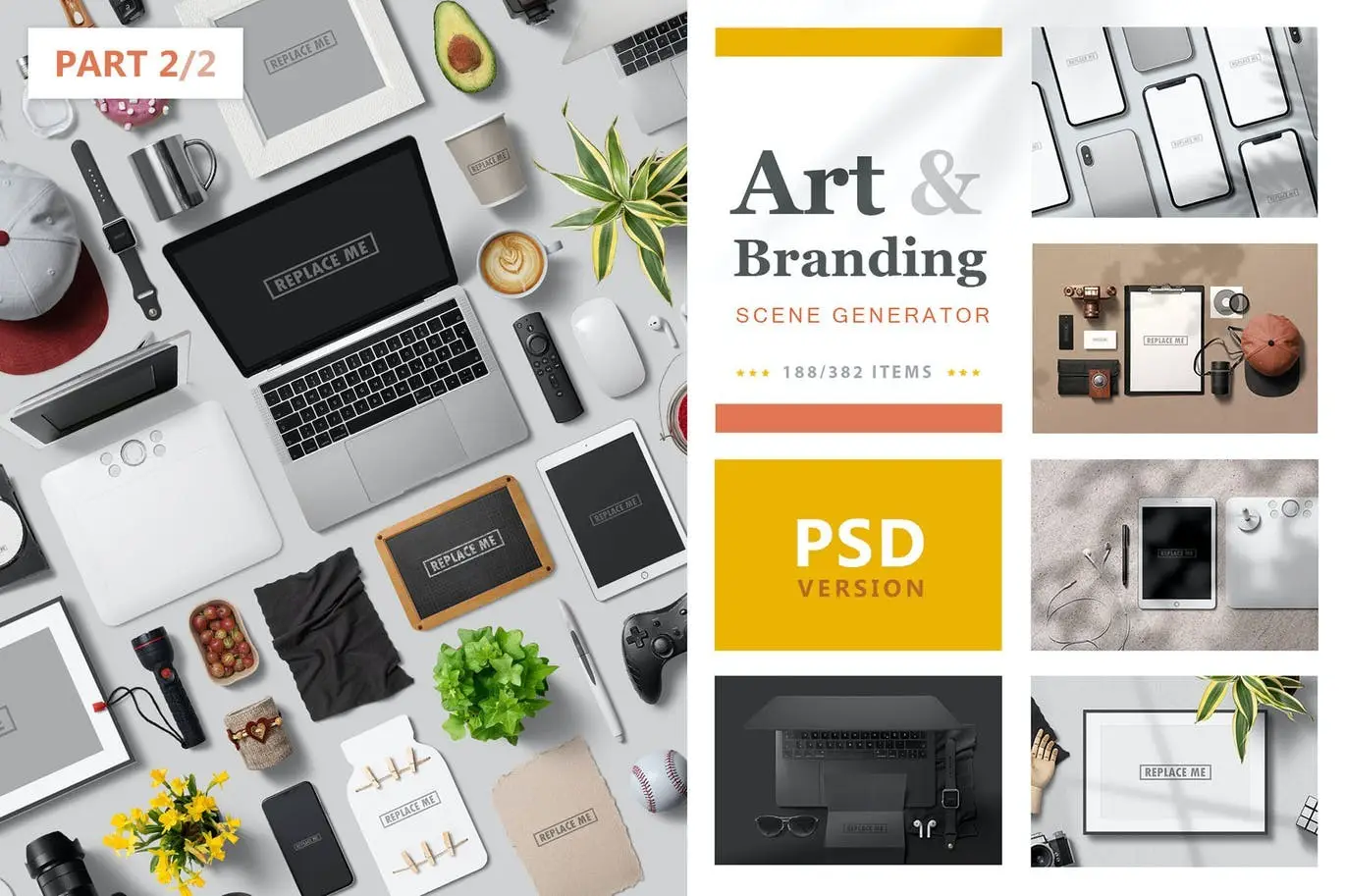
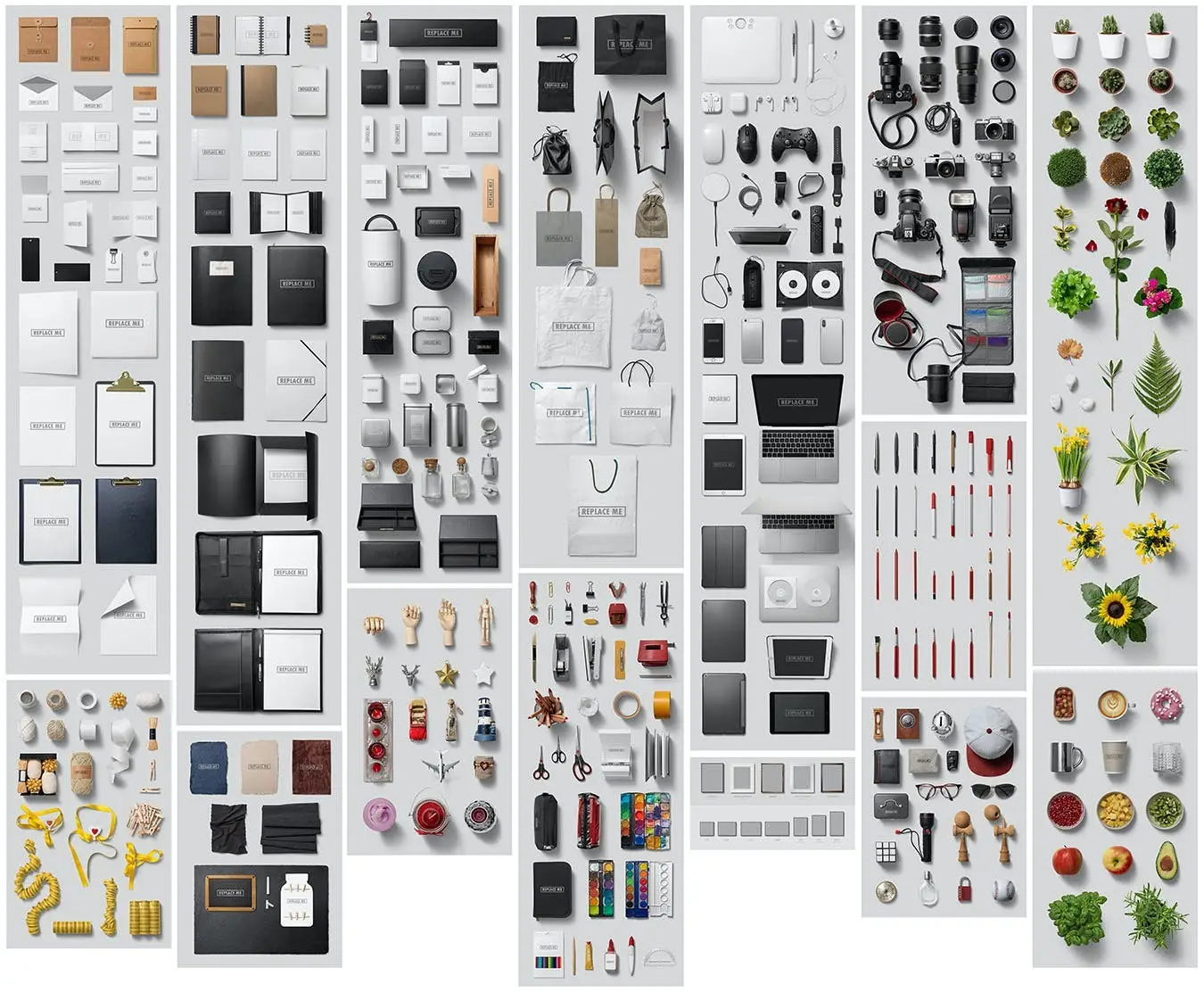
- ✅ 194/382 Isolated Items → Access a wide range of branding elements (check out Part 2 for more).
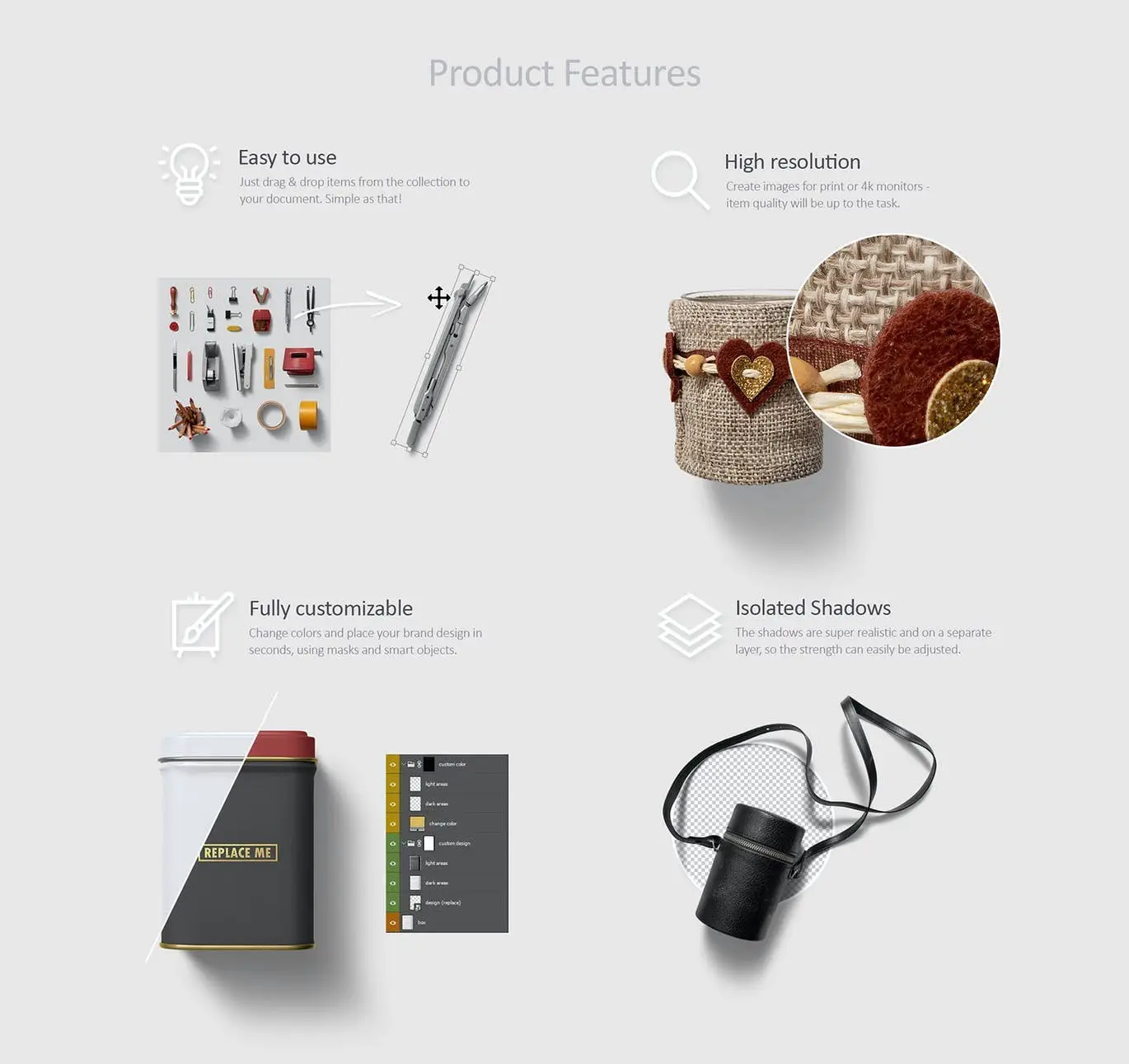
- ✅ Easy Drag & Drop Placement → Simplify your workflow and save time.
- ✅ Fully Customizable Items → Tailor each element to match your brand’s aesthetic.
- ✅ High Resolution → Create designs suitable for print or 4K monitors.
- ✅ Mockup Replacement via Smart Objects → Effortlessly swap out designs for a professional finish.
- ✅ Adjustable & Isolated Shadows → Enhance depth and realism in your presentations.
Why Choose This Product
With the Art & Branding Scene Generator, you gain access to a comprehensive toolkit that simplifies the design process. Trusted by professionals worldwide, this generator not only saves you time but also ensures high-quality results that resonate with your audience.
Specifications (Technical Details)
| Item Count | 194 Items in 7 PSDs |
|---|---|
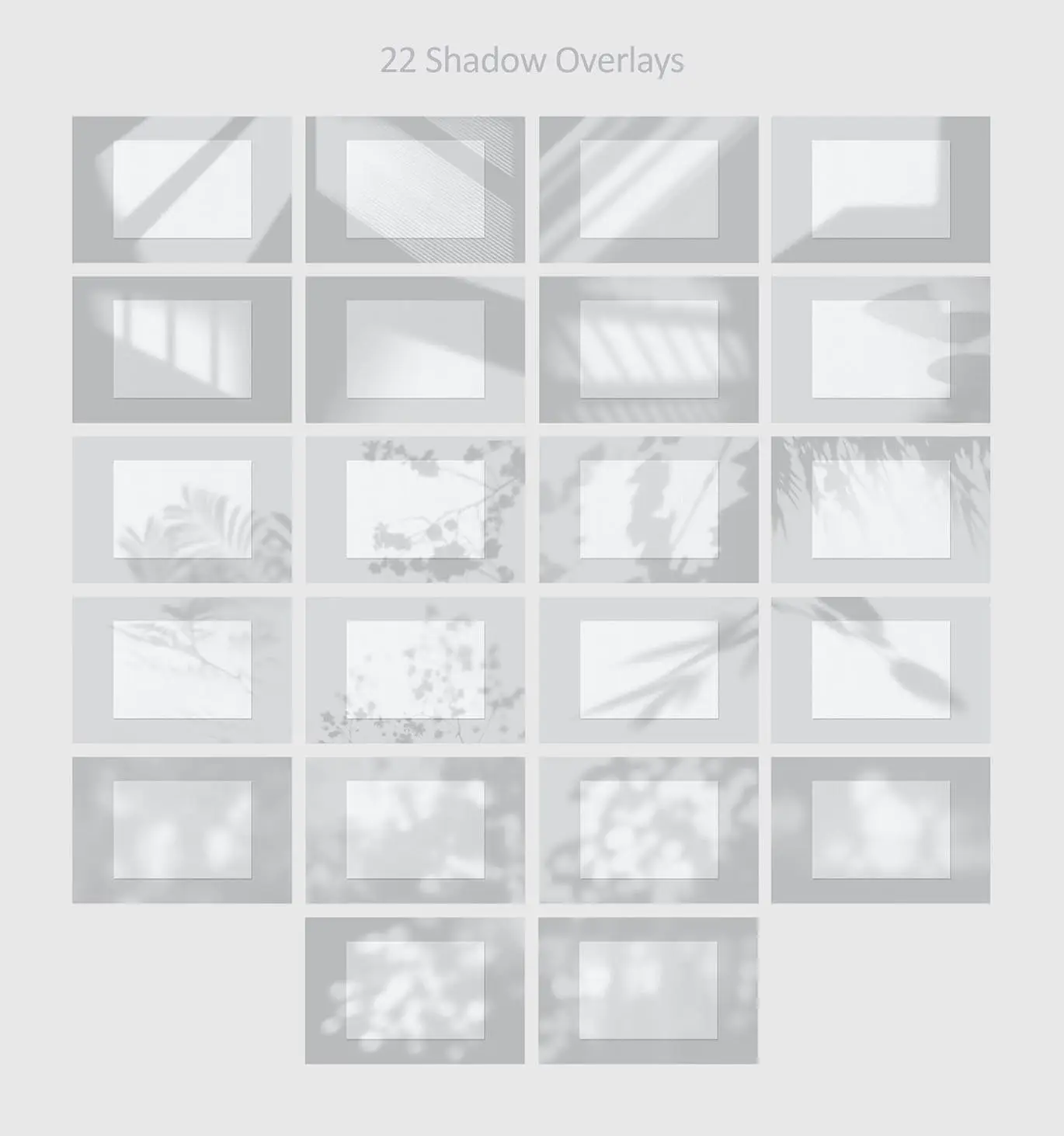
| Shadow Overlays | 22 (JPG) |
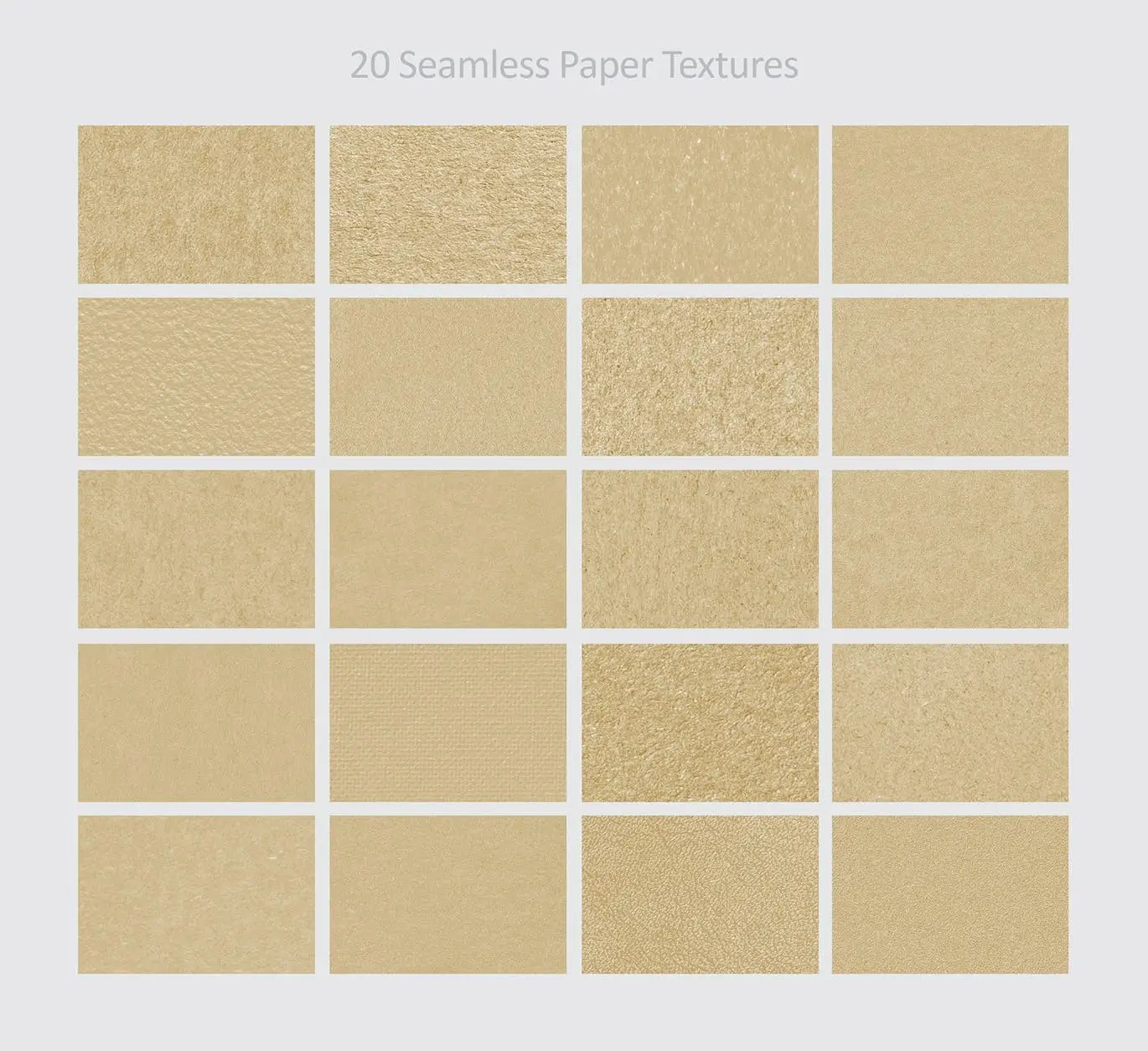
| Seamless Paper Textures | 20 (JPG, PAT) |
| Categories | Pens & Brushes, Stationery, Bags, Folders & Books, Packaging, Prints & Cards, Wrappings |
What’s Included / What’s in the Box
- 192 Isolated Items
- 22 Shadow Overlays
- 20 Seamless Paper Textures
Perfect For
- Graphic Designers
- Brand Strategists
- Marketing Professionals
- Stationery Creators
How to Use
1. Open the PSD file in your preferred design software.
2. Drag and drop your logo or designs onto the mockup.
3. Adjust colors and shadows as needed for a personalized touch.
FAQ
- Can I get PNG versions of the items? Yes, check out my other listings for PNG versions.
- What software do I need to use this product? You can use any software that supports PSD files, such as Adobe Photoshop.
Add to cart now and start creating stunning visuals for your brand! 🚀
User Reviews
Be the first to review “Art & Branding Scene Generator – Part 1”
You must be logged in to post a review.

Adobe Photoshop Scene Photo Overlay Bundle – 19 Overlays
Sold by
Smaller PSD – Filesize Reduce Kit
Sold by

Shape Rounder – Path Editing Kit
Sold by


Original price was: $5.00.$2.50Current price is: $2.50.


There are no reviews yet.