

Shape Rounder – Path Editing Kit
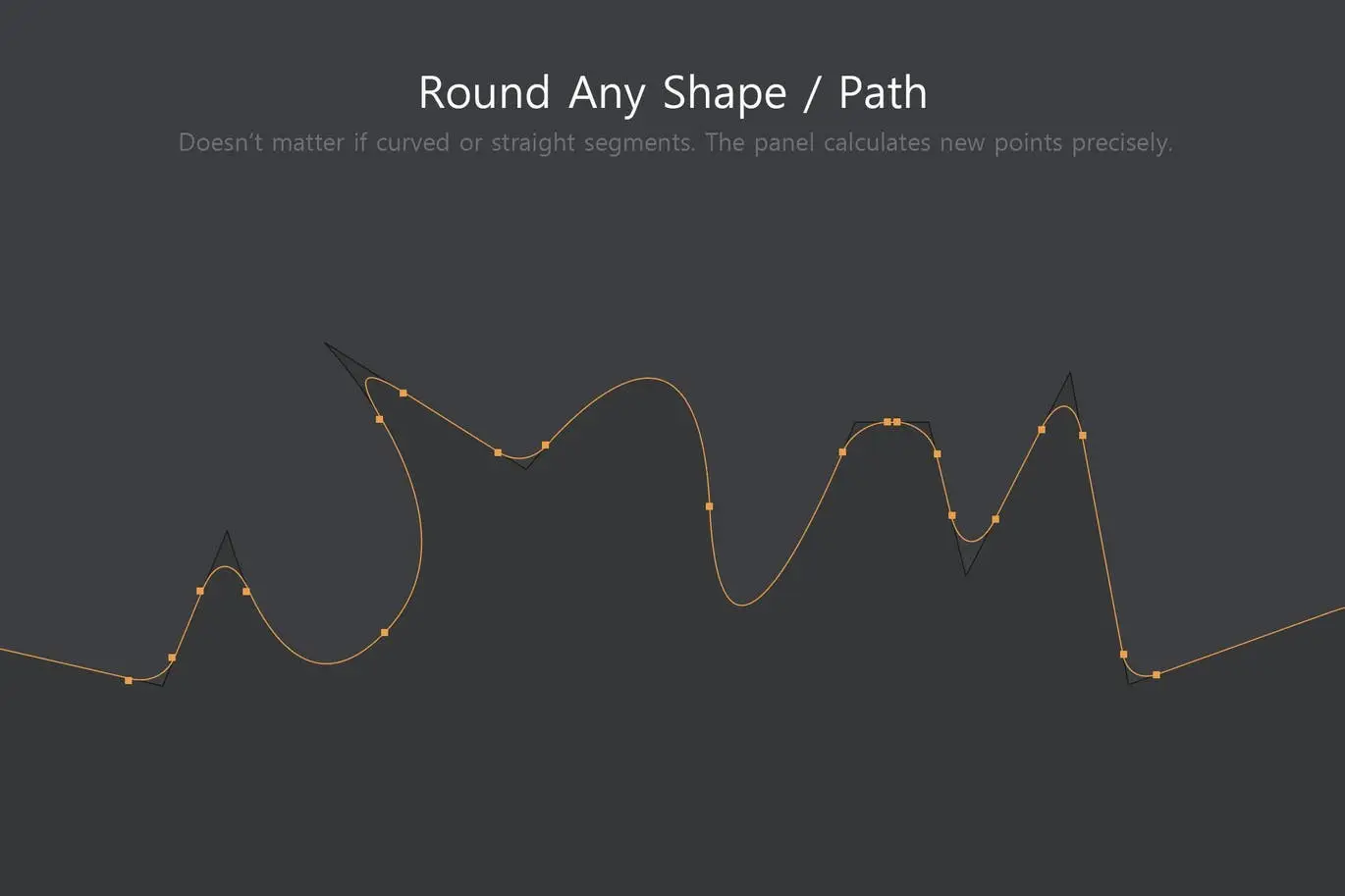
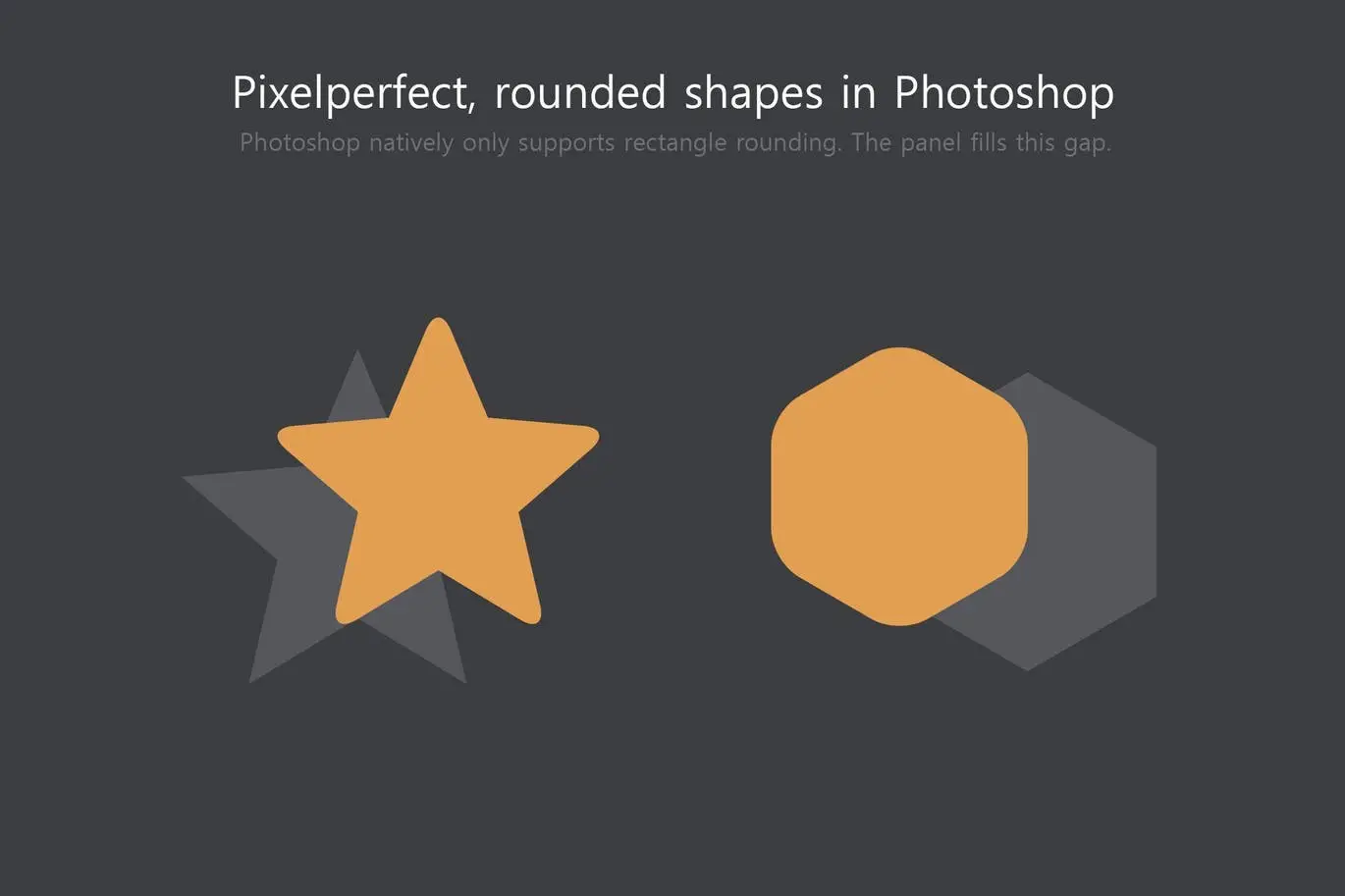
Are you tired of being limited to rounded rectangles in Photoshop? The Shape Rounder is here to transform your design experience! This innovative path editing kit allows you to create rounded corners for any shape with ease, giving you the flexibility you need to enhance your digital projects.
Product Overview
The Shape Rounder is a powerful plugin designed for Photoshop CC 2018 and newer. It enables users to edit paths effortlessly, making it ideal for graphic designers who want to achieve precise and customizable shapes without relying on Illustrator. With this tool, you can create stunning designs that stand out.
Key Features & Benefits
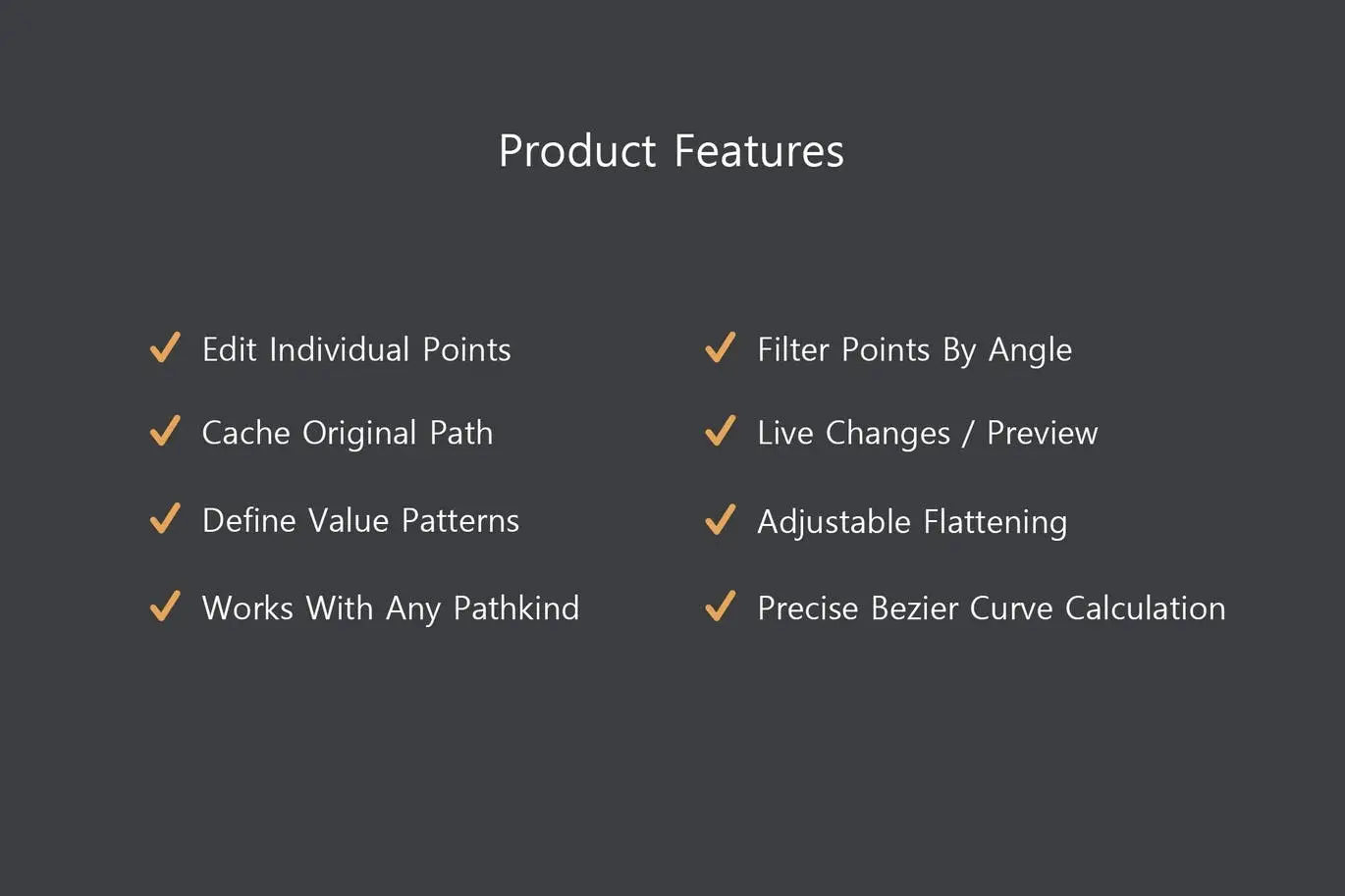
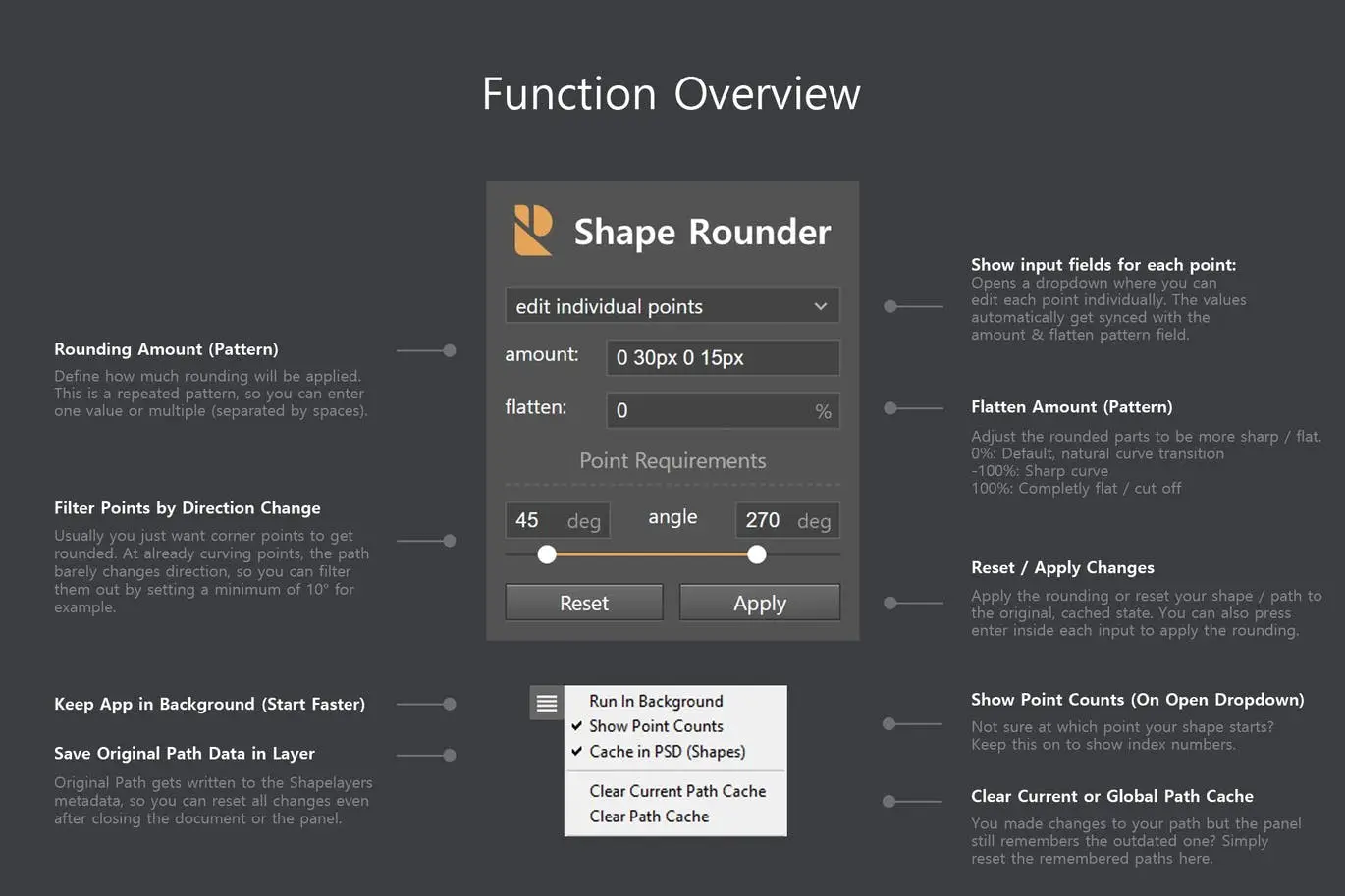
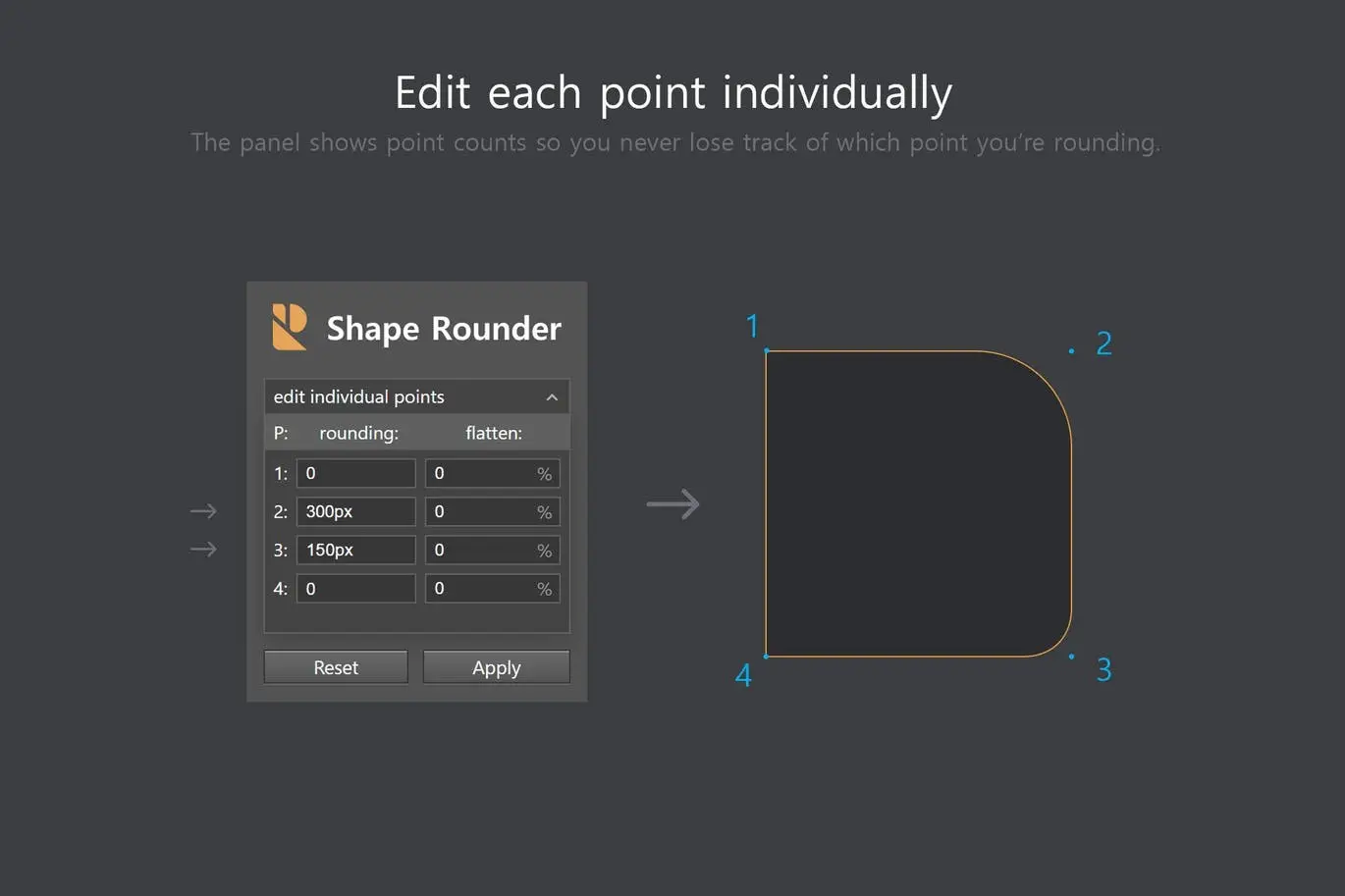
- ✅ Edit Individual Points → Tailor each corner to your specific design needs.
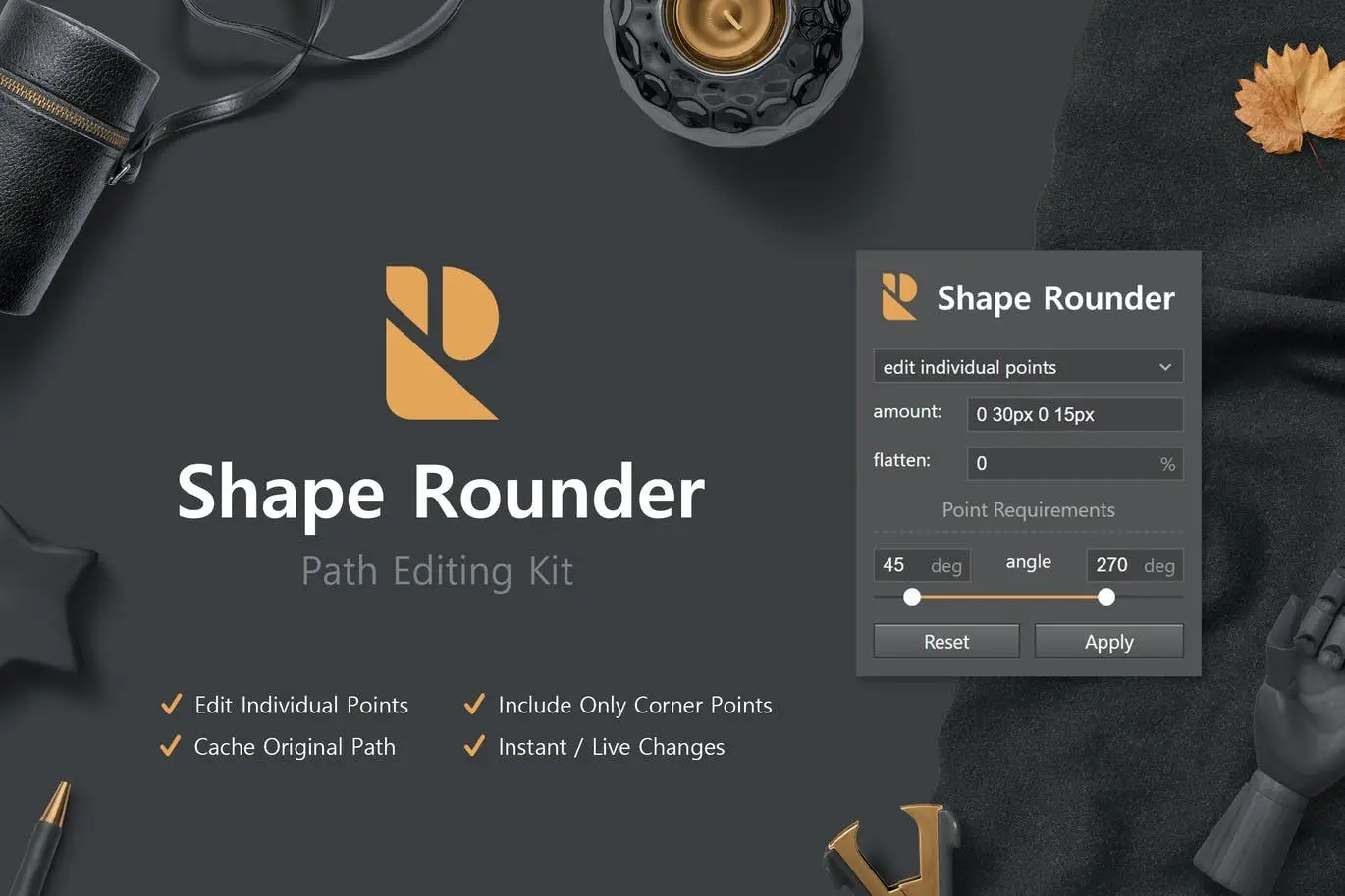
- ✅ Filter Points By Angle → Easily manage and refine your shapes for a cleaner look.
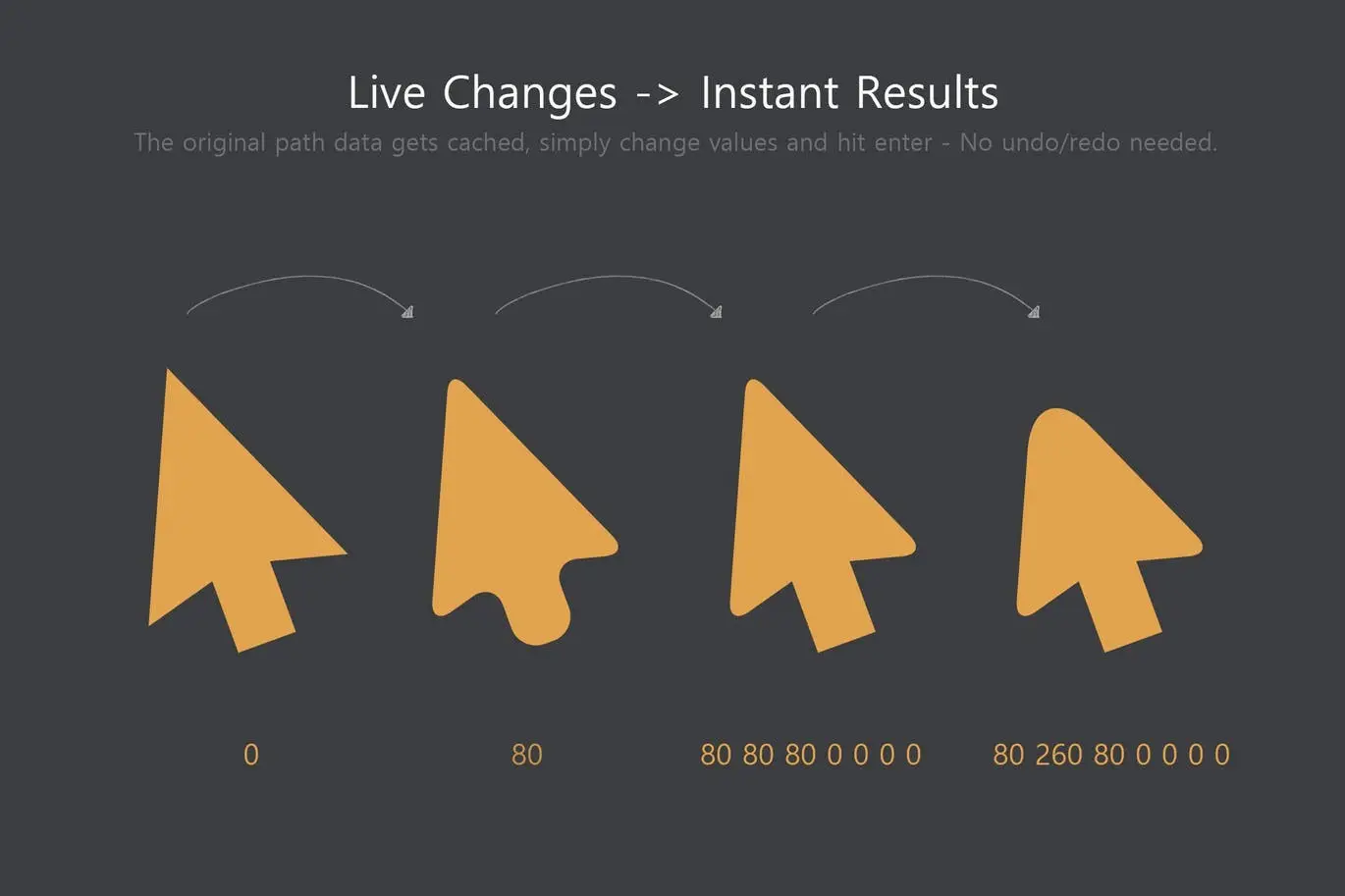
- ✅ Cache Original Path → Reset changes at any time for ultimate flexibility.
- ✅ Live Changes / Preview → See your adjustments in real-time, enhancing your workflow.
- ✅ Define Value Patterns → Create consistent designs with repeatable patterns.
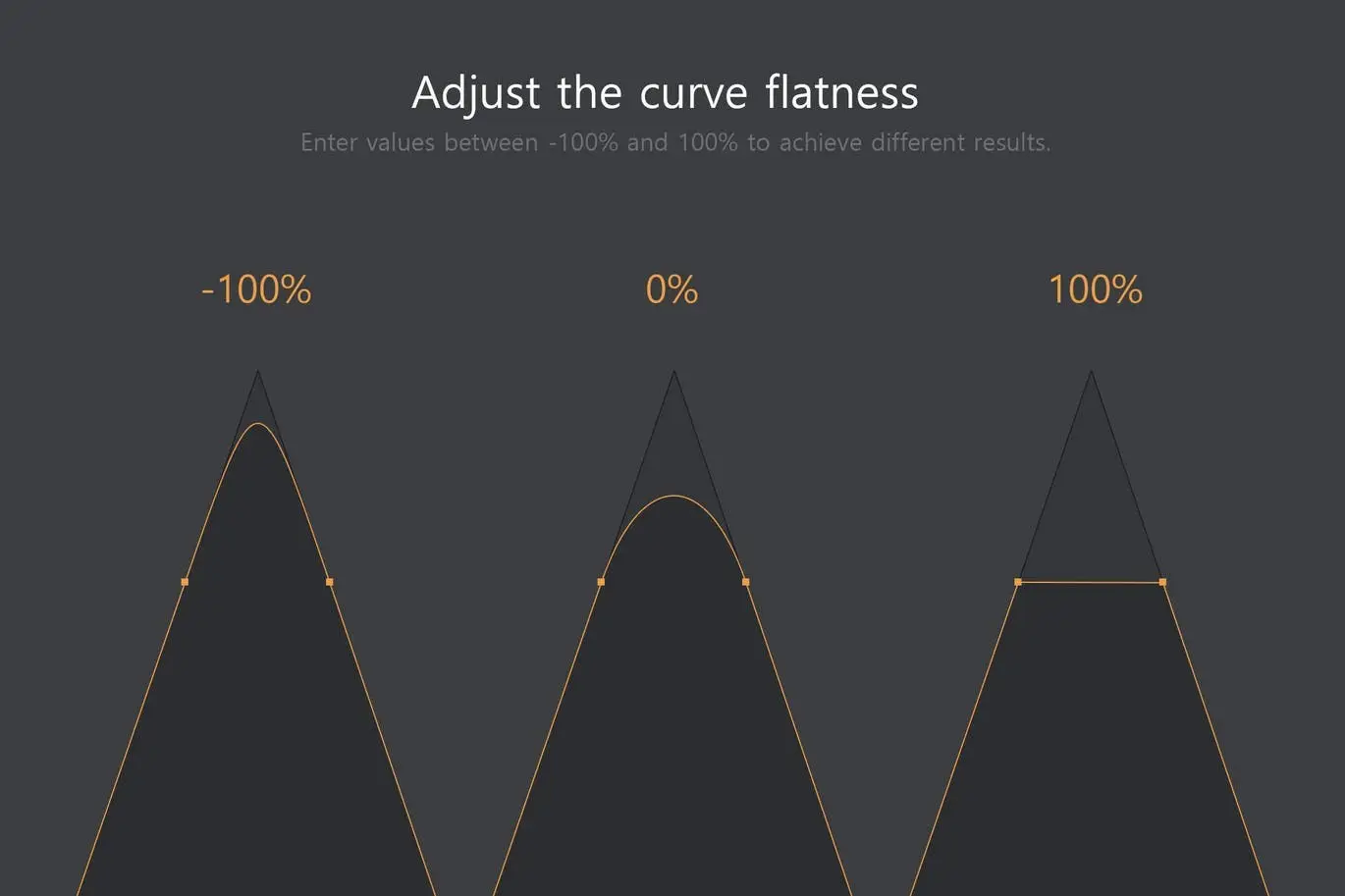
- ✅ Adjustable Curve Flatness → Control the smoothness of your curves for precise results.
- ✅ Works with Any Path Kind → Compatible with Workpath, Vectormask, Normal Path, and more.
- ✅ Precise Bezier Curve Calculations → Ensure accuracy in every design element.
- ✅ Last Settings Loaded at Startup → Save time by keeping your preferred settings ready.
- ✅ Original Path Storeable in ShapeLayer Metadata → Keep your design organized and easily accessible.
Why Choose This Product
The Shape Rounder stands out as a must-have tool for anyone looking to enhance their Photoshop capabilities. It fills a significant gap for users who want more than just basic shape editing. With its intuitive features and real-time previews, you can create professional-quality designs efficiently. Trusted by designers worldwide, this plugin is your solution for precise path editing.
Specifications (Technical Details)
| Compatibility | Photoshop CC 2018 and newer |
|---|---|
| Features | Path editing, live preview, angle filtering |
| File Format | PSD |
What’s Included / What’s in the Box
- Shape Rounder Plugin
- User Guide
- Customer Support
Perfect For
- Graphic Designers
- Illustrators
- Digital Artists
- Photoshop Users
How to Use
- Install the Shape Rounder plugin in Photoshop.
- Select the shape you want to edit.
- Adjust the corners using the plugin’s features.
- Preview your changes live and save your work.
FAQ
- Can I use Shape Rounder with other versions of Photoshop? No, it is specifically designed for CC 2018 and newer.
- Is there a money-back guarantee? Yes, we offer a satisfaction guarantee on all our products.
Add to cart now and elevate your design projects with Shape Rounder! 🚀
User Reviews
Be the first to review “Shape Rounder – Path Editing Kit”
You must be logged in to post a review.

Adobe Photoshop Scene Photo Overlay Bundle – 19 Overlays
Sold by

Easy Cut – Layer Splitting Kit
Sold by
Pattern Rapport Creator (Offset & Overflow)
Sold by
Shuffle Elements – Randomize Layer Props
Sold by
Shadowify 2 – Realistic Blur & Shadow Kit
Sold by
Original price was: $5.00.$2.50Current price is: $2.50.


There are no reviews yet.