

Shadowify 2 – Realistic Blur & Shadow Kit
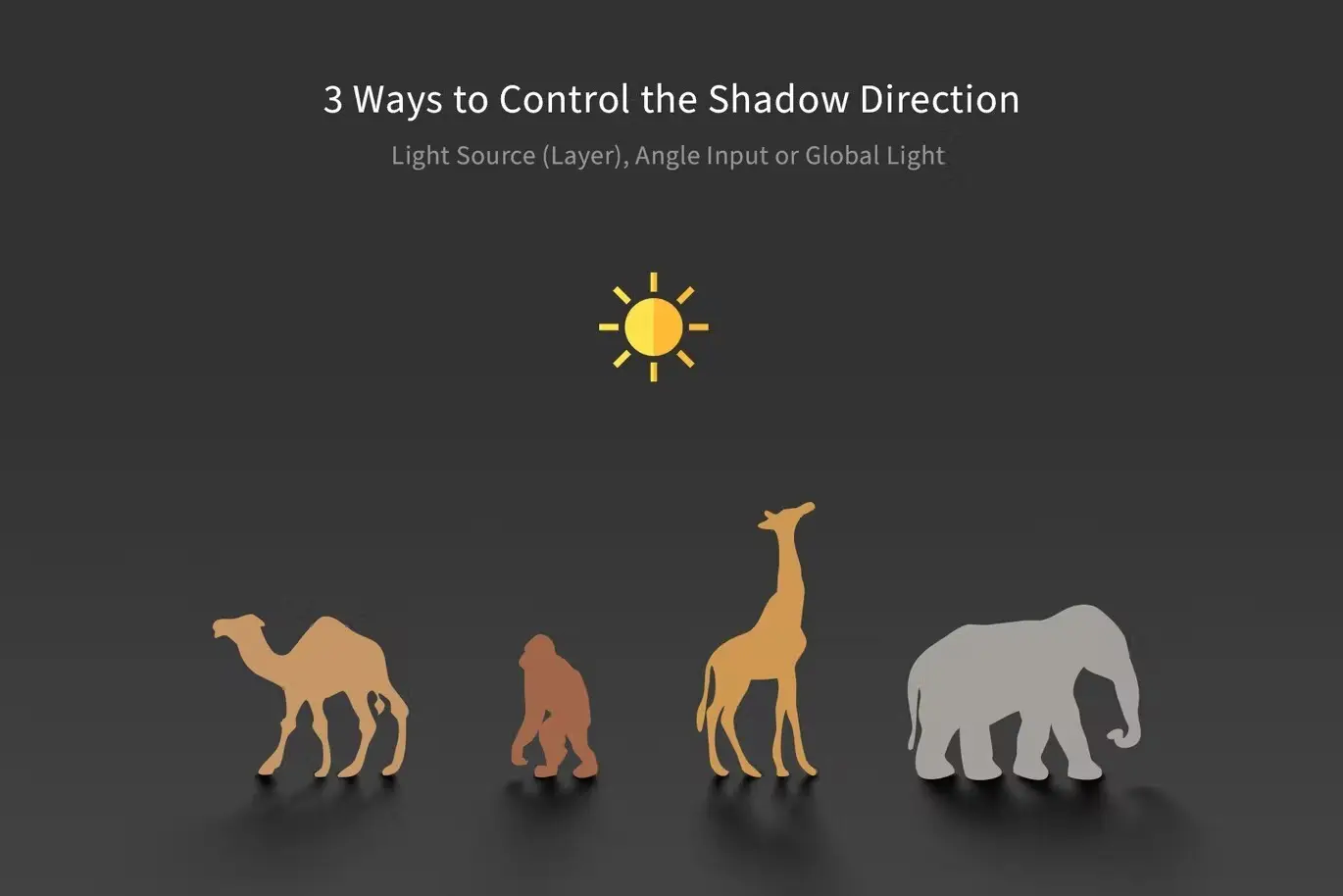
Transform your Adobe Photoshop experience with Shadowify 2, the ultimate plugin for creating stunning shadows and realistic blur effects effortlessly. Whether you’re a professional designer or a creative enthusiast, this tool simplifies the shadow creation process, allowing you to achieve remarkable results with just a few slider adjustments.
Product Overview
Shadowify 2 is designed for Adobe Photoshop 2021 and later, providing a user-friendly interface that caters to various design needs. With its six dedicated panels, this plugin streamlines the workflow for generating different types of shadows and blurs, making it an essential asset for any digital designer.
Key Features & Benefits
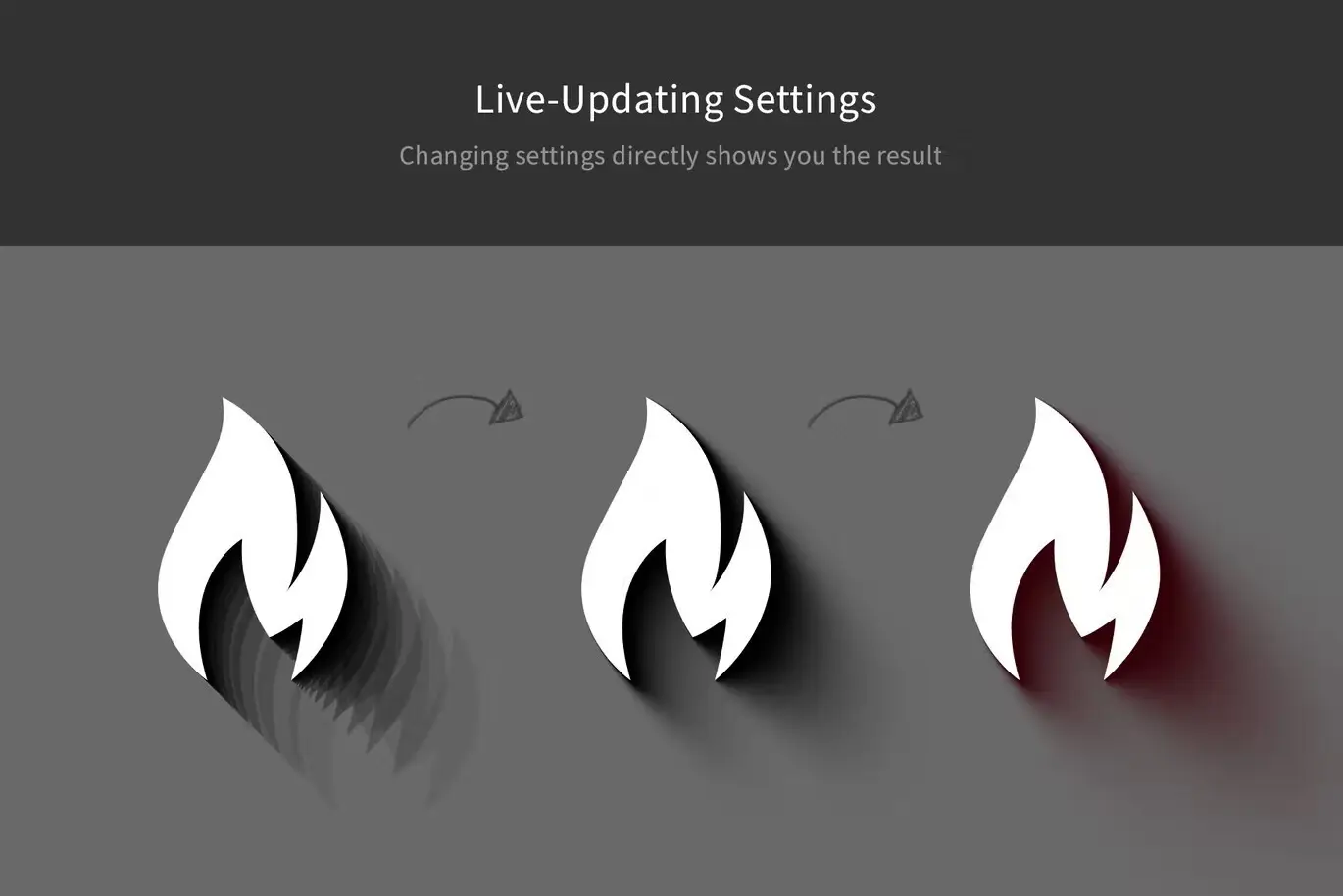
- ✅ Drop Shadows → Create realistic drop shadows that enhance depth and dimension.
- ✅ Flat Shadows → Perfect for minimalistic designs, adding subtlety without overwhelming the composition.
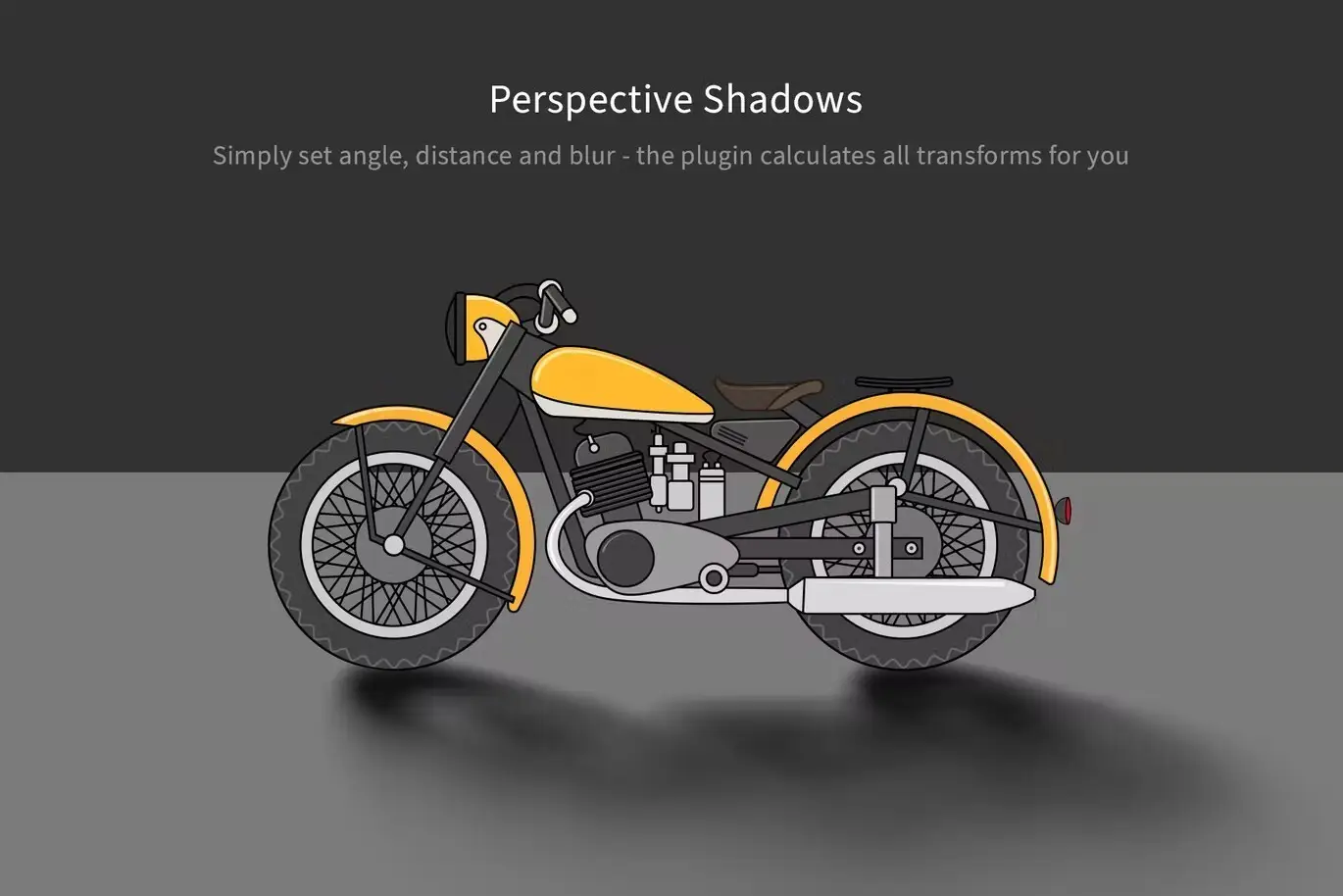
- ✅ Perspective Shadows → Achieve dynamic shadows that match the perspective of your artwork.
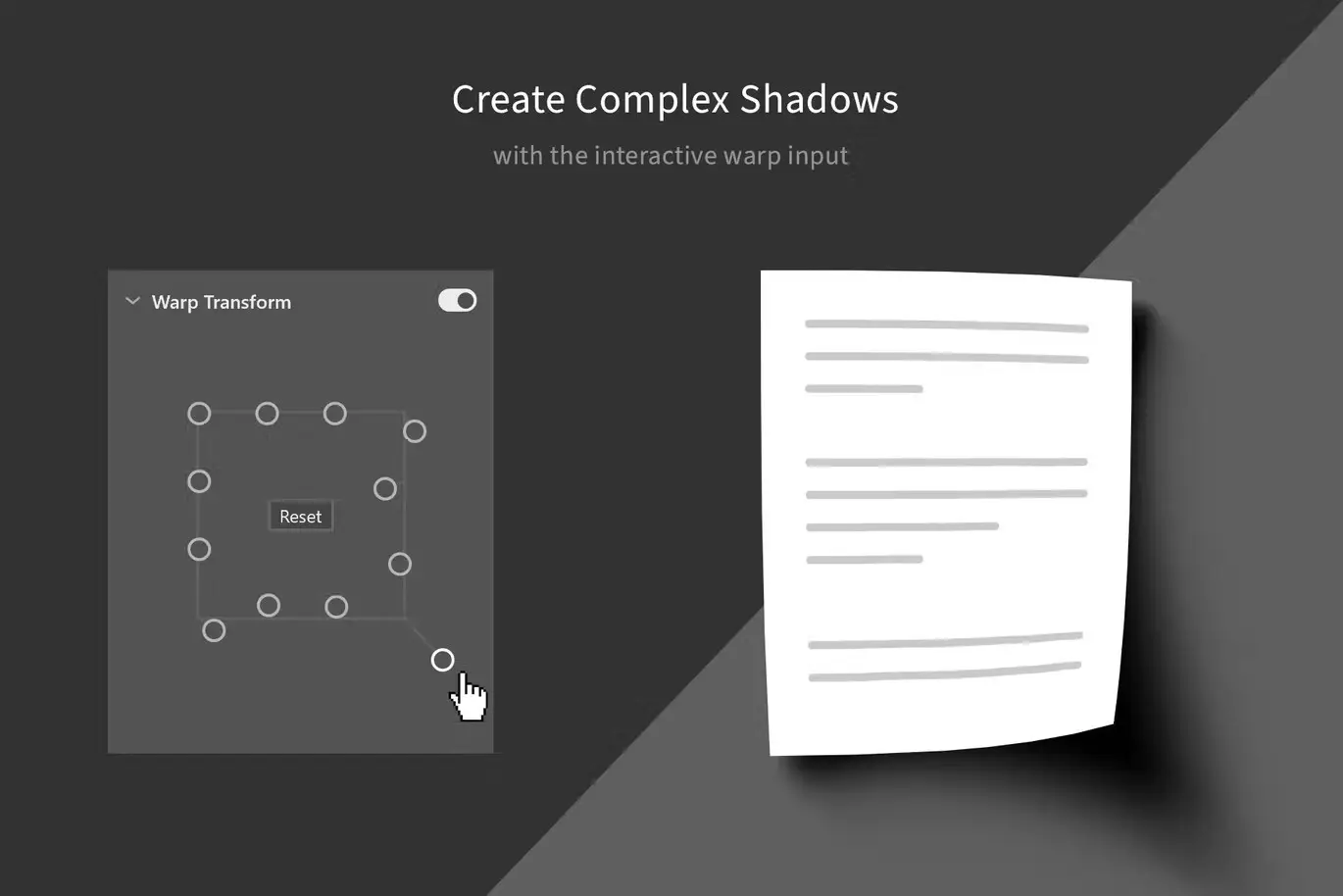
- ✅ Card Shadows (controllable warp) → Customize shadows for card designs with warp controls for precision.
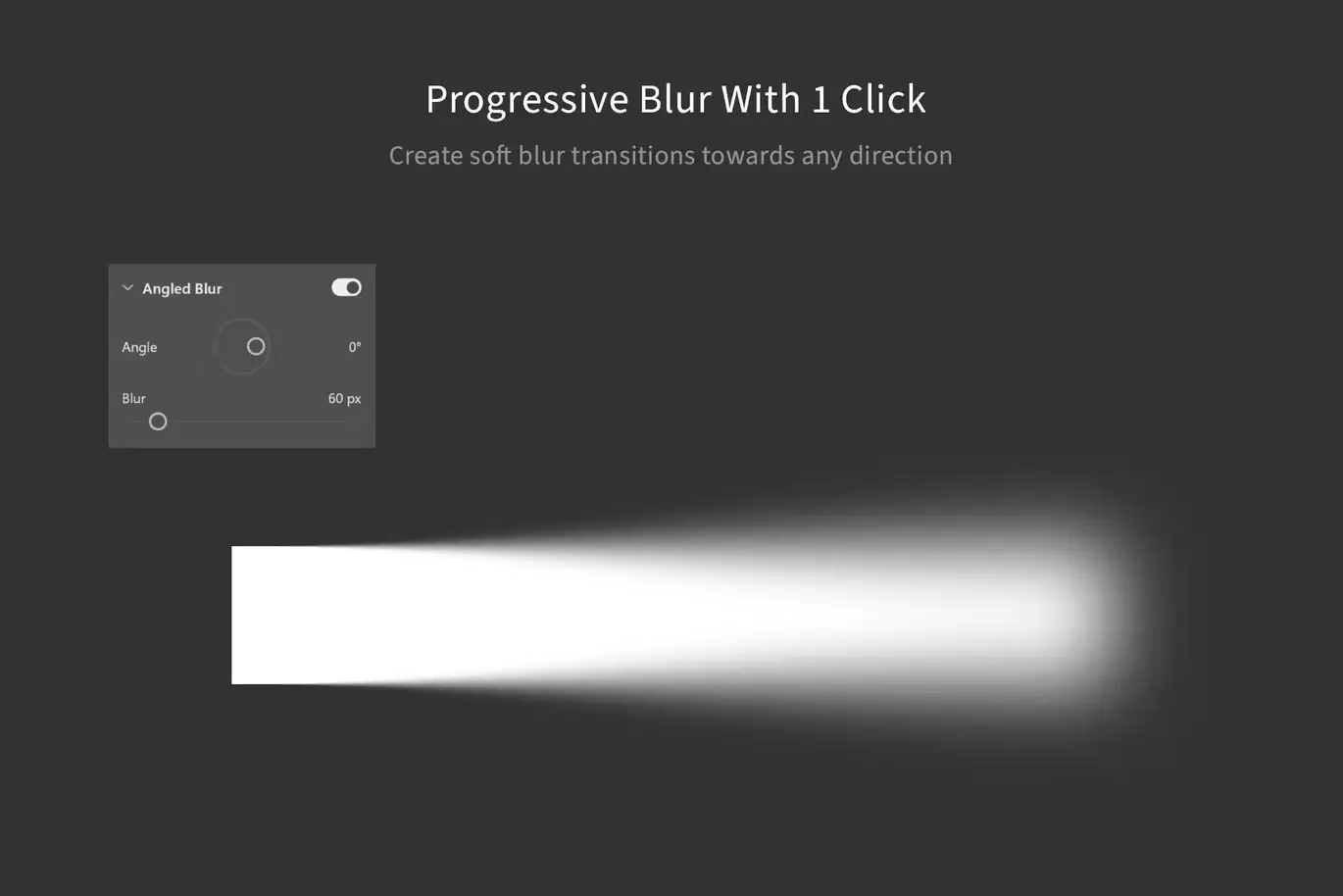
- ✅ Smart-Filter Blur (angled blur) → Apply smooth blur effects at specific angles for a professional touch.
- ✅ Selective Blur → Effortlessly blur areas while keeping focal points sharp, enhancing visual storytelling.
Why Choose This Product
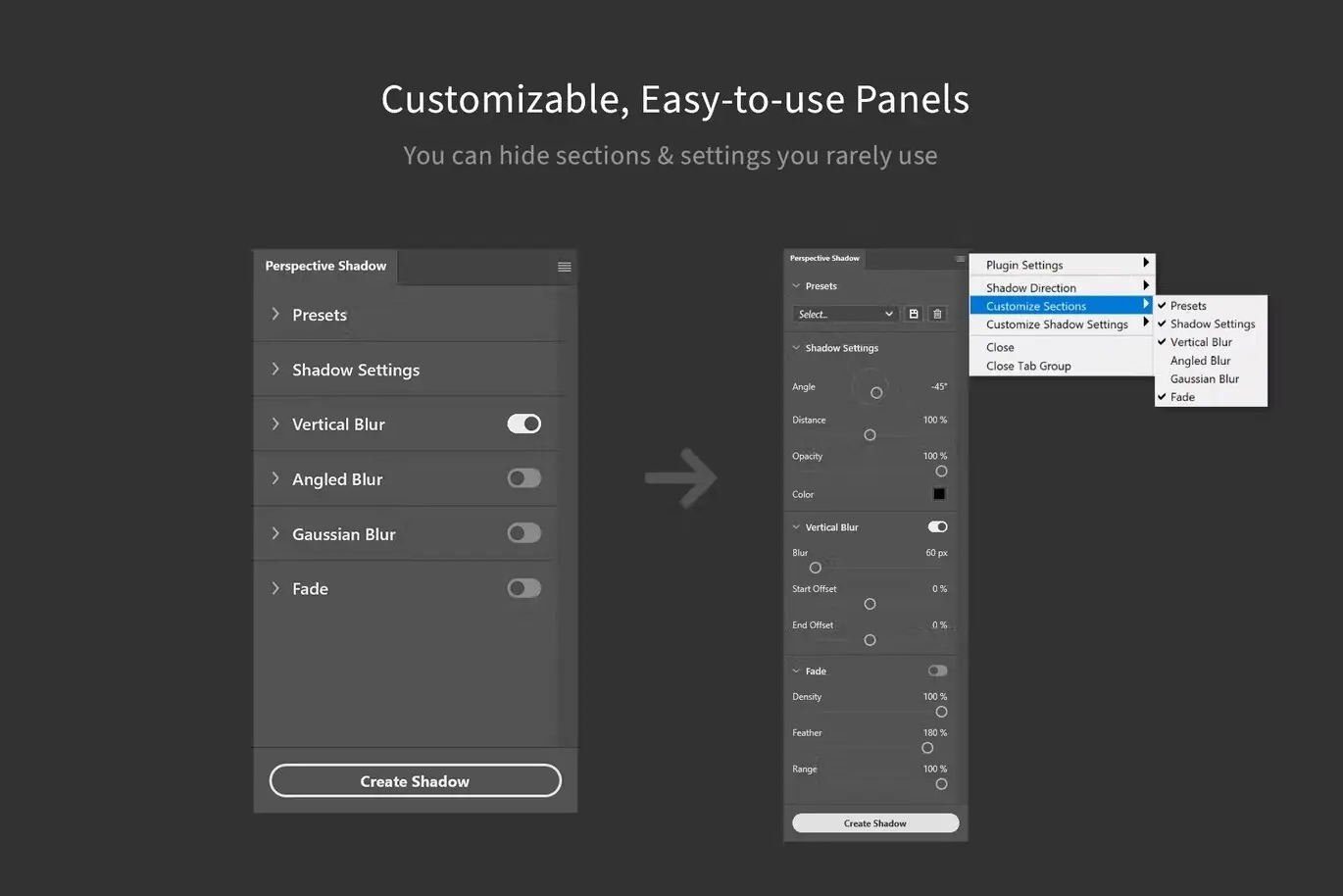
With Shadowify 2, you gain access to a versatile tool that not only saves you time but also elevates your design quality. Its intuitive interface and customizable settings allow you to tailor the experience to your workflow, making it a favorite among designers worldwide. Plus, the ability to save presets means you can quickly apply your favorite settings in future projects, ensuring consistency and efficiency.
Specifications
| Compatibility | Adobe Photoshop 2021+ |
|---|---|
| Panels | 6 Individual Panels |
| Customization | Adjustable sliders, preset saving |
What’s Included
- 📦 Shadowify 2 Plugin for Adobe Photoshop
- Comprehensive User Guide
- Access to Future Updates
Perfect For
- Graphic Designers
- Digital Artists
- Illustrators
- Marketing Professionals
How to Use
1. Install the Shadowify 2 plugin in Adobe Photoshop.
2. Open your project and select the layer you want to apply shadows or blur effects to.
3. Use the sliders in the desired panel to adjust shadow properties or blur intensity.
4. Save your settings as a preset for future use.
FAQ
- Can I use Shadowify 2 with older versions of Photoshop? No, it is compatible only with Adobe Photoshop 2021 and later.
- Are there any tutorials available? Yes, a comprehensive user guide is included to help you get started.
Enhance your design projects with Shadowify 2 today! Add to cart now and start creating stunning visuals effortlessly! 🚀
User Reviews
Be the first to review “Shadowify 2 – Realistic Blur & Shadow Kit”
You must be logged in to post a review.

Art & Branding Scene Generator – Part 1
Sold by
Quick Align – Layer Positioning made easy
Sold by
Specs – Custom Measures & Marks (Photoshop 2021)
Sold by
Smaller PSD – Filesize Reduce Kit
Sold by
Pattern Rapport Creator (Offset & Overflow)
Sold by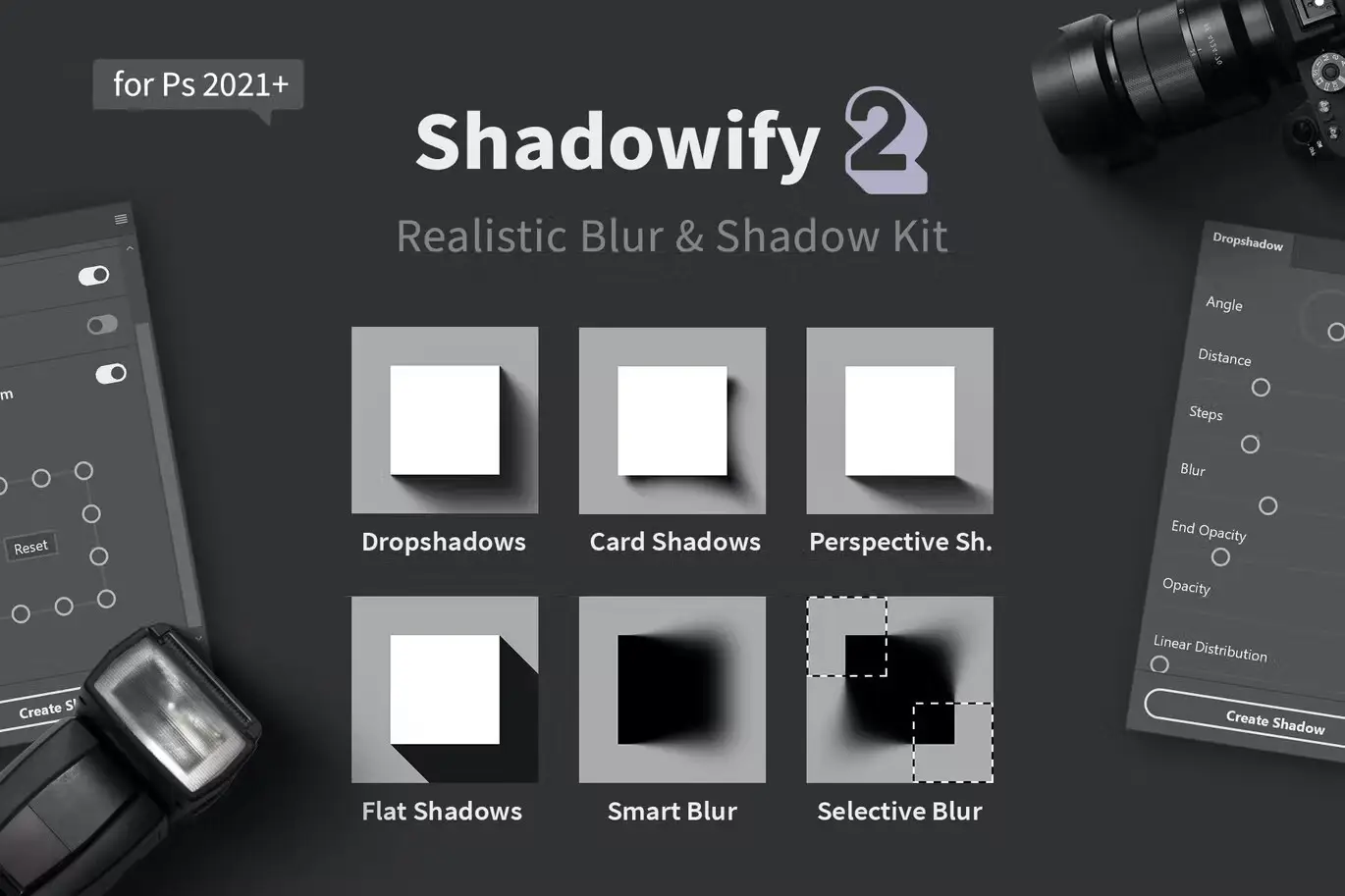
Original price was: $5.00.$2.50Current price is: $2.50.


There are no reviews yet.