
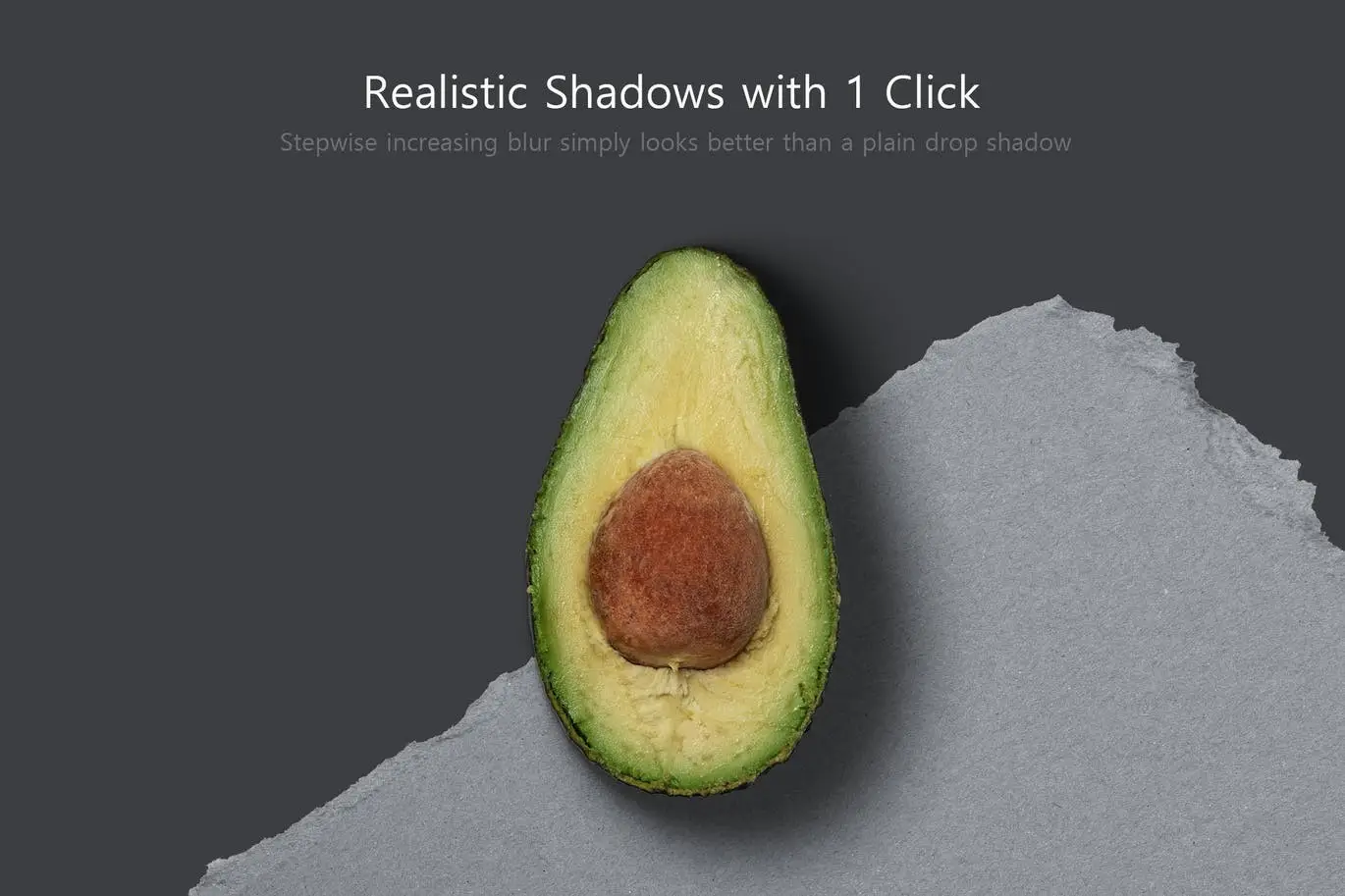

Shadowify – Realistic Blur & Shadow Kit
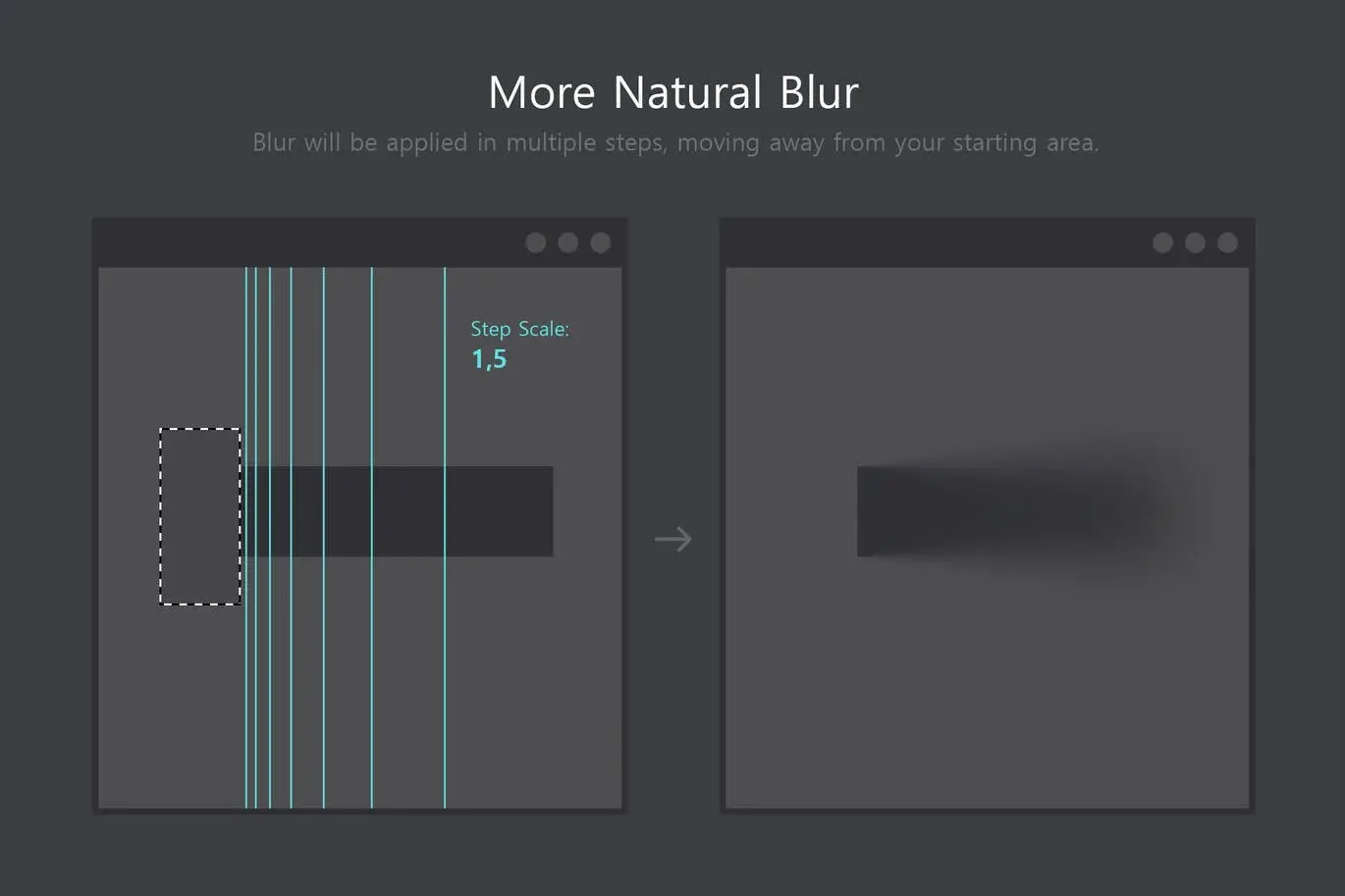
Are you tired of unrealistic dropshadows in your designs? Shadowify is here to help you create natural-looking shadows effortlessly. This powerful kit allows you to apply stepwise blur to your shadows, giving you complete control over their appearance.
Product Overview
Shadowify is designed for users of Photoshop CC 2015 and higher. Whether you’re a professional designer or a hobbyist, this tool enables you to create customizable dropshadows from scratch or enhance existing shadows with ease. With its intuitive interface, you can achieve the perfect shadow effect that complements your design style.
Key Features & Benefits
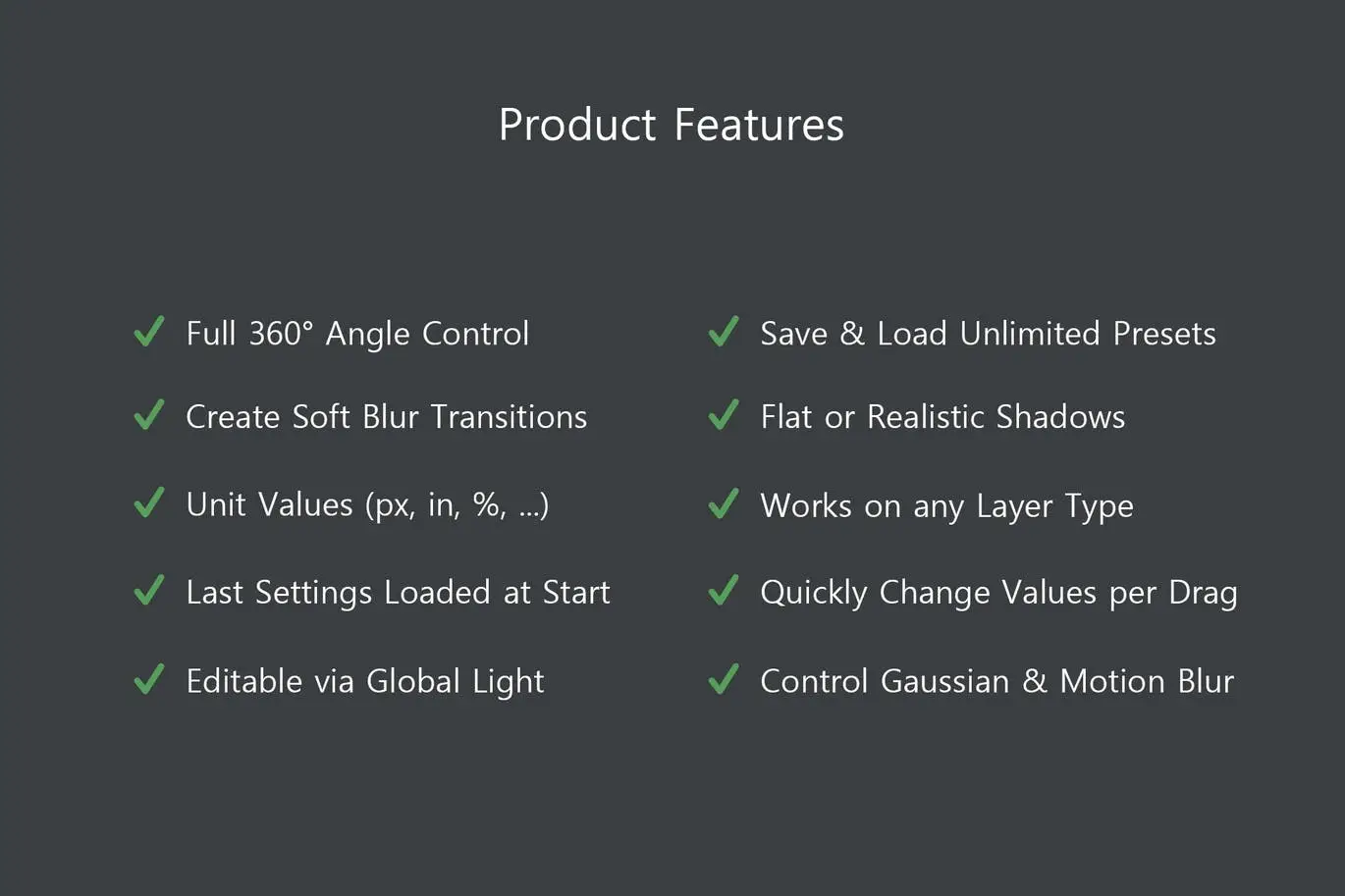
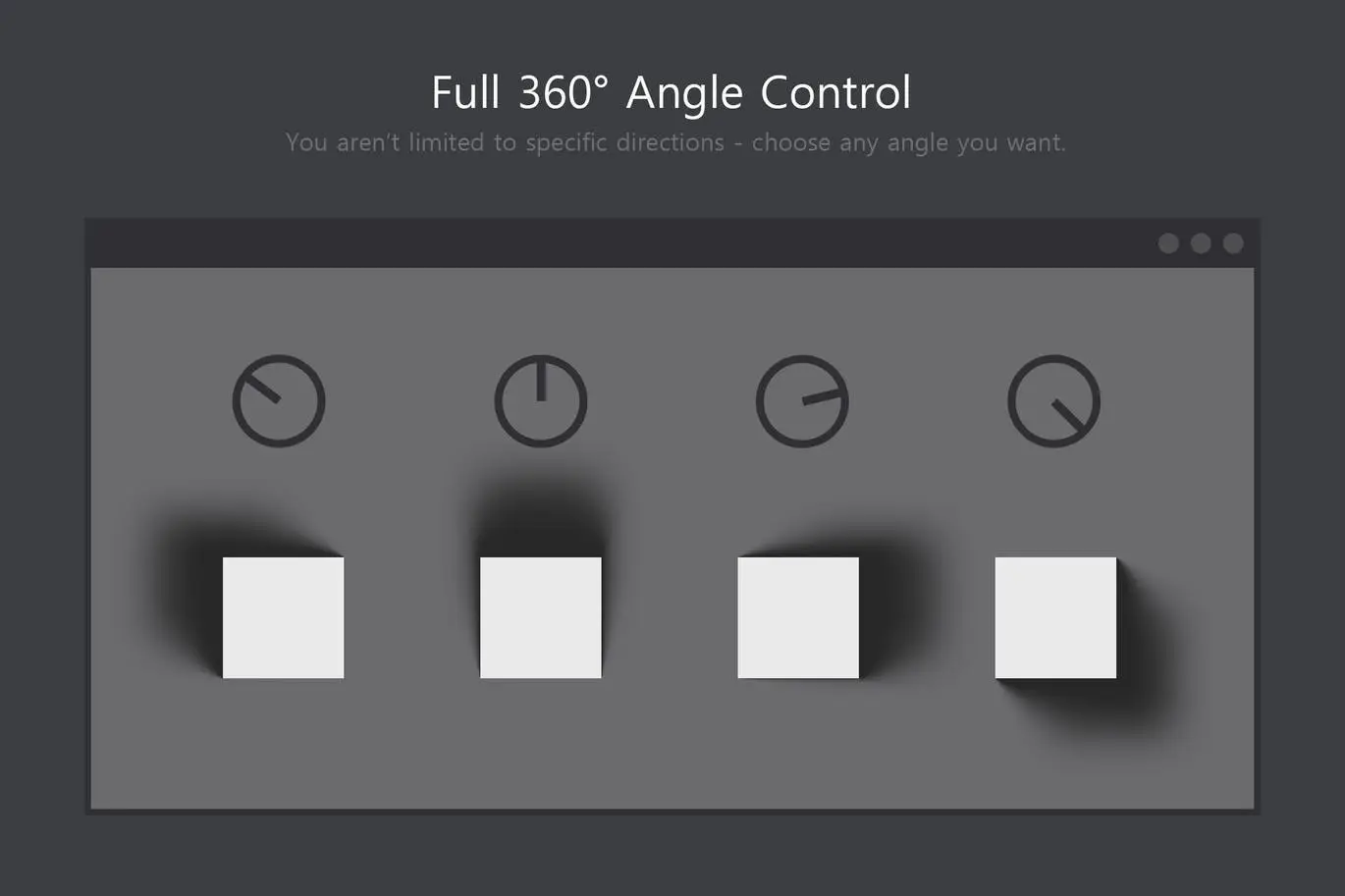
- ✅ Full 360° Angle Control → Adjust shadows to match your design’s lighting perfectly.
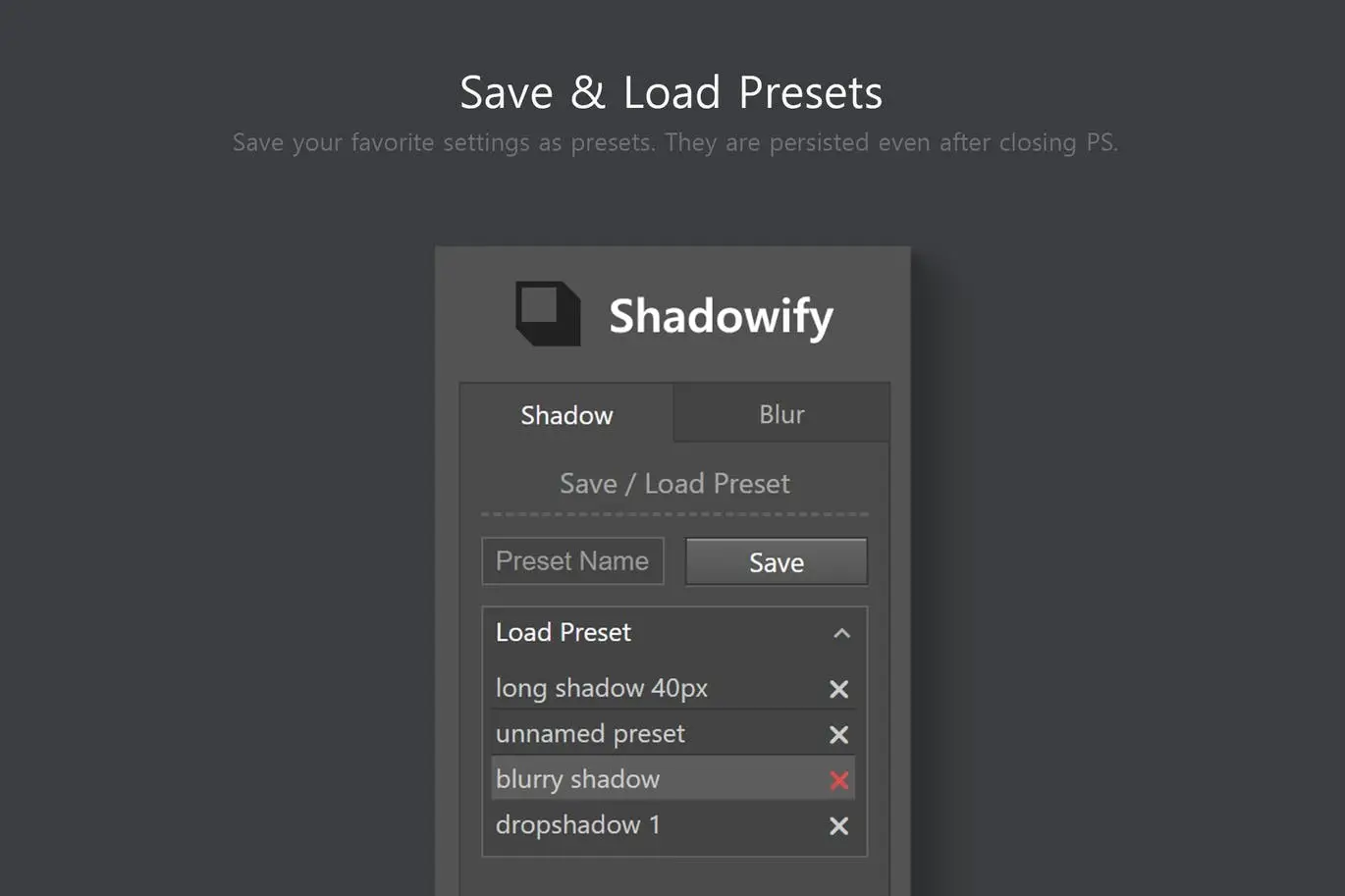
- ✅ Save & Load Unlimited Presets → Store your favorite shadow settings for quick access.
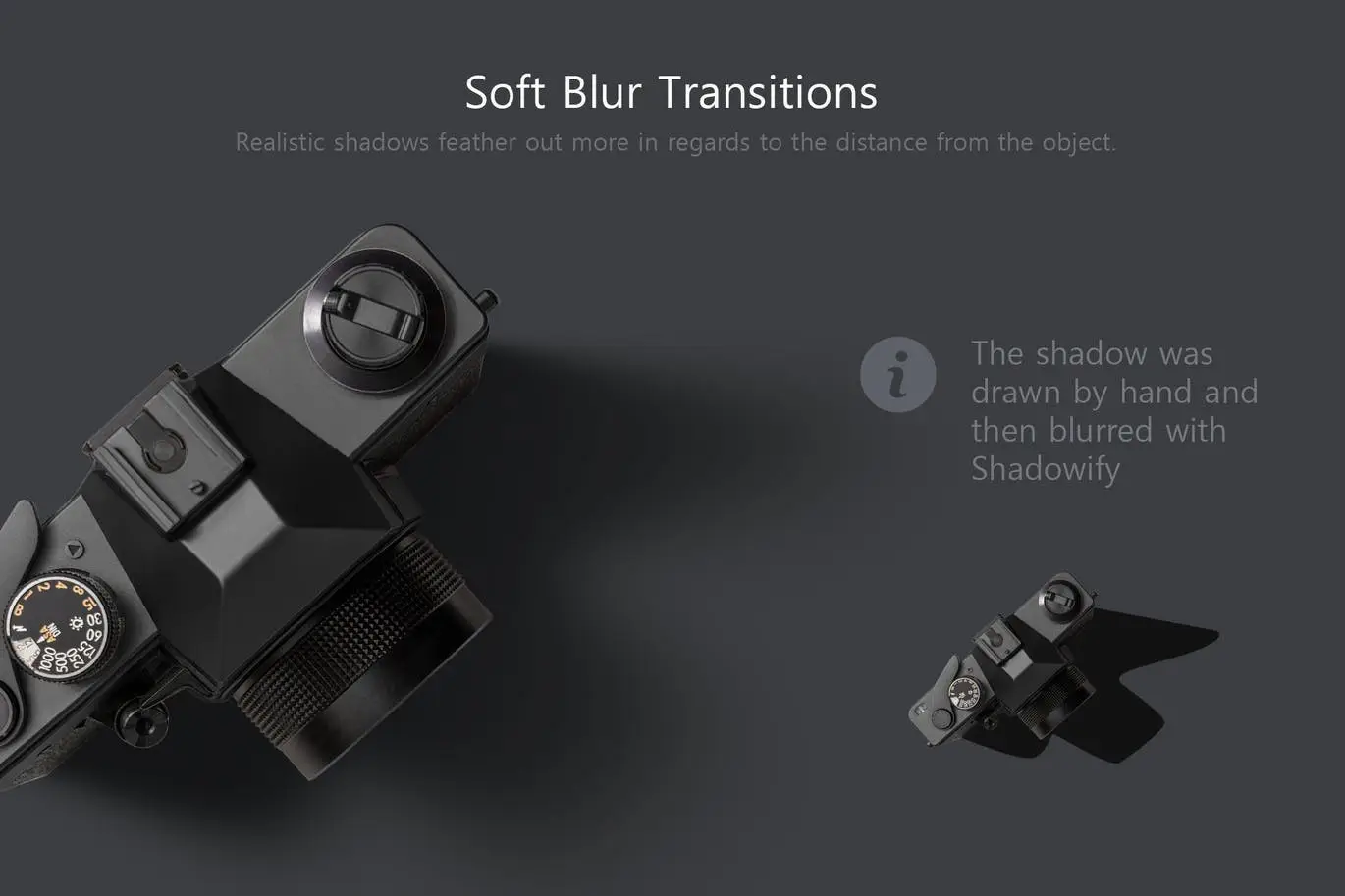
- ✅ Create Soft Blur Transitions → Achieve a smooth, natural shadow effect.
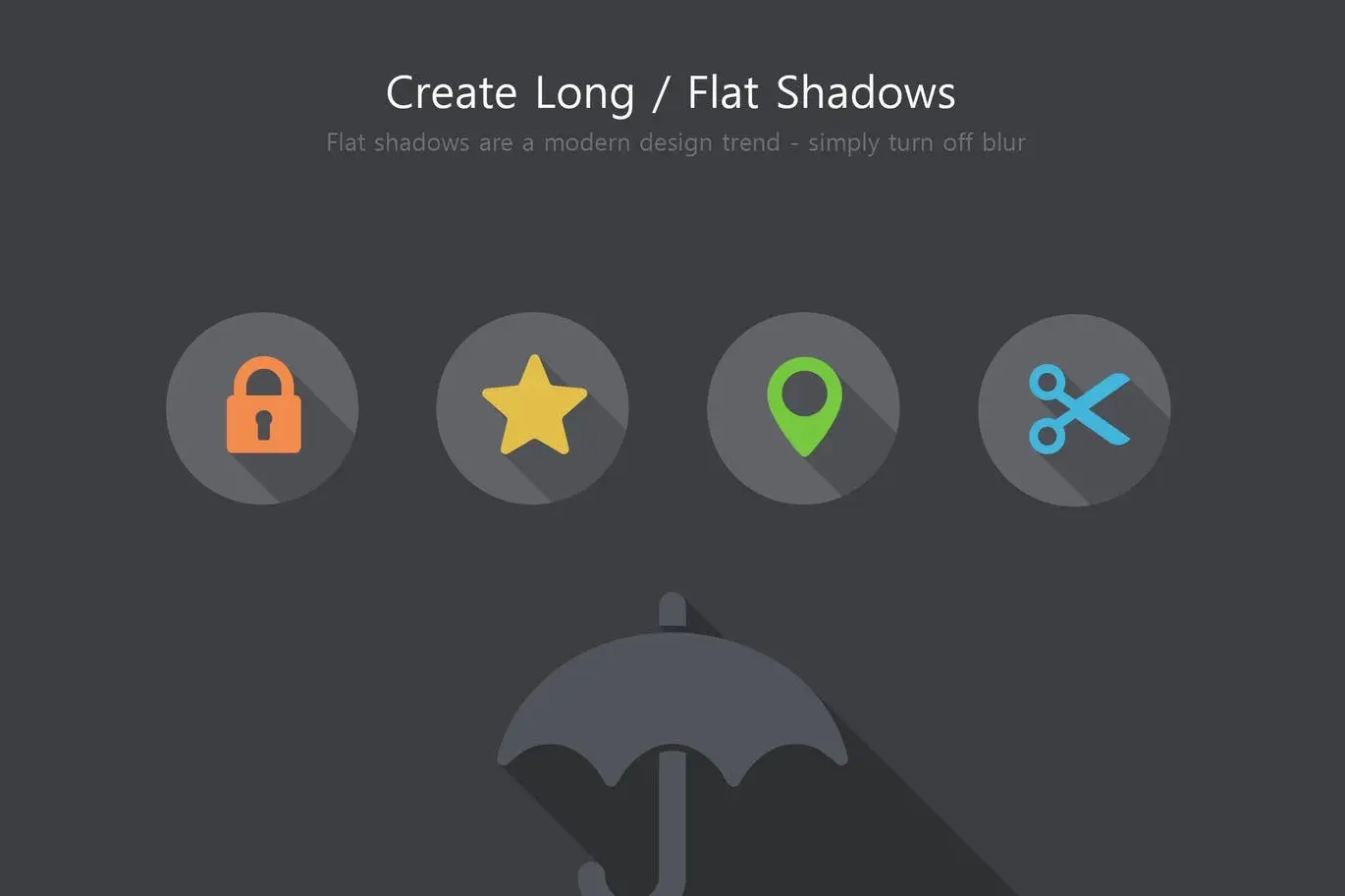
- ✅ Flat or Realistic Shadows → Switch between styles to suit minimalistic or detailed designs.
- ✅ Unit Values (px, in, %, …) → Customize shadow dimensions in various units for flexibility.
- ✅ Works on Any Layer Type → Apply shadows to text, shapes, and images seamlessly.
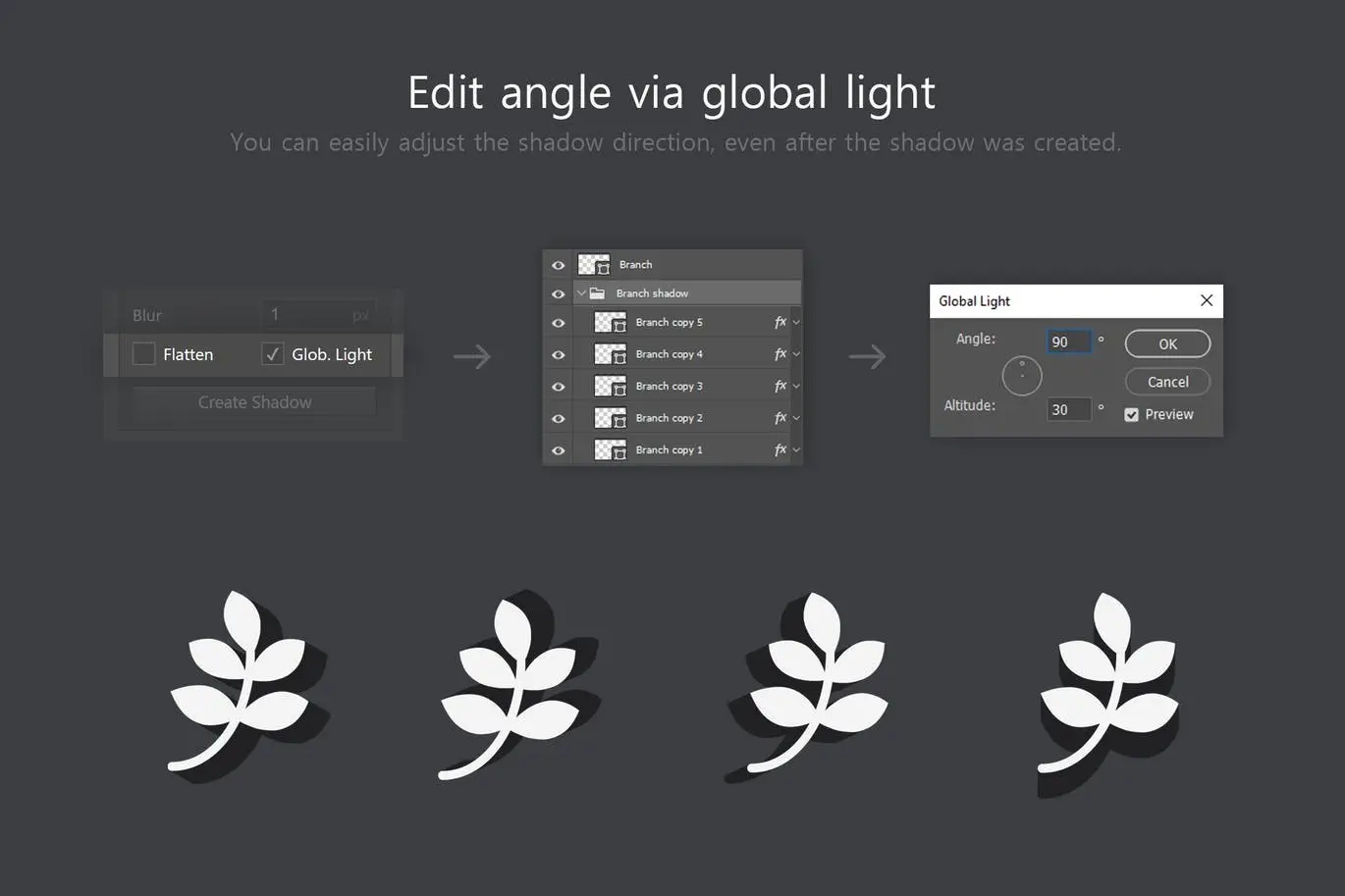
- ✅ Editable via Global Light Control → Change shadow direction easily with global light settings.
Why Choose This Product
Shadowify stands out because it combines simplicity with powerful features. You can create realistic shadows that enhance your designs without the hassle of complicated settings. Trusted by designers worldwide, this kit is perfect for anyone looking to elevate their work with professional-quality shadows.
Specifications (Technical Details)
| Compatibility | Photoshop CC 2015 and higher |
|---|---|
| Version | 1.0.1 |
| Features | Gaussian & Motion Blur |
What’s Included / What’s in the Box
- 📦 Shadowify Plugin for Photoshop
- Comprehensive User Guide
- Access to Online Support
Perfect For
- Graphic Designers
- Web Designers
- Illustrators
- Hobbyists
How to Use
Using Shadowify is straightforward:
- Install the plugin in Photoshop.
- Select the layer you want to apply shadows to.
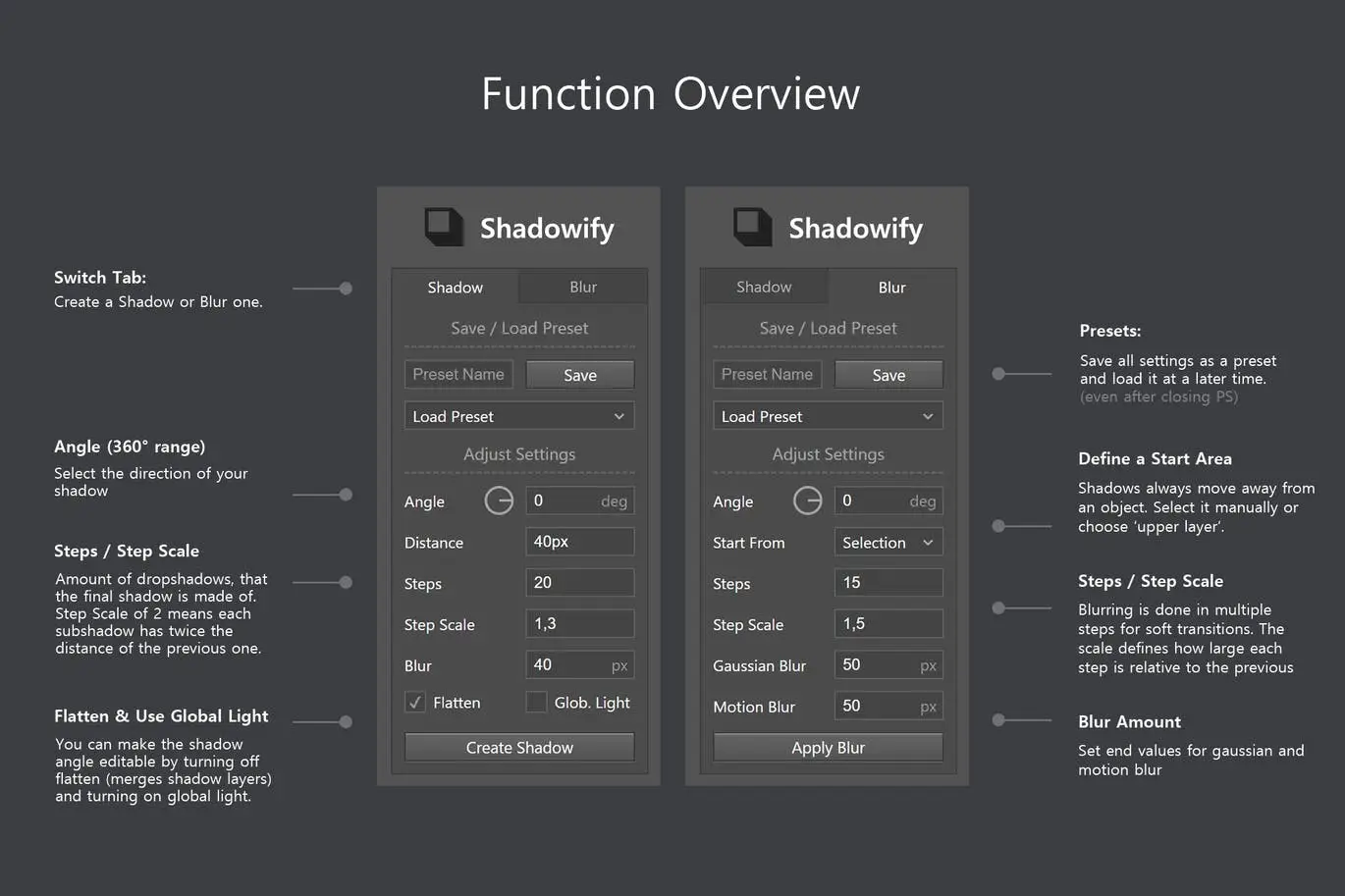
- Open the Shadowify panel and adjust your settings.
- Save your preferred settings as a preset for future projects.
FAQ
- Can I use Shadowify on any layer type? Yes, it works on text, shapes, and images.
- What if I encounter issues with loading presets? Ensure you are using the latest version, as updates fix common bugs.
Add to cart now and start creating stunning shadows today! 🚀
User Reviews
Be the first to review “Shadowify – Realistic Blur & Shadow Kit”
You must be logged in to post a review.

Pattern Rapport Creator (Offset & Overflow)
Sold by
Better Grids – Layout Creation Kit
Sold by
Smaller PSD – Filesize Reduce Kit
Sold by
Adobe Photoshop Scene Photo Overlay Bundle – 19 Overlays
Sold by

Shadowify 2 – Realistic Blur & Shadow Kit
Sold by
Original price was: $5.00.$2.50Current price is: $2.50.


There are no reviews yet.