Hey there, fellow creative soul! 👋 Are you ready to take your digital art to the next level? I’ve been diving deep into the vibrant world of the ihemalaya Collection Part 2, and let me tell you—it’s an absolute treasure chest for anyone using Photoshop. ✨ Whether you’re a seasoned pro or just starting your artistic journey, these 20 mind-blowing actions and effects will totally transform your workflow. Buckle up, because we’re about to explore the best tools to make your designs pop like never before! 🚀
Why Use These ihemalaya Photoshop Actions?
First off, let’s talk about why ihemalaya is a name you can trust. This collection is packed with highly polished, one-click solutions that save you hours of tedious manual work. Instead of wrestling with complex layer masks, you can focus on what you do best—creating! From gritty cyberpunk vibes to soft, nostalgic watercolors, these actions bring instant versatility to your projects. Plus, they’re all super beginner-friendly but deep enough for pros to tweak and customize. 🎯
Top 20 ihemalaya Collection Picks
Lenticular Photoshop Action
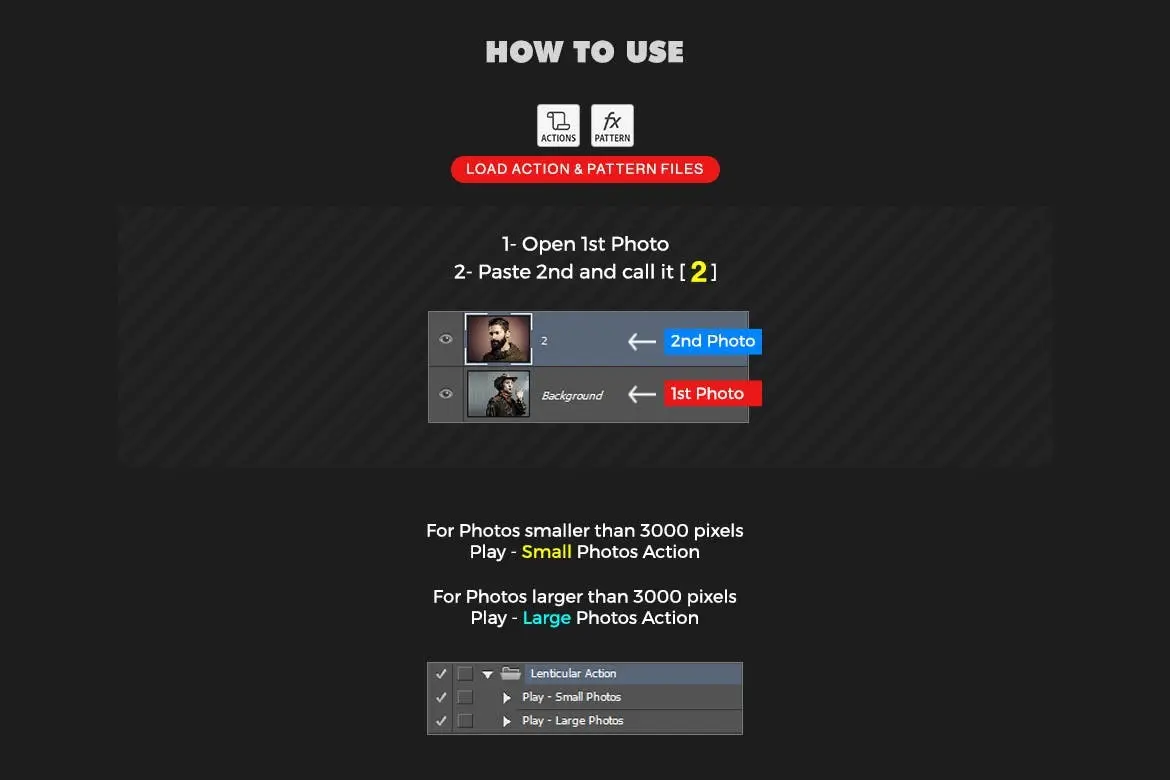
Want to create that mesmerizing, shifting 3D effect without the headache? This action is your new secret weapon for CD covers, posters, and social media graphics that literally look like they’re moving! 🔮
Vintage Old Photo PSD Effect
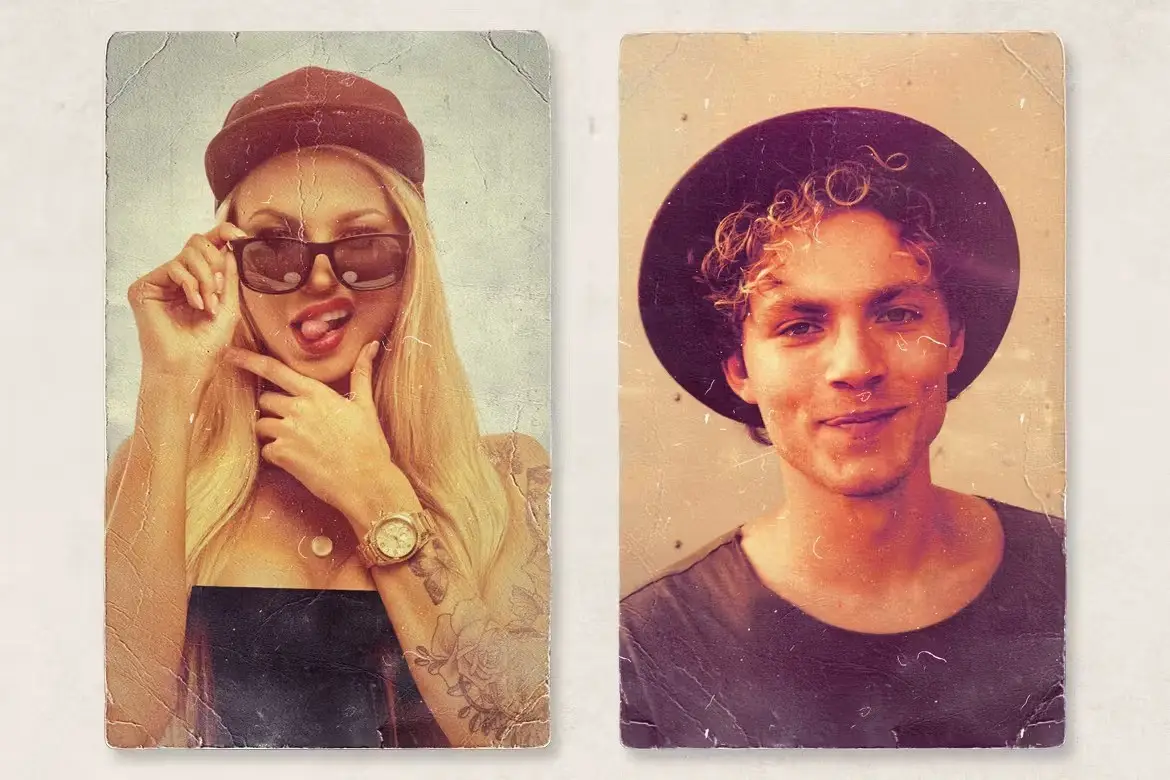
Transport your audience back in time with just one click! This template instantly adds that authentic, aged charm with dust, grain, and faded colors—perfect for nostalgic branding or moody portraiture. 📸
Animated Glitch 2 Photoshop Action
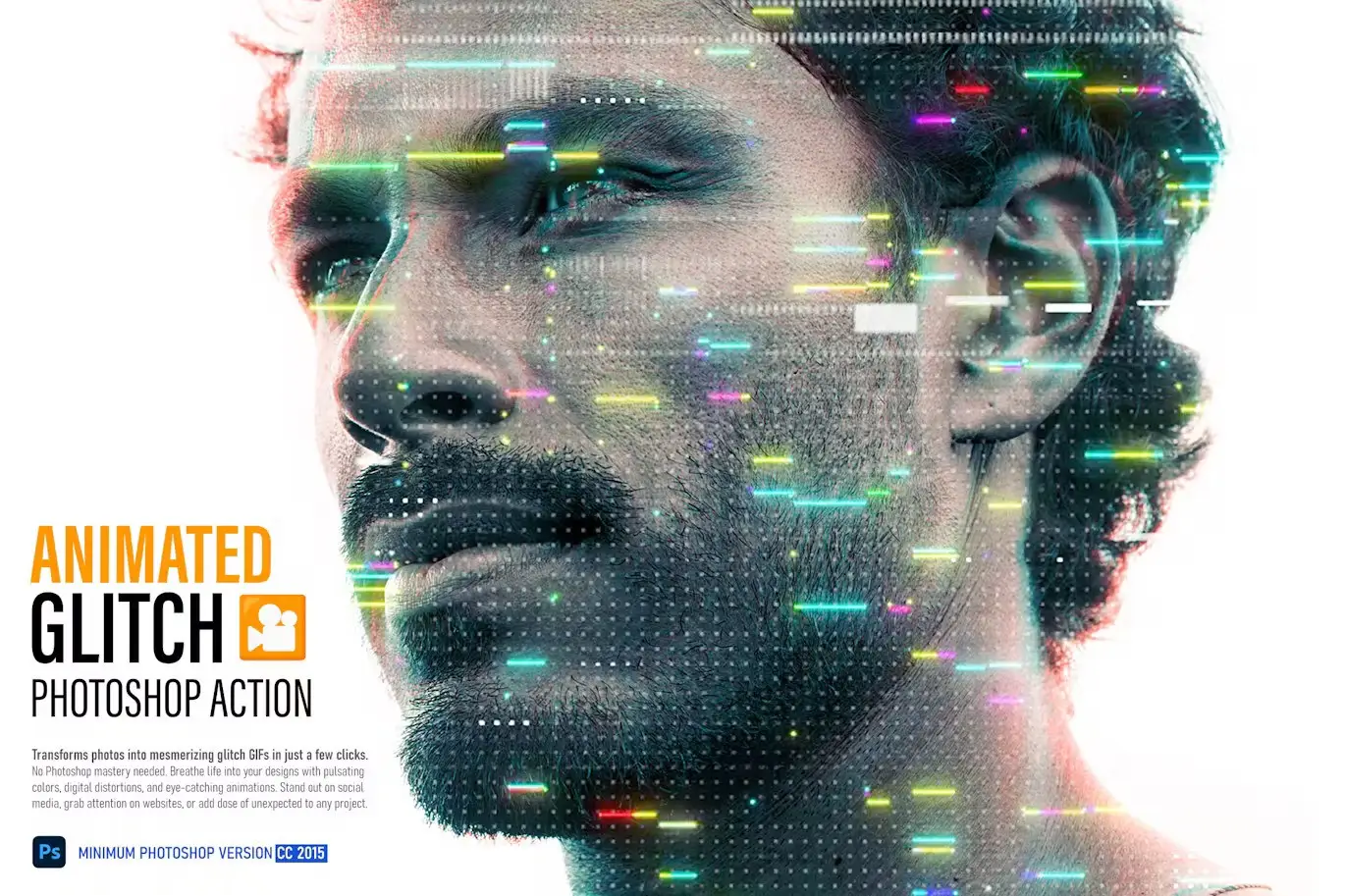
Give your images a raw, digital punk energy! This action creates dynamic, animated glitch effects that are perfect for music videos, gaming thumbnails, or edgy social content. It’s like your photos got a cool, chaotic upgrade. ⚡
Spray Art 2 Photoshop Action
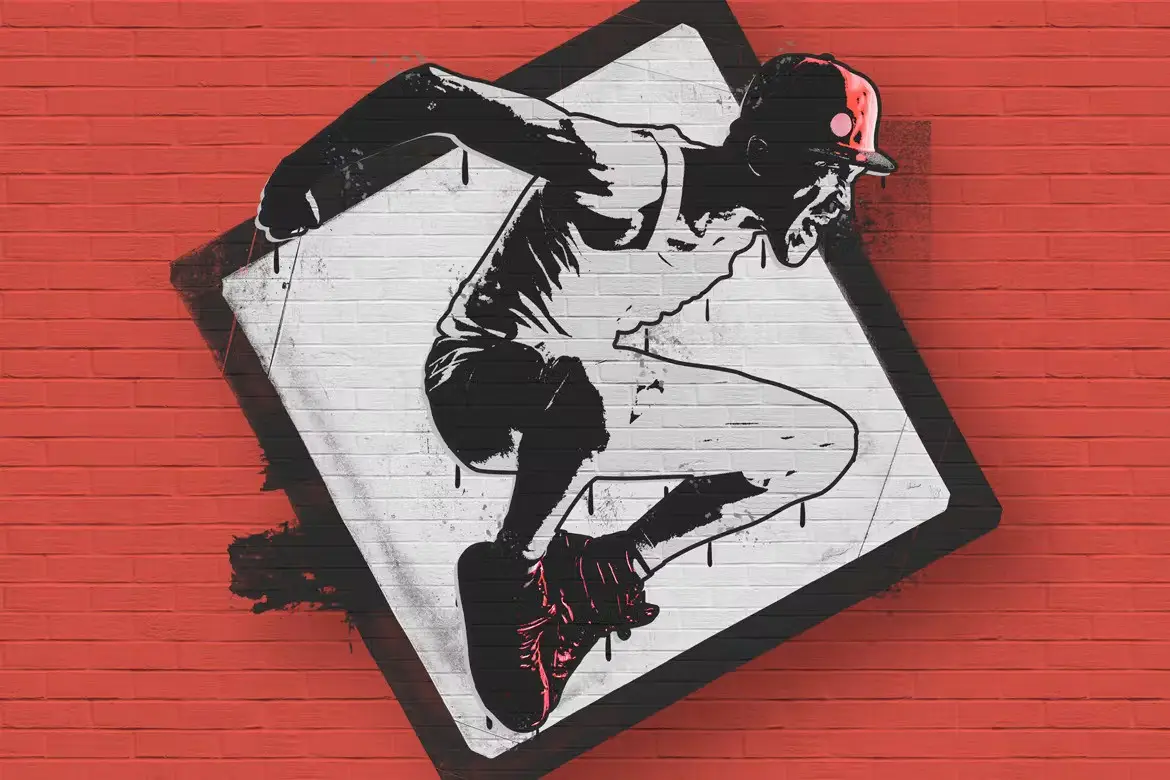
Add some street art flair to your designs! This action simulates the look of real spray paint, complete with drips and textures, making your posters or flyers look like they came straight off a brick wall. 🎨
Anime Speed Lines Photoshop Action – Animated
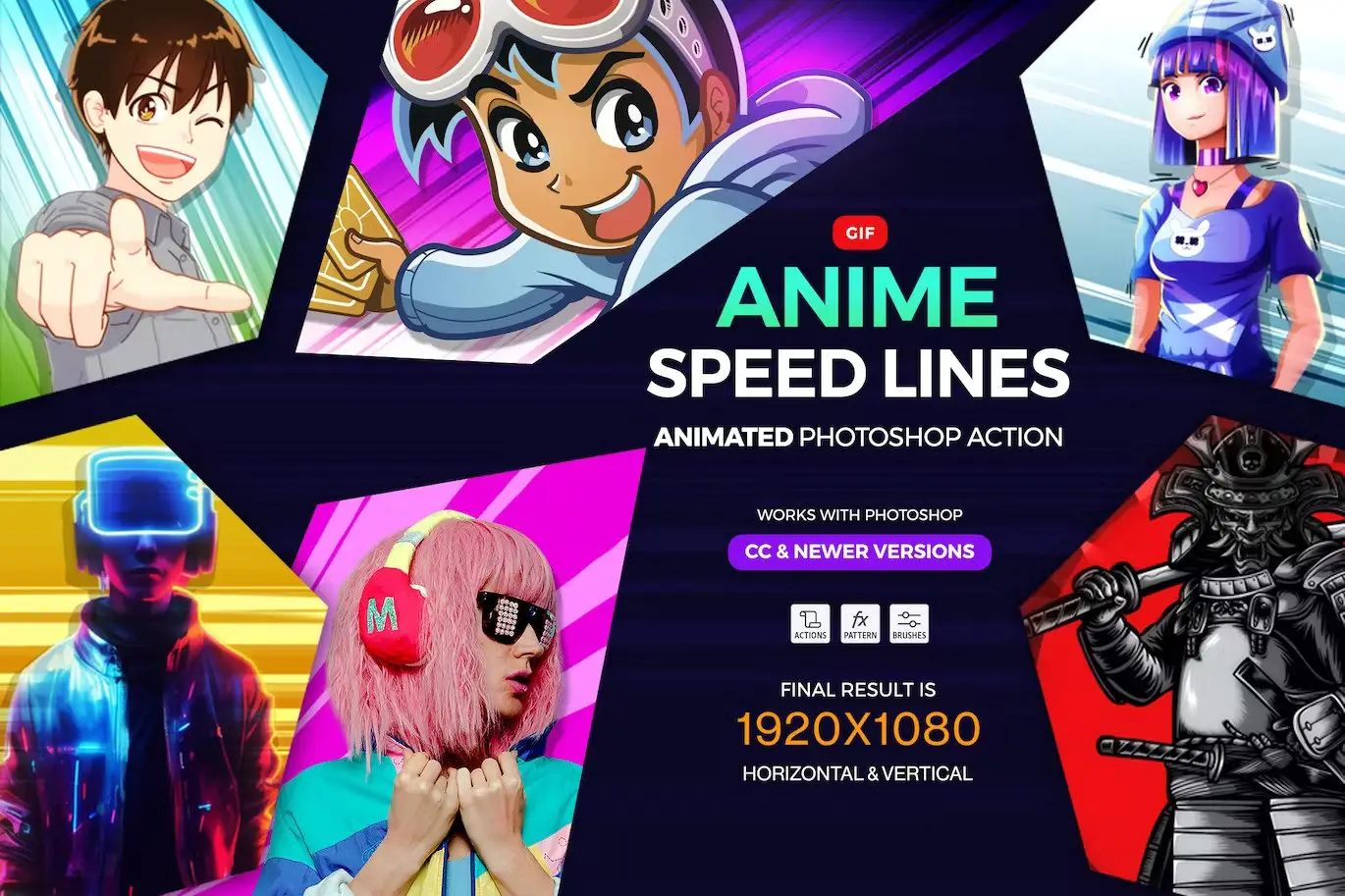
Bring your manga and anime creations to life! This action adds those iconic, dynamic speed lines that scream motion and energy, perfect for action-packed illustrations or fan art. 🏃♂️💨
Guardian 3 Photoshop Action
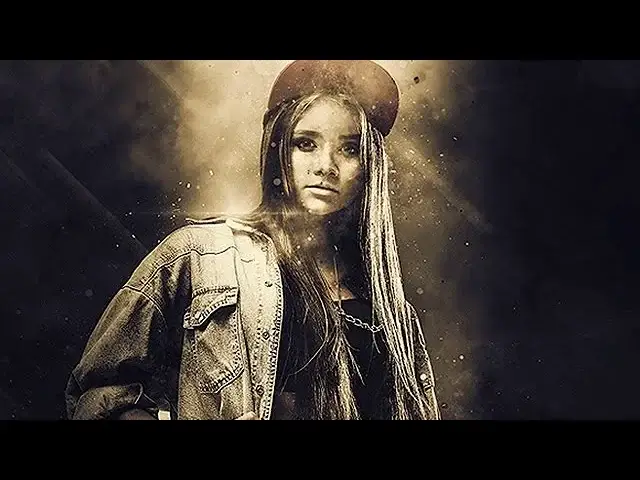
Unleash a cinematic, suspenseful vibe with smoke, dramatic lights, and epic color grading. This action is a must-have for fantasy portraits or dark, moody photo manipulations. 🕯️
Embroidery Patch Maker Photoshop Action

Transform your logos or designs into realistic, stitched patches without ever picking up a needle! Perfect for creating unique merch, badges, or just adding a crafty texture to your art. 🧵
Knitting Effect Photoshop Action
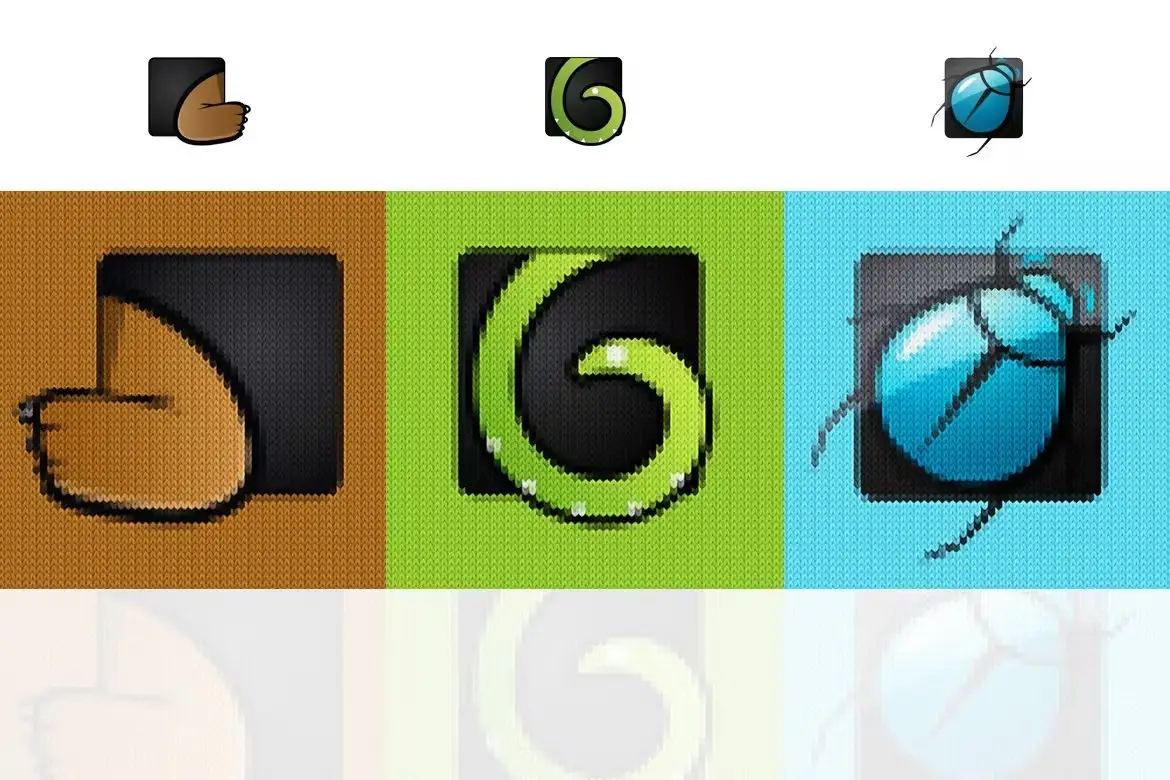
Get cozy with your designs! This action turns any photo into a warm, textured knitted pattern—ideal for winter-themed projects, textile designs, or something totally unique. 🧶
Cartoon Art Photoshop Action
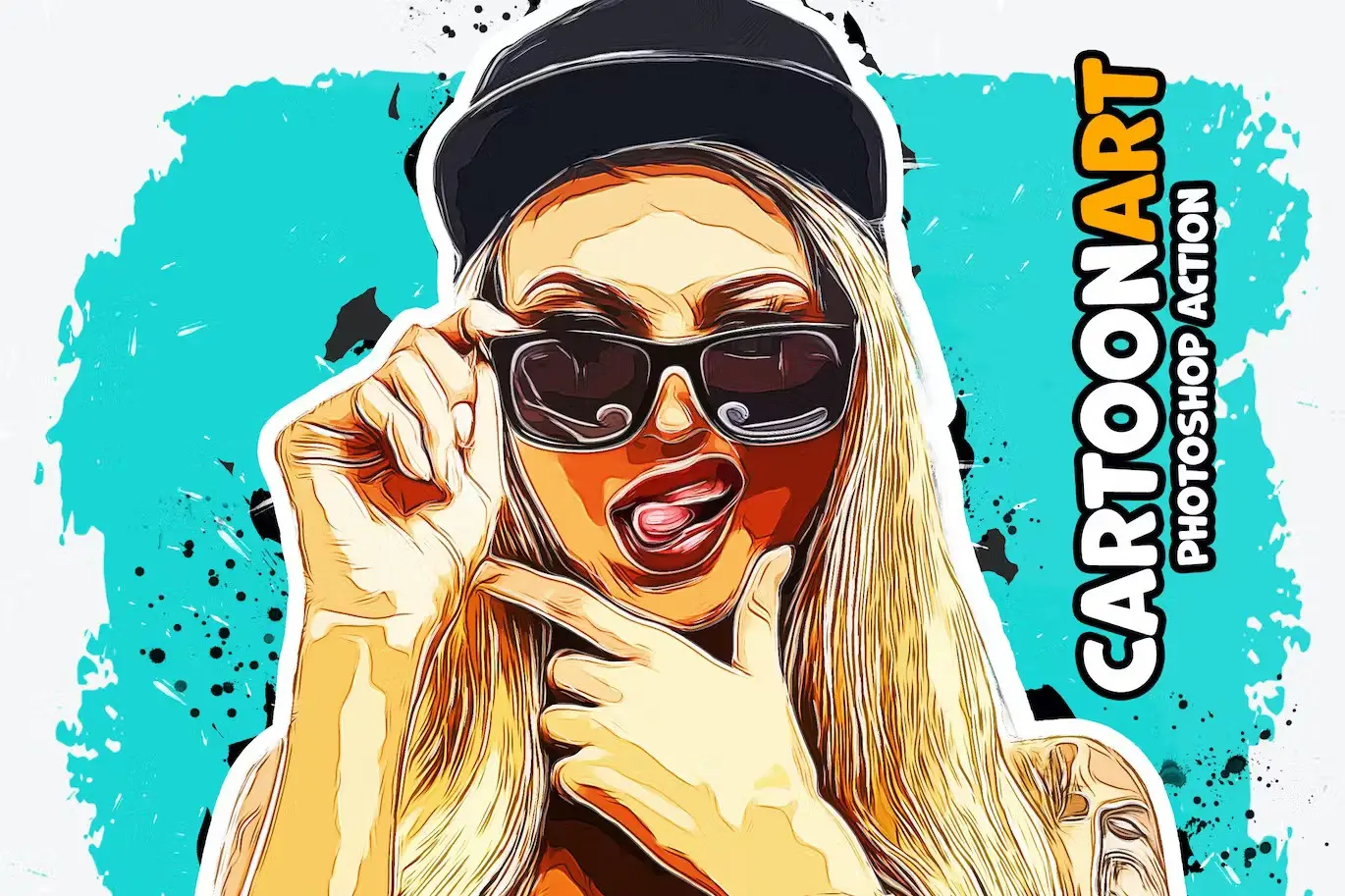
Turn your photos into playful, vibrant cartoon art in seconds! This action is a fantastic way to add a fun, illustrated twist to portraits or create eye-catching avatars. 🎭
CyberPunk 2 Photoshop Action
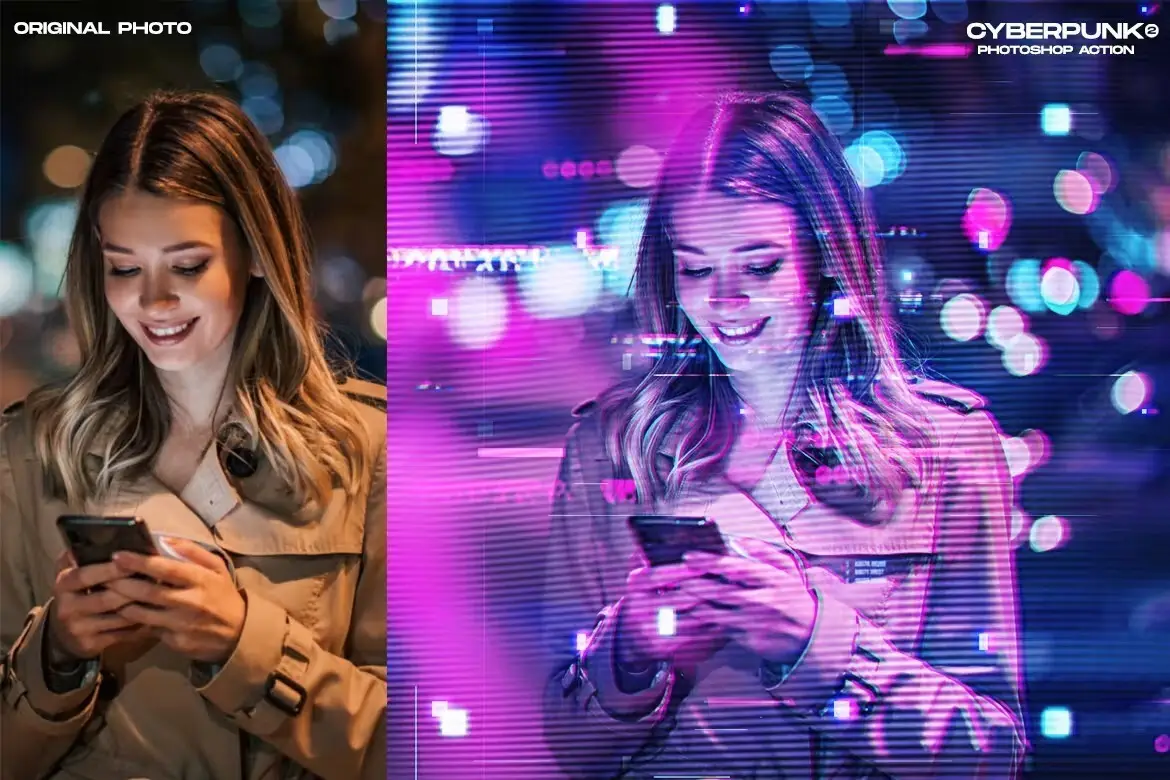
Inject some neon-drenched, futuristic flair into your work! This action delivers a stunning cyberpunk aesthetic with electric colors and grunge textures—perfect for sci-fi lovers. 🤖
Sliced Mirror Photoshop Action
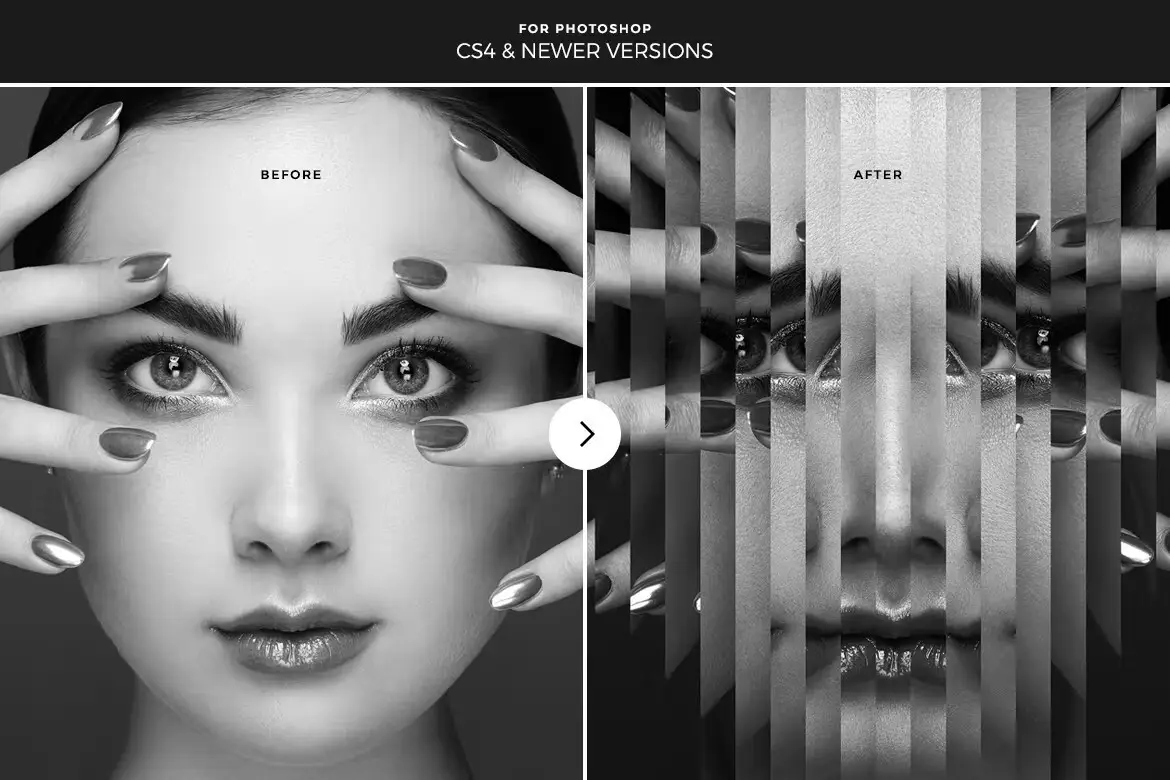
Create mind-bending, symmetrical reflections with a shattered twist! This action is incredible for album art or abstract posters that literally stop the scroll. 🔮
Cartoon Vectory Photoshop Action
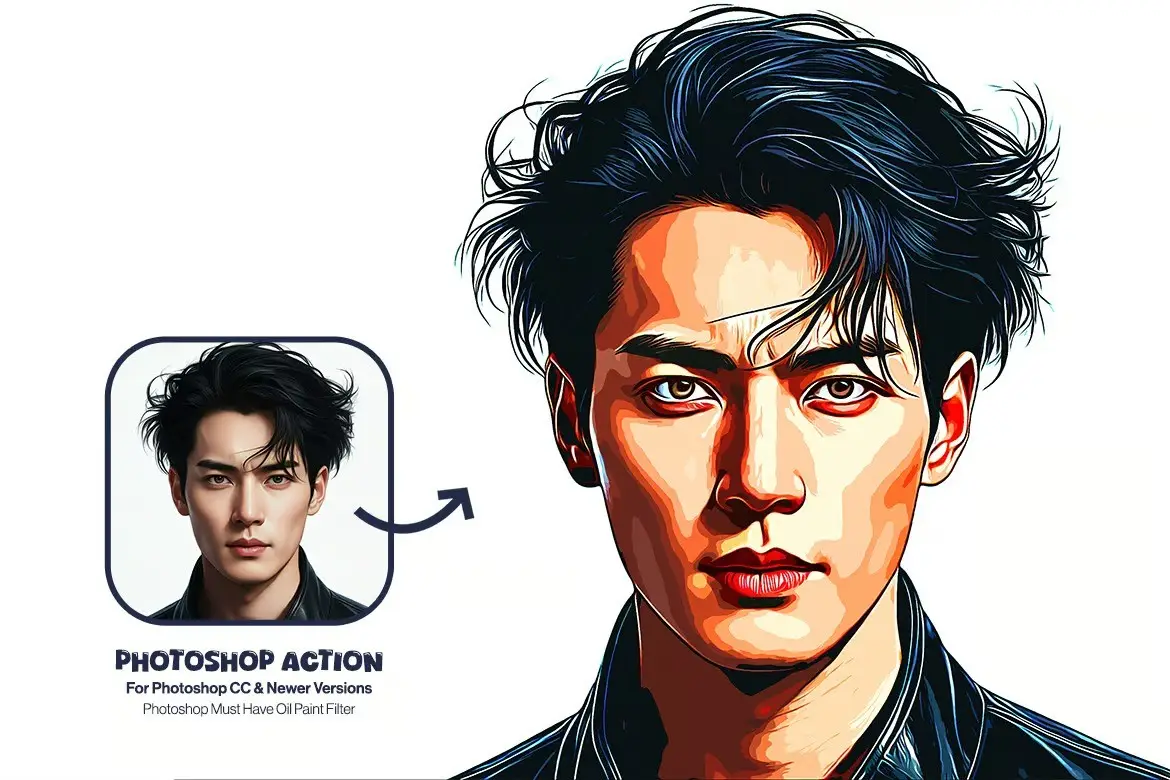
Give your images a sleek, vectorized cartoon look that feels both modern and artistic. It’s like having a comic book filter, but way more polished! 🦸
Hazy Smoke Photoshop Action
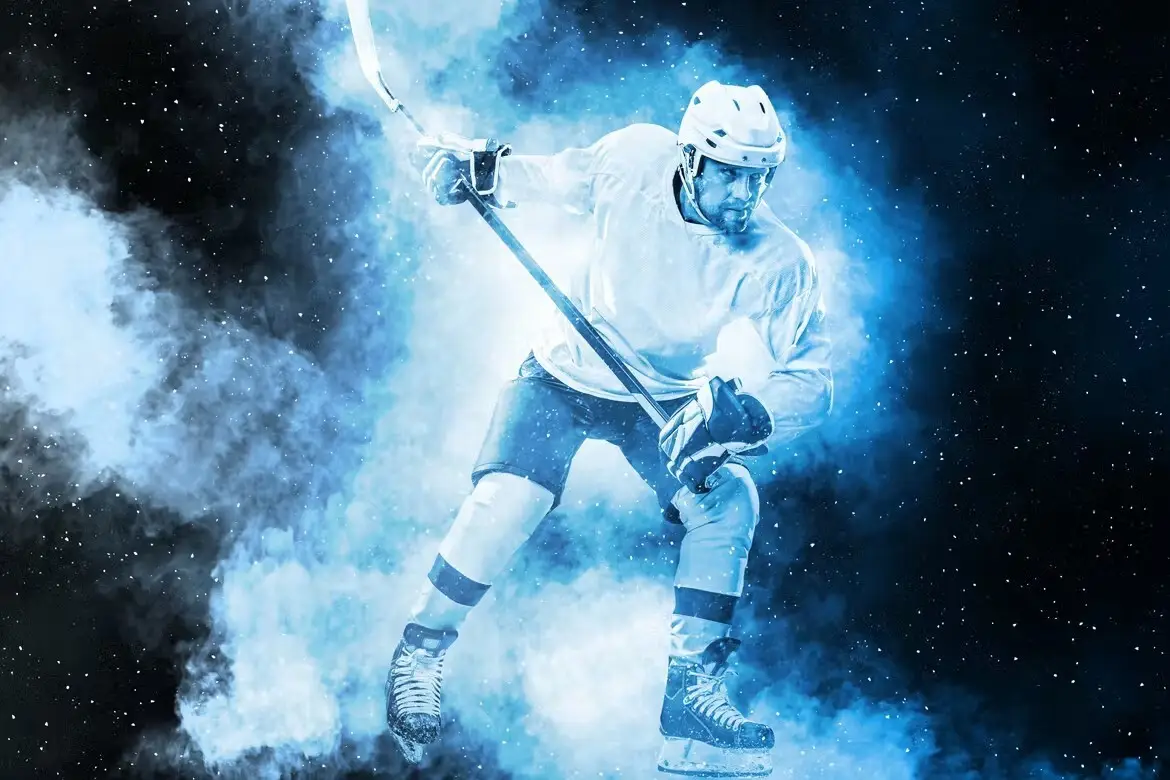
Add a dreamy, ethereal atmosphere to your photos with realistic smoke effects. This is a game-changer for adding depth and mystery to portraits or still lifes. 💨
100 Duotone Gradients
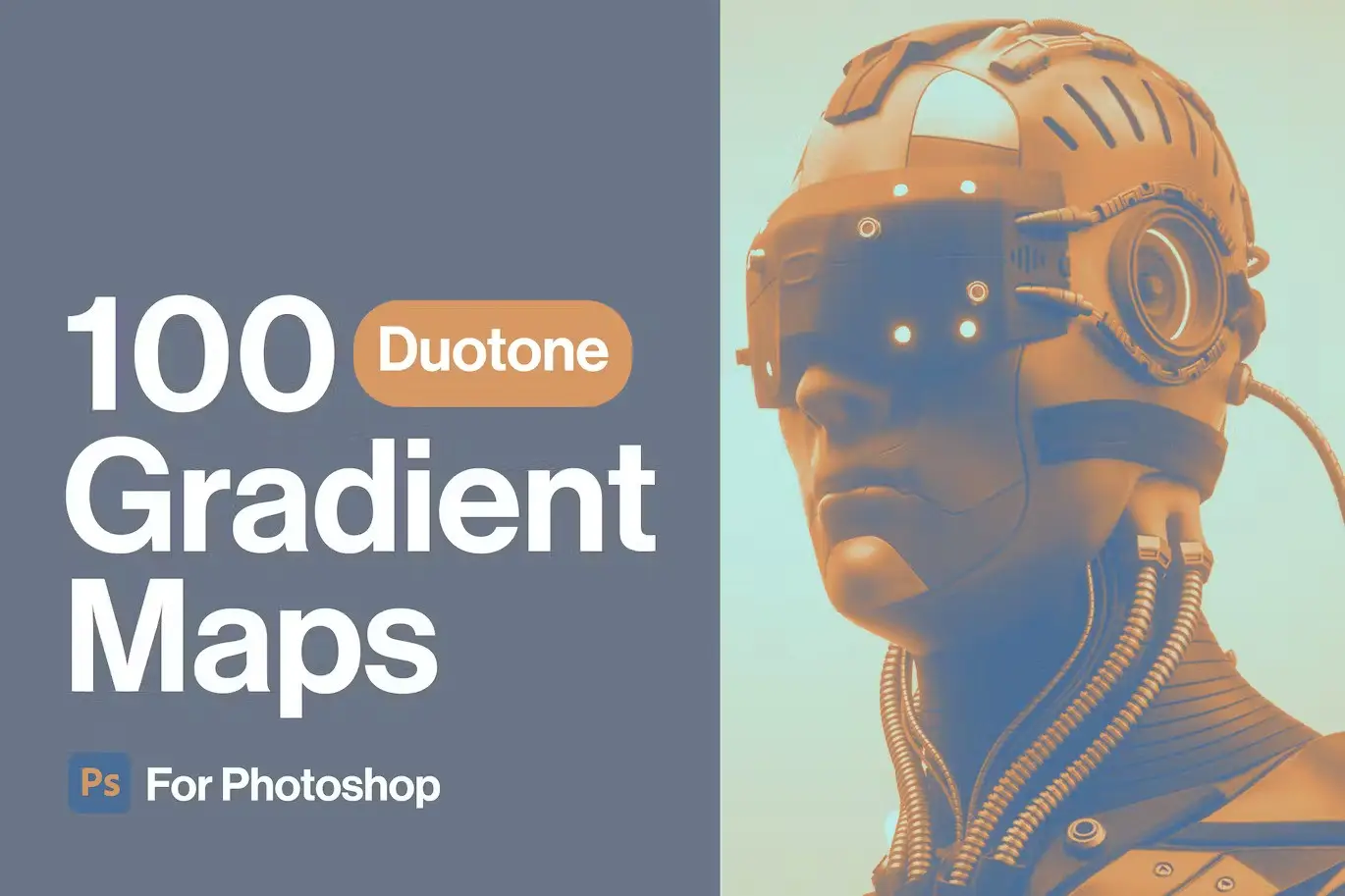
A massive library of rich, two-tone gradients that instantly elevate any design. Perfect for adding a cohesive, trendy color palette to your brand or social media posts. 🌈
100 Acidify Gradients Maps
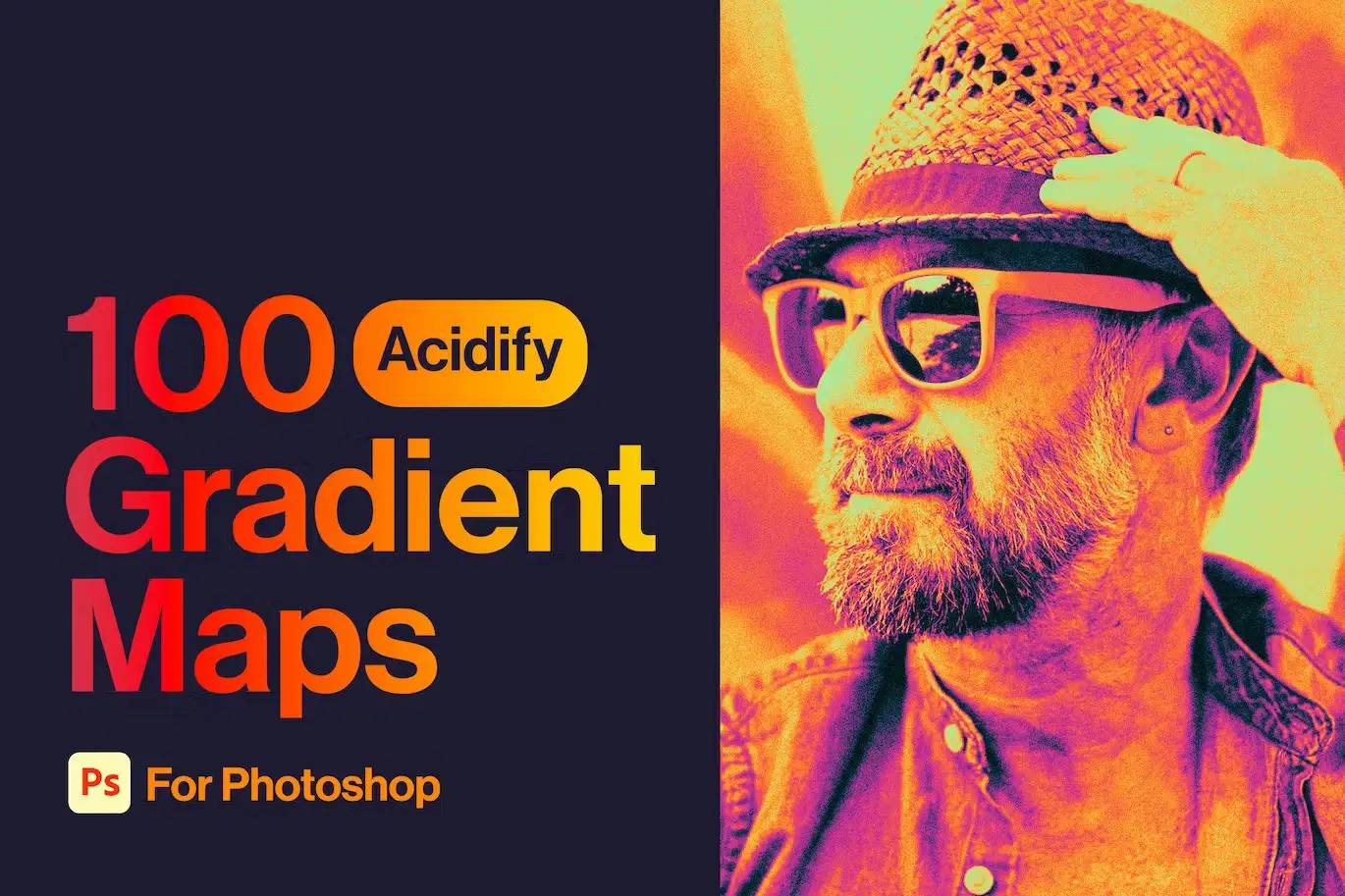
Go wild with neon, psychedelic color shifts! This set of gradient maps is perfect for adding a trippy, high-energy vibe to your illustrations or event flyers. 🧪
TypoMix 2 Photoshop Action
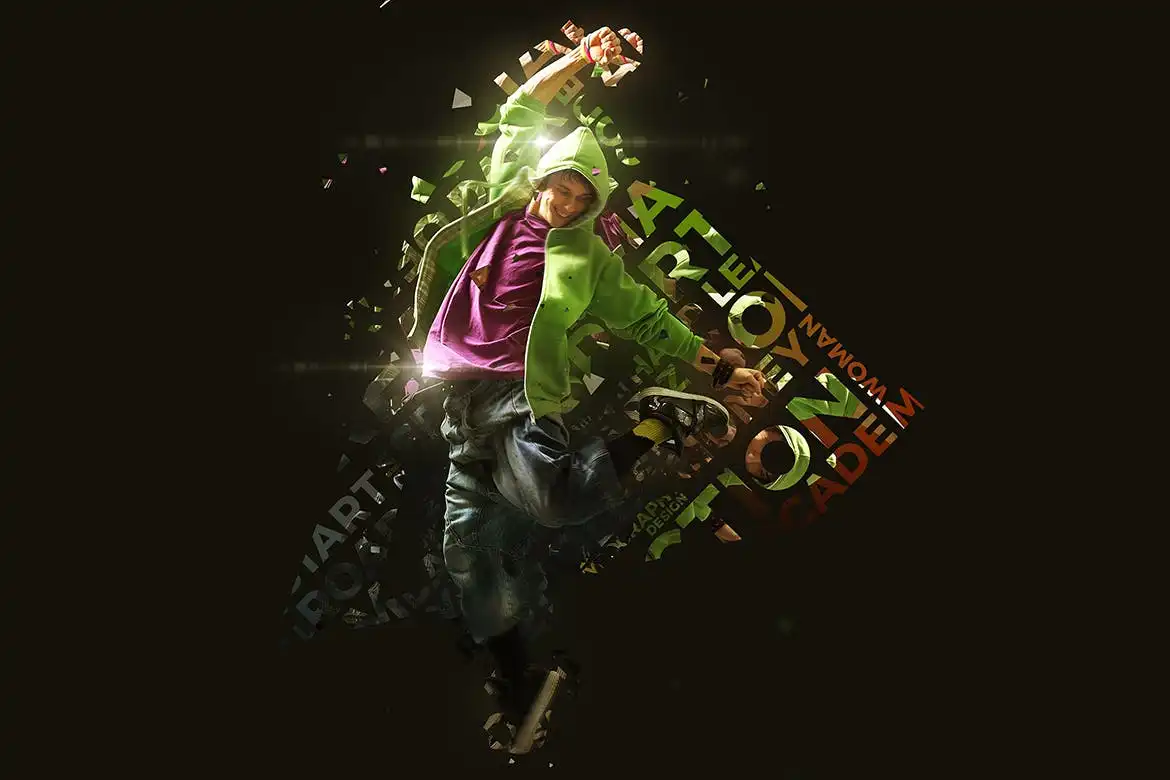
Combine typography with stunning smoke and light effects for a truly unique poster. This action is a lifesaver for creating bold, artistic text compositions. ✍️
Revenge Photoshop Action
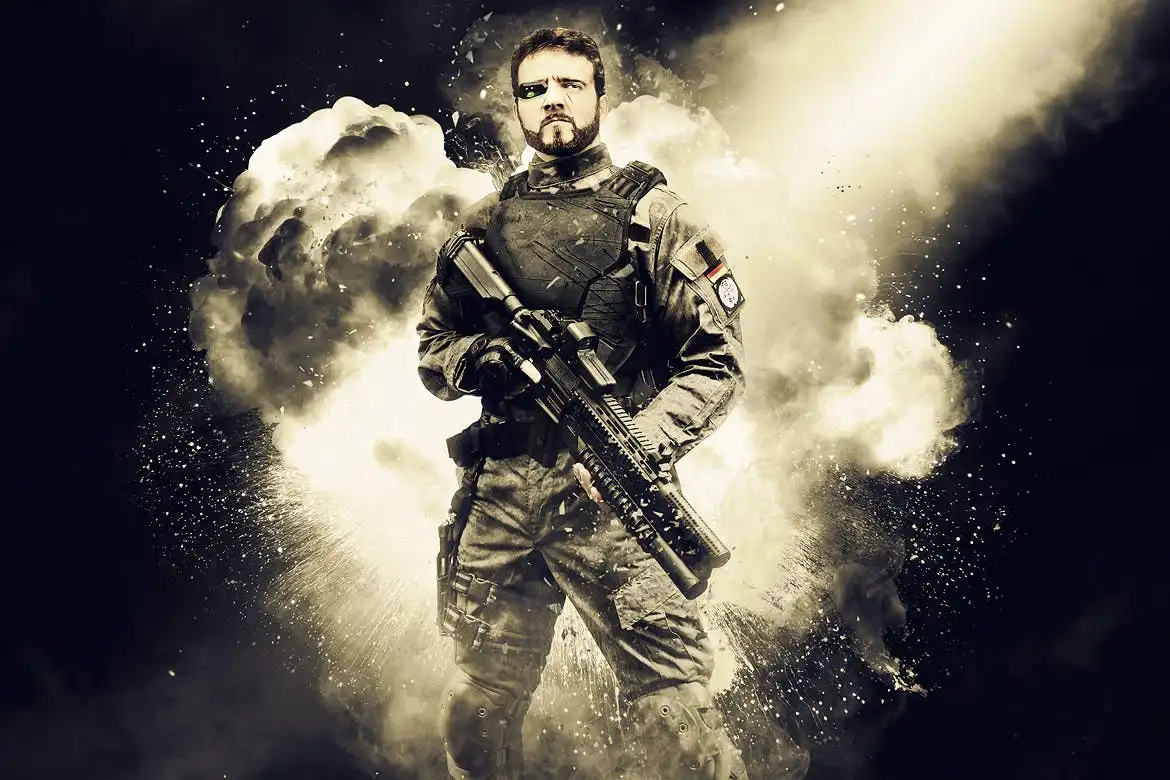
Add explosive, high-impact drama to your photos! This action delivers intense, cinematic effects—think explosions, dust, and raw emotion—that are perfect for storytelling. 💥
Watercolor 2 Photoshop Action
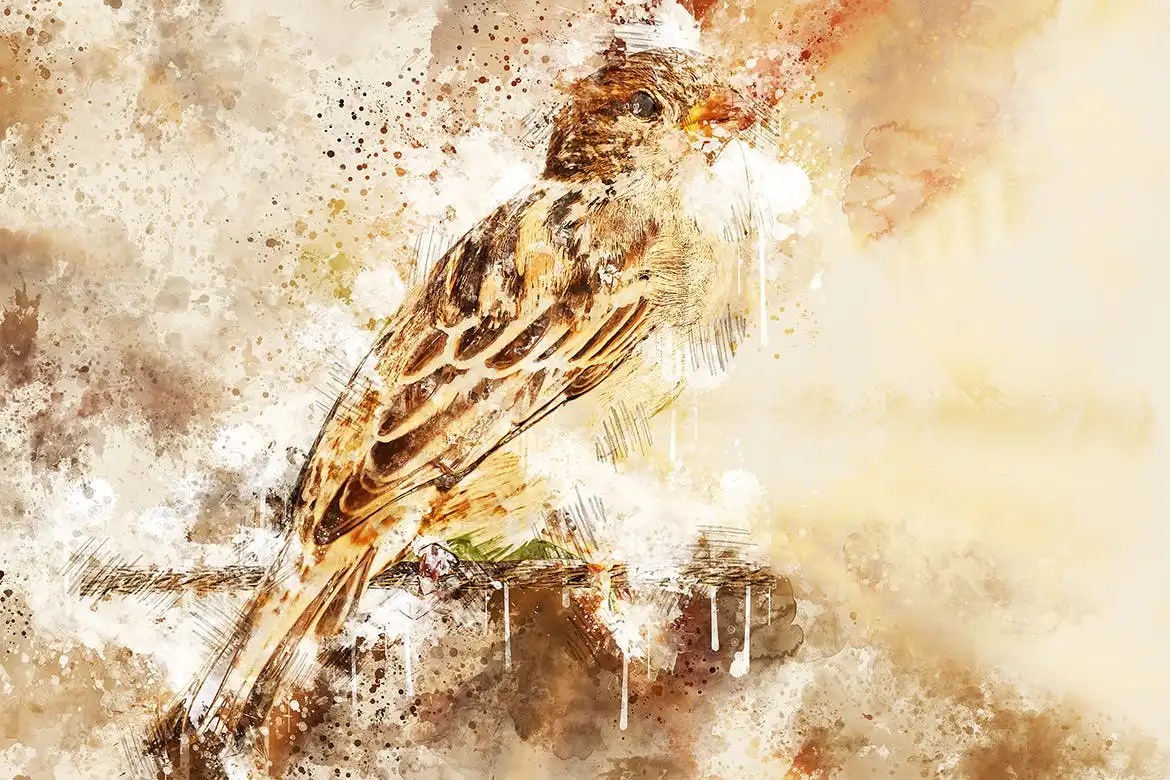
Create stunning, flowing watercolor masterpieces with zero mess! This action is brilliant for adding a soft, artistic touch to any photo, making it look like a real painting. 🖌️
Survivor Photoshop Action
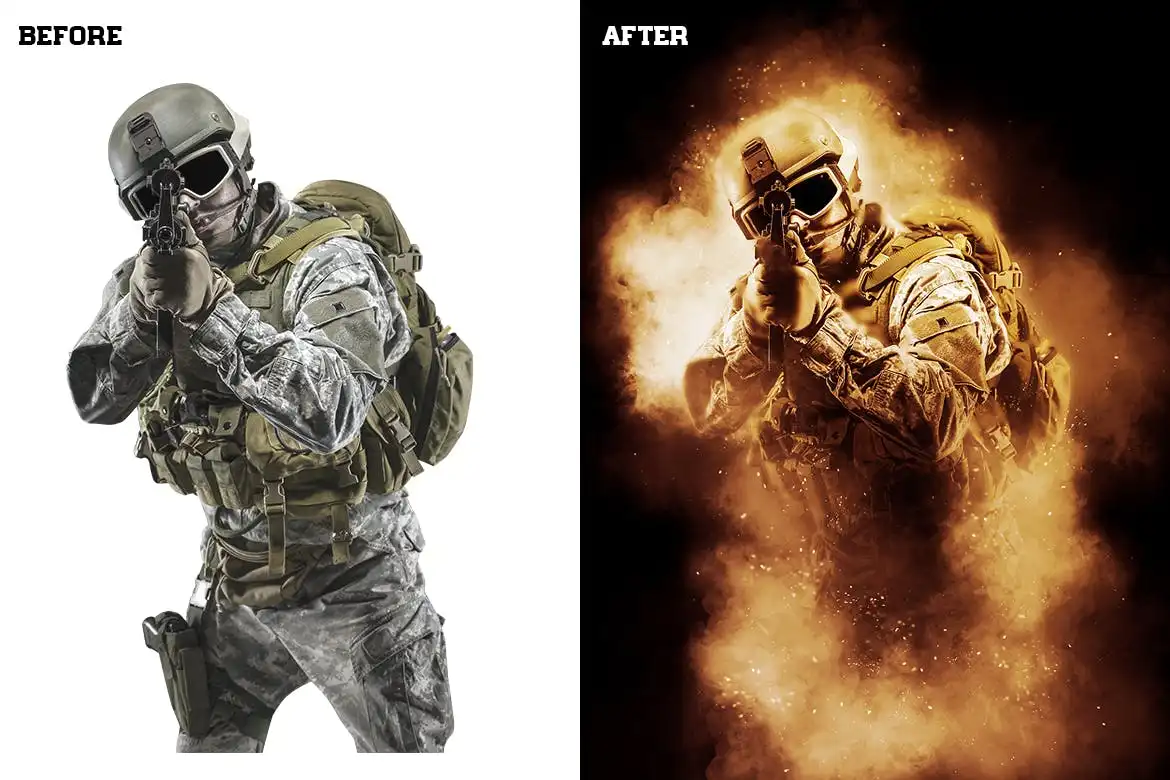
Channel that gritty, post-apocalyptic aesthetic! With smoke, dramatic lighting, and moody tones, this action is perfect for creating intense, survival-themed visuals. 🏚️
Architecture Sketch Photoshop Action
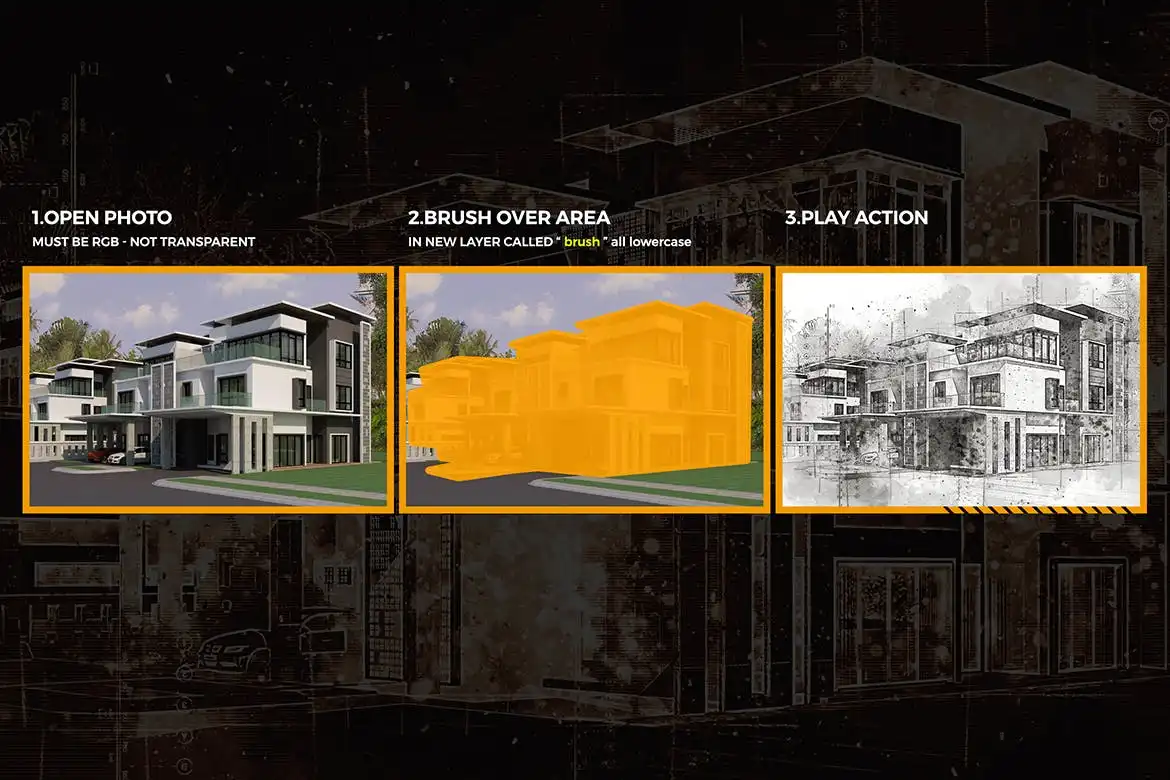
Turn any photo into a beautiful, hand-drawn architectural sketch! Ideal for designers, real estate portfolios, or anyone who loves that clean, blueprint aesthetic. 🏛️
Conclusion
And there you have it—the complete ihemalaya Collection Part 2! 🎉 From gritty glitch effects to dreamy watercolors and everything in between, this pack has something for every type of digital artist. I genuinely believe these actions and effects are game-changers that will save you hours of editing time while delivering jaw-dropping results. So go ahead, pick your favorites (or grab them all!), and let your imagination run wild. Your next masterpiece is just a click away! 🚀✨
Frequently Asked Questions
Do these Photoshop actions work on all versions of Photoshop?
Yes! These actions are designed to work seamlessly with Photoshop CC and newer versions. Just make sure you have the latest updates installed for the best performance.
Can I customize these effects after applying them?
Absolutely! All the actions and PSD files come with fully editable layers, so you can tweak the colors, opacity, and textures to match your unique vision.