
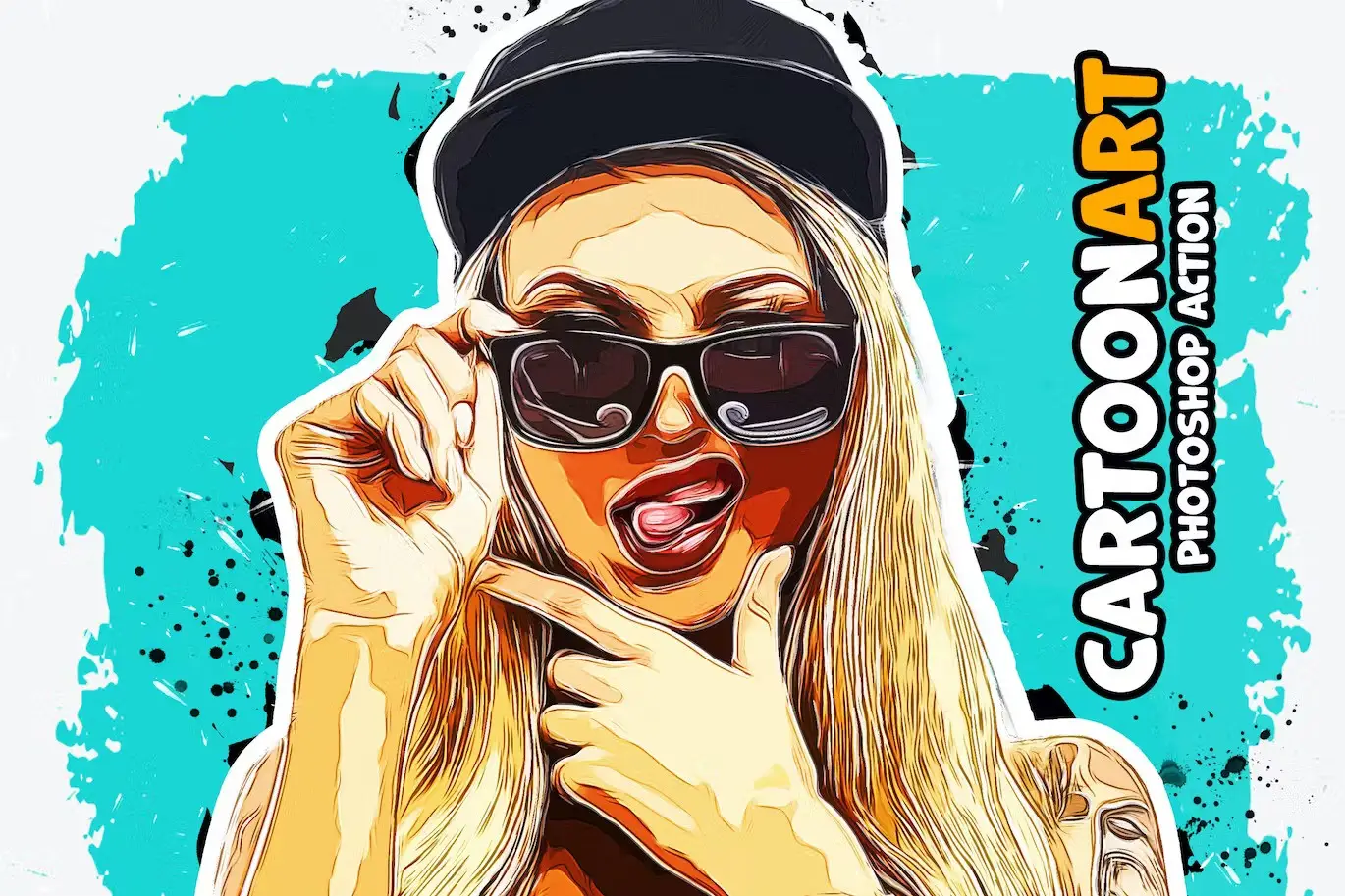
Cartoon Art Photoshop Action
Original price was: $5.00.$2.50Current price is: $2.50.

ihemalaya
Product Specs:
- Compatible with: Actions
- File Type: ZIP
- File Size: 1.2 MB
- Instant Download
Cartoon Art Photoshop Action
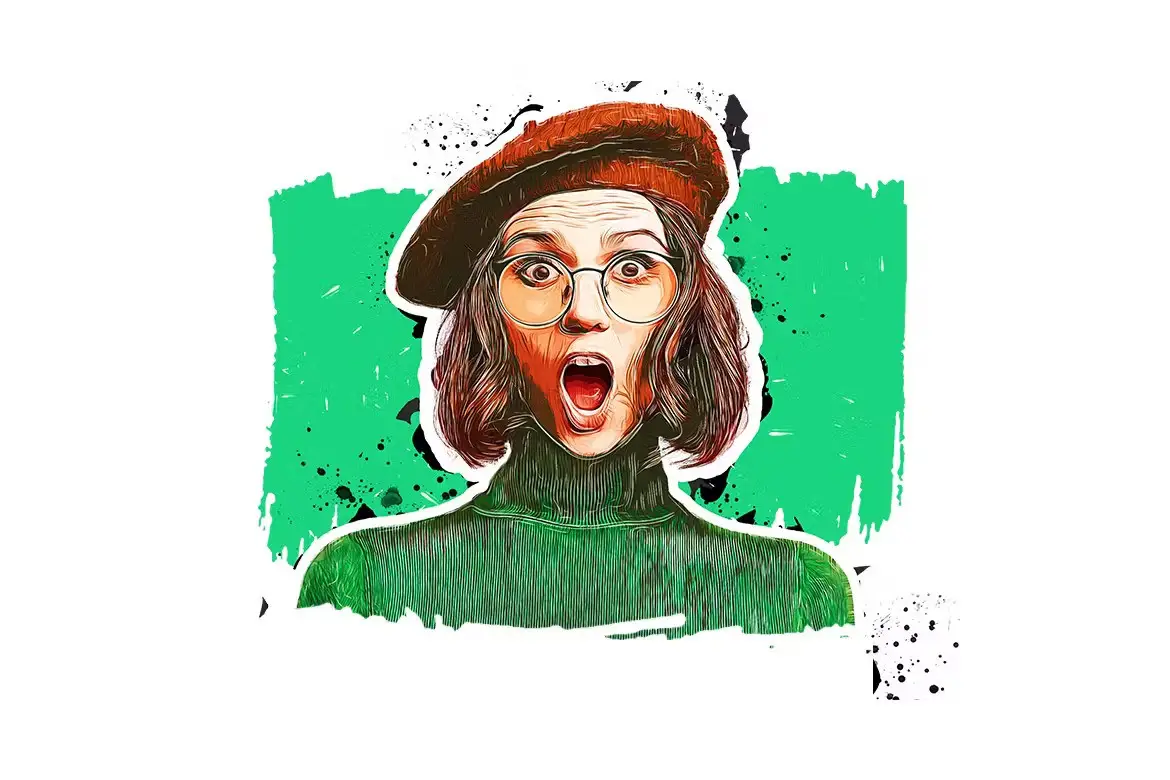
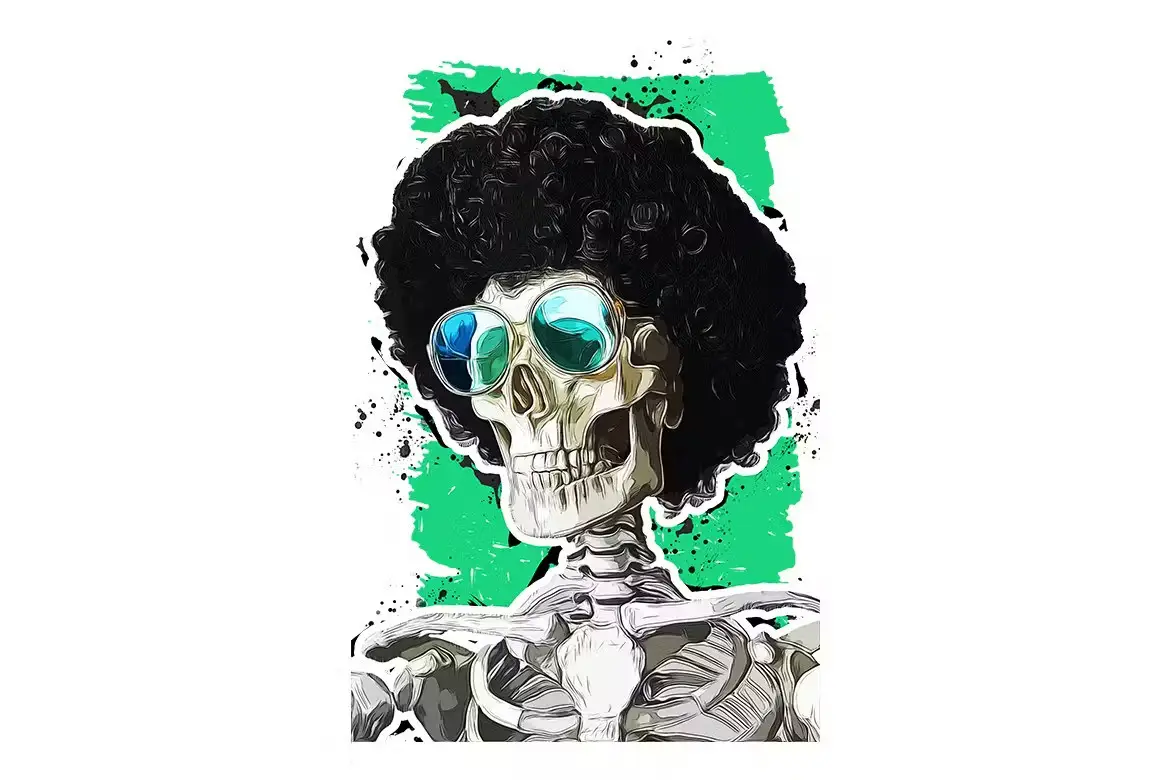
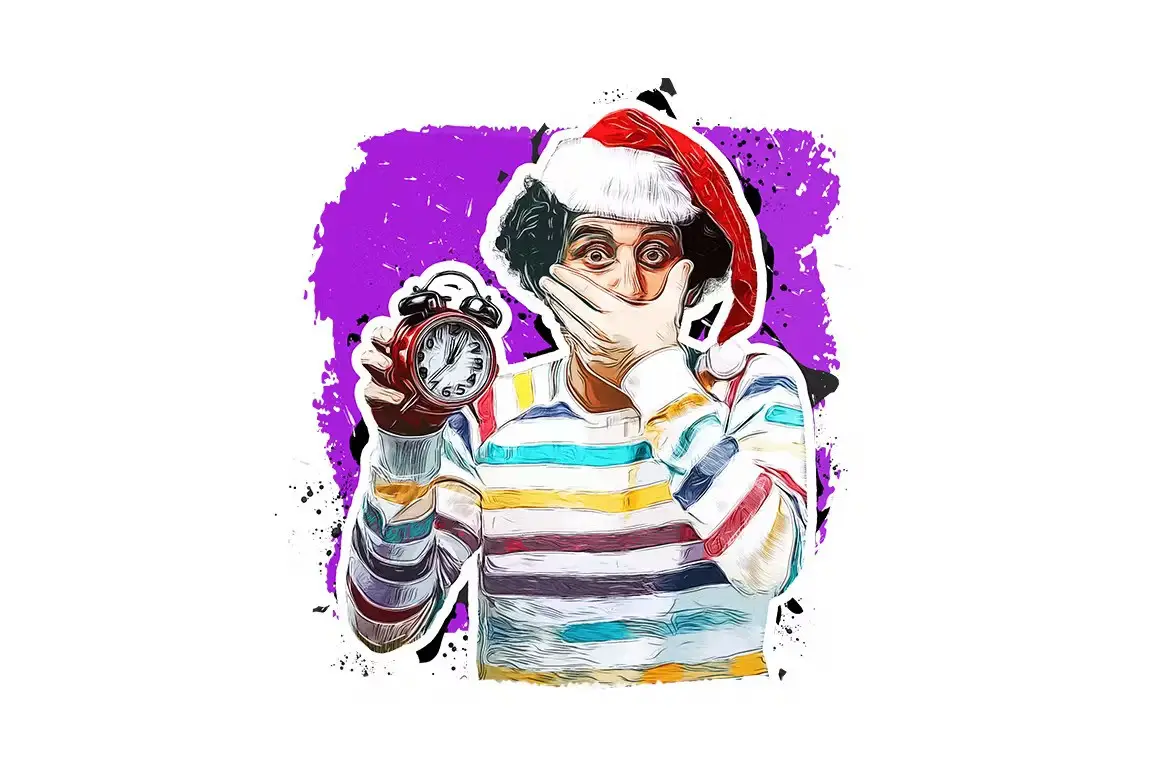
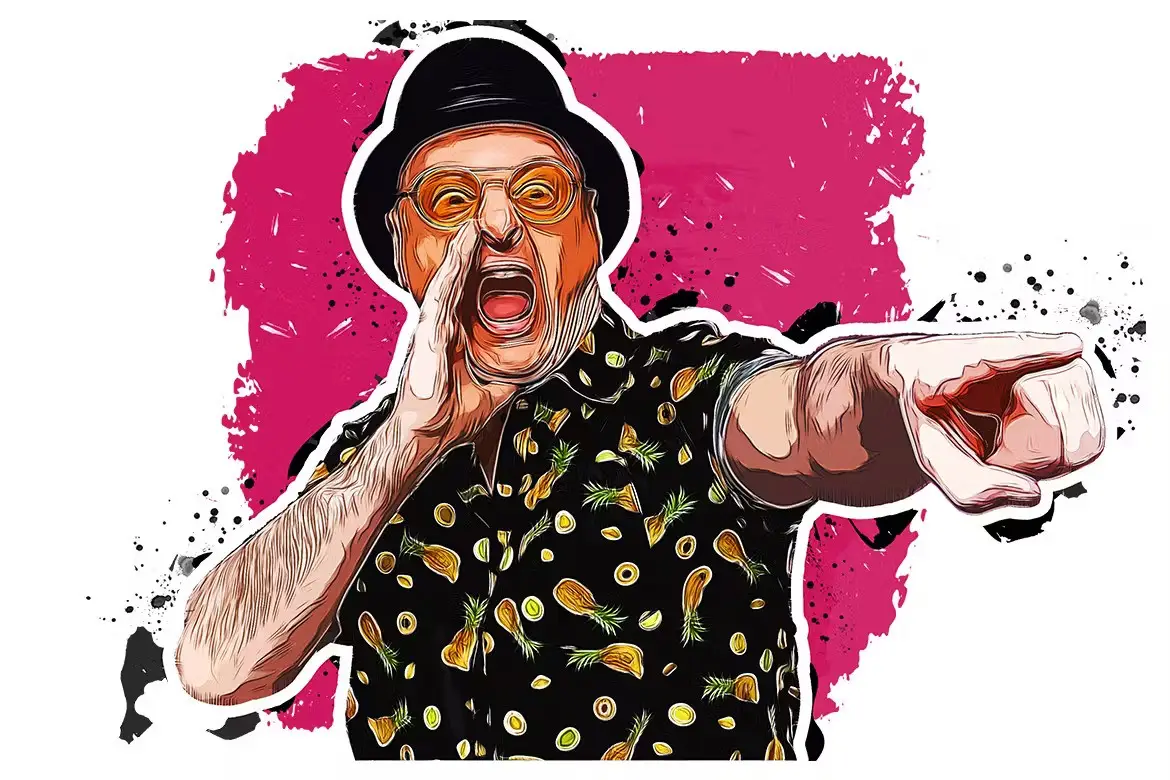
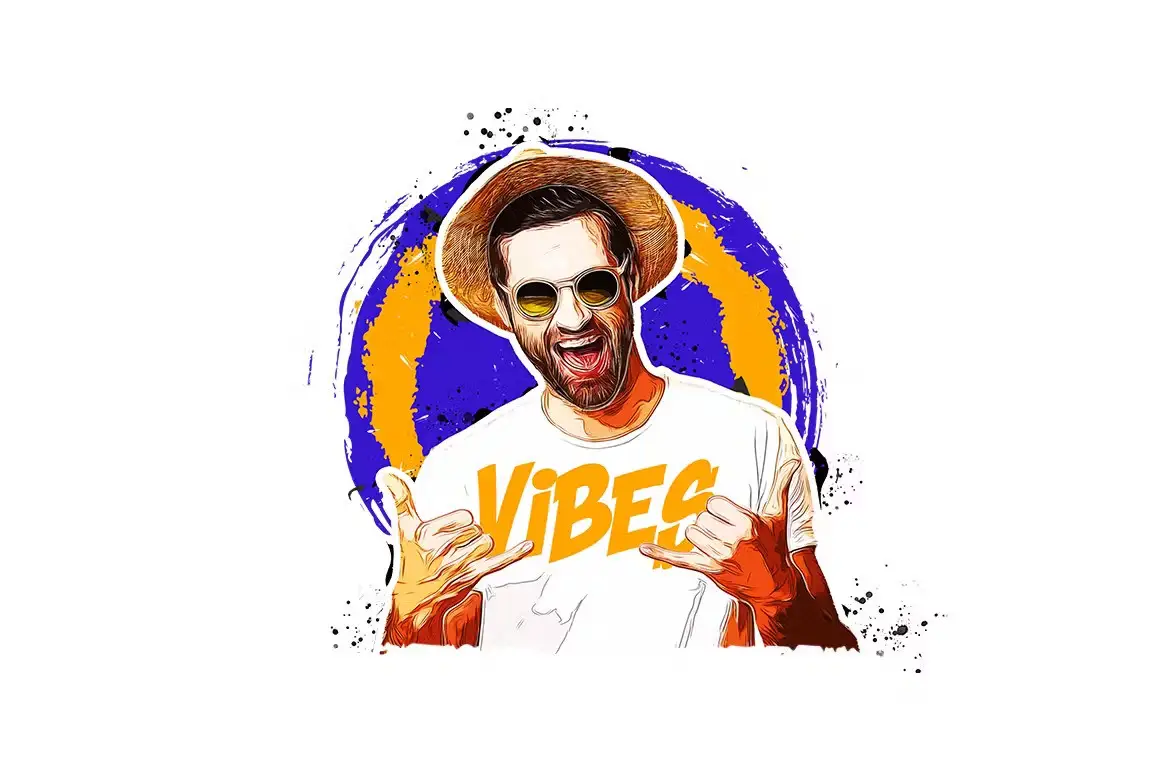
Transform your photos into stunning cartoon art with our Cartoon Art Photoshop Action. This action is designed to simplify the creative process, allowing you to achieve professional results effortlessly. Whether you’re looking to add a unique touch to your artwork or create eye-catching visuals for social media, this action is the perfect solution.
Product Overview
The Cartoon Art Photoshop Action is an innovative tool that works seamlessly with Photoshop CC and higher versions. It utilizes the Oil Paint Filter to create beautiful, cartoon-like effects that enhance your images without compromising quality. Ideal for artists, designers, and anyone looking to elevate their visual content, this action makes it easy to bring your creative visions to life.
Key Features & Benefits
- ✅ Compatible with Photoshop CC & Higher → Enjoy flexibility and ease of use with the latest software updates.
- ✅ Must Have Oil Paint Filter → Achieve a rich, textured look that mimics traditional painting styles.
- ✅ Works in All Photoshop Languages → No matter your language preference, this action is accessible and user-friendly.
- ✅ Fast & Easy to Use → Save time with a streamlined process that delivers impressive results in just a few clicks.
- ✅ Non-Destructive Product → Maintain the integrity of your original images while experimenting with creative effects.
- ✅ Comprehensive Help File Included → Get step-by-step instructions to ensure you make the most of this action.
- ❌ Images Not Included → Use your own photos to create unique cartoon art tailored to your style.
Why Choose This Product
The Cartoon Art Photoshop Action stands out due to its ease of use and professional-grade results. Whether you’re a beginner or a seasoned designer, this action simplifies the process of creating cartoon effects, allowing you to focus on your creativity. Trusted by artists worldwide, it opens up new avenues for artistic expression, making it a valuable addition to your digital toolkit.
Specifications
| Compatibility | Photoshop CC & Higher |
|---|---|
| Required Filter | Oil Paint Filter |
| Languages Supported | All Photoshop Languages |
| File Type | Photoshop Action (.atn) |
What’s Included
- 📦 Cartoon Art Photoshop Action File
- 📦 Help File with Instructions
Perfect For
- Graphic Designers
- Digital Artists
- Social Media Managers
- Content Creators
- Anyone looking to enhance their photography
How to Use
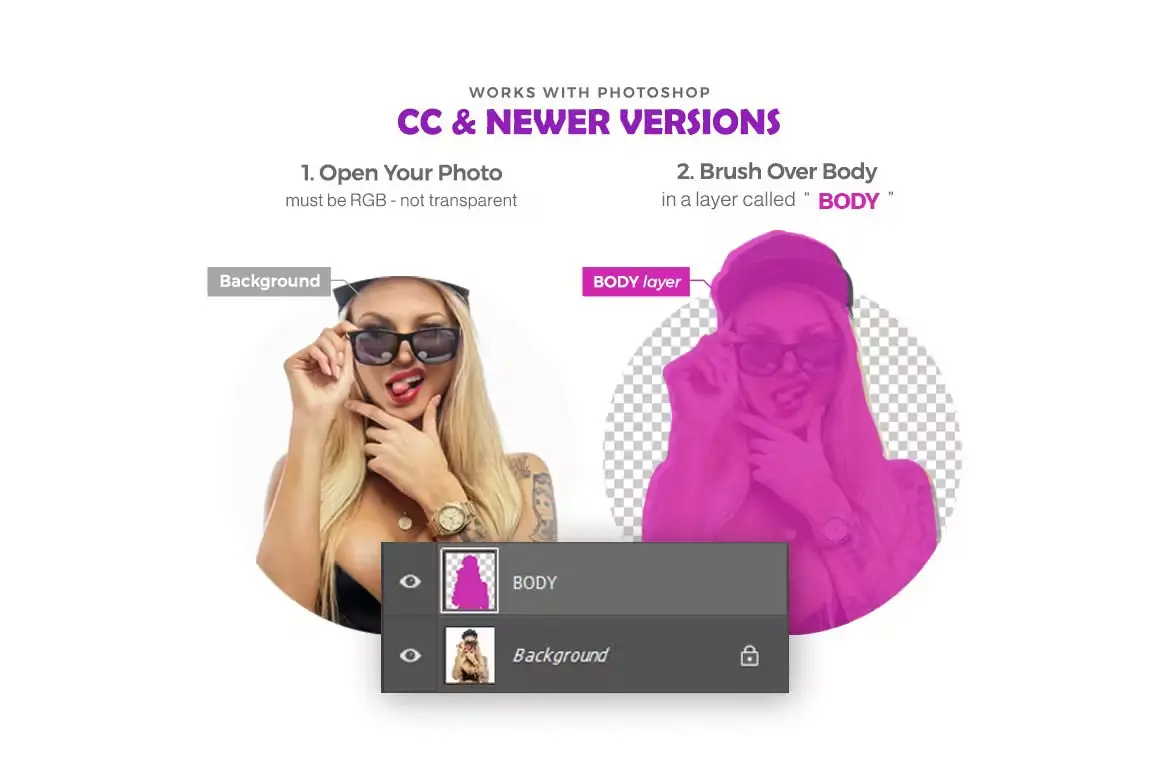
1. Open your image in Photoshop.
2. Load the Cartoon Art Action.
3. Apply the action and watch your photo transform!
4. Adjust settings as needed for the perfect look.
FAQ
- Can I use this action on any photo?
Yes, you can use it on any photo that meets the required specifications.
- Do I need advanced Photoshop skills to use this?
No, this action is designed for users of all skill levels.
Add to cart now and start creating stunning cartoon art today! 🚀
User Reviews
Be the first to review “Cartoon Art Photoshop Action”
You must be logged in to post a review.

Spray Art Photoshop Action
Sold by ihemalaya
TypoMix 2 Photoshop Action
Sold by ihemalaya
Animated Glitch Photoshop Action
Sold by ihemalaya
Power Storm Photoshop Action
Sold by ihemalaya
Dust Explosion Photoshop Action
Sold by ihemalaya
Embroidery Patch Maker Photoshop Action
Sold by ihemalaya Original price was: $5.00.$2.50Current price is: $2.50.


There are no reviews yet.