
Spray Art Photoshop Action
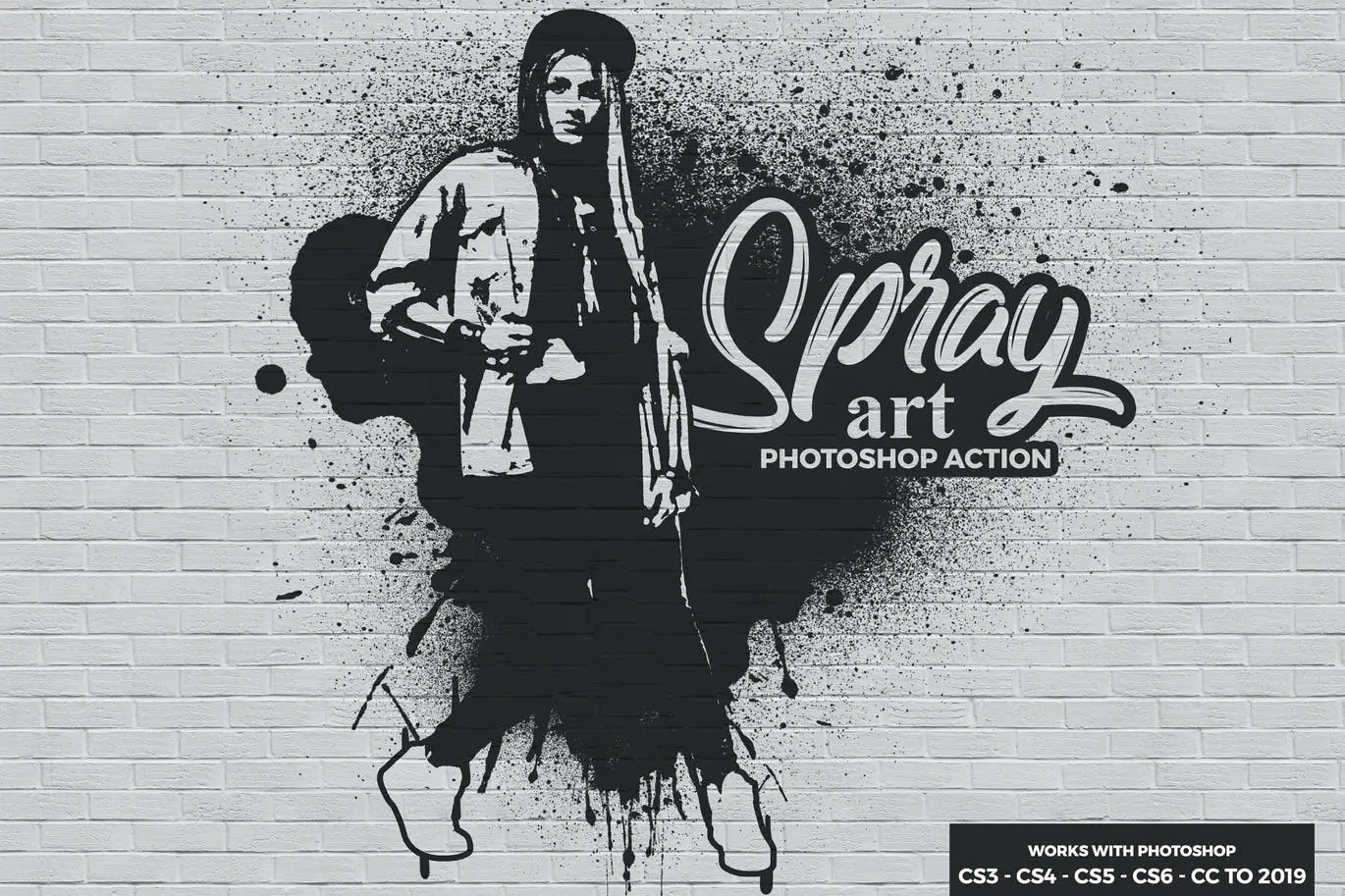
Spray Art Photoshop Action – Create Stunning Digital Artworks Instantly
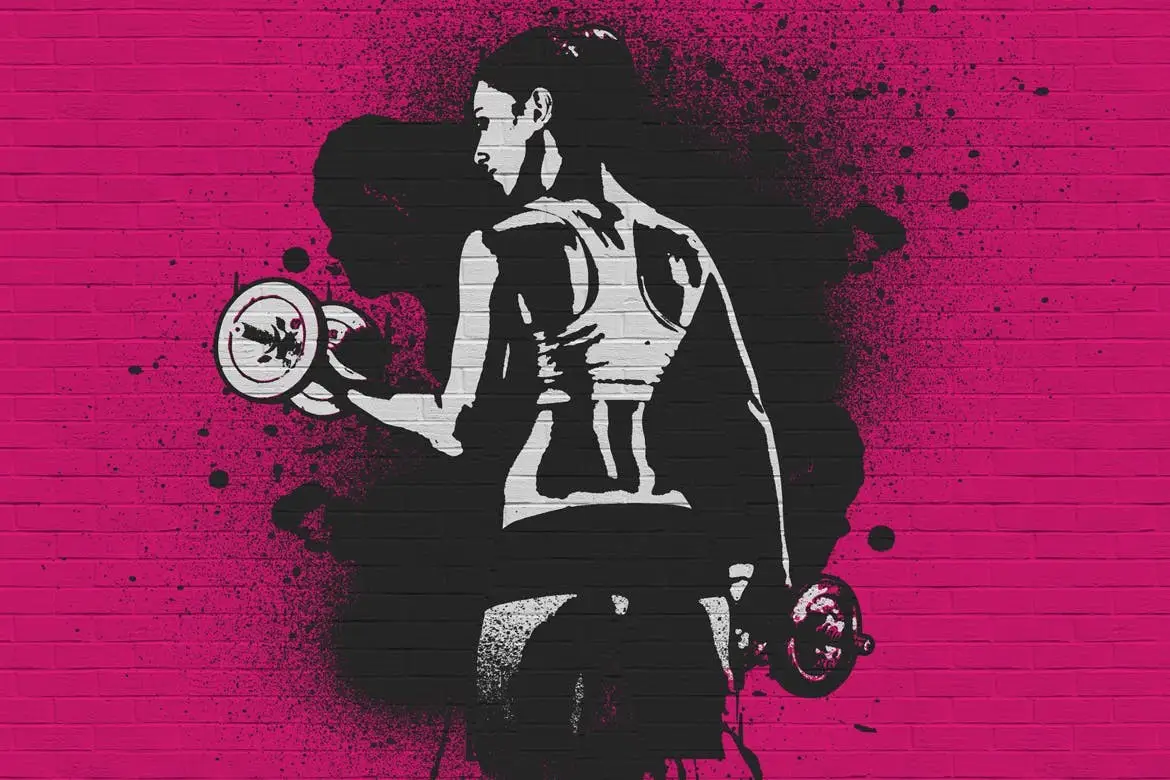
Transform your photos into captivating digital artworks with the Spray Art Photoshop Action. This powerful tool allows you to generate impressive spray art with just a single click, making it an ideal choice for both beginners and experienced designers. Enjoy the creative freedom of layered effects that let you easily customize your artwork to suit your style.
Product Overview
The Spray Art Photoshop Action is designed for photographers and designers seeking to enhance their projects with unique and eye-catching visuals. Whether you’re creating CD covers, posters, flyers, or social media graphics, this action simplifies the process while providing professional-quality results.
Key Features & Benefits
- ✅ Compatible with Photoshop CS3 to CC 2019 → Seamlessly integrates with your existing software.
- ✅ Multilingual Support → Works in all Photoshop languages for global accessibility.
- ✅ Fast & Easy to Use → Create stunning effects quickly, saving you valuable time.
- ✅ Non-Destructive Editing → Maintain your original images while experimenting with effects.
- ✅ Comprehensive Help File → Includes detailed instructions for effortless setup and use.
Why Choose This Product
This Spray Art Photoshop Action stands out for its user-friendly design and versatility. It’s perfect for anyone looking to add a splash of creativity to their work without needing advanced skills. With this action, you can easily explore new artistic avenues and produce visually striking designs that capture attention.
Specifications
| Compatibility | Photoshop CS3 to CC 2019 |
|---|---|
| Languages | All Photoshop Languages |
| File Type | Photoshop Action (.atn) |
What’s Included
- 📦 Spray Art Photoshop Action File
- 📦 Help Documentation
Perfect For
- Designers looking to enhance their portfolios
- Photographers wanting to create unique art pieces
- Social media managers aiming for engaging content
- Anyone interested in digital art creation
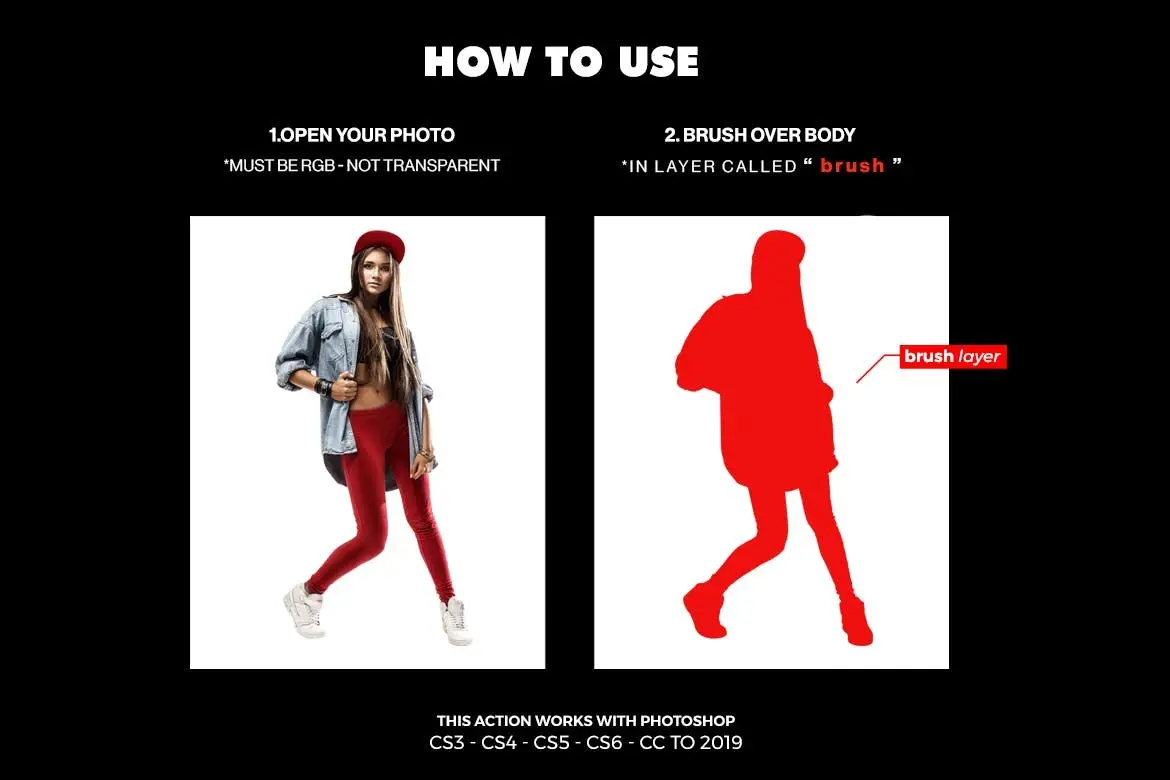
How to Use
- Open your image in Photoshop.
- Load the Spray Art Action from the Actions panel.
- Click the action to apply the effect.
- Adjust layers as desired for a personalized touch.
FAQ
- Do I need advanced Photoshop skills to use this action? No, it’s designed for users of all skill levels.
- Can I use this action on any type of image? Yes, it works well with various images, from portraits to landscapes.
Ready to elevate your digital artwork? Add to cart now and start creating stunning designs today! 🚀
User Reviews
Be the first to review “Spray Art Photoshop Action”
You must be logged in to post a review.
Original price was: $5.00.$2.50Current price is: $2.50.


There are no reviews yet.