Hey there, creative soul! 🌟 Are you ready to take your photo editing game to a whole new level? We’ve curated an incredible lineup of 20 stunning Photoshop actions from the Brushespack Collection Part 300, and trust me, your photos are about to get a serious glow-up. Whether you’re a portrait perfectionist, a dreamy landscape lover, or a cinematic storyteller, this collection has something magical waiting just for you. Let’s dive in and explore these game-changing tools! 🚀🎨
Why Use These Photoshop Actions?
Imagine turning a flat, boring photo into a professional masterpiece with just one click. That’s the power of these actions! They save you hours of manual tweaking, giving you instant access to gorgeous effects like soft glows, cinematic drama, vibrant colors, and stunning skin textures. Perfect for photographers, digital artists, and social media creators who want to stand out without breaking a sweat. 🎉
Top 20 Photoshop Actions Picks
Feminine Photoshop Action
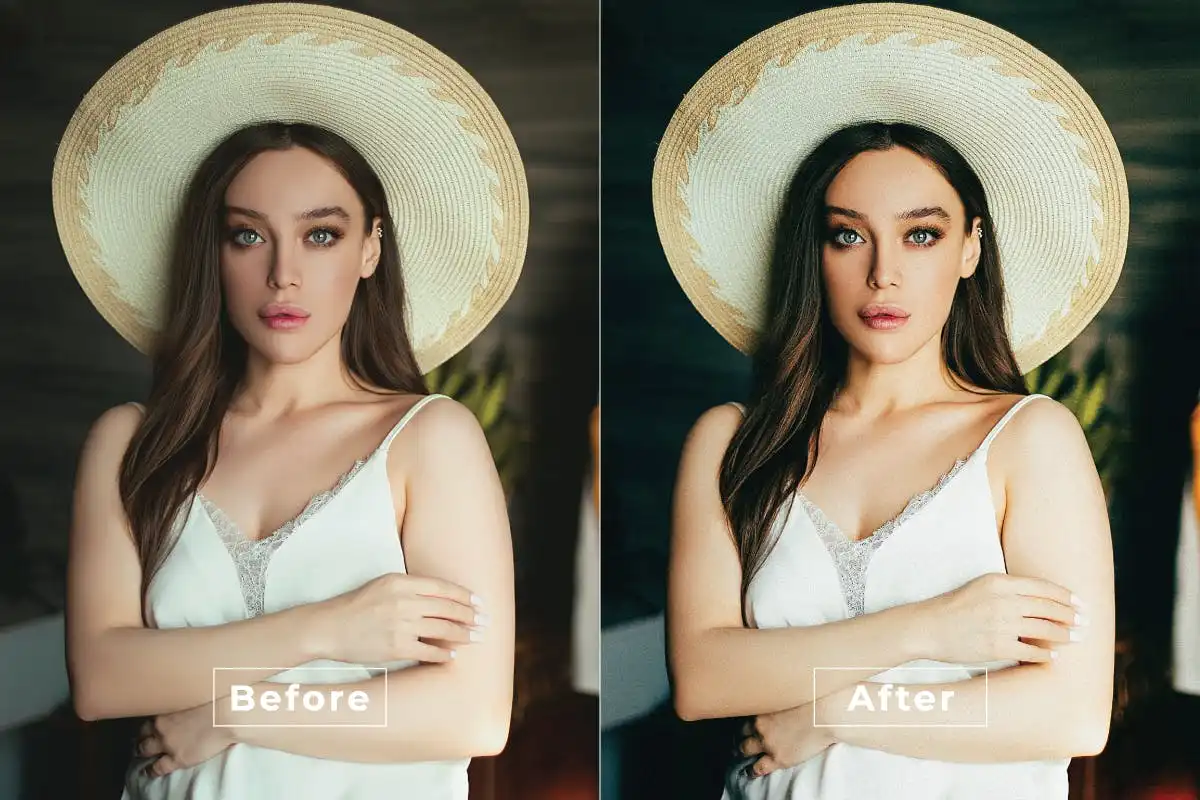
🌸 Add a whisper of elegance to your portraits! This action smooths skin, brightens tones, and creates that soft, romantic vibe you’ve been craving. Perfect for bridal shoots and dreamy lifestyle shots.
Dream Effect Photoshop Action
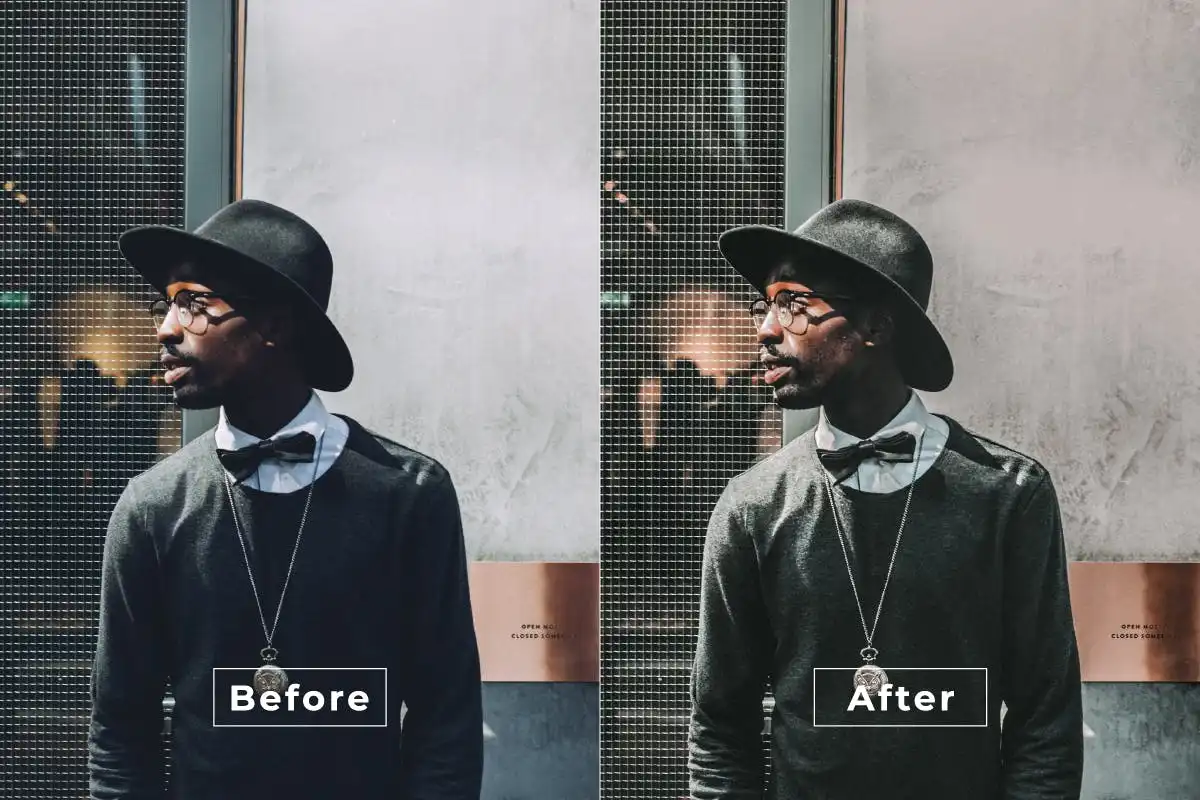
✨ Sprinkle some fairy dust on your photos! This action adds a soft, ethereal glow and mesmerizing color tones that make every image look like a beautiful daydream. A must-have for fantasy lovers!
Elegance Photoshop Action
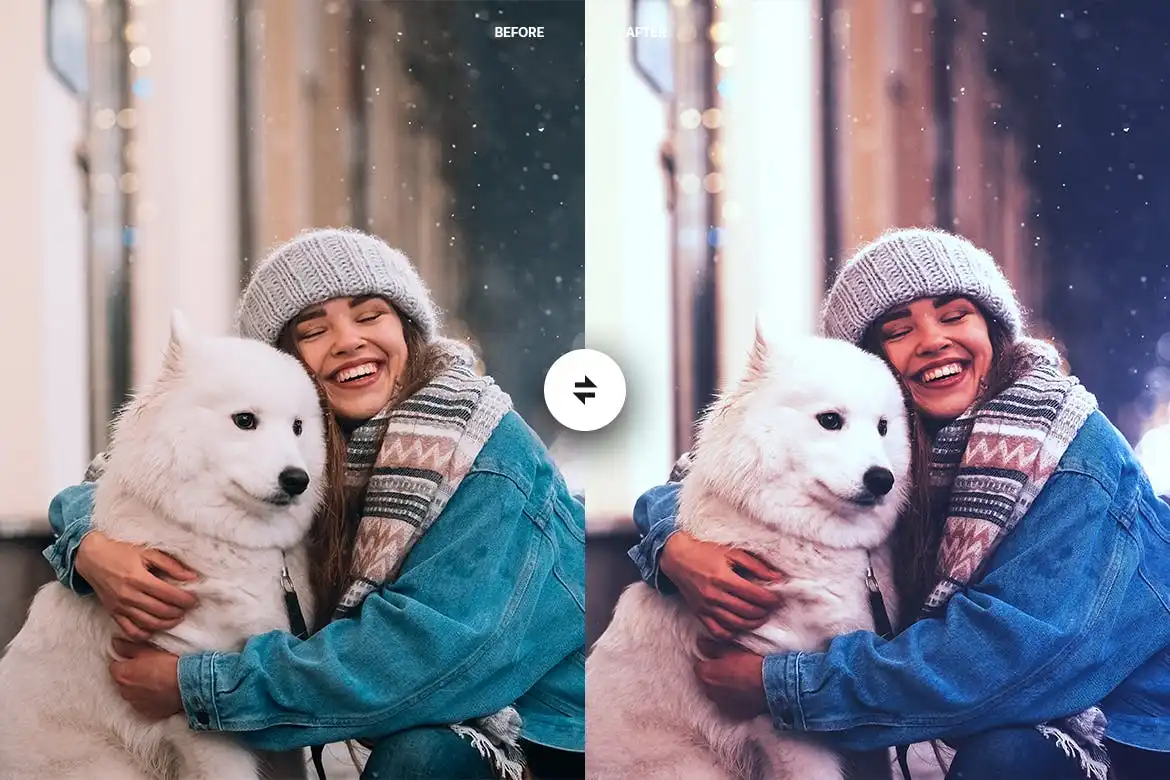
🌟 Elevate your images with timeless sophistication. This action polishes tones, contrast, and color balance for a chic, high-fashion finish that screams class. Your portfolio will thank you!
Double Light Photoshop Action
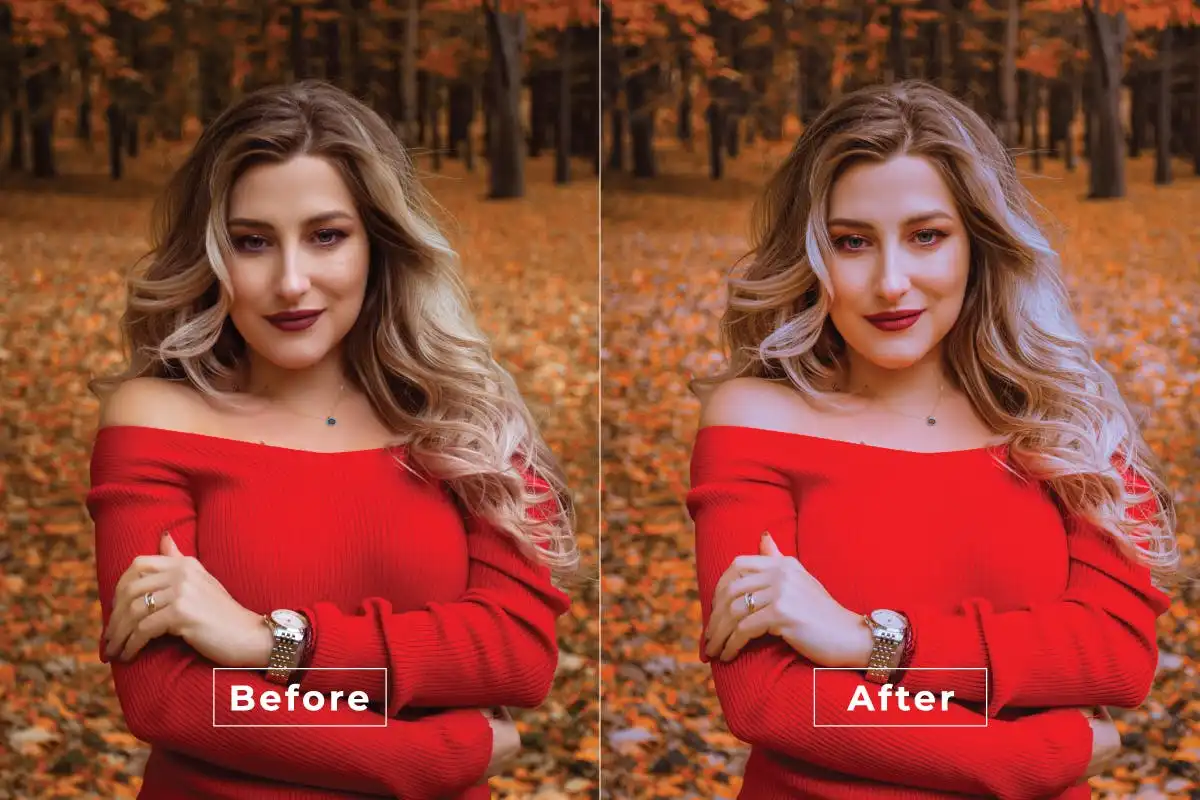
💡 Light up your creativity! This action brings mesmerizing dual lighting effects that add depth and drama to any image. Perfect for creating stunning contrasts and professional-grade lighting adjustments.
Exotic Skin Photoshop Action
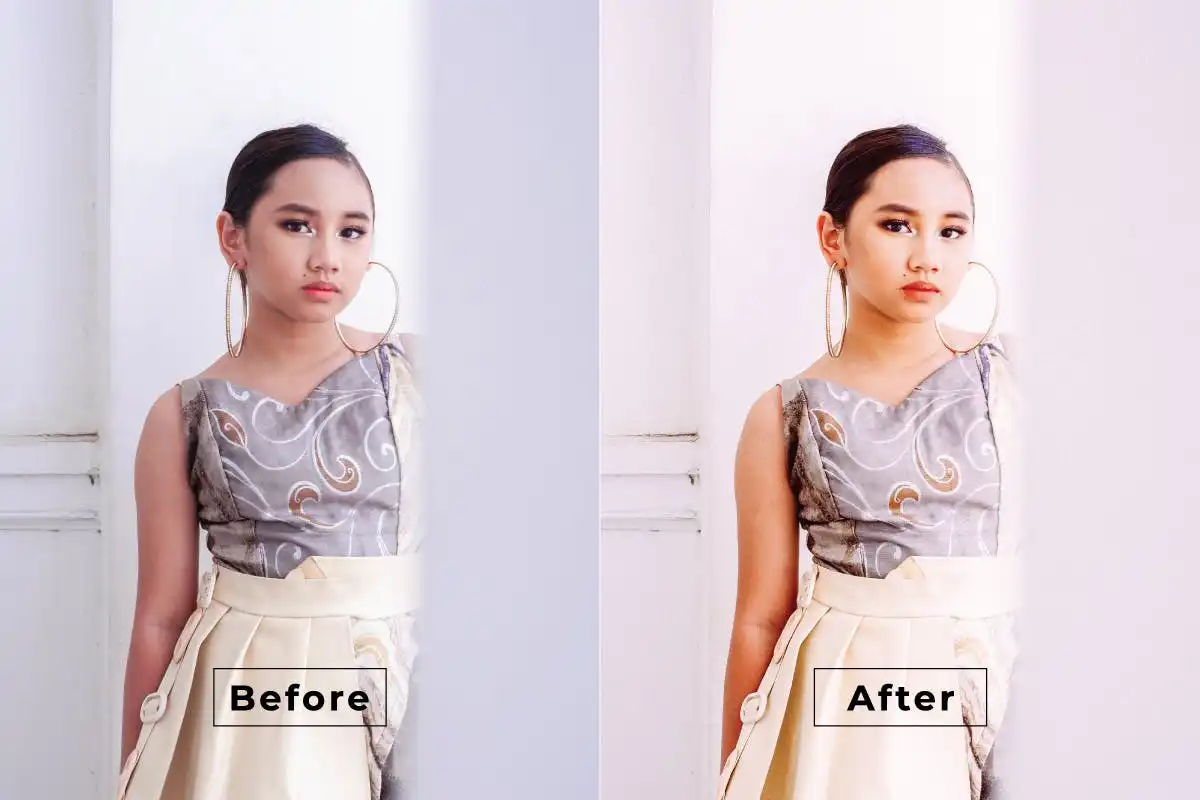
🌺 Bring out vibrant, unique skin textures with a splash of exotic flair! This action enhances richness and warmth, giving your portraits an authentic, sun-kissed glow that’s simply irresistible.
Favorite Actions Photoshop Action
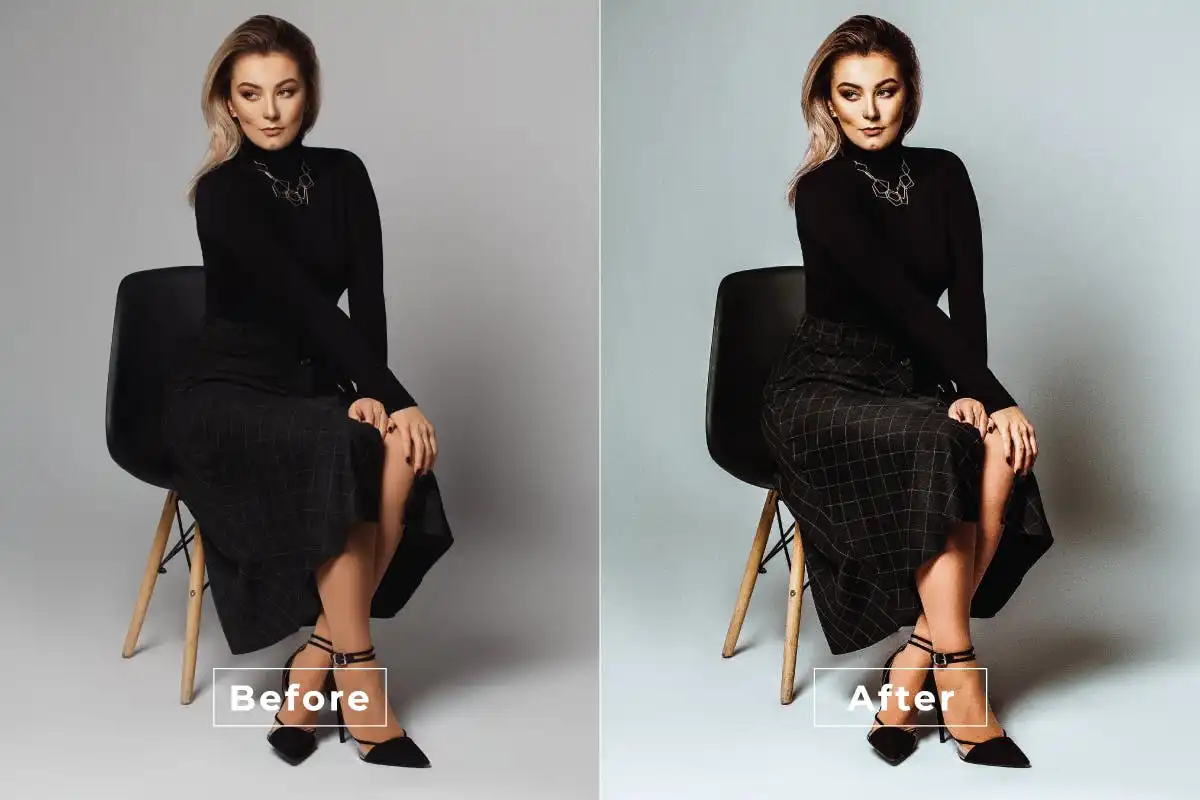
🎉 A treasure chest of your go-to effects! This bundle of popular actions lets you transform images into stunning works of art with a single click. Editing has never been this fun—or this fast!
Drama Cinematic Photoshop Action
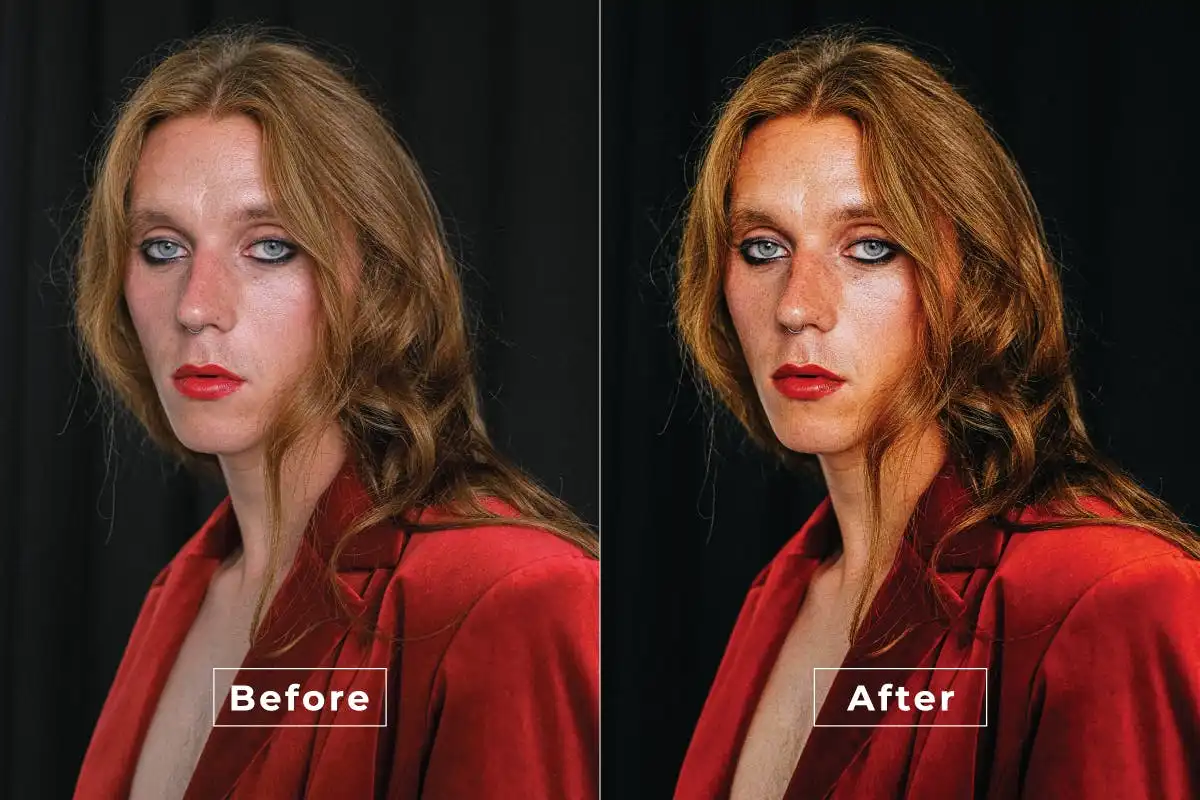
🎬 Lights, camera, action! Transform your photos into cinematic masterpieces with bold contrasts and moody tones. Ideal for storytellers who want their images to pack an emotional punch.
Fashion Woman Photoshop Action
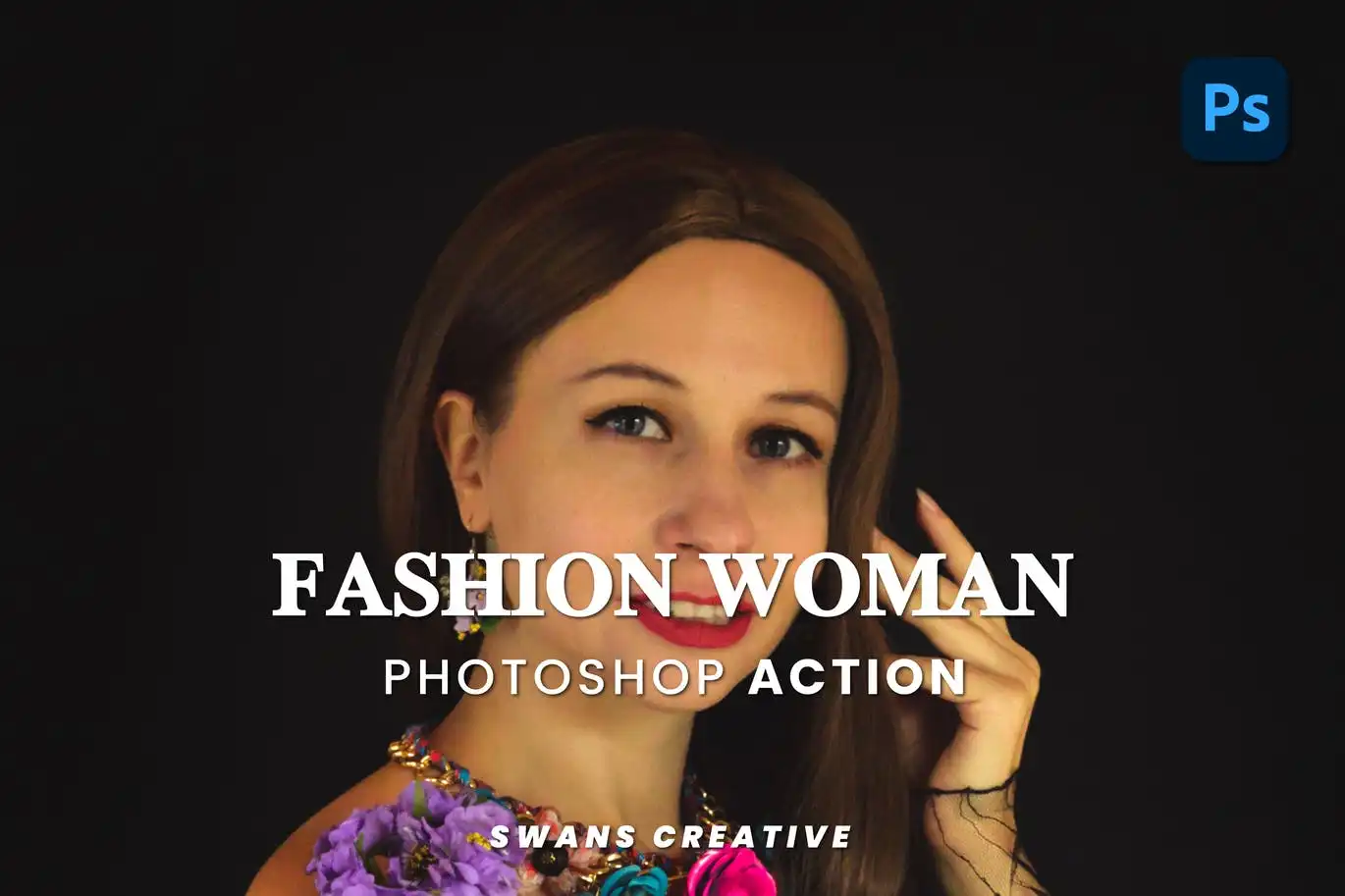
👗 Step into the spotlight with high-fashion flair! This action polishes skin, sharpens details, and adds sophisticated color grading that makes every subject look like a runway model.
Global Color Photoshop Action
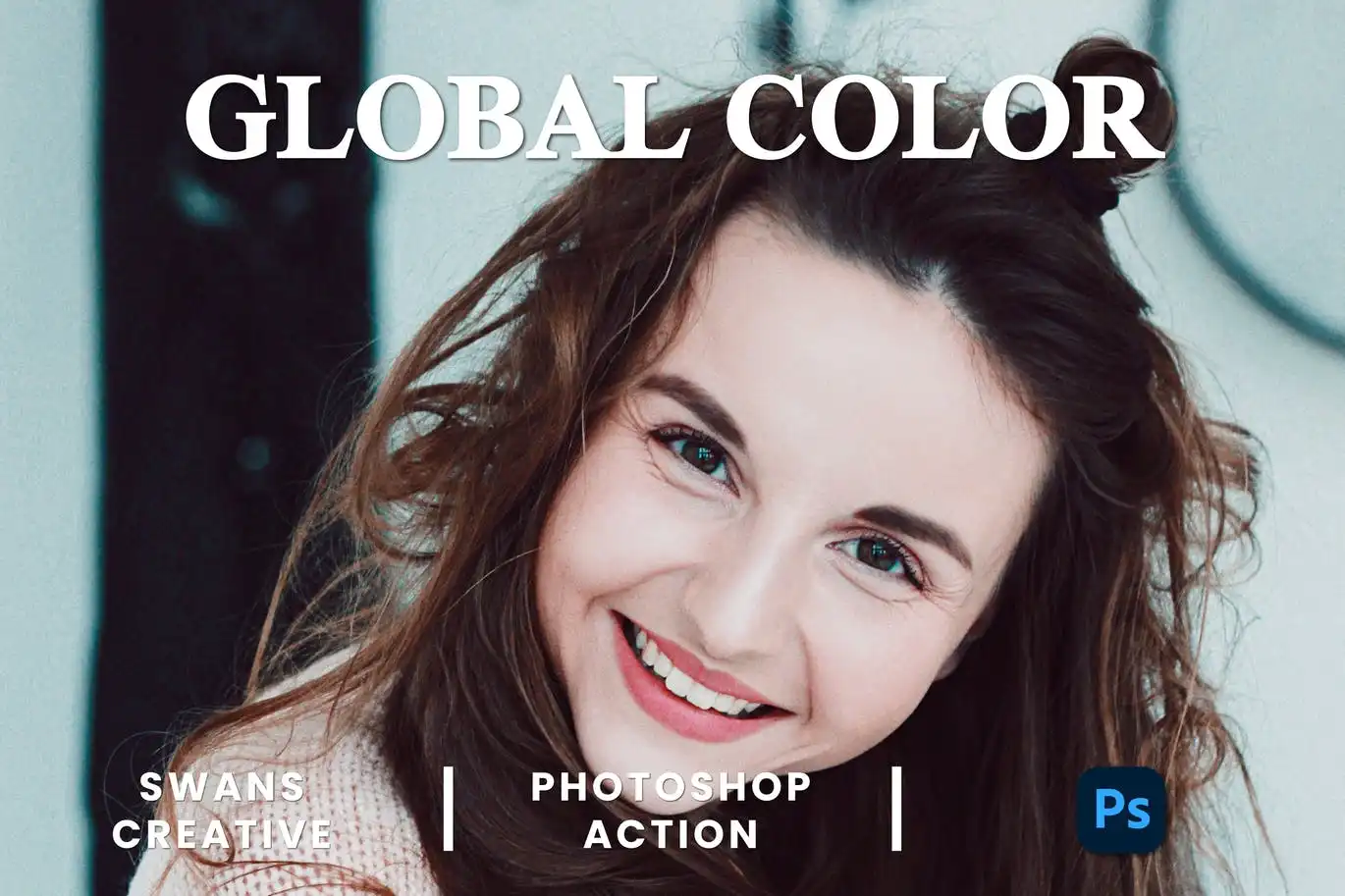
🌈 Brighten your world with a burst of color! This action delivers vibrant, balanced hues that make landscapes, portraits, and lifestyle shots pop with energy and life.
Framing Cinematic Photoshop Action
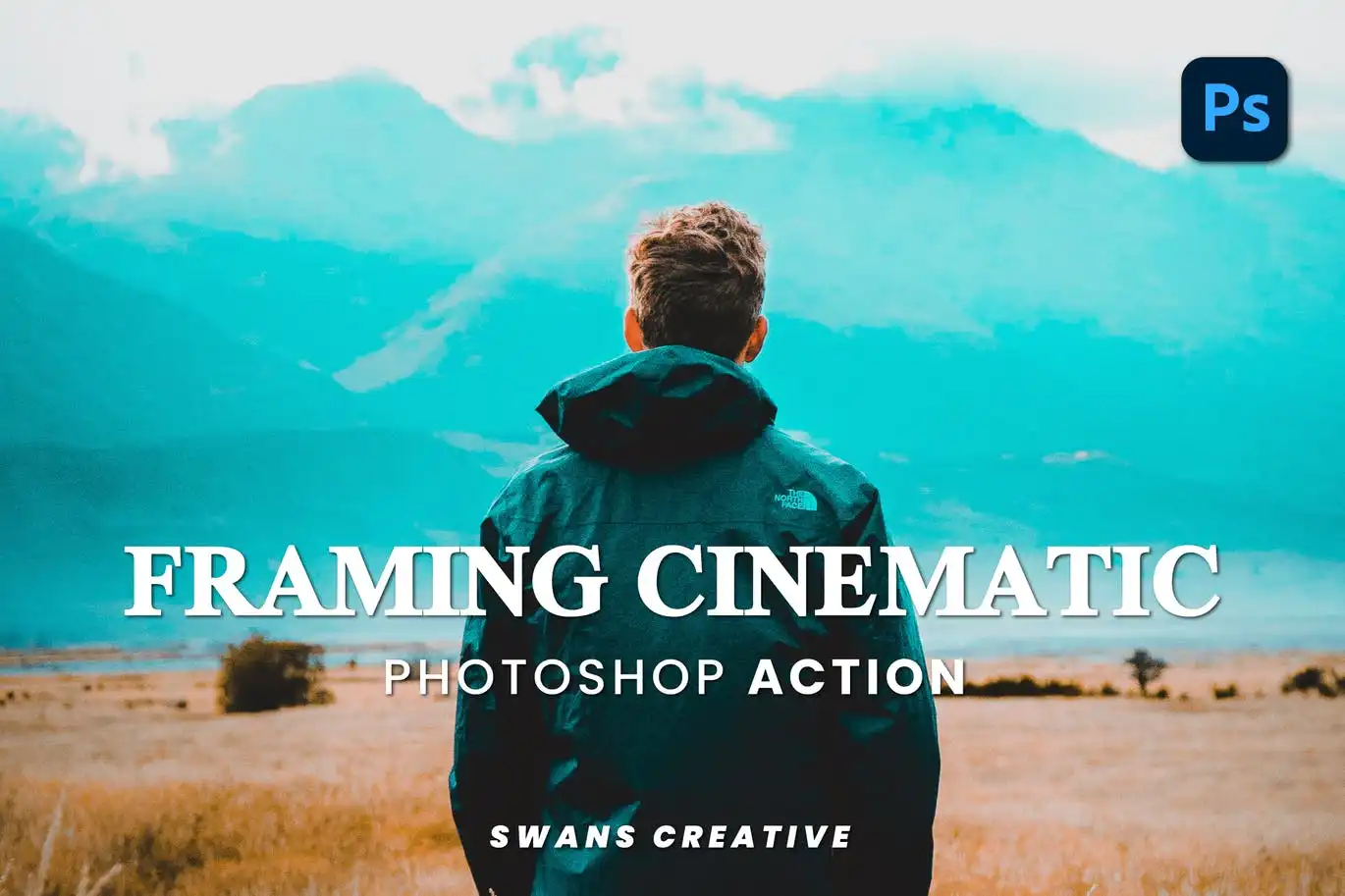
🎥 Add a director’s touch! This action creates dramatic cinematic framing and lighting effects that turn ordinary shots into breathtaking scenes straight out of a movie.
Color Opacity Photoshop Action
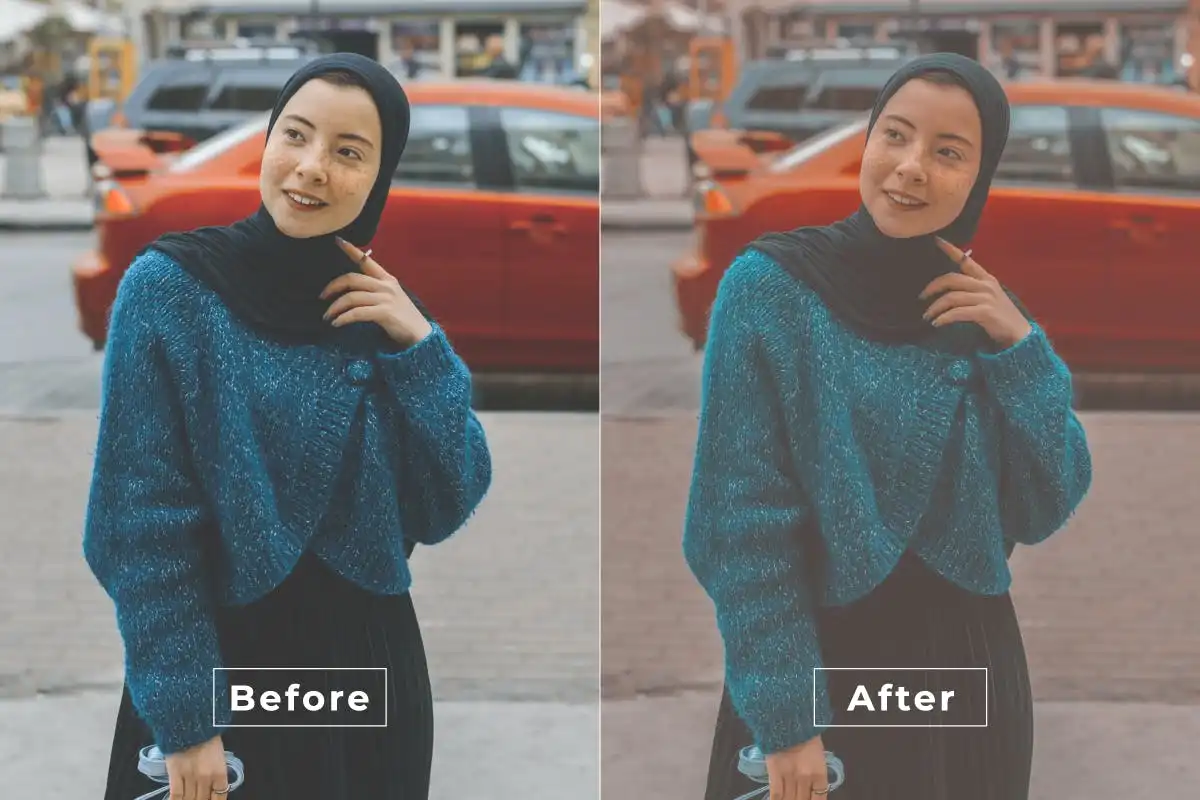
🎨 Master the art of transparency! This tool lets you effortlessly adjust color opacity, creating soft overlays and stunning visual effects that add a unique, artistic touch to your work.
Beauty Outdoor Photoshop Action
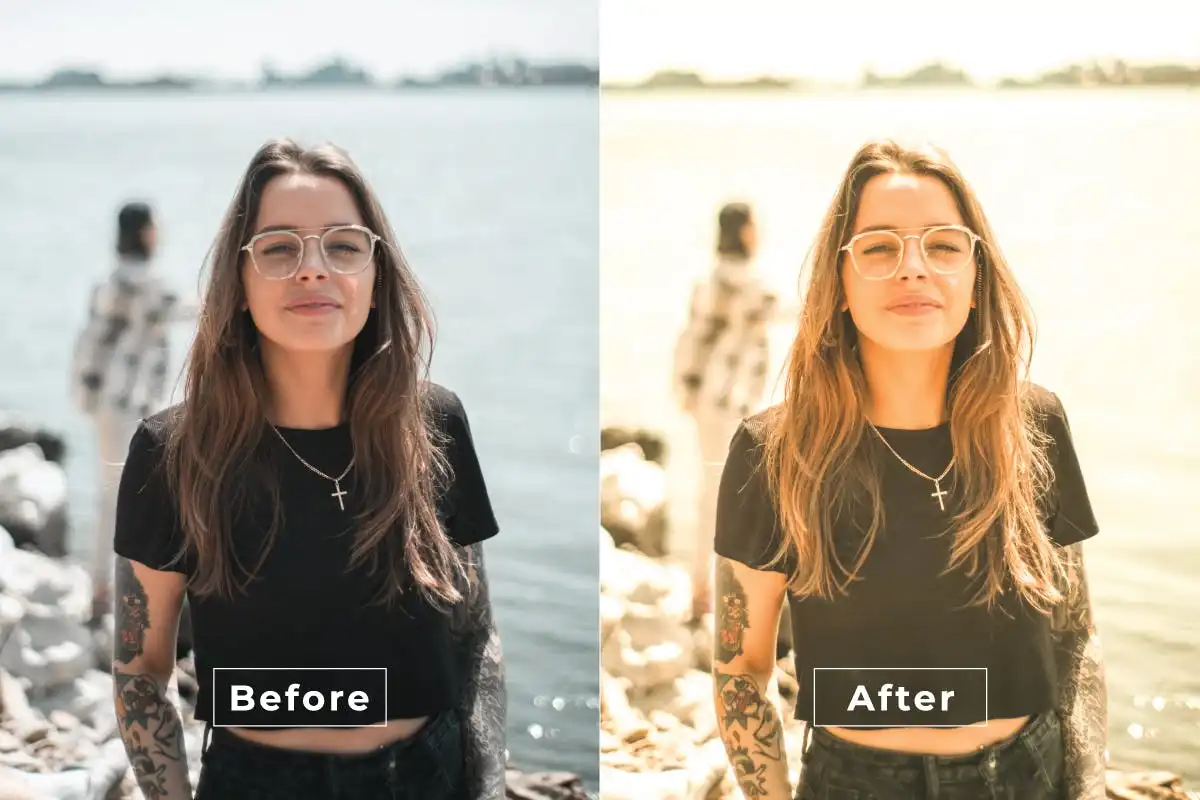
🌿 Elevate your outdoor portraits with radiant skin and vivid natural colors! This action is perfect for golden hour shots and nature-inspired sessions—bringing the beauty of the outdoors into every pixel.
Dark Color Photoshop Action
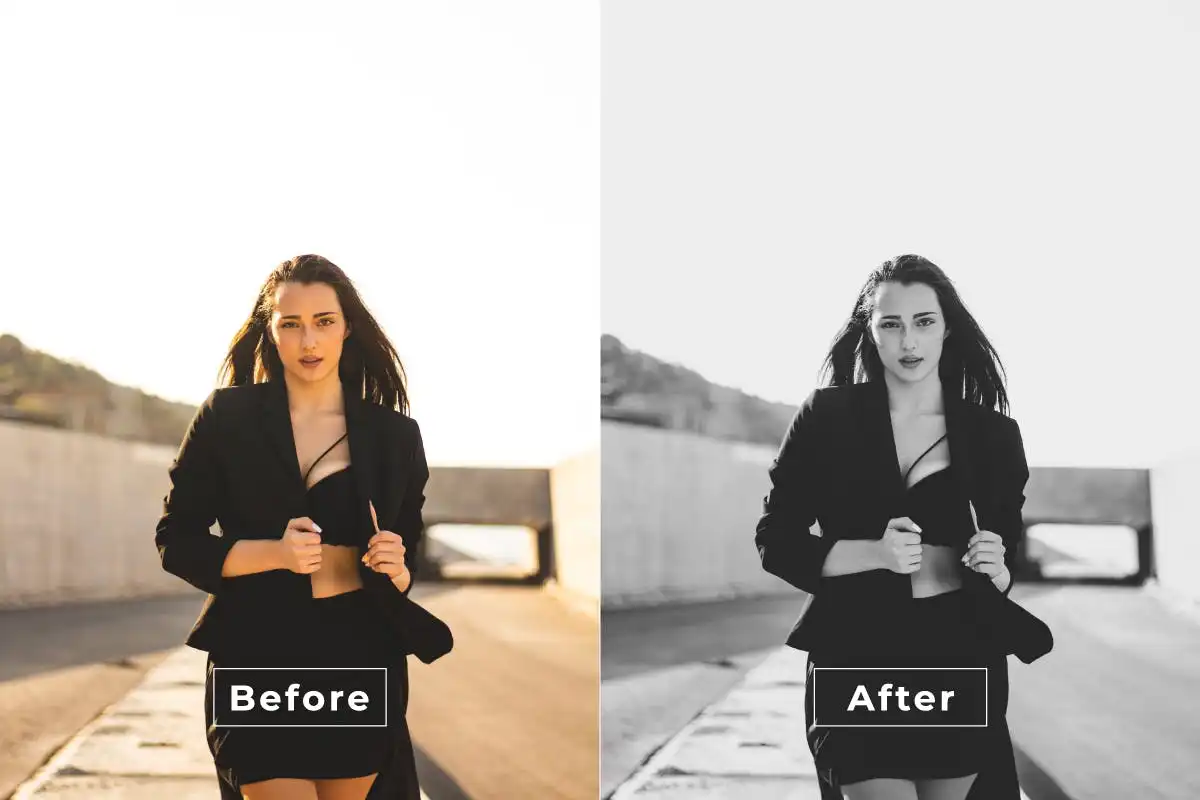
🖤 Embrace the moody side! This action adds rich, deep tones and dramatic shadows that give your photos a mysterious, editorial edge. Perfect for artistic portraits and dark aesthetics.
Contrast Photoshop Action
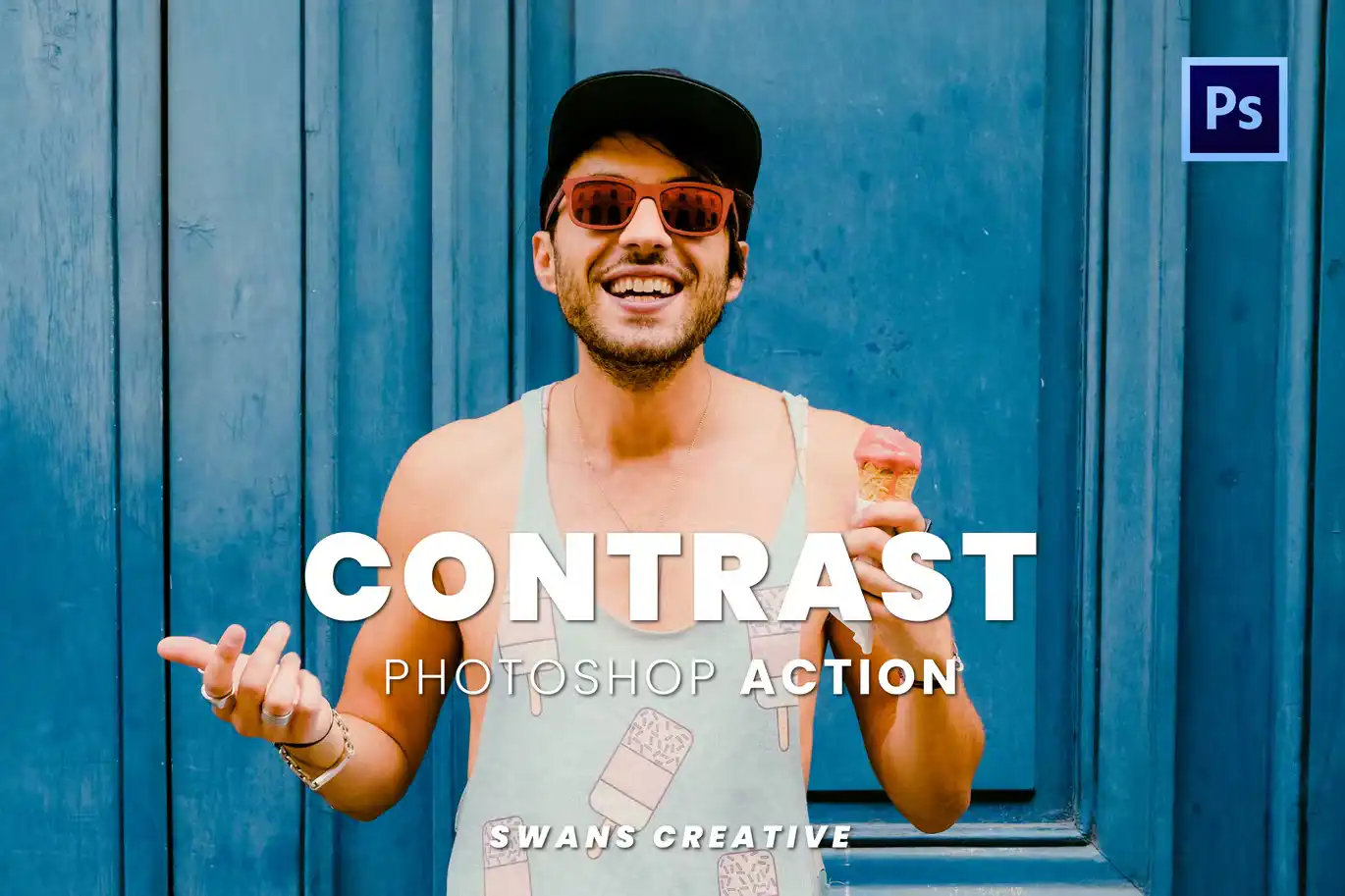
⚡ Make your images pop with striking depth! This action boosts contrast and vibrancy, delivering high-impact visuals that grab attention and hold it. A real power-up for any photographer!
Cinematic Natural Photoshop Action
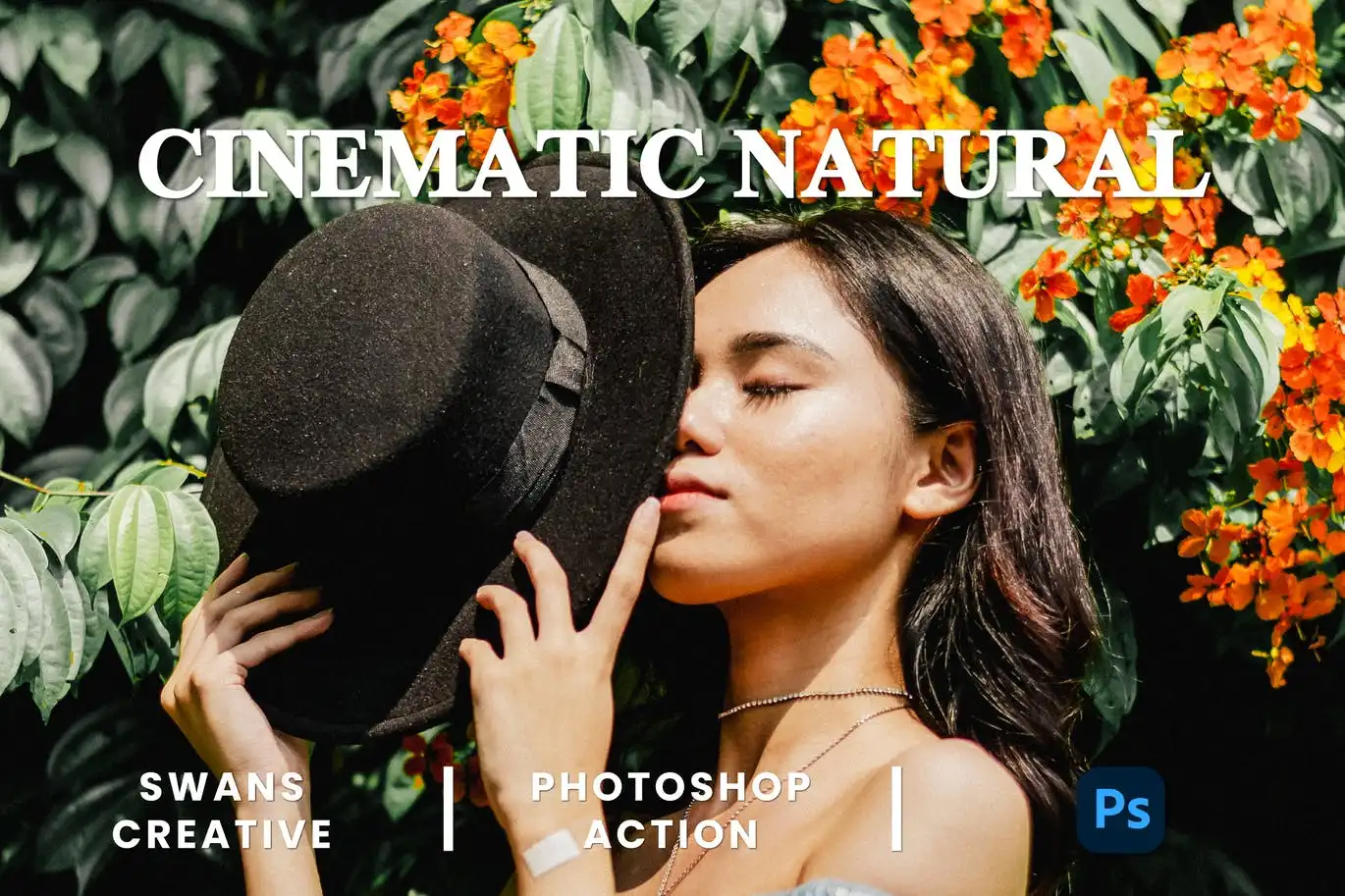
🌄 Get the best of both worlds! This action blends cinematic drama with natural, authentic tones for portraits, landscapes, and lifestyle shots that feel both epic and real.
Dance Monkey Photoshop Action
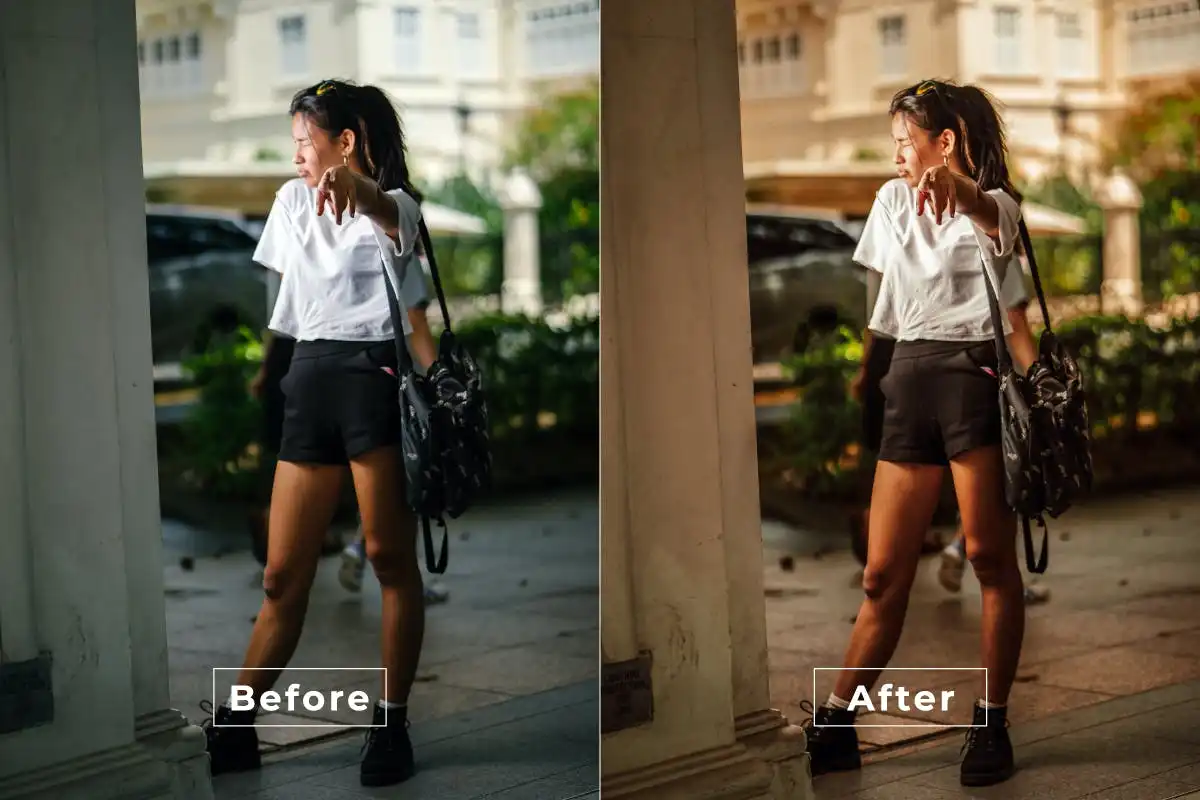
🐒 Let the fun begin! Bursting with dynamic color enhancements, this action makes your images pop with energy and joy. Perfect for vibrant, party-ready photos that dance off the screen!
Color Grading Photoshop Action
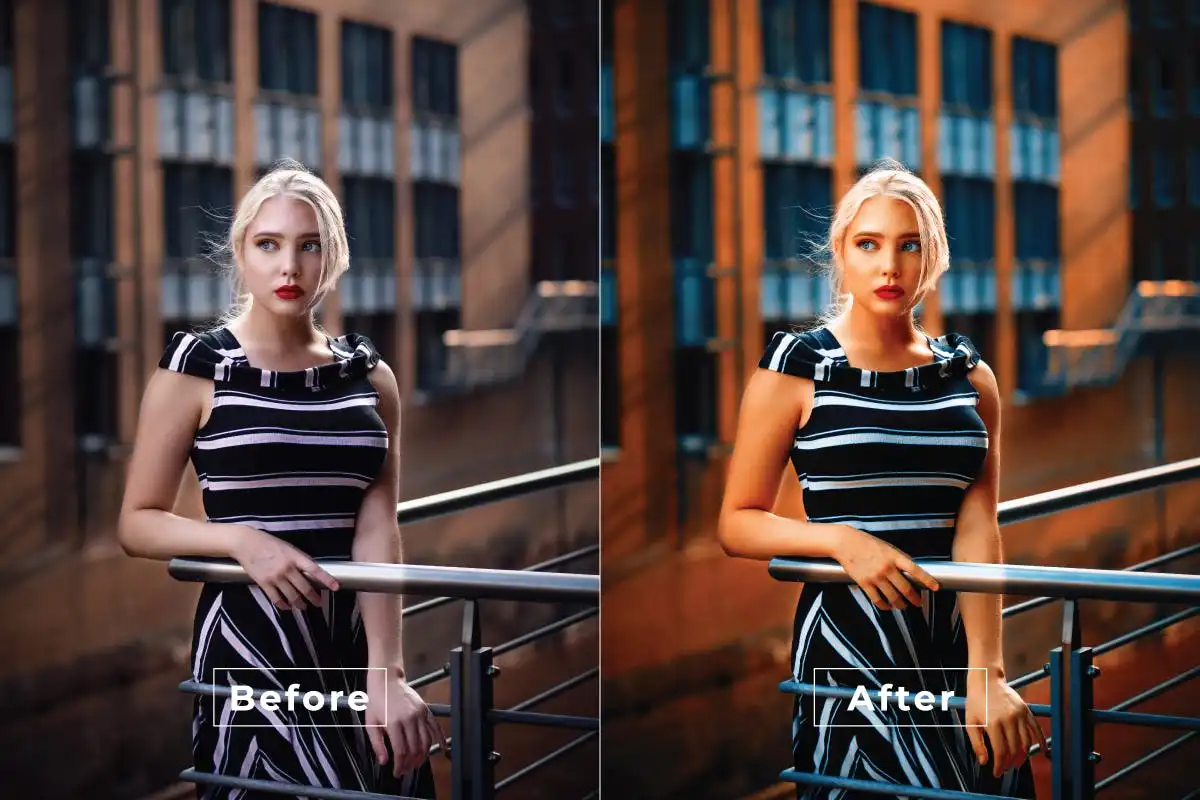
🎞️ Unlock the magic of Hollywood! This action delivers professional color correction and cinematic tones with one click, giving your images that polished, film-like quality you’ve always wanted.
Awesome HDR Photoshop Action
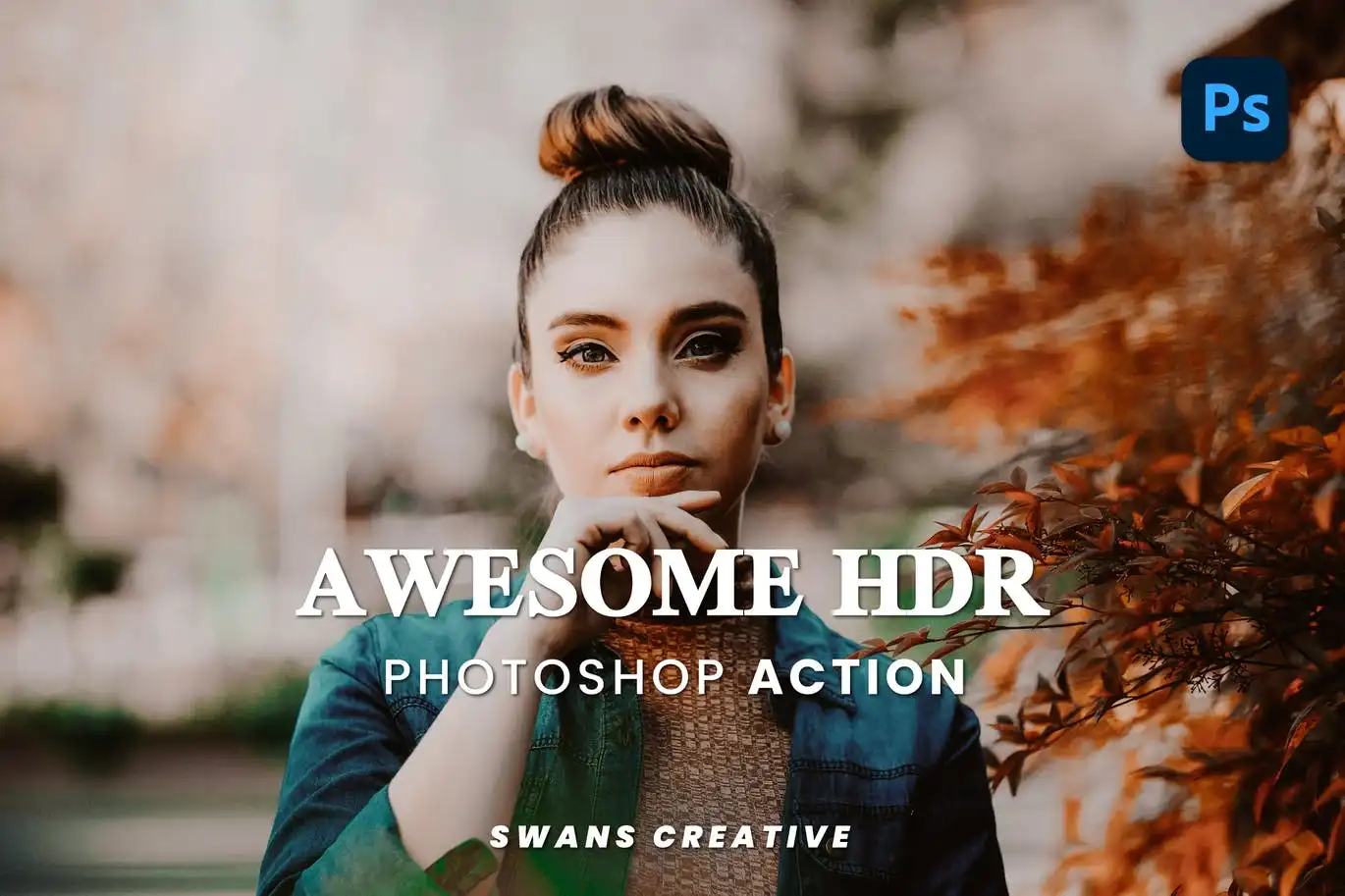
🌞 Get ready for jaw-dropping detail! This action adds vivid detail, deep contrast, and dramatic lighting that makes every photo look ultra-professional and rich with texture.
Deals Retro Photoshop Action
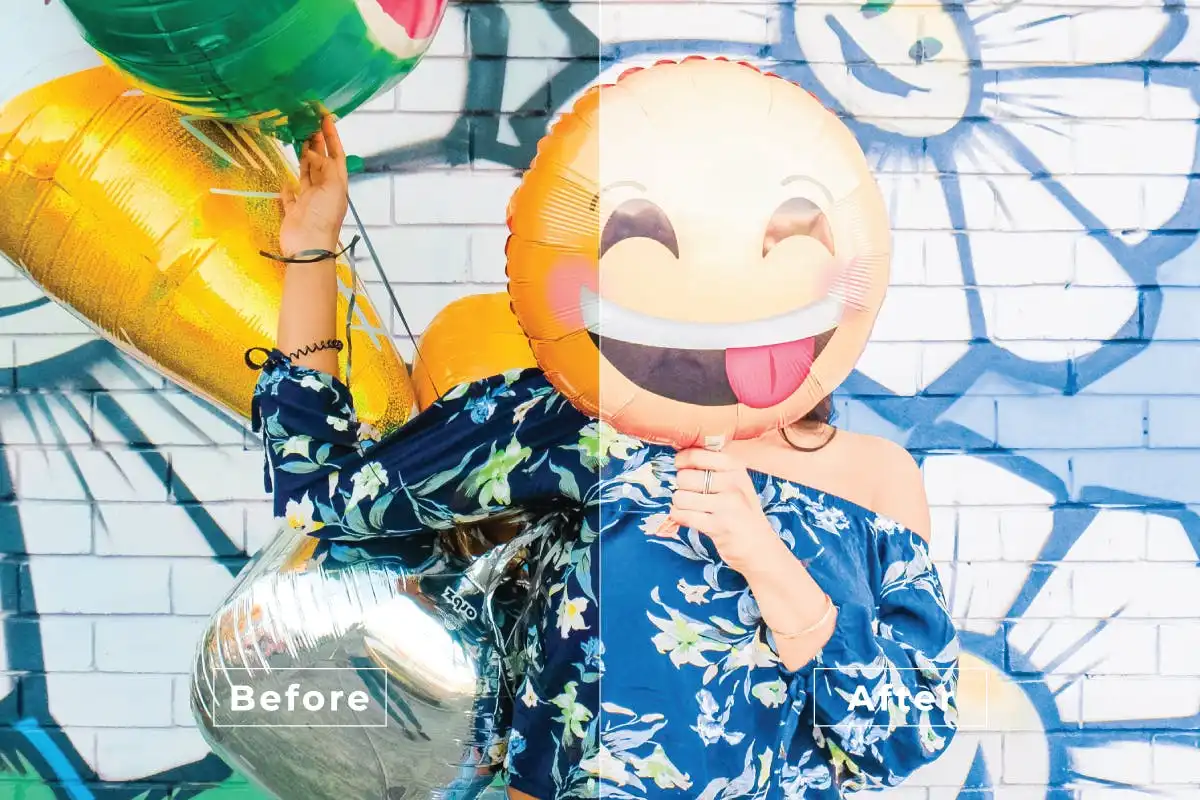
📸 Time-travel your photos to a vintage wonderland! This action adds authentic retro tones, faded colors, and warm textures that evoke nostalgic charm and timeless beauty.
Contrast Beach Photoshop Action
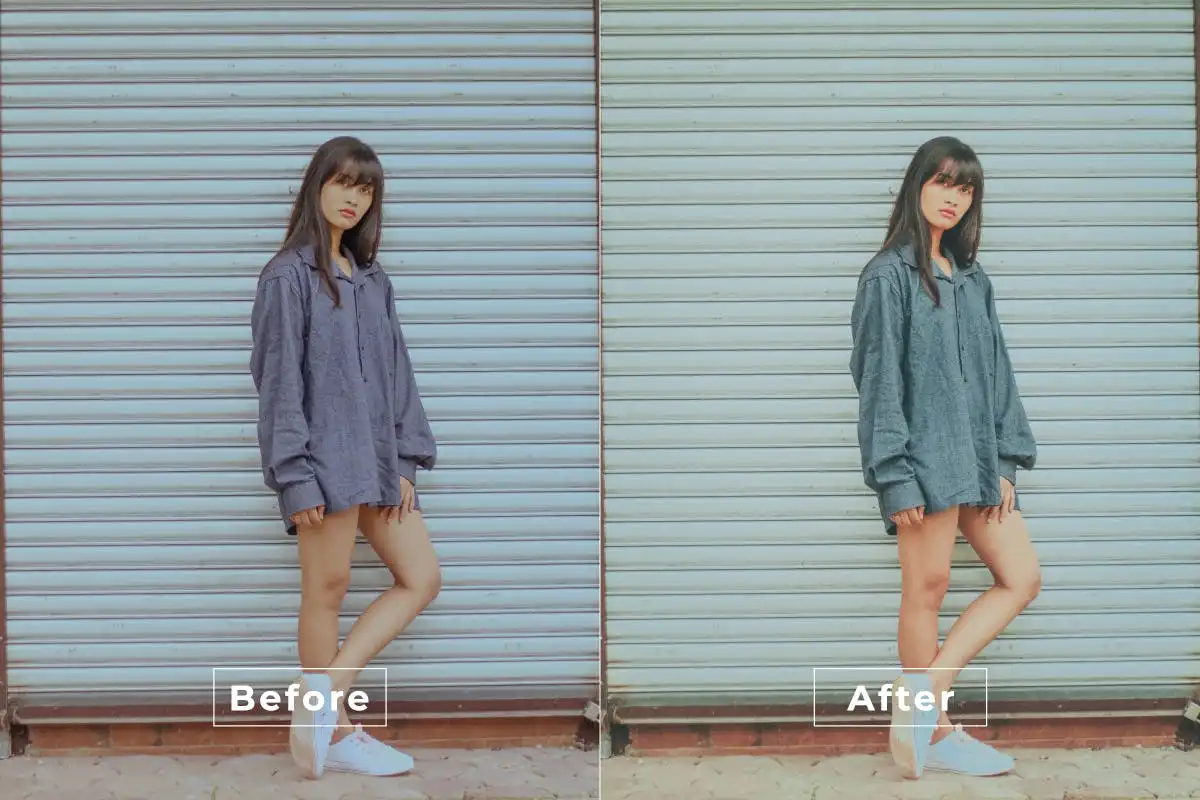
🏖️ Turn your beach photos into postcard-perfect masterpieces! This action enhances coastal images with high contrast, vibrant blues, and sun-kissed warmth that captures the essence of summer.
Conclusion
There you have it—20 incredible Photoshop actions that are guaranteed to supercharge your creative workflow! From dreamy glows and dramatic cinema looks to vibrant beach vibes and elegant portraits, the Brushespack Collection Part 300 has everything you need to transform your photos with just one click. Don’t wait—unlock these powerful tools today and start creating magic! 🚀🎨
Frequently Asked Questions
What are Photoshop actions and how do they work?
Photoshop actions are pre-recorded sequences of edits that you can apply to your photos with a single click. They’re like magic shortcuts that automatically adjust layers, colors, filters, and effects—saving you hours of manual work. Just load the action into Adobe Photoshop, press play, and watch your image transform! ✨
Can I customize the effects after applying a Photoshop action?
Absolutely! Most actions are fully layered and non-destructive, meaning you can tweak the opacity, color balance, or even remove specific layers after applying the effect. This gives you total creative control to make each look your own. 🎨