Hey there, creative soul! 🎨✨ Are you ready to take your Photoshop game to the next level? Whether you’re a portrait perfectionist, a fantasy dreamer, or just someone who loves making photos pop, the BrushesPack Collection Part 297 has something magical for you. From dreamy freckles to liquid gold and moody cinematic vibes, this collection is packed with 20 incredible actions that will transform your workflow and ignite your imagination. Let’s dive into this treasure chest of digital goodies! 🚀
Why Use These Photoshop Actions?
Time is precious, and your creativity deserves to flow without getting bogged down in manual tweaks. These one-click actions from BrushesPack are designed to give you professional-grade results in seconds. Whether you’re enhancing skin textures, adding dramatic lighting, or creating ethereal fantasy worlds, these tools save you hours of work while delivering jaw-dropping results. Plus, they’re perfect for both beginners and pros who want to experiment with new styles! 💥
Top 20 Photoshop Actions Picks
Freckless Photoshop Action
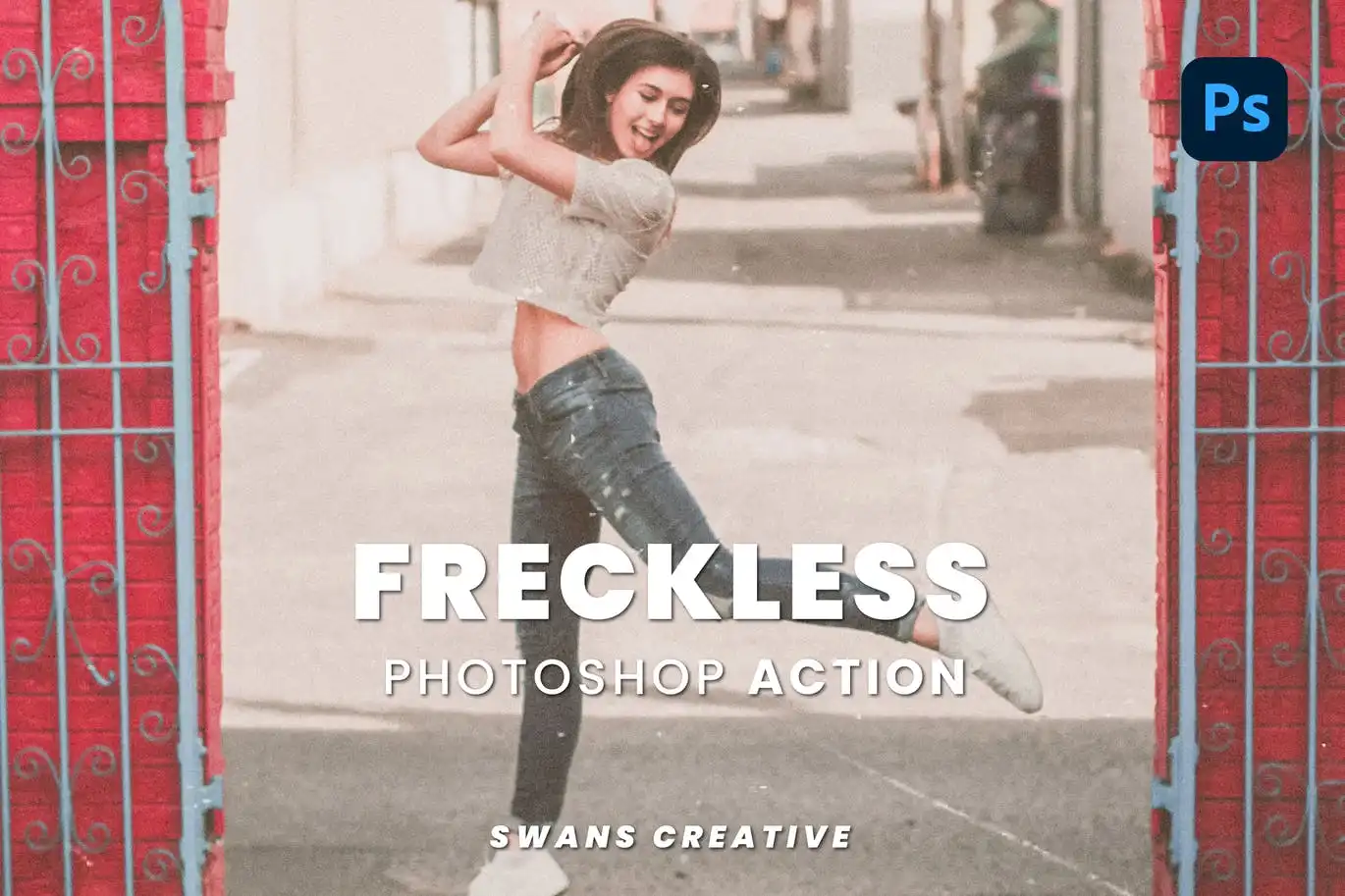
Want to add some adorable, natural-looking freckles to your portraits? This action does it instantly with a single click! ✨ It’s the perfect way to give your subjects that sun-kissed, authentic charm without the hassle. 🎉
Deep Grey Photoshop Action
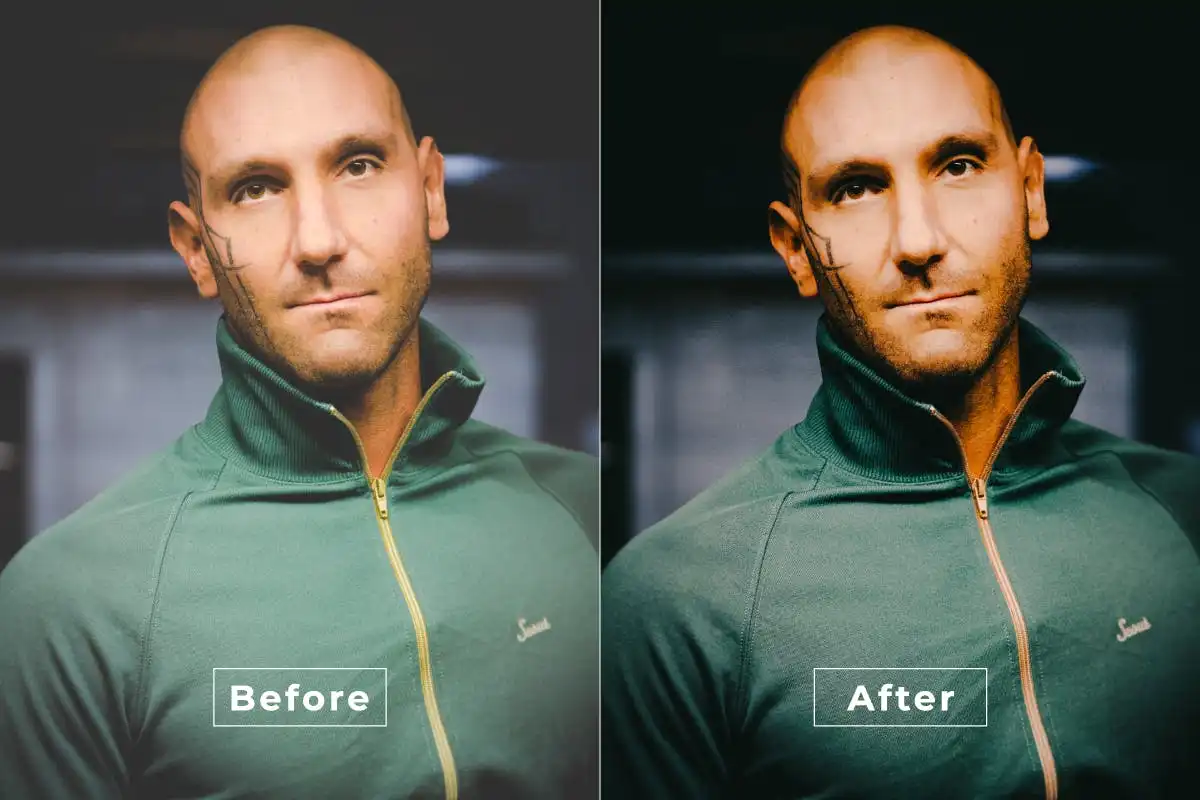
Elevate your photos with a touch of moody elegance! 🌑 This action adds a rich, dramatic grey tone that’s perfect for portraits, landscapes, or urban shots. Instant sophistication, zero effort. ✨
Gold Liquid Photoshop Action
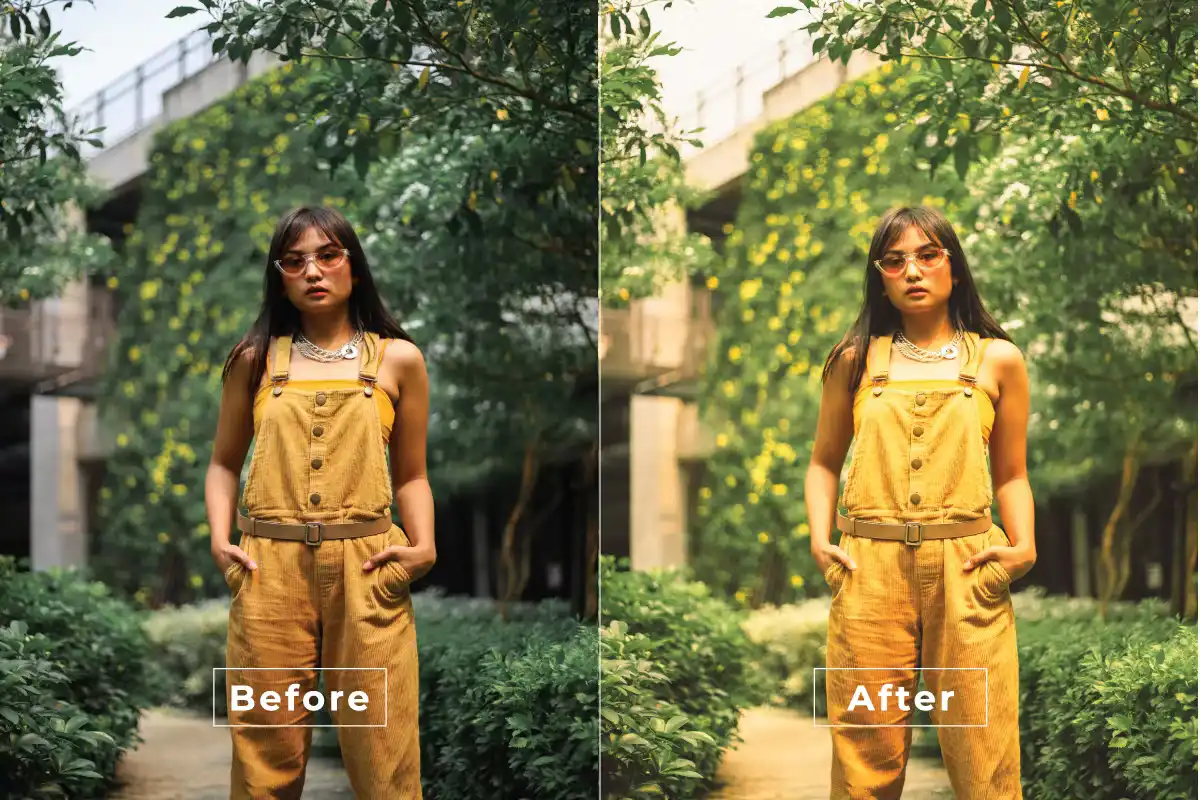
Ready to add some liquid gold luxury to your work? 🌟 This action applies a stunning, flowing gold effect that makes any image feel like a million bucks. Perfect for celebratory designs or glamorous portraits! 🥇
Glow Pose Photoshop Action
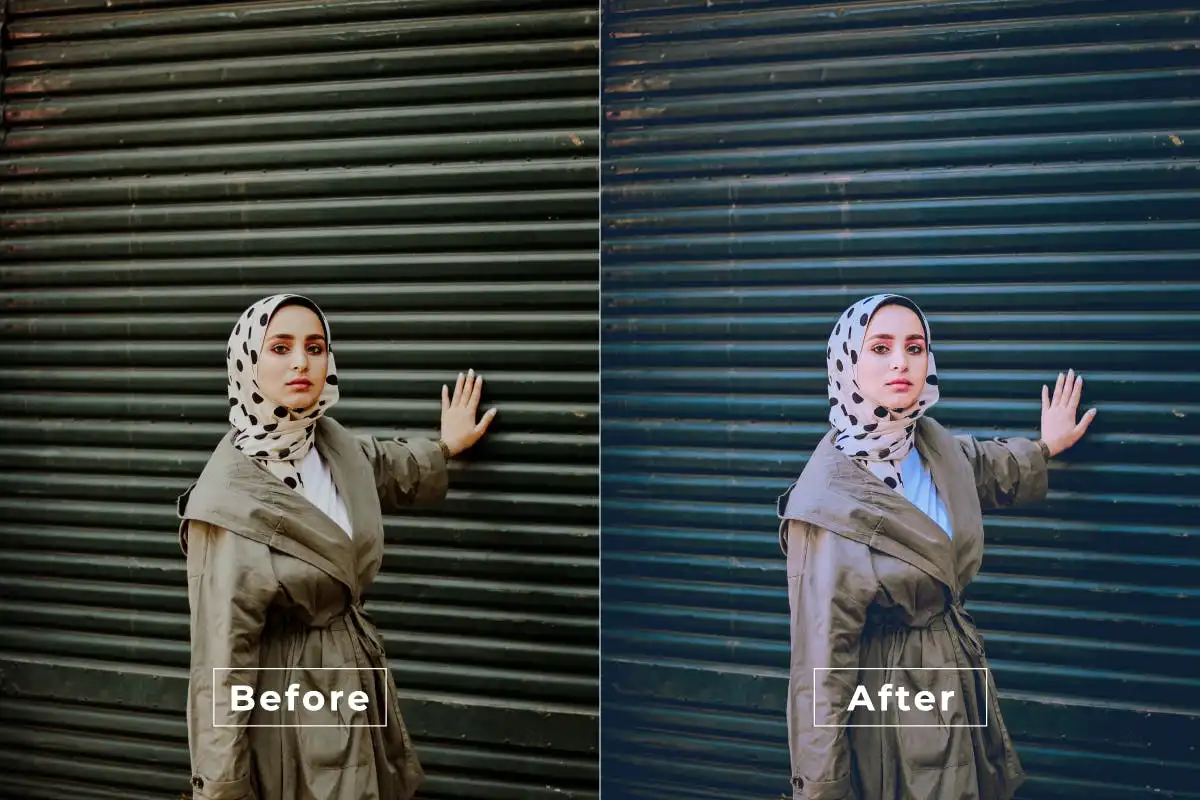
Make your portraits shine with a radiant, magical glow! ✨ This action adds a soft, luminous halo effect that brings out the best in every subject. It’s like giving your photos their own personal spotlight! 🌟
Fantasy Photoshop Action
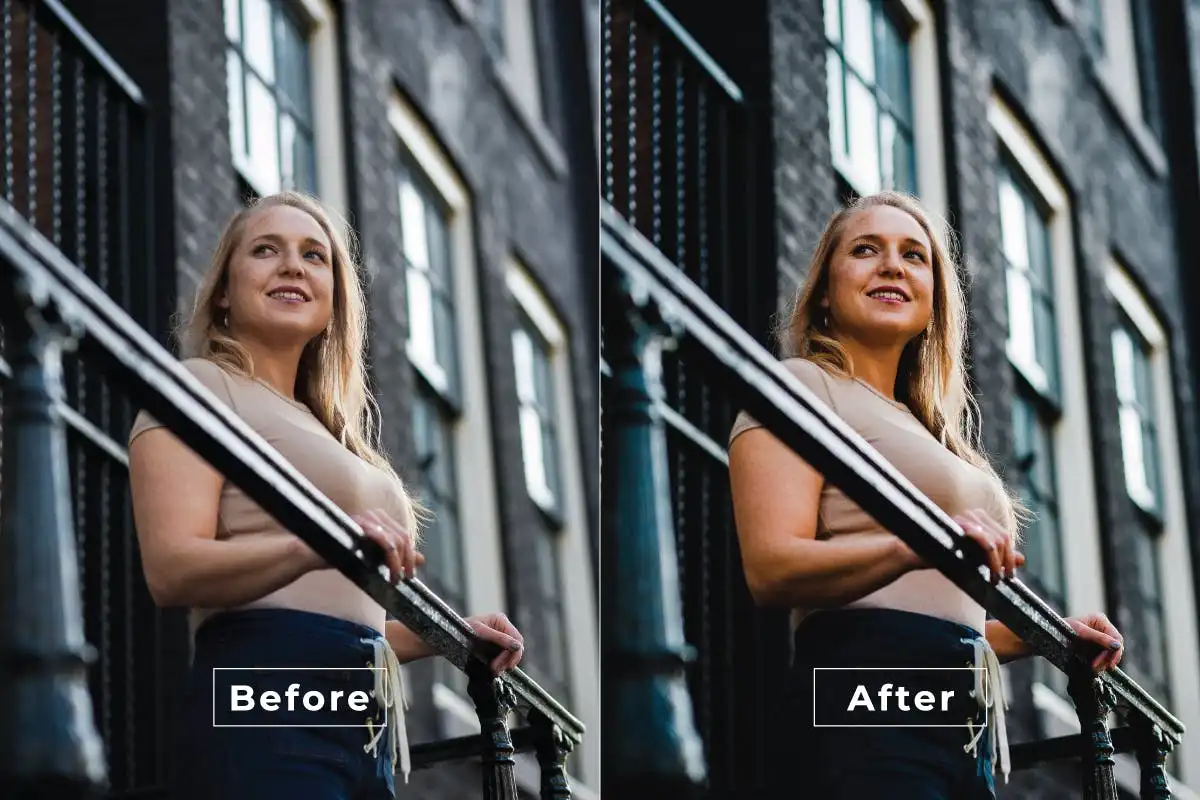
Unleash your imagination and turn ordinary photos into enchanting fairy tales! 🧚♀️ This action adds dreamy colors, ethereal light, and a sprinkle of magic that’s perfect for fantasy lovers and digital storytellers. 🌈
Glowing Cinematic Photoshop Action
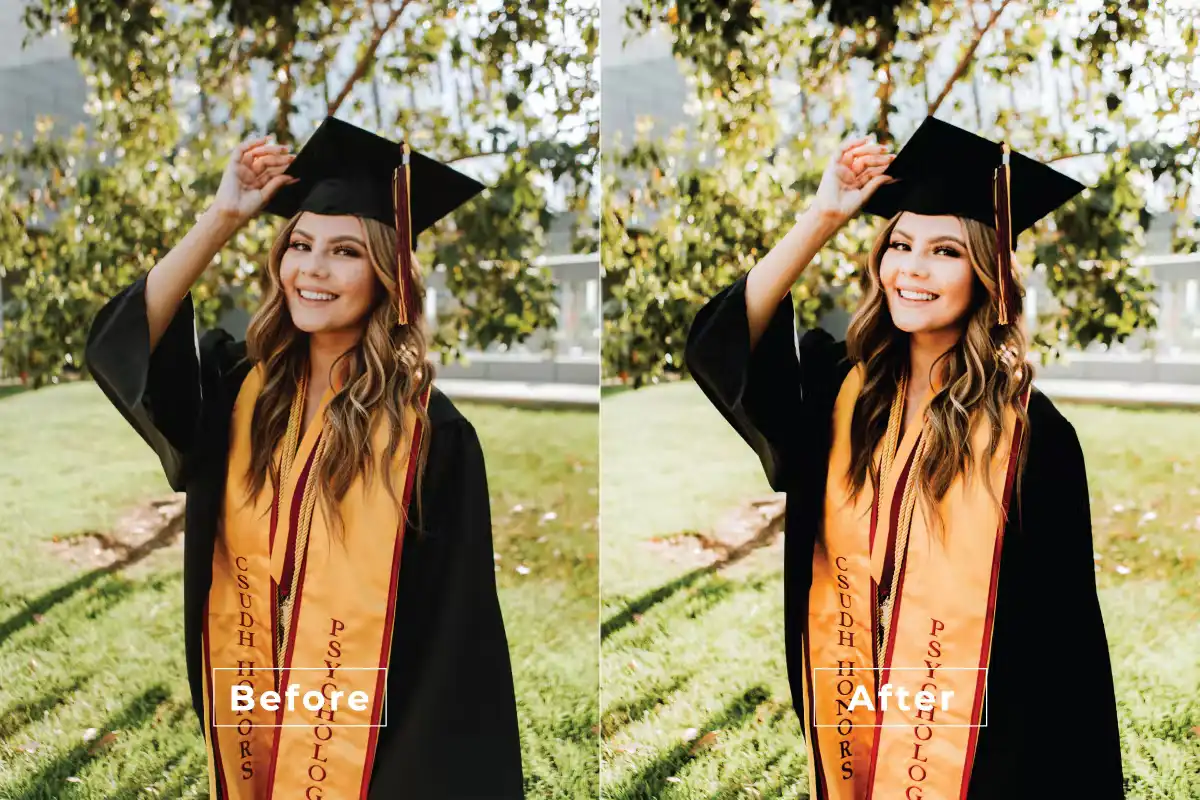
Bring the Hollywood magic to your desktop! 🎬 This action creates vibrant, glowing cinematic effects that make your images look like stills from a blockbuster movie. One click, and you’re a director! 🎥
Good Mood Photoshop Action
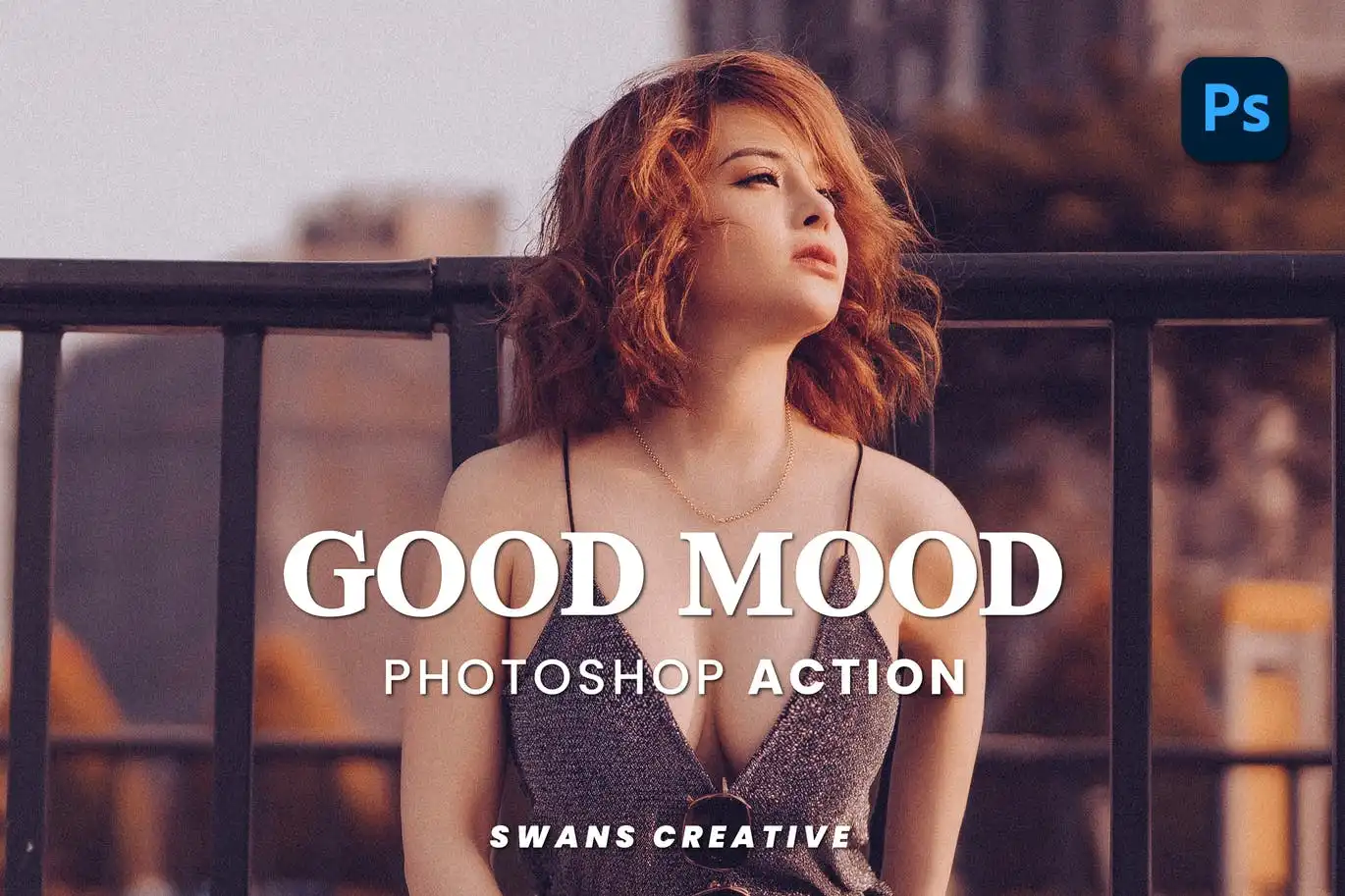
Need a dose of happiness in your edits? 😄 This action boosts vibrant colors and adds a joyful, sunny atmosphere to any photo. It’s like a digital serotonin shot for your images! ☀️
Feminine Photoshop Action
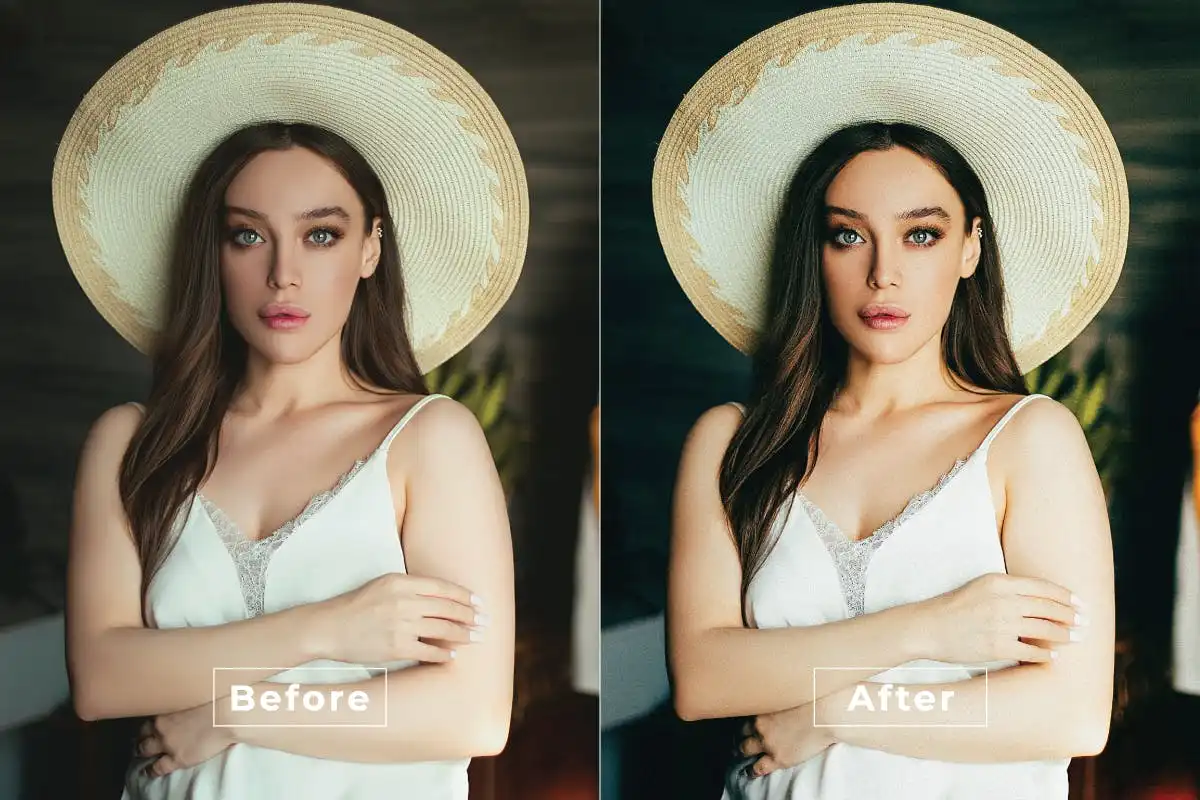
Embrace soft, pastel tones and gentle light with this elegant action. 🌸 Perfect for portraits, fashion, and lifestyle shots, it adds a dreamy, feminine touch that’s both sophisticated and romantic. 💖
Elegance Photoshop Action
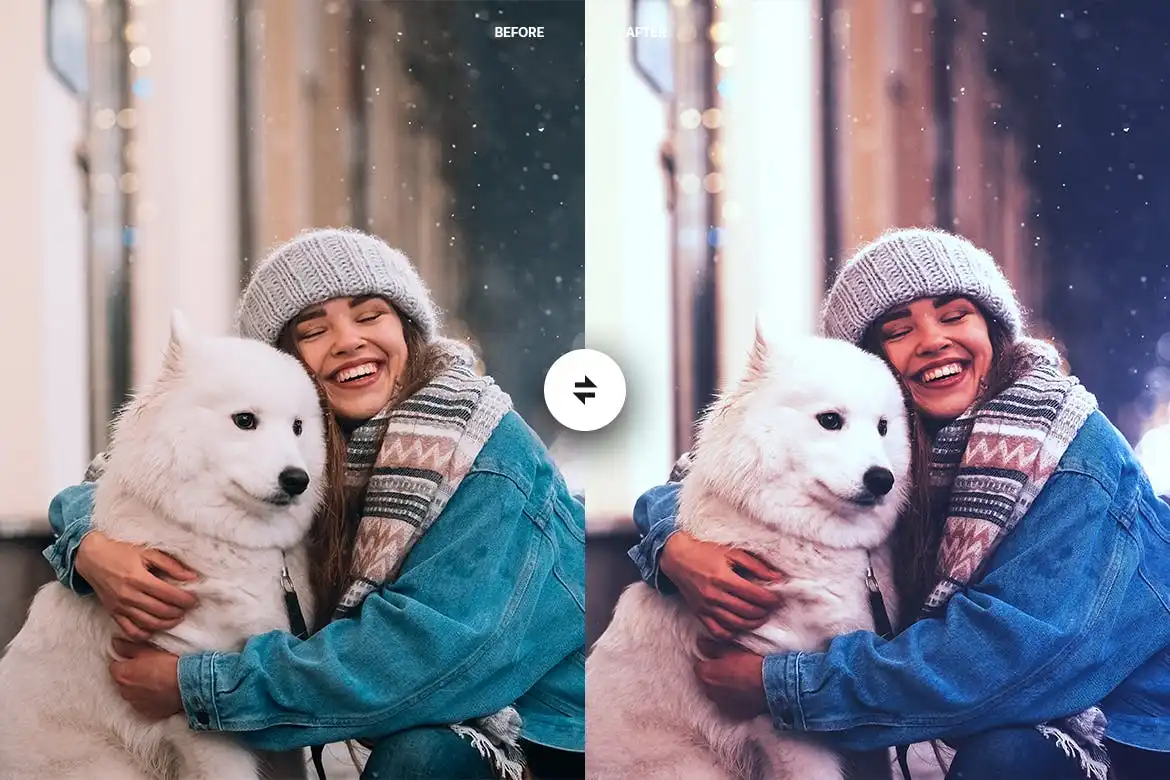
Want that polished, high-fashion look? 👗 This action refines your photos with sophisticated tones and a clean, polished finish. It’s the secret weapon for creating timeless, classy visuals! 🎨
Exotic Skin Photoshop Action
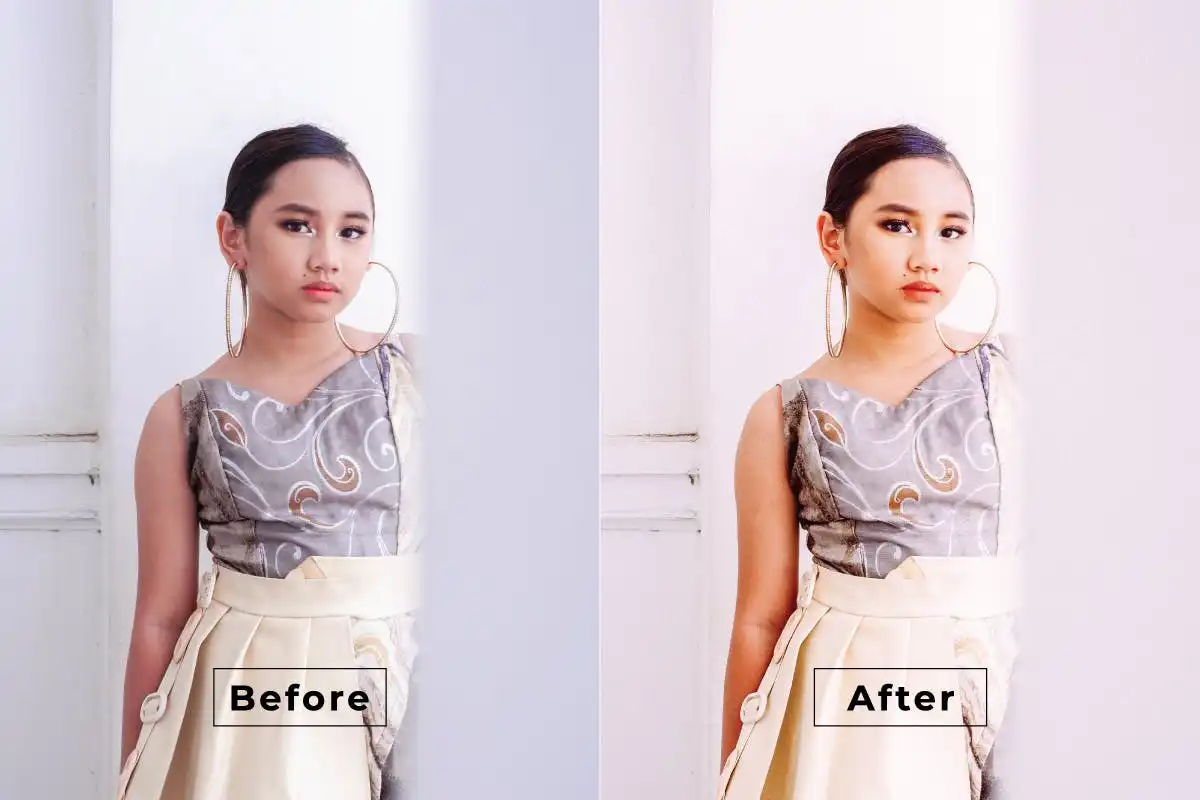
Add some spicy, vibrant skin effects that make your portraits truly stand out! 🌺 This action enhances textures and tones, giving your subjects a unique, exotic flair that’s full of personality. 🔥
Drama Cinematic Photoshop Action
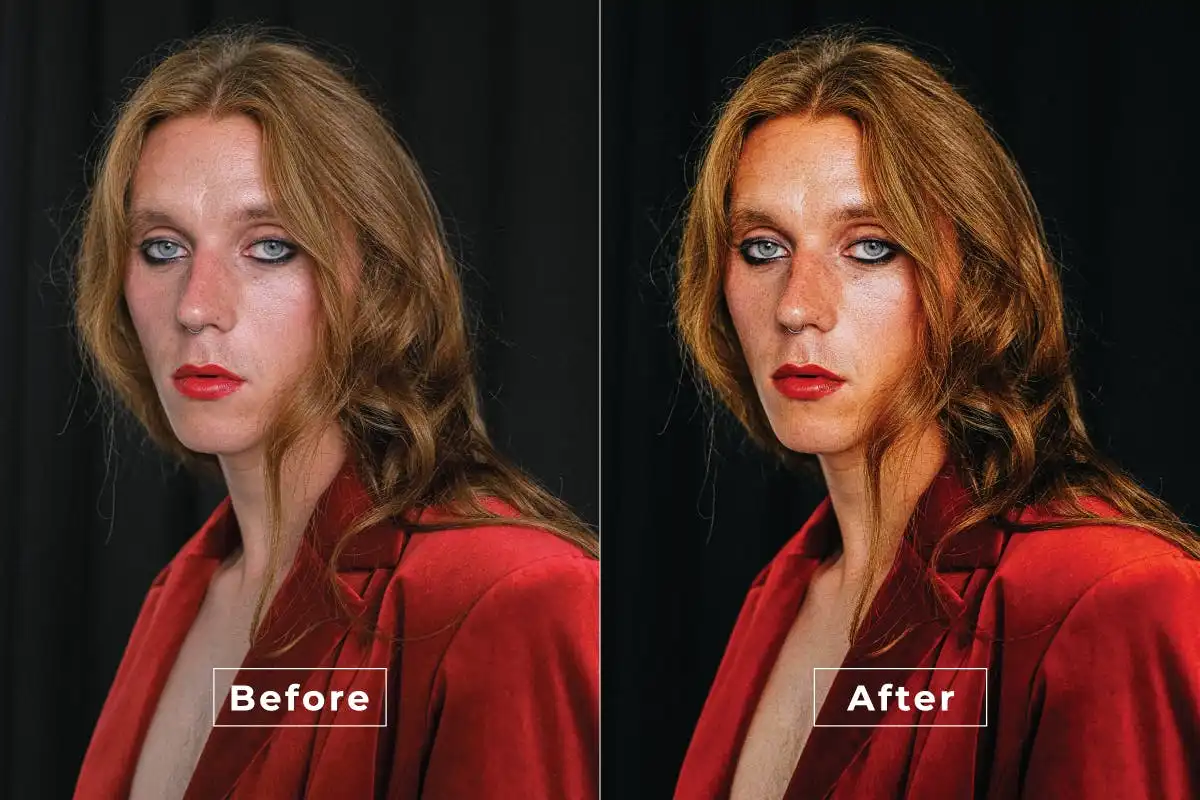
Turn up the intensity with rich cinematic tones and deep shadows! 🎭 This action infuses your photos with dramatic, film-like quality that’s perfect for storytelling and moody portraits. 🎬
Global Color Photoshop Action
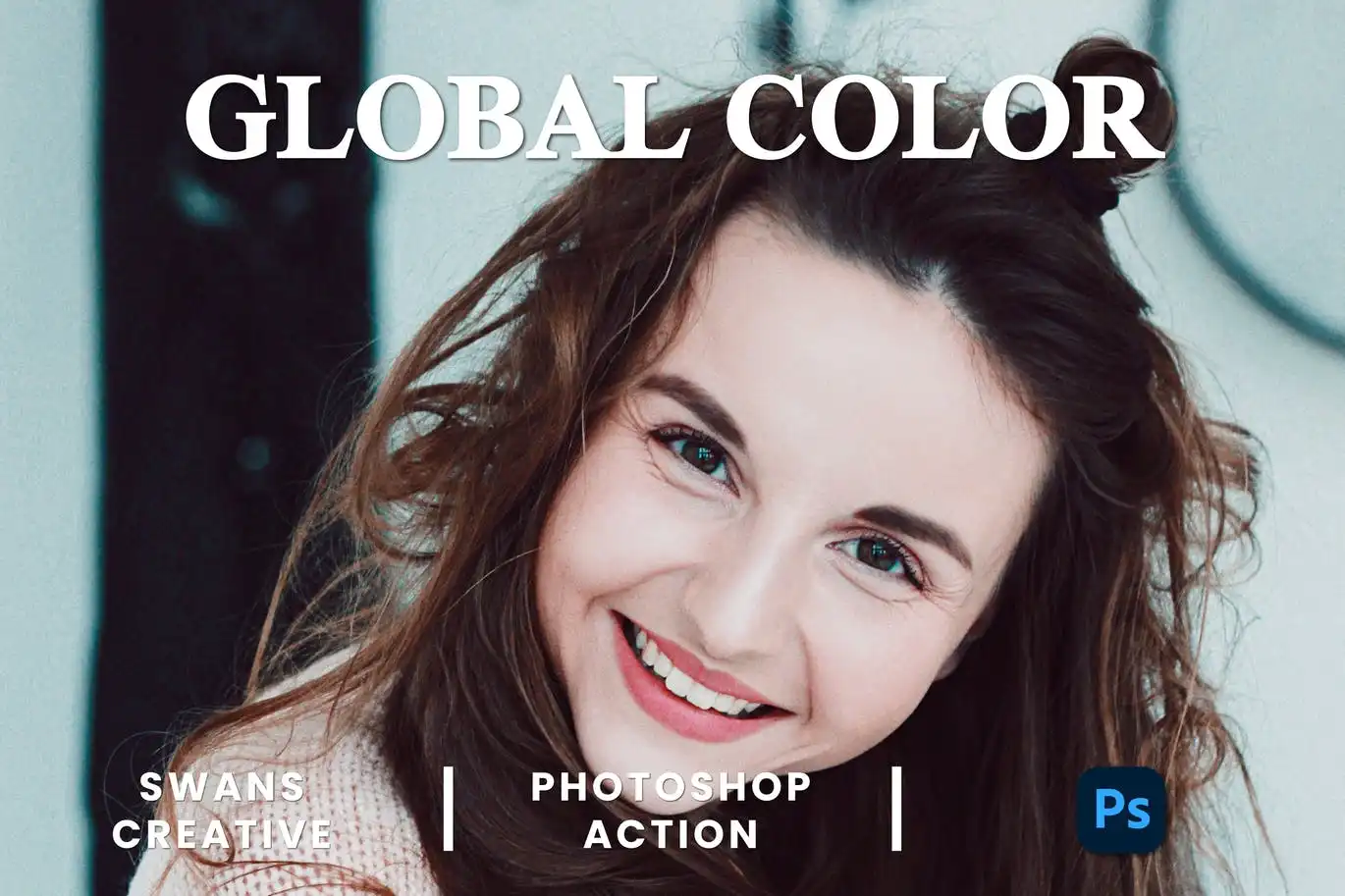
Streamline your workflow with vibrant, consistent color grading! 🌍 This action adjusts colors across the entire image, giving your photos a cohesive, professional look in a single click. 🚀
Color Opacity Photoshop Action
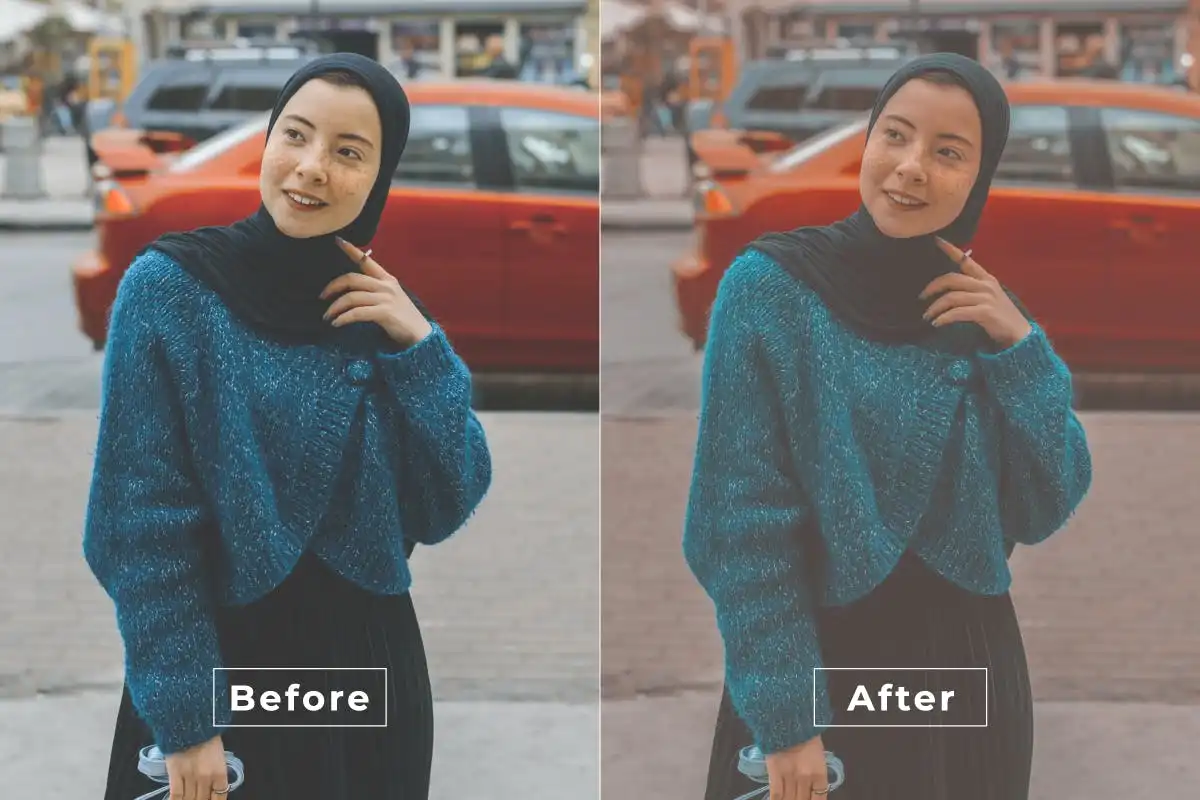
Master the art of color transparency! 🎨 This action gives you incredible control over color opacity, letting you create stunning layered effects and visuals that pop with depth and style. ✨
Dark Color Photoshop Action
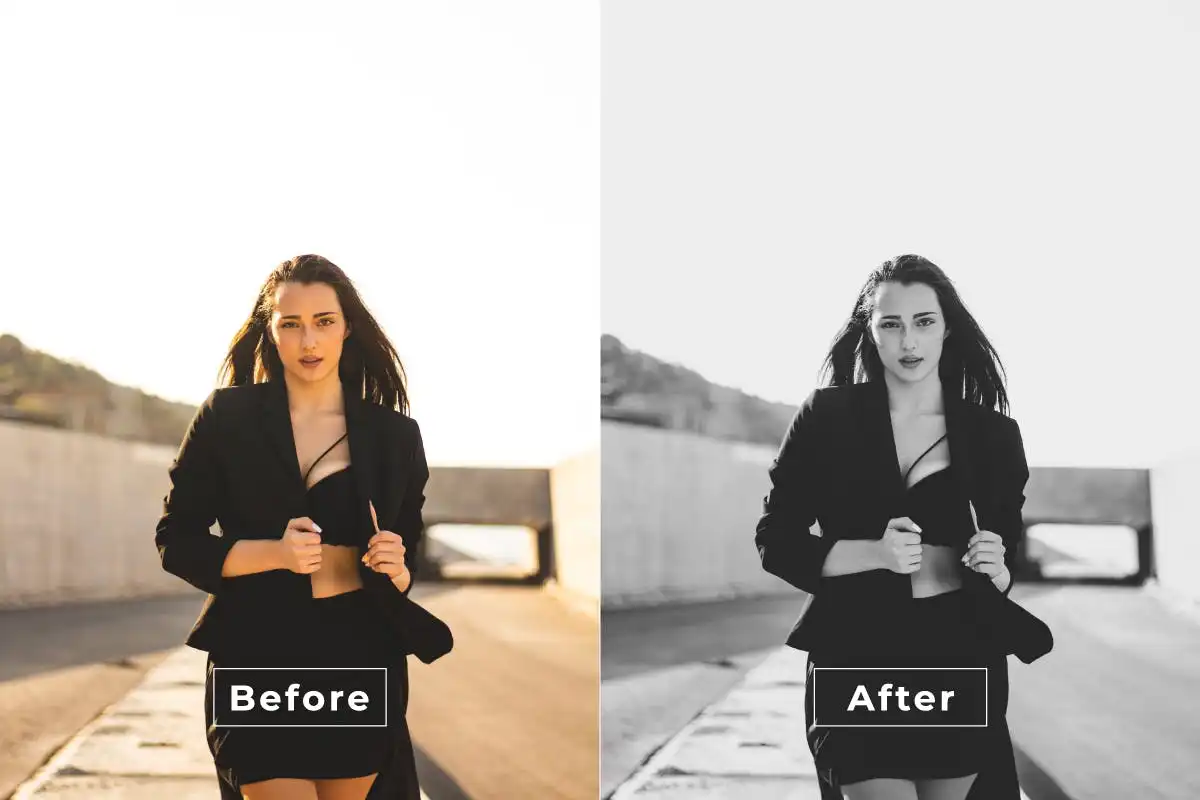
Go dark and dramatic with rich, deep colors and intense contrast! 🌌 This action enhances shadows while keeping hues vibrant—perfect for moody, cinematic edits that grab attention. 🖤
Cinematic Natural Photoshop Action
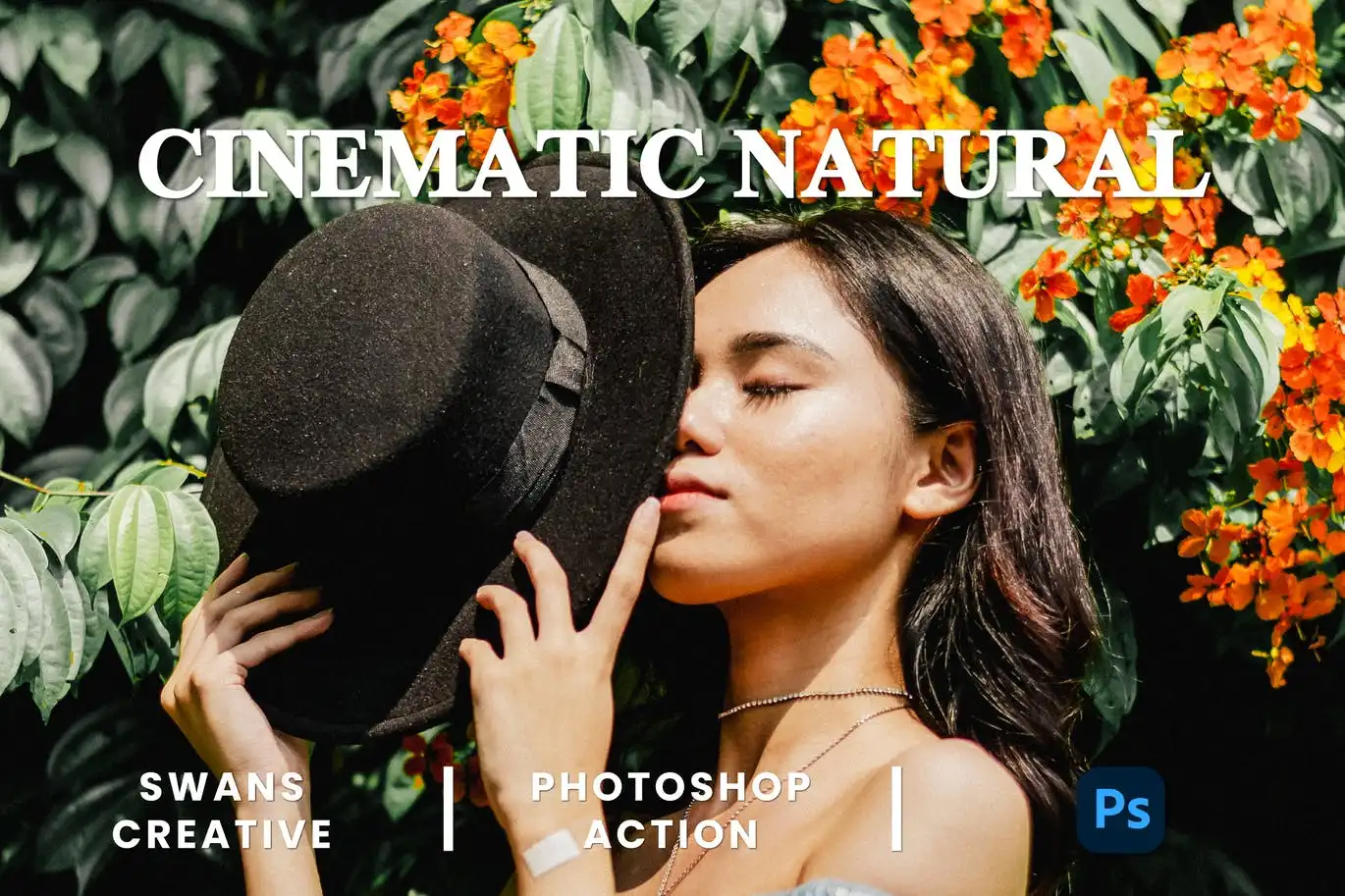
Get that film-inspired look while keeping things natural and authentic! 🎞️ This action adds subtle cinematic tones without overdoing it—perfect for photographers who love a timeless, organic finish. 🌿
Color Grading Photoshop Action
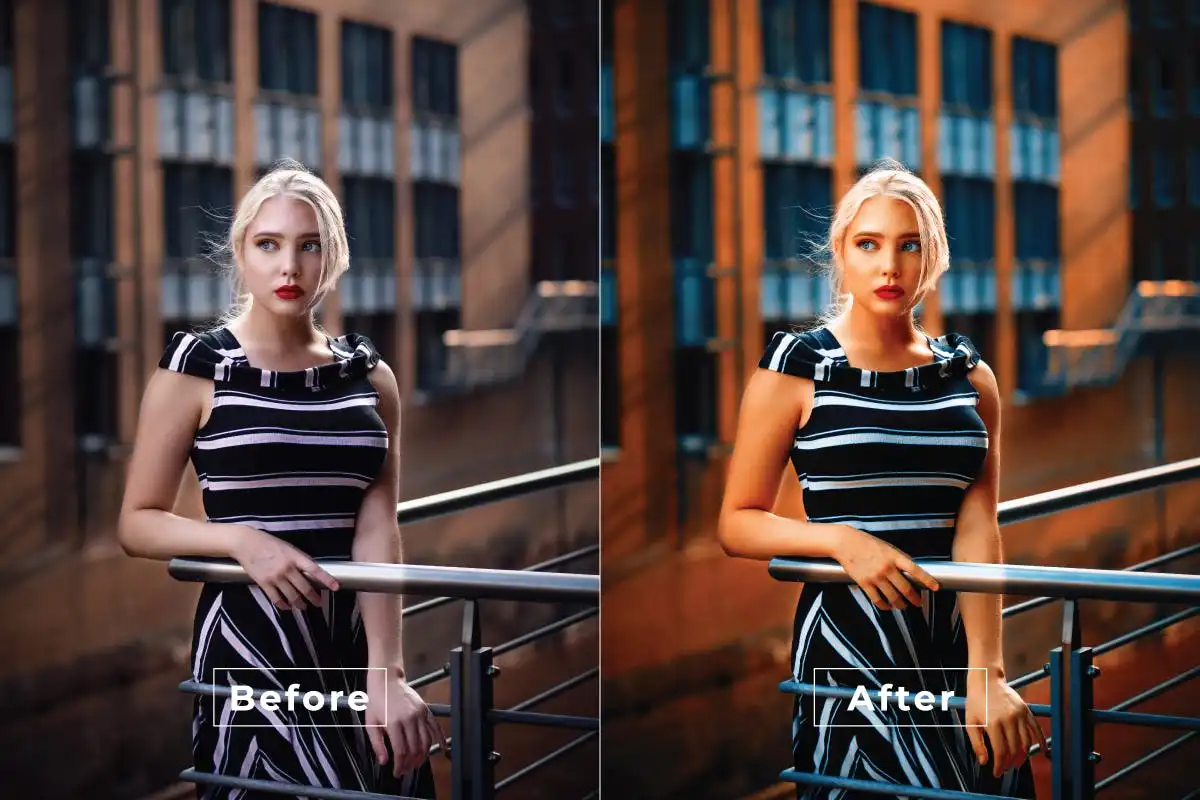
Brighten your projects with professional-grade cinematic color grading! 🌈 This action applies stunning color palettes that instantly elevate your photos, making them look like they belong in a magazine. 📸
Deals Retro Photoshop Action
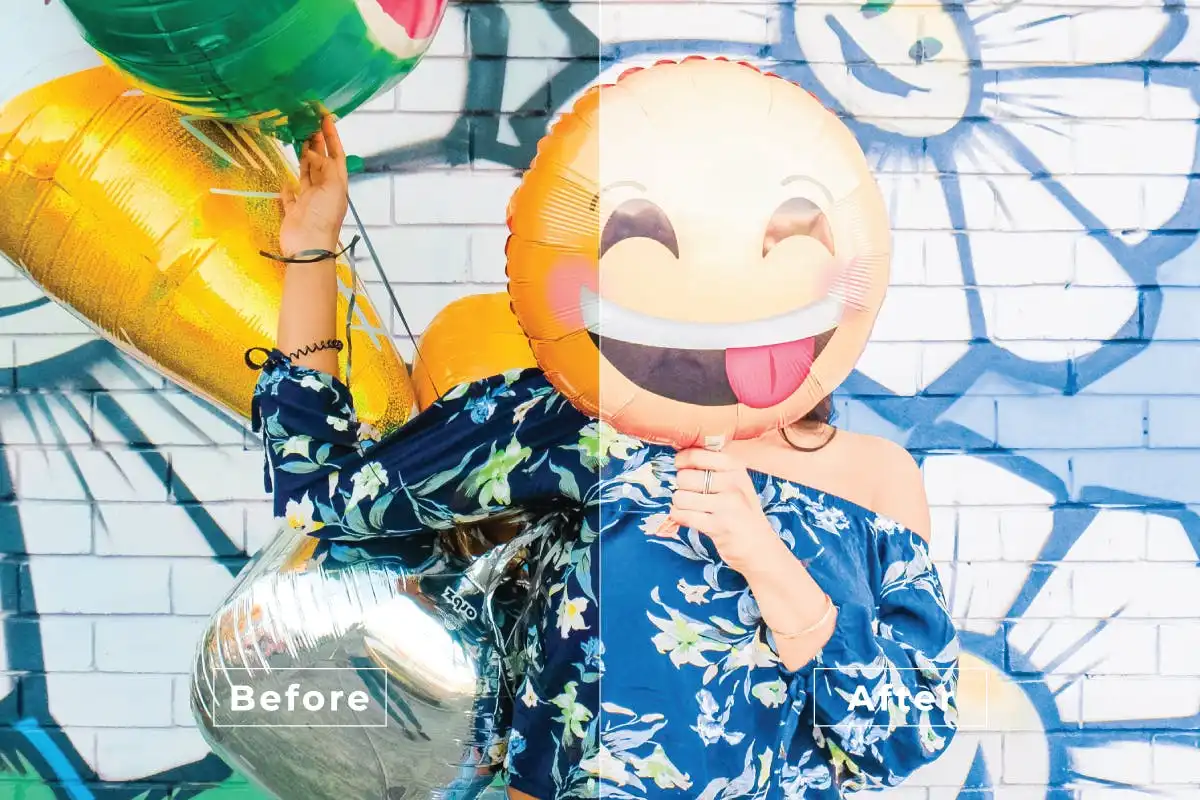
Take a trip down memory lane with authentic vintage and retro tones! 📻 This action gives your photos a nostalgic, timeless feel that’s perfect for throwback aesthetics and classic vibes. 🚀
Dark Wonderful Photoshop Action
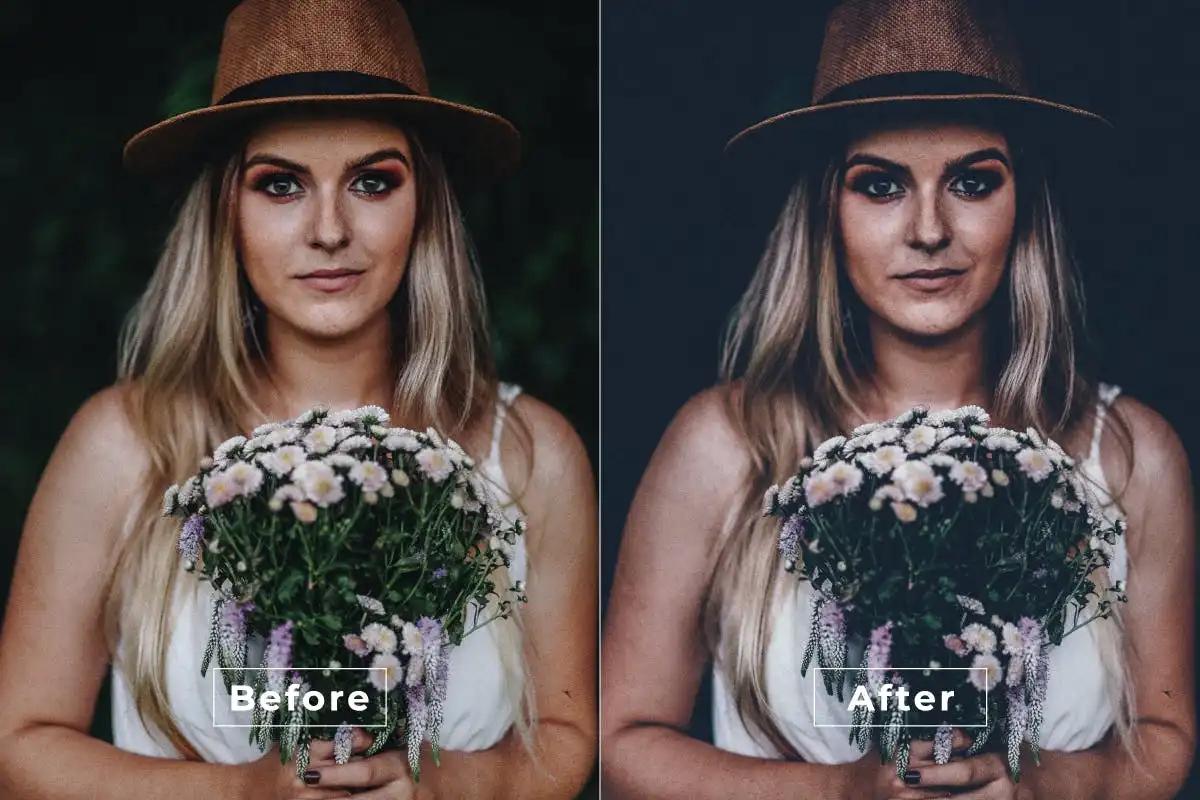
Welcome to the enchanting side of dark editing! 🌌 This action creates stunning, atmospheric images with moody shadows and highlights, perfect for expressing the beauty in the night. ✨
Augmented Reality Photoshop Action
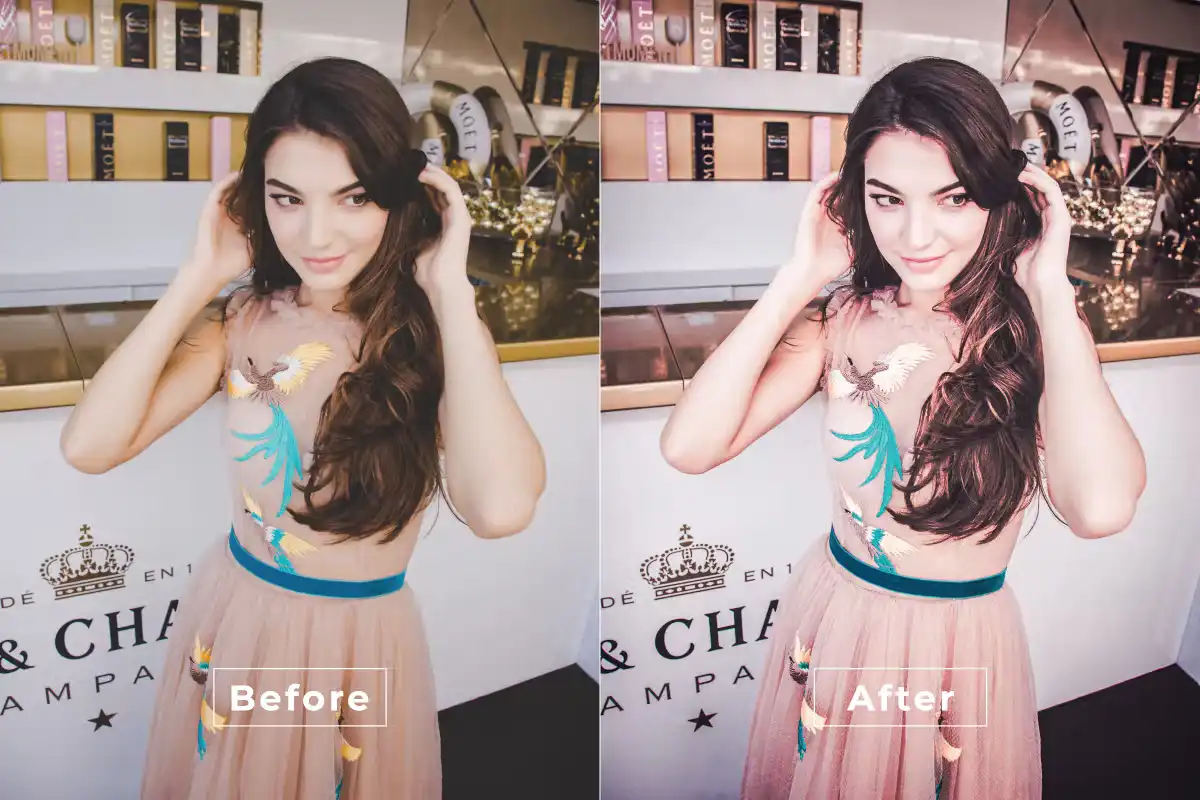
Step into the future with sleek, immersive augmented reality effects! 🤖 This action adds futuristic overlays and digital flair that make your images look cutting-edge and totally sci-fi. 🌟
Classic Brightness Photoshop Action
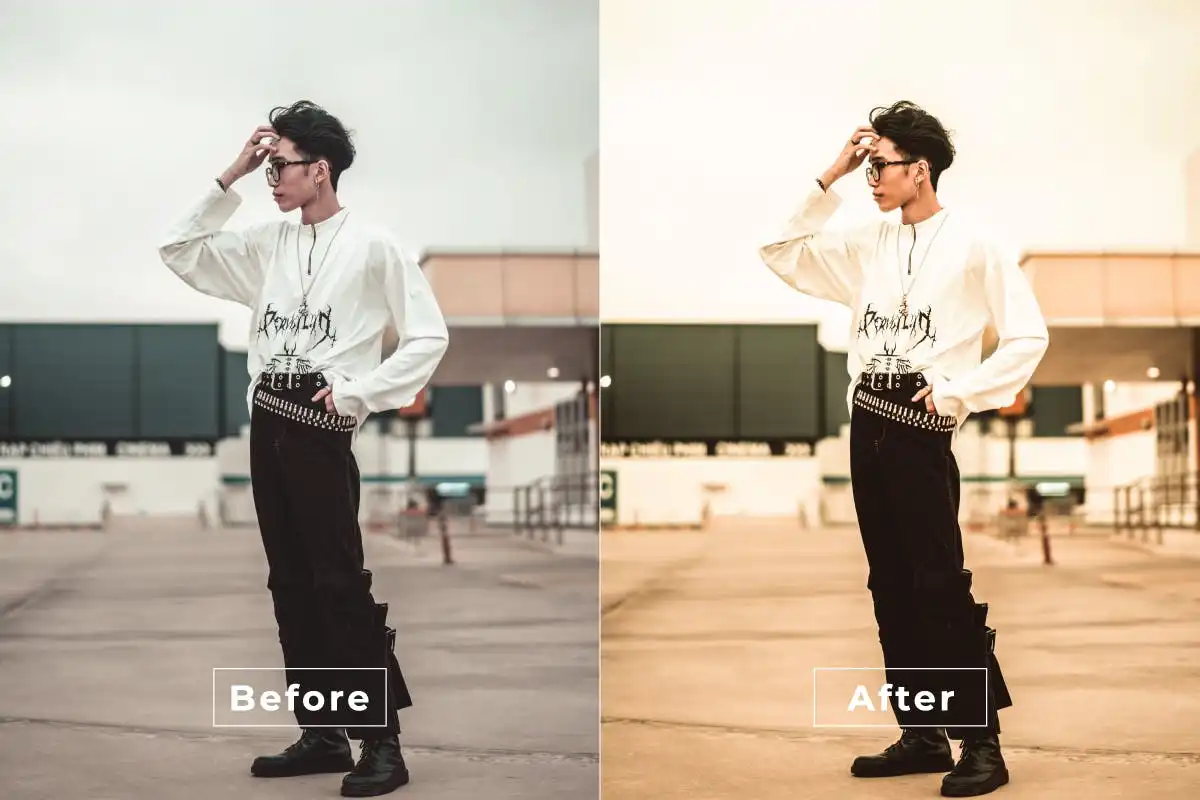
Brighten up your world with a clean, vibrant boost! ☀️ This action adds a classic brightness enhancement that makes portraits, landscapes, and everything in between look fresh and lively. 🌟
Conclusion
And there you have it, my creative friend! 🎉 The BrushesPack Collection Part 297 is a goldmine of Photoshop actions that can transform your workflow and breathe new life into your art. Whether you’re after soft feminine tones, dramatic cinematic vibes, or playful freckles, each action is crafted to save you time while delivering jaw-dropping results. Don’t wait—grab your favorites today and let your imagination run wild! 🚀✨
Frequently Asked Questions
How do I install a Photoshop action from BrushesPack?
It’s super easy! After downloading your action file (.atn), simply open Photoshop, go to the Actions panel (Window > Actions), click the menu icon, and select “Load Actions.” Choose your downloaded file, and you’re ready to go! 🛠️
Can I use these actions on any version of Photoshop?
Most actions are compatible with Photoshop CS6 and later versions, including CC. Just make sure you’re working on a high-resolution image for the best results. If you run into any issues, BrushesPack usually provides compatibility notes with each download. ✅