
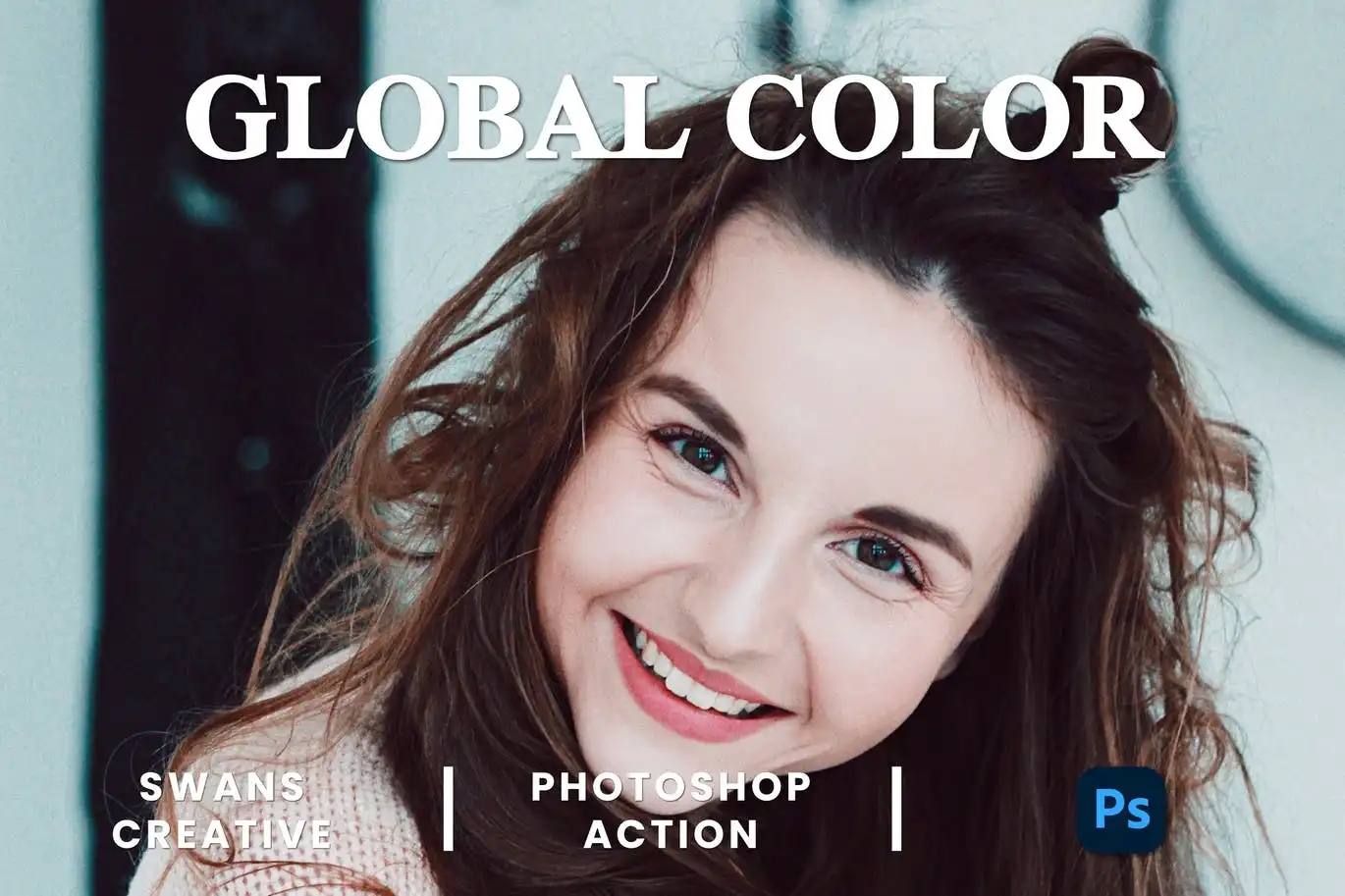
Global Color Photoshop Action


Original price was: $11.00.$2.50Current price is: $2.50.

brushespack
Product Specs:
- Compatible with: Actions|Adobe Photoshop
- File Type: ZIP
- File Size: 35.6 KB
- Instant Download
Brighten up your creative journey with the Global Color Photoshop Action! This delightful digital download is ready for instant access, making it the perfect companion for photographers and designers who wish to enhance their images with stunning color adjustments. 🌈✨
Product Overview
The Global Color Photoshop Action is your go-to tool for achieving vibrant and cohesive color grading across your images. Whether you’re a professional photographer, a passionate designer, or a digital artist, this action simplifies the process of color correction, allowing you to focus on what you love most—creating beautiful visuals! 🎨
Key Features & Benefits
- One-click global color enhancement → Instantly apply professional-grade color adjustments to your images with just a click!
- Optimized for various photography styles → Perfectly suited for portrait, landscape, and editorial photography.
- Non-destructive editing with adjustment layers → Keep your original images intact while experimenting with color.
- Compatible with Adobe Photoshop CC and later versions → Enjoy seamless integration with your favorite software.
- Fast and efficient workflow integration → Save time while achieving impressive results!
Technical Specifications
| Compatible with | Software |
|---|---|
| File Type | ZIP |
| File Size | 35.6 KB |
| Instant Download | Yes |
What’s Included
- Global Color Photoshop Action (.atn) file
- Step-by-step installation and usage guide
- Sample before and after preview images
Perfect For
- Photographers looking to streamline their editing process.
- Designers who want to create stunning visuals quickly.
- Digital artists aiming to achieve cohesive color palettes.
FAQ
- Is this a physical product? No, it’s a digital download!
- How many colors can I work with in Photoshop? Photoshop allows you to work with millions of colors, making it a versatile tool for any project.
- Where is the color range in Photoshop? You can find the color range under ‘Select’ in the top menu. It’s a handy tool for color adjustments!
User Reviews
Be the first to review “Global Color Photoshop Action”
You must be logged in to post a review.

Vector Painting V2 Photoshop Action
Sold by brushespack

Cumbre Font By Julia Martinez Diana
Sold by brushespack
Canobis By Craft Supply Co
Sold by brushespack
Elicyon Corporate Typeface
Sold by brushespack
Street Sign Mockup
Sold by brushespack Original price was: $11.00.$2.50Current price is: $2.50.


There are no reviews yet.