
Are you ready to unlock the ultimate vault of creative magic? 🚀 Welcome to the BrushesPack Collection Part 298, where we’ve curated 20 breathtaking Photoshop actions that will transform your photos from ordinary to absolutely extraordinary. Whether you crave that glossy Hollywood movie look, a soft dreamy aesthetic, or a vibrant pop of color, this collection has something special just for you! 🎨✨
Why Use These Photoshop Actions?
Why spend hours fiddling with sliders and layers when you can achieve professional-level results in a single click? These actions are a game-changer for photographers, digital artists, and designers who want to enhance their workflow while delivering stunning visuals. From cinematic color grading to artistic watercolor effects, each tool is designed to save you time and unlock your creative potential. 💡
Top 20 Photoshop Actions Picks
Clean Movie Photoshop Action
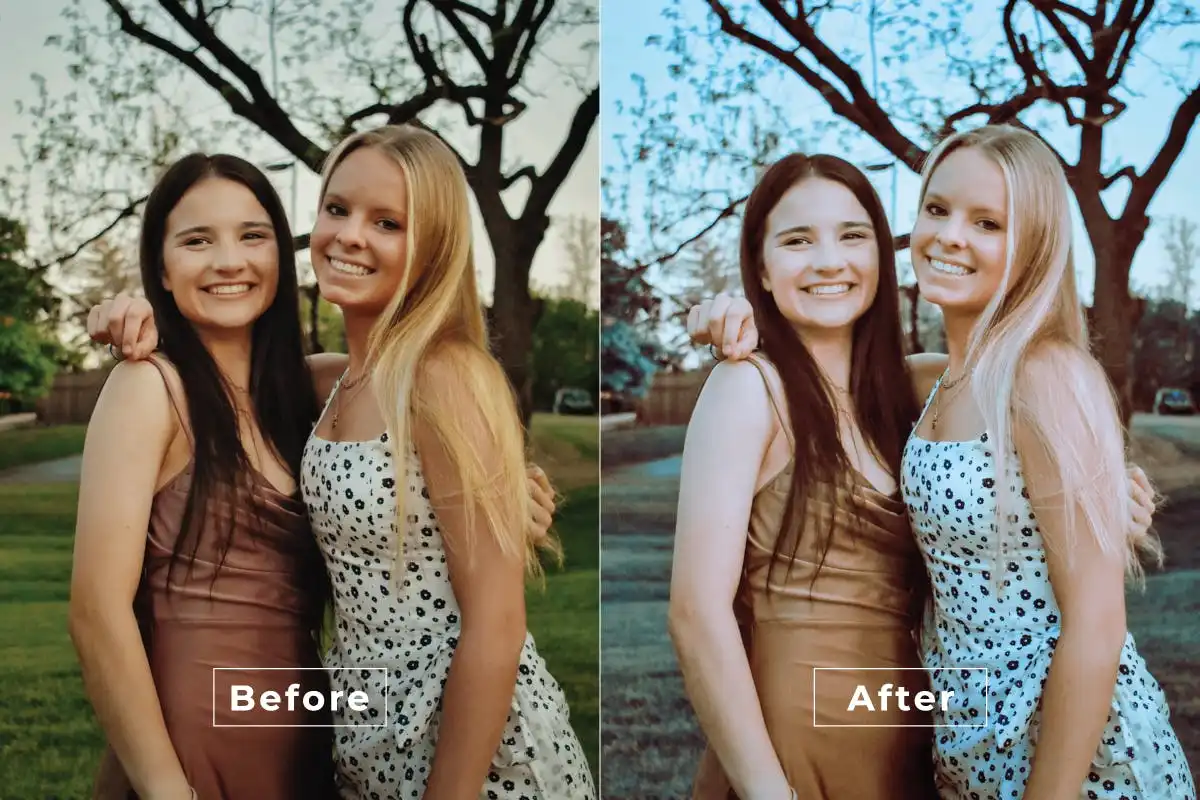
Give your photos that polished Hollywood blockbuster vibe in just one click! 🎬 Perfect for portraits and lifestyle shots that need a touch of cinematic elegance.
Complicated Airy Photoshop Action
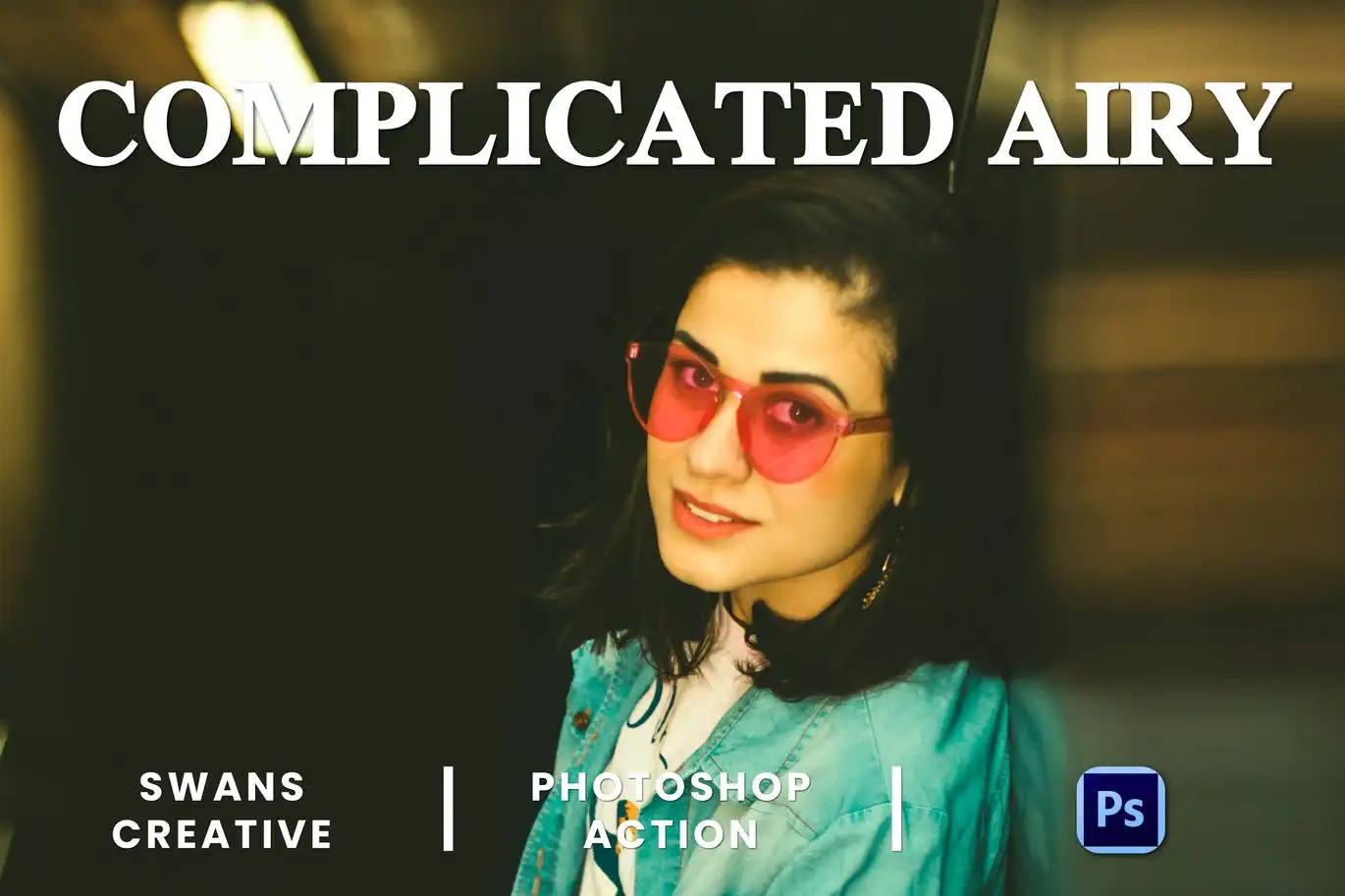
Sprinkle a little enchantment on your photos with this soft, light-filled action! ✨ It creates a dreamy atmosphere that’s perfect for ethereal portraits and romantic scenes.
Cute Bright Photoshop Action
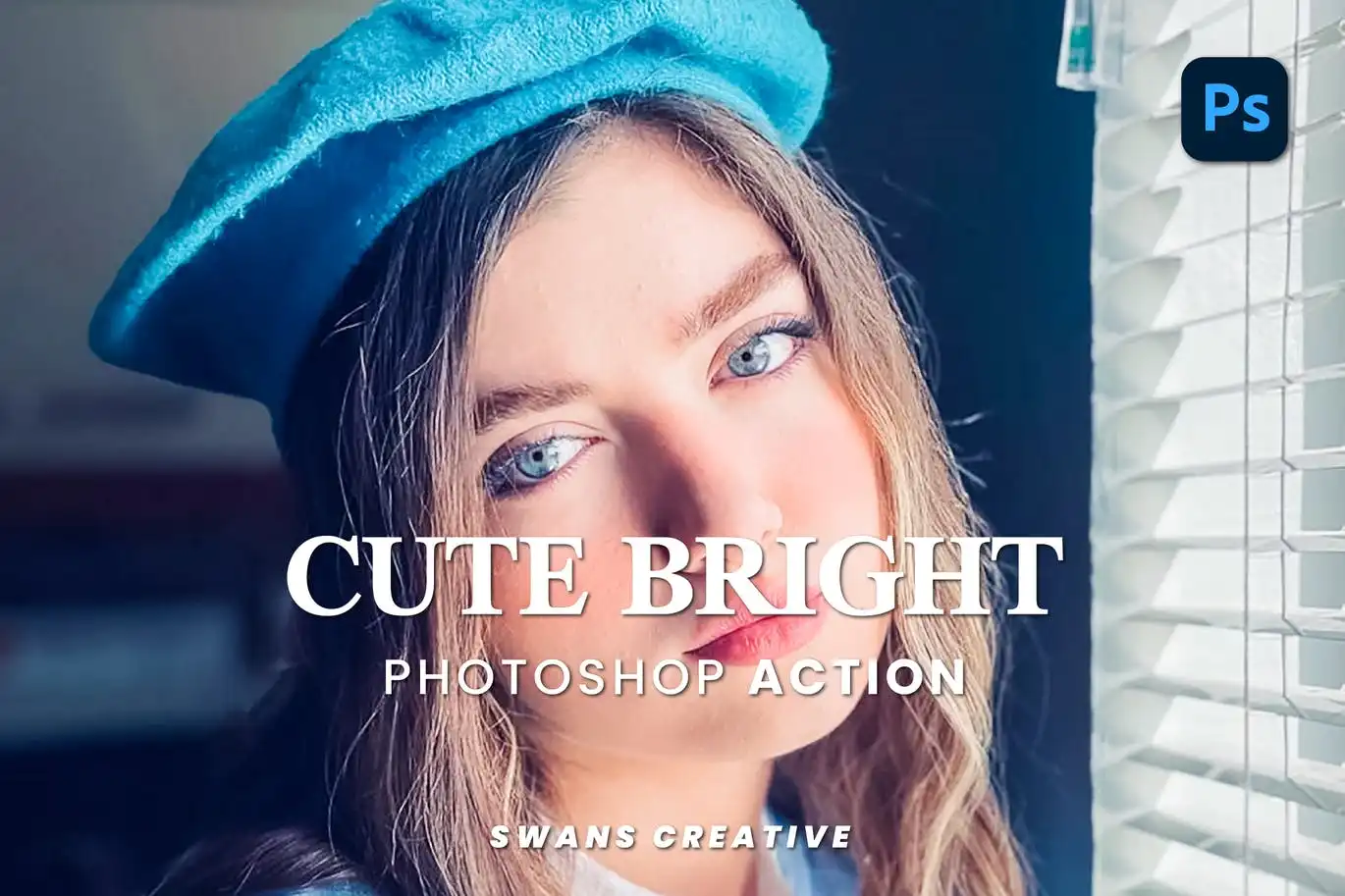
Inject a burst of sunshine and playful color into your images! 🌈 This action is your go-to for cheerful, joyful edits that instantly brighten up your feed.
Color Movie Part 2 Photoshop Action
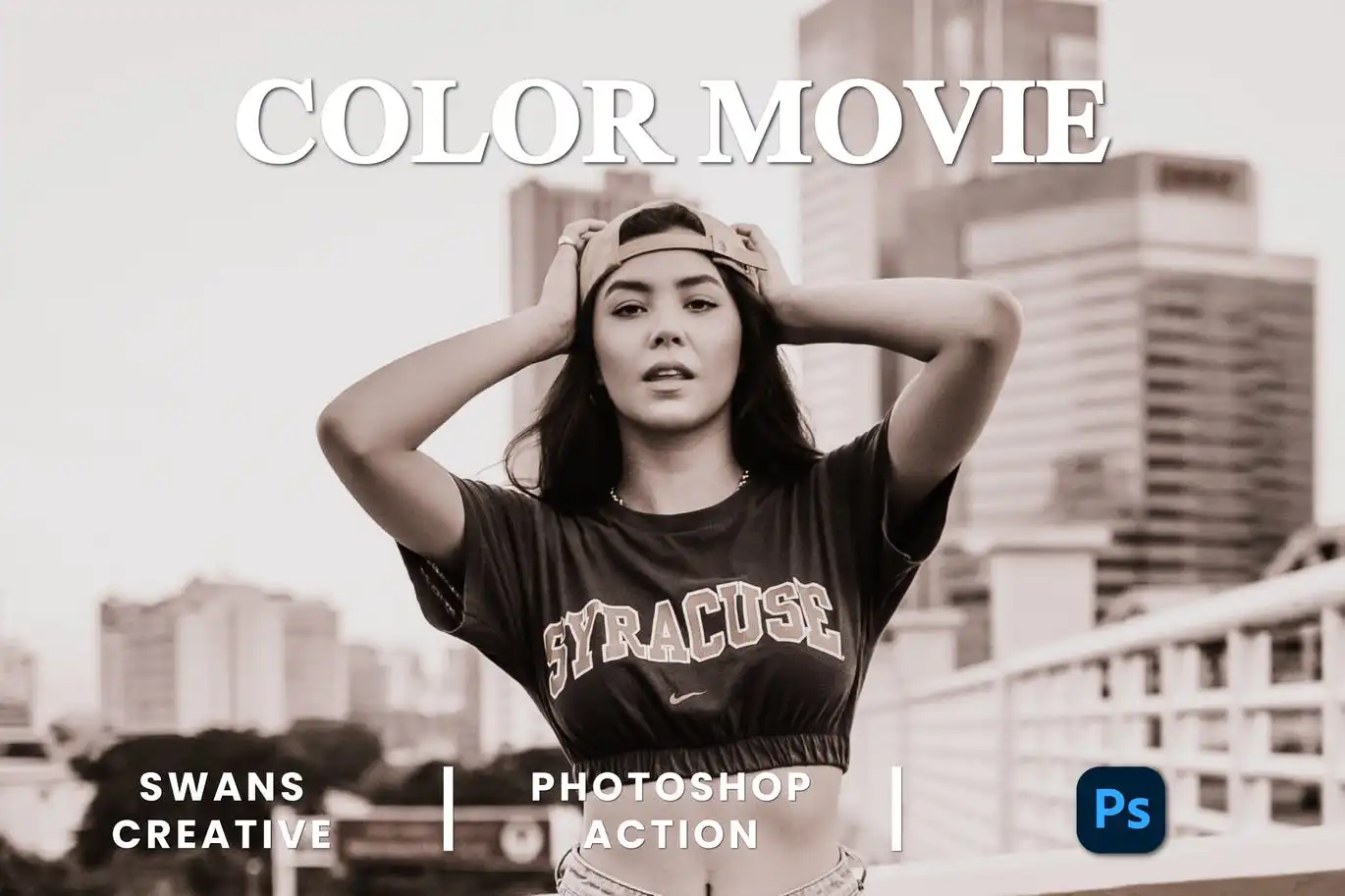
Level up your color grading game with vibrant tones that scream cinematic flair! 🎨✨ This action makes your images pop with rich, dynamic hues.
Color Movie Photoshop Action
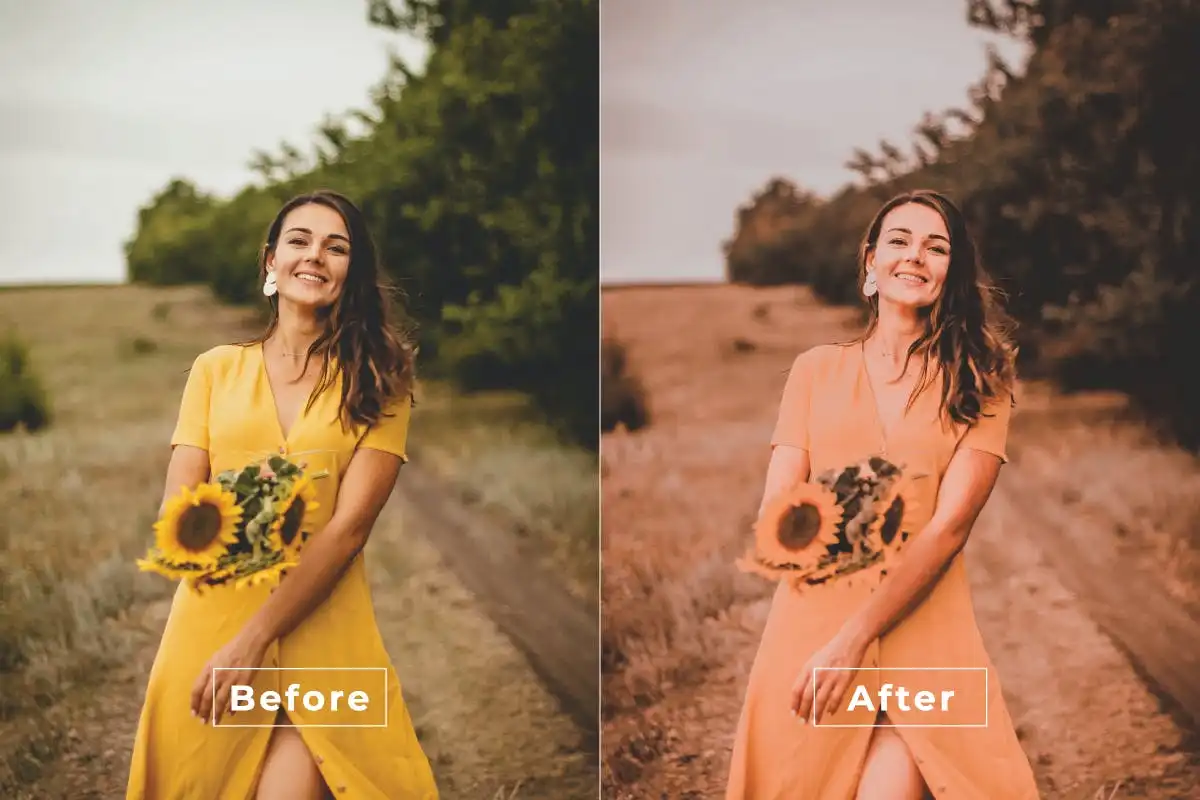
The original blockbuster maker! 🎬 Get that instant movie magic with bold, beautiful color grading that makes every shot look like a film still.
Attention Filter Photoshop Action
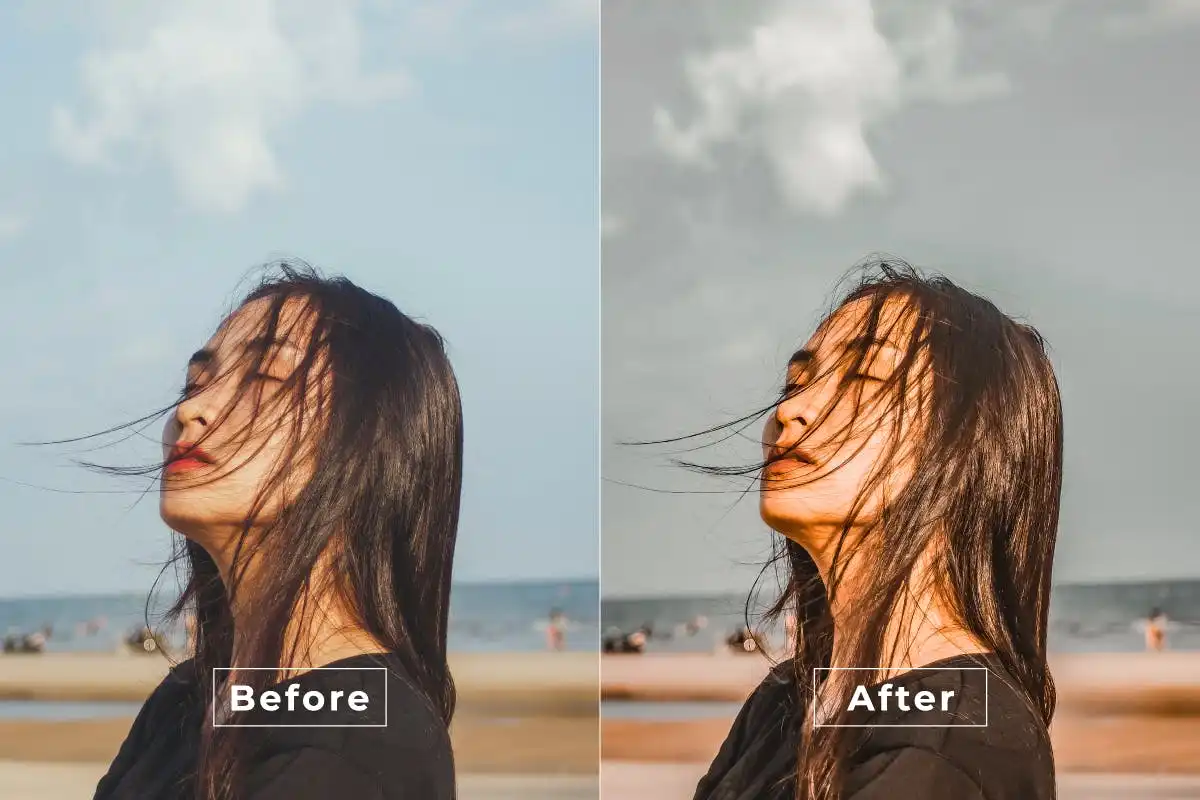
Make your subject the undeniable star of the show! 🌟 This clever action adds a stunning focus effect that draws the eye exactly where you want it.
Bright Aesthetic Photoshop Action
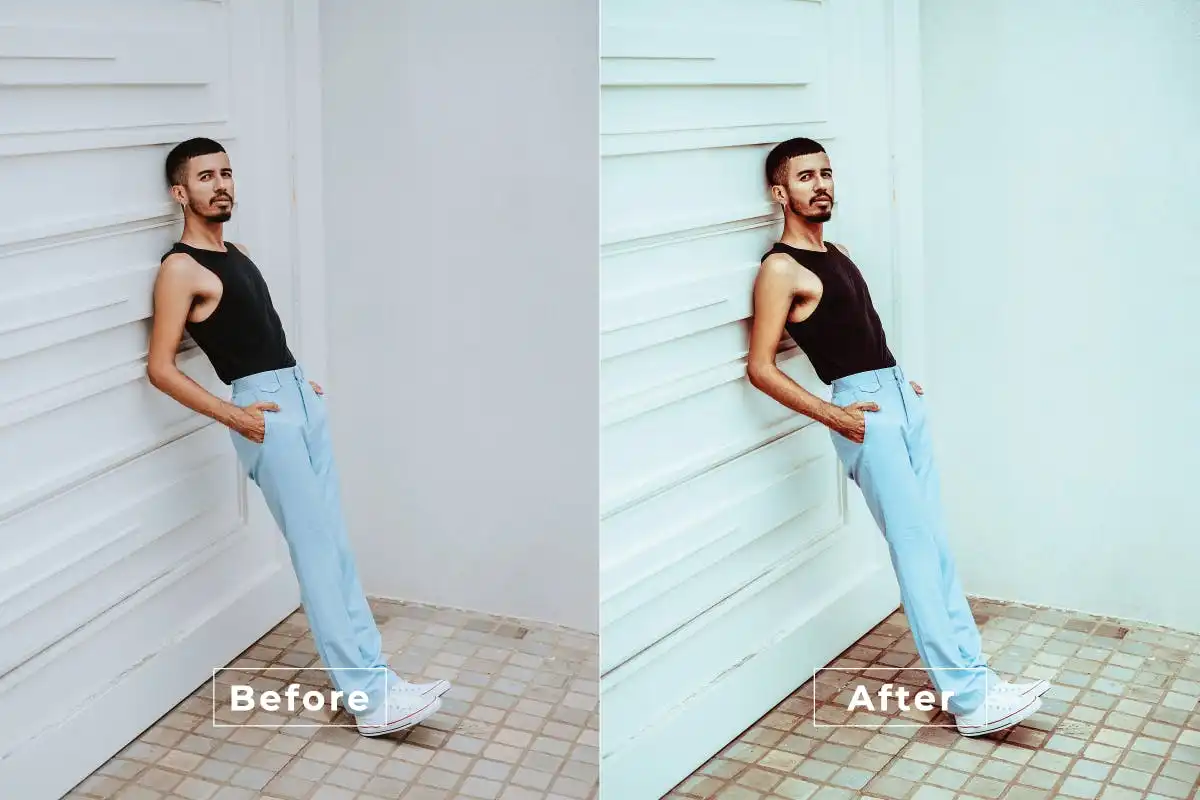
Infuse your photos with vibrant colors and a polished, trendy finish! 🌈 Perfect for creating that coveted bright aesthetic that looks amazing on social media.
Bohemian Blossom Photoshop Action
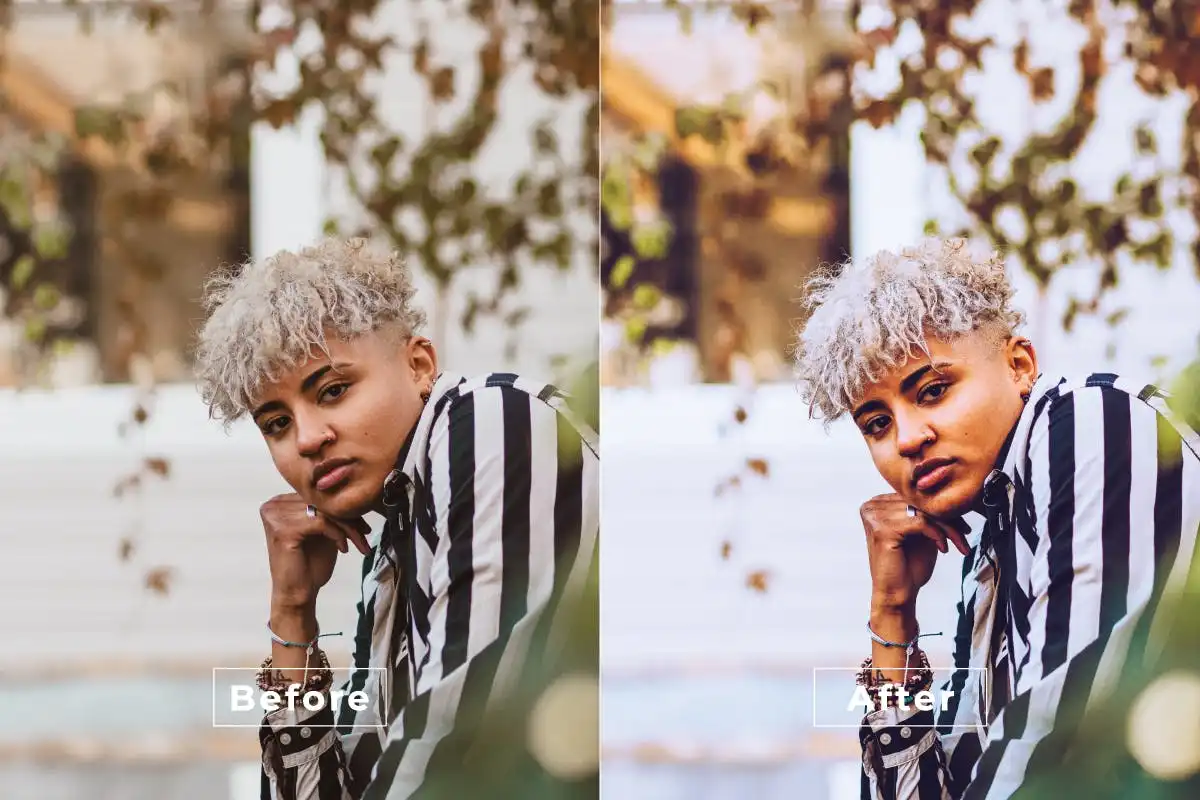
Bring a touch of nature and vintage charm to your portraits! 🌸 This floral-inspired action adds a warm, whimsical glow that feels like a breath of fresh air.
Cinematic Lite Photoshop Action
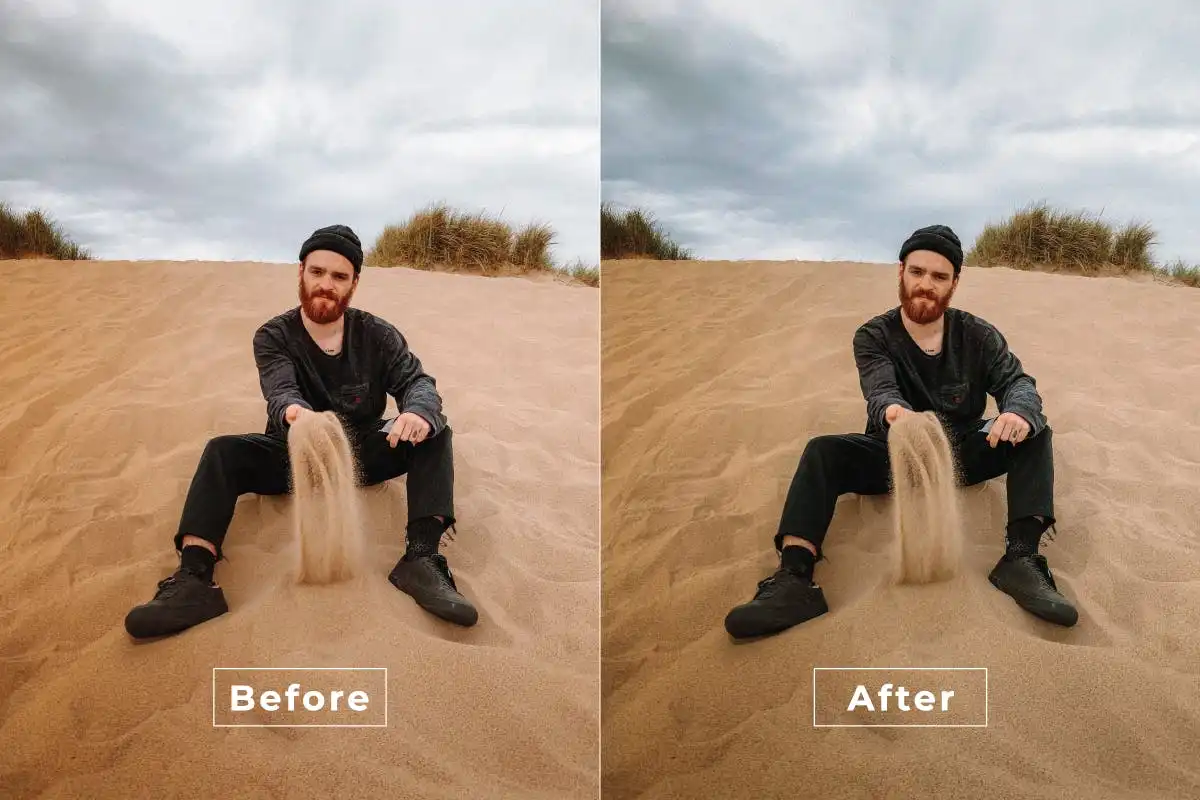
Want the drama without the heavy processing? 🎬 This lite version gives you breathtaking cinematic effects with a lighter, more delicate touch.
Bright Color Photoshop Action
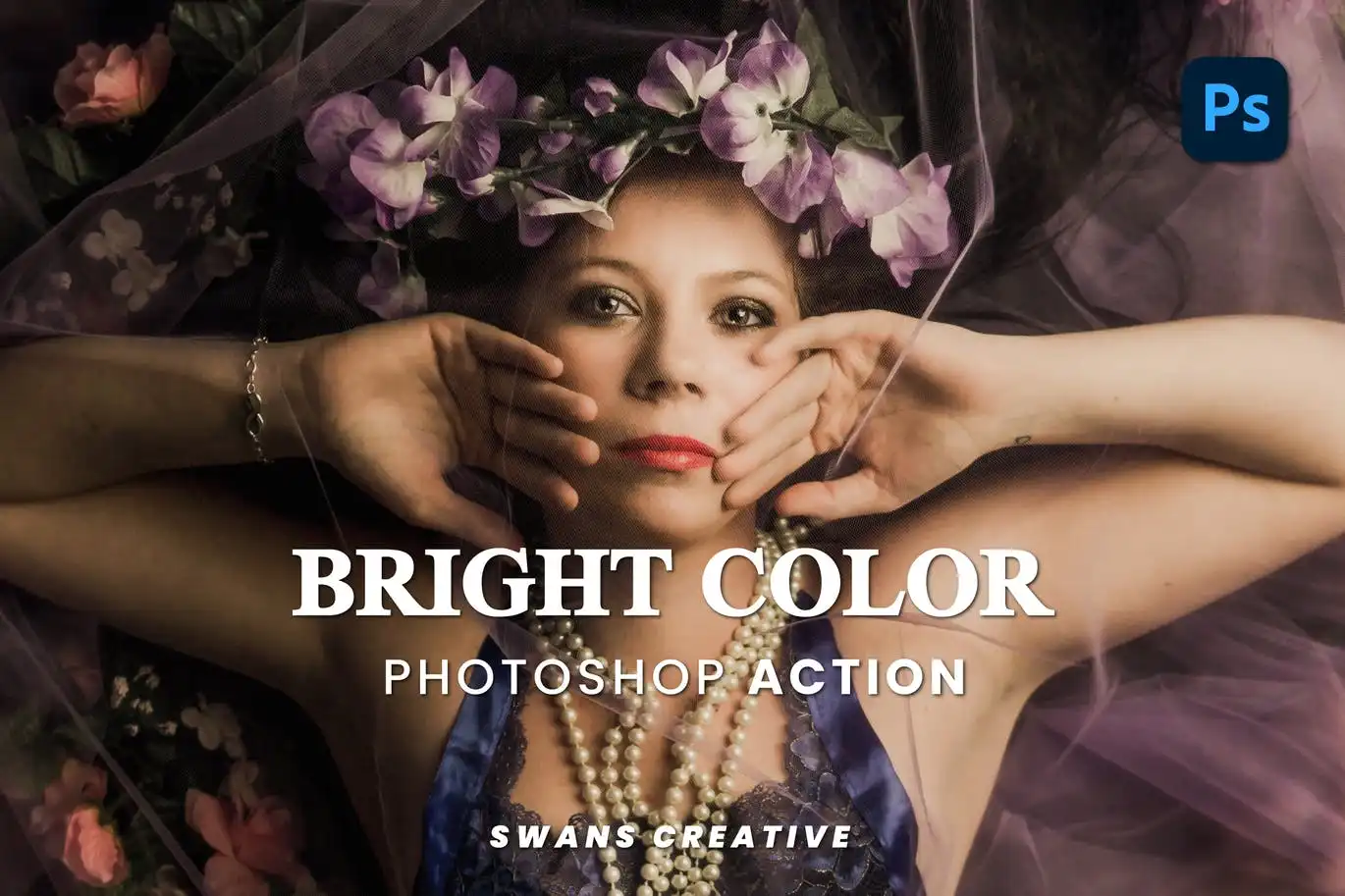
Turn up the volume on your colors! 🎨 This action makes your images burst with vivid, eye-popping vibrancy, making every detail stand out beautifully.
Clean Fashion Photoshop Action
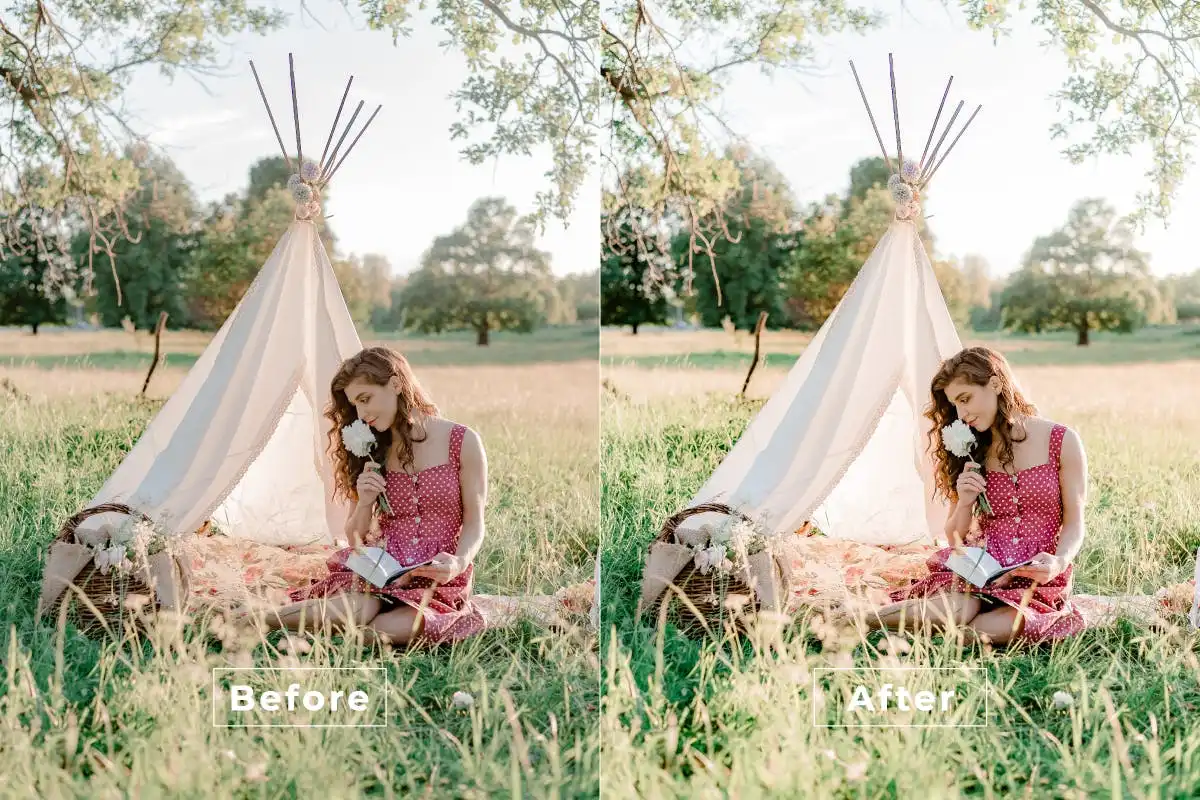
Elevate your fashion shots with a polished, high-end look! 🌟 This action delivers that sleek, magazine-worthy finish that makes your portfolio shine.
Cinematic Light Photoshop Action
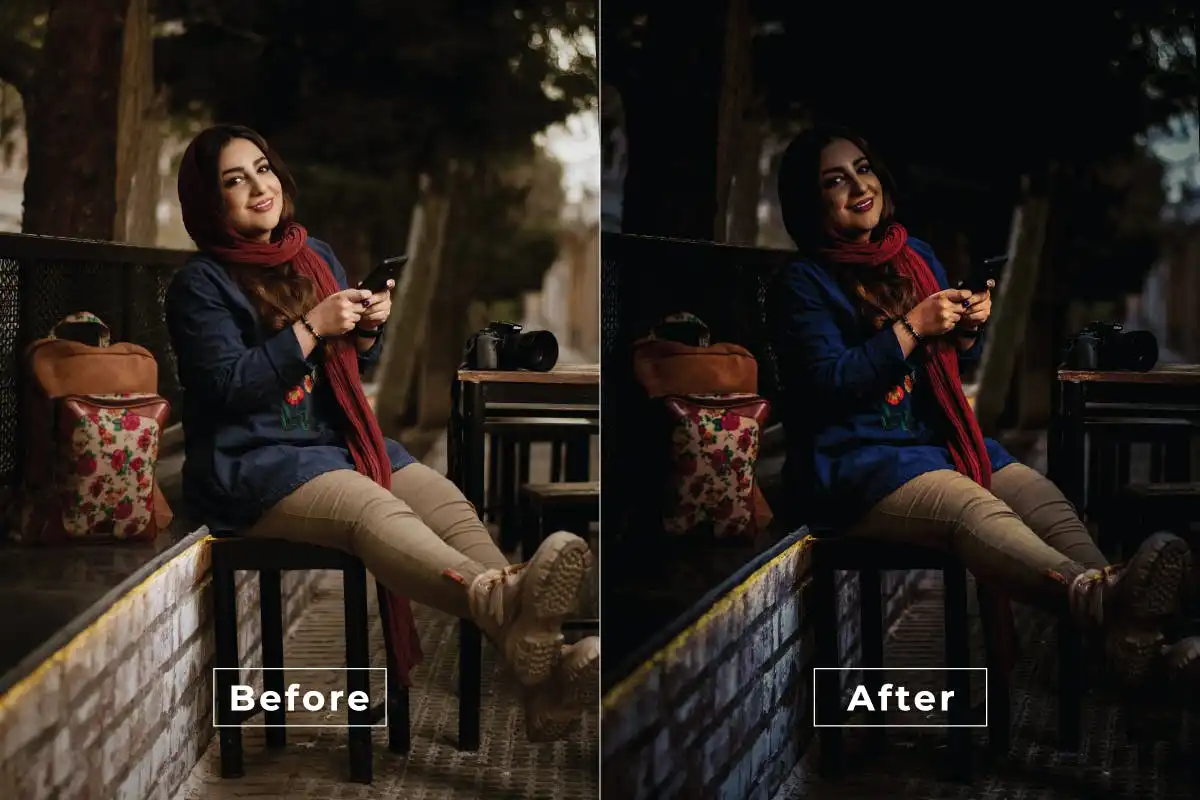
Master the art of dramatic lighting! 💡 This action creates stunning highlights and deep shadows that give your photos that professional movie set feel.
Blue Princess Photoshop Action
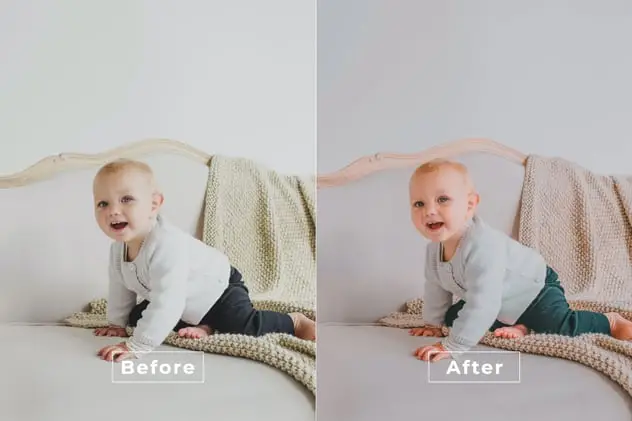
Add a magical, fairy-tale touch to your portraits! 👸✨ The soft, cool blue tones enhance skin beautifully and create an ethereal, dreamy mood.
Blue Effect Photoshop Action
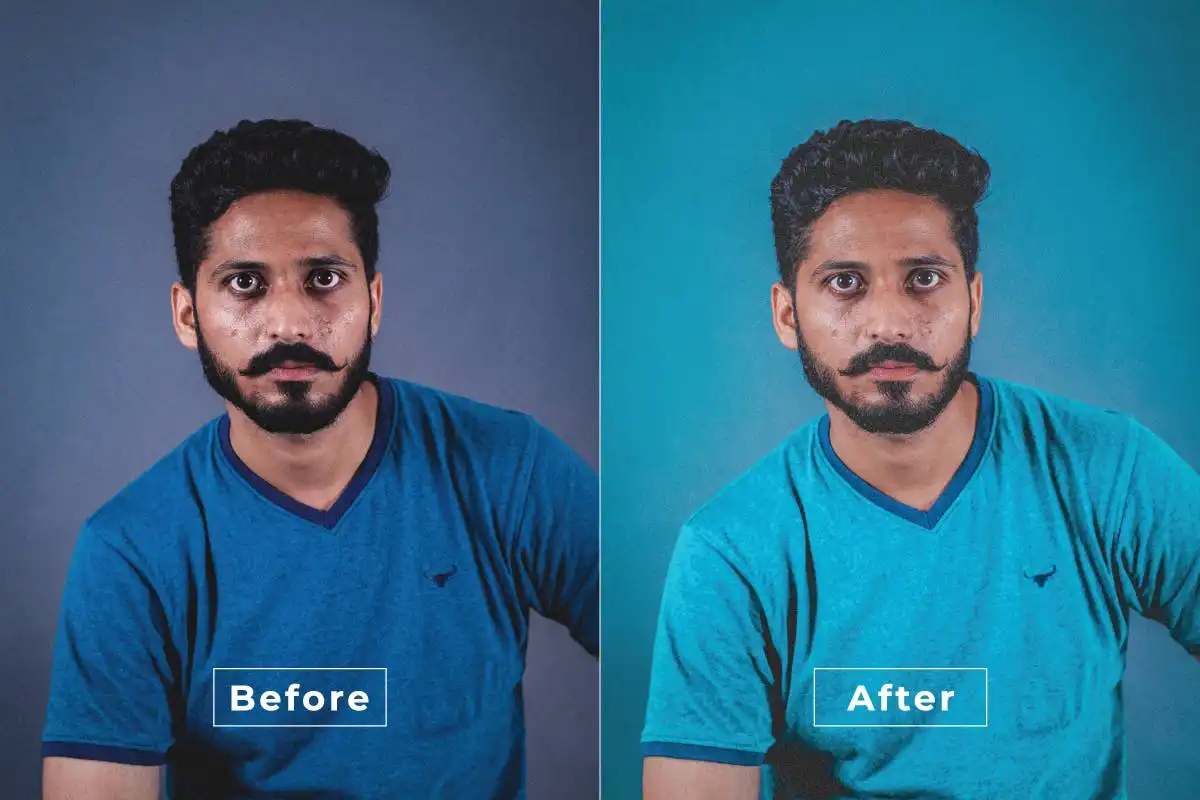
Dive into the deep end of cinematic blue hues! 💙 Perfect for landscapes, urban shots, and moody portraits that need a splash of cool sophistication.
Artistic Style Photoshop Action
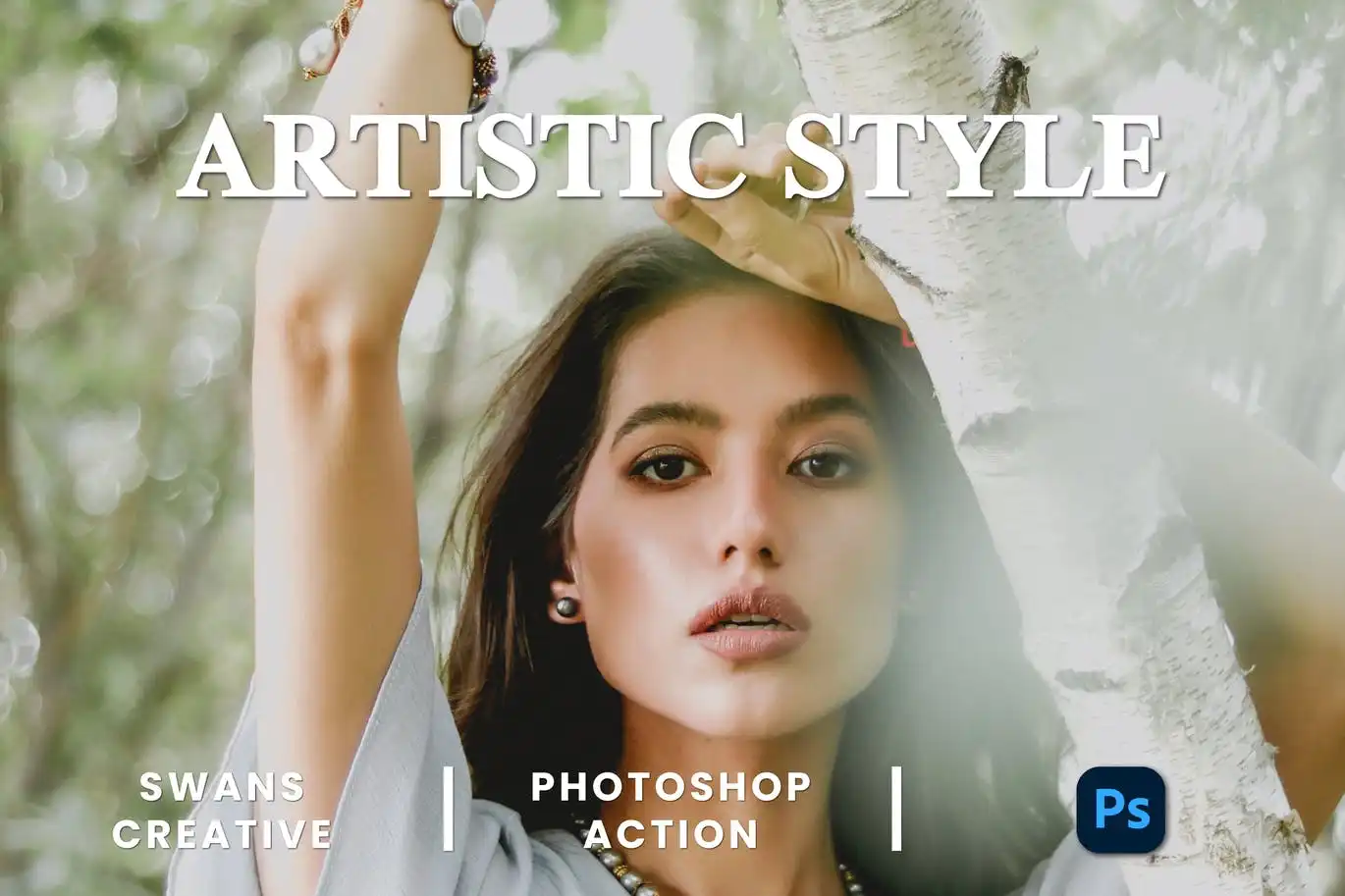
Turn your photos into stunning works of art with a single click! 🖼️ This action applies unique, painterly effects that are both creative and chic.
Artistic Living Photoshop Action
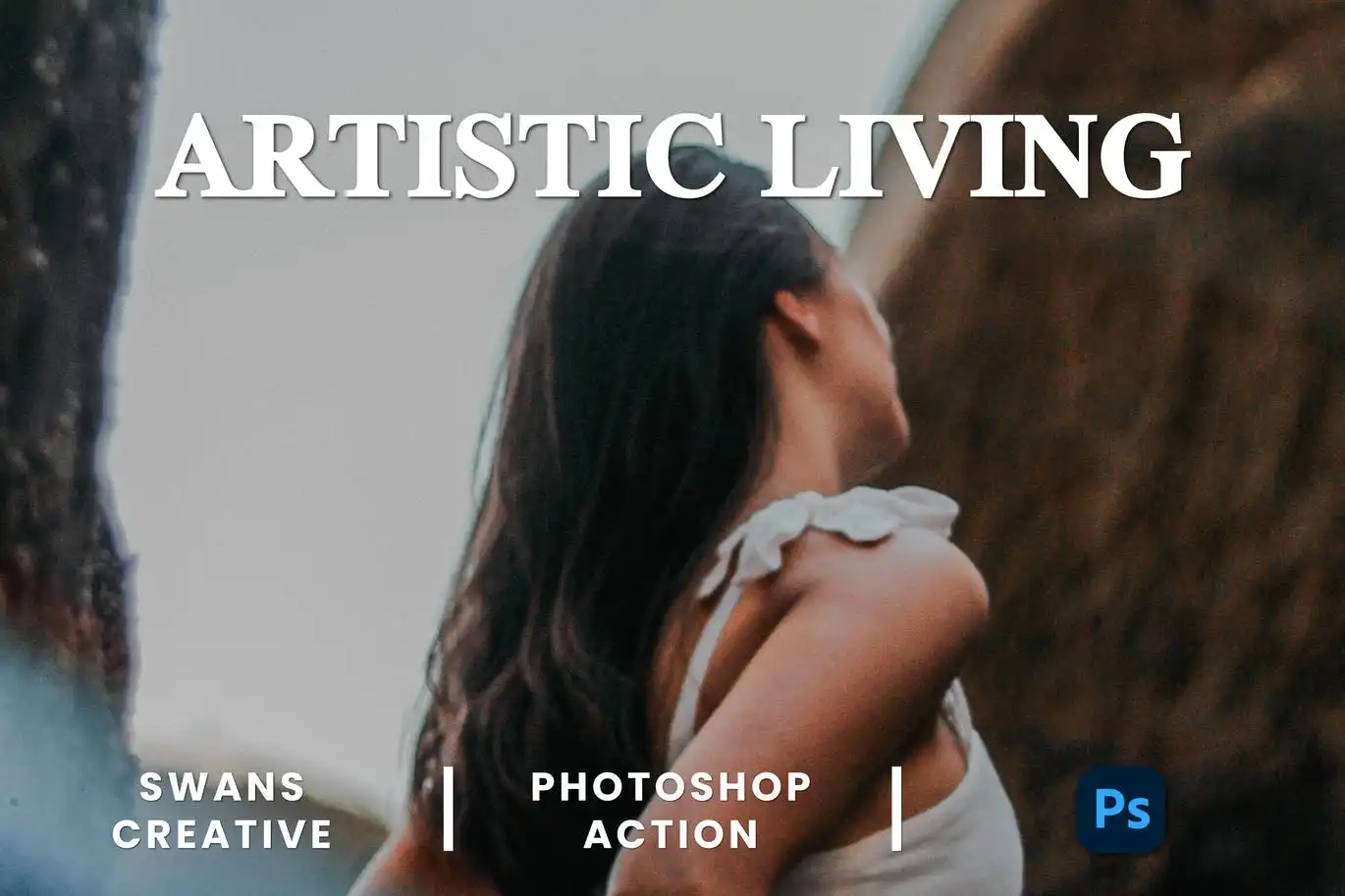
Add a vibrant, artistic flair to your everyday snapshots! 🌟 This action radiates warmth and creativity, making ordinary scenes look extraordinary.
Aesthetic Daily Photoshop Action
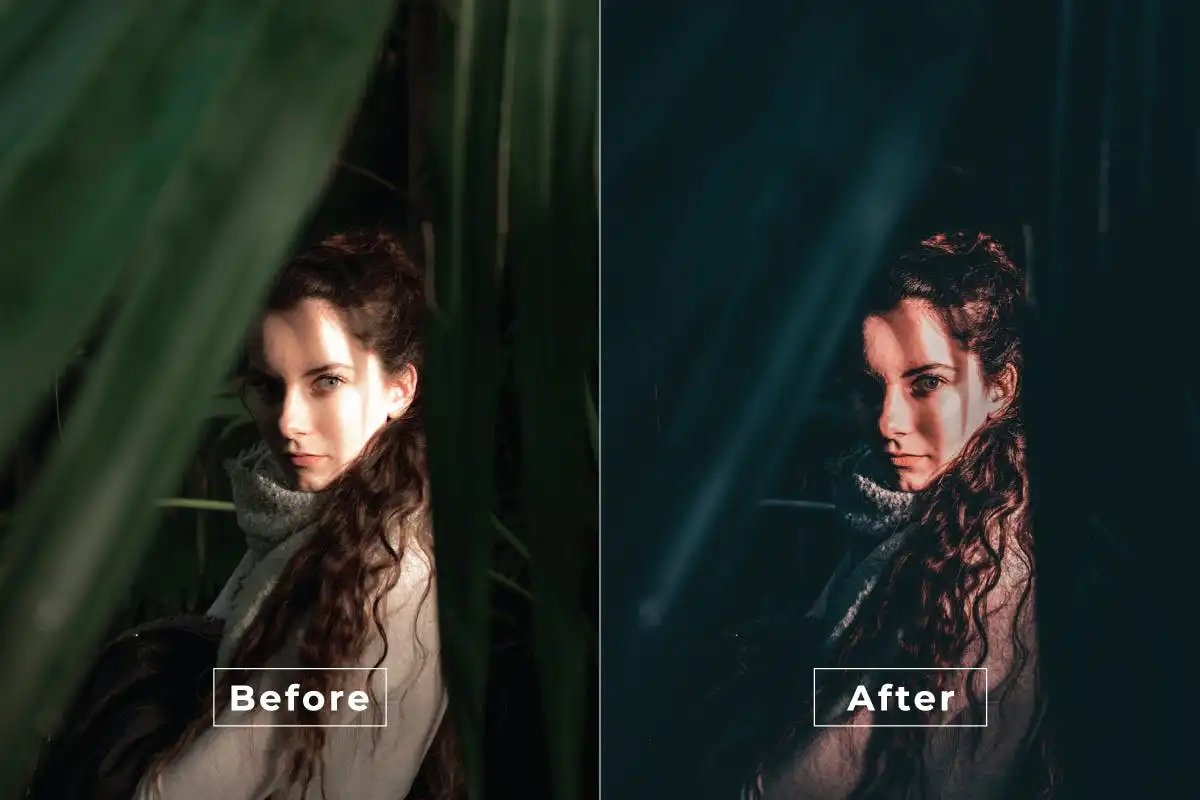
Your secret weapon for effortlessly chic, modern edits! 🔥 This action makes your daily photos pop with trendy, stylish beauty in just one click.
Sketch Photo Effect For Photoshop
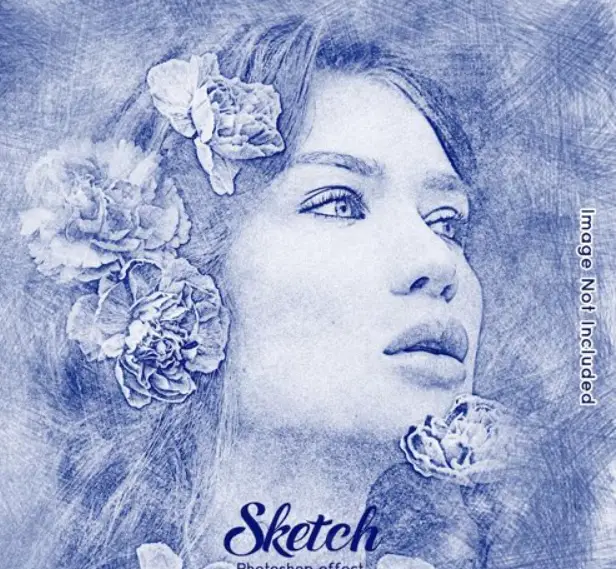
Unleash your inner illustrator! ✏️ This amazing action instantly transforms any photo into a beautiful, hand-drawn sketch that looks incredible.
Watercolor Photoshop Effect 3Uu4Dhq
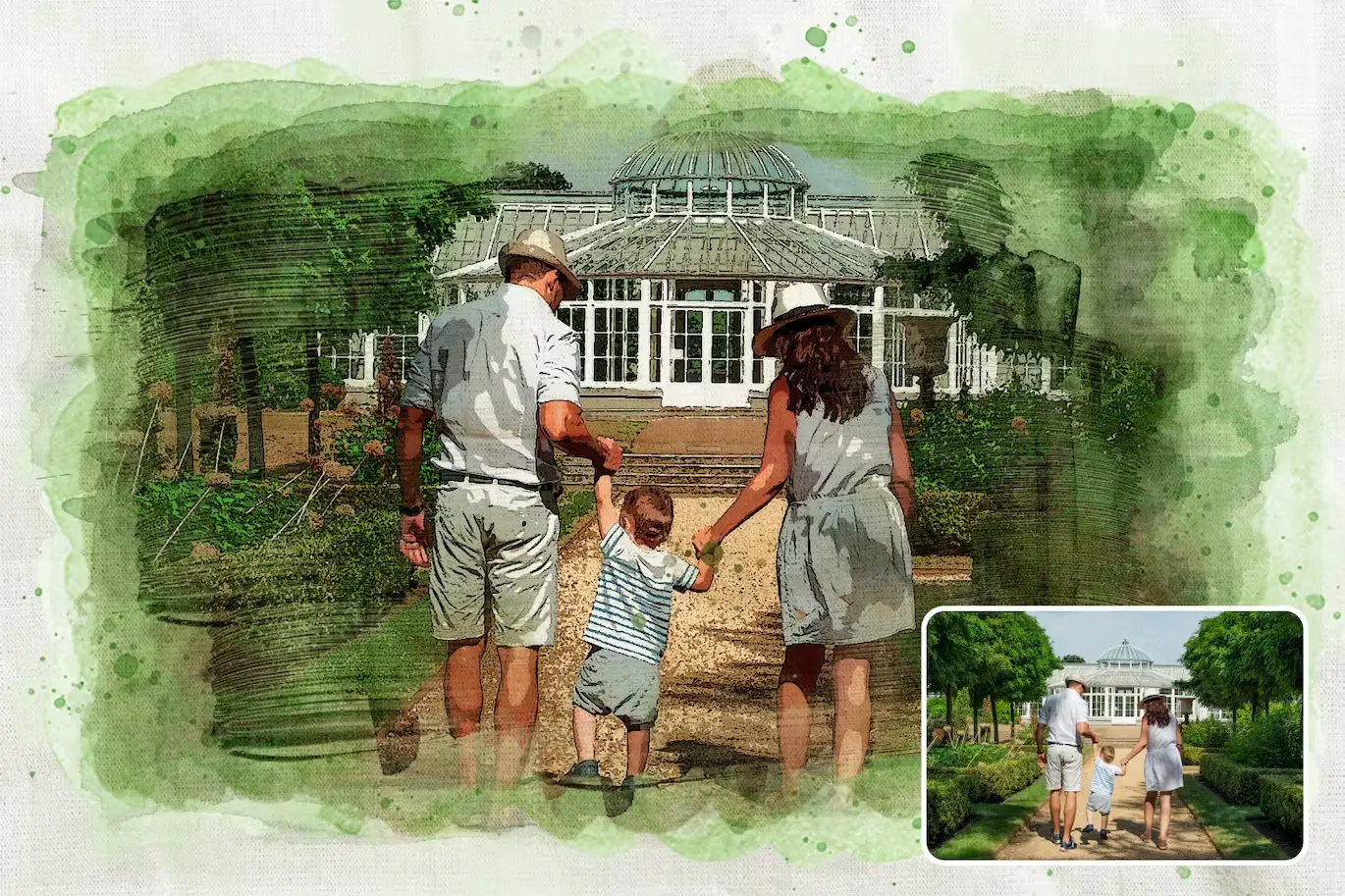
Create gorgeous, authentic watercolor masterpieces in seconds! 🎨 The rich textures and color bleeds give your photos that lovely handmade art vibe.
Pet Digital Paint Effect
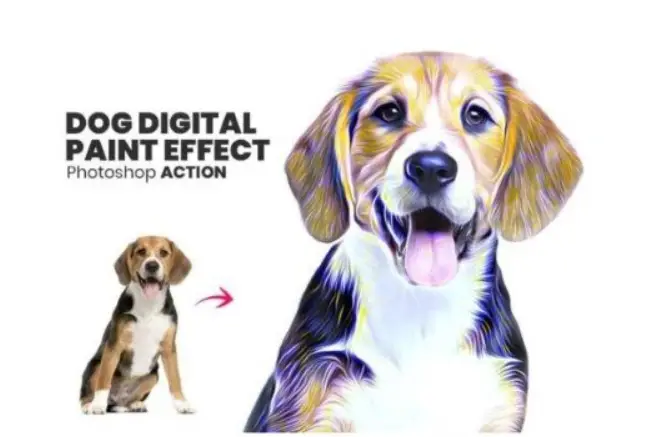
Turn your furry friends into beautiful digital paintings! 🐾✨ This action transforms pet photos into vibrant, hand-painted works of art that are totally frame-worthy.
Conclusion
And there you have it — a treasure trove of 20 incredible Photoshop actions to elevate your creative game! From cinematic drama and dreamy airy effects to artistic watercolor and classic sketches, this collection gives you the power to transform any image with zero hassle. 🚀 Don’t wait to bring your artistic vision to life — grab your favorites today and start editing like a pro! 🎨✨
Frequently Asked Questions
How do I install these Photoshop actions?
Installing is super easy! After downloading, simply open Photoshop, go to the ‘Actions’ panel (Window > Actions), click the menu icon, and choose ‘Load Actions’. Select the .atn file you downloaded, and boom — you’re ready to create! ✨
Can I use these actions on any version of Photoshop?
These actions are designed to work with most modern versions of Photoshop (CS6 and above). They are fully compatible with both Windows and Mac, so you can enjoy them regardless of your setup.
Will these actions work on my photos if I change the settings?
Absolutely! While each action is optimized for one-click magic, you can always tweak the layer settings and opacity to fine-tune the effect to your liking. Think of them as a starting point for your creativity! 🎨



