
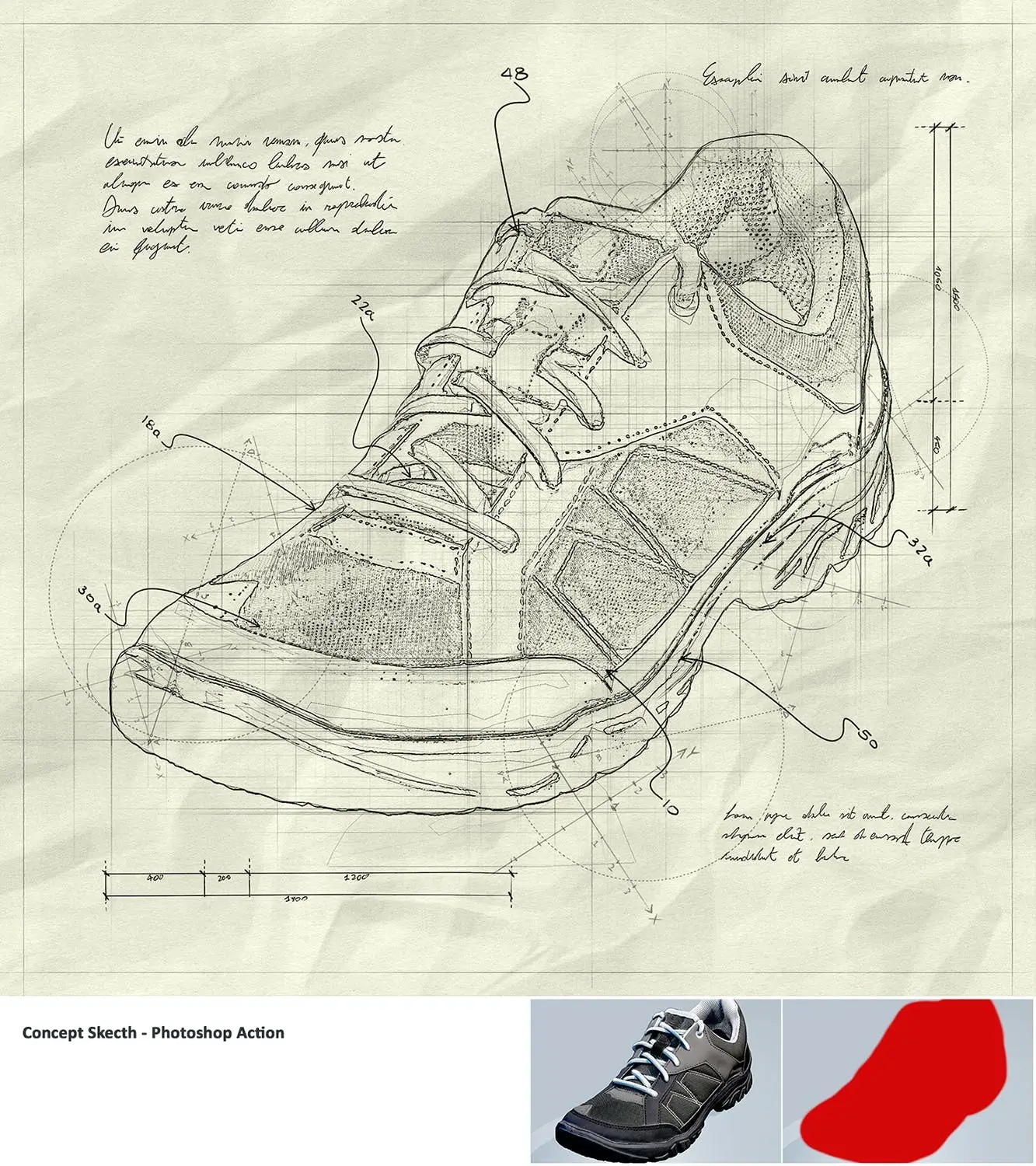
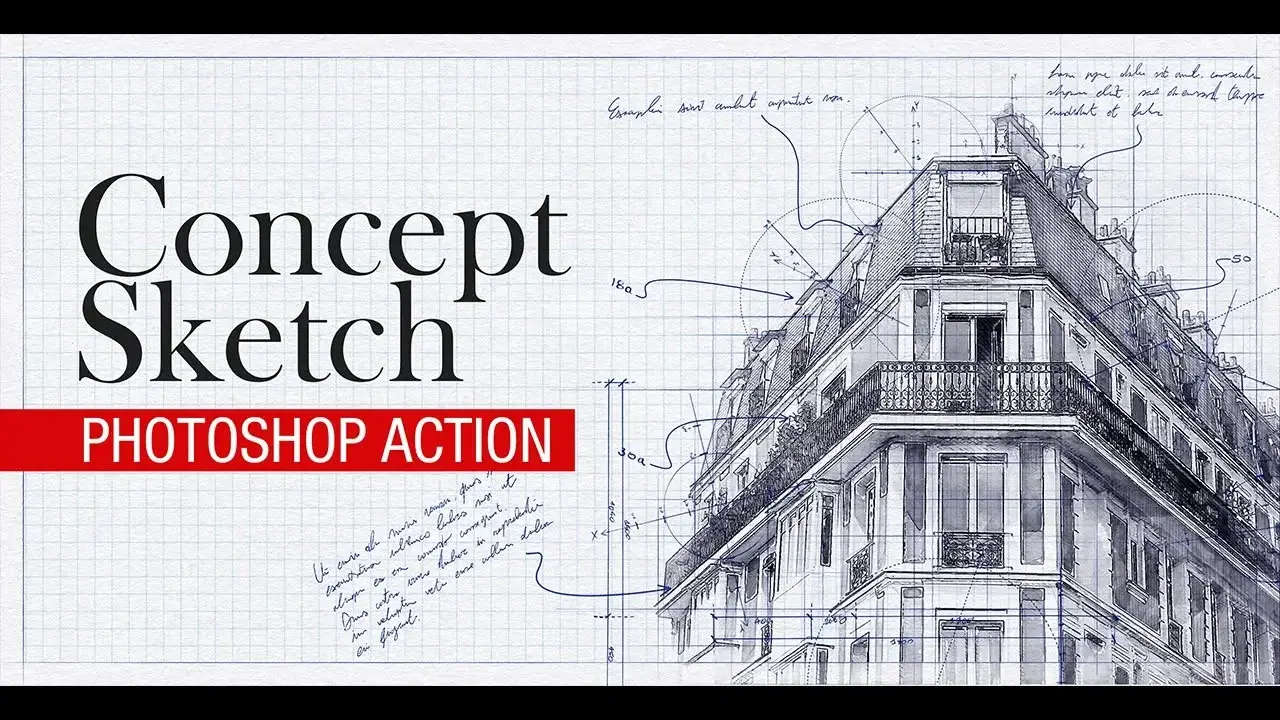
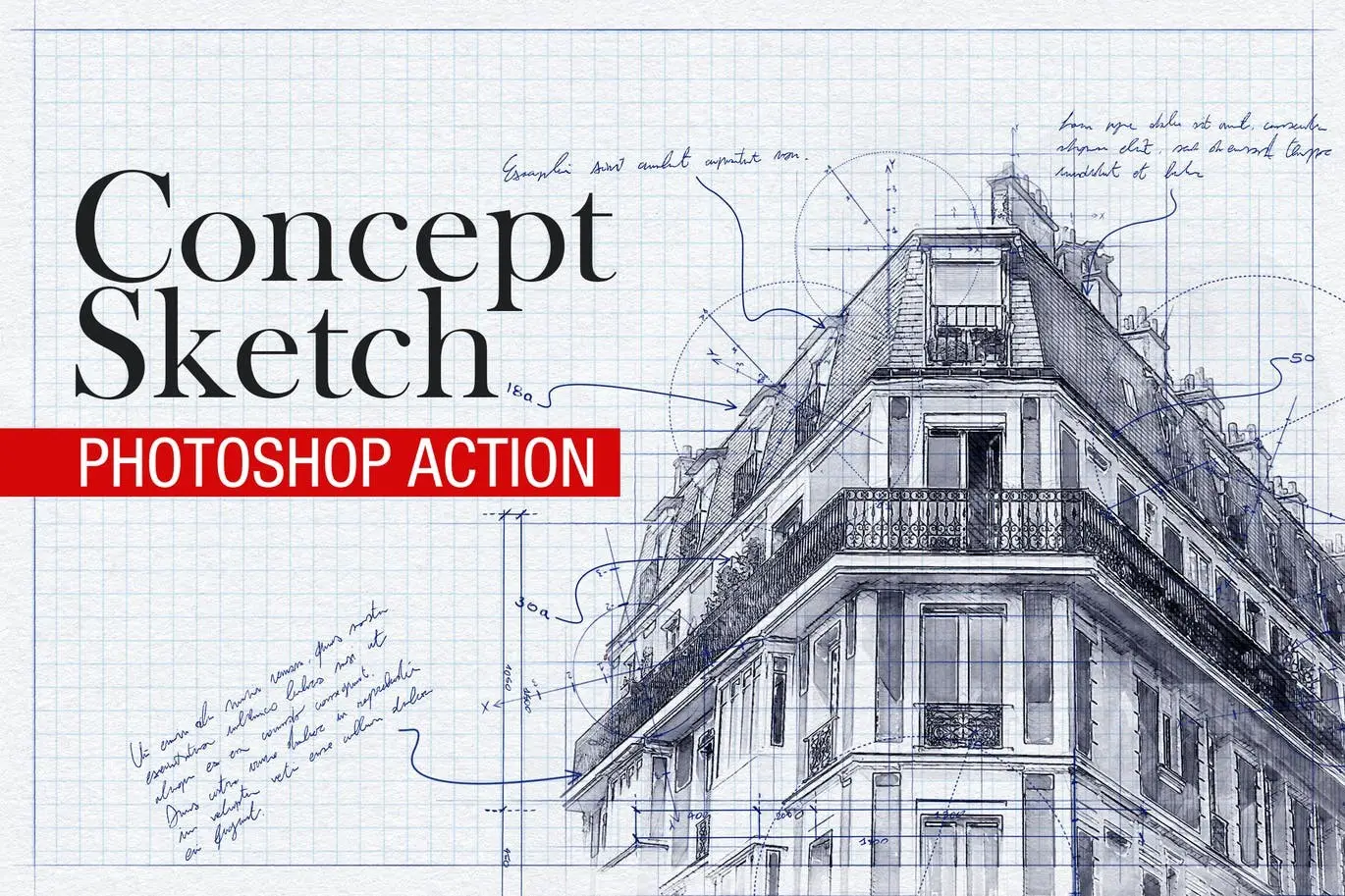
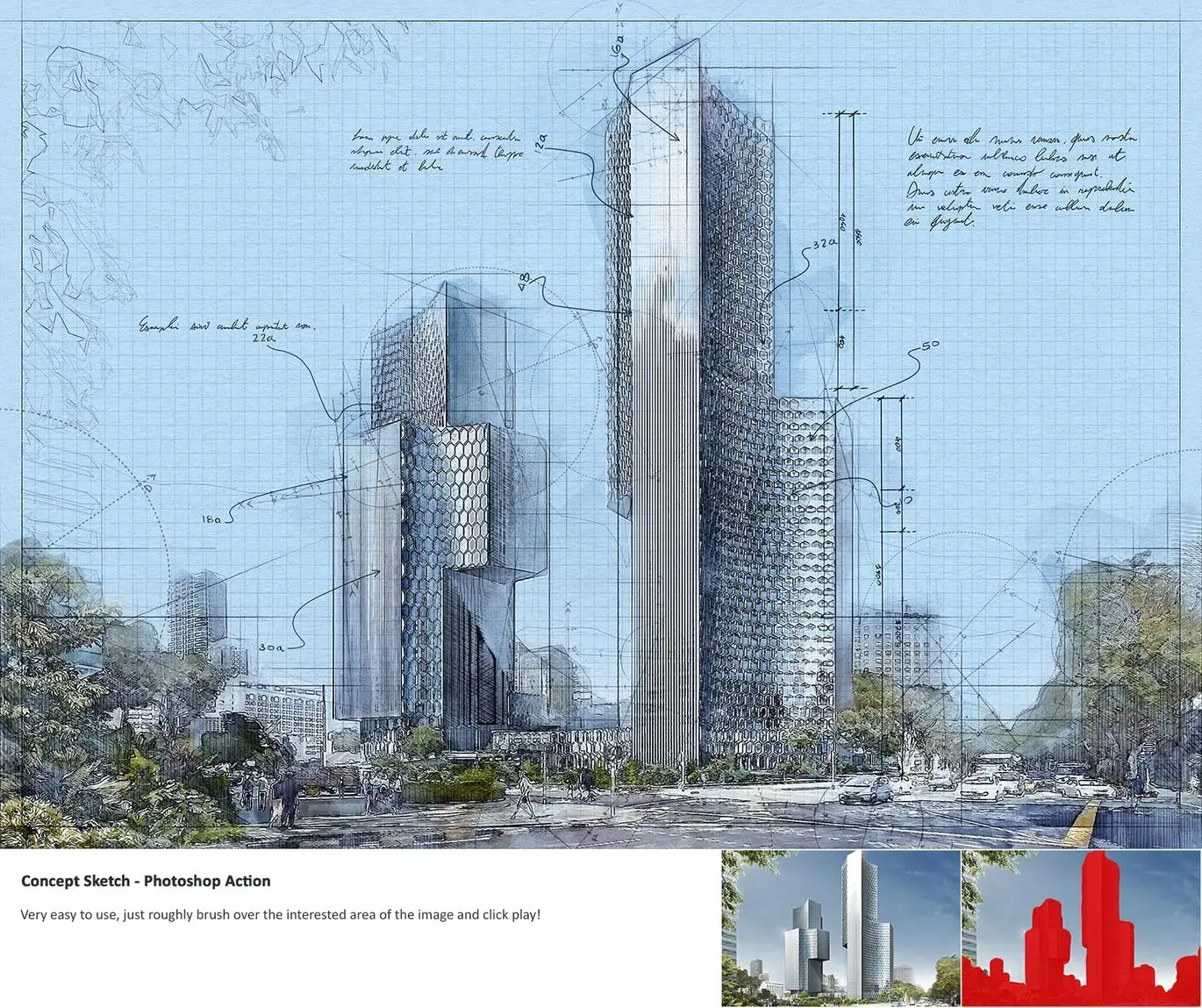
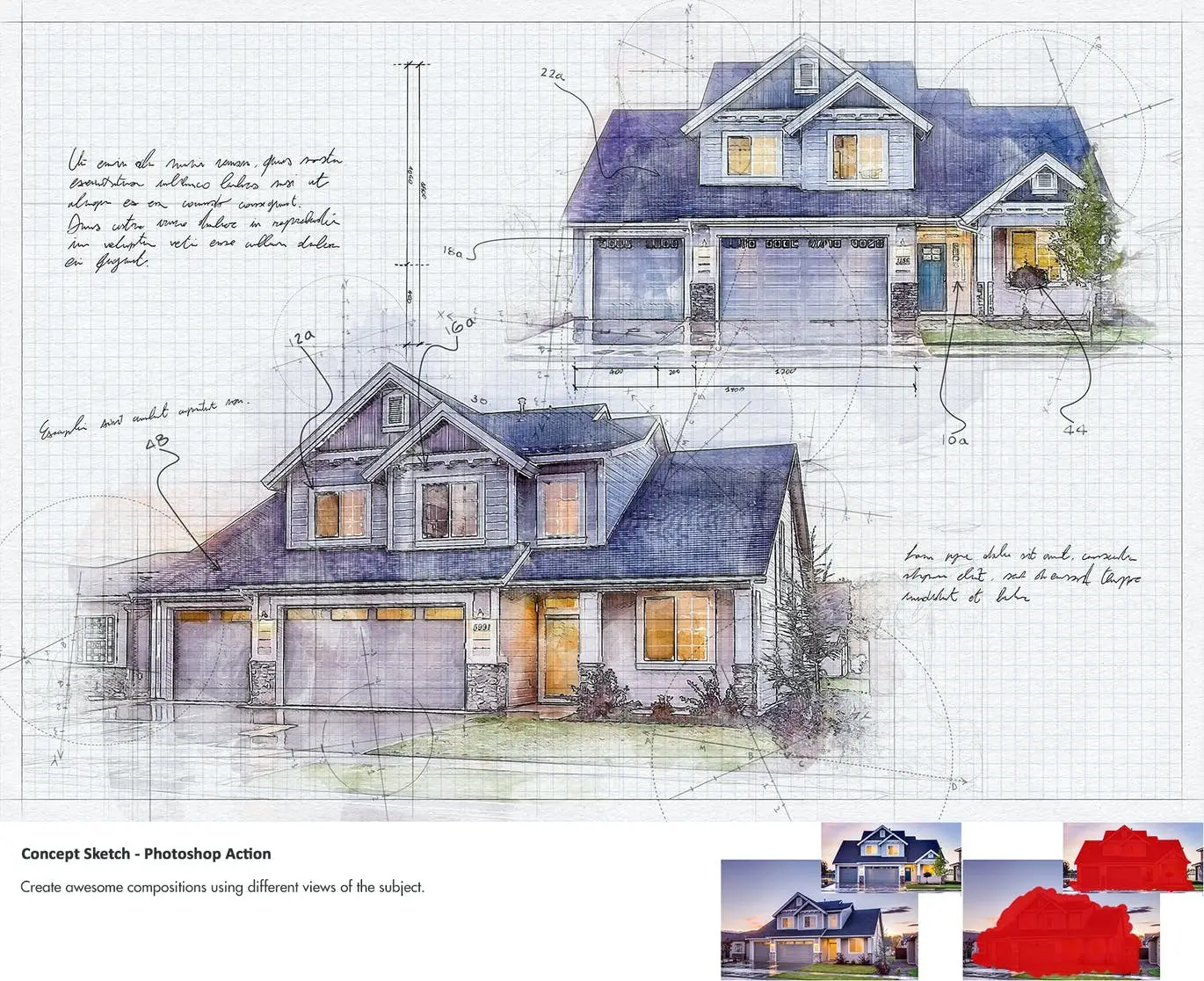
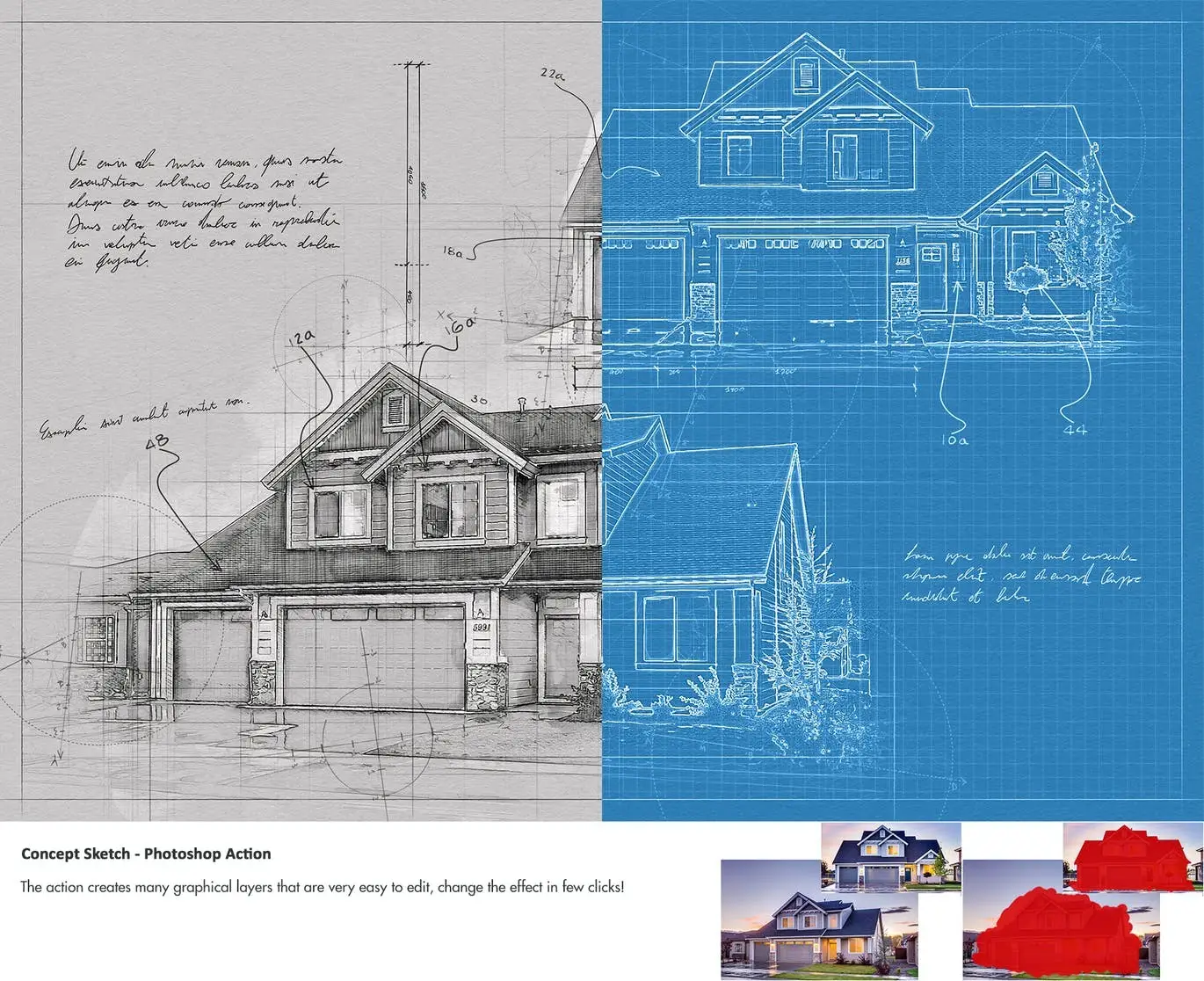
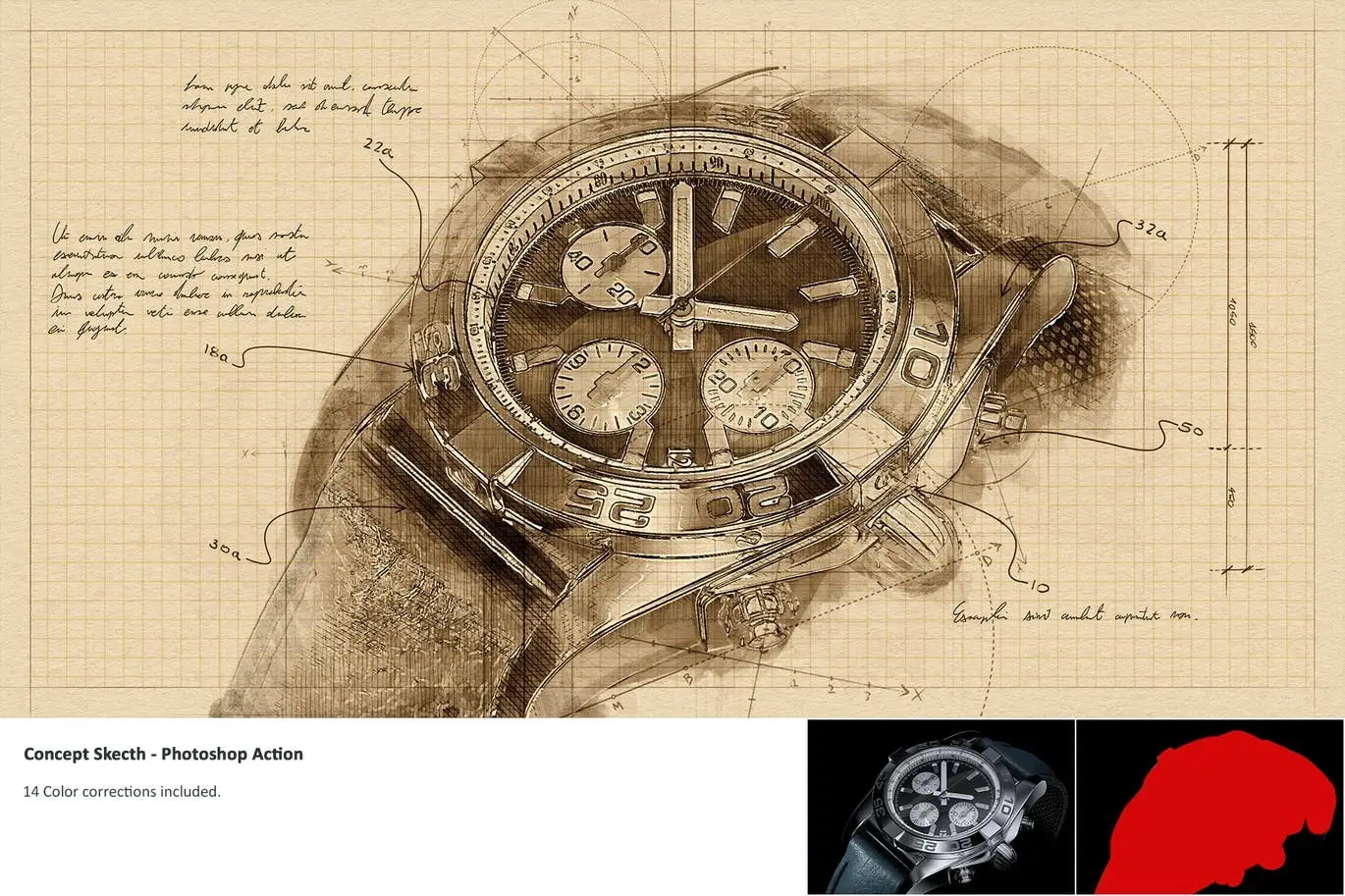
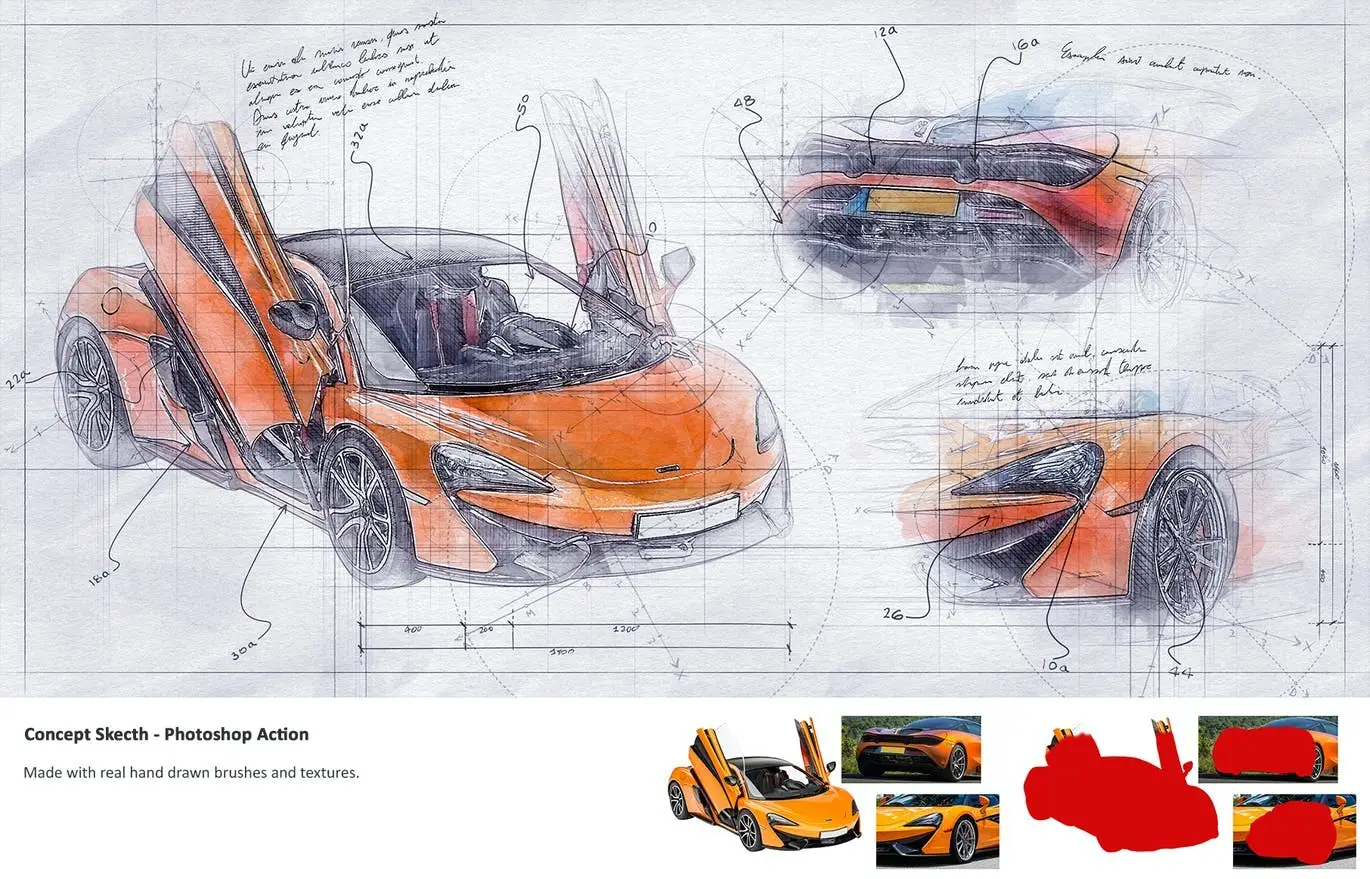
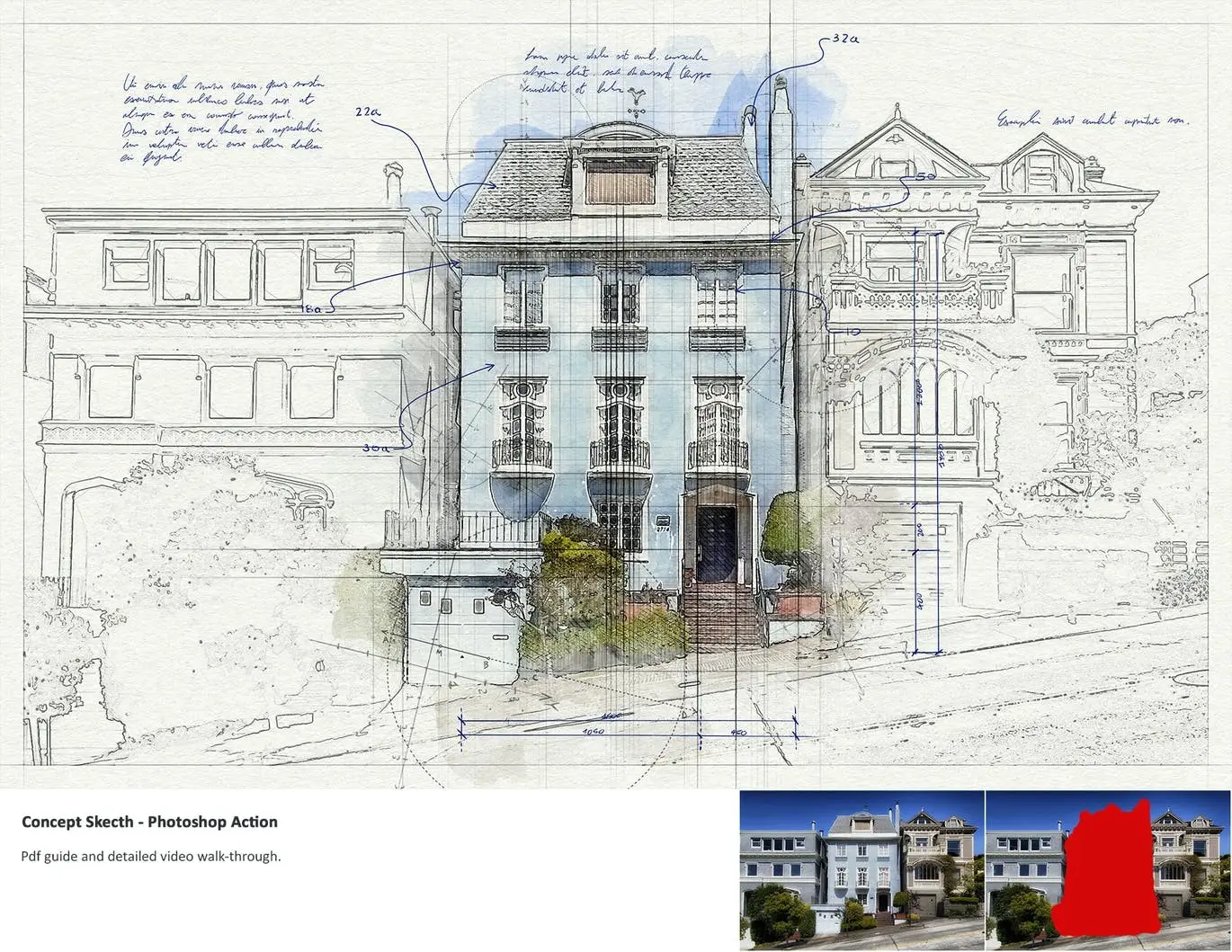
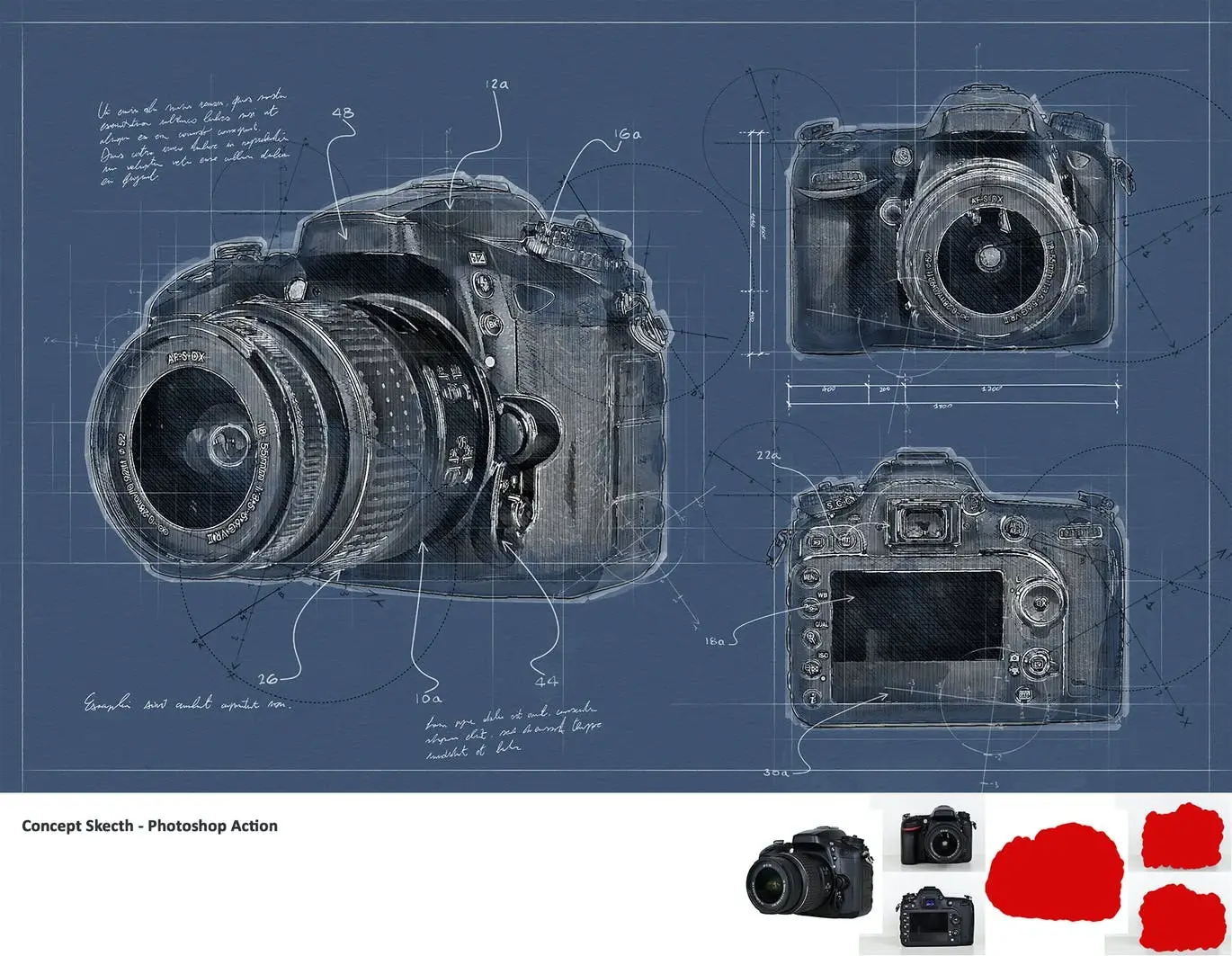

Concept Sketch – Photoshop Action
Transform your images into stunning concept sketches with the Concept Sketch – Photoshop Action. This powerful tool is ideal for engineering and architectural visualizations, as well as product design, allowing you to save hours of tedious work. Simply brush over the area of interest in your image and let the action do the rest!
Product Overview
The Concept Sketch – Photoshop Action is designed for designers and artists looking to enhance their projects with a unique, hand-drawn aesthetic. With just a few clicks, you can create a variety of graphical elements that can be shuffled and customized to add your personal touch.
Key Features & Benefits
- ✅ Real Hand-Drawn Brushes & Textures → Achieve an authentic sketch effect that enhances your designs.
- ✅ 1 Action, 12 Brushes, & 18 Patterns → A comprehensive toolkit for diverse creative possibilities.
- ✅ Easy Modification → Tweak results post-playback to create multiple variations effortlessly.
- ✅ Responsive to Graphic Tablets → Enjoy precise control while drawing with pen and marker brushes.
- ✅ Organized Layers Structure → Color-coded and grouped layers for easy navigation and editing.
- ✅ 14 Color Corrections Included → Enhance your sketches with a range of color options.
- ✅ Compatibility → Tested on images up to 5K pixels and compatible with CS3 to all CC versions.
Why Choose This Product
The Concept Sketch – Photoshop Action is trusted by professionals for its ease of use and versatility. Whether you’re an architect, engineer, or designer, this action helps you convey your ideas visually with minimal effort. The included PDF guide and detailed video walkthrough ensure you can get started quickly and effectively.
Specifications (Technical Details)
| Item | Details |
|---|---|
| Action Type | Photoshop Action |
| Brushes | 12 Hand-Drawn Brushes |
| Patterns | 18 Unique Patterns |
| Compatibility | CS3, CS4, CS5, CS6, all CC versions |
| Max Image Size | Up to 5K pixels |
What’s Included / What’s in the Box
- 📦 1 Photoshop Action
- 📦 12 Hand-Drawn Brushes
- 📦 18 Patterns
- 📦 PDF Guide
- 📦 Video Tutorial
Perfect For
- Architects
- Engineers
- Product Designers
- Illustrators
- Graphic Designers
How to Use
1. Open your image in Photoshop.
2. Roughly brush the area you want to transform.
3. Play the action and watch your concept sketch come to life!
FAQ
- Can I use this action with any language version of Photoshop?
Yes, it works with any language.
- Is the action easy to use?
Absolutely! Just follow the included guide for step-by-step instructions.
Ready to elevate your design projects? Add to cart now and start creating stunning concept sketches today! 🚀
User Reviews
Be the first to review “Concept Sketch – Photoshop Action”
You must be logged in to post a review.

Animated Glitch 2 – Photoshop Action
Sold by
Advanced Double Exposure – Photoshop Action
Sold by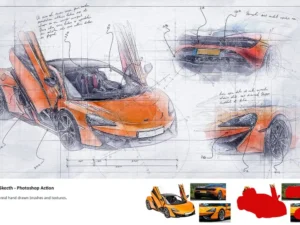
Concept Sketch – Photoshop Action
Sold by
Advanced Double Exposure – Photoshop Action
Sold by
Wall Of Lights – Photoshop Actions
Sold by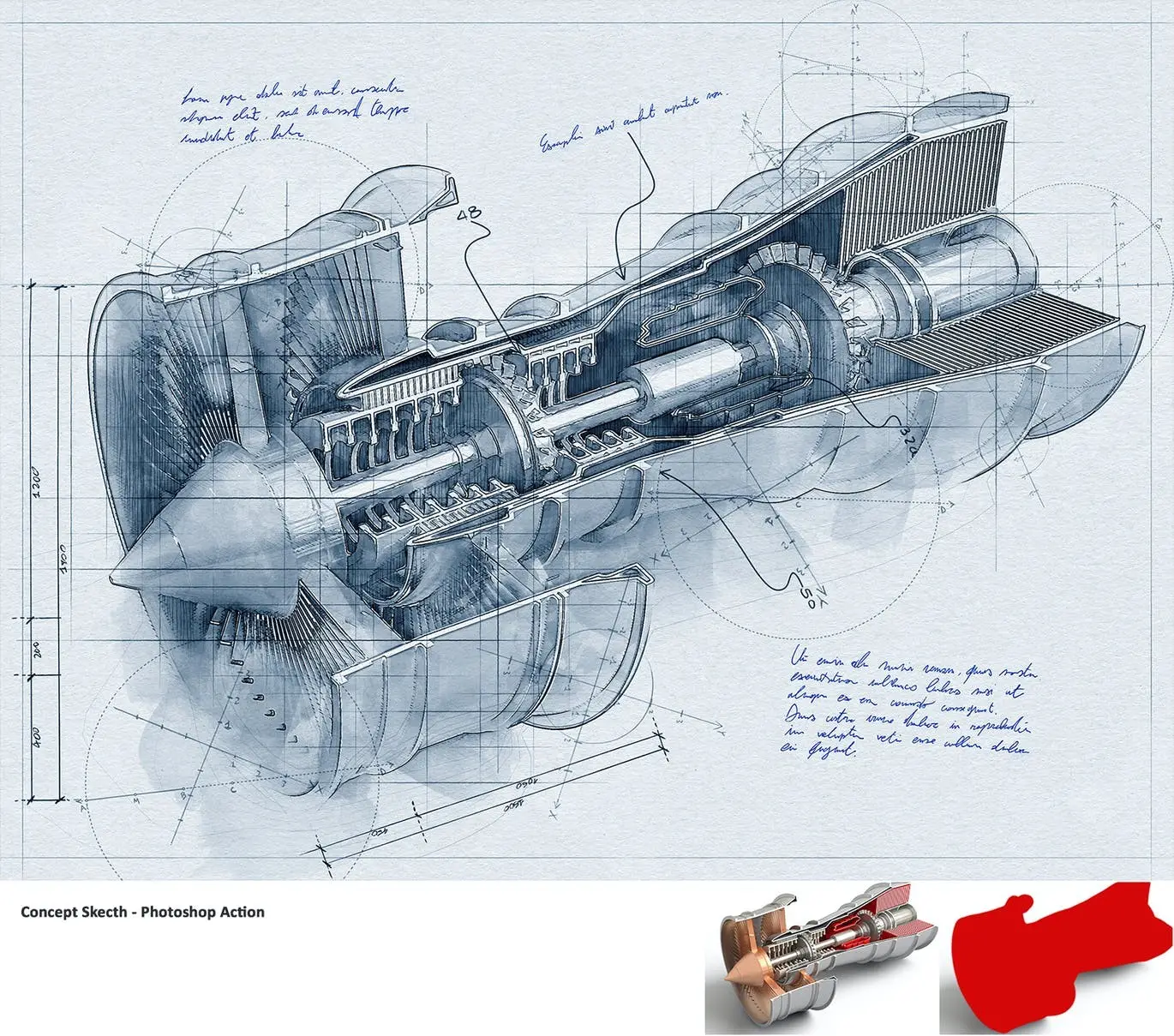
Original price was: $5.00.$2.50Current price is: $2.50.


There are no reviews yet.