
Advanced Double Exposure – Photoshop Action
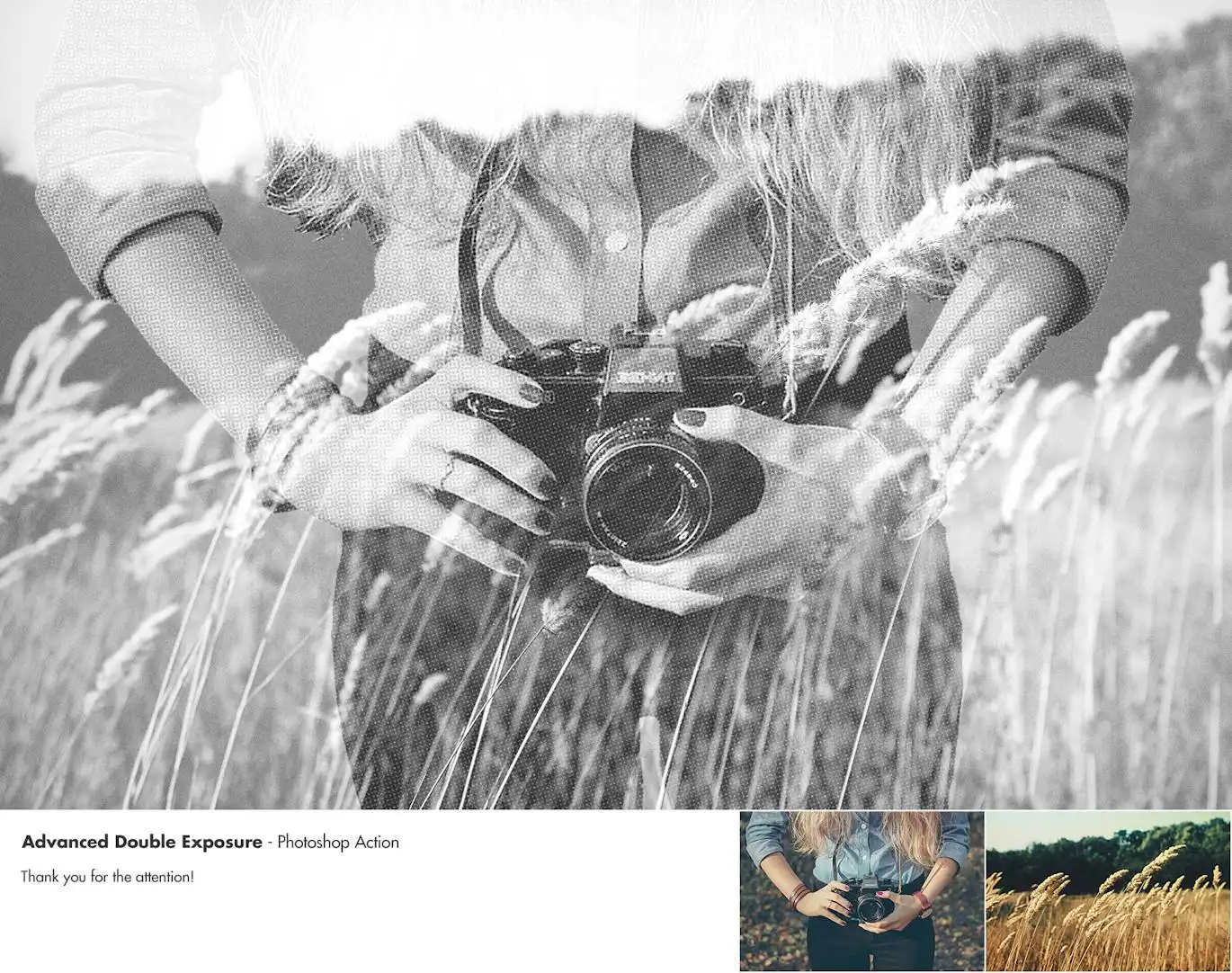
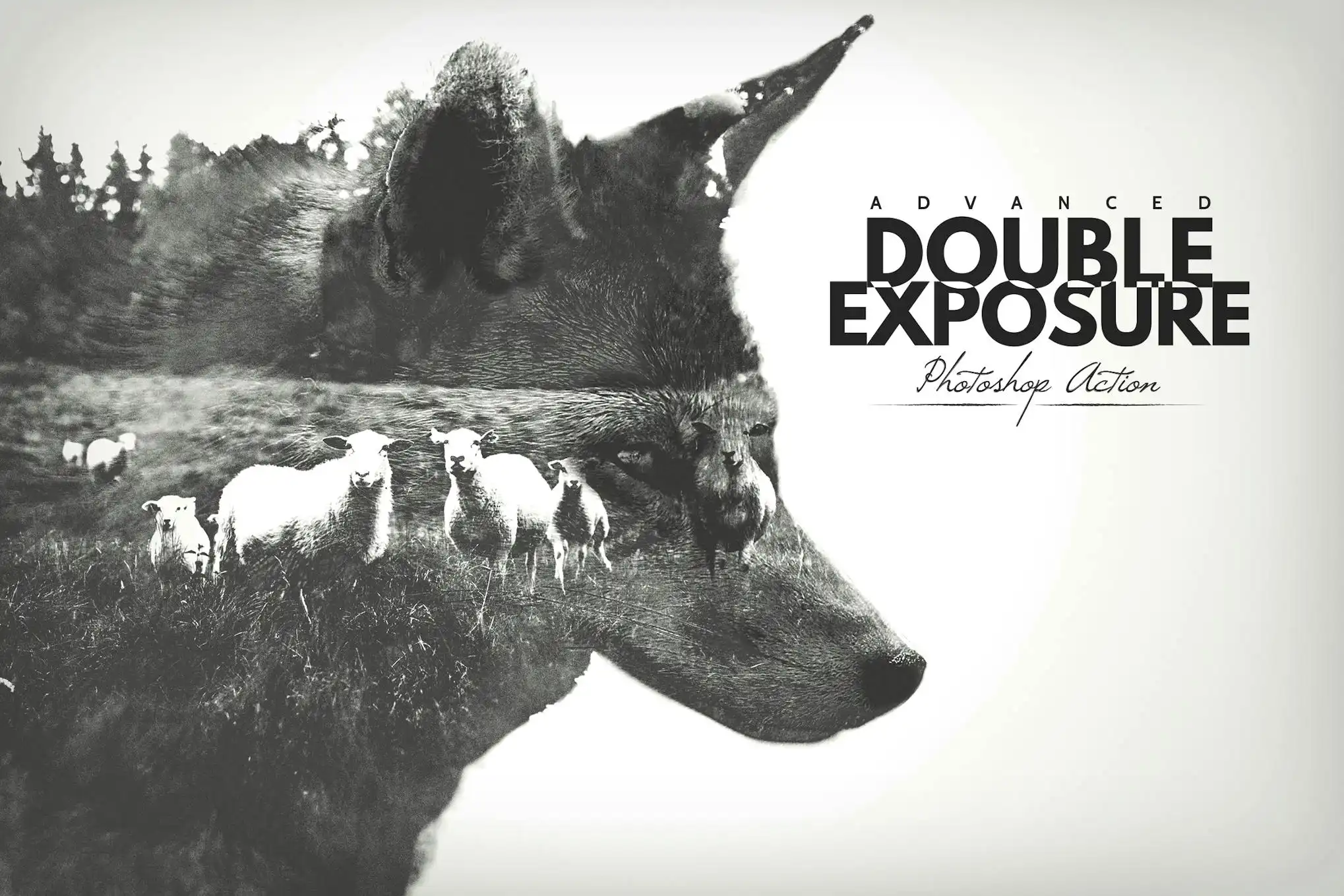
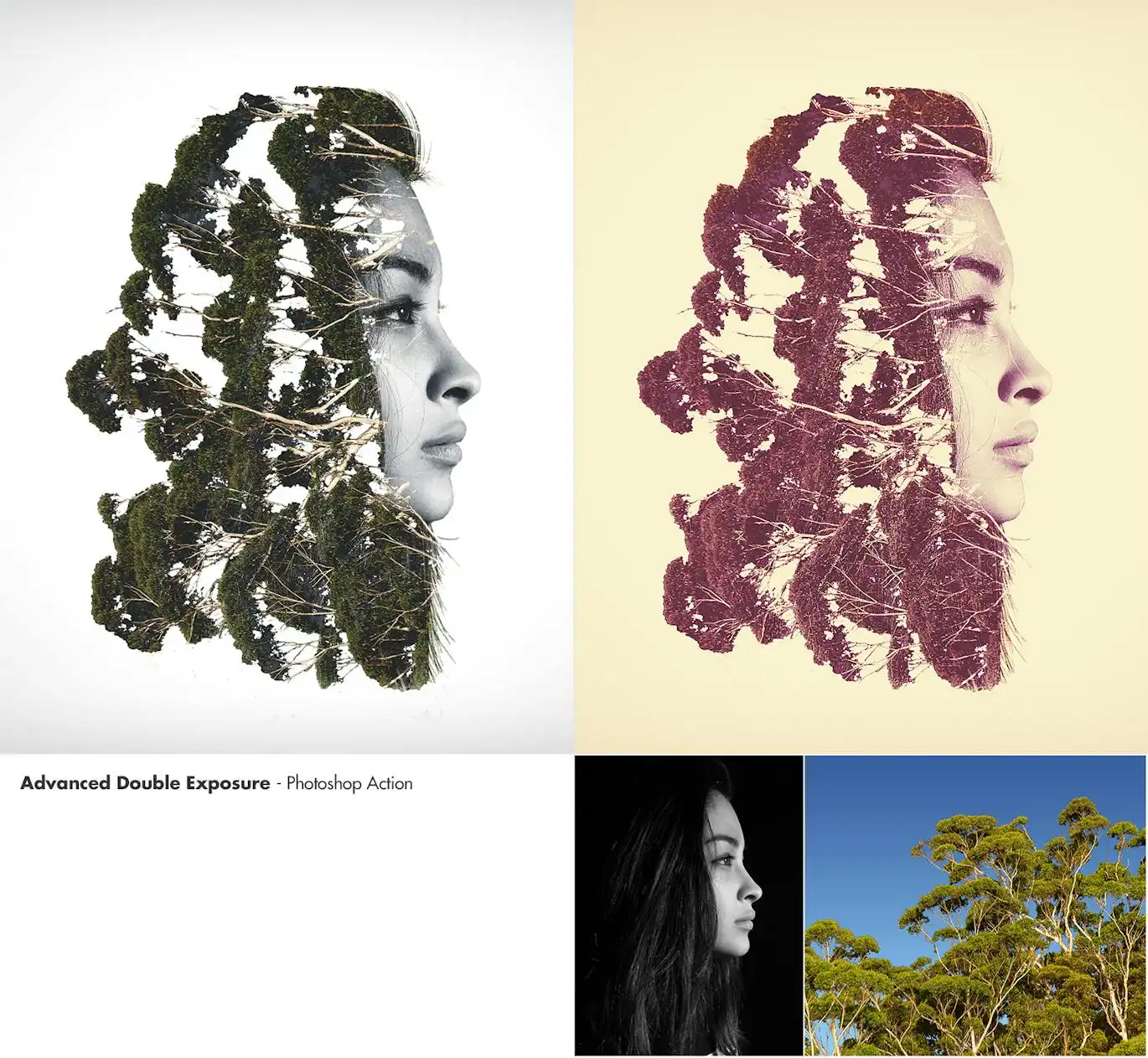
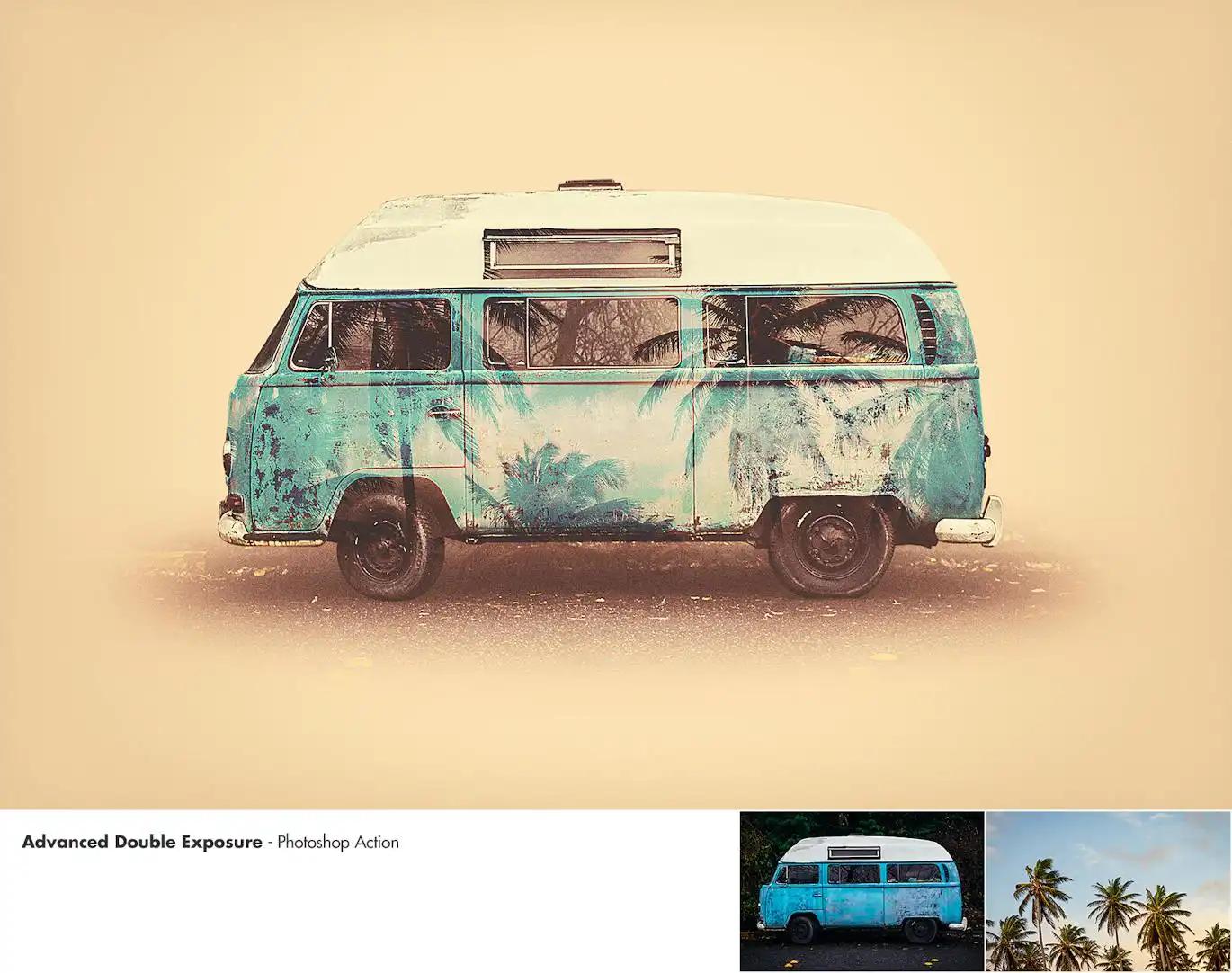
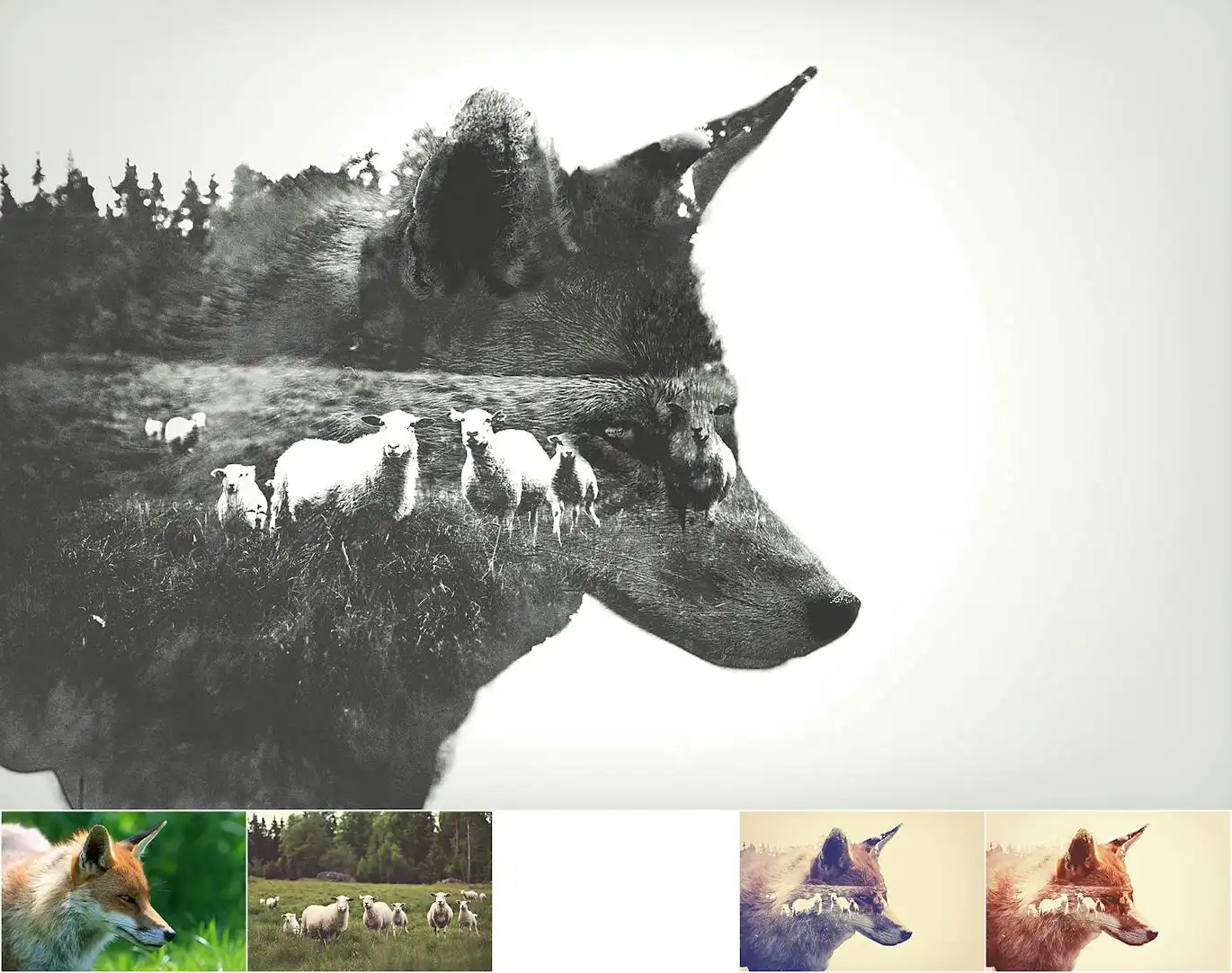
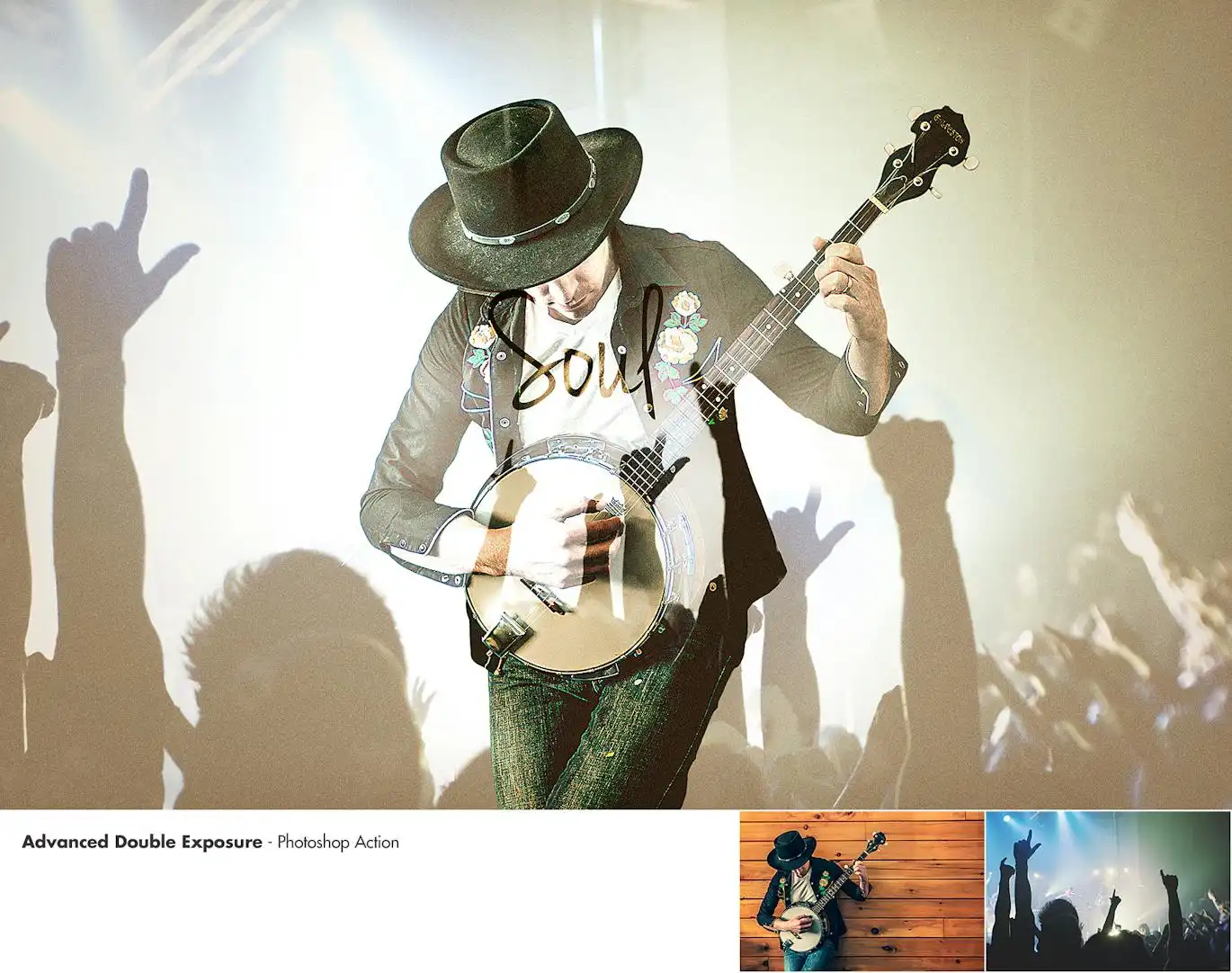
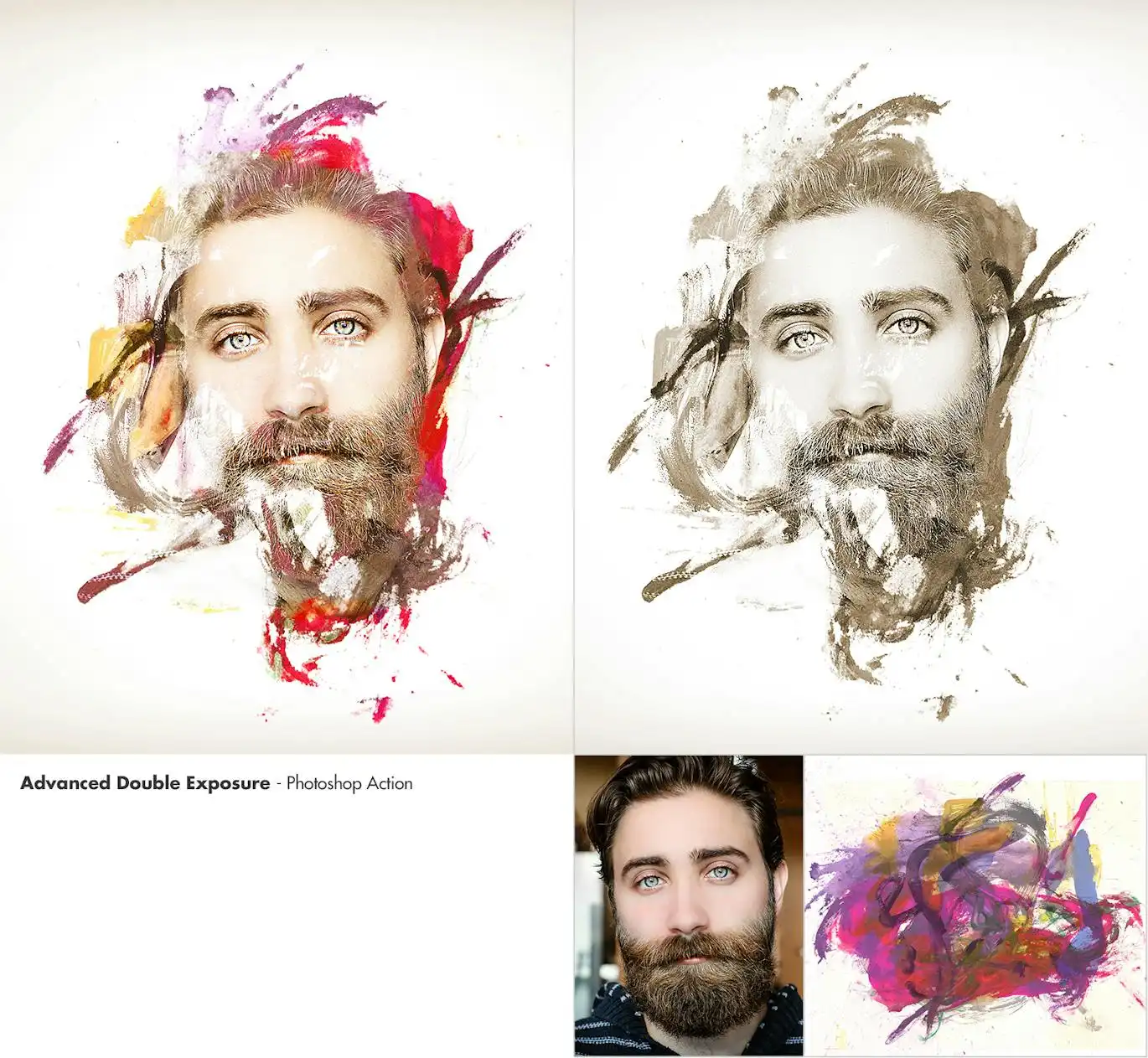
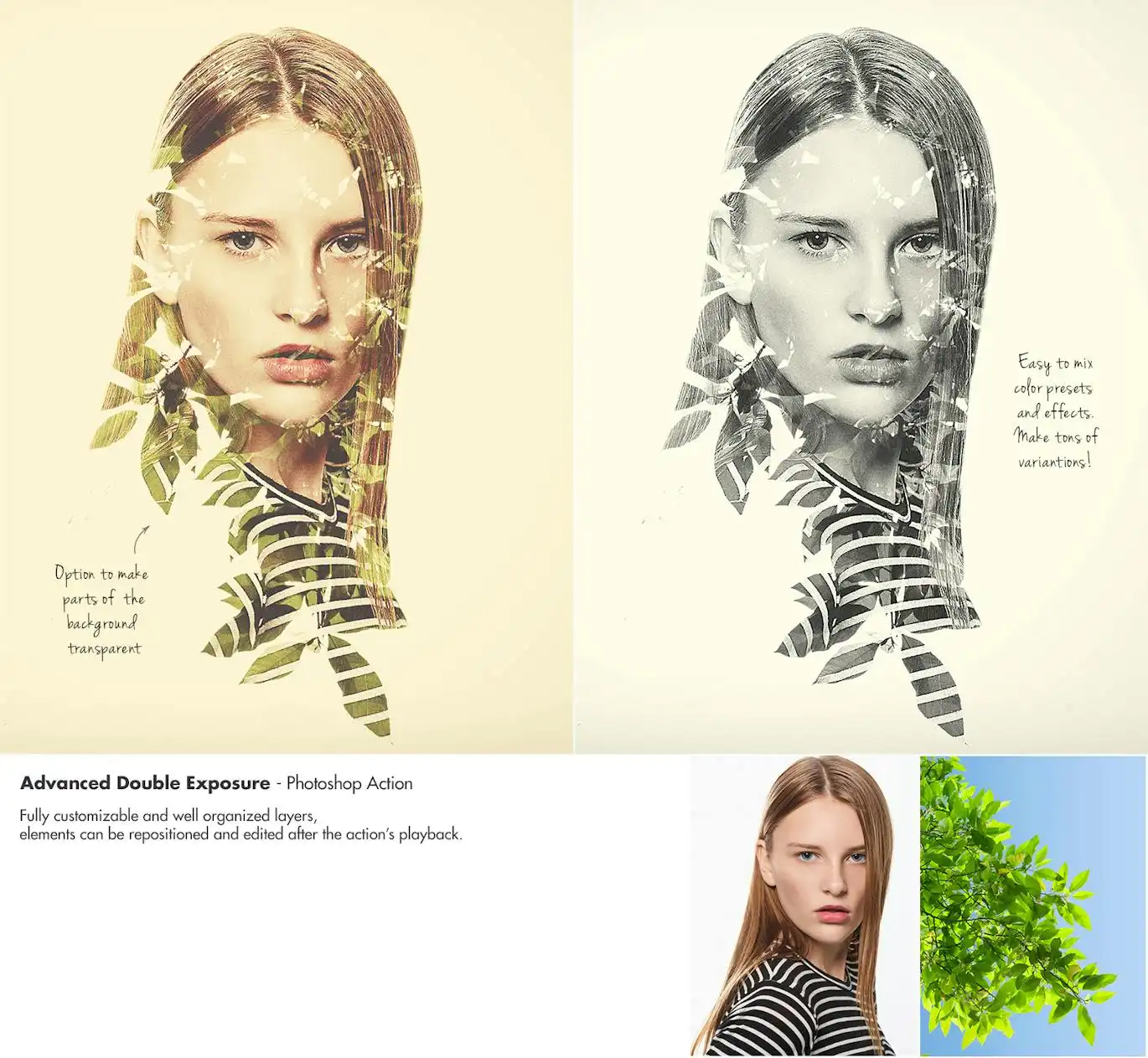
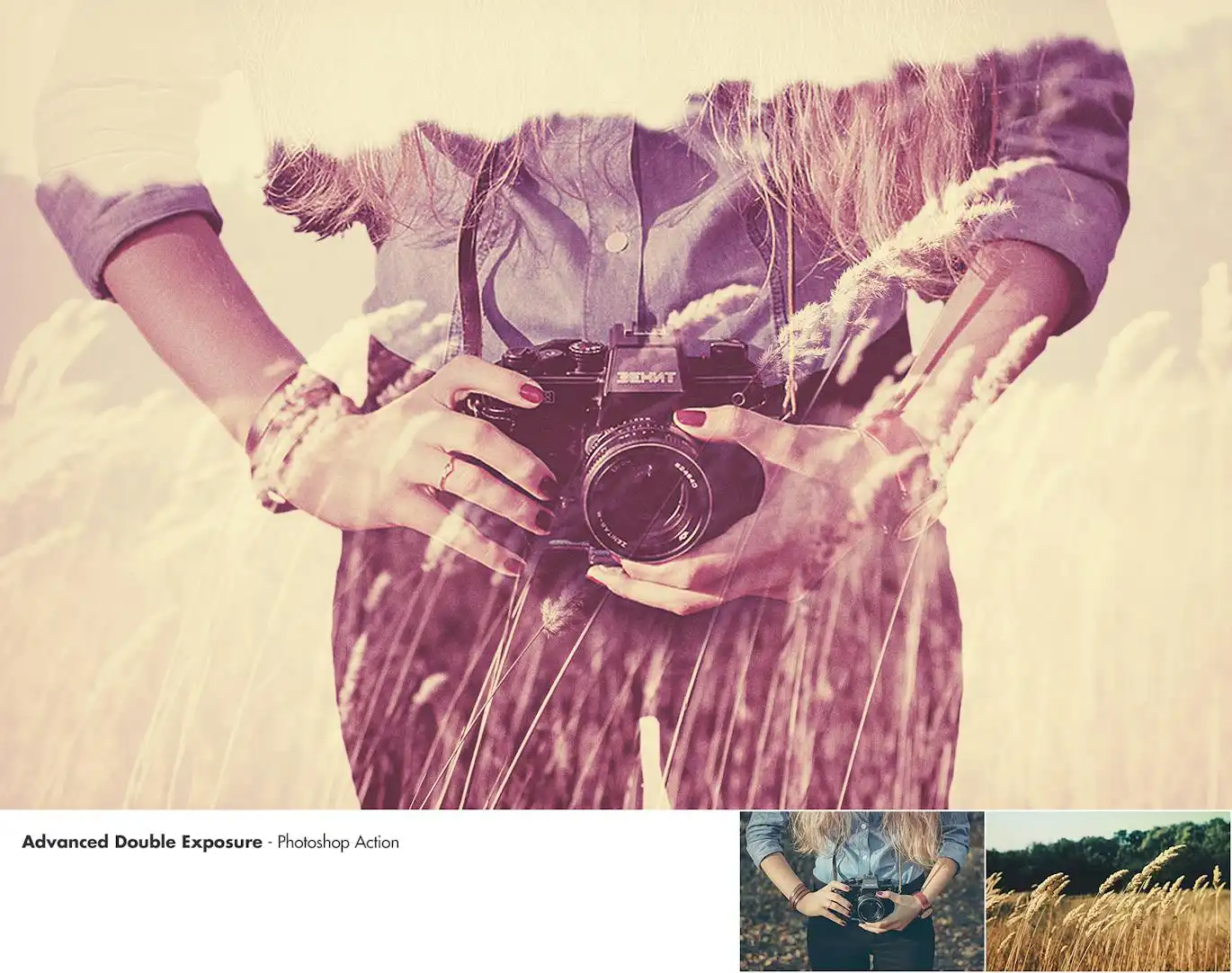
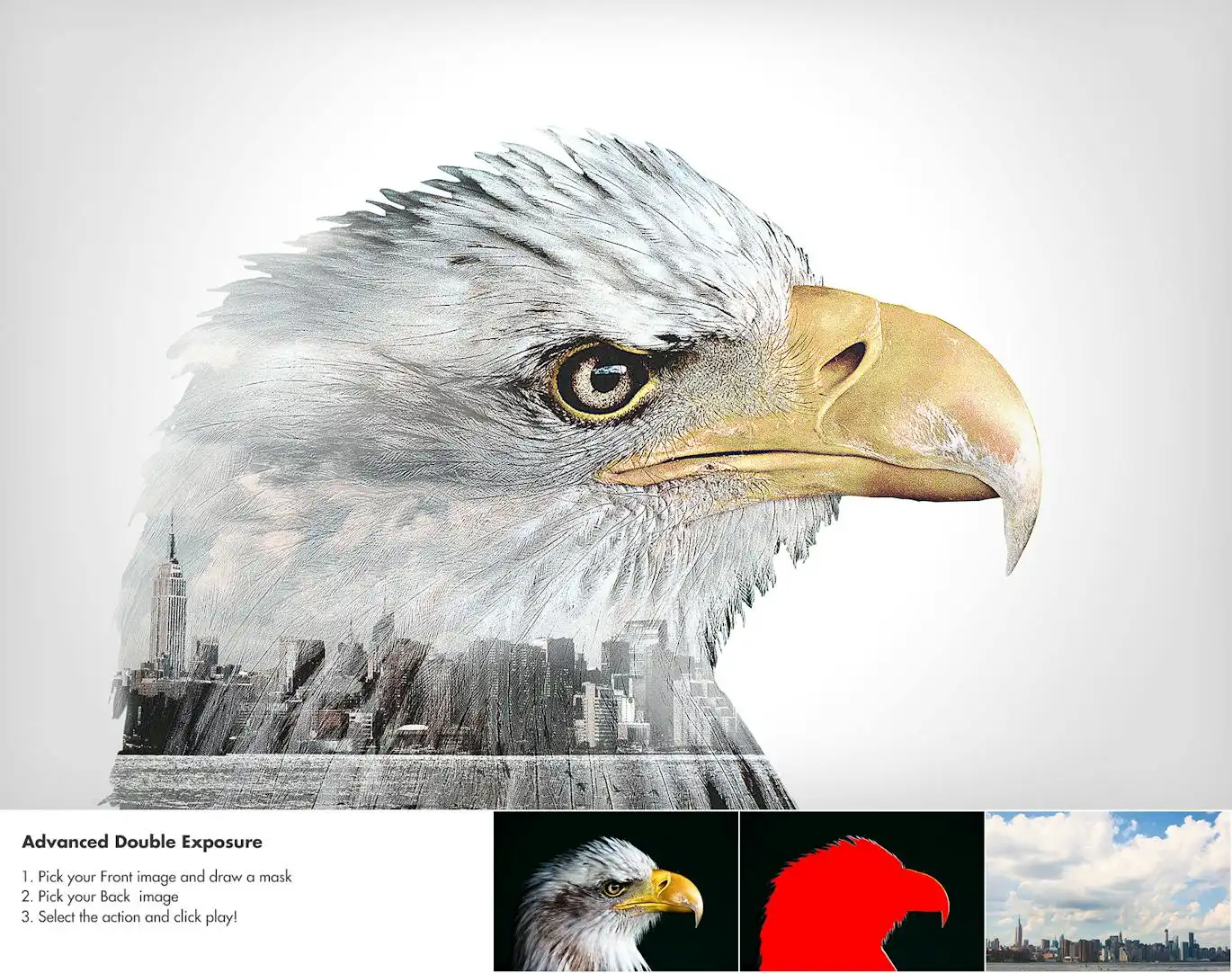
Advanced Double Exposure – Photoshop Action
Transform your photos, images, or artworks into stunning double exposure masterpieces with the Advanced Double Exposure Photoshop Action. This powerful tool allows you to recreate the legendary superimposition technique effortlessly, making it perfect for both beginners and professionals.
Product Overview
The Advanced Double Exposure Photoshop Action is designed for artists and photographers who want to add a unique touch to their work. With a user-friendly interface and quick results, this action empowers you to create captivating images that stand out.
Key Features & Benefits
- ✅ Easy to Use → Achieve stunning results in just a few clicks.
- ✅ Organized Layers Structure → Enjoy a color-coded and grouped layer setup for seamless editing.
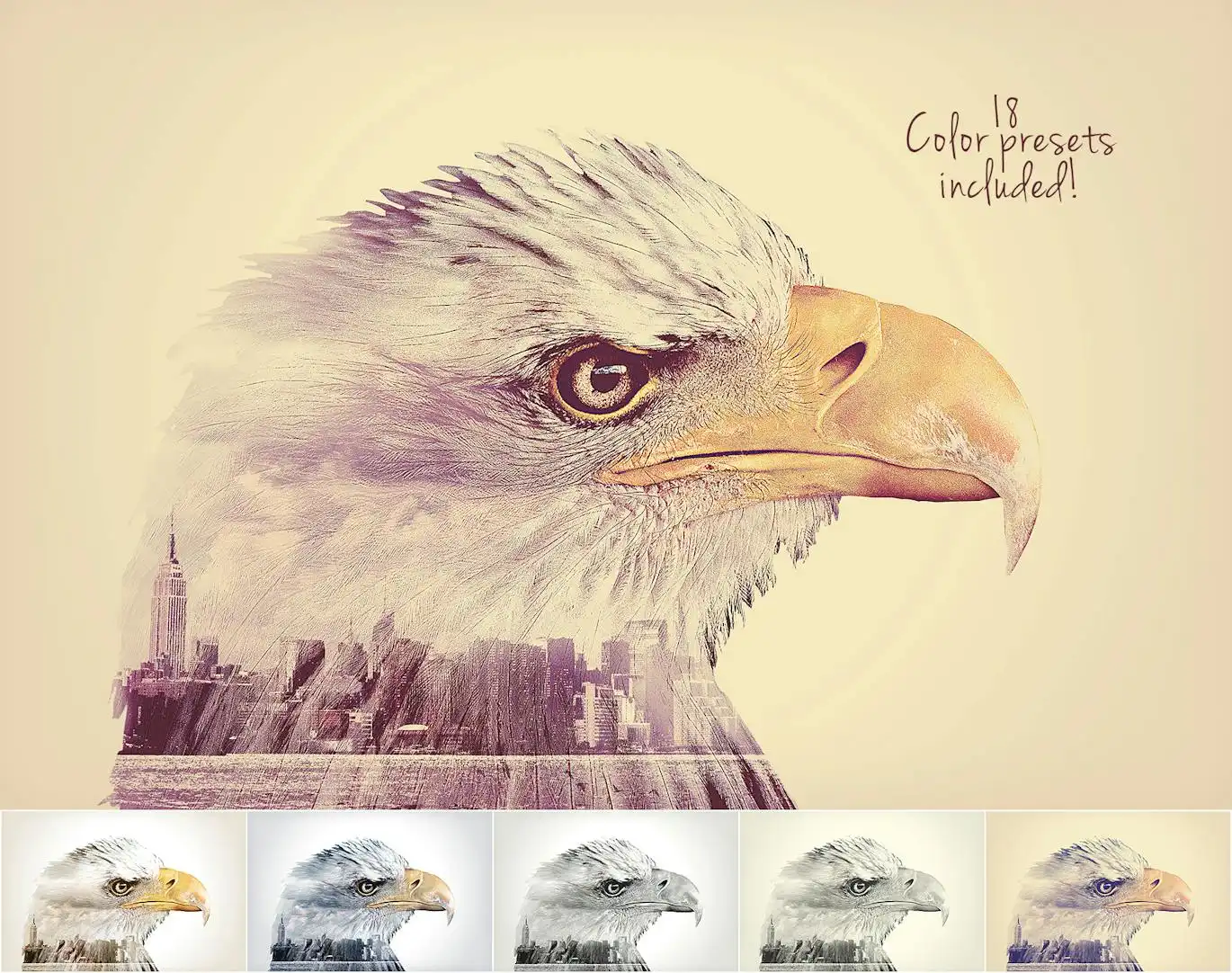
- ✅ 18 Mixable Color Presets → Customize your images with a variety of presets to create countless variations.
- ✅ Comprehensive Guide → Access a text guide and detailed video walkthrough for easy navigation.
- ✅ Compatibility → Tested and optimized for Photoshop CS4, CS5, CS6, CC+, and adaptable for other language versions.
Why Choose This Product
This Photoshop action is not just a tool; it’s a gateway to artistic expression. Whether you’re looking to enhance your portfolio or create unique digital art, this action provides the flexibility and creativity you need. Trusted by professionals worldwide, it’s an essential addition to your design toolkit.
Specifications (Technical Details)
| Compatibility | Photoshop CS4, CS5, CS6, CC+ |
|---|---|
| Included Presets | 18 Mixable Color Presets |
| Documentation | Text guide and video tutorial |
What’s Included / What’s in the Box
- 📦 Advanced Double Exposure Photoshop Action file
- 📦 18 Color Presets
- 📦 User Guide (Text and Video)
Perfect For
- Photographers looking to enhance their images
- Graphic designers seeking creative effects
- Artists wanting to explore new techniques
How to Use
1. Open your image in Photoshop.
2. Load the Advanced Double Exposure Action.
3. Follow the user guide for step-by-step instructions.
4. Experiment with the presets and layers to achieve your desired look.
FAQ
- Can I use this action in different languages? Yes, instructions for changing the language temporarily are included in the documentation.
- Are the preview images included? No, the images used in the previews are not included.
Add to cart now and start creating stunning double exposure effects today! 🚀
User Reviews
Be the first to review “Advanced Double Exposure – Photoshop Action”
You must be logged in to post a review.
Original price was: $5.00.$2.50Current price is: $2.50.


There are no reviews yet.