



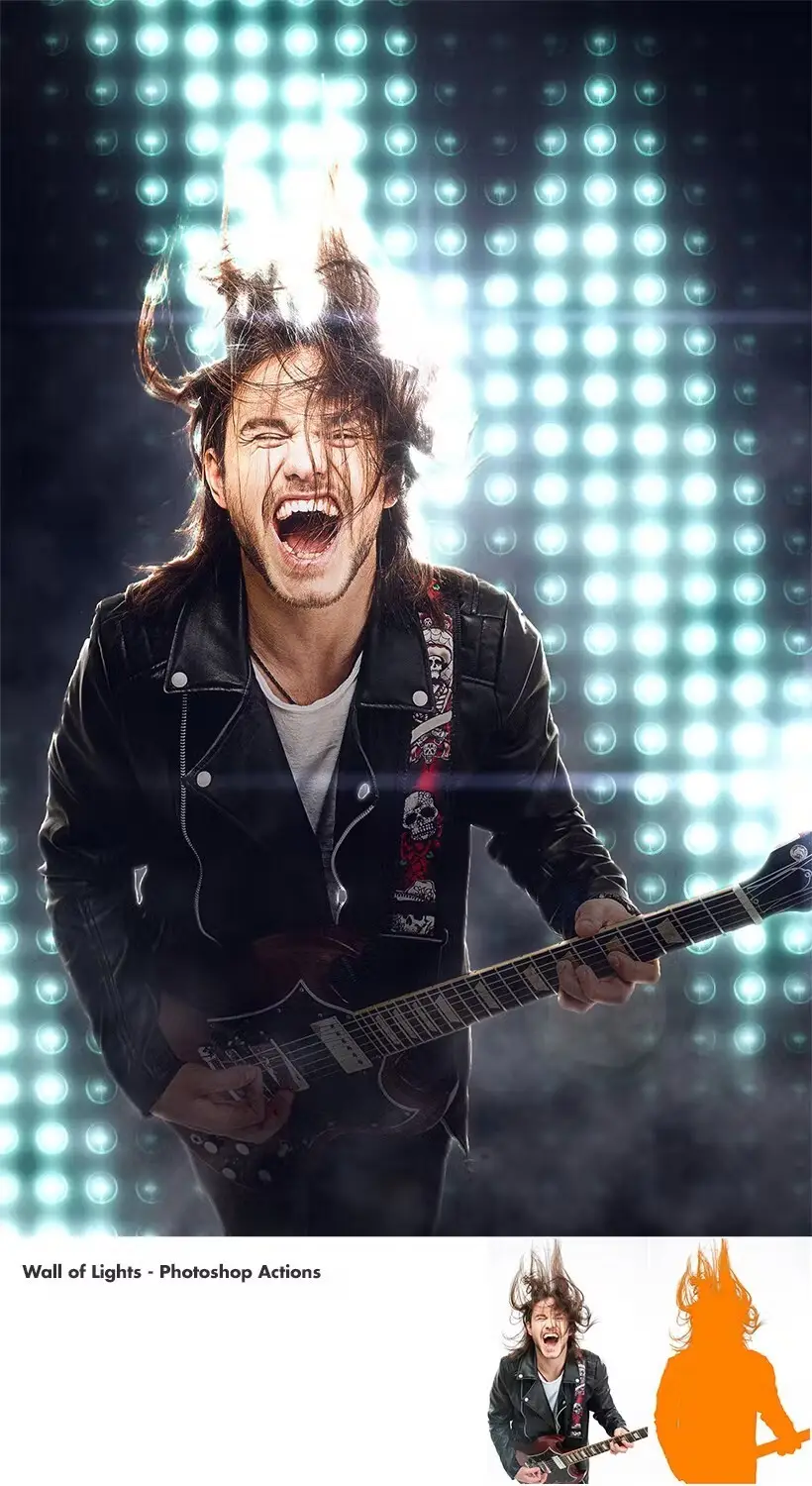
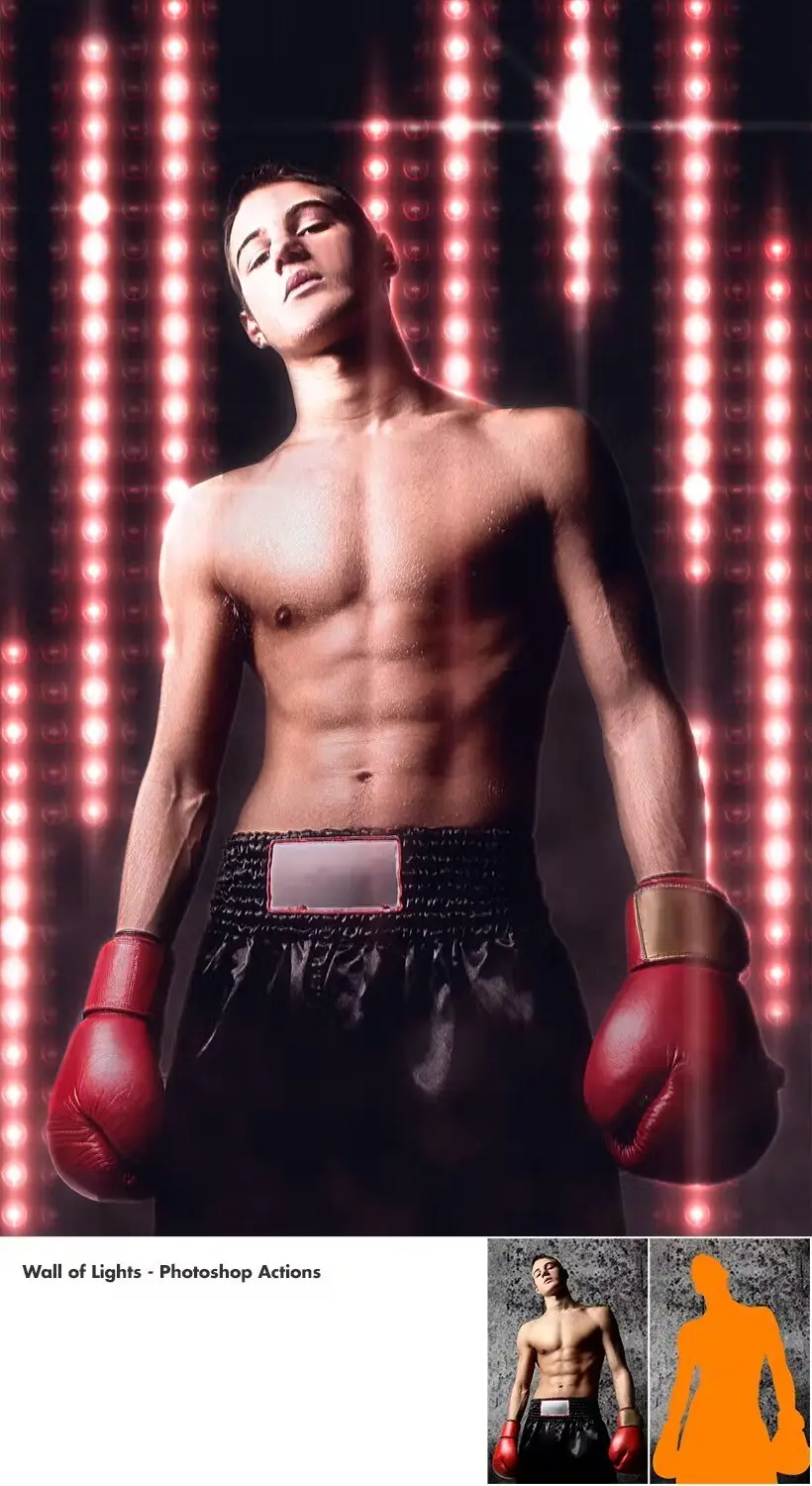


Wall Of Lights – Photoshop Actions
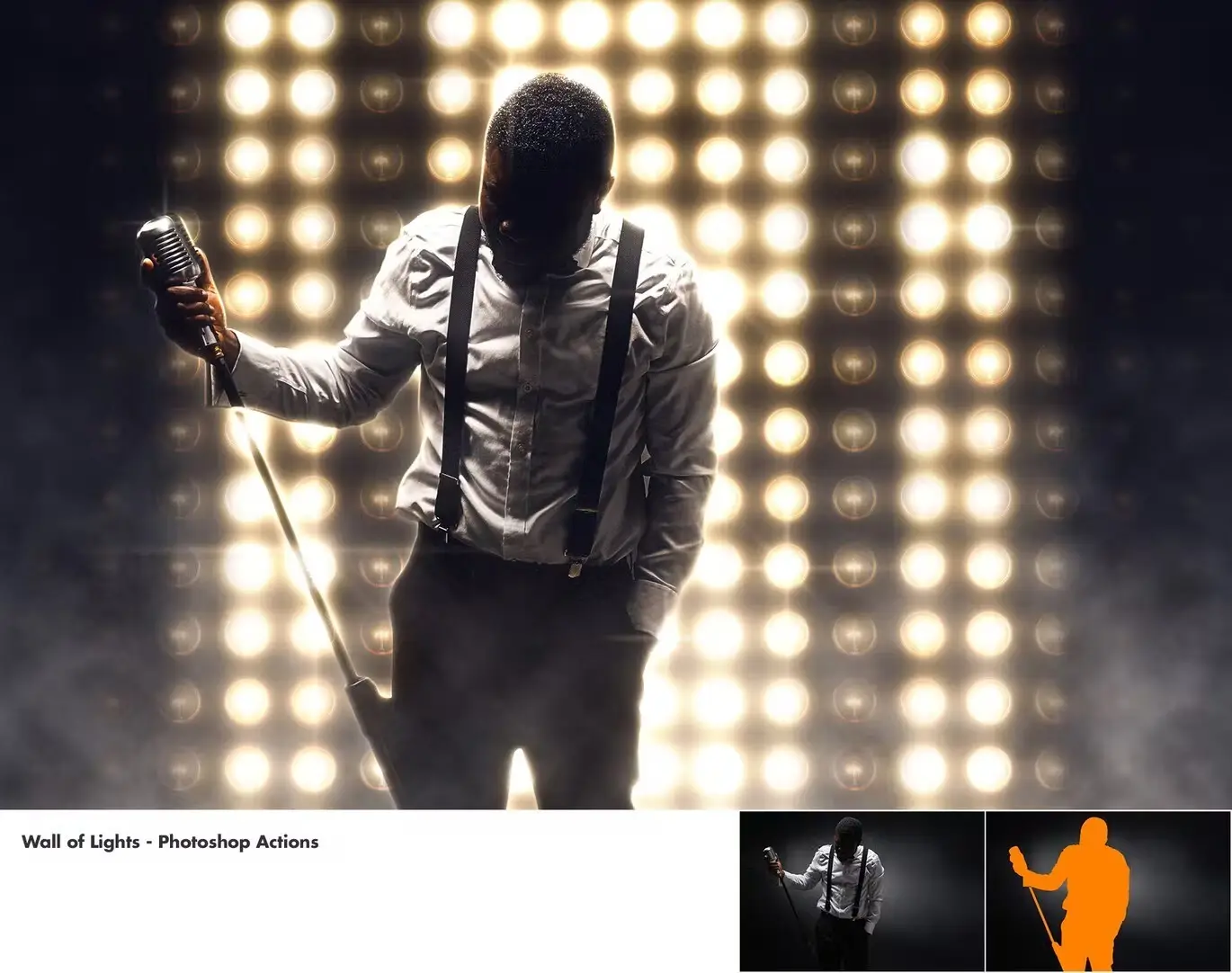
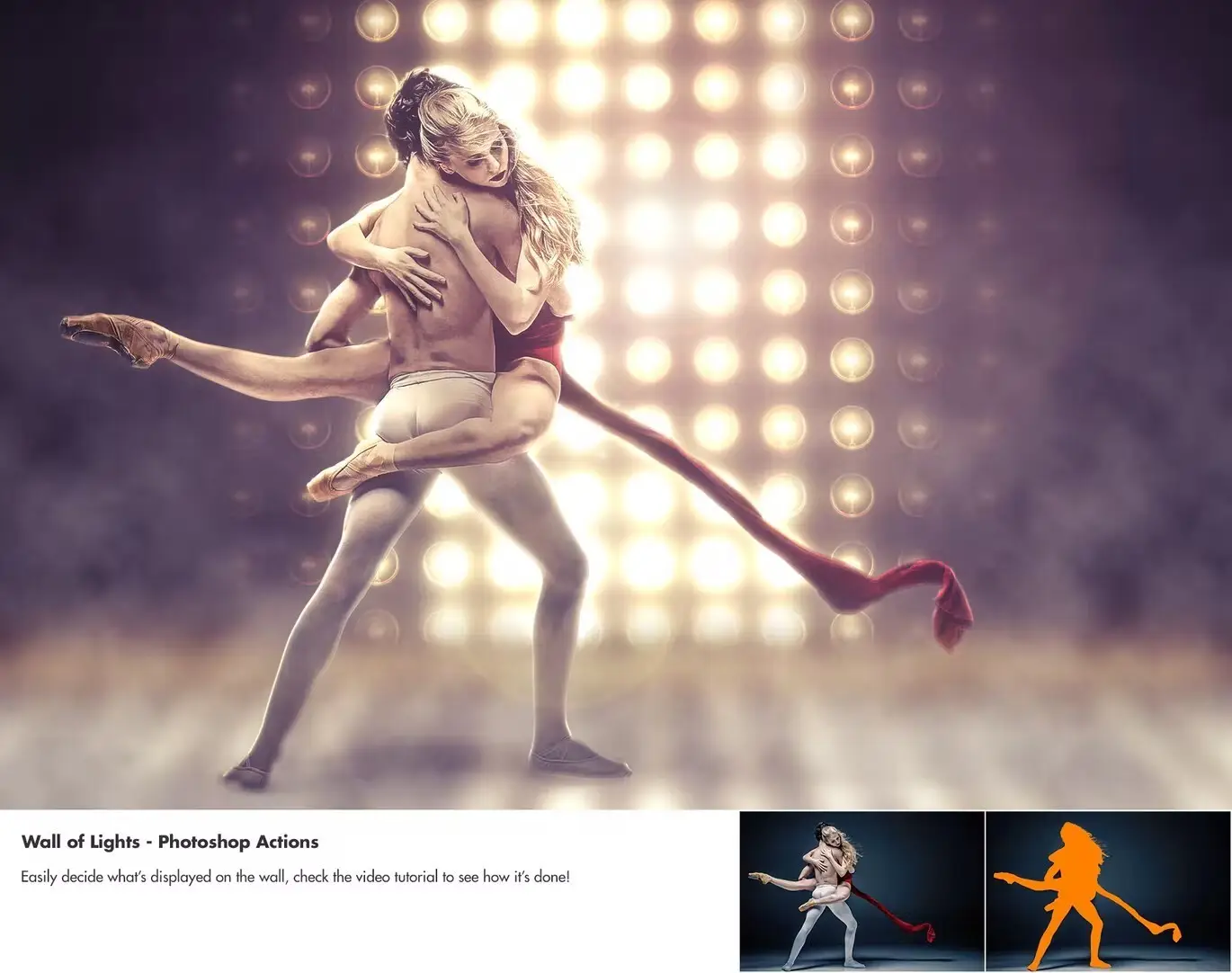
Transform your images with the Wall of Lights – Photoshop Actions. This innovative tool allows you to create stunning light displays behind your characters in just a few clicks, saving you hours of tedious work. Whether you’re enhancing concert photos or adding flair to party scenes, this action is designed for effortless use.
Product Overview
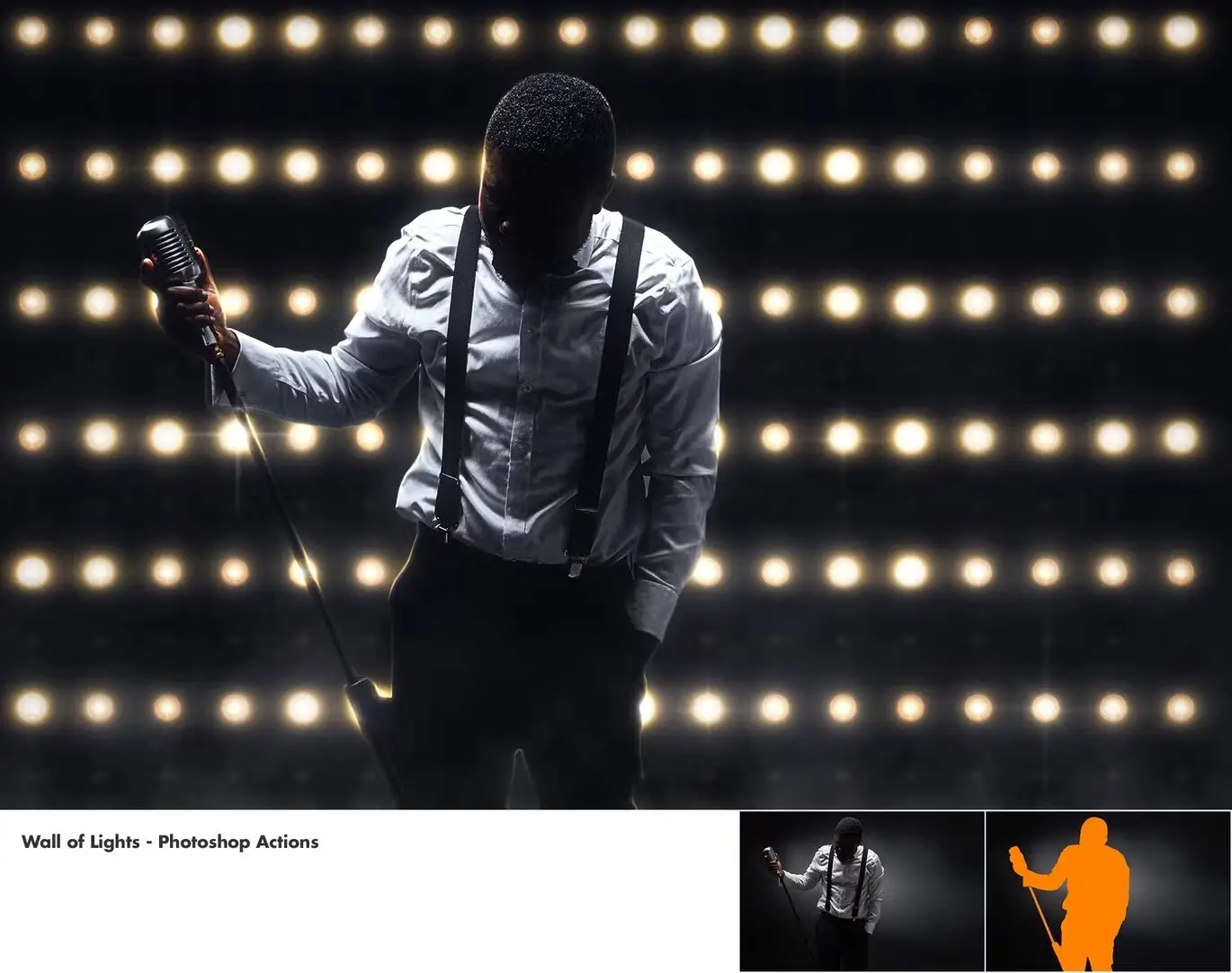
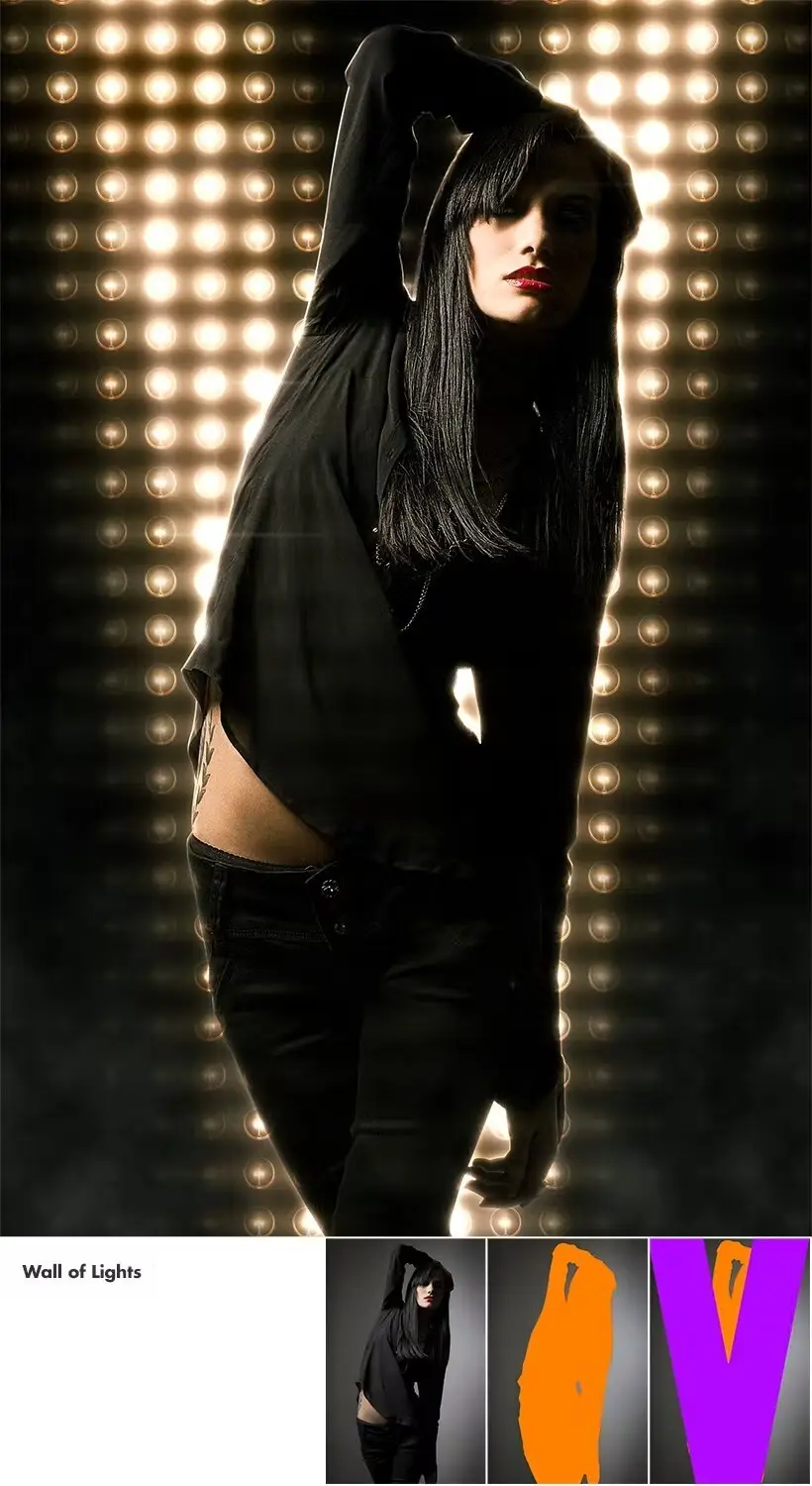
The Wall of Lights Photoshop Actions is perfect for photographers and designers looking to elevate their visuals. With its user-friendly setup, you can easily brush over the desired areas of your image, apply the included patterns, and watch as the action generates a variety of graphical elements. Customize and combine these elements to create unique displays that reflect your personal style.
Key Features & Benefits
- ✅ Easy and Quick to Use → Save time and effort with a simple setup process.
- ✅ Fully Editable and Non-Destructive → Your original layers remain untouched, allowing for complete flexibility.
- ✅ Create Diverse Displays → Generate multiple unique light displays from just one set of actions.
- ✅ Organized Layer Structure → Enjoy a clean, color-coded, and grouped layers setup for easy navigation.
- ✅ 20 Color Corrections → Enhance your images with a range of color correction options.
- ✅ Comprehensive Guide → Access a detailed text guide and video walkthrough for seamless usage.
- ✅ Compatible with Multiple Versions → Tested on Photoshop CS3, CS4, CS5, CS6, CC+, ensuring broad compatibility.
Why Choose This Product
The Wall of Lights Photoshop Actions stands out due to its simplicity and versatility. Trusted by designers worldwide, this tool allows you to quickly achieve professional-quality results without the steep learning curve. Whether you’re working on personal projects or client work, this action enhances your workflow and creativity.
Specifications
| Compatibility | Photoshop CS3, CS4, CS5, CS6, CC+ |
|---|---|
| Language | English (temporary change for other languages available) |
What’s Included
- 📦 Wall of Lights Photoshop Actions set
- Text guide for easy reference
- Video tutorial link for visual guidance
Perfect For
- Photographers looking to enhance concert and event images
- Graphic designers wanting to add dynamic lighting effects
- Social media content creators aiming for eye-catching visuals
How to Use
1. Open your image in Photoshop.
2. Brush the area where you want the light display.
3. Select the desired pattern and click play to generate the effects.
4. Customize the generated elements to match your vision.
FAQ
- Can I use this action in non-English versions of Photoshop? Yes, there’s a guide available for temporarily changing the language.
- Is there support available if I encounter issues? Yes, detailed instructions and a video tutorial are provided to assist you.
Add the Wall of Lights – Photoshop Actions to your toolkit today and start creating captivating visuals with ease! 🚀
User Reviews
Be the first to review “Wall Of Lights – Photoshop Actions”
You must be logged in to post a review.
Concept Sketch – Photoshop Action
Sold by
Realistic Embroidery 2 – Photoshop Actions
Sold by
Advanced Double Exposure – Photoshop Action
Sold by
Leather Badge Generator – Photoshop Actions
Sold by
Animated Glitch 2 – Photoshop Action
Sold by
Adobe Photoshop Actions and Presets Bundle – 11 Items
Sold by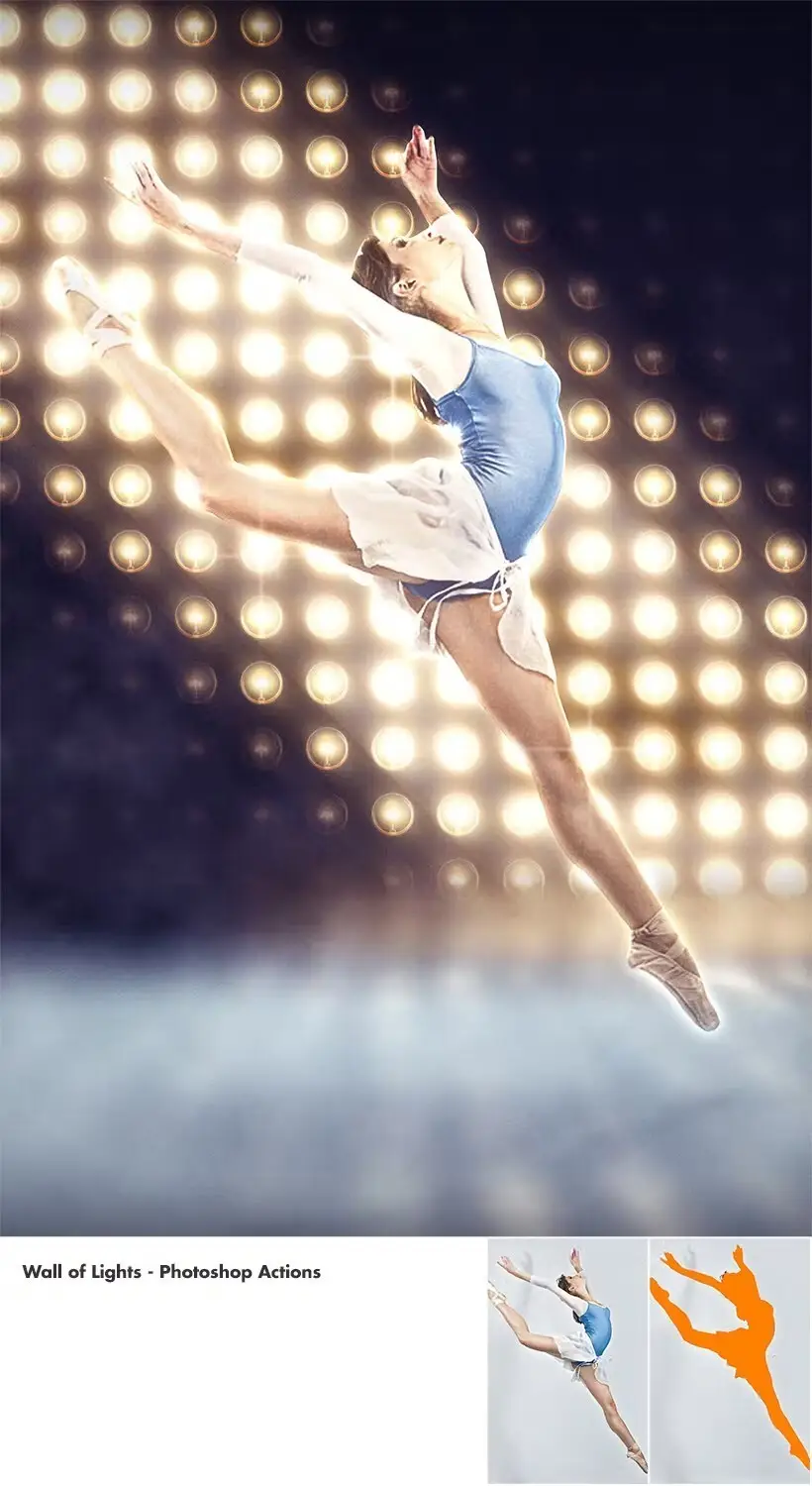
Original price was: $5.00.$2.50Current price is: $2.50.


There are no reviews yet.