
Concept Sketch – Photoshop Action
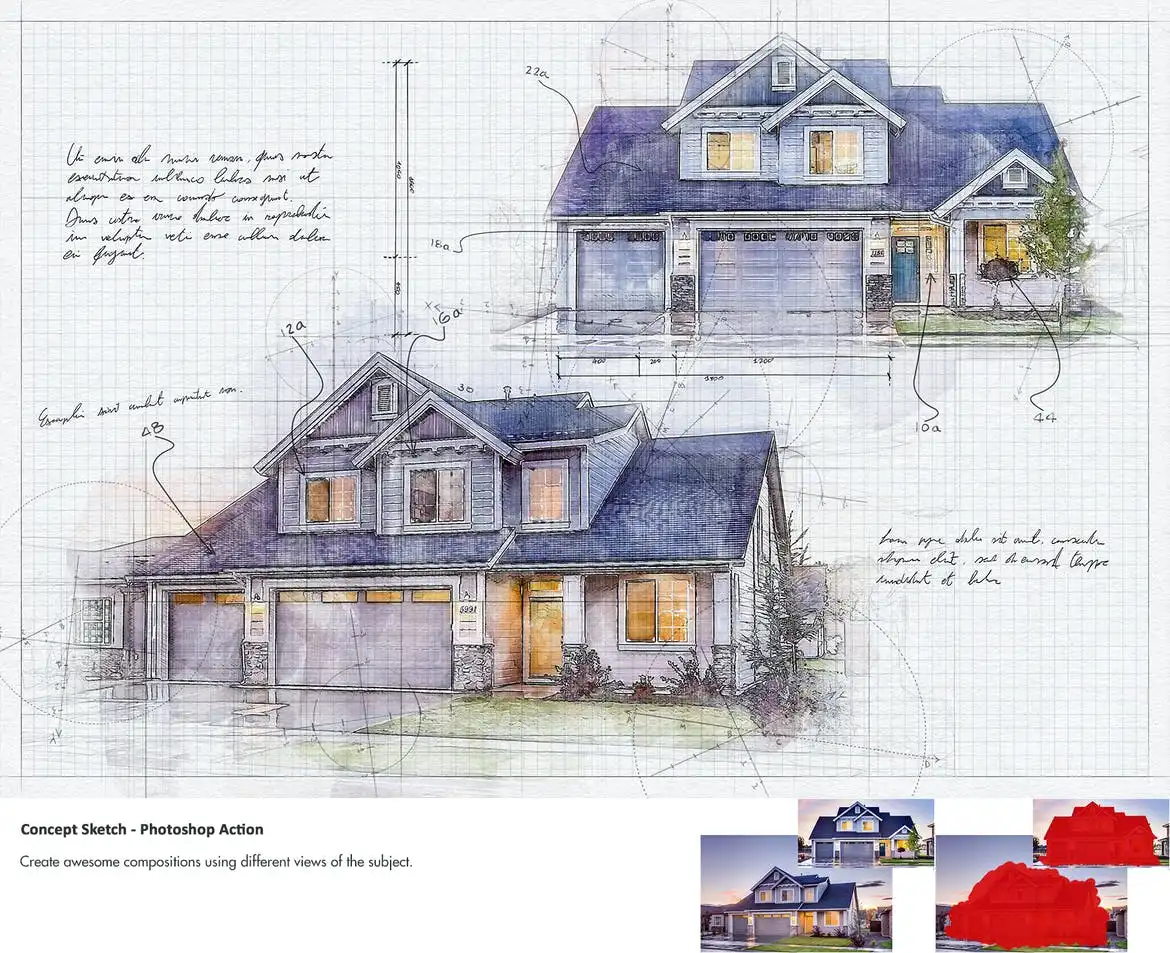
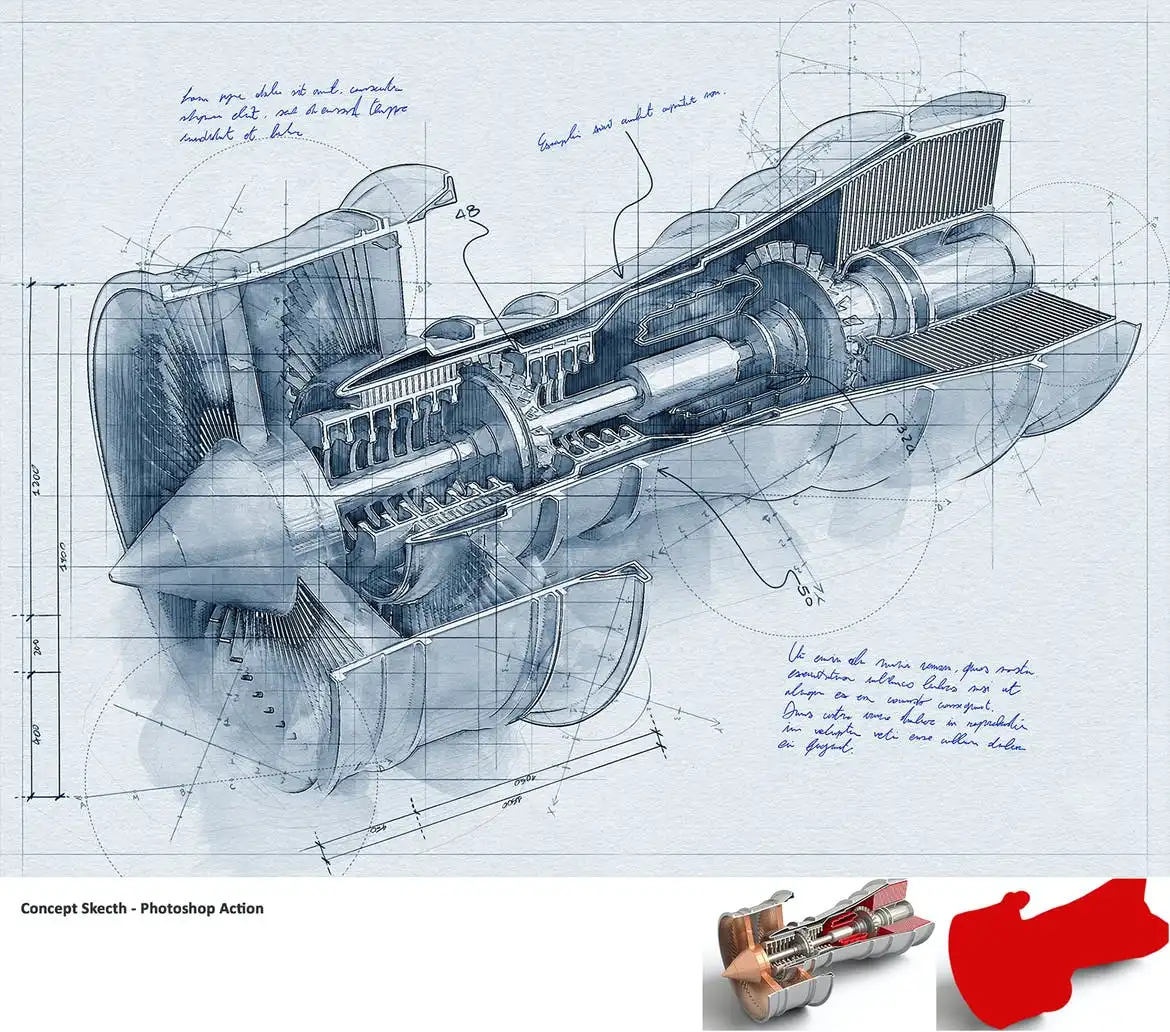
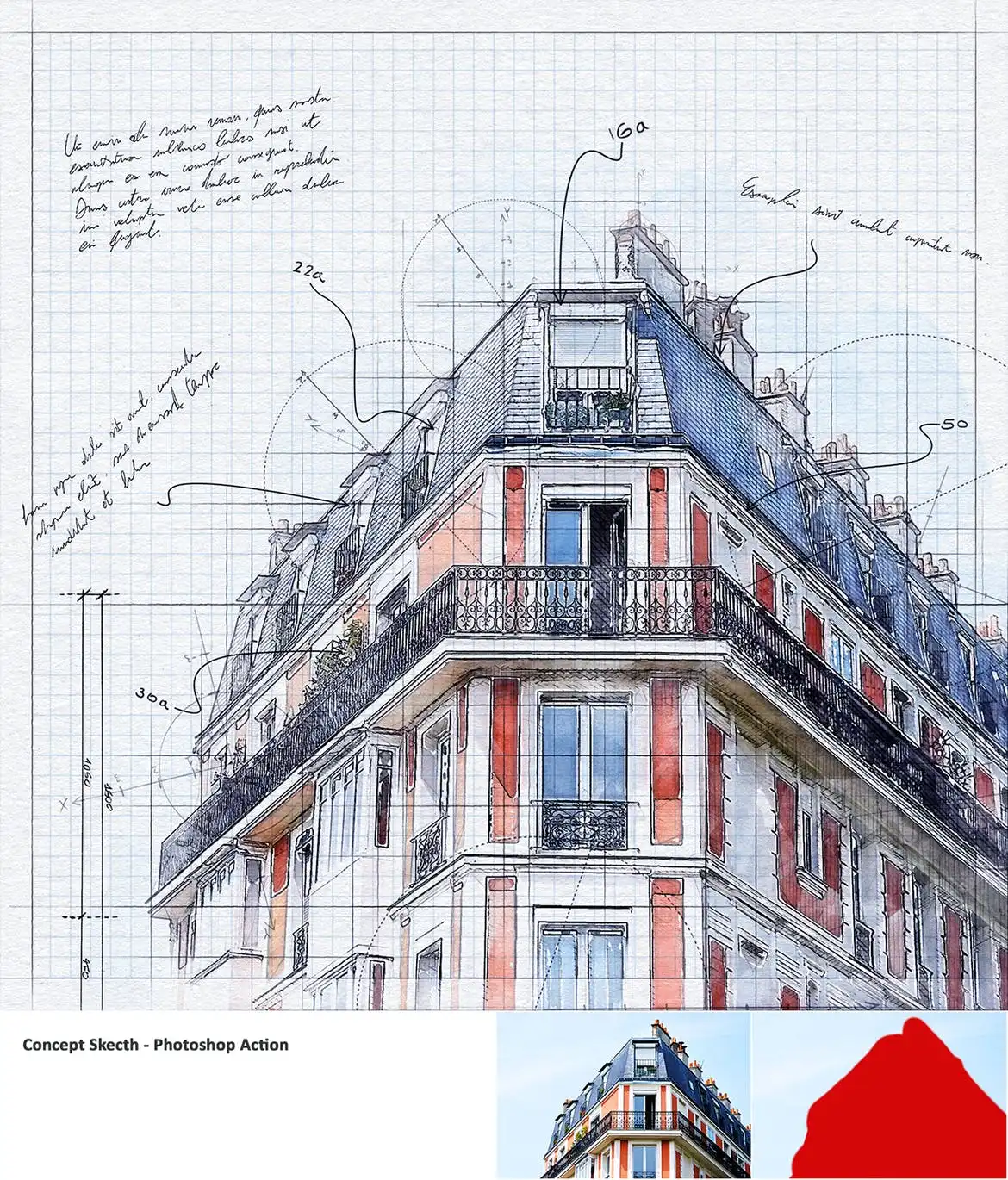
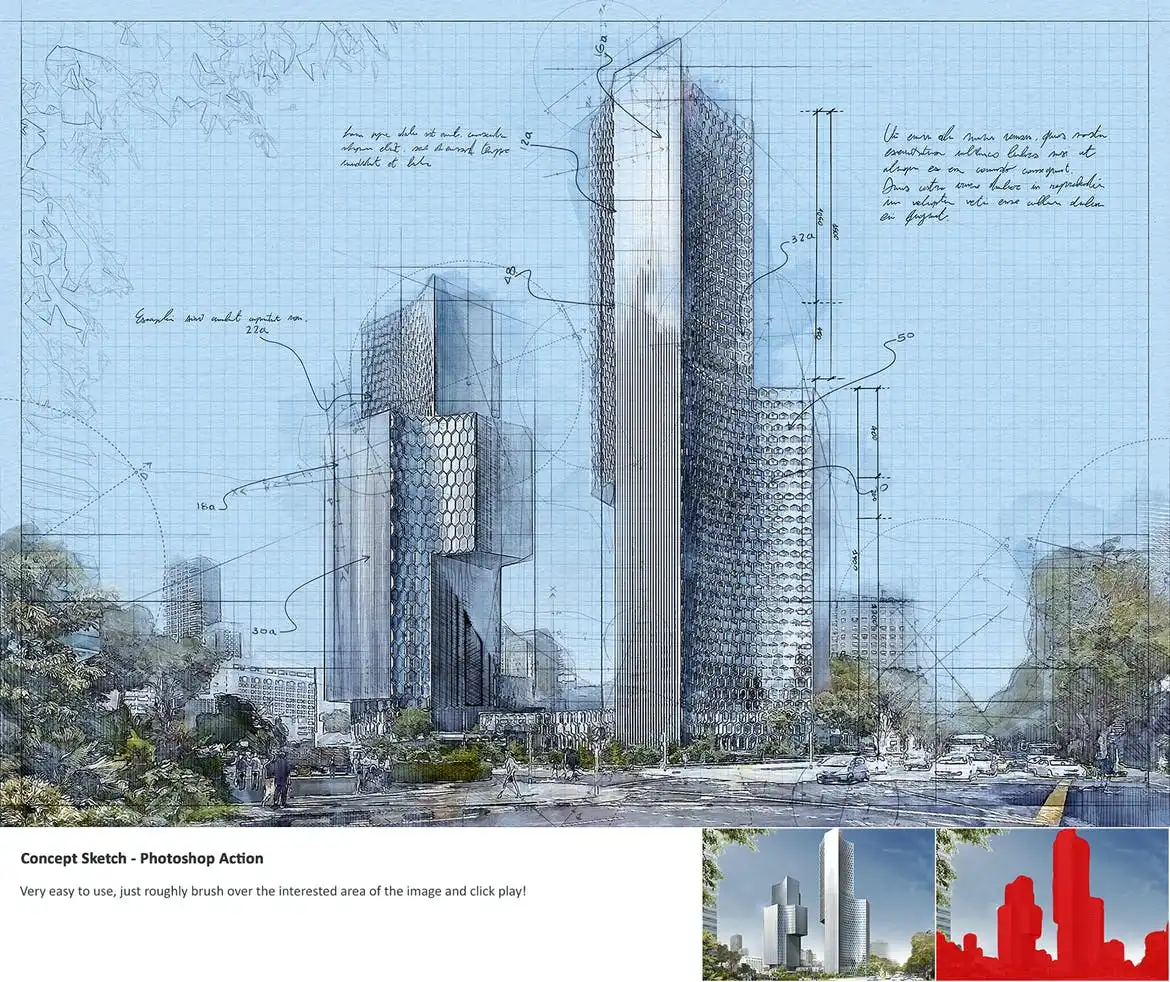
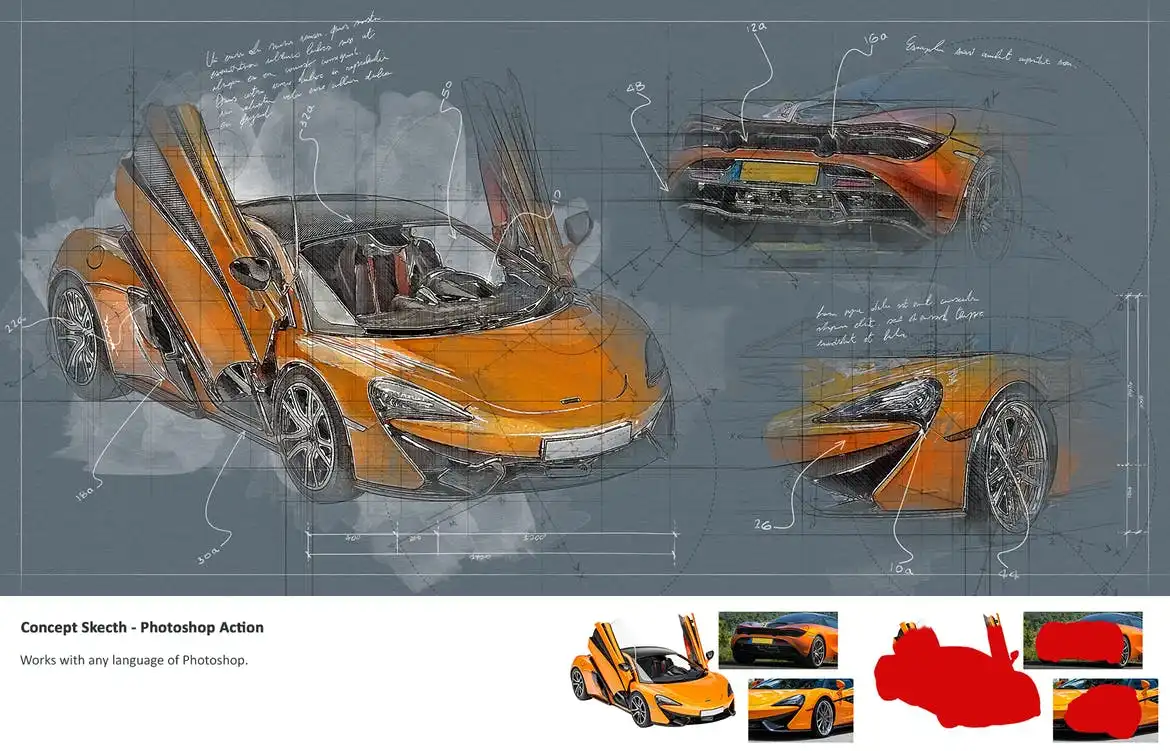
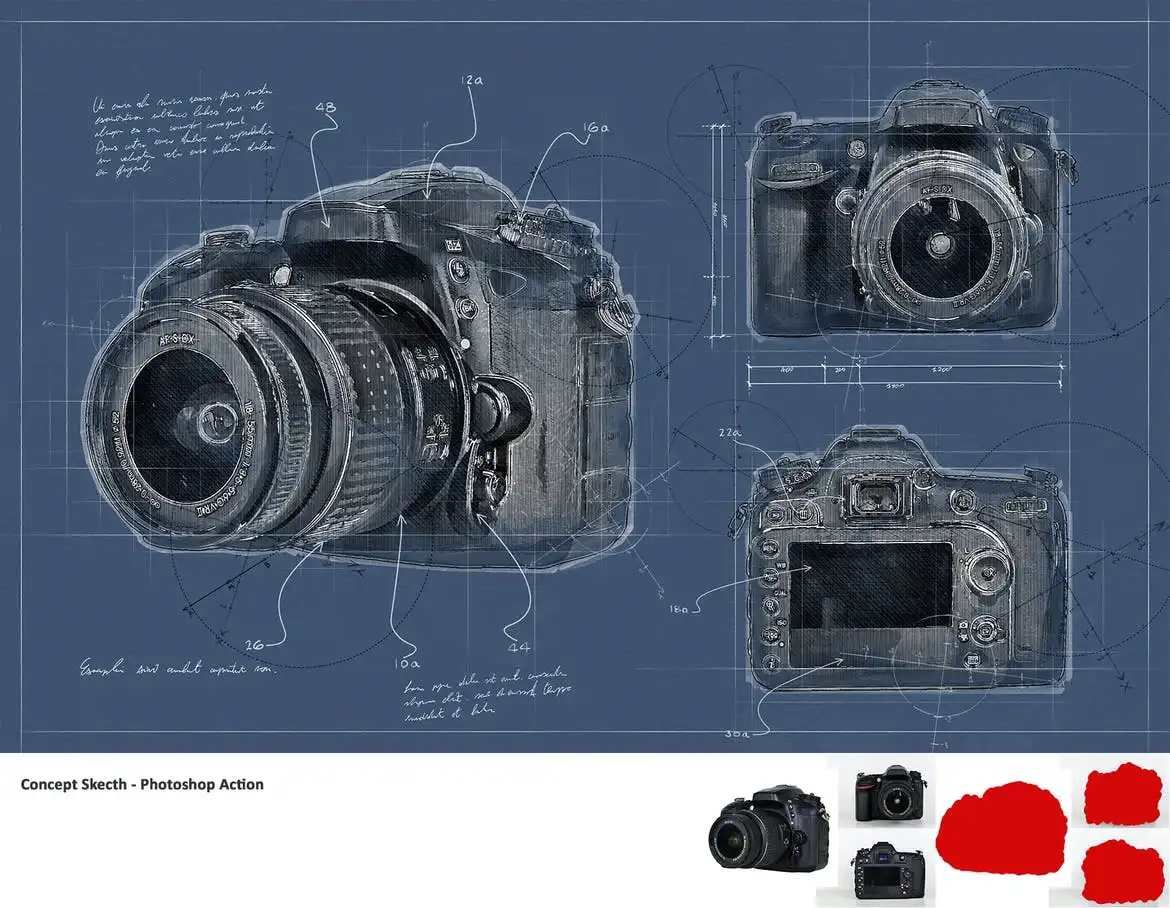
Concept Sketch – Photoshop Action
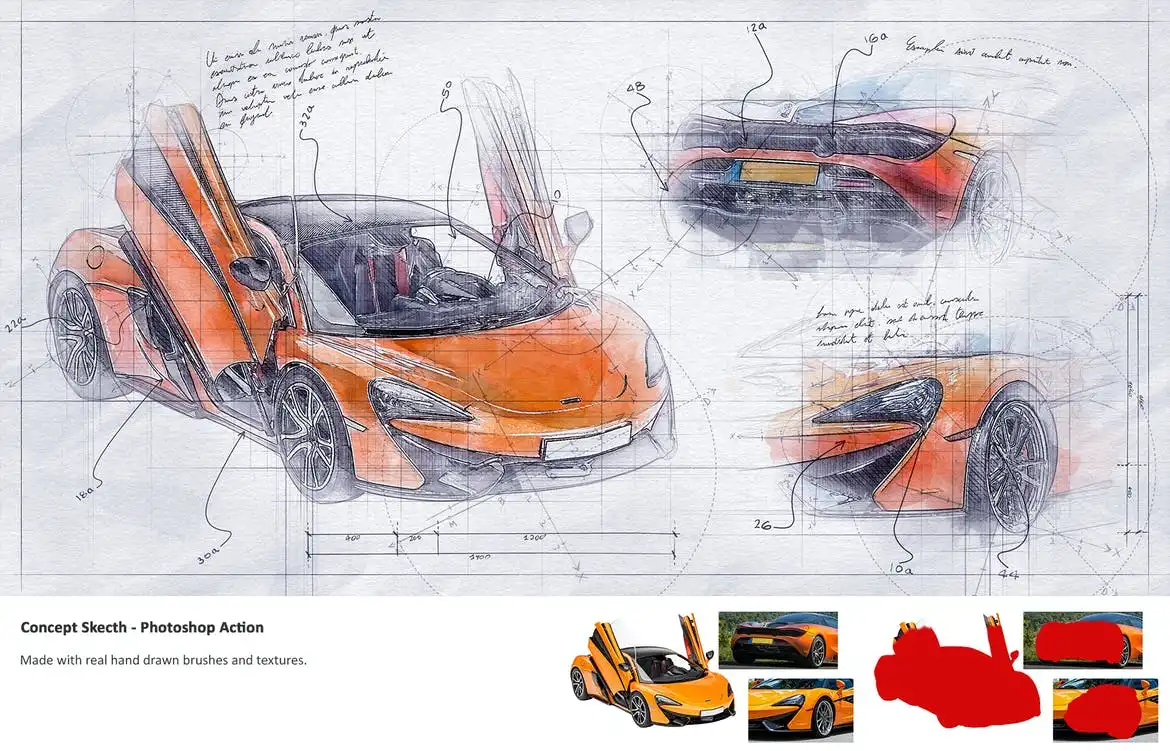
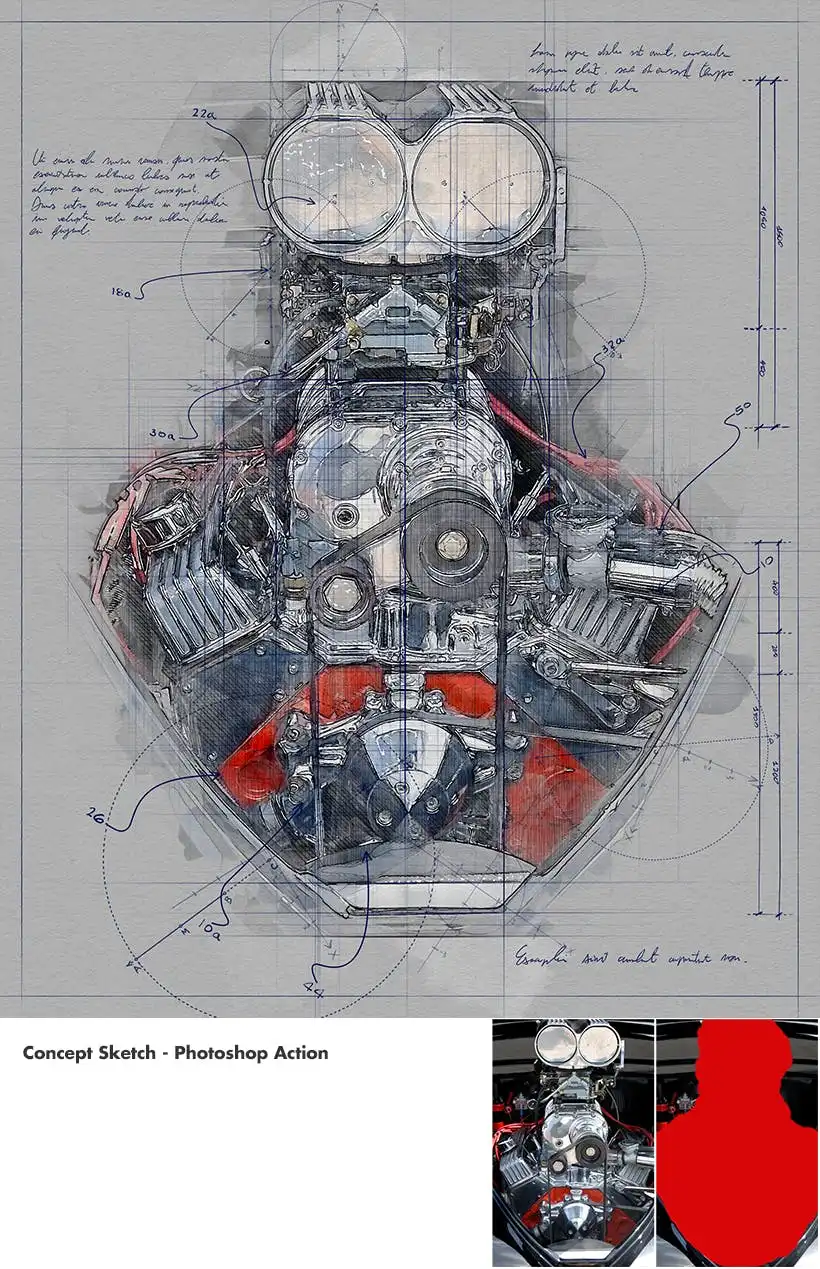
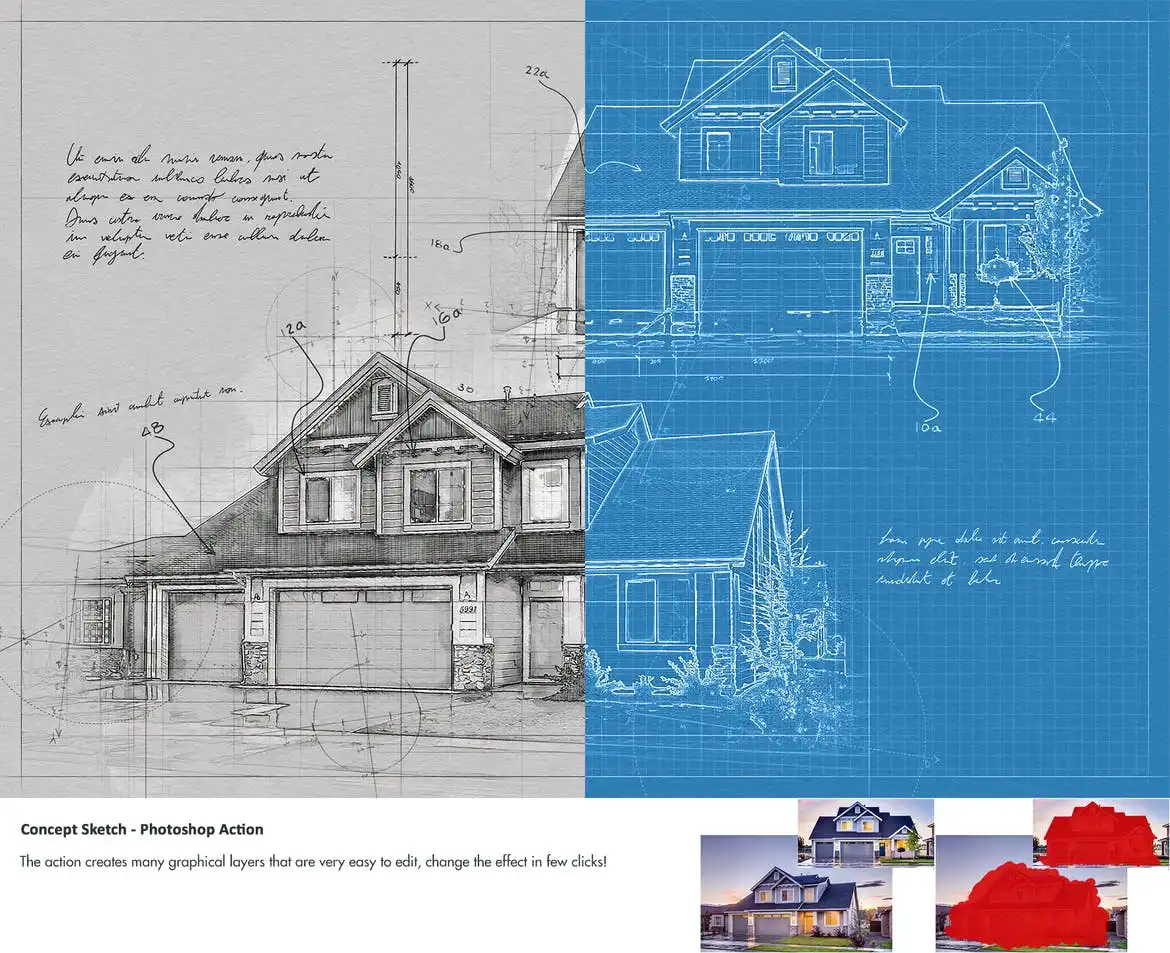
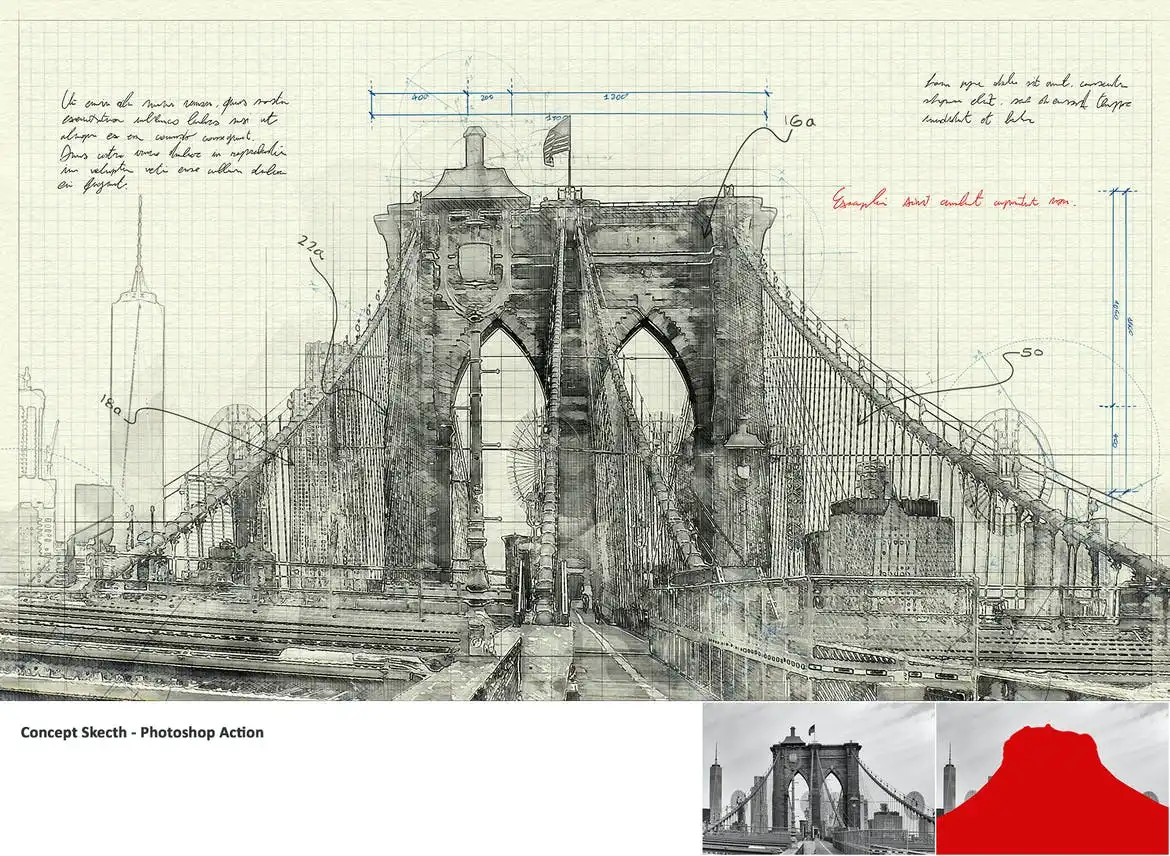
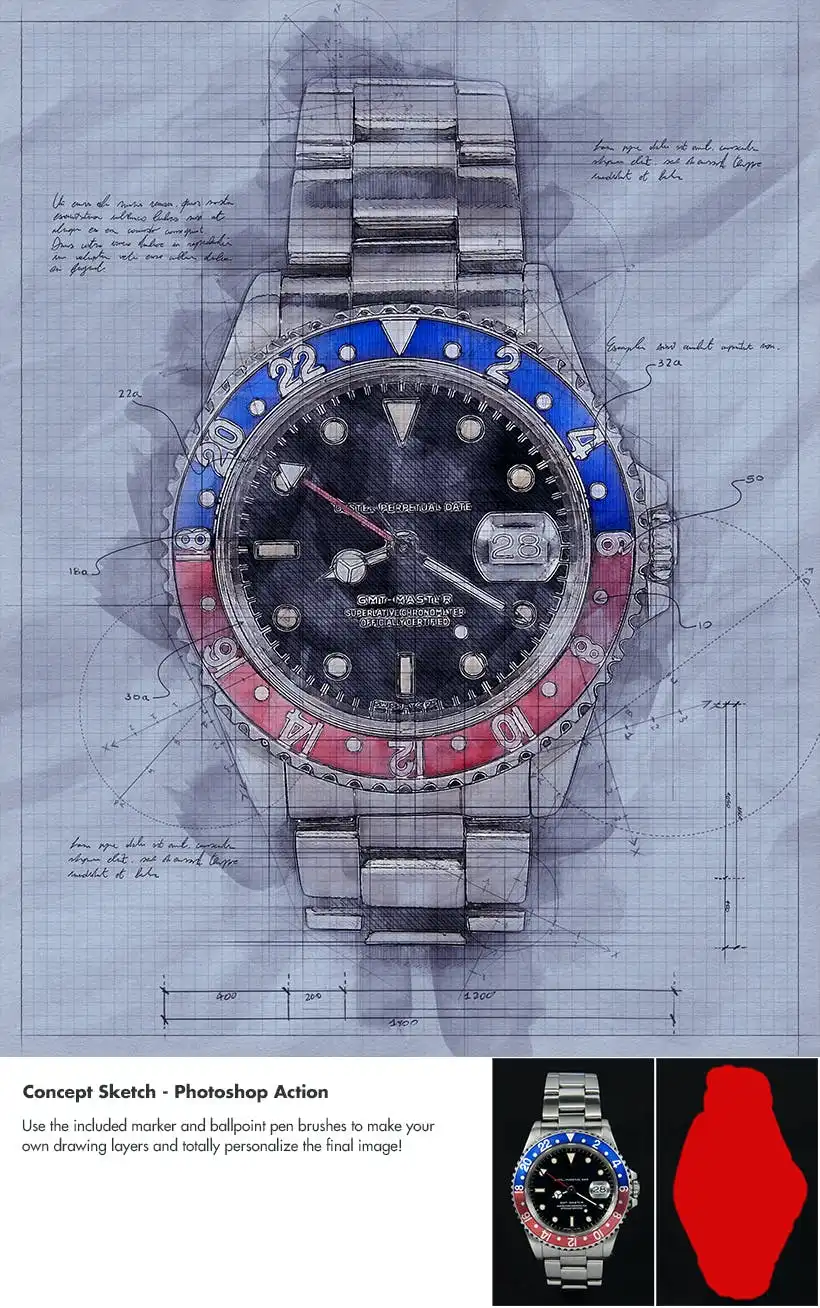
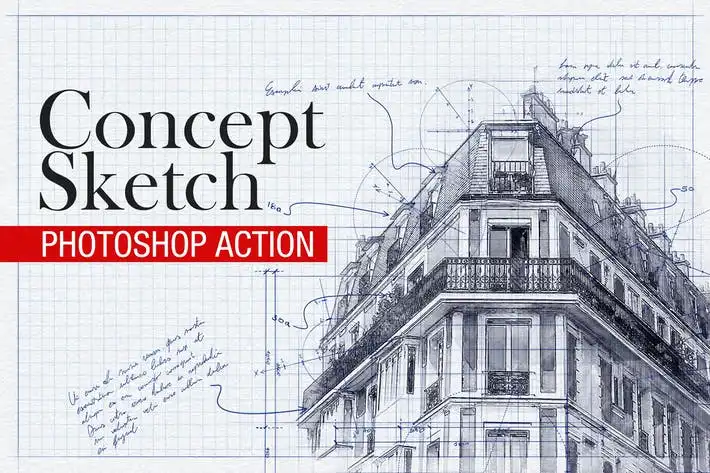
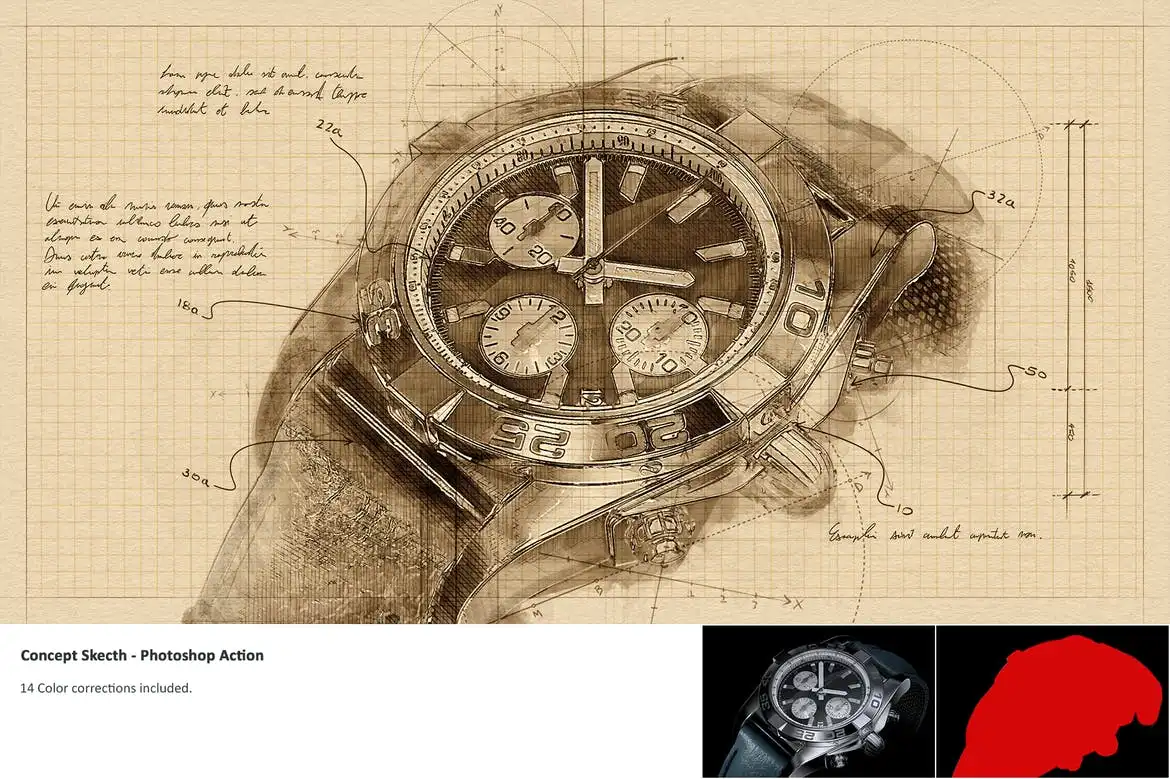
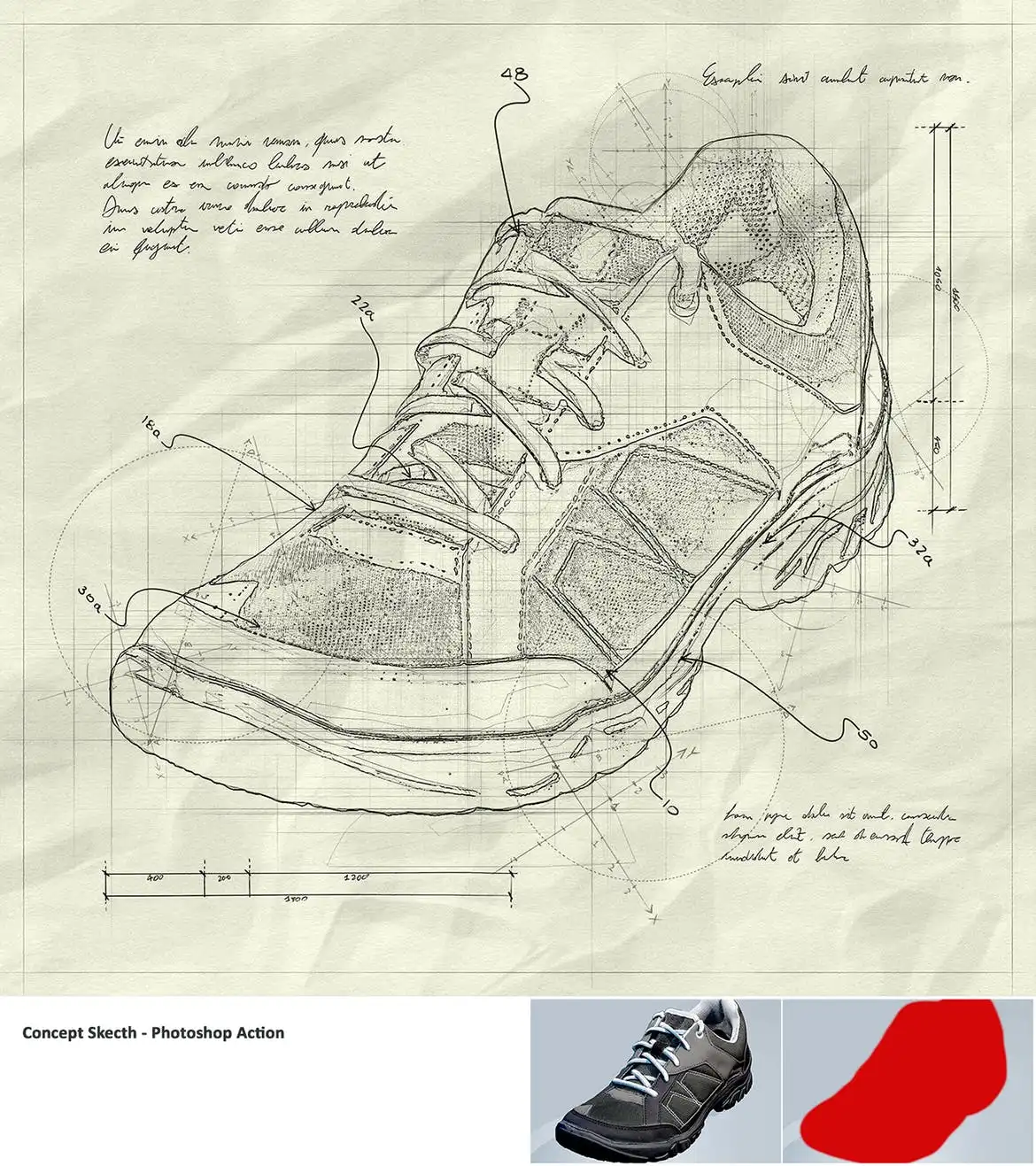
Transform your images into stunning concept sketches with the Concept Sketch – Photoshop Action. Whether you’re working on engineering, architectural visualizations, or product designs, this action is your solution to save time and enhance creativity. Simply brush over the desired area of your image and let the action do the rest!
Product Overview
This Photoshop action is designed for designers and artists who want to create unique concept sketches effortlessly. With just a few clicks, you can generate multiple graphical elements, allowing for endless variations and a personalized touch to your projects.
Key Features & Benefits
- ✅ Real Hand-Drawn Brushes and Textures → Achieve an authentic sketch look that stands out.
- ✅ One Action, Multiple Possibilities → Generate various effects and styles with a single action.
- ✅ 12 Custom Brushes and 18 Patterns → Easily modify results and create diverse designs.
- ✅ Responsive to Graphic Tablets → Enjoy a seamless drawing experience with pressure sensitivity.
- ✅ Organized Layer Structure → Color-coded and grouped layers for easy navigation and editing.
- ✅ 14 Color Corrections Included → Enhance your sketches with professional-grade adjustments.
- ✅ Compatible with Multiple Photoshop Versions → Works with CS3, CS4, CS5, CS6, and all CC versions.
Why Choose This Product
The Concept Sketch – Photoshop Action is trusted by designers worldwide for its efficiency and versatility. It simplifies the sketching process, allowing you to focus on creativity rather than technical details. With comprehensive support, including a PDF guide and a detailed video walkthrough, you’ll be up and running in no time.
Specifications
| Item | Details |
|---|---|
| Action Type | Photoshop Action |
| Brushes | 12 Custom Brushes |
| Patterns | 18 Patterns |
| Compatibility | Photoshop CS3 – CC |
| Max Image Resolution | Up to 5K pixels |
What’s Included
- 📦 1 Photoshop Action
- 📦 12 Custom Brushes
- 📦 18 Patterns
- 📦 PDF Guide
- 📦 Video Tutorial
Perfect For
- Architects
- Engineers
- Product Designers
- Illustrators
- Graphic Designers
How to Use
- Open your image in Photoshop.
- Brush over the area you want to convert into a sketch.
- Run the action and watch it create your concept sketch.
- Modify the layers as needed for a personalized touch.
FAQ
- Is this action compatible with all Photoshop versions? Yes, it works with CS3, CS4, CS5, CS6, and all CC versions.
- Can I use this action with a graphic tablet? Absolutely! It is fully responsive to graphic tablets.
Ready to elevate your design projects? Add to cart now and start creating stunning concept sketches today! 🚀
User Reviews
Be the first to review “Concept Sketch – Photoshop Action”
You must be logged in to post a review.
Original price was: $5.00.$2.50Current price is: $2.50.


There are no reviews yet.