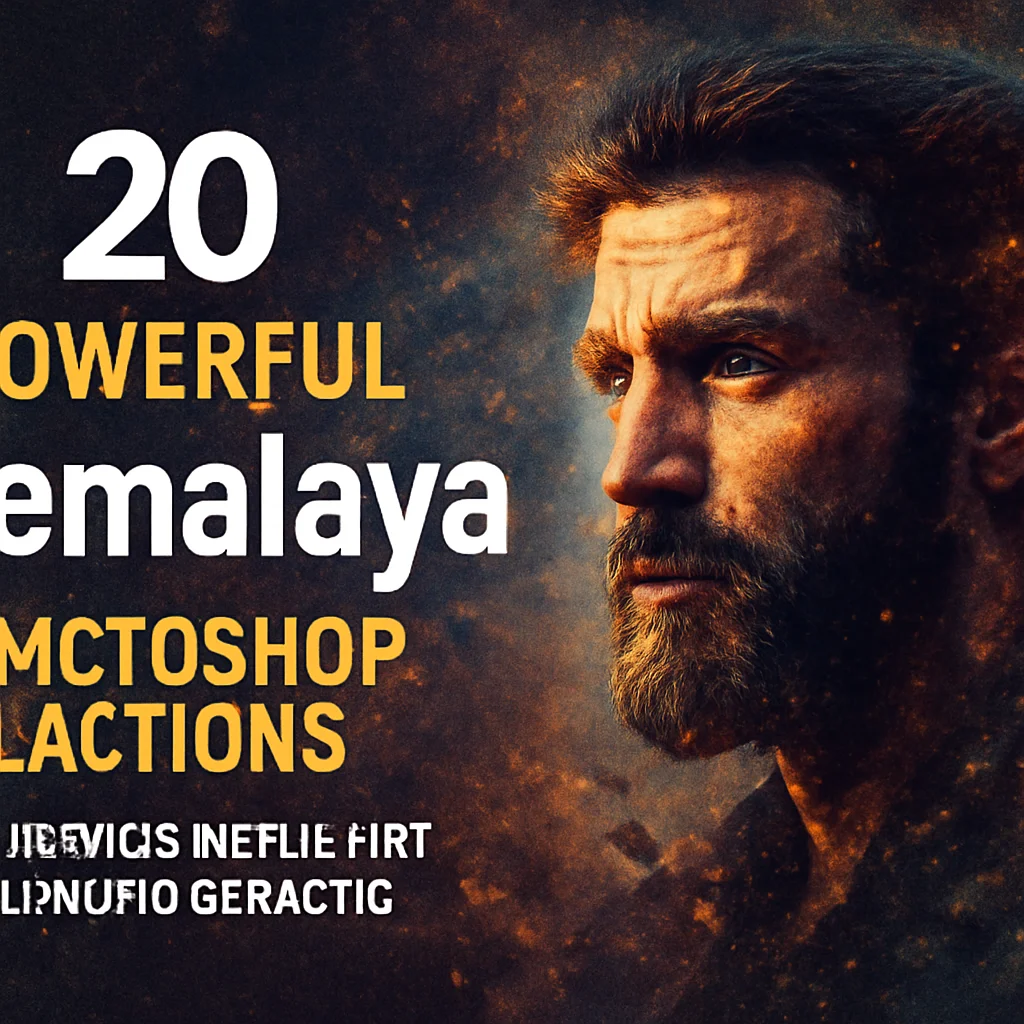
Hey there, creative soul! 🎨✨ Are you ready to take your Photoshop game from zero to hero in just one click? Let me introduce you to the incredible world of ihemalaya — a powerhouse artist on Brushespack whose actions are basically magic spells for your images. Whether you’re into moody cinematic portraits, vibrant cartoon effects, or gritty grunge aesthetics, this collection has something that will make your jaw drop. Let’s dive into the first part of this epic journey and explore 20 game-changing tools that will transform your workflow forever! 🚀🔥
Why Use These ihemalaya Photoshop Actions?
Imagine slashing your editing time by 80% while adding jaw-dropping, professional-grade effects that used to take hours to master. That’s exactly what these actions do. 💥 From dynamic smoke and light effects to soft marker sketches and explosive powder art, ihemalaya’s tools are built for both beginners and seasoned pros who crave speed without sacrificing quality. Whether you’re designing movie posters, album covers, or just having fun with portrait edits, these presets are your new best friends. 🙌
Top 20 ihemalaya Photoshop Action Picks
Mythic Photoshop Action
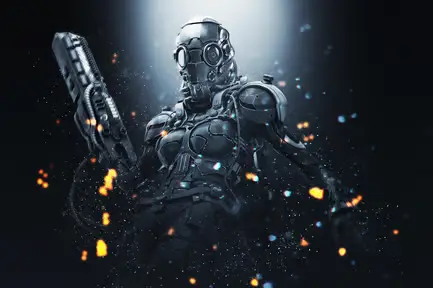
Unleash epic fantasy vibes with dynamic smoke, dazzling lights, and suspenseful color grading that makes every photo feel like a scene from a blockbuster movie! 🐉✨
Epicalic Photoshop Action
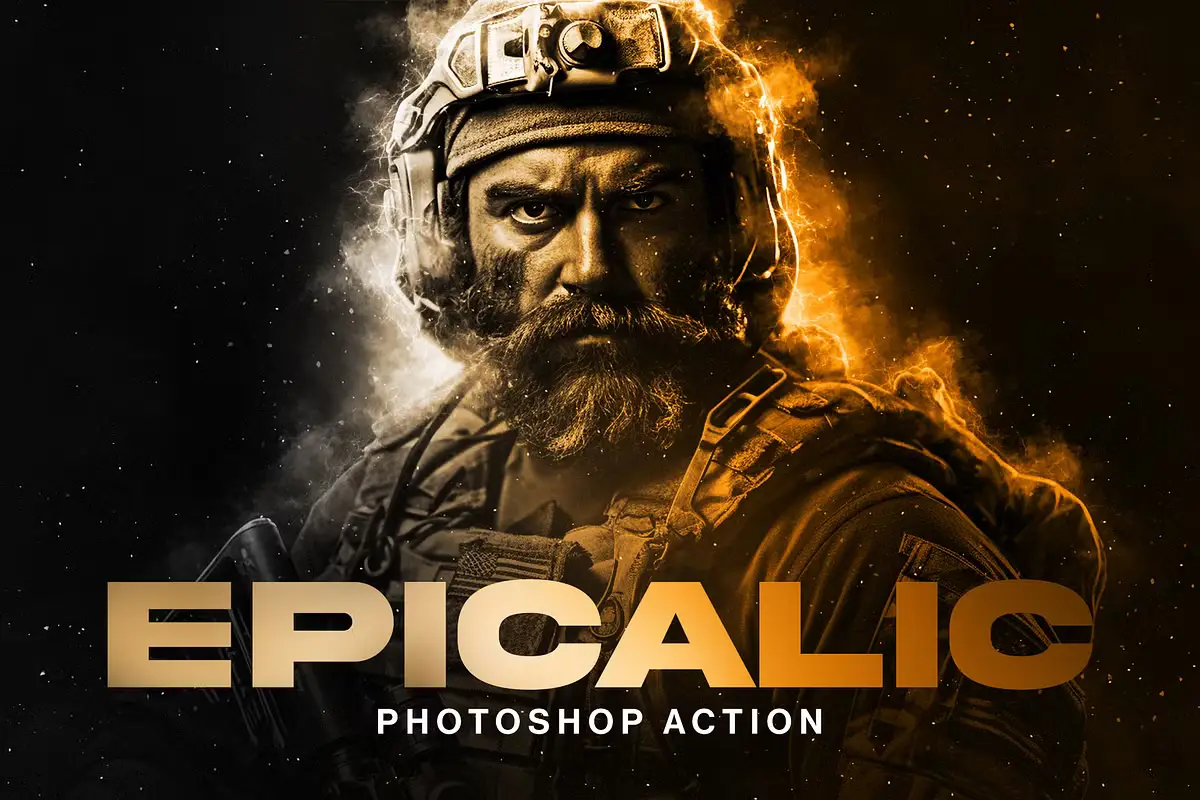
Ignite your visuals with electrifying bursts of energy and vibrant color — perfect for creating high-impact, eye-popping designs that scream “wow!” ⚡🎨
Old Photo Photoshop Action
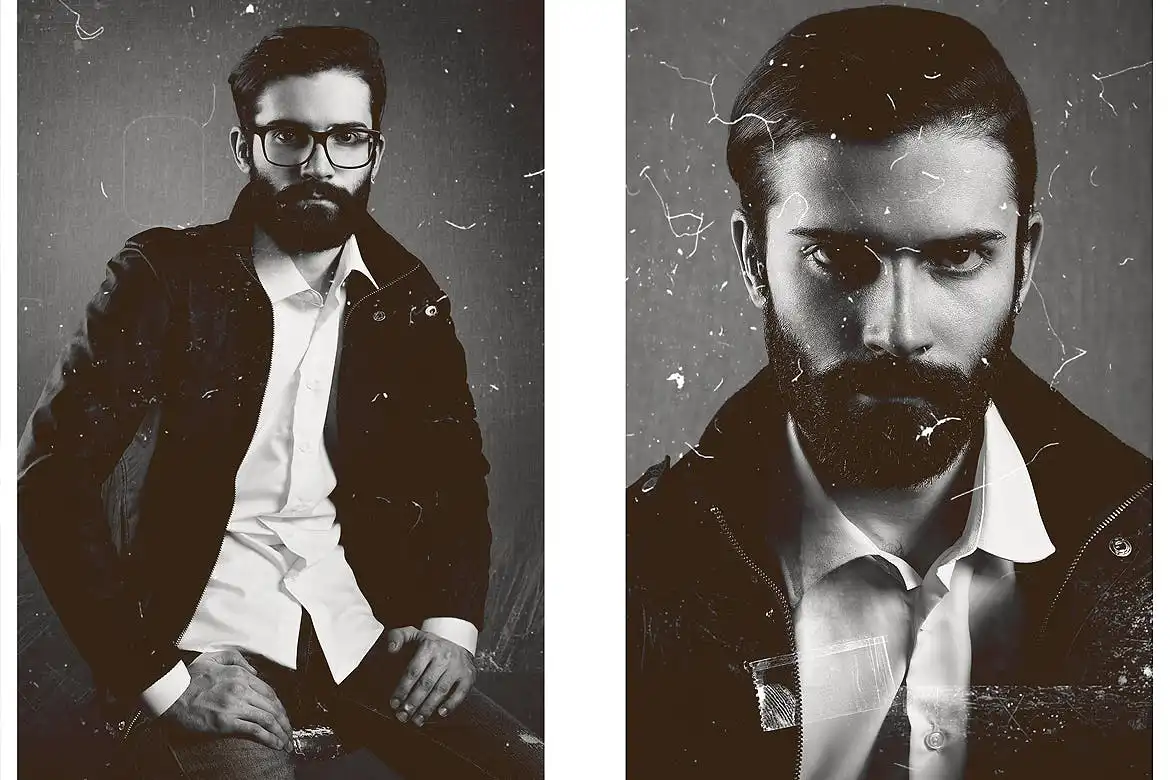
Add instant vintage soul to any image with dreamy faded tones and classic film grain — ideal for nostalgic posters, social media throwbacks, or moody album art! 📸🕰️
4 Photoshop Actions Bundle – Mar21
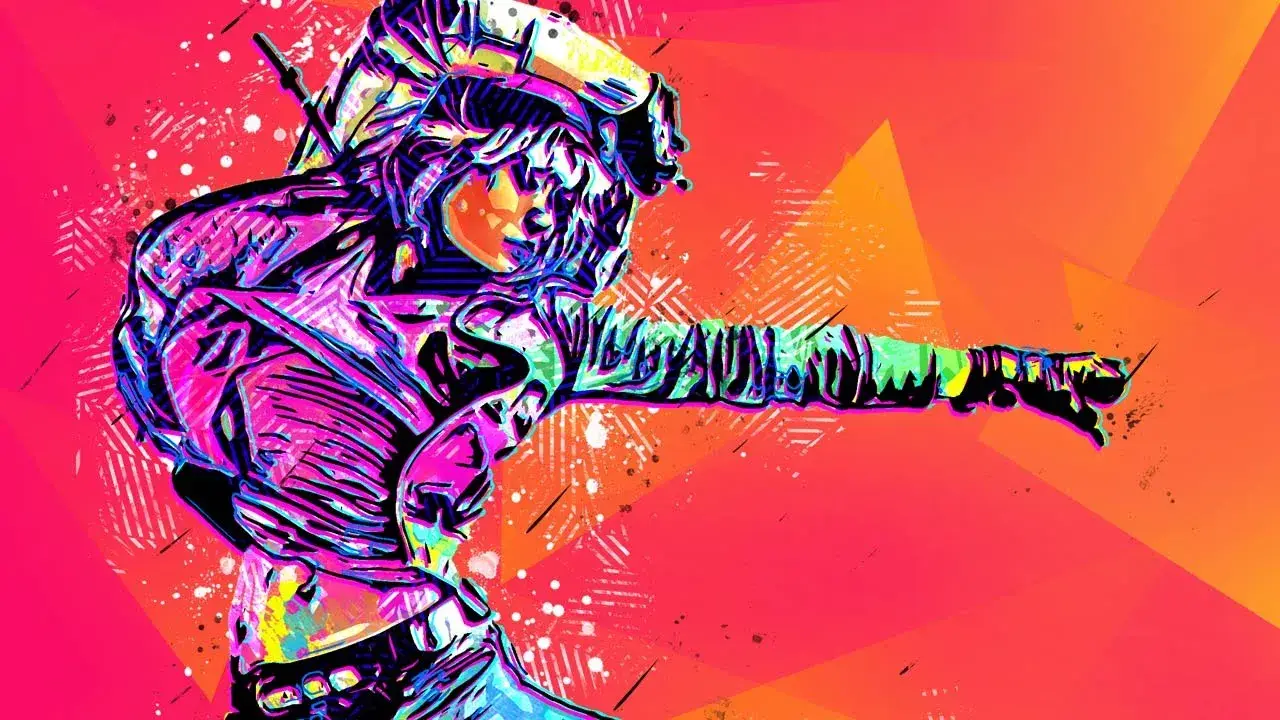
Four incredible actions in one juicy bundle — giving you versatile effects from dramatic to dreamy, all at a steal! Maximum variety, minimum effort. 💥🎁
Epic 2 Photoshop Action
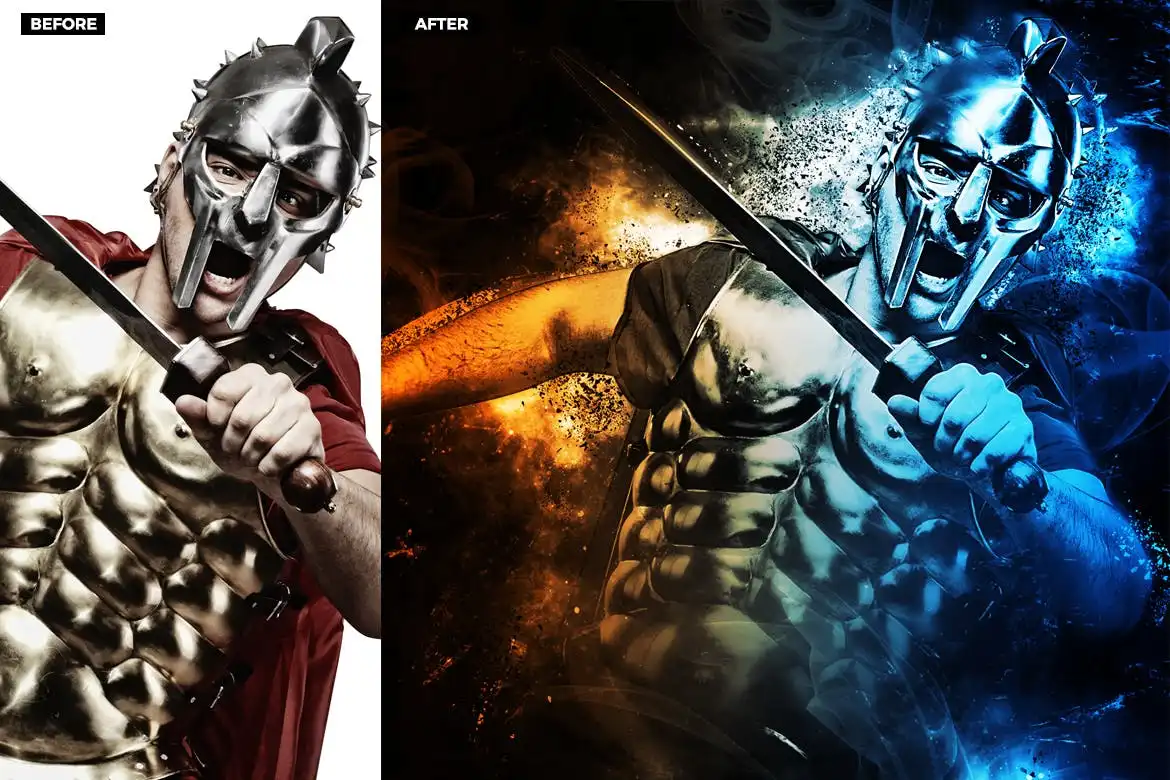
Create breathtaking scenes filled with swirling smoke, glowing lights, and cinematic clouds — it’s like having a Hollywood VFX team inside your computer! 🎬☁️
Grunge 2 Photoshop Action
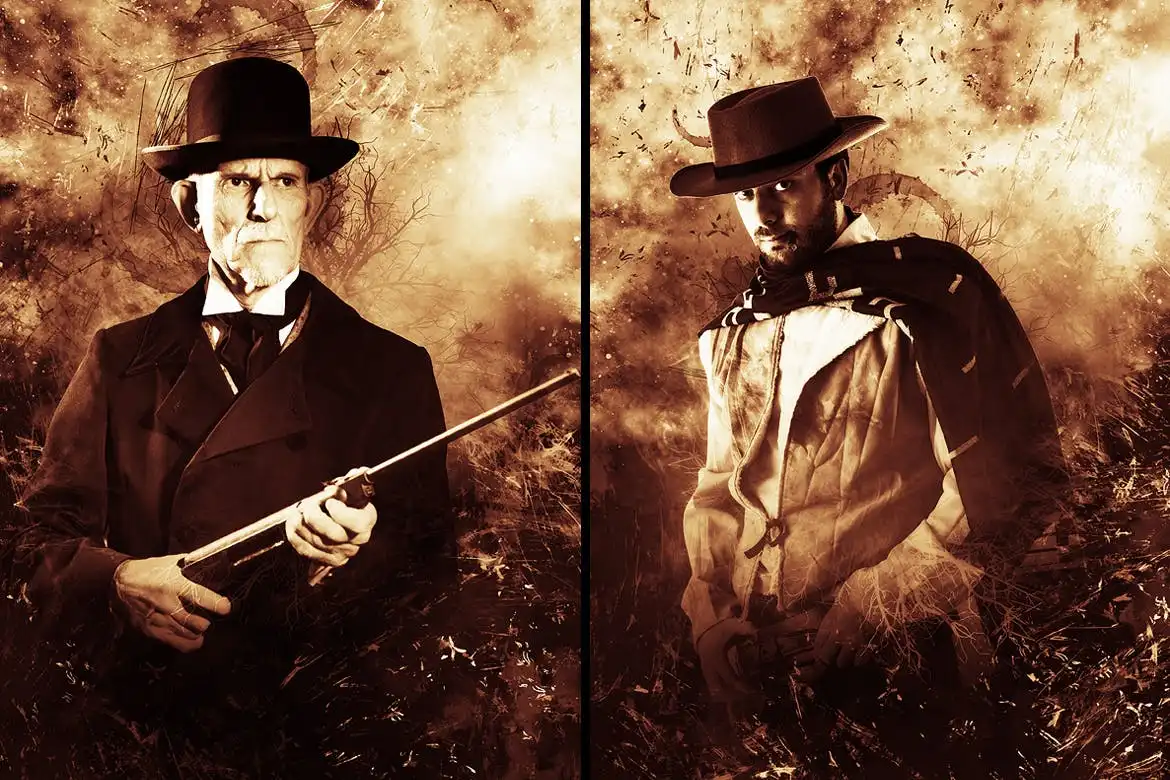
Add raw, gritty texture and moody color grading for that edgy, rebellious look — perfect for rock posters, urban art, or any project that needs attitude! 🤘🖤
Dynamic Light Photoshop Action
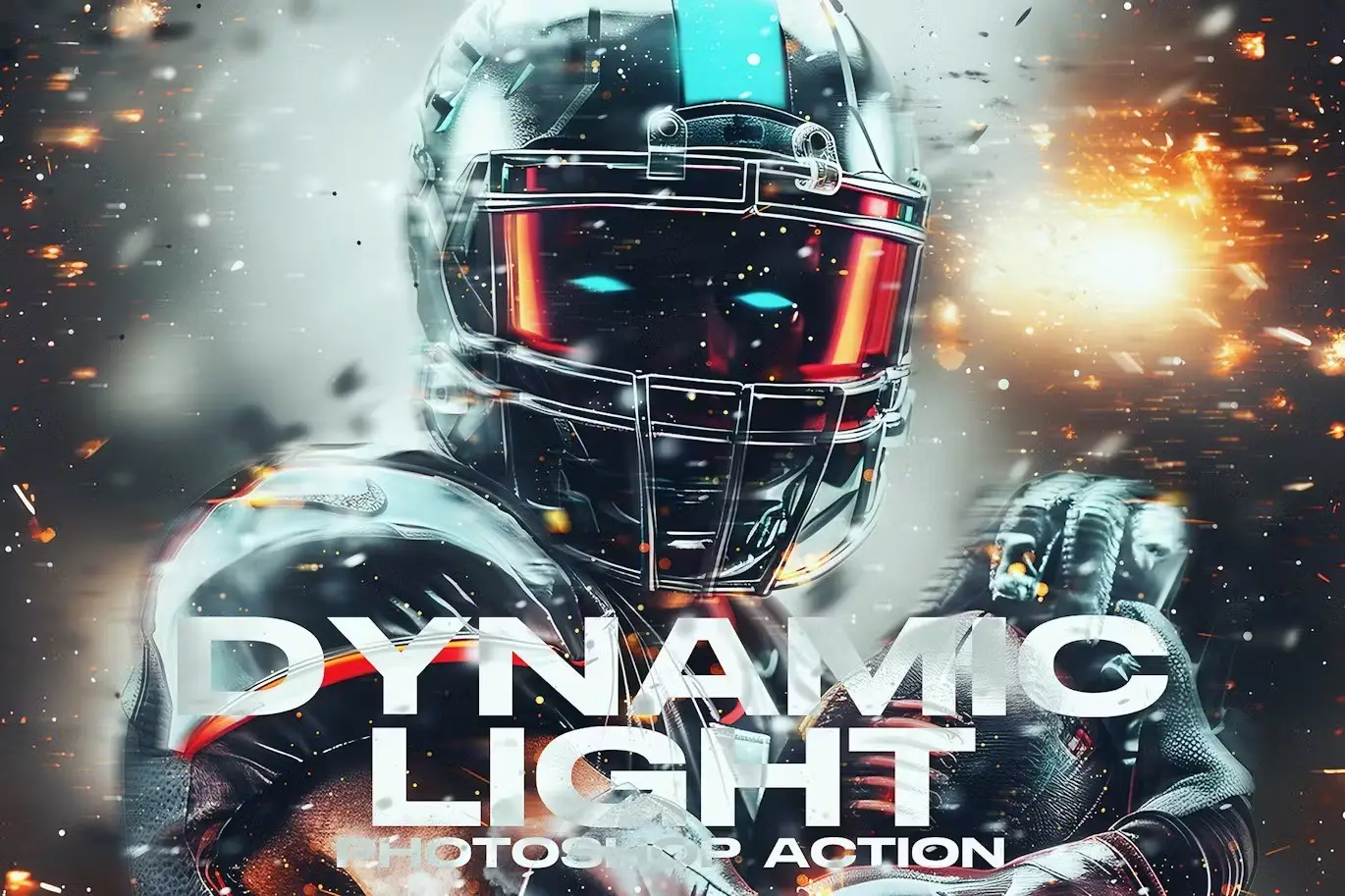
Blast your images with radiant beams and vibrant flares — absolutely killer for sports graphics, festival posters, and anything that needs that extra “pop!” 🌟🏃♂️
Marker Photoshop Action
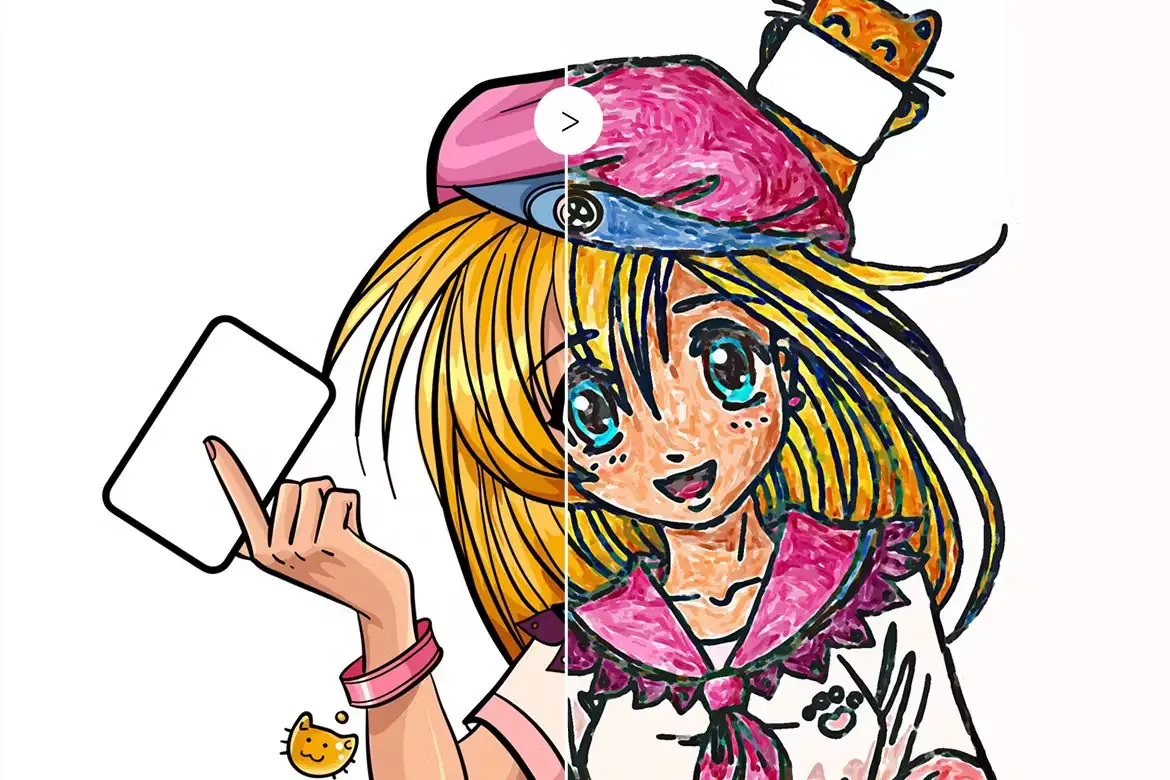
Turn your photos into gorgeous hand-drawn marker art with beautiful ink-like strokes — so fun for children’s illustrations, fashion sketches, or playful branding! 🖍️✨
Toon-Me Photoshop Action – Cartoonize 2
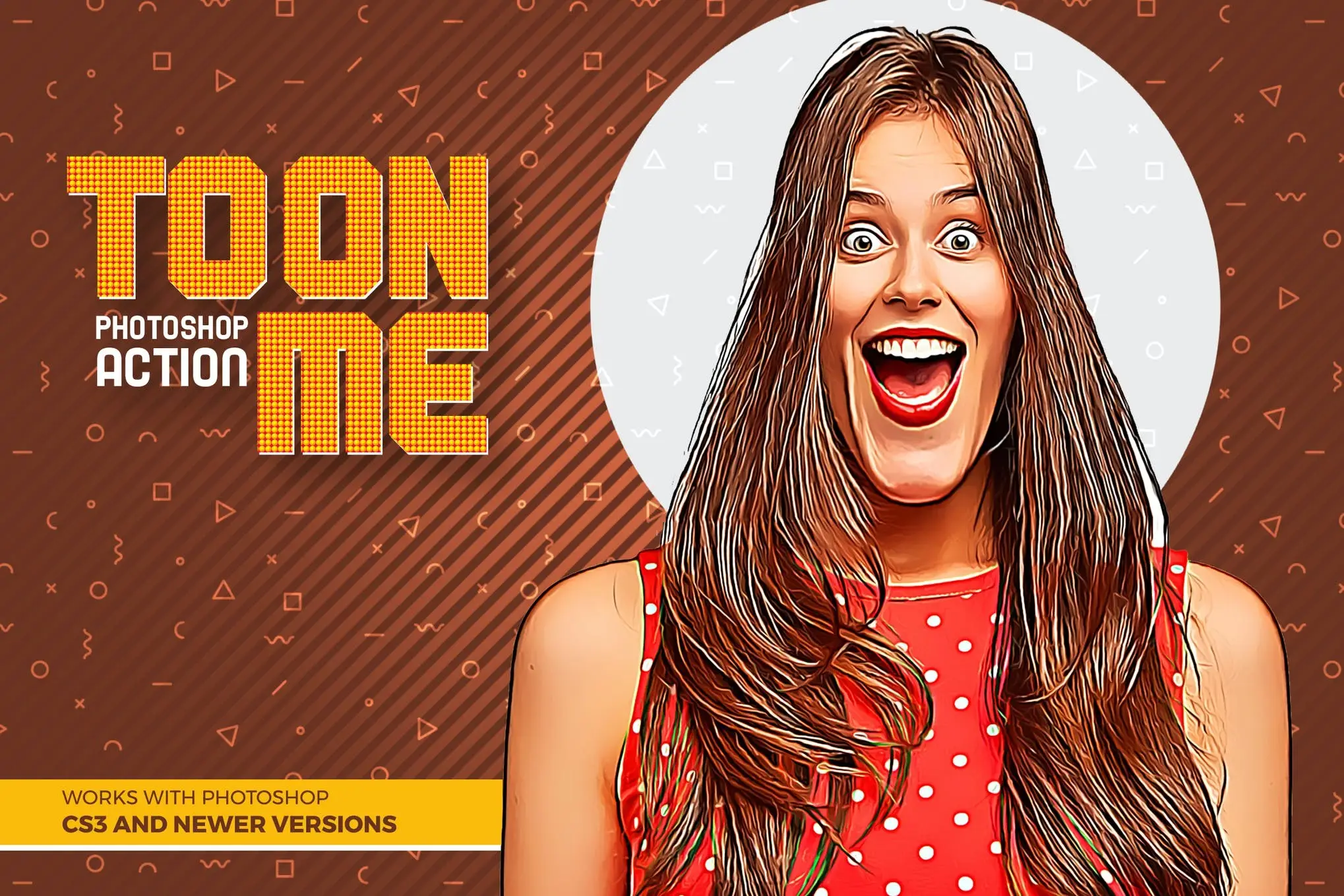
Transform any portrait into a playful cartoon in seconds — flat colors, crisp outlines, and pure cuteness overload! Perfect for avatars, merch, and social media fun. 🎭🌟
CartooNiji Photoshop Action
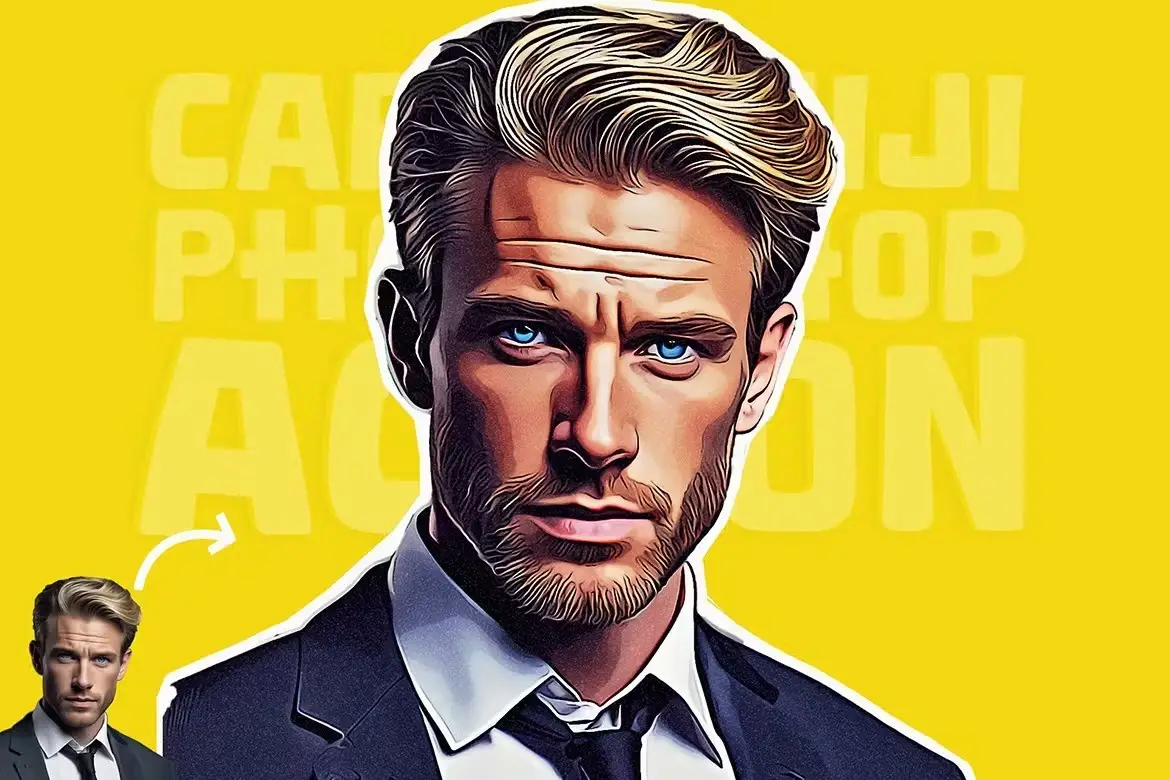
Give your images a vibrant, anime-inspired cartoon makeover with smooth shading and bold colors — it’s like stepping into your own animated universe! 🎨🌈
Color Festival Photoshop Action
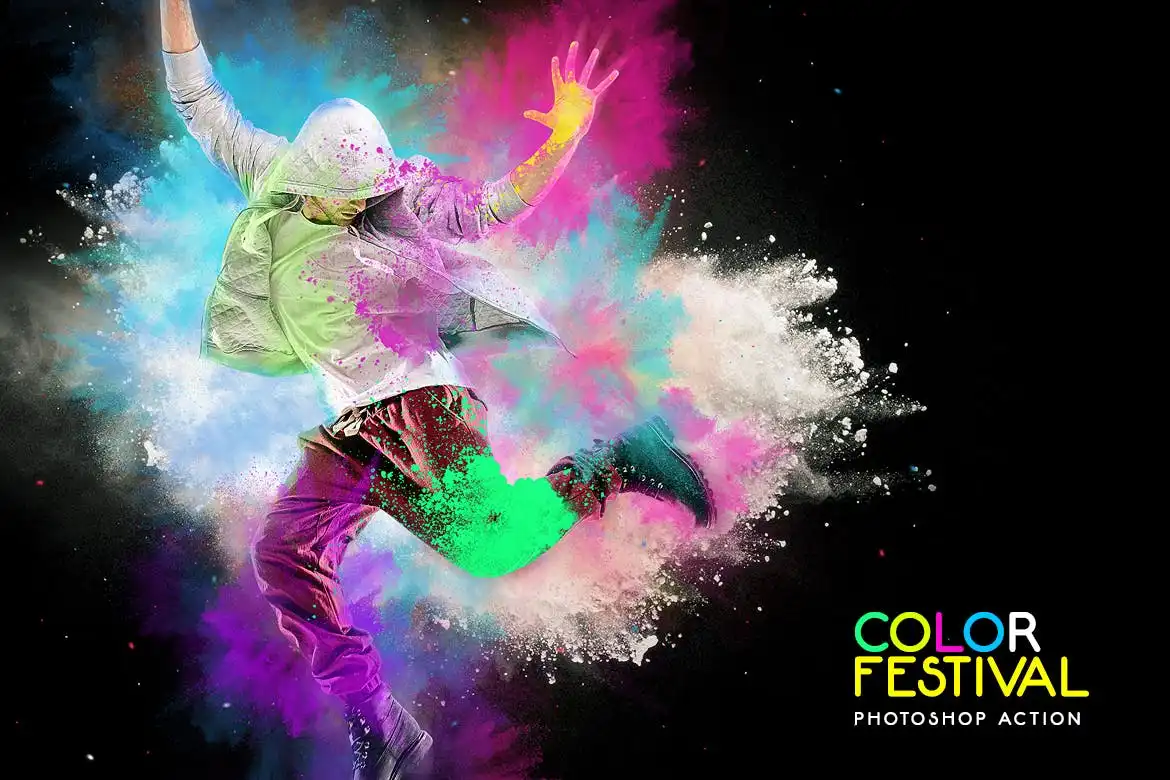
Explode your photos with joyful clouds of colorful powder, dust, and smoke — the ultimate party effect for Holi, birthdays, or any celebration you want to immortalize! 🎊🎉
Inevitable Photoshop Action
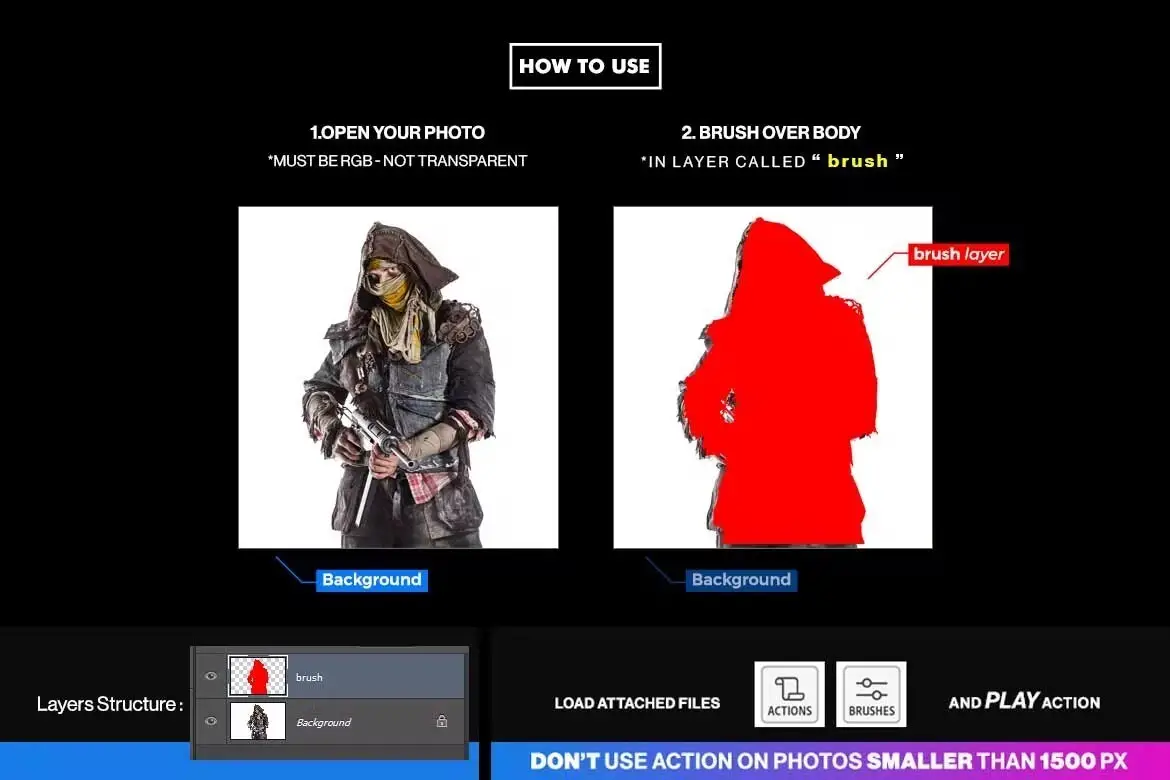
Craft moody, suspenseful masterpieces with drifting smoke, glowing lights, and dramatic clouds — perfect for book covers, movie posters, or dark fantasy art! 🌫️🔥
Spray Art Photoshop Action
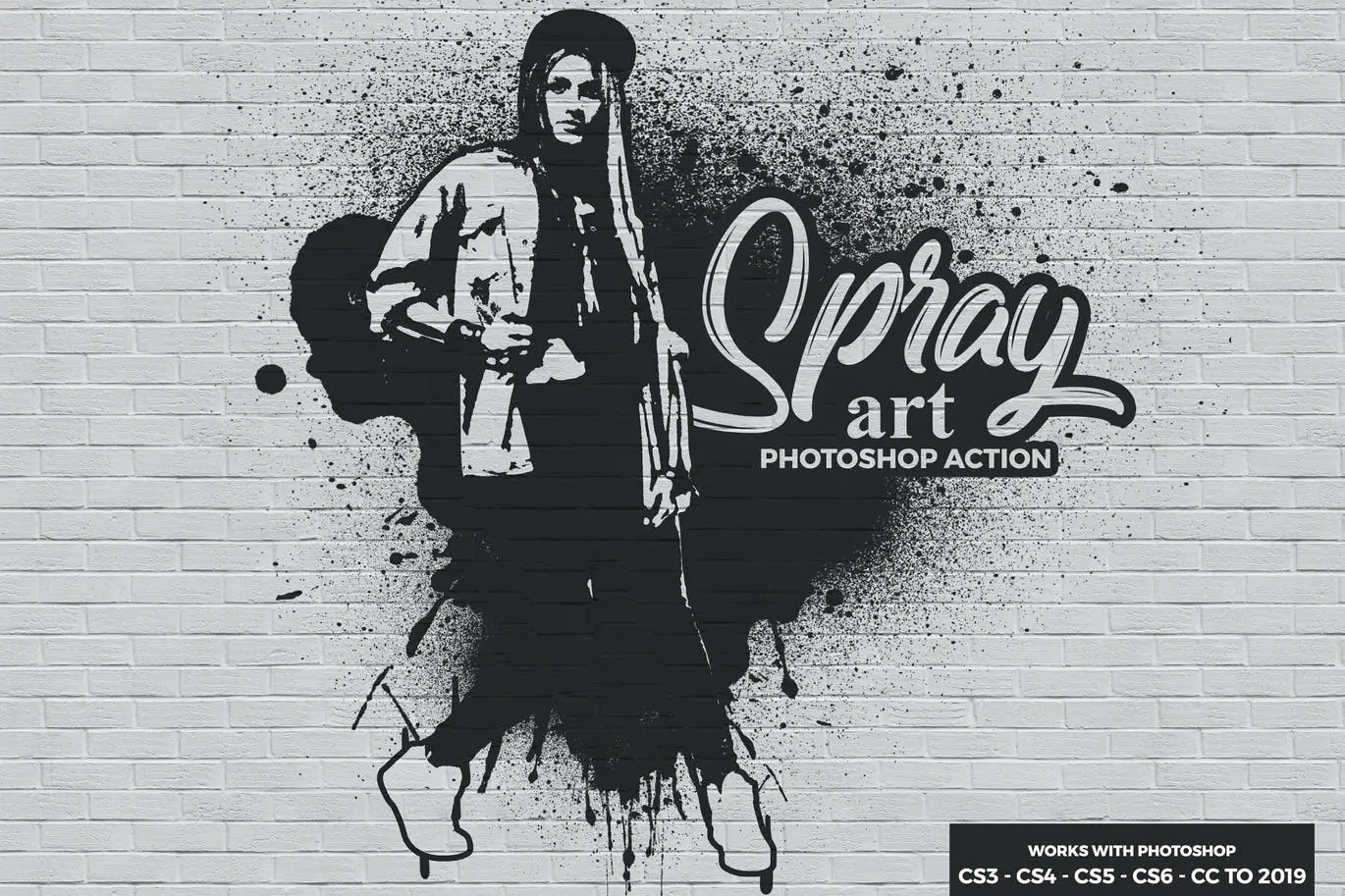
Create ultra-cool street-style spray paint effects with layered drips and splatters — instant graffiti vibes without the mess! 🎨🖌️
Concept Sketch Photoshop Action
Turn any photo into a stunning black-and-white concept sketch — it’s like having a digital pencil in your hand, perfect for storyboarding or minimalist art! ✏️🖤
Energy 3 Photoshop Action
Inject fierce energy into your images with dynamic smoke, light streaks, and electrifying color tones — made for game art, fantasy scenes, and high-octane designs! ⚡🌀
Powder Explosion 2 Photoshop Action
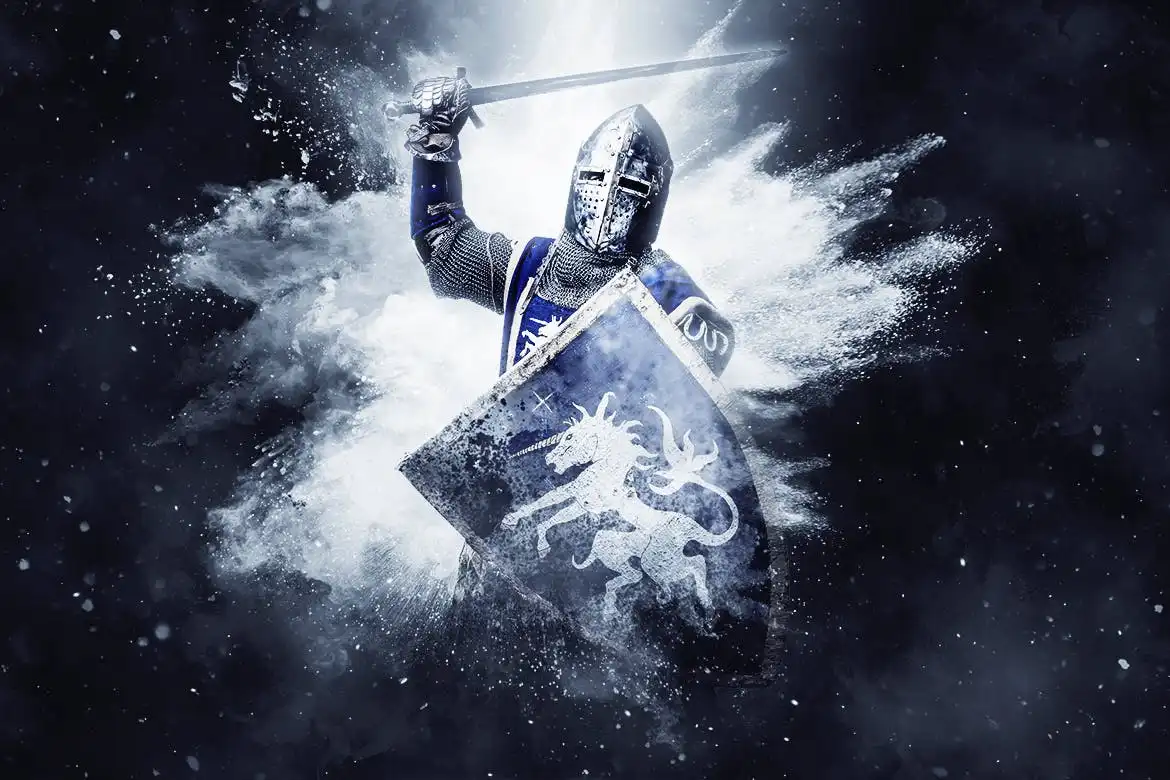
Add dramatic bursts of color, smoke, and light that make your subjects look like they’re in the middle of a magical explosion — totally epic for album covers and posters! 💥🌈
Pencil Sketch 3 Photoshop Action
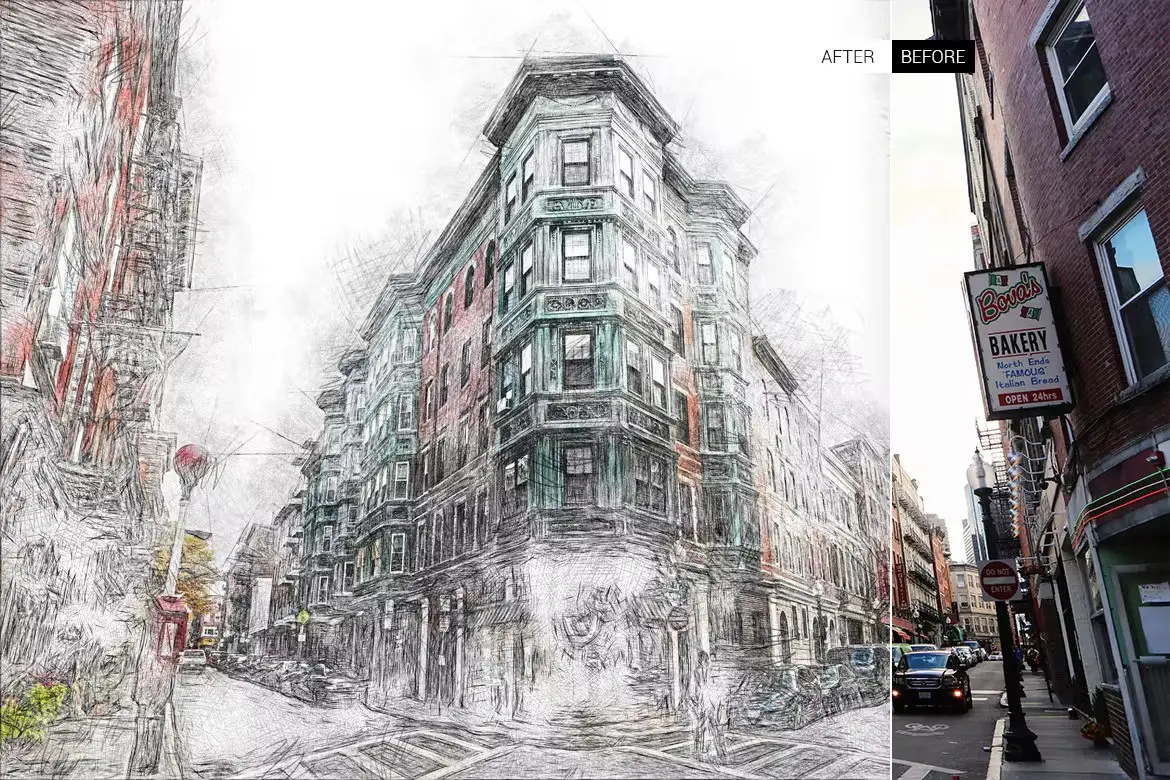
Get that gorgeous hand-drawn pencil look with rich cross-hatching and soft shading — one click and your photo turns into a gallery-worthy sketch! 🎨✏️
Glow Cartoon Photoshop Action
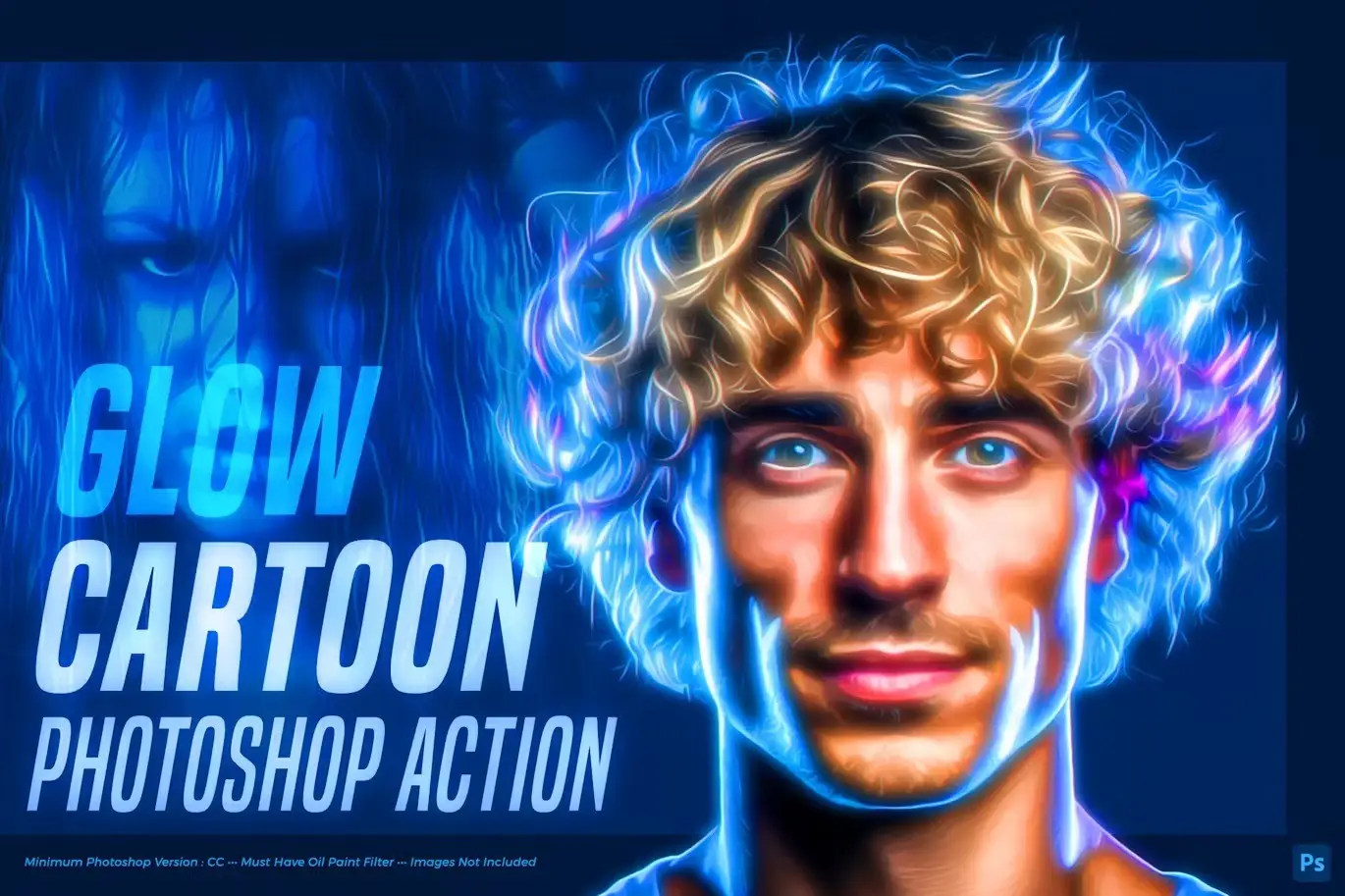
Combine cartoon vibes with stunning neon glows — your portraits will literally light up the screen! Ideal for party flyers, gaming avatars, and futuristic art. 💚🌟
Electric 2 Photoshop Action
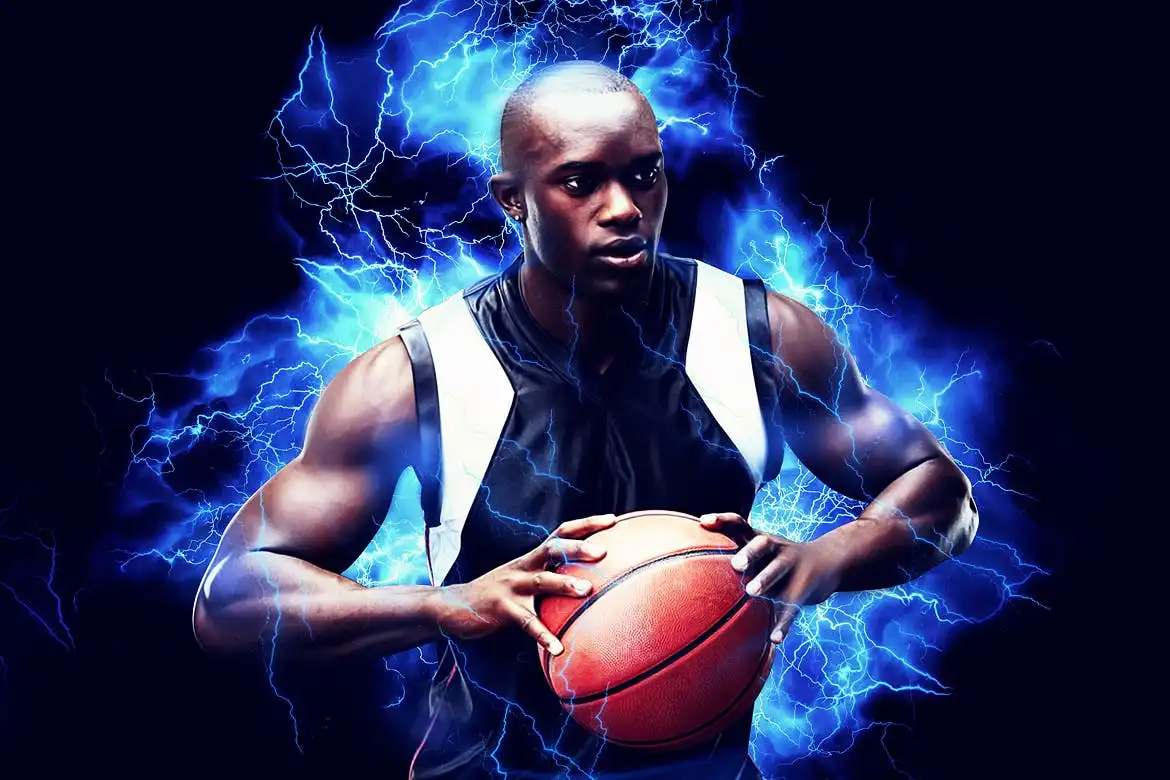
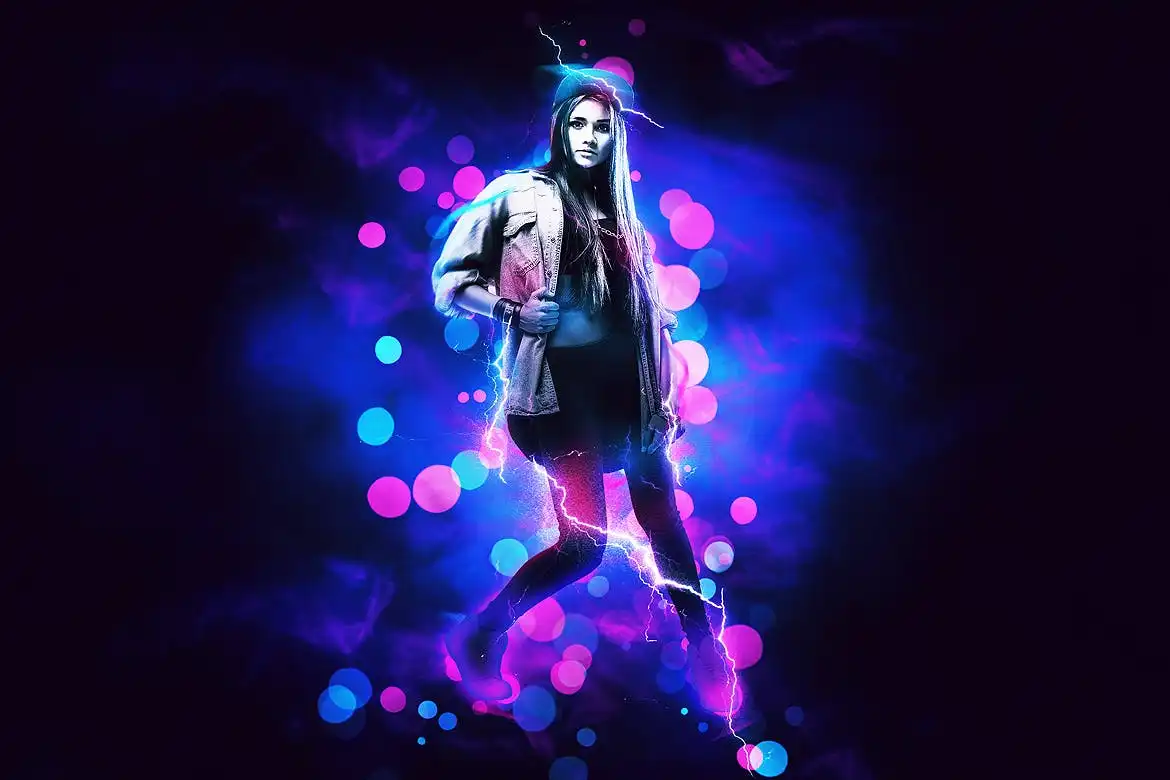
Strike your images with bolts of lightning and electrifying color bursts — the ultimate action for sci-fi, superhero, and high-voltage creative projects! ⚡🦸♂️
Pencil Sketch 2 Photoshop Action
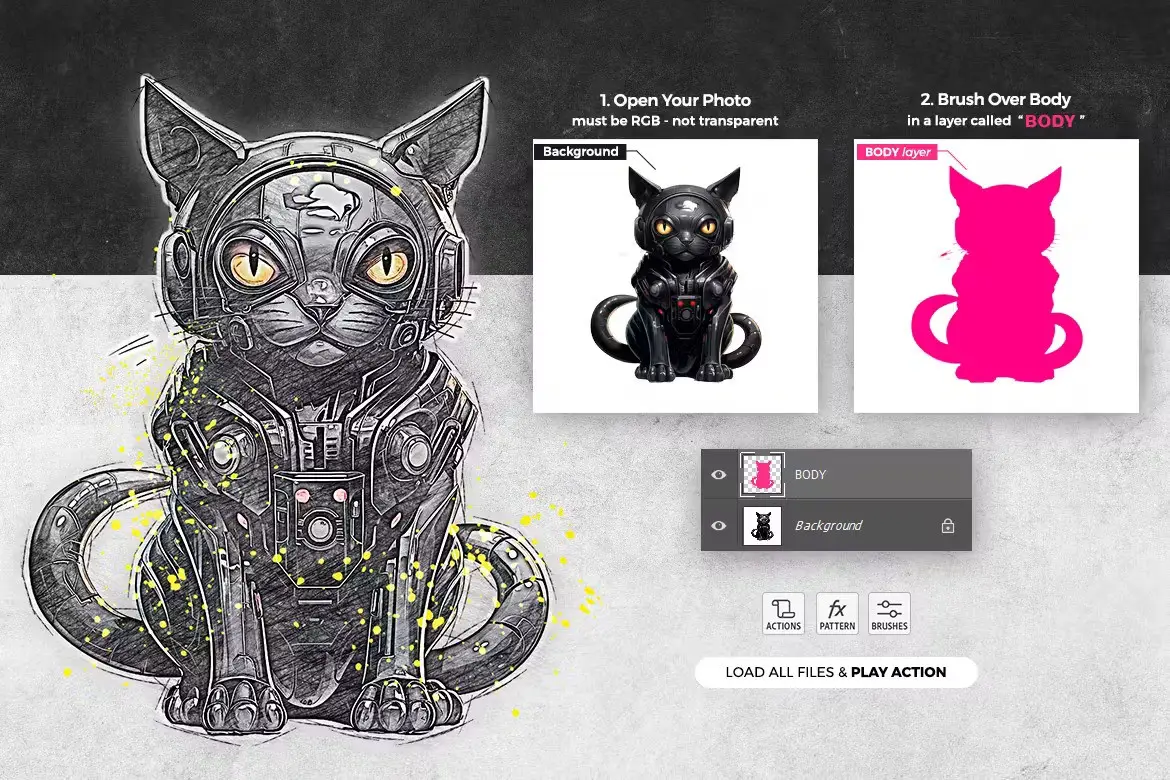
Another brilliant sketching action with a slightly softer, more artistic touch — perfect for creating elegant, timeless artwork from your favorite photos! 🖊️💫
Conclusion
And there you have it — 20 mind-blowing ihemalaya Photoshop actions that can completely revolutionize your creative workflow! 🎉 From moody cinematic effects to playful cartoon styles, each action is a one-click ticket to professional-level art. Whether you’re a weekend warrior or a full-time designer, these tools will save you hours and blow your clients away. Don’t forget to check out the full ihemalaya store on Brushespack for even more treasures! Happy creating, and may your layers always be organized! 🚀✨
Frequently Asked Questions
Are these ihemalaya Photoshop actions compatible with all versions of Photoshop?
Most ihemalaya actions are optimized for Photoshop CC 2021 and newer. However, many also work well with earlier versions like CS6 and CC 2020. Always check the product description for specific compatibility notes before purchasing! 🖥️✅
Can I use these actions for commercial projects?
Absolutely! All ihemalaya actions on Brushespack are licensed for commercial use, so you can confidently use them in client work, merchandise, or any project you sell. Just make sure to read the specific license terms on the product page. 💼💰
Do I need advanced Photoshop skills to use these actions?
Not at all! These actions are designed to be super user-friendly. With just one click, you can apply complex effects. Basic knowledge of how to load and run an action is helpful, but even beginners will get stunning results in seconds. 📚👍