
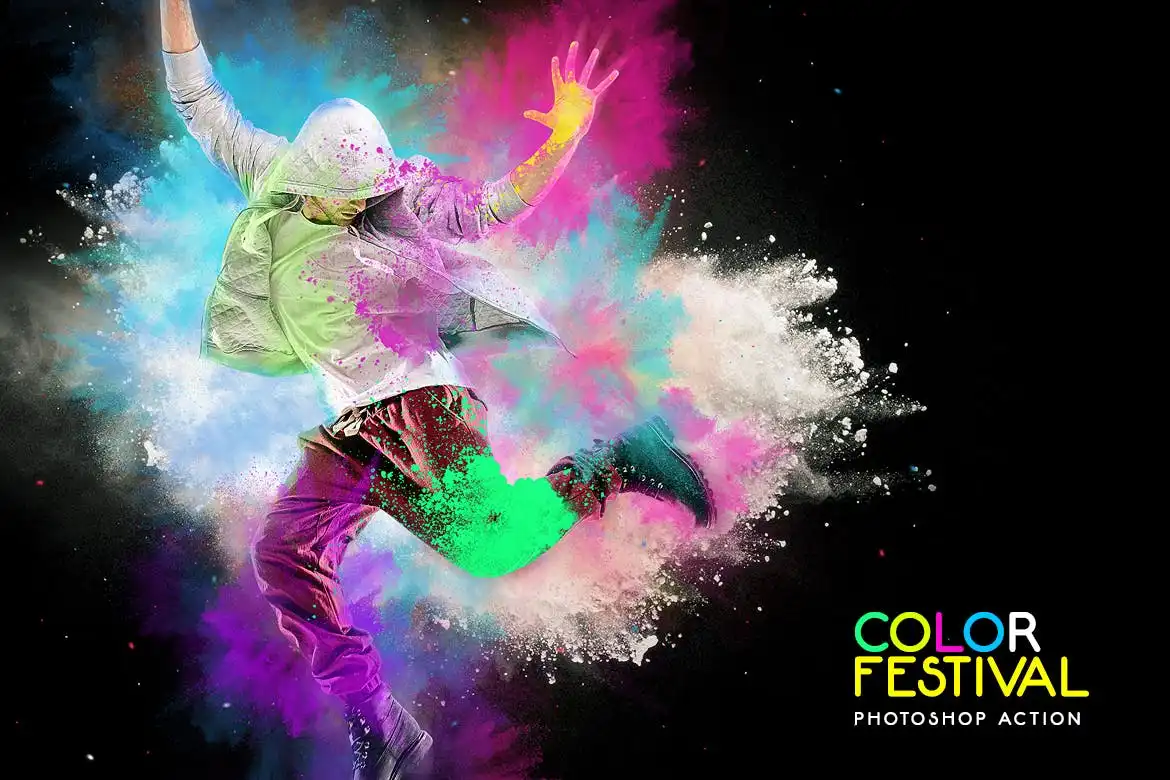
Color Festival Photoshop Action

Original price was: $5.00.$2.50Current price is: $2.50.

ihemalaya
Product Specs:
- Compatible with: Actions
- File Type: ZIP
- File Size: 6.6 MB
- Instant Download
Color Festival Photoshop Action
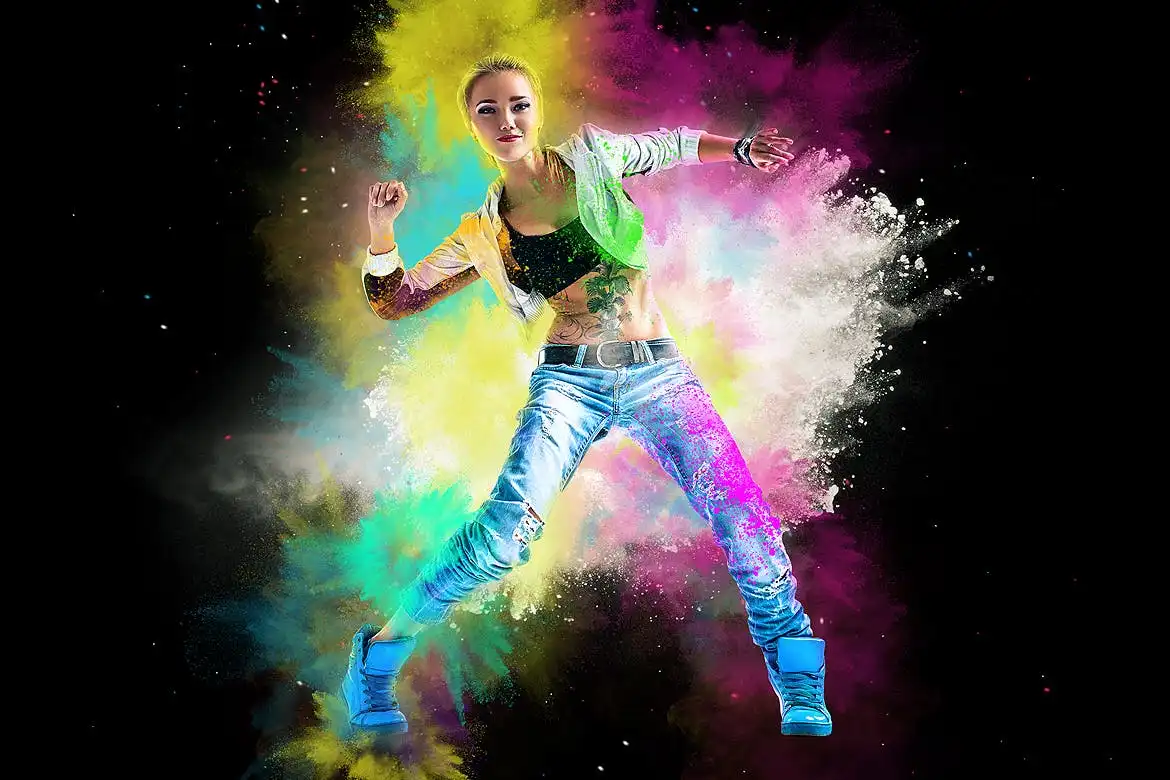
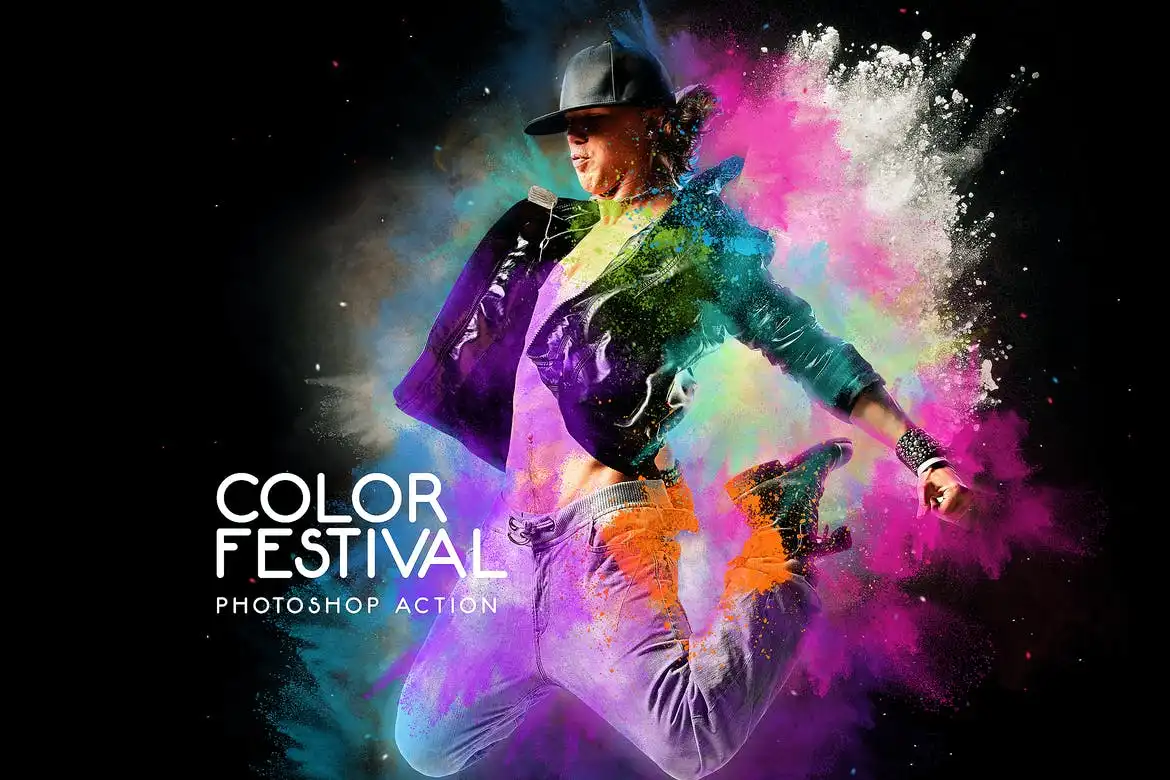
Transform your photos into vibrant celebrations with the Color Festival Photoshop Action. This powerful tool allows you to create stunning photo manipulations featuring dynamic smoke, dust, and powder color explosions, perfect for any festive occasion. Whether you’re capturing the essence of a holiday or simply want to infuse your images with joy and happiness, this action is your go-to solution.
Product Overview
The Color Festival Action is designed for both designers and photographers seeking to elevate their creative projects. With its user-friendly interface, you don’t need to be a professional to achieve breathtaking results. Create eye-catching artworks for CD covers, posters, flyers, ad campaigns, and social media posts effortlessly.
Key Features & Benefits
- ✅ Works with Photoshop CS3 & Higher Versions → Compatible with a wide range of Photoshop editions.
- ✅ English Version Only → Ensures optimal performance in the designated language.
- ✅ Fast & Easy To Use → Streamline your workflow and save time on edits.
- ✅ Non-Destructive Product → Maintain the original quality of your images while applying effects.
- ✅ Help File With Instructions → Get started quickly with clear guidance.
- ✅ YouTube Tutorial Available → Visual learners can follow along for step-by-step assistance.
Why Choose This Product
The Color Festival Action stands out for its ease of use and impressive results. Trusted by creatives worldwide, it helps you bring your artistic vision to life without the steep learning curve. Whether you’re preparing for a holiday event or looking to enhance your portfolio, this action delivers consistent, professional-quality outcomes.
Specifications
| Compatibility | Photoshop CS3 and higher |
|---|---|
| Language | English version only |
What’s Included
- 📦 Color Festival Photoshop Action file
- Help documentation
- Access to tutorial video
Perfect For
- Photographers looking to enhance their images
- Graphic designers creating promotional materials
- Social media managers aiming for eye-catching visuals
- Anyone wanting to add a festive touch to their artwork
How to Use
- Open your image in Photoshop.
- Load the Color Festival Action from the Actions panel.
- Play the action and watch your image transform.
- Adjust layers as needed to achieve your desired effect.
FAQ
- Can I use this action on any image? Yes, it works on various types of images, but optimal results are achieved with high-resolution photos.
- Is prior Photoshop experience required? No, this action is designed for users of all skill levels.
Add the Color Festival Photoshop Action to your toolkit today and start creating stunning, colorful designs that bring joy to your audience! 🚀
User Reviews
Be the first to review “Color Festival Photoshop Action”
You must be logged in to post a review.

Mythic Photoshop Action
Sold by ihemalaya
Vintage Old Photo PSD Effect
Sold by ihemalaya
Impressionist Watercolor Photoshop Action
Sold by ihemalaya
Actions Bundle May22 – Photoshop Actions
Sold by ihemalaya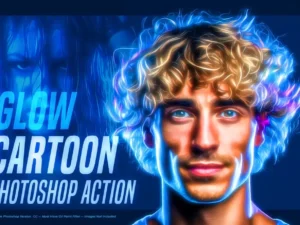
Glow Cartoon Photoshop Action
Sold by ihemalaya
TypoMix 2 Photoshop Action
Sold by ihemalaya Original price was: $5.00.$2.50Current price is: $2.50.


There are no reviews yet.