
Marker Photoshop Action


Original price was: $5.00.$2.50Current price is: $2.50.

ihemalaya
Product Specs:
- Compatible with: Actions
- File Type: ZIP
- File Size: 441.1 KB
- Instant Download
Marker Photoshop Action: Transform Your Artwork Effortlessly
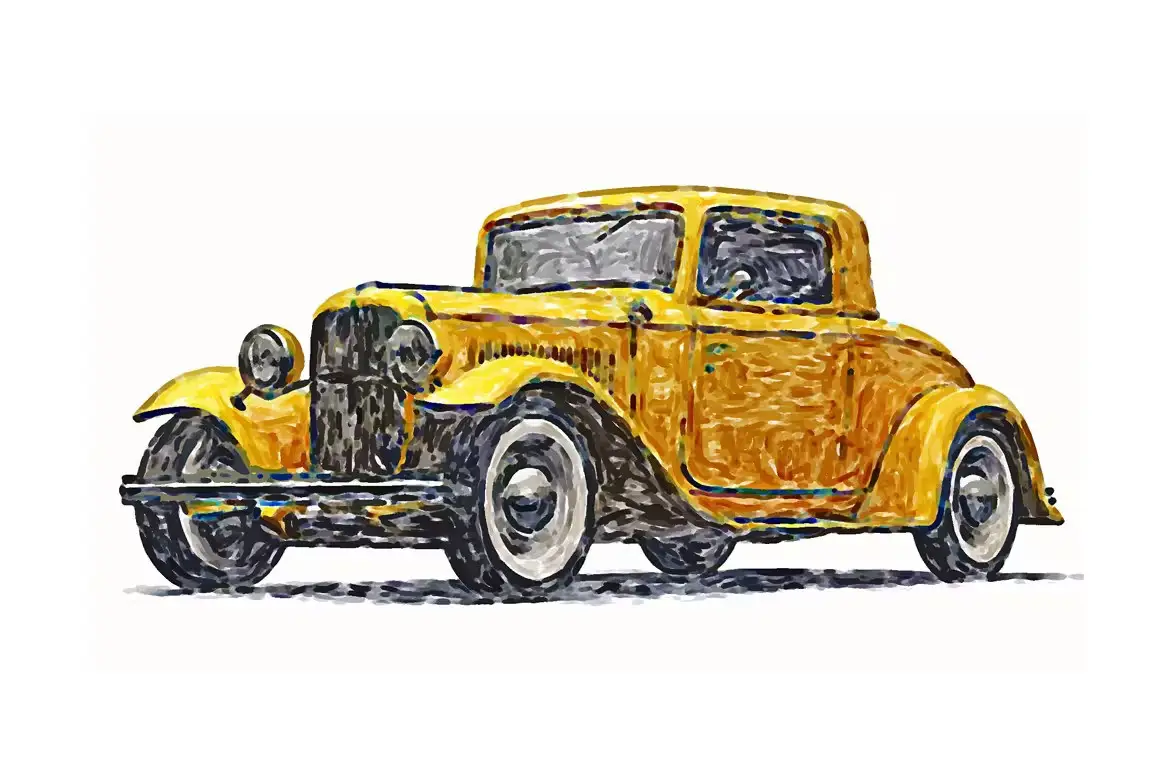
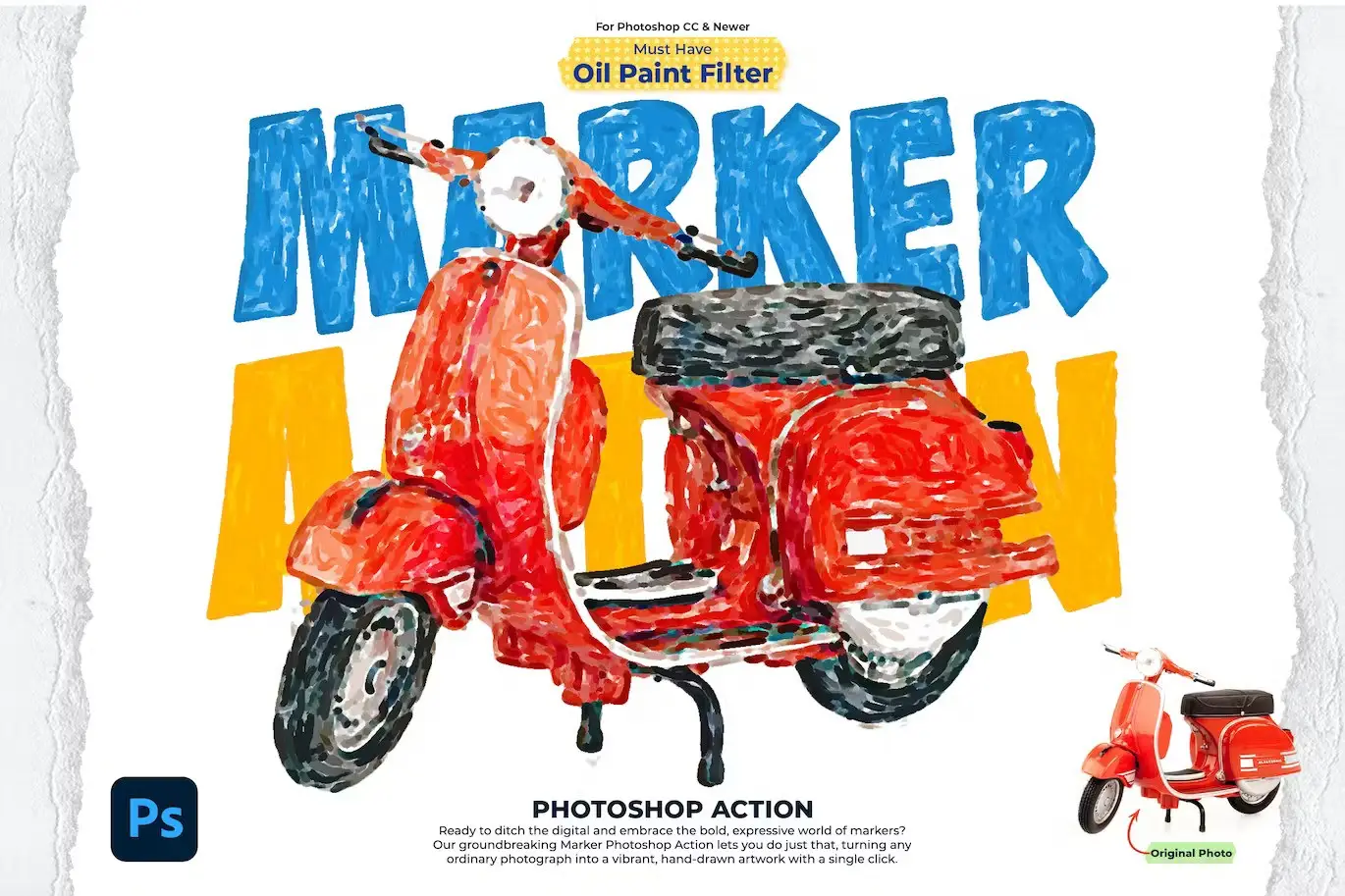
Are you looking to enhance your digital artwork with a unique marker style? The Marker Photoshop Action is your perfect solution. Designed for ease of use, this action allows you to create stunning marker effects in just a few clicks, saving you time while elevating your creative projects.
Product Overview
The Marker Photoshop Action is a powerful tool that works seamlessly with Photoshop CC and higher versions. It’s ideal for artists, designers, and anyone who wants to add a colorful, hand-drawn feel to their digital creations. With this action, you can achieve professional results without the need for extensive editing skills.
Key Features & Benefits
- ✅ Compatible with Photoshop CC & Higher → Enjoy smooth functionality and access to the latest features.
- ✅ Must-Have Oil Paint Filter → Achieve a rich, textured look that mimics traditional marker art.
- ✅ Works in All Photoshop Languages → No matter your language preference, this action is designed for you.
- ✅ Fast & Easy to Use → Create stunning effects quickly, allowing you to focus on your creativity.
- ✅ Non-Destructive Product → Keep your original images intact while experimenting with different styles.
- ✅ Comprehensive Help File Included → Get step-by-step instructions to maximize your experience.
Why Choose This Product
The Marker Photoshop Action stands out due to its user-friendly design and versatility. Whether you are a professional artist or a hobbyist, this action allows you to transform your images into vibrant, marker-style artwork effortlessly. Trusted by creatives worldwide, it’s your go-to tool for adding a unique touch to your projects.
Specifications
| Compatibility | Photoshop CC & Higher |
|---|---|
| Included Features | Oil Paint Filter, Help File |
| Languages Supported | All Photoshop Languages |
| Image Inclusion | Images Not Included |
What’s Included / What’s in the Box
- Marker Photoshop Action File
- Help Documentation
Perfect For
- Digital Artists
- Graphic Designers
- Illustrators
- Hobbyists looking to enhance their artwork
How to Use
To get started with the Marker Photoshop Action, simply load the action in Photoshop, select your image, and apply the action. Follow the instructions in the help file for best results, and watch your artwork come to life!
FAQ
- Do I need any special software to use this action? No, it works with Photoshop CC and higher versions.
- Are the images included? No, the action does not include images; it is designed to work with your own images.
Add to cart now and start creating stunning marker effects today! 🚀
User Reviews
Be the first to review “Marker Photoshop Action”
You must be logged in to post a review.

TypoMix 2 Photoshop Action
Sold by ihemalaya
Adobe Photoshop Actions and Presets Bundle – 64 Items
Sold by ihemalaya
Spray Art 2 Photoshop Action
Sold by ihemalaya
Animated Glitch 2 Photoshop Action
Sold by ihemalaya
Blasting Photoshop Action
Sold by ihemalaya
4 Photoshop Actions Bundle
Sold by ihemalaya Original price was: $5.00.$2.50Current price is: $2.50.


There are no reviews yet.