
INK – for Affinity Photo & Designer – 44 raster Brushes + Dehalftonizer Macros. Updated to v2.0

Original price was: $12.32.$6.16Current price is: $6.16.

Ldarro
Product Specs
- Compatible with: Affinity Designer
- File Type: zip
- Instant Download
- File Size: 72 MB
Welcome to INK for Affinity Photo & Designer!
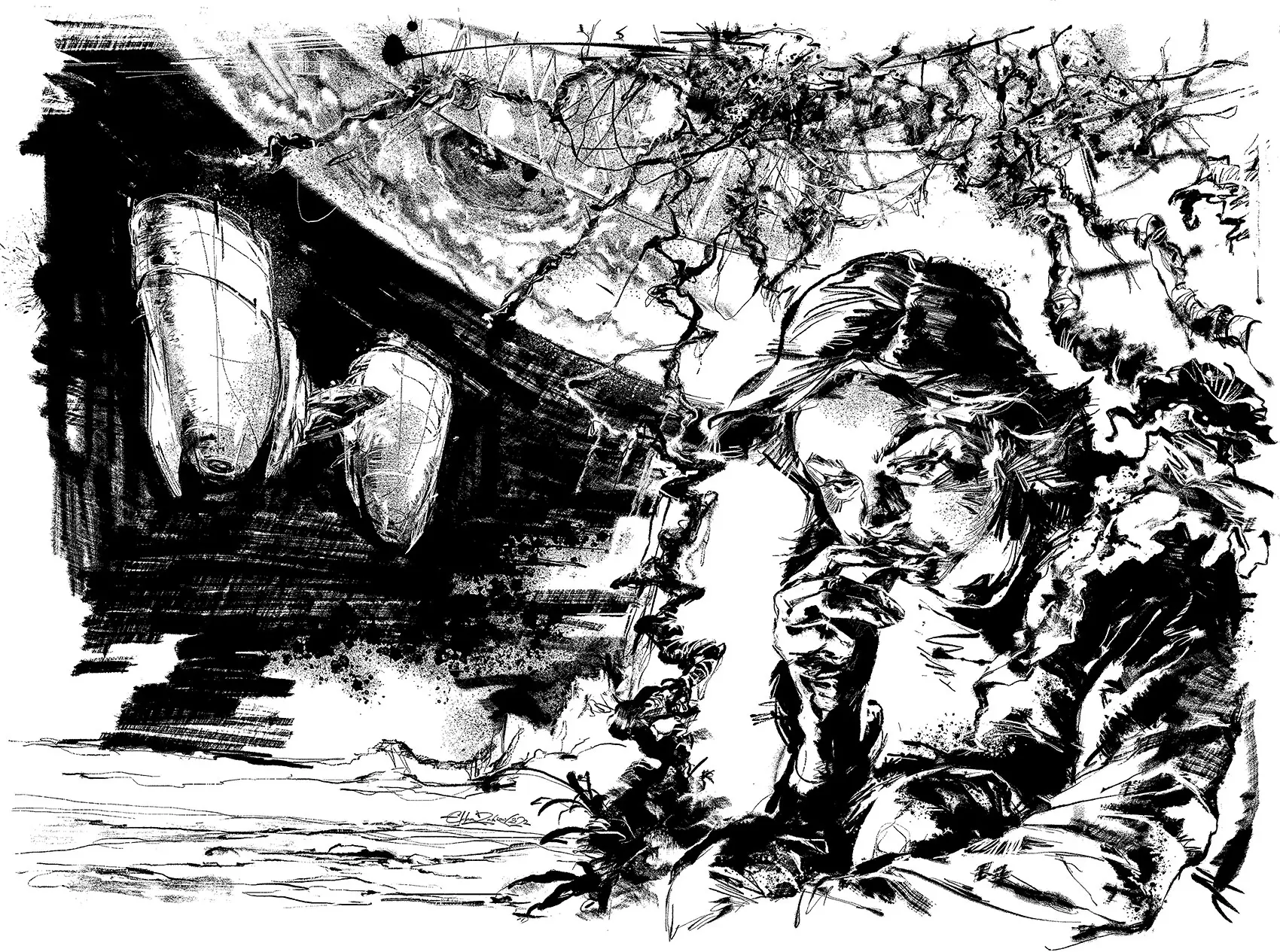
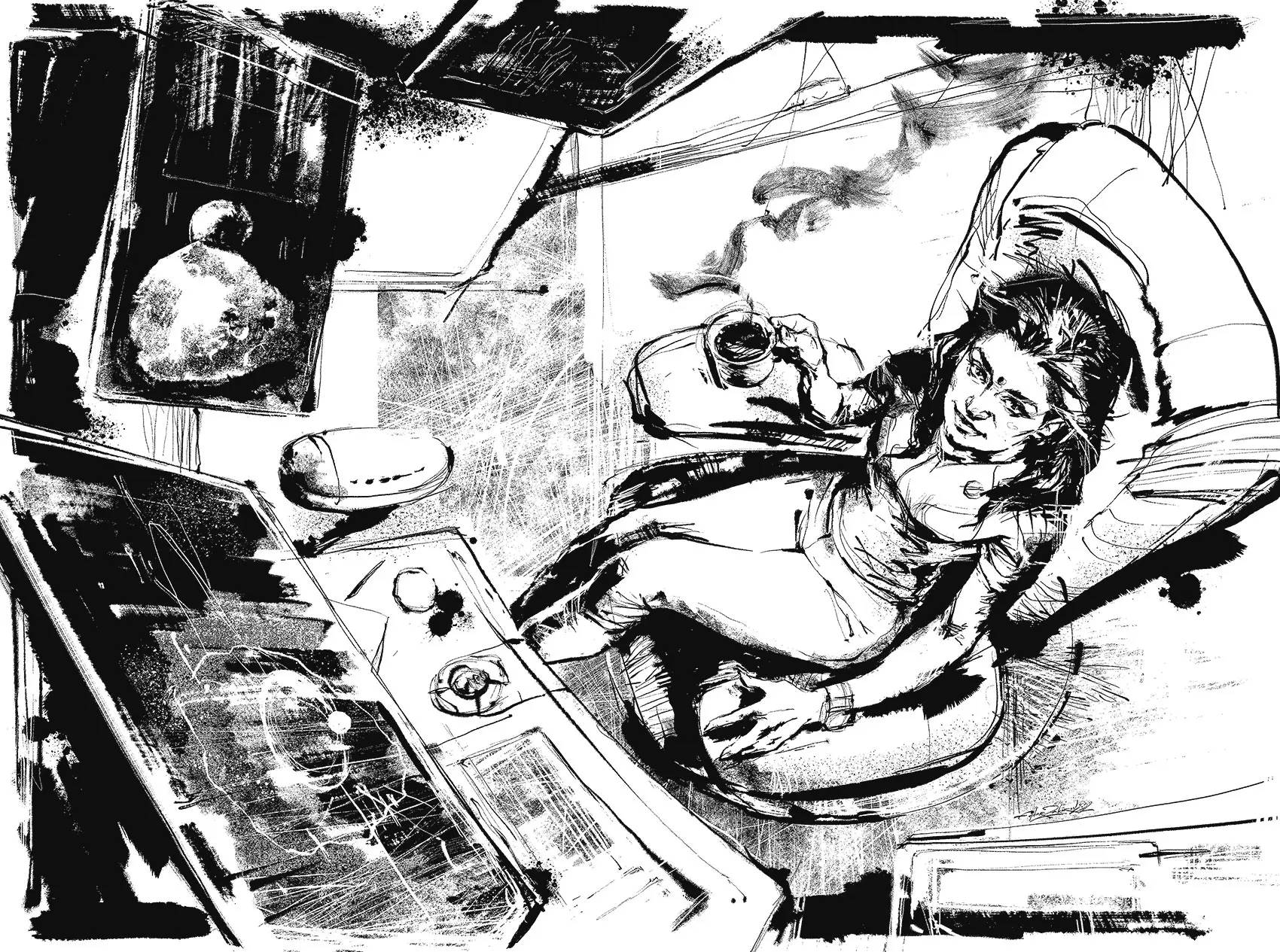
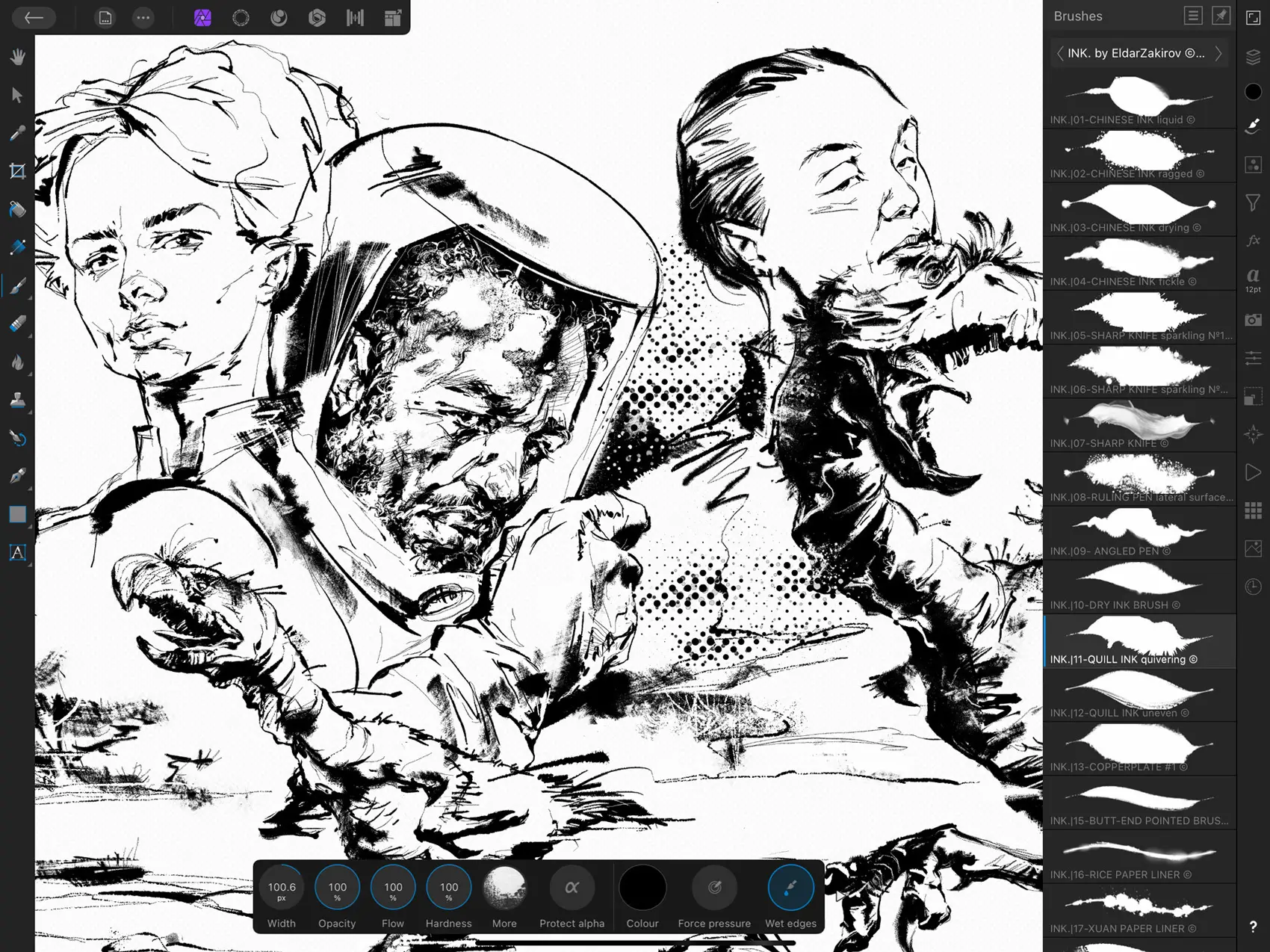
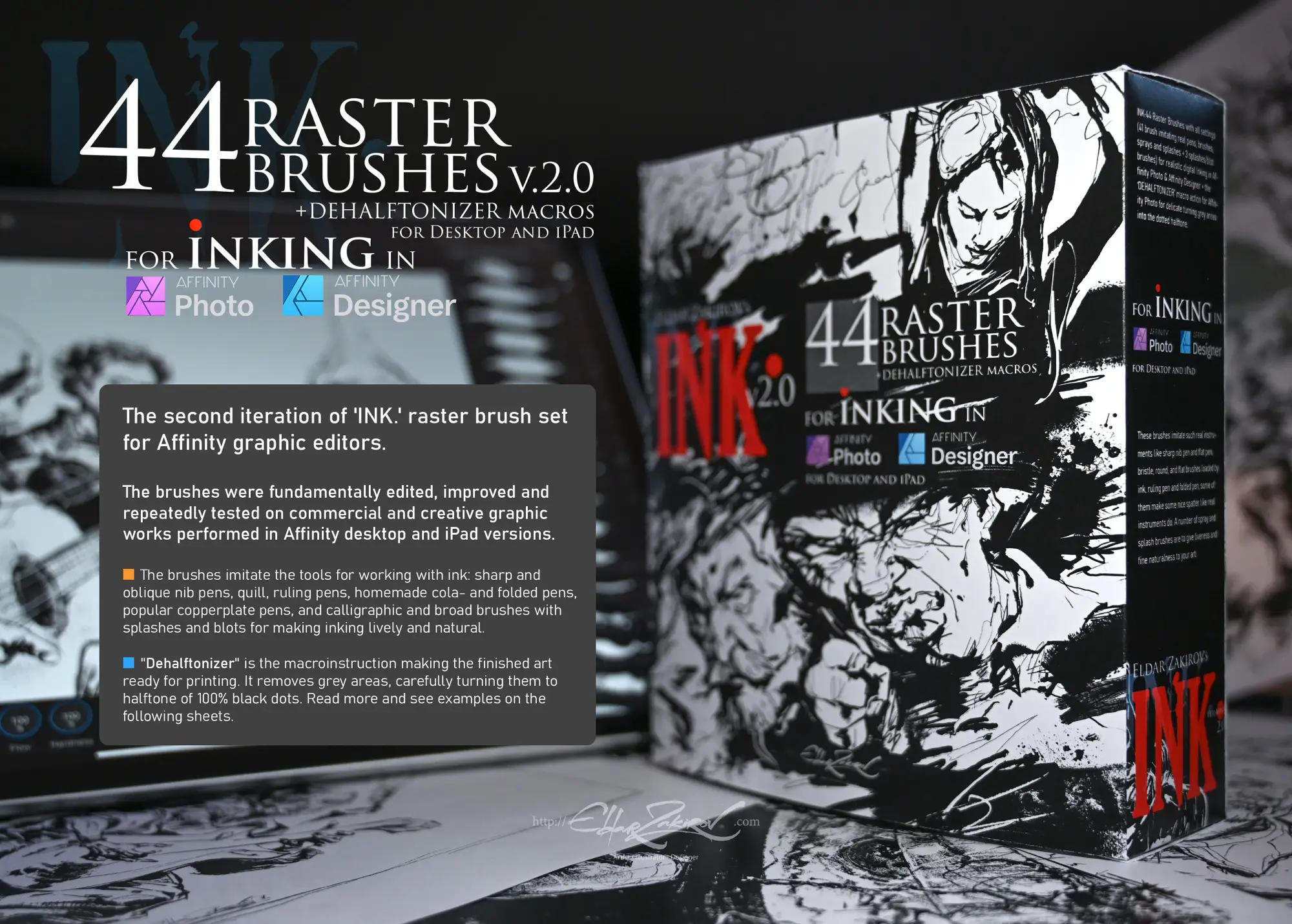
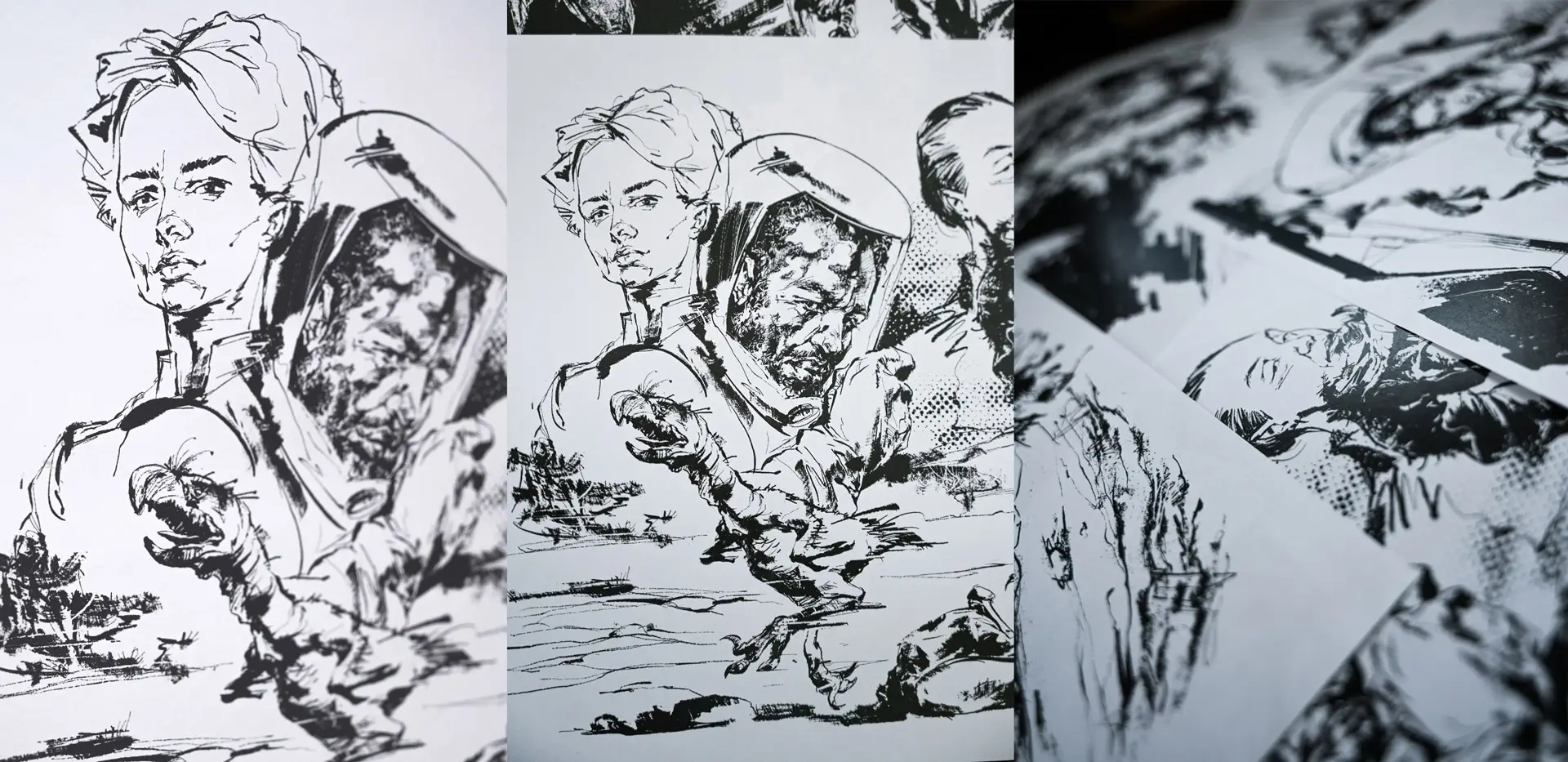
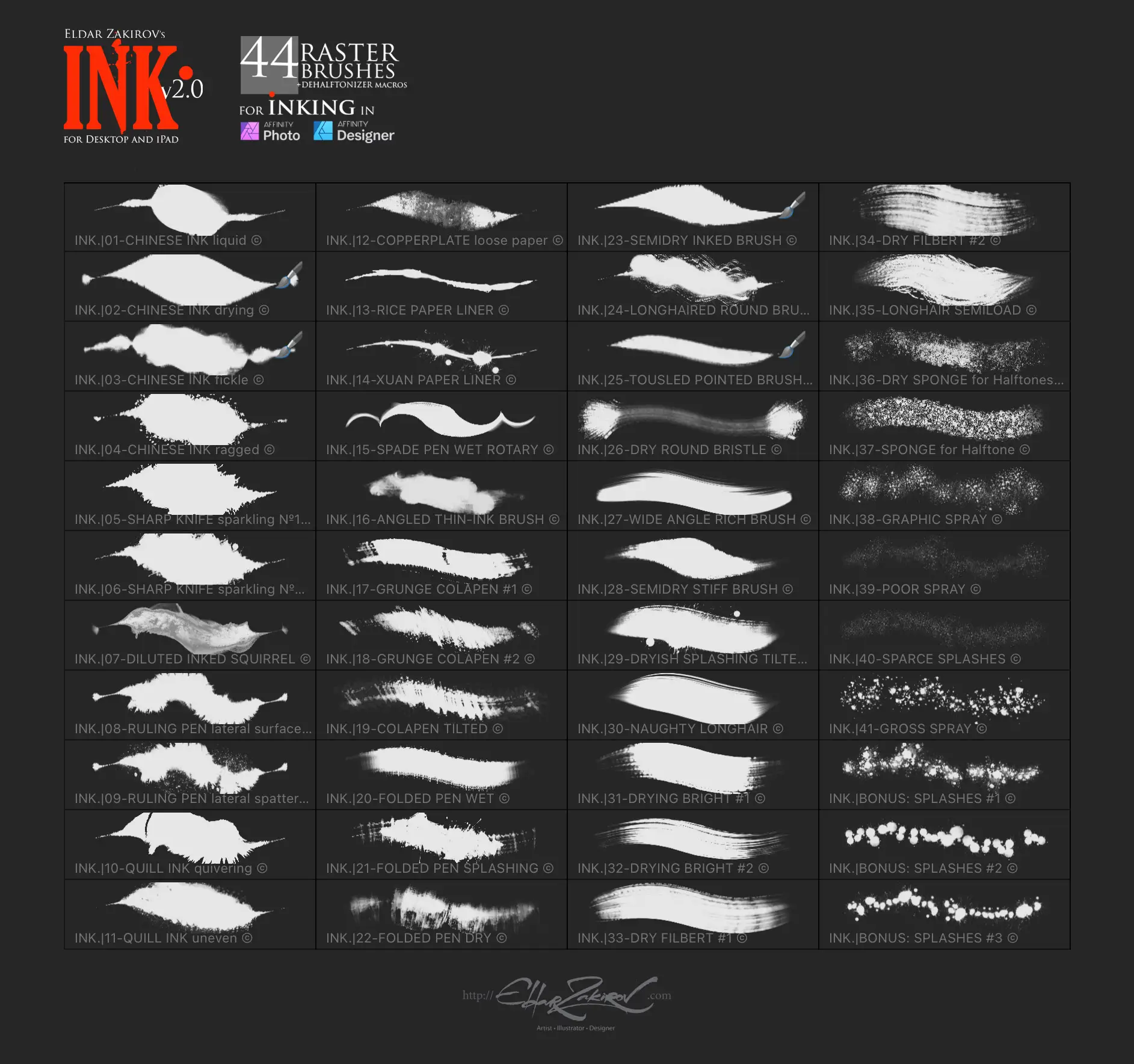
Are you ready to take your digital art to the next level? This amazing digital download features a collection of 44 raster brushes and powerful Dehalftonizer macros, perfect for artists using Affinity Photo and Affinity Designer. With instant access, you can start creating stunning illustrations right away! 🎨✨
Product Overview
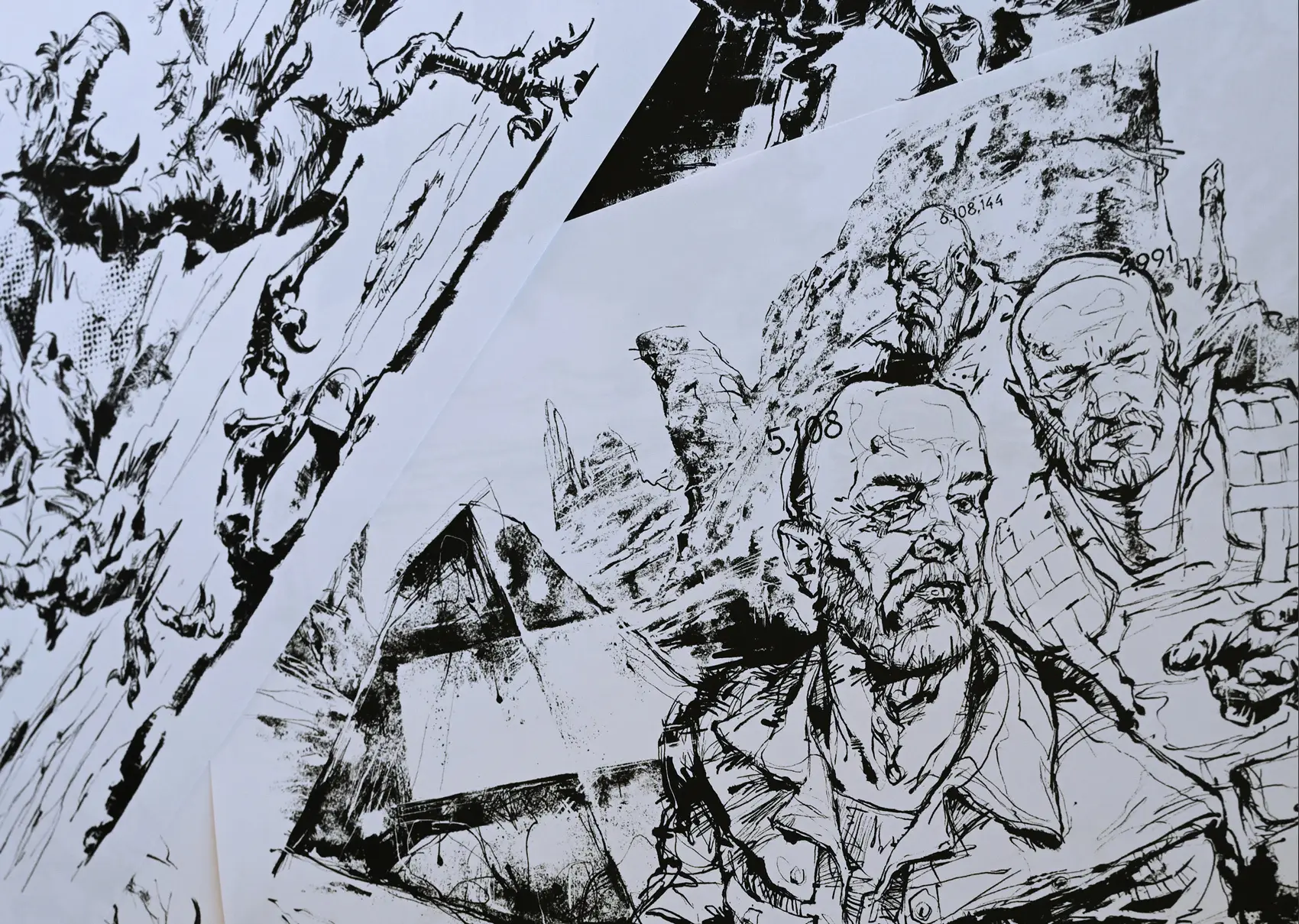
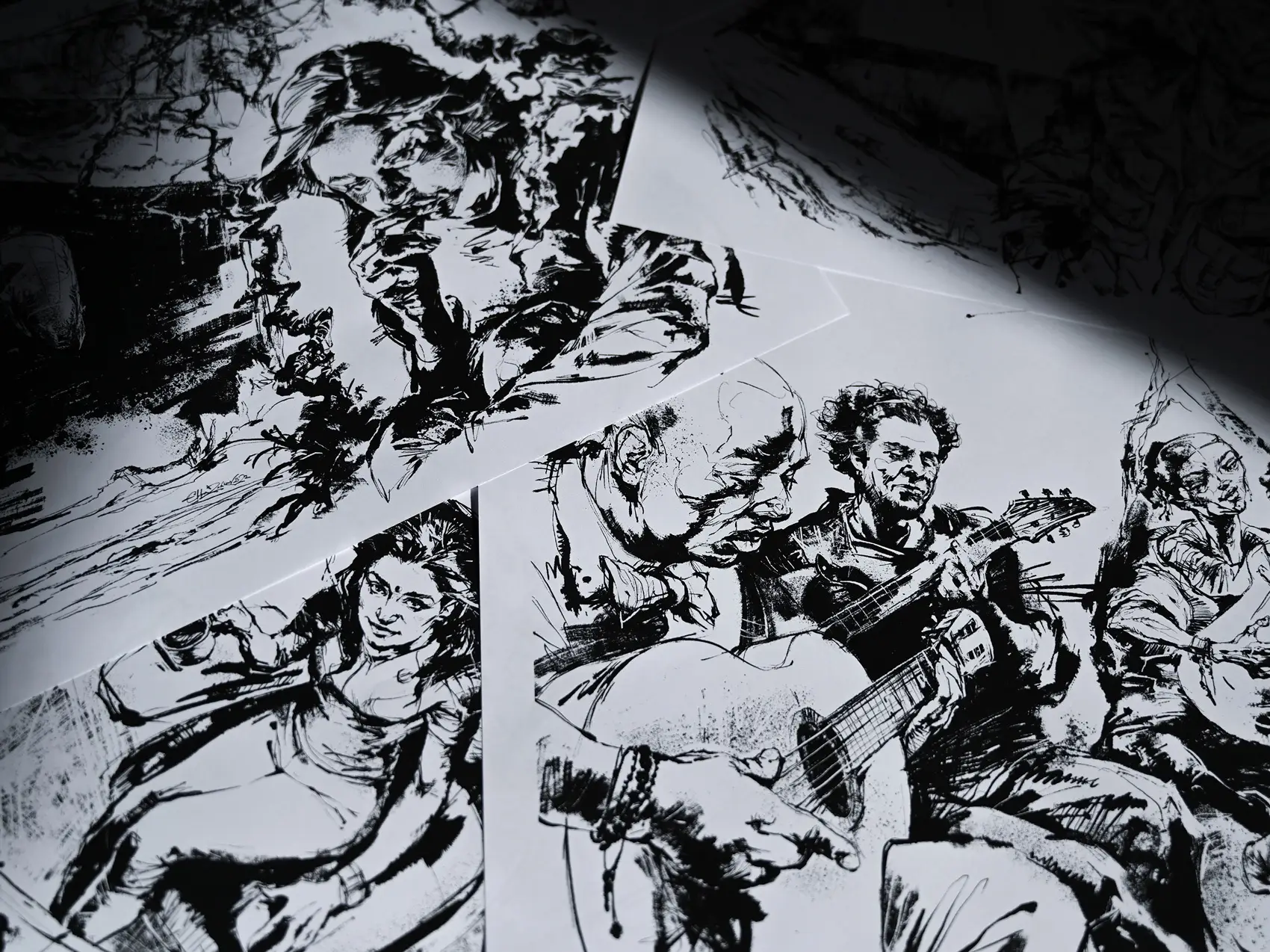
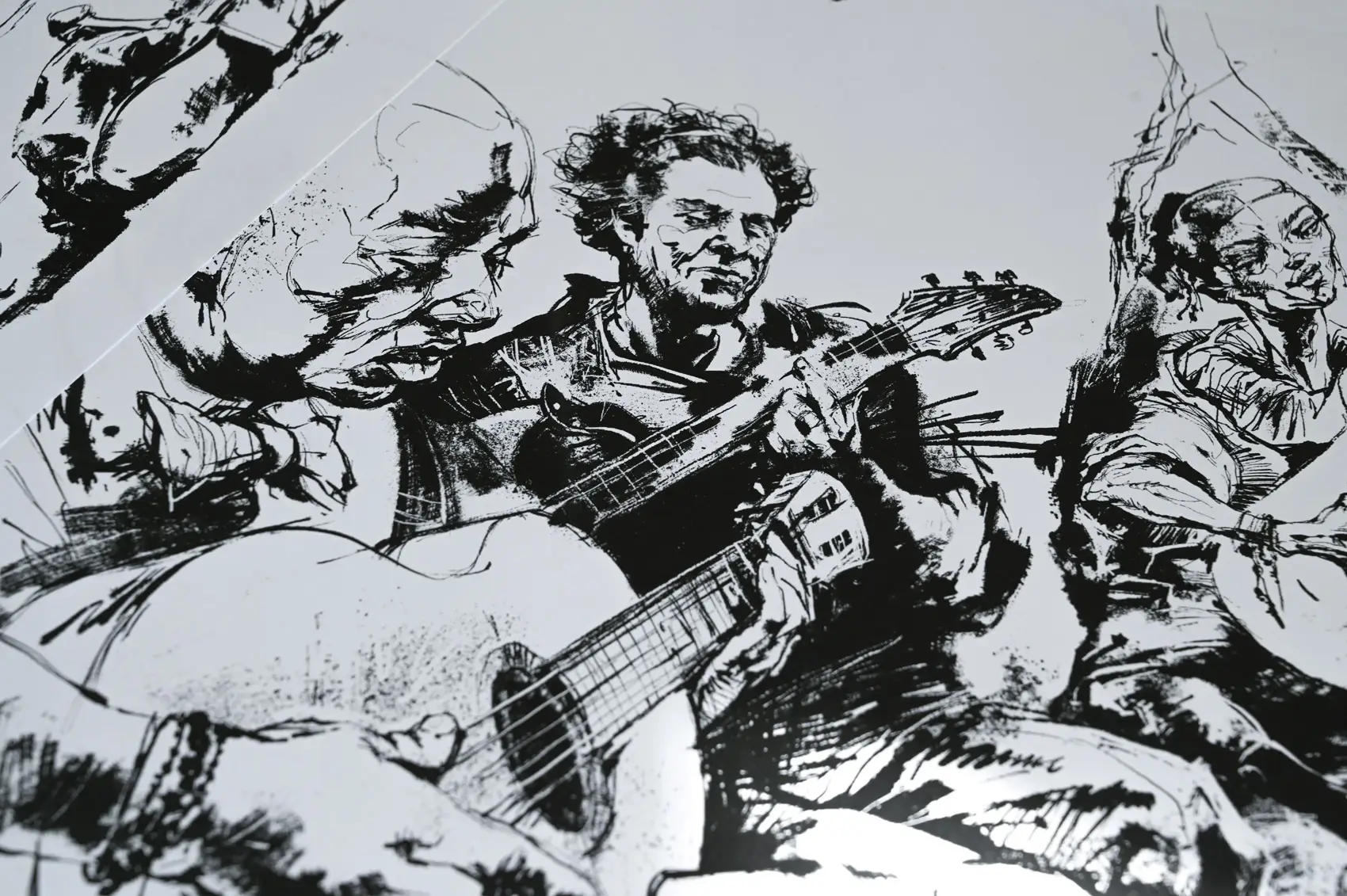
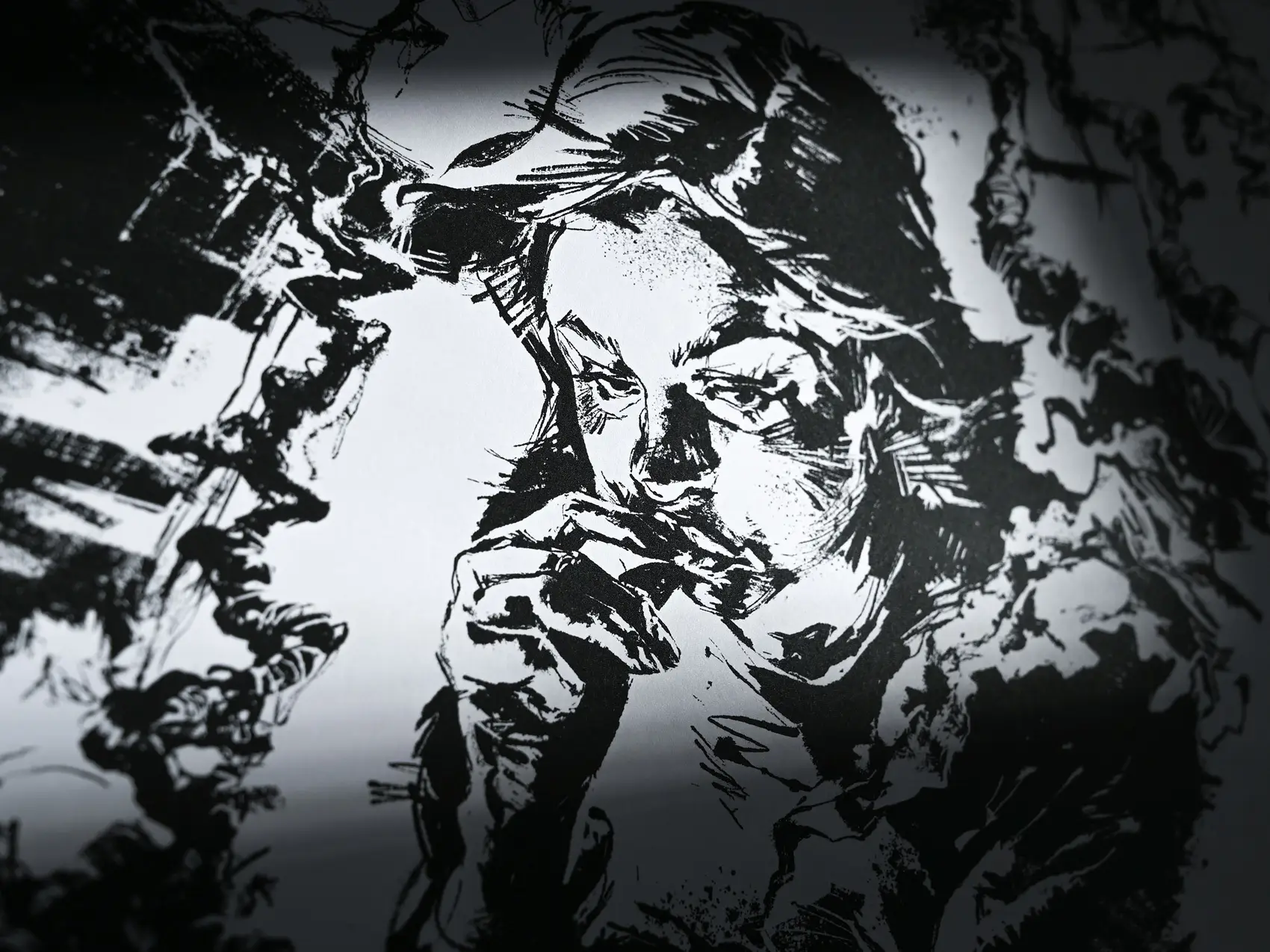
INK is designed specifically for artists who want to achieve realistic inking effects in their digital projects. This updated version 2.0 brings you an incredible set of brushes that mimic traditional tools, providing the perfect blend of creativity and precision. Whether you’re working on desktop or iPad versions, these brushes are compatible and ready to inspire your next masterpiece!
Key Features & Benefits
- 44 Raster Brushes: Perfect for creating stunning digital inking effects that feel authentic and true to life.
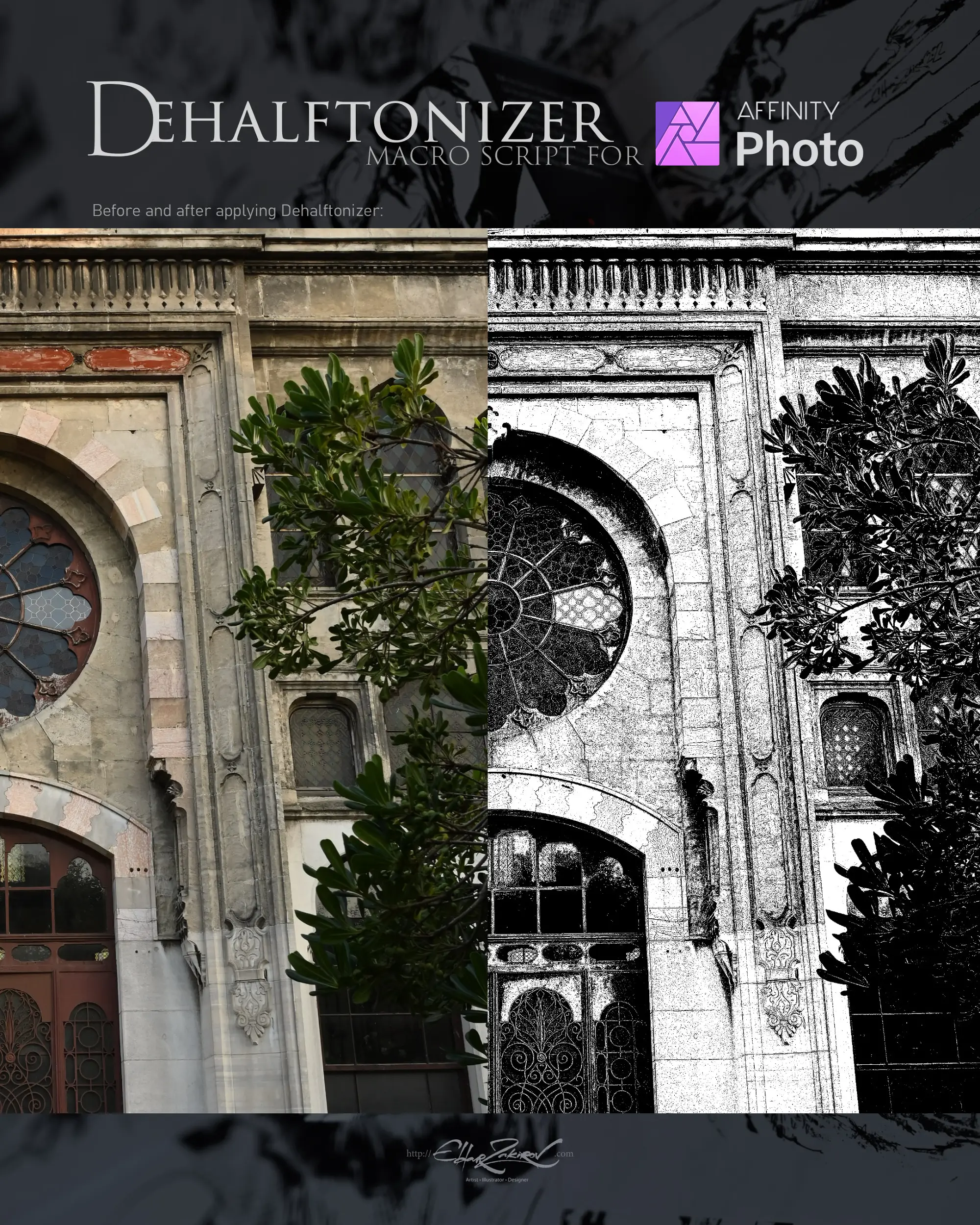
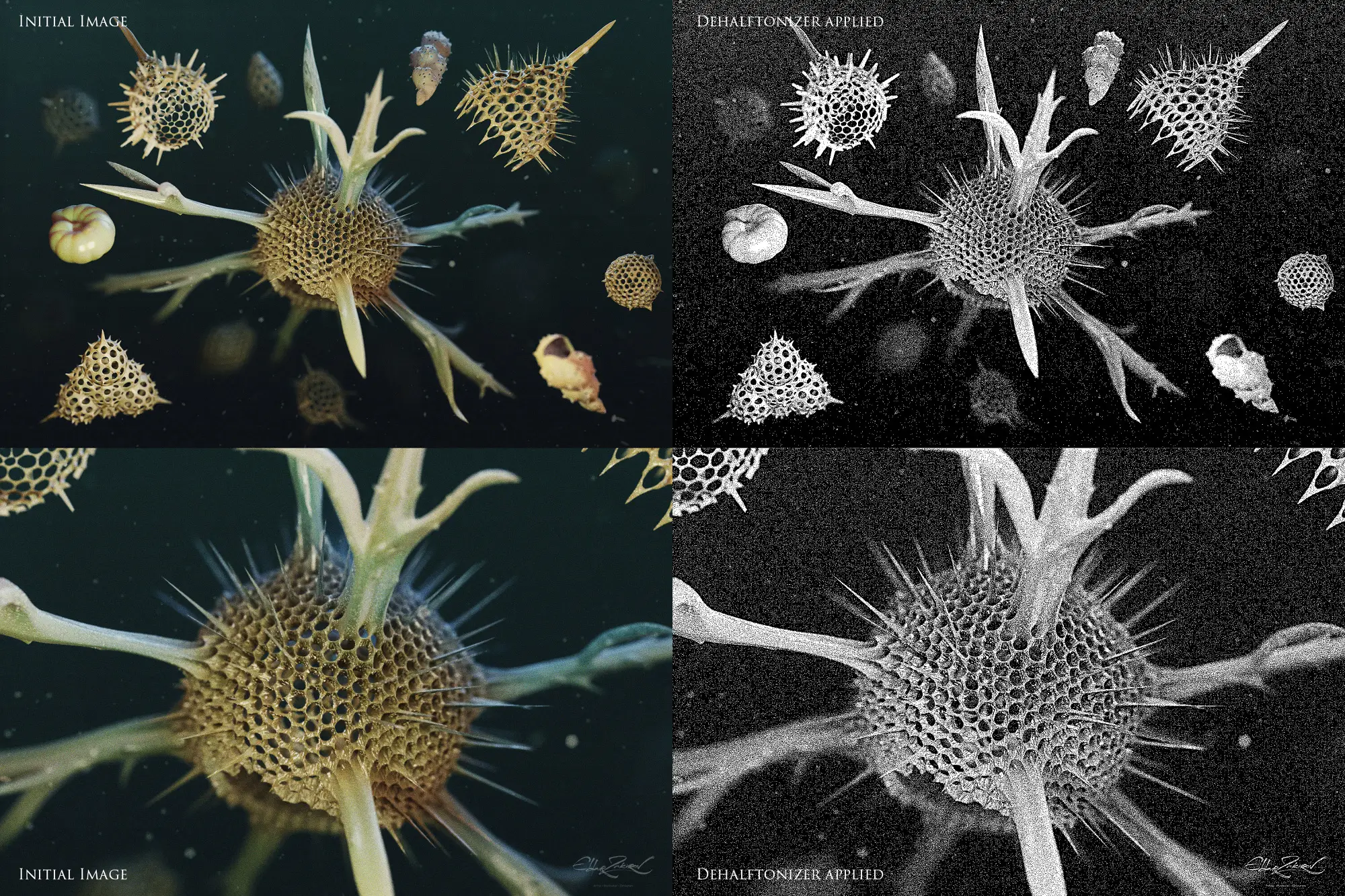
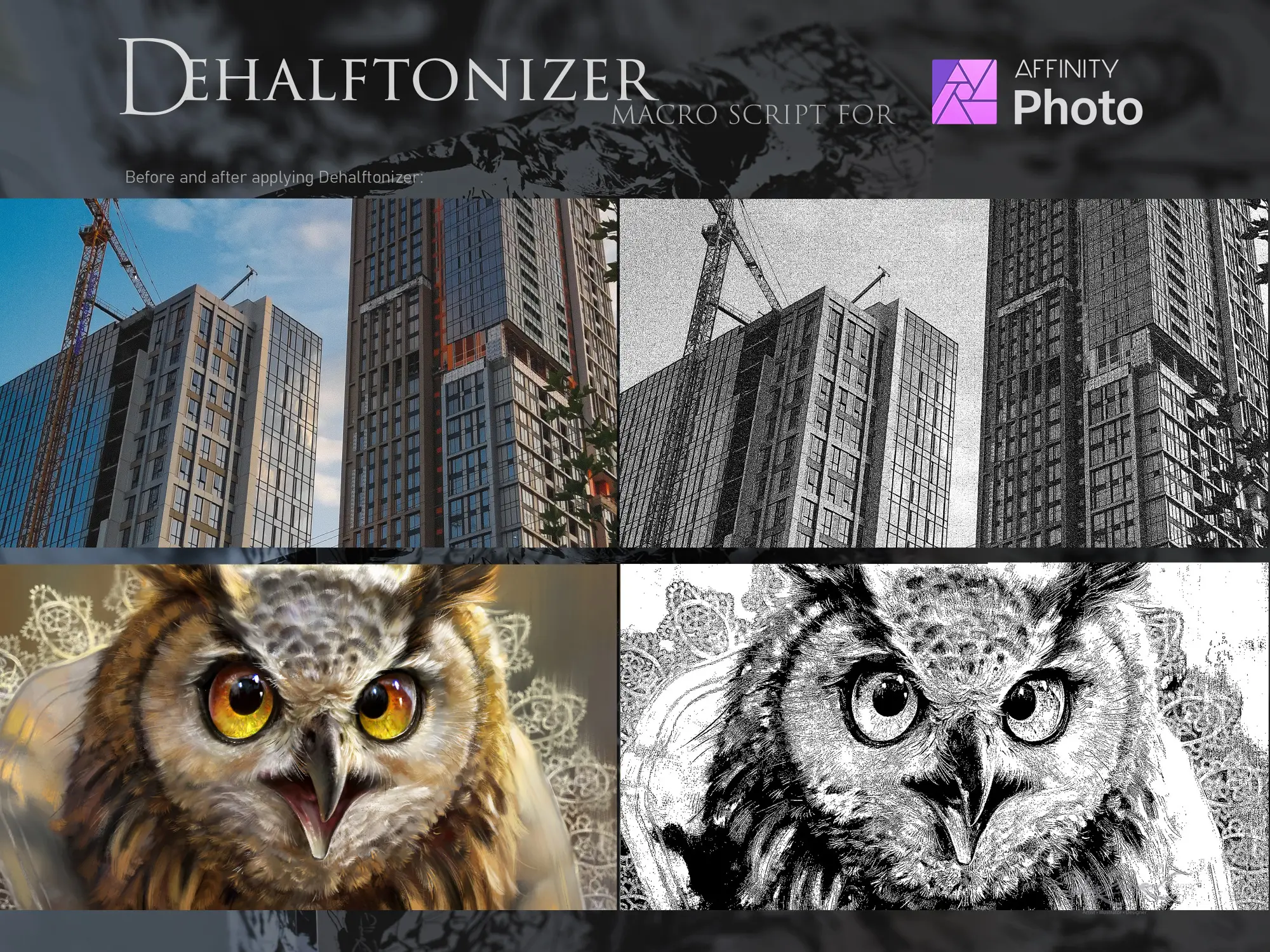
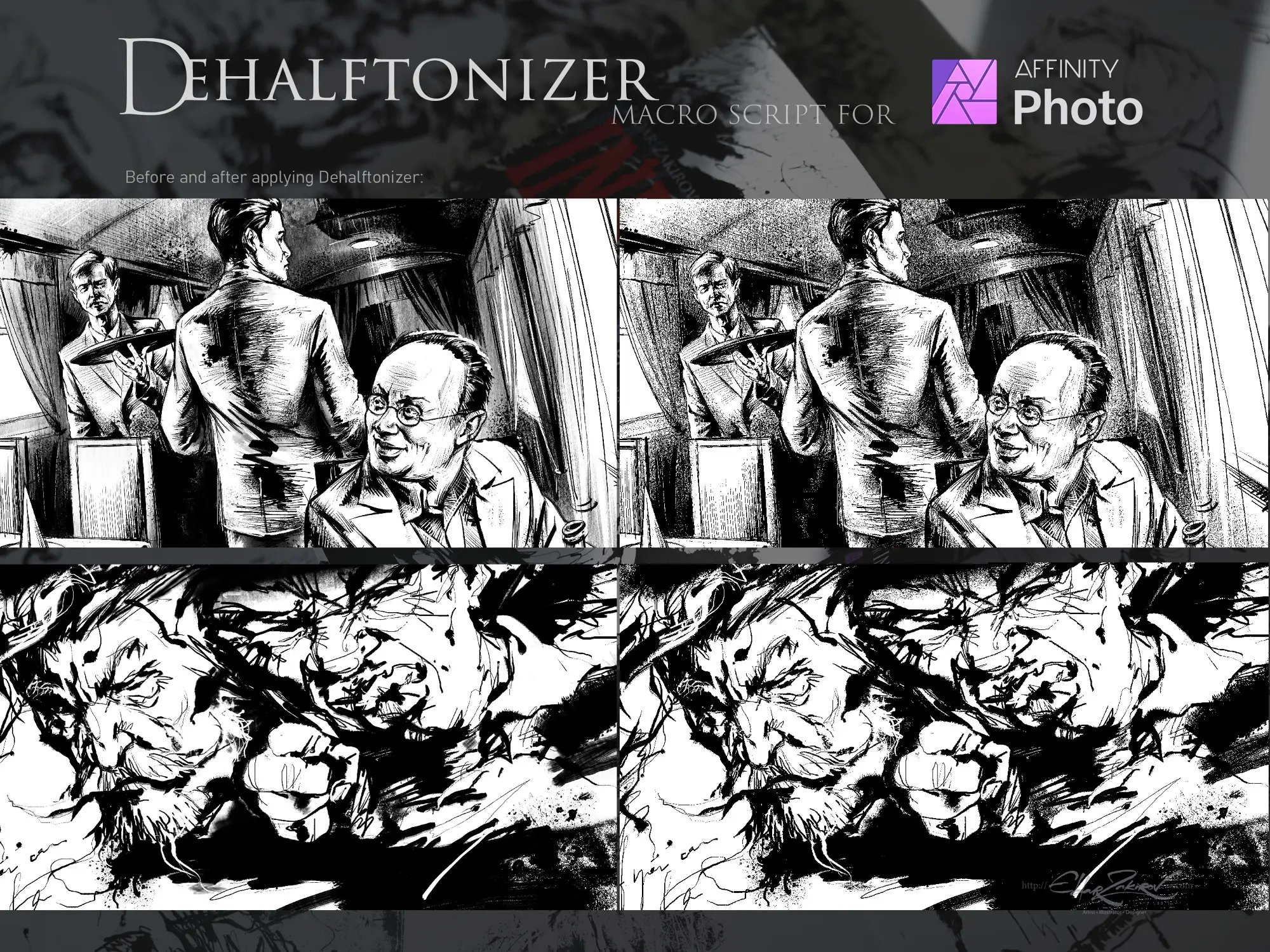
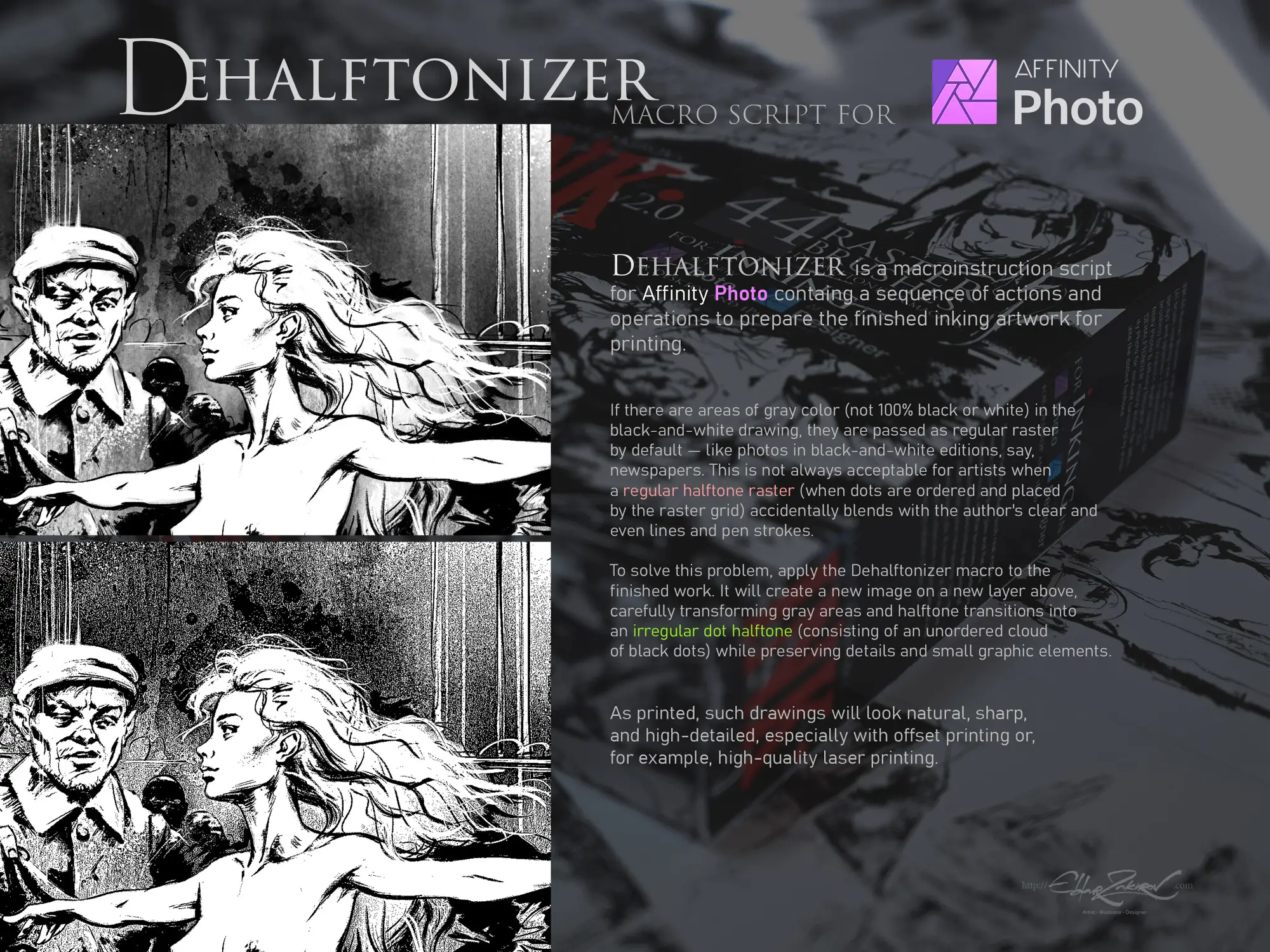
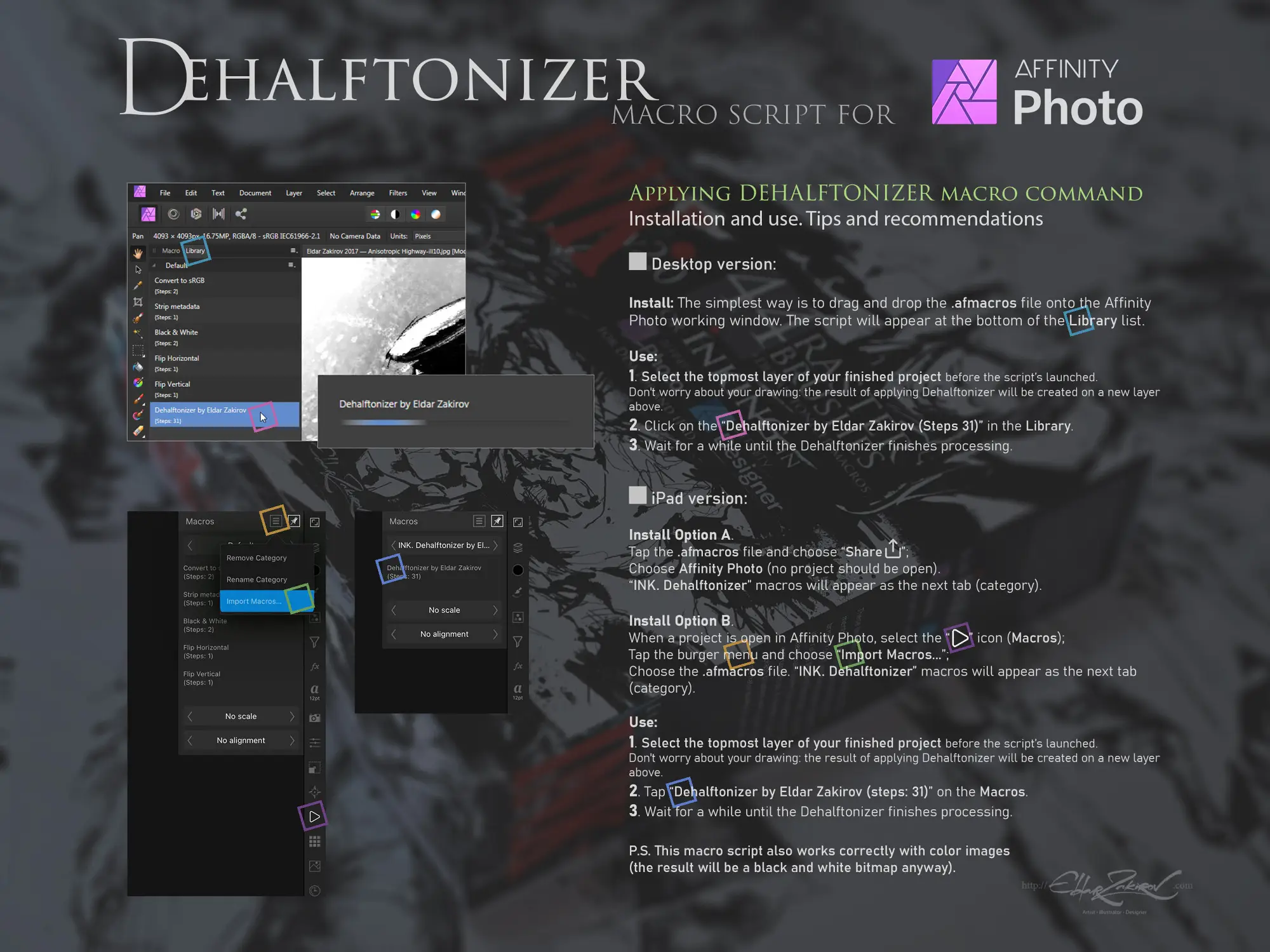
- Dehalftonizer Macro: Easily convert gray areas into beautiful dotted halftones, ideal for printing and adding depth to your artwork.
- Versatile Tools: Includes brushes that imitate sharp nib pens, flat pens, bristle brushes, and more, allowing for a variety of styles and techniques.
- Spray & Splash Brushes: Add natural liveliness to your art with unique splatter effects that bring your illustrations to life.
- Easy Installation: Simple drag-and-drop method to integrate brushes into your Affinity software, making it user-friendly for everyone!
Technical Specifications
| Compatible with | Affinity Designer |
|---|---|
| File Type | zip |
| Instant Download | Yes |
| File Size | 72 MB |
What’s Included
- 1. 44 Affinity raster brushes saved in the INK. by EldarZakirov 2016-2022.afbrushes file;
- 2. INK. Dehalftonizer by Eldar Zakirov.afmacros, a macro action for turning gray areas to dotted halftone with 100% black or white for printing.
Perfect For
This collection is ideal for:
- Illustrators looking for realistic inking tools.
- Graphic designers wanting to incorporate hand-drawn elements into digital designs.
- Artists using Affinity Photo for illustration and seeking unique brush effects.
- Anyone who loves to experiment with digital inking techniques!
FAQ
- Is this a physical product? No, it’s a digital download!
- Can I use these brushes on my iPad? Absolutely! They are compatible with both desktop and iPad versions of Affinity software.
- How do I install the brushes? Simply drag and drop the brush file into your working area in Affinity Designer or Photo, or use the import option in the Brushes tab.
User Reviews
Be the first to review “INK – for Affinity Photo & Designer – 44 raster Brushes + Dehalftonizer Macros. Updated to v2.0”
You must be logged in to post a review.

INK. Affinity Photo inking brush set
Sold by Ldarro
Realistic FUR Brushes for Affinity
Sold by Ldarro
Adobe Photoshop Perfect Oils Brushes Bundle – 21 Packs
Sold by Ldarro
50 HQ SPLASHES Procreate brushes
Sold by Ldarro
28 Realistic FUR Photoshop Brushes
Sold by Ldarro
INK• 63 inking brushes for Procreate
Sold by Ldarro Original price was: $12.32.$6.16Current price is: $6.16.


There are no reviews yet.