
28 Realistic FUR Photoshop Brushes
Original price was: $14.00.$7.00Current price is: $7.00.

Ldarro
Product Specs:
- Compatible with: Brushes | Adobe Photoshop
- File Type: ZIP
- File Size: 7.4 MB
- Instant Download
28 Realistic FUR Photoshop Brushes
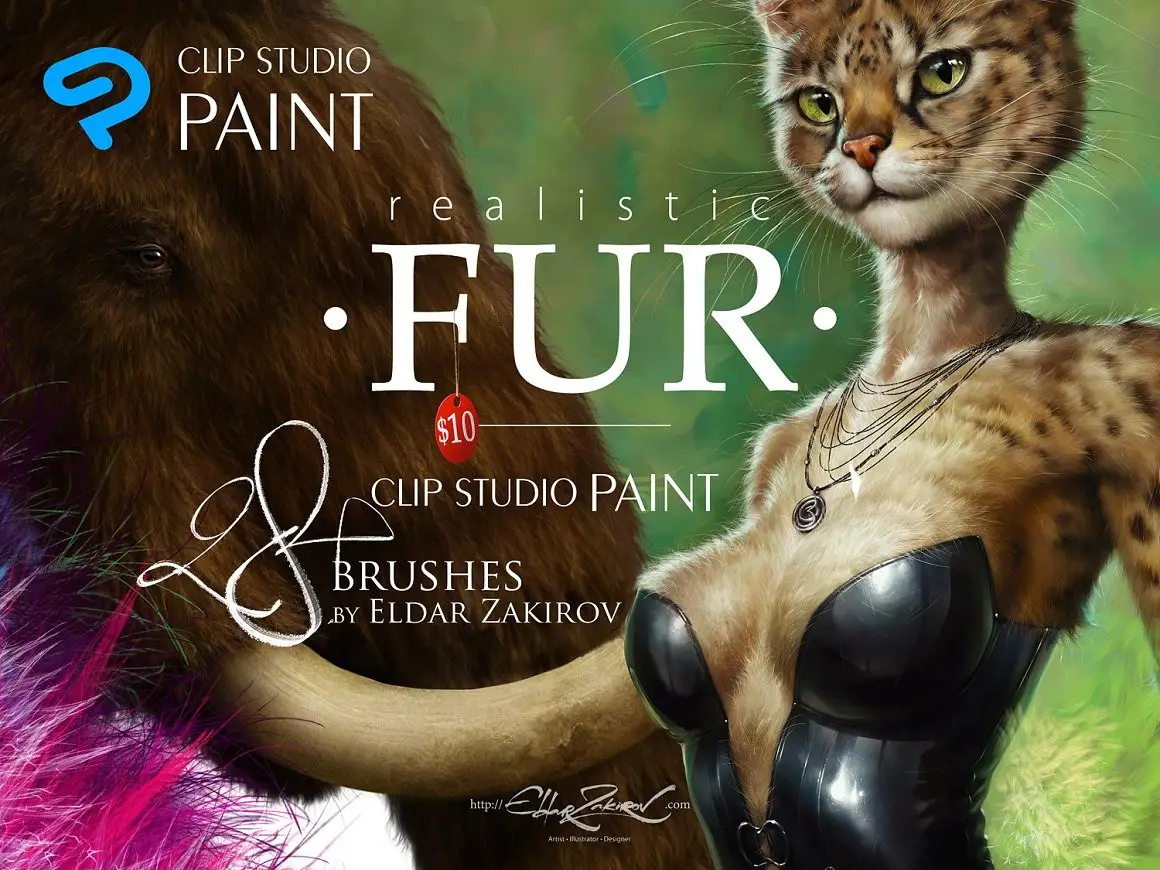
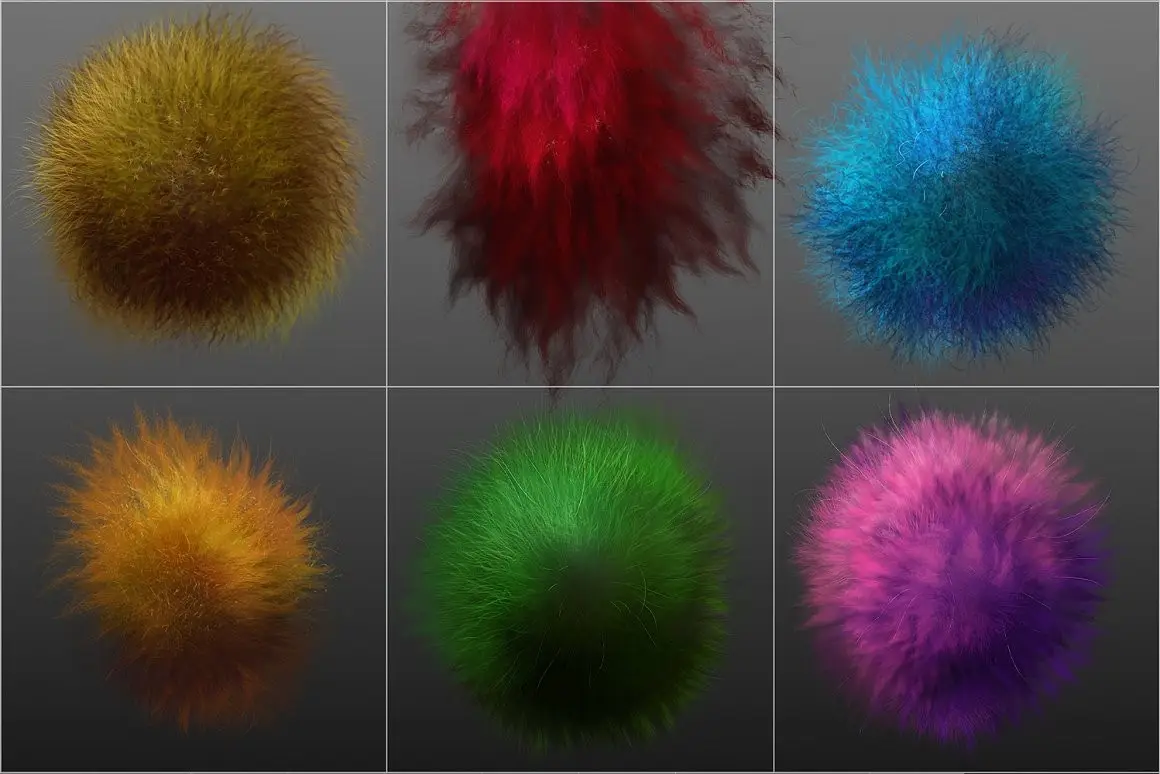
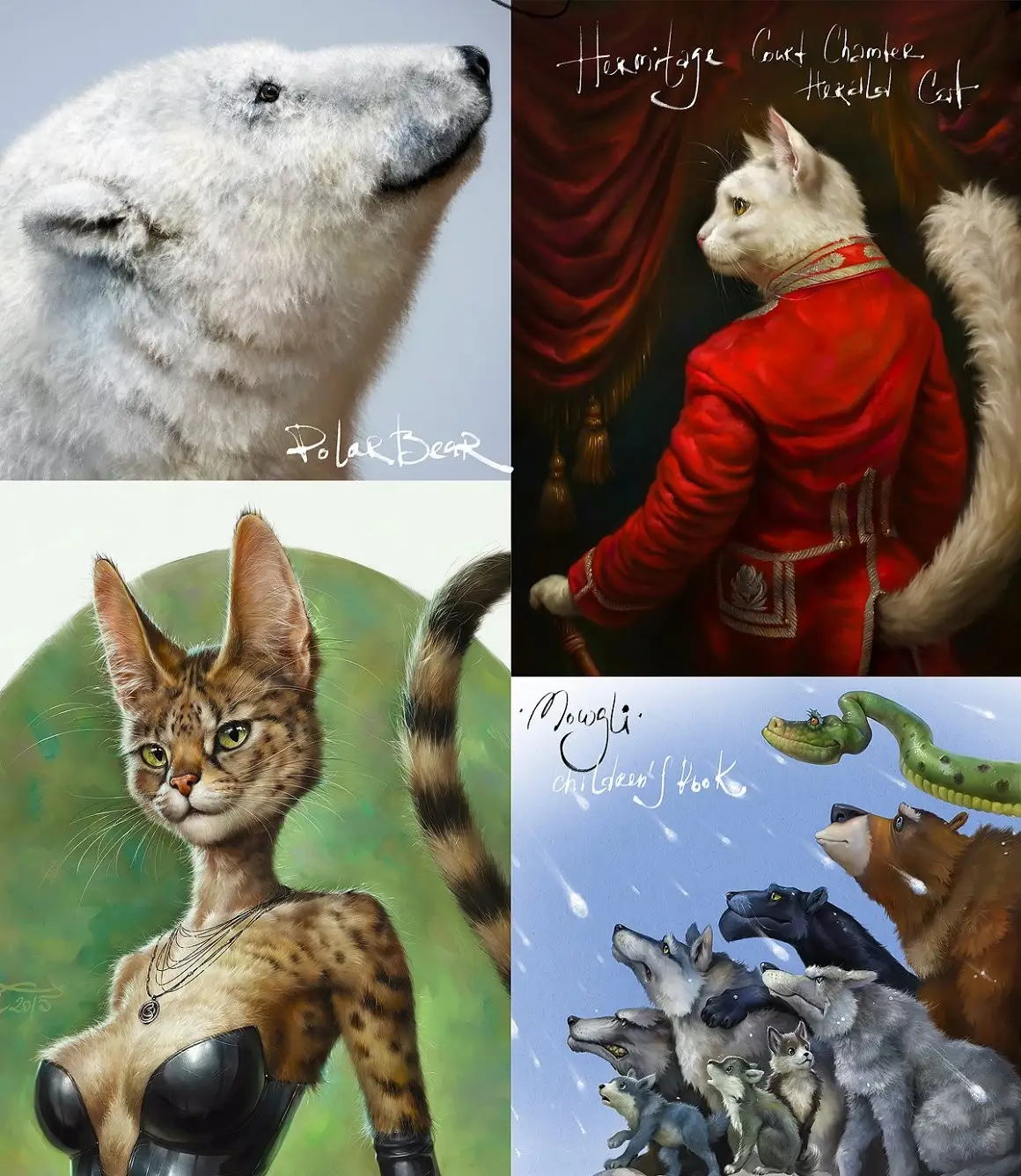
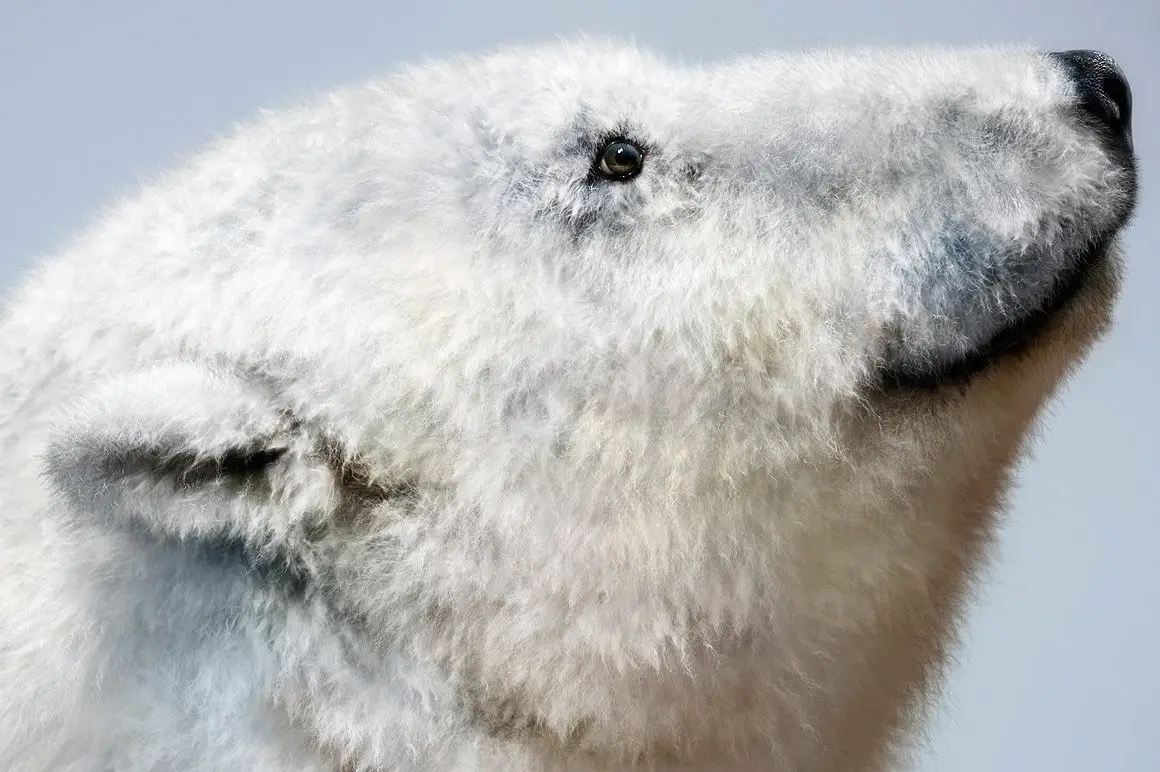
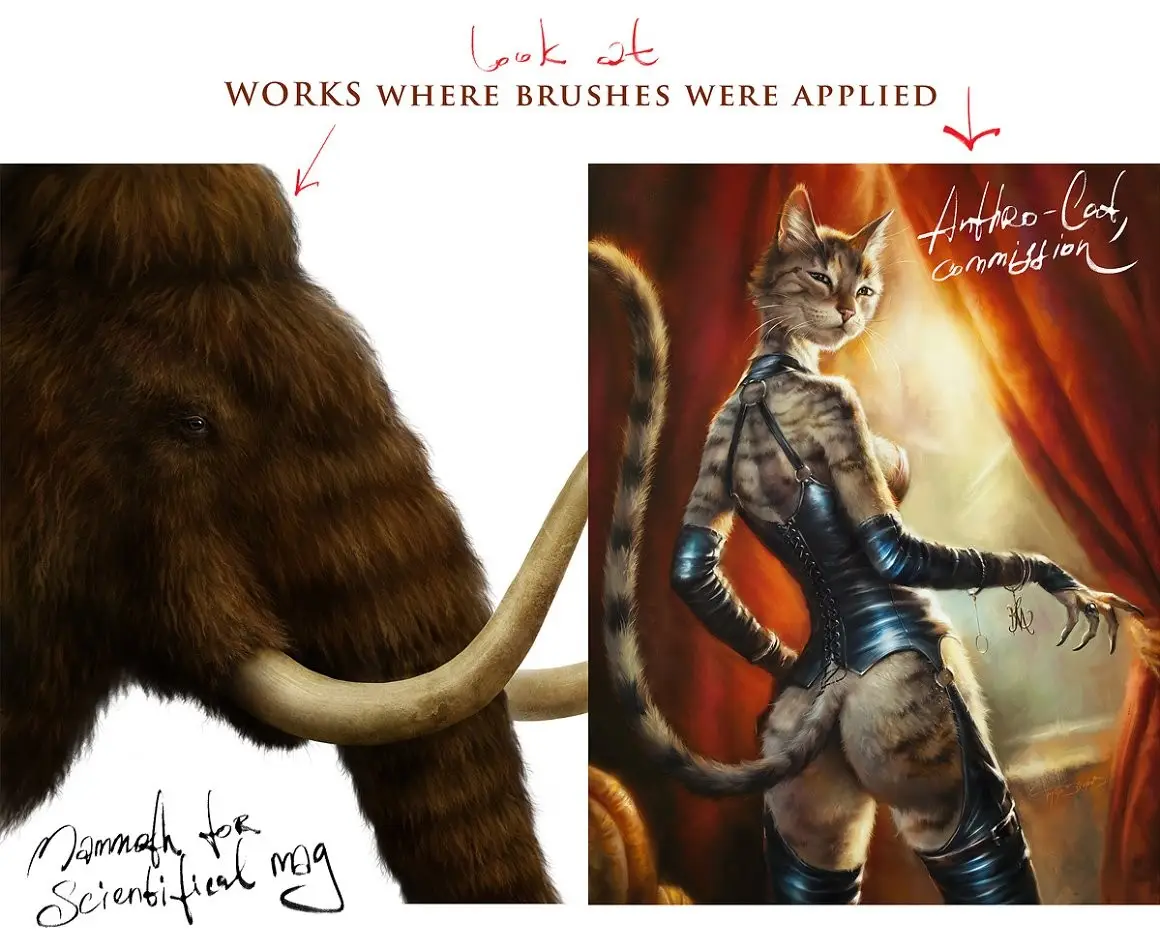
If you’re looking to enhance your digital artwork with lifelike fur textures, the 28 Realistic FUR Photoshop Brushes are the perfect solution. Designed for Adobe Photoshop, Adobe Photoshop Elements, and Adobe Fresco, these brushes will help you create stunning fur effects for animals, furries, and other fluffy characters.
Product Overview
This brush set includes 28 meticulously crafted brushes that I developed over years of practice and experimentation. Whether you’re painting realistic animals or original characters, these brushes allow you to achieve high-quality fur styles with ease. While they can also be imported into Procreate, I recommend checking out my dedicated Realistic FUR brushes specifically for Procreate for the best results.
Key Features & Benefits
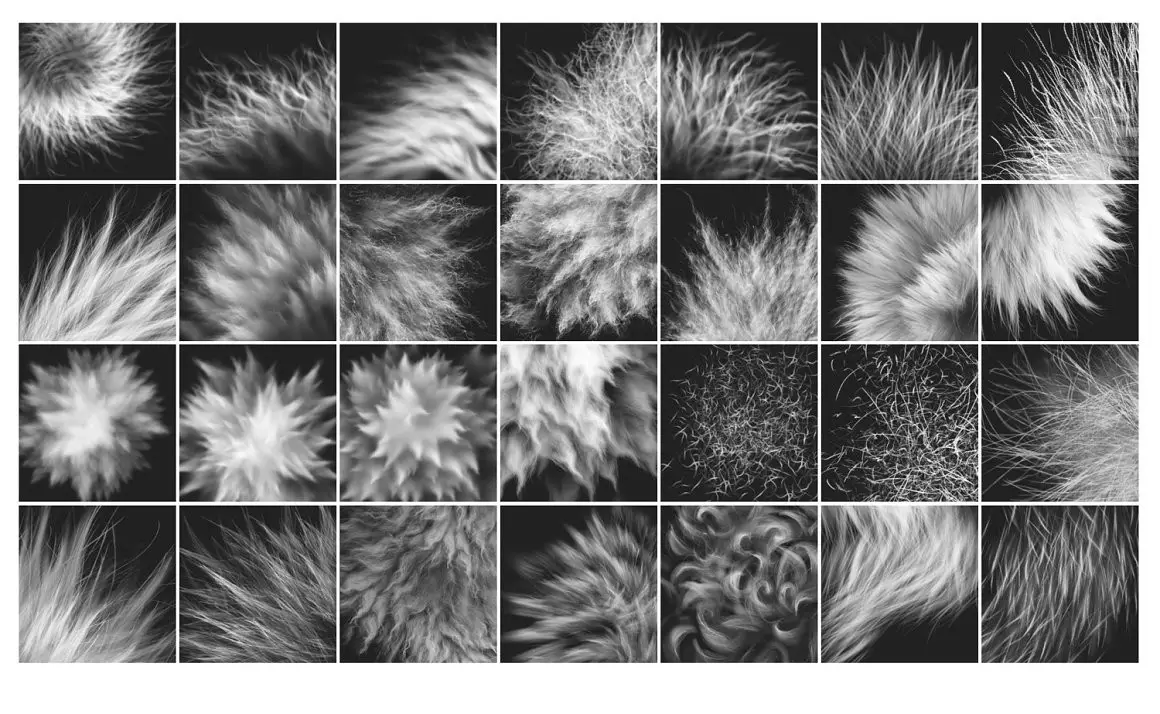
- ✅ 28 Unique Brushes → Versatile options for creating various fur textures.
- ✅ Compatible with Multiple Software → Works seamlessly with Adobe Photoshop, Elements, and Fresco.
- ✅ Easy Installation → Includes a PDF guide for quick setup and tips.
- ✅ Realistic Effects → Each brush has jitter settings for natural-looking fur.
- ✅ Tested and Refined → Developed through extensive use to ensure quality and performance.
Why Choose This Product
These brushes are not just tools; they are the result of years of dedication to mastering the art of fur painting. With each stroke, you can create depth and realism, making your characters come to life. Many artists trust these brushes to elevate their work, and I am confident you will appreciate the difference they make in your creative process.
Specifications
| Item | Details |
|---|---|
| Brush Count | 28 Brushes |
| File Format | ABR (Photoshop compatible) |
| Compatibility | Adobe Photoshop, Elements, Fresco |
| Additional Resources | PDF installation guide & tips |
What’s Included
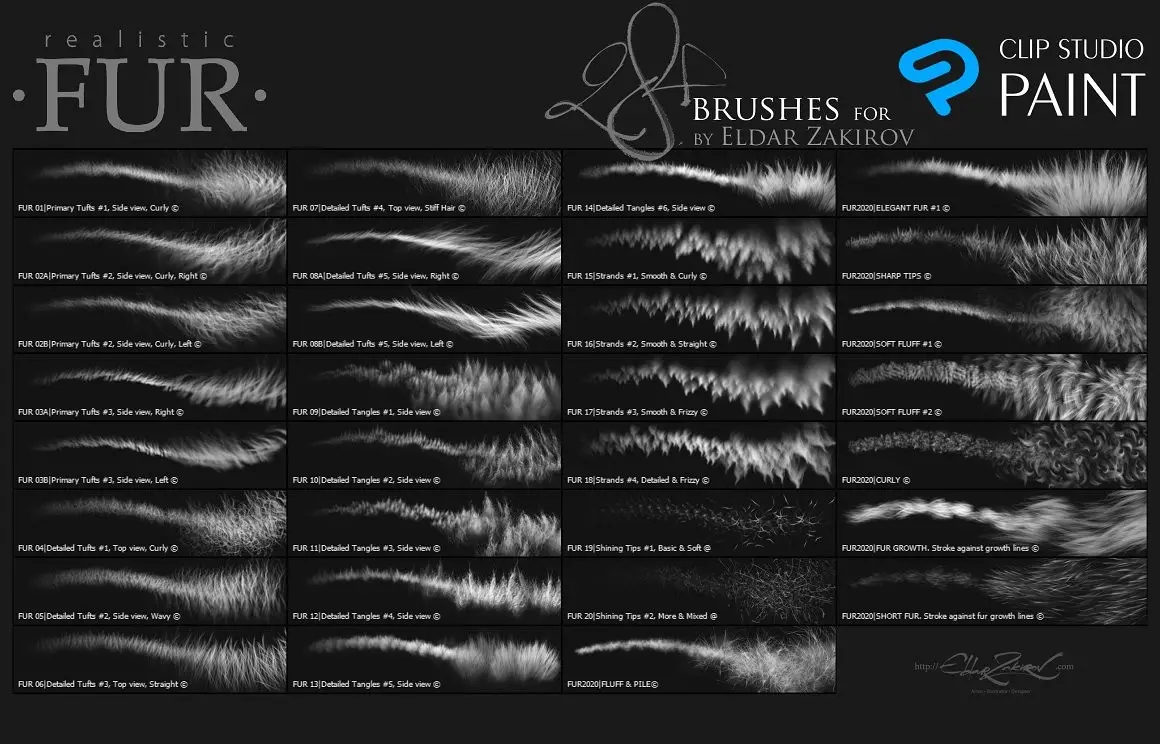
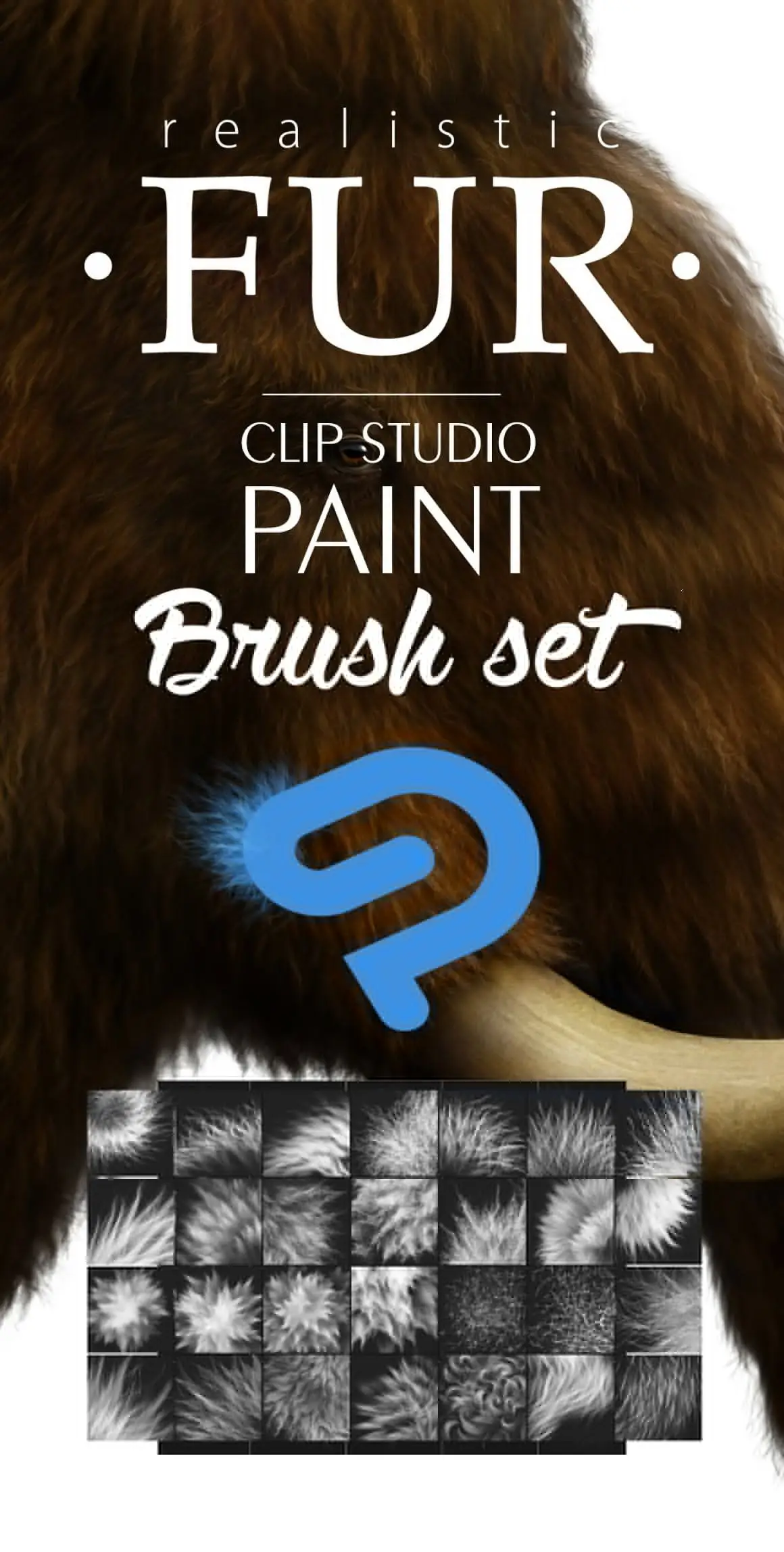
- 📦 28 FUR brushes in the file: Realistic FUR 2015-2020 Brush Set by Eldar Zakirov. Rel.3.0.abr
- PDF file with installation instructions and usage tips
- Image of the brush list for easy reference
Perfect For
- Digital artists looking to create realistic fur
- Animators and illustrators working on furry characters
- Beginners wanting to learn fur painting techniques
- Professionals seeking high-quality brush options
How to Use
For best results, start with a neutral base color and gradually build up layers of fur. Use your preferred hard or soft brush for initial shading, then apply the fur brushes to create texture. Experiment with blending modes like Soft Light and Multiply to enhance depth and realism.
FAQ
- Can I use these brushes in Procreate? Yes, but for optimal performance, consider using the dedicated Procreate version.
- Are these brushes compatible with older versions of Photoshop? The ABR format is compatible with earlier versions, though the minimal tested version is CS.
Add to cart now and start creating stunning fur textures today! 🚀
User Reviews
Be the first to review “28 Realistic FUR Photoshop Brushes”
You must be logged in to post a review.

60 Foliage & Grass Procreate brushes
Sold by Ldarro
50 HQ SPLASHES Procreate brushes
Sold by Ldarro
50 HQ SPLASHES PS Brush Set
Sold by Ldarro
INK. Affinity Photo inking brush set
Sold by Ldarro
28 Realistic FUR Procreate Brushes
Sold by Ldarro
INK – 40 Photoshop Brushes for Inking+Halftone removing Action
Sold by Ldarro Original price was: $14.00.$7.00Current price is: $7.00.


There are no reviews yet.