

Fur Brushes for Photoshop
Transform your digital art with our Fur Brushes for Photoshop. This unique collection is designed to bring an adorable yet powerful touch to your artwork, making it ideal for a variety of projects. Whether you’re working on personal illustrations, concept art, or children’s book designs, these brushes will help you achieve stunning results with ease.
Product Overview
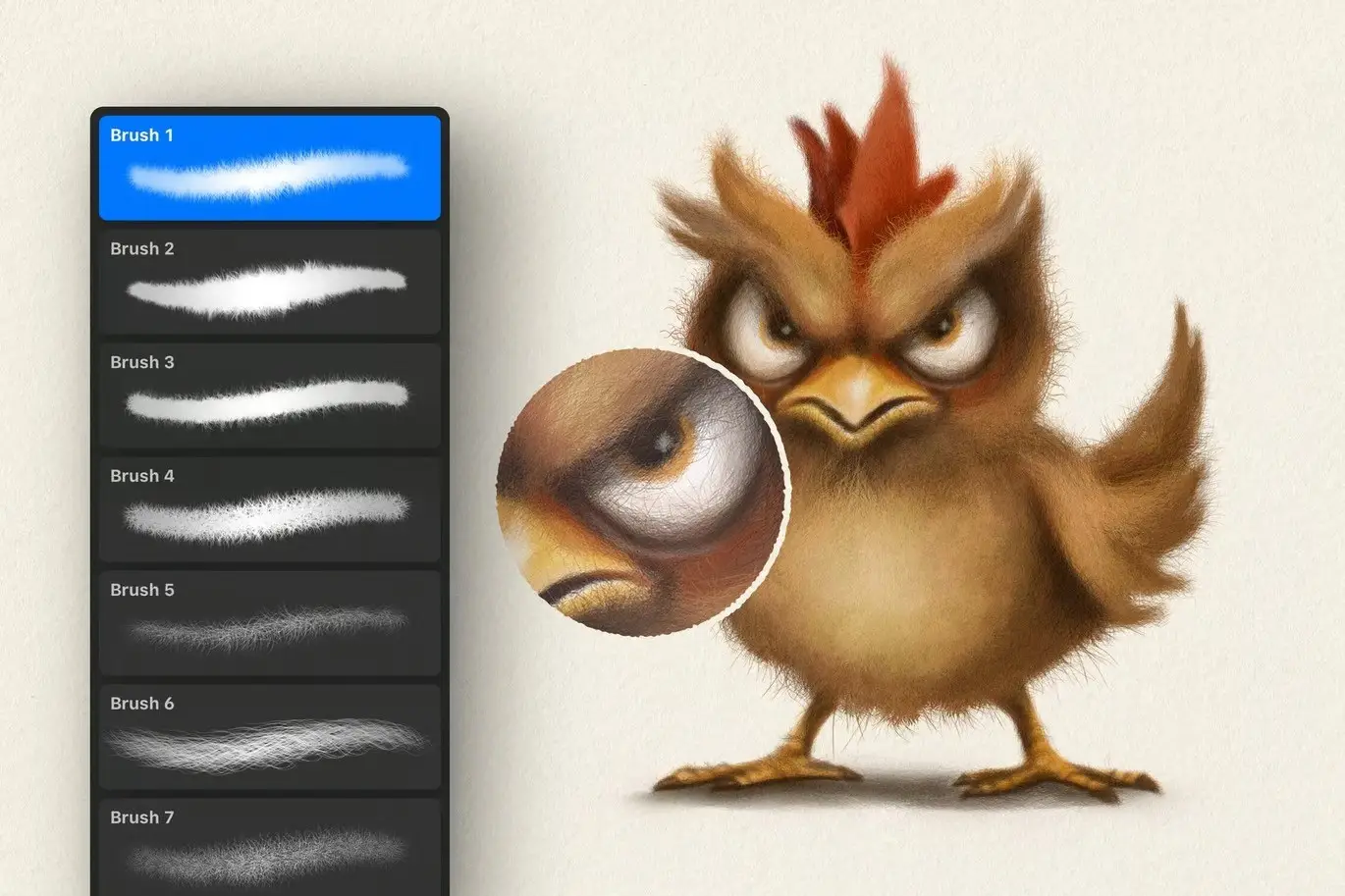
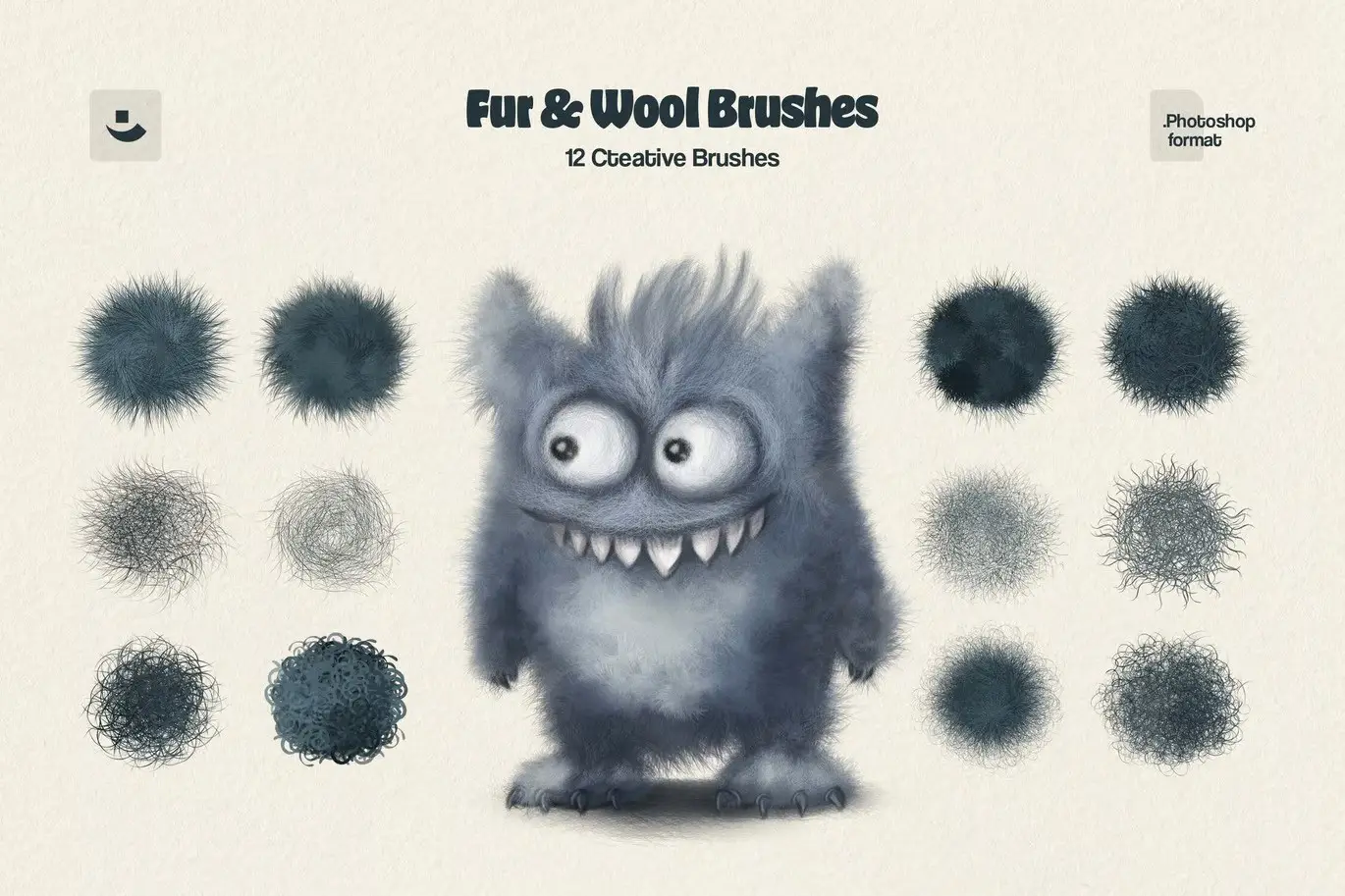
Our Fur Brushes for Photoshop are crafted to emulate the rich texture of real fur. This set includes 12 meticulously designed brushes, each varying in fur direction, texture density, and hair type. Perfect for artists looking to add depth and realism to their furry characters or landscapes, these brushes are a must-have for any digital artist.
Key Features & Benefits
- ✅ 12 Unique Brushes → Each brush offers different fur textures and directions for versatile use.
- ✅ Pressure-Sensitive Design → Easily add depth and volume to your artwork with responsive pressure sensitivity.
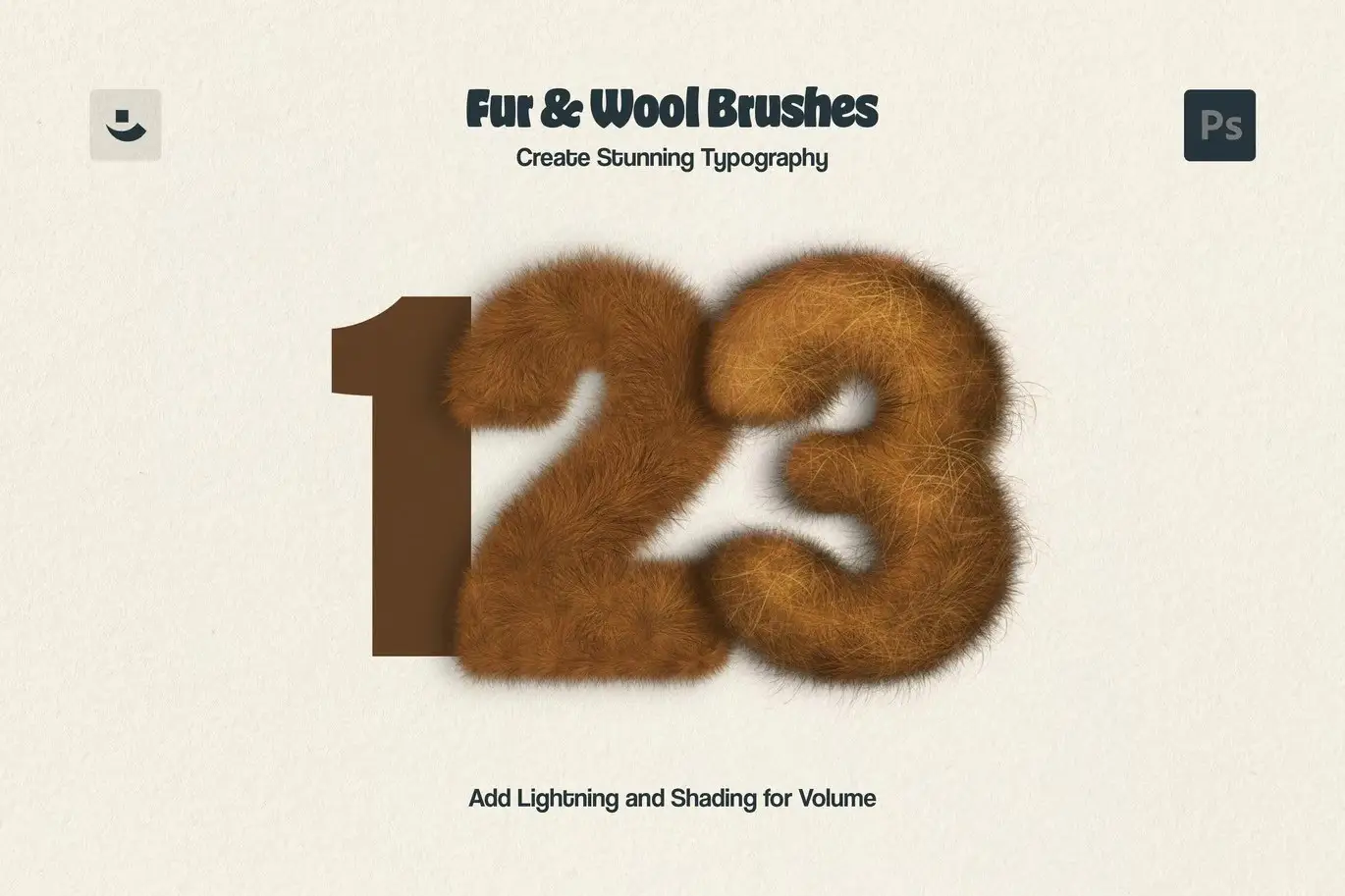
- ✅ Realistic Fur Emulation → Achieve lifelike fur effects that enhance your illustrations.
- ✅ User-Friendly Installation Guide → Get started quickly with our easy-to-follow installation instructions.
- ✅ Bonus Paper Textures → Includes 2 high-quality paper textures (JPG) to complement your designs.
Why Choose This Product
Our Fur Brushes for Photoshop stand out due to their combination of cuteness and functionality. Trusted by artists worldwide, this brush set is perfect for creating everything from whimsical illustrations to detailed concept art. With these brushes, you can easily bring your furry characters to life, ensuring your artwork captures the attention it deserves.
Specifications (Technical Details)
| Item | Details |
|---|---|
| Brush Count | 12 Brushes |
| Texture Types | Various Fur Textures |
| Included Formats | Photoshop Brushes (.abr), JPG Textures |
| Compatibility | Adobe Photoshop |
What’s Included / What’s in the Box
- 📦 12 Fur Brushes for Photoshop
- 📦 2 Paper Textures (JPG)
- 📦 Installation Guide
Perfect For
- Digital Artists
- Illustrators
- Concept Artists
- Children’s Book Creators
- Fan Art Enthusiasts
How to Use
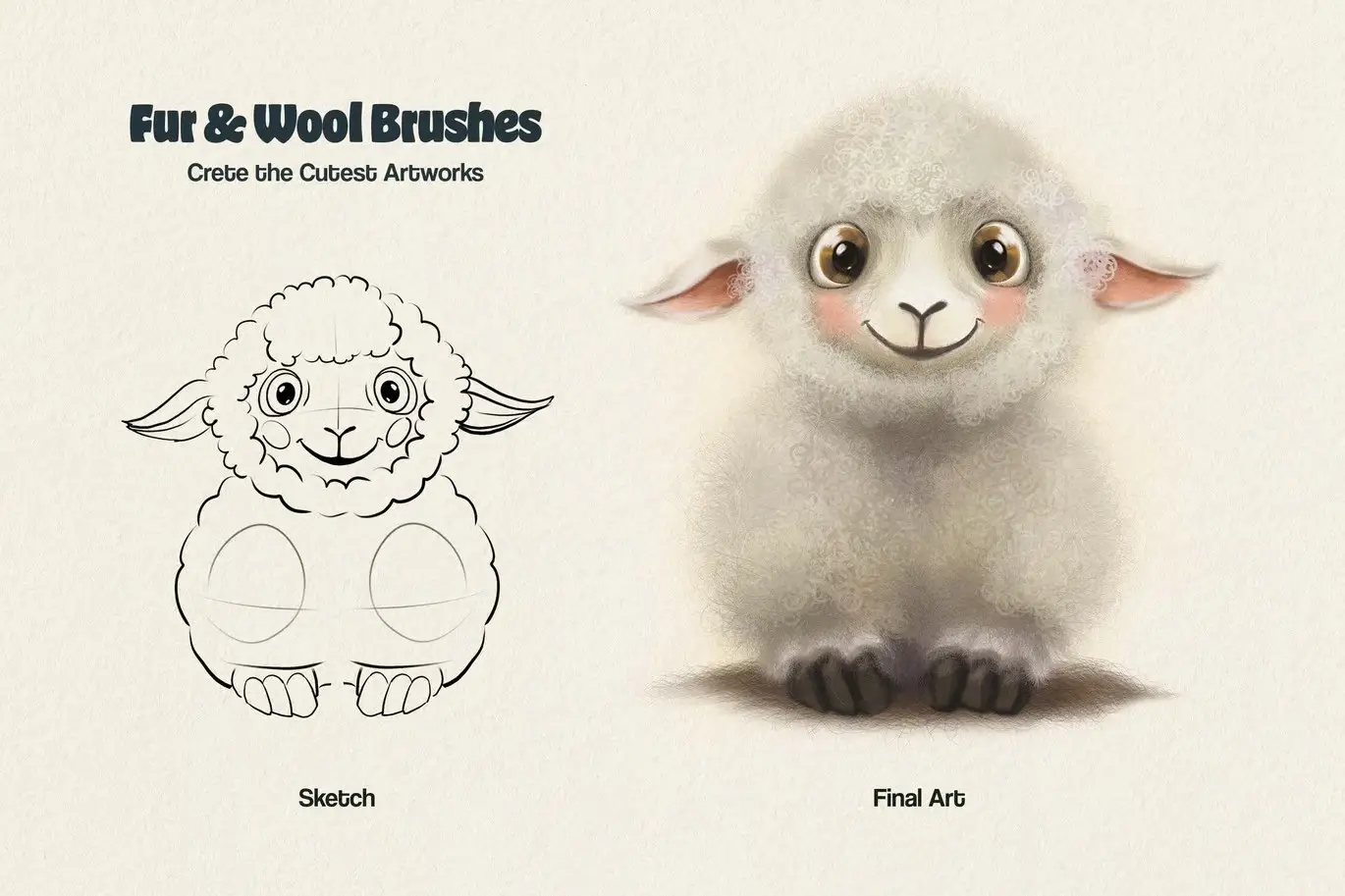
To get the best results from your Fur Brushes, start by sketching lightly with the brush of your choice. Then, fill in your sketch with texture to create a realistic fur effect. Experiment with different brushes to achieve the desired look for your artwork.
FAQ
- Are these brushes compatible with other software?
No, these brushes are specifically designed for Adobe Photoshop.
- Can I use these brushes for commercial projects?
Yes, you can use them for personal and commercial projects.
Ready to elevate your artwork? Add to cart now and start creating stunning fur effects today! 🚀
User Reviews
Be the first to review “Fur Brushes for Photoshop”
You must be logged in to post a review.

Grim Shader Adobe Photoshop Brushes
Sold by
Elixir Watercolor Procreate Brushes
Sold by
Photoshop Gouache Brushes Collection
Sold by
Misterio Shader Photoshop Brushes
Sold by

Original price was: $5.00.$2.50Current price is: $2.50.


There are no reviews yet.