

Grim Shader Adobe Photoshop Brushes
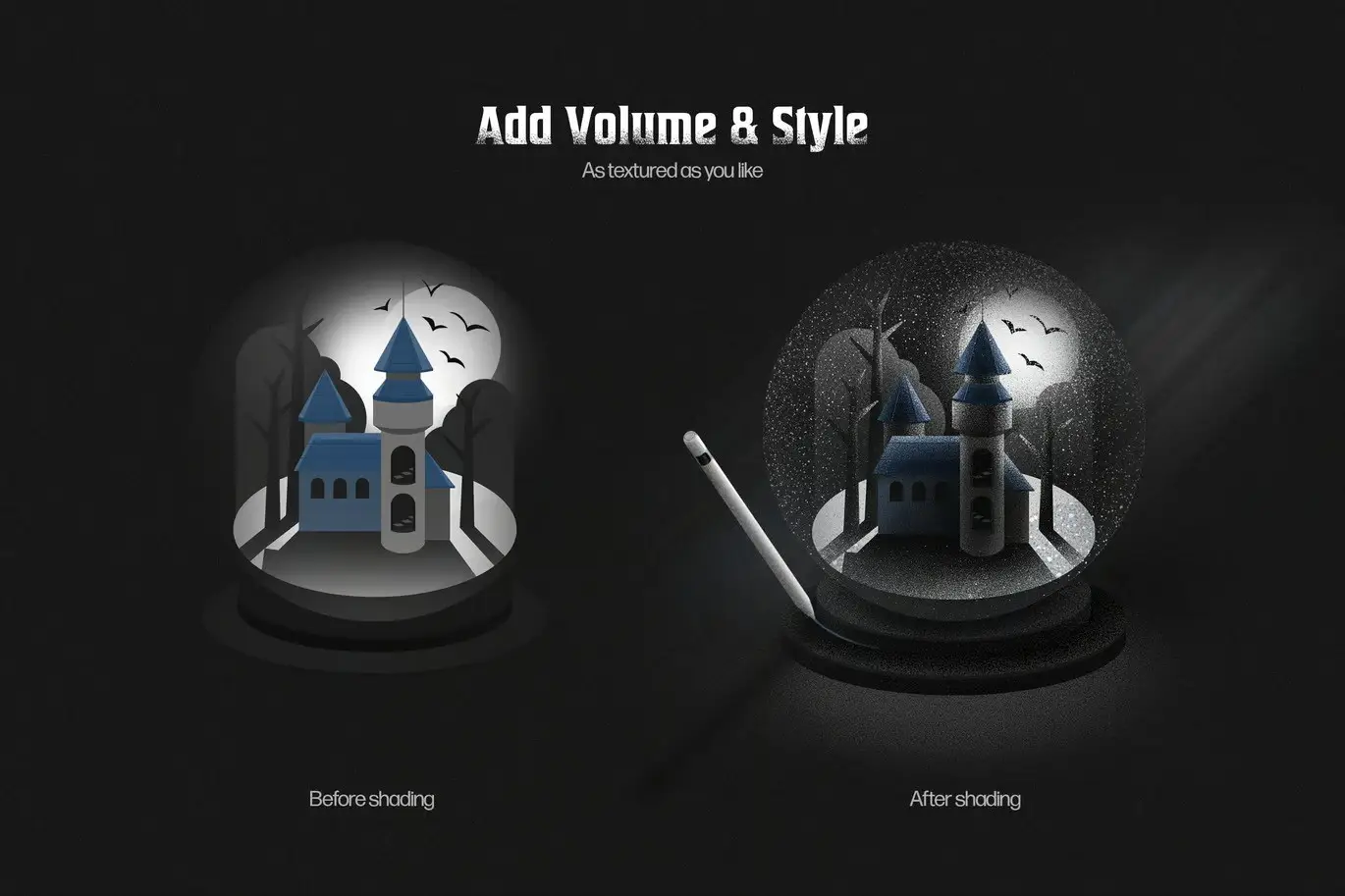
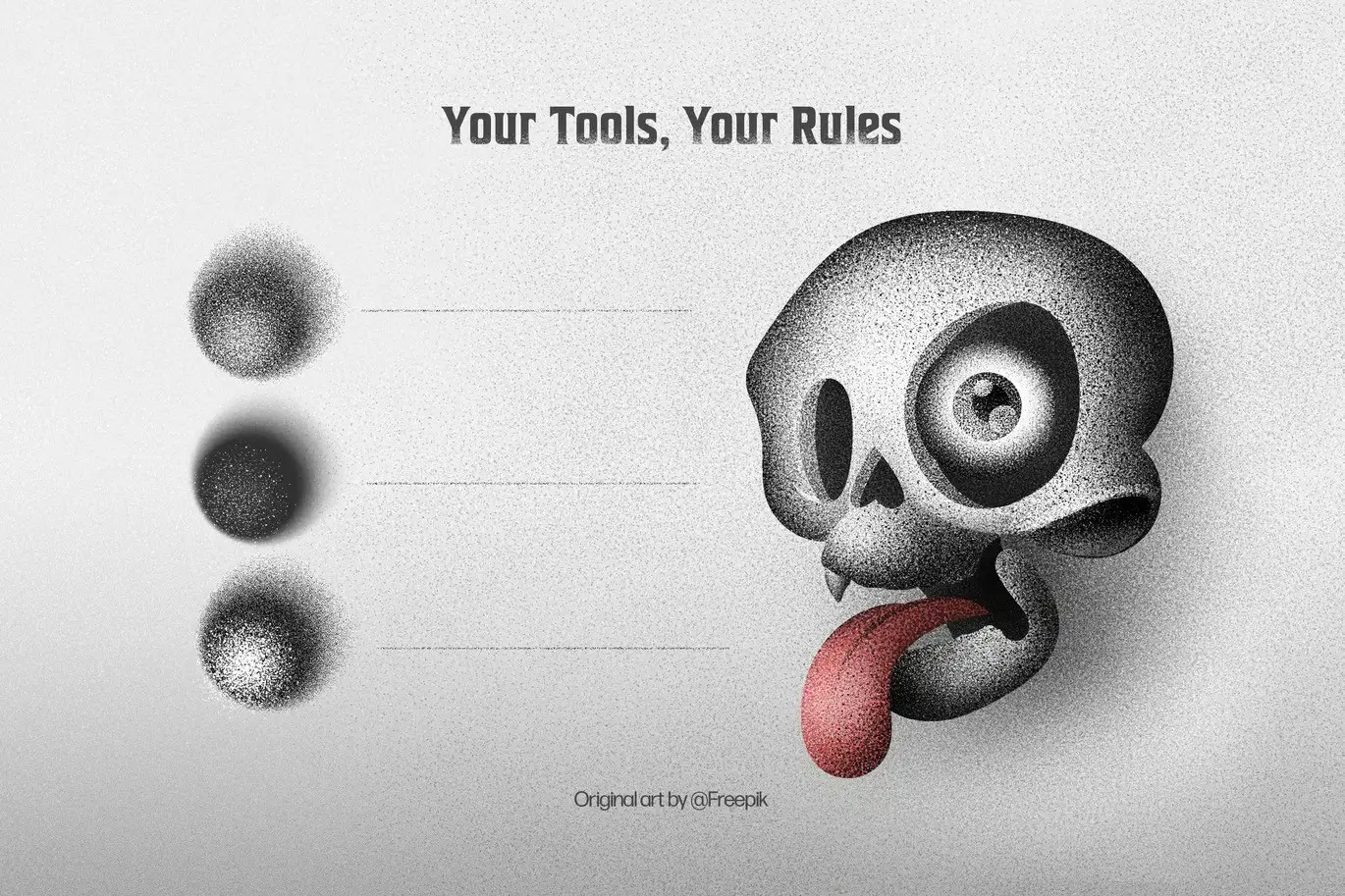
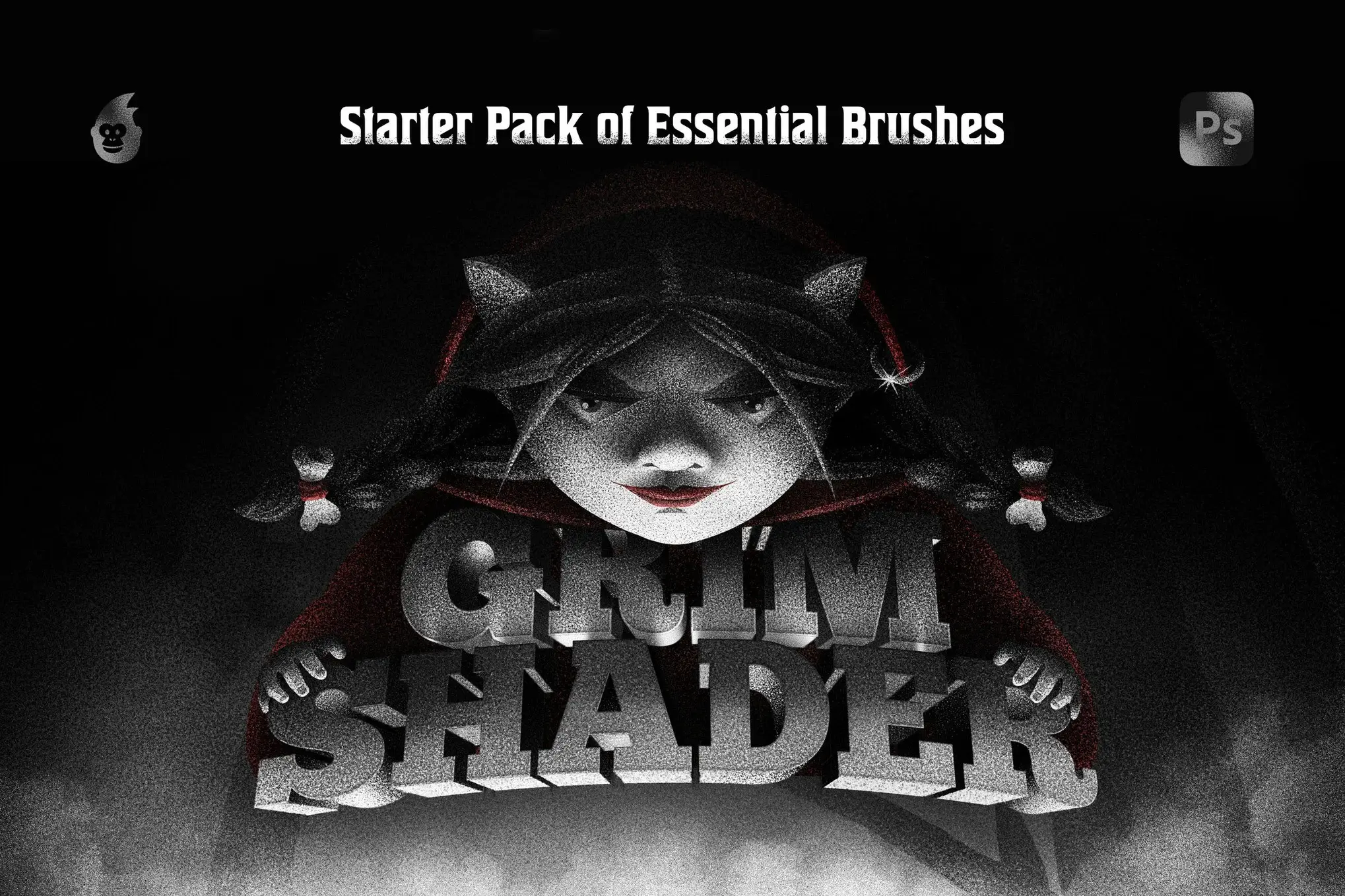
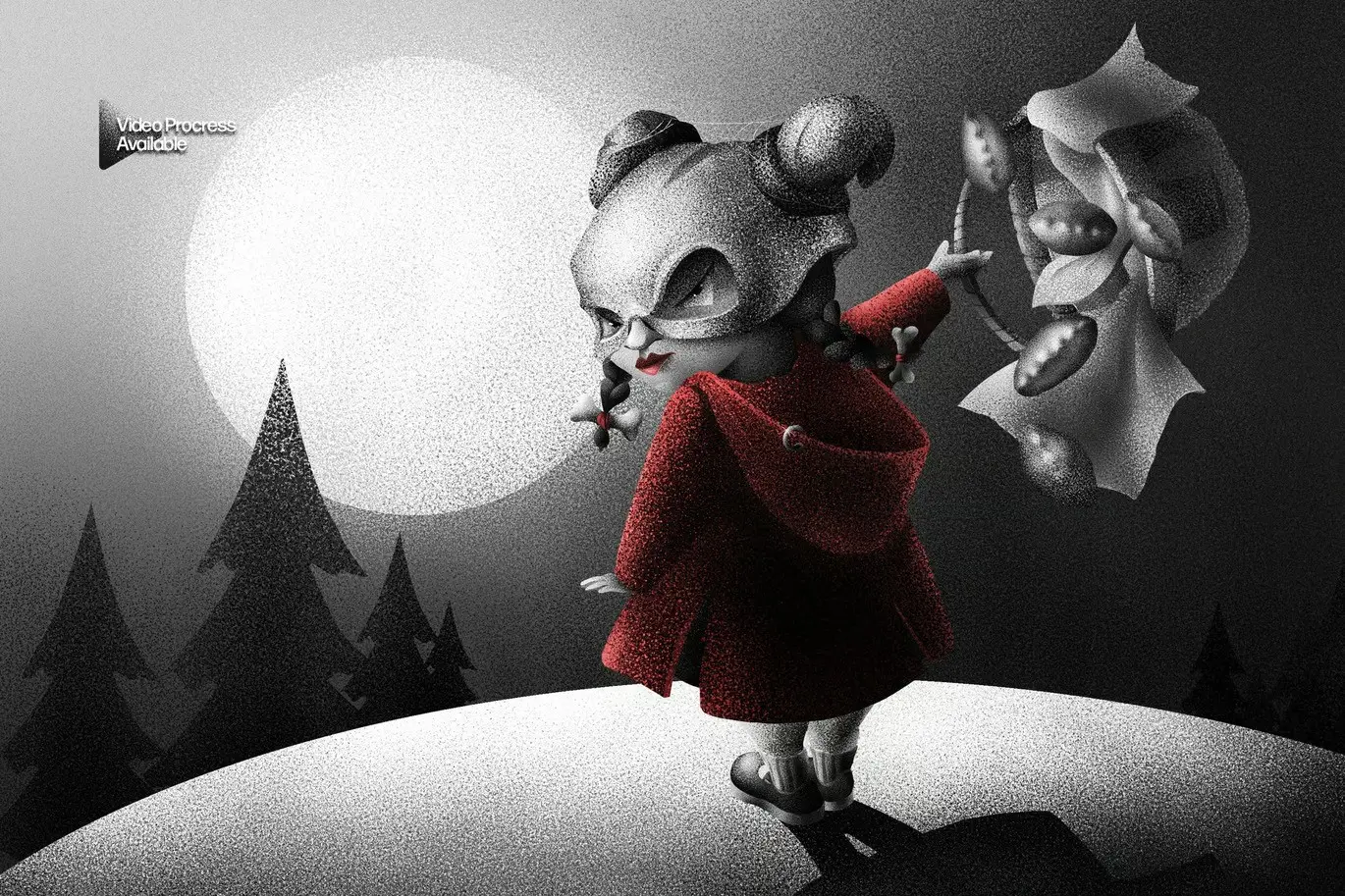
Enhance your artwork effortlessly with the Grim Shader Brushes for Adobe Photoshop. These versatile brushes allow you to seamlessly apply textures to your designs, whether you desire a subtle touch or a bold statement. Perfect for artists of all levels, these brushes help you achieve depth and dimension in your illustrations.
Product Overview
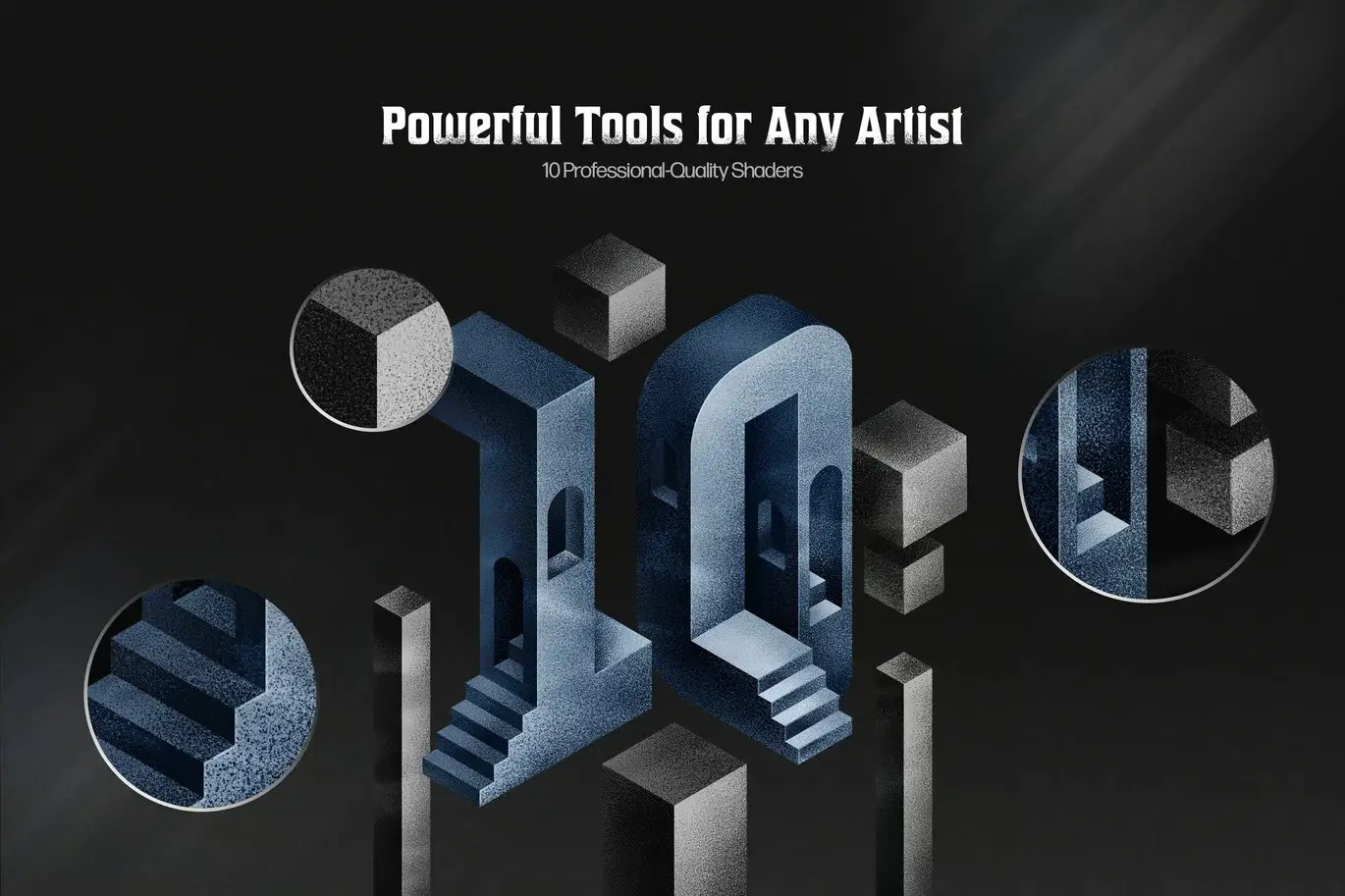
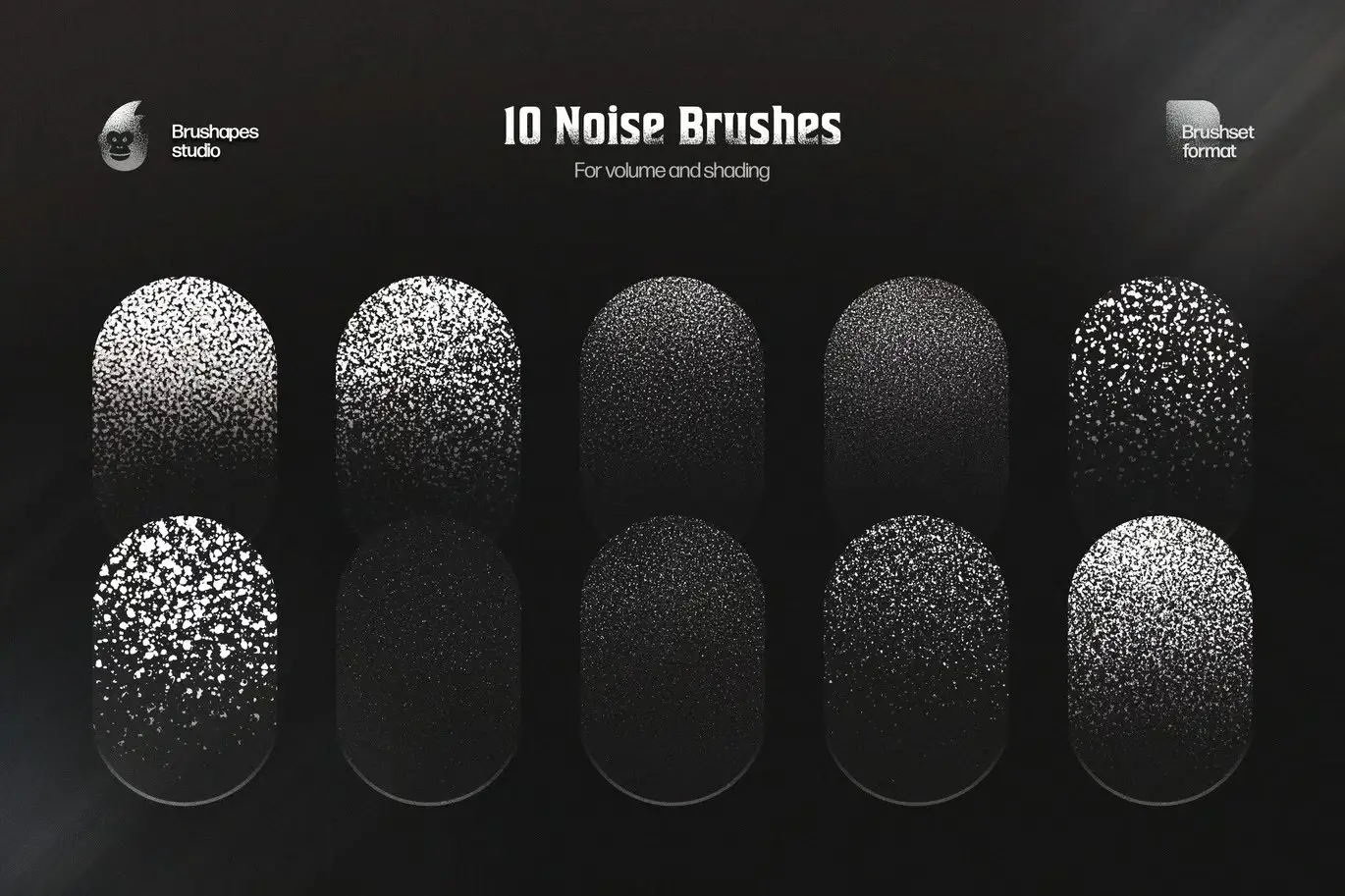
The Grim Shader Brushes set includes 10 unique brushes designed specifically for Adobe Photoshop. These tools are ideal for a wide range of techniques, from flat illustrations to intricate 3D designs. With these brushes, you can easily add volume and texture, enhancing the overall quality of your artwork.
Key Features & Benefits
- ✅ 10 Unique Brushes → Diverse options for various artistic styles.
- ✅ Seamless Texture Application → Easily add subtle or intense textures to your designs.
- ✅ Versatile Usage → Suitable for flat art, 3D illustrations, and everything in between.
- ✅ Depth and Dimension → Create realistic effects that enhance your artwork.
- ✅ User-Friendly → Designed for artists of all skill levels, from beginners to professionals.
Why Choose This Product
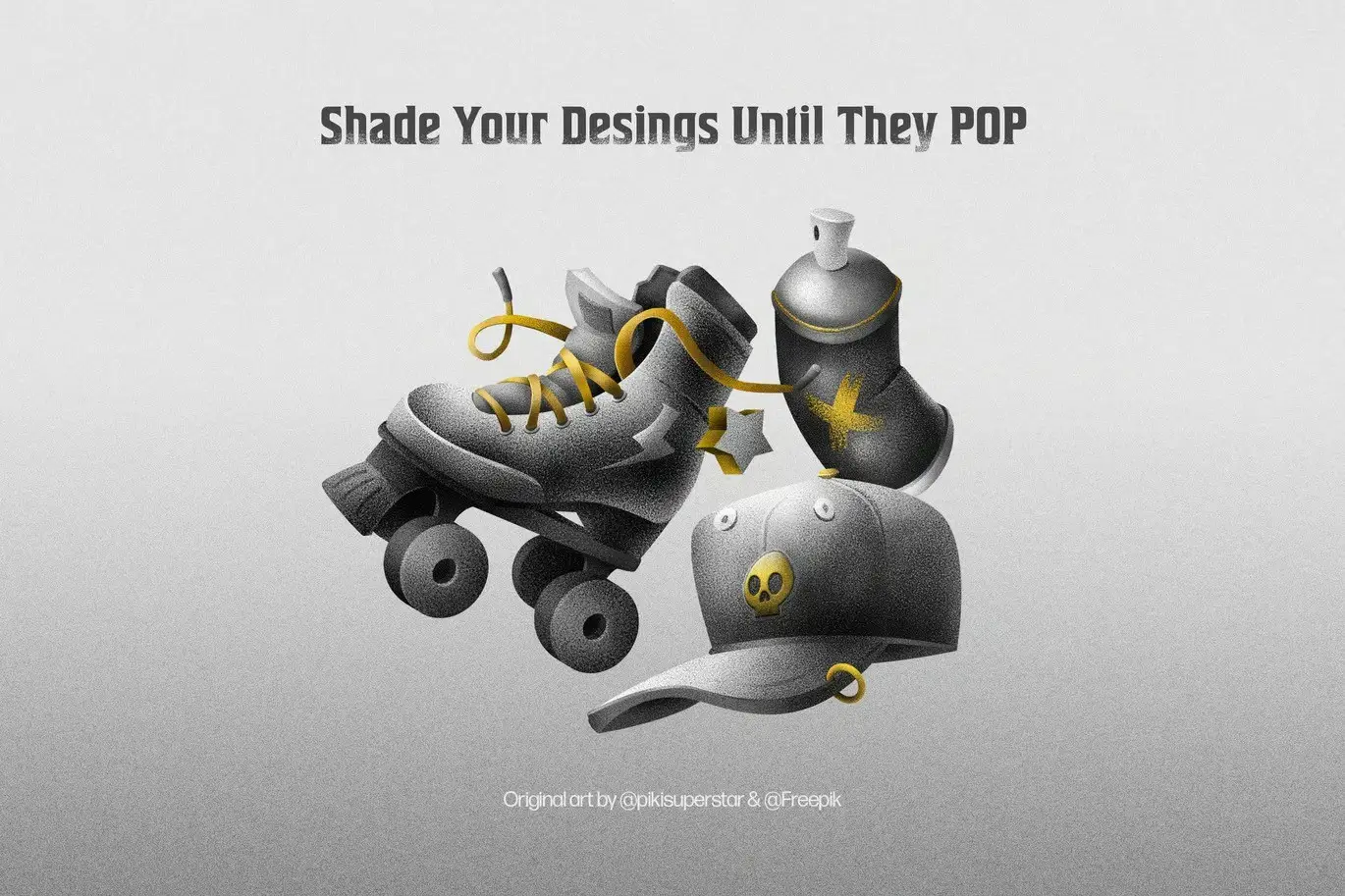
The Grim Shader Brushes stand out due to their quality and versatility. They are trusted by artists worldwide for their ability to transform flat images into dynamic pieces of art. Whether you’re working on a detailed illustration or a simple graphic, these brushes will help you achieve the desired effect with ease.
Specifications
| Brush Count | 10 |
|---|---|
| Software Compatibility | Adobe Photoshop |
| File Format | ABR |
What’s Included
- 📦 10 Grim Shader Brushes in ABR format
- Comprehensive user guide for installation and usage
Perfect For
- Illustrators
- Graphic Designers
- Digital Artists
- Beginners and Professionals alike
How to Use
To get started with the Grim Shader Brushes, simply install the ABR file in Adobe Photoshop. Select the brush tool, choose your desired brush, and begin applying textures to your artwork. Experiment with different settings to find the perfect look for your project.
FAQ
- Can I use these brushes in other software?
No, these brushes are specifically designed for Adobe Photoshop.
- Are there any tutorials available?
Yes, a user guide is included to help you get the most out of your brushes.
Ready to elevate your artwork? Add to cart now and start creating stunning textures with the Grim Shader Brushes! 🚀
User Reviews
Be the first to review “Grim Shader Adobe Photoshop Brushes”
You must be logged in to post a review.



Defocus Motion Effect for Posters
Sold by
Original price was: $5.00.$2.50Current price is: $2.50.


There are no reviews yet.