
Gouache Paint Photo Effect
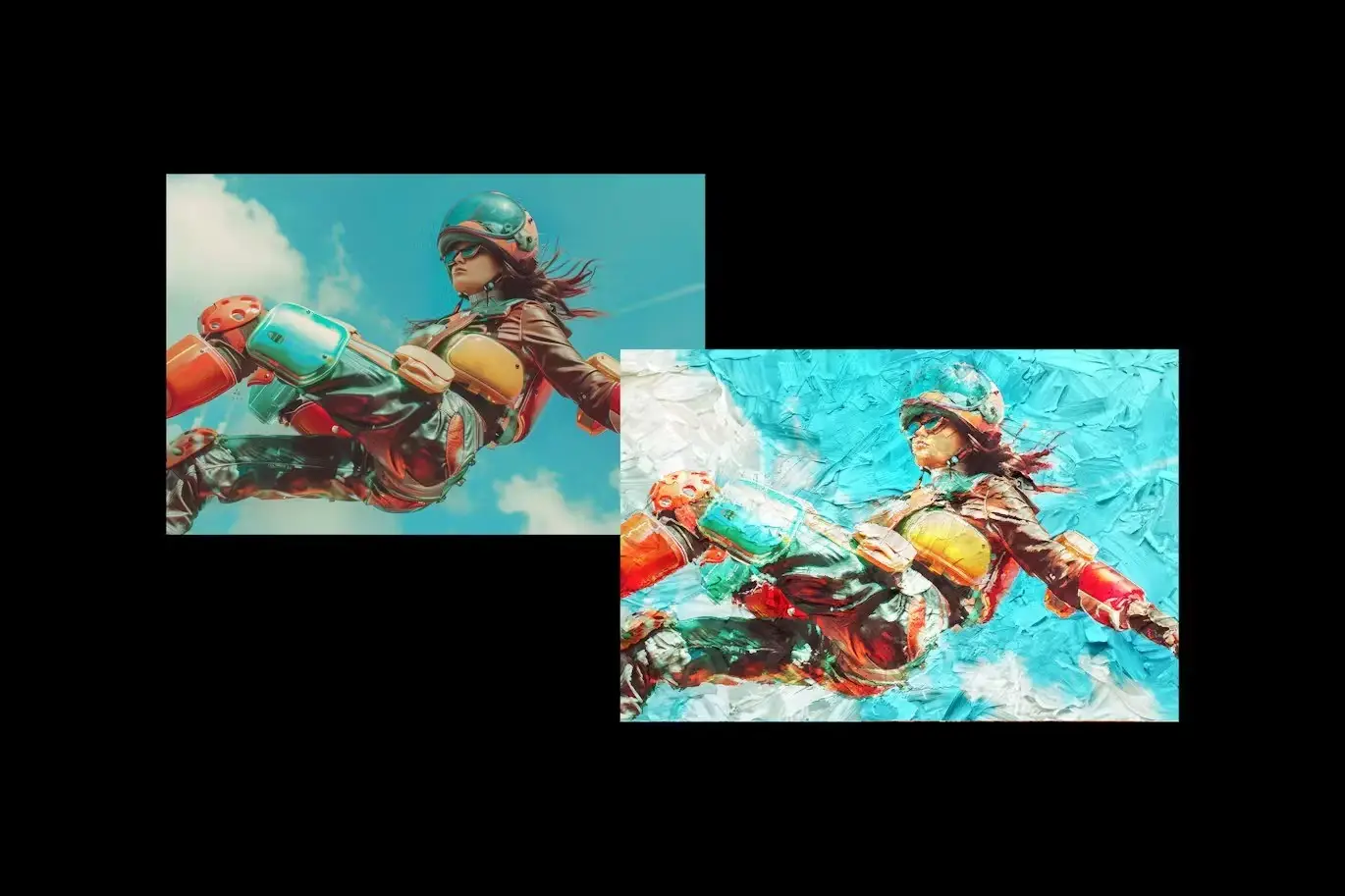
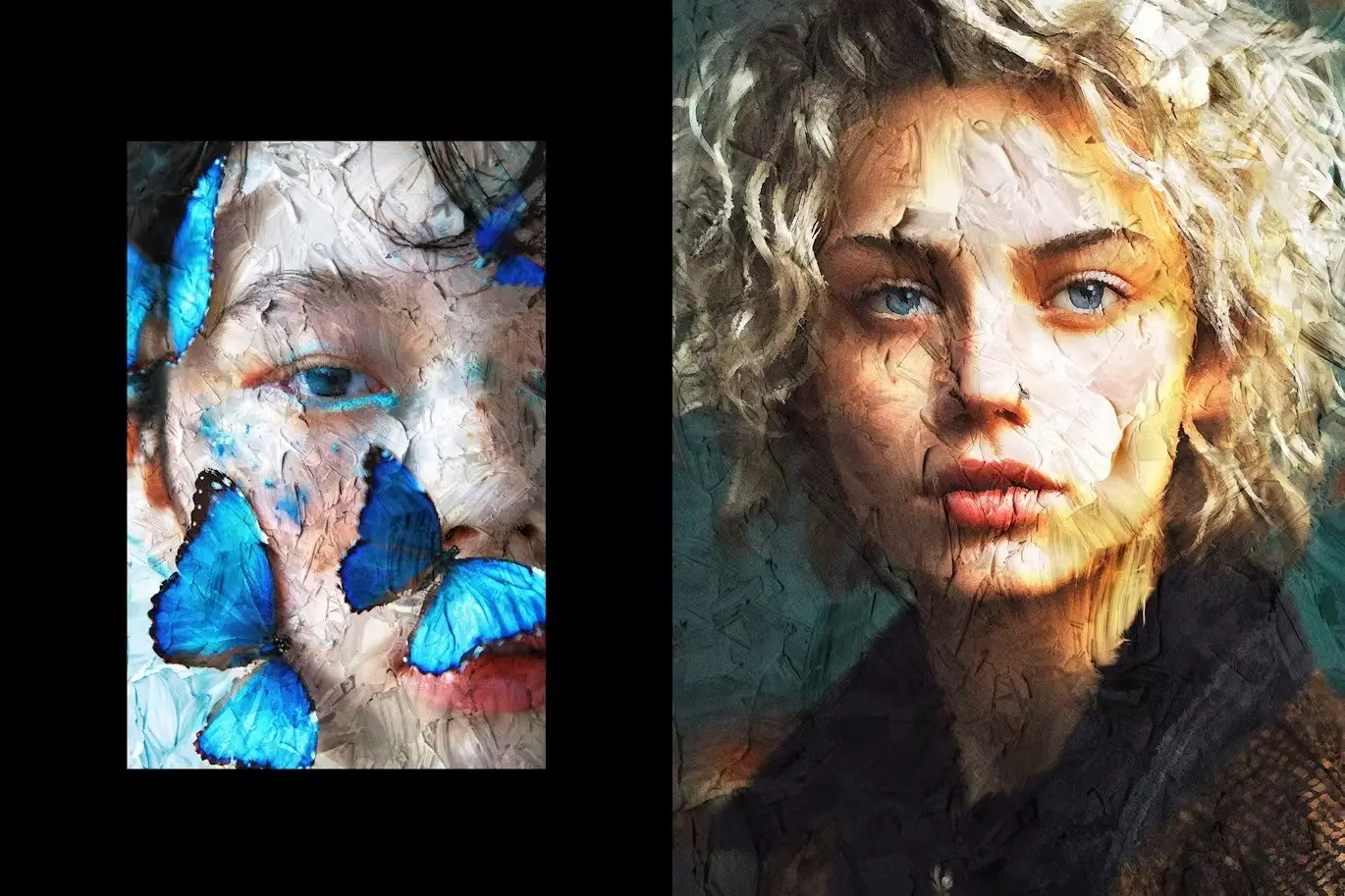
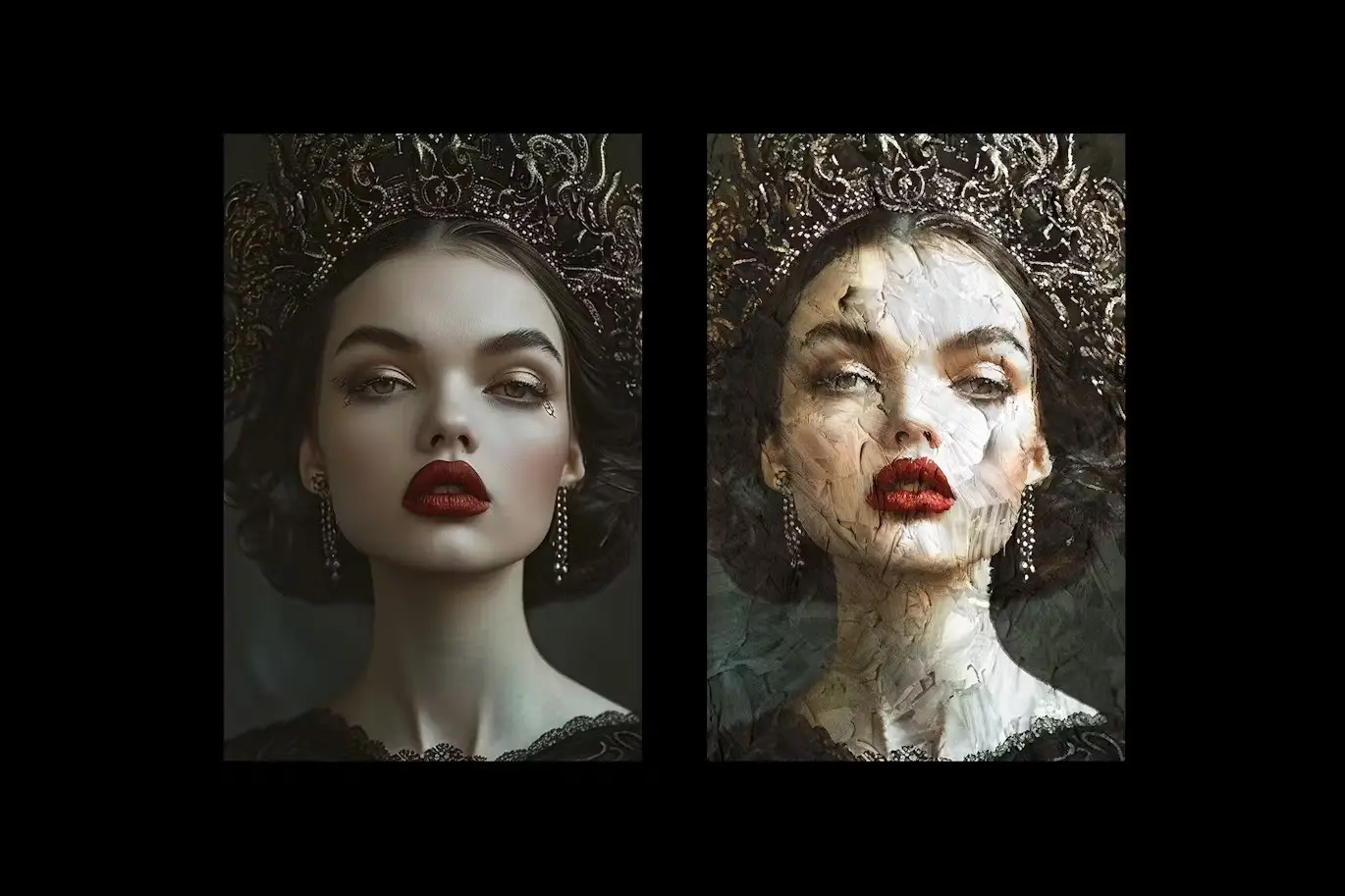
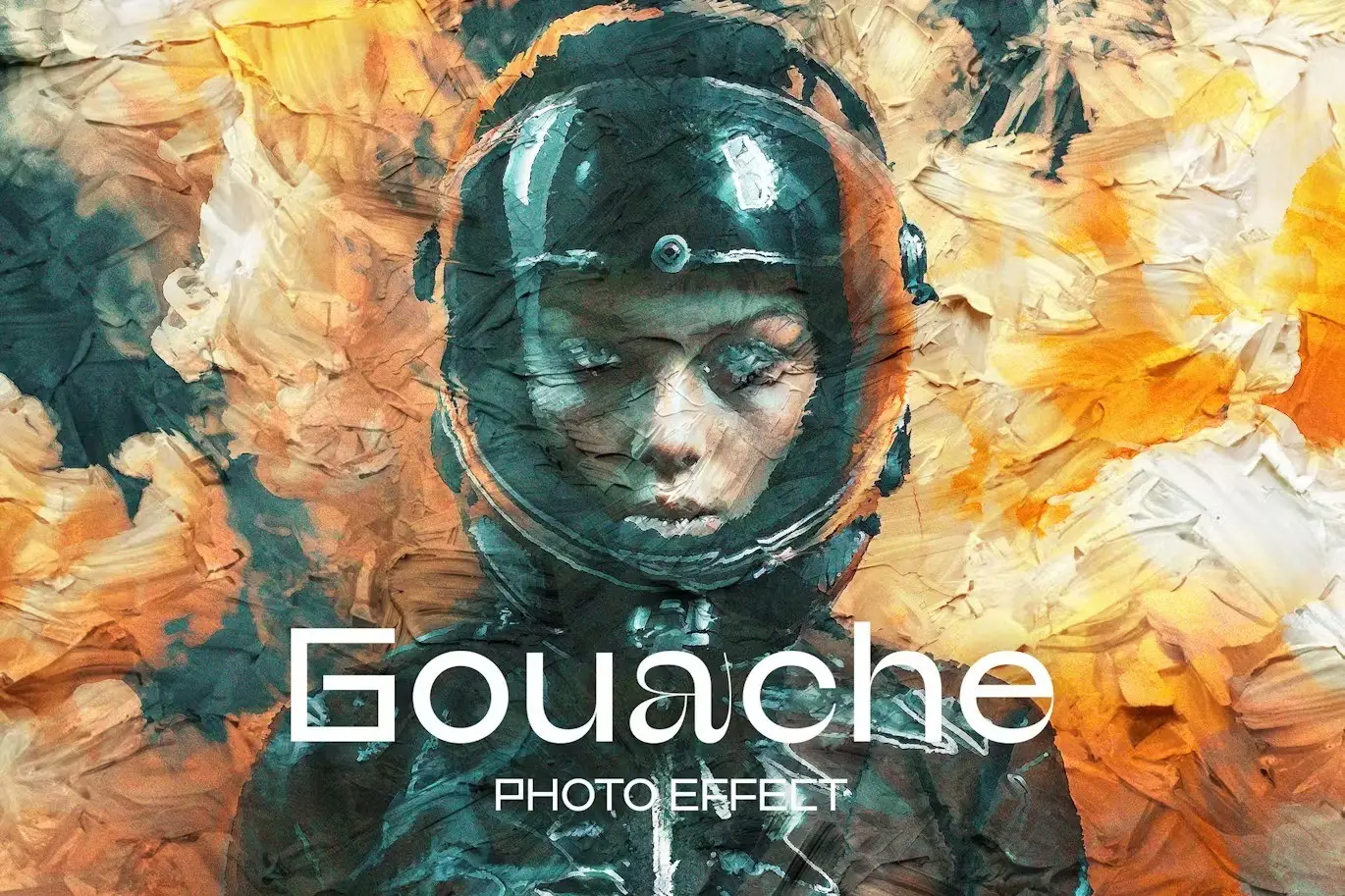
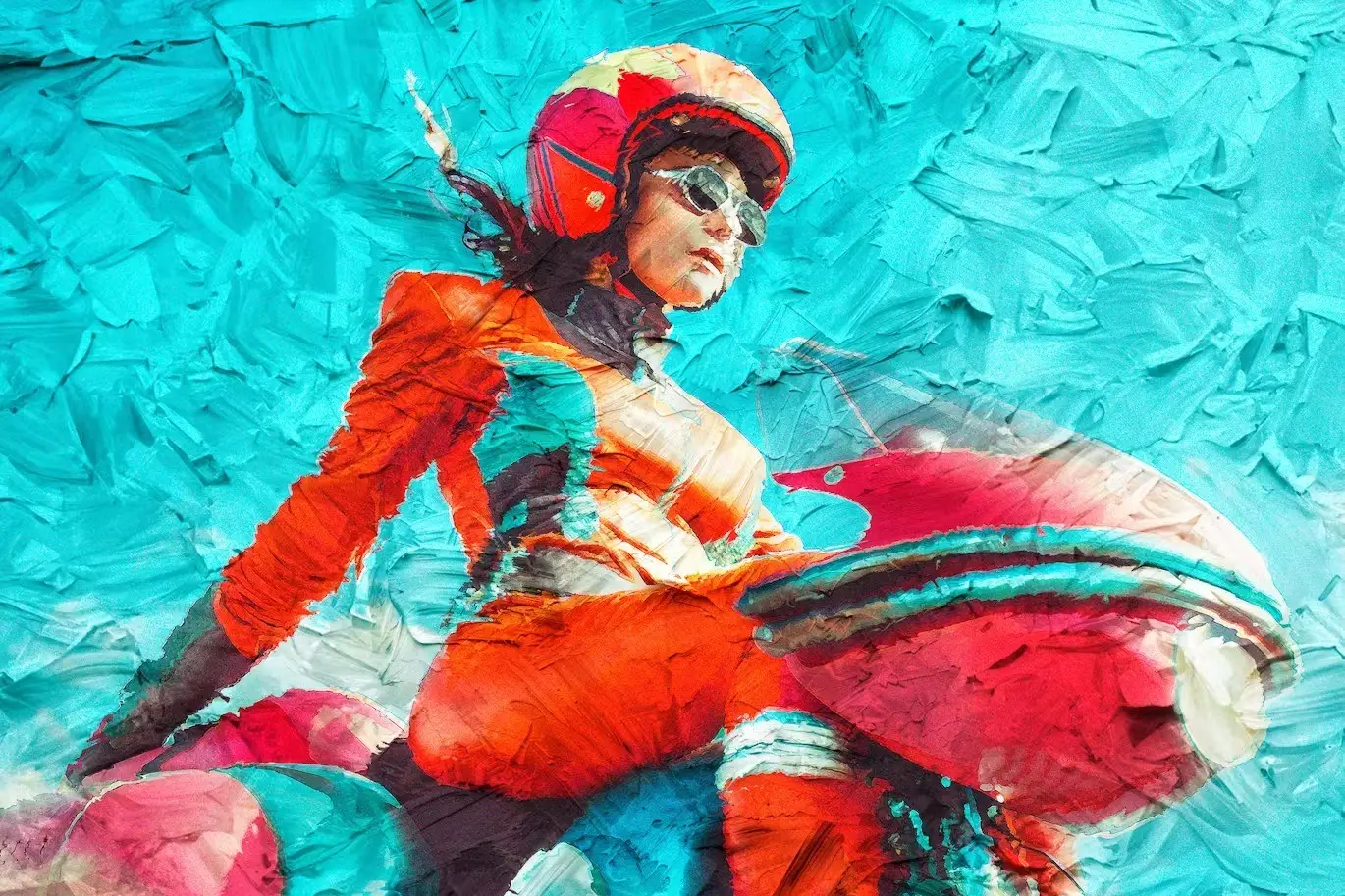
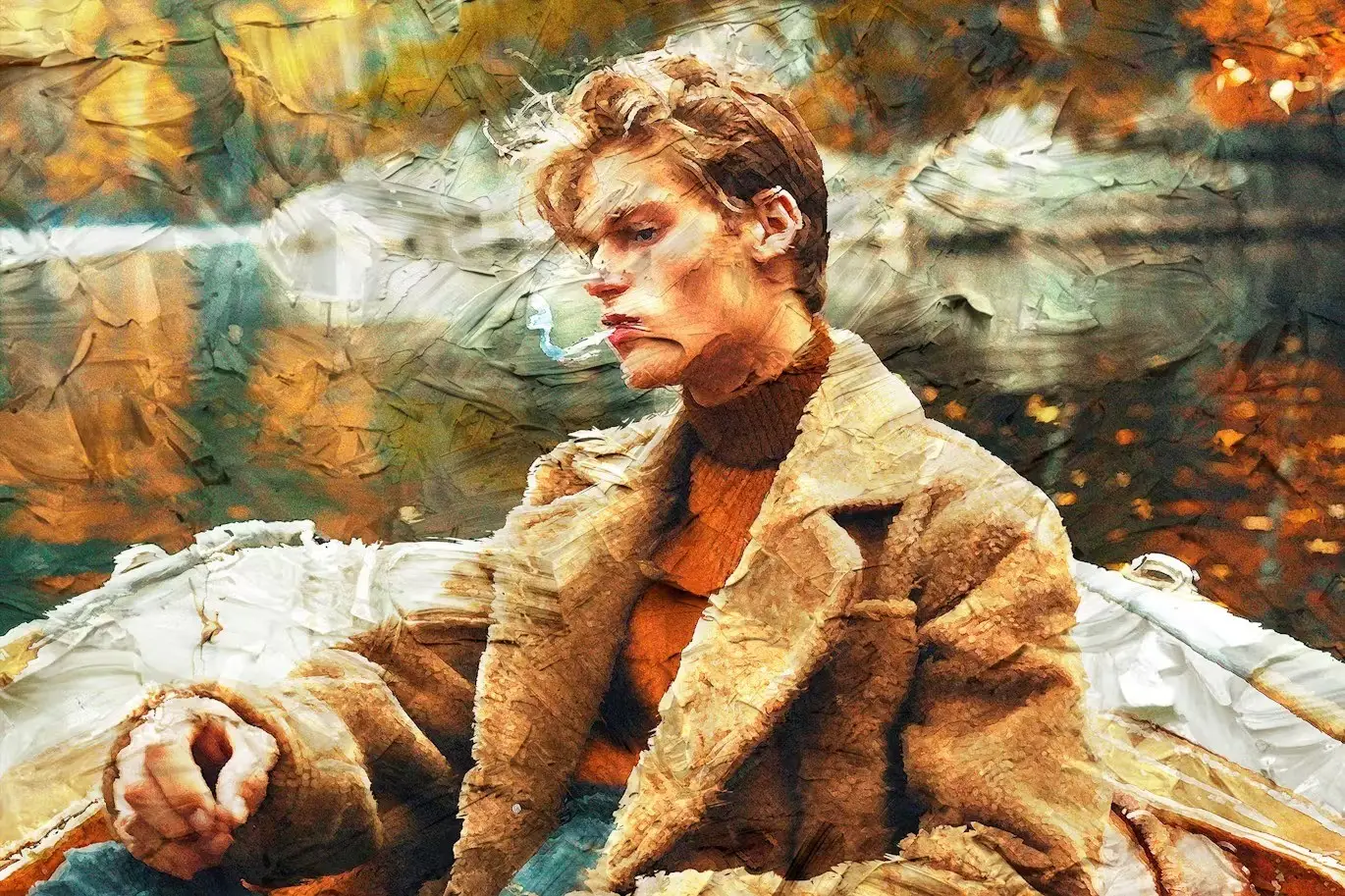
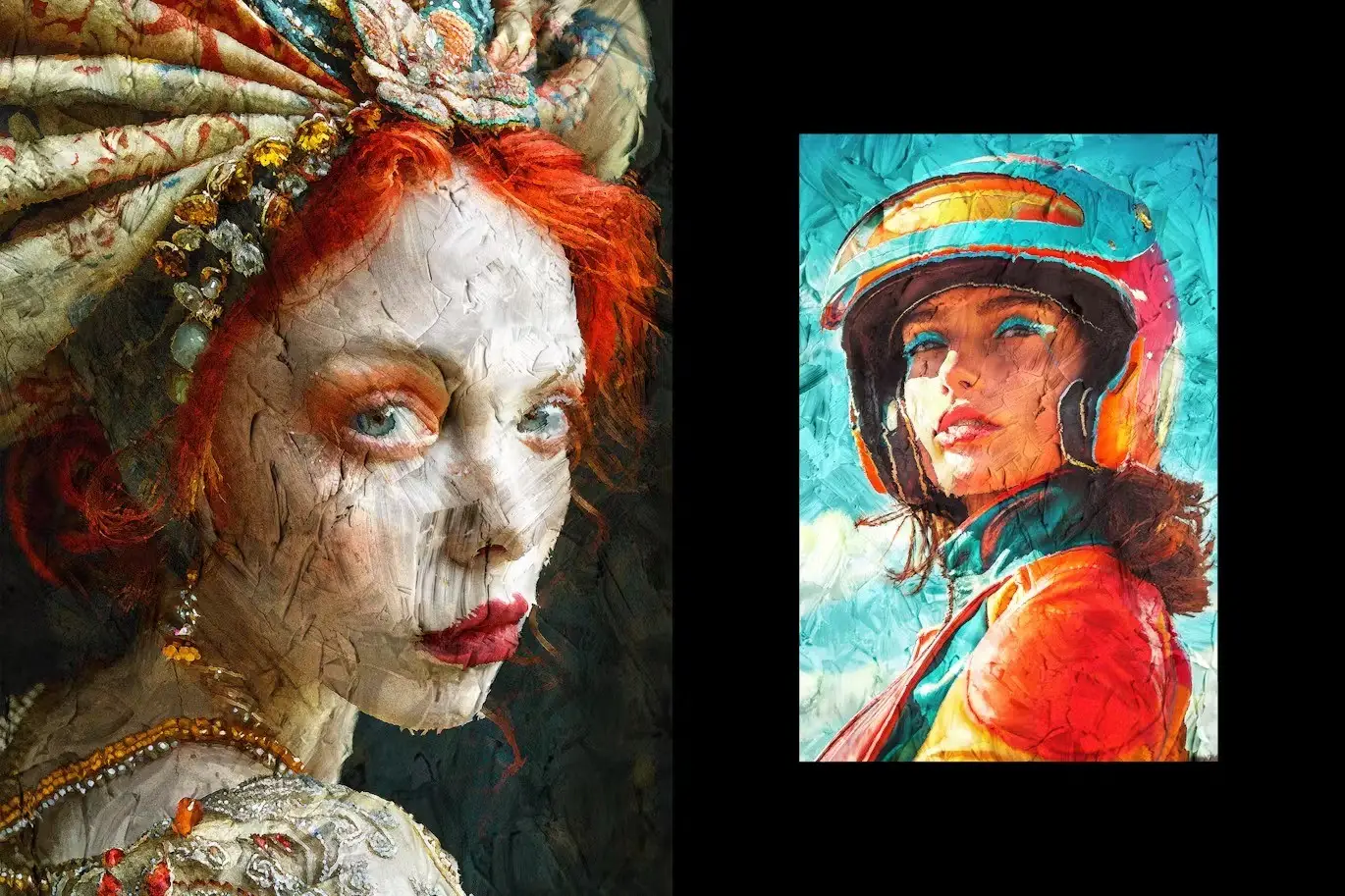
Gouache Paint Photo Effect
Create stunning, high-quality images effortlessly with the Gouache Paint Photo Effect. This unique photo effect allows you to transform your photos into artistic masterpieces in just a few clicks. With Smart Object layers, you gain complete customization and versatility in your design process.
Product Overview
This digital design asset is perfect for photographers, graphic designers, and artists looking to add a touch of creativity to their work. The Gouache Paint Photo Effect is designed to enhance your images, making them visually captivating and professional.
Key Features & Benefits
- ✅ Smart Object Layers → Easily customize your images by double-clicking the layer thumbnails.
- ✅ High-Quality PSD Files → Includes two PSD files (4500×3000 px and 3000×4500 px at 300 dpi) for versatile use.
- ✅ User-Friendly → Simple process to replace placeholder images and apply the effect.
- ✅ Adjustment Features → Fine-tune your composition with various adjustment options for the perfect finish.
- ✅ Comprehensive Help File → Get started quickly with an included help file for guidance.
Why Choose This Product
The Gouache Paint Photo Effect stands out due to its ease of use and professional results. Whether you are a beginner or an experienced designer, this asset simplifies the creative process while delivering stunning results. Trusted by artists worldwide, this effect will elevate your photography and design projects.
Specifications
| File Type | PSD |
|---|---|
| Dimensions | 4500×3000 px, 3000×4500 px |
| DPI | 300 |
| Included Files | 2 PSD files, Help file |
What’s Included
- 📦 2 high-quality PSD files
- 📦 Comprehensive help file
Perfect For
- Photographers
- Graphic Designers
- Artists
- Content Creators
How to Use
1. Open the PSD file in Photoshop.
2. Double-click the Smart Object layer thumbnail.
3. Replace the placeholder image with your graphics.
4. Save the changes and enjoy your new artistic effect!
FAQ
- Can I use this effect for commercial projects?
Yes, the Gouache Paint Photo Effect can be used for both personal and commercial projects.
- Do I need advanced Photoshop skills to use this?
No, the user-friendly design makes it accessible for all skill levels.
Ready to transform your images? Add to cart now and start creating stunning art today! 🚀
User Reviews
Be the first to review “Gouache Paint Photo Effect”
You must be logged in to post a review.
Original price was: $5.00.$2.50Current price is: $2.50.


There are no reviews yet.