
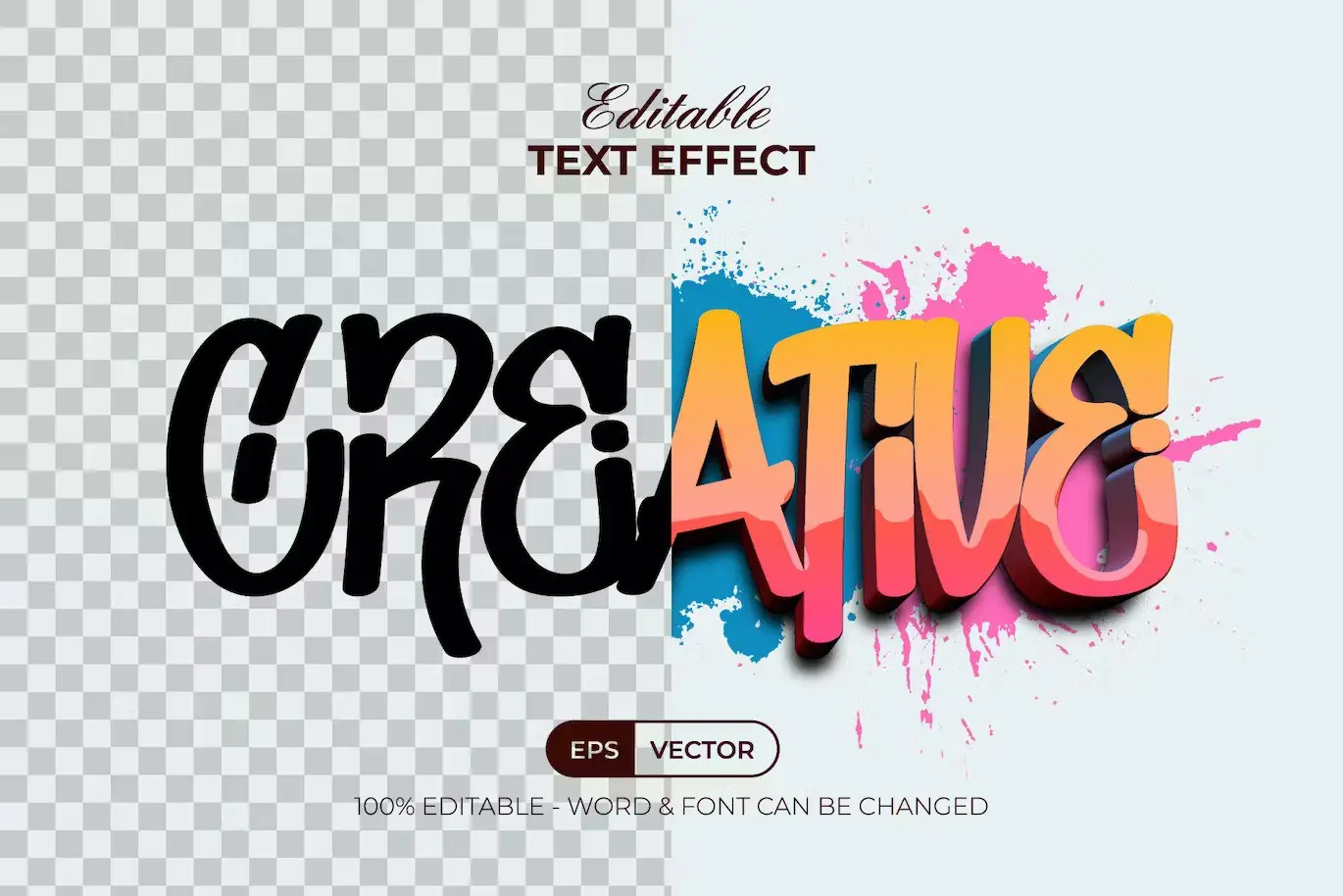

Creative Text Effect Graffiti Style
Transform your designs with the Creative Text Effect Graffiti Style. This unique set of Adobe Illustrator text effects is designed to elevate your typography, making it easy to create stunning graffiti-style text that stands out. Whether you’re working on a poster, social media graphic, or any creative project, this effect is your solution for eye-catching designs.
Product Overview
This product is a collection of editable text effects available in Adobe Illustrator’s graphic styles menu. Simply replace the placeholder text or shapes with your own, and apply the graffiti effect to achieve a modern and artistic look. It’s perfect for designers who want to add a creative flair to their typography without the hassle.
Key Features & Benefits
- ✅ Easy to Edit → Quickly customize text and shapes to fit your project needs.
- ✅ Well Organized Layers → Navigate and modify your designs effortlessly.
- ✅ 100% Editable Text and Font → Personalize every aspect of your design.
- ✅ RGB Color → Ideal for digital projects and vibrant displays.
- ✅ Free Font Used → Enhance your designs without additional costs.
- ✅ Read Me Text Included → Access helpful information and font download links.
Why Choose This Product
The Creative Text Effect Graffiti Style stands out for its versatility and ease of use. Unlike standard fonts, this product offers a unique design approach that allows for complete customization. Trusted by designers worldwide, this text effect is perfect for those looking to make a statement in their work.
Specifications (Technical Details)
| File Type | EPS, AI, JPEG |
|---|---|
| Compatibility | Adobe Illustrator CC or above |
| Color Mode | RGB |
| Included Files | 1 EPS file, 1 AI file, 1 JPEG preview, 1 Read Me Txt |
What’s Included / What’s in the Box
- 📦 1 EPS file
- 📦 1 AI file
- 📦 1 JPEG preview
- 📦 1 Read Me Txt (including font download links)
Perfect For
- Graphic Designers
- Social Media Managers
- Marketing Professionals
- Artists and Illustrators
- Anyone looking to enhance their typography
How to Use
To use the Creative Text Effect Graffiti Style, simply open the Adobe Illustrator file, select the text or shape you want to modify, and apply the graffiti effect from the graphic styles menu. Customize the text as needed to create your unique design.
FAQ
- Is this a font? No, this is a text effect design, not a font.
- Can I use it for commercial projects? Yes, you can use this effect for both personal and commercial projects.
Feel free to reach out if you have any questions or need assistance! 😊
User Reviews
Be the first to review “Creative Text Effect Graffiti Style”
You must be logged in to post a review.

Cartoon Text Effect Handwrite Style
Sold by
Comic Text Effect Red Shiny Style
Sold by


Comic Editable Text Effect Style
Sold by

Original price was: $5.00.$2.50Current price is: $2.50.


There are no reviews yet.