
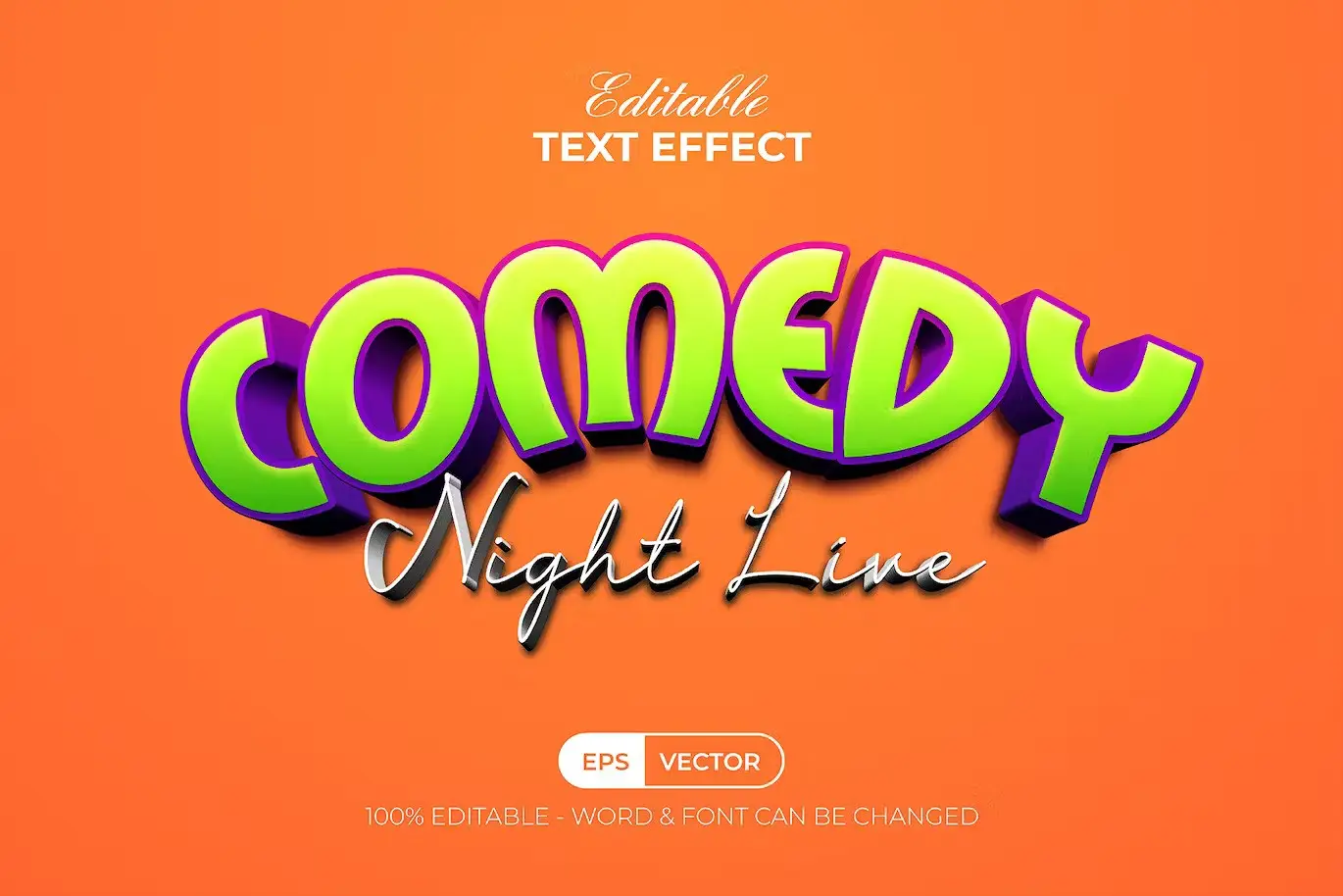
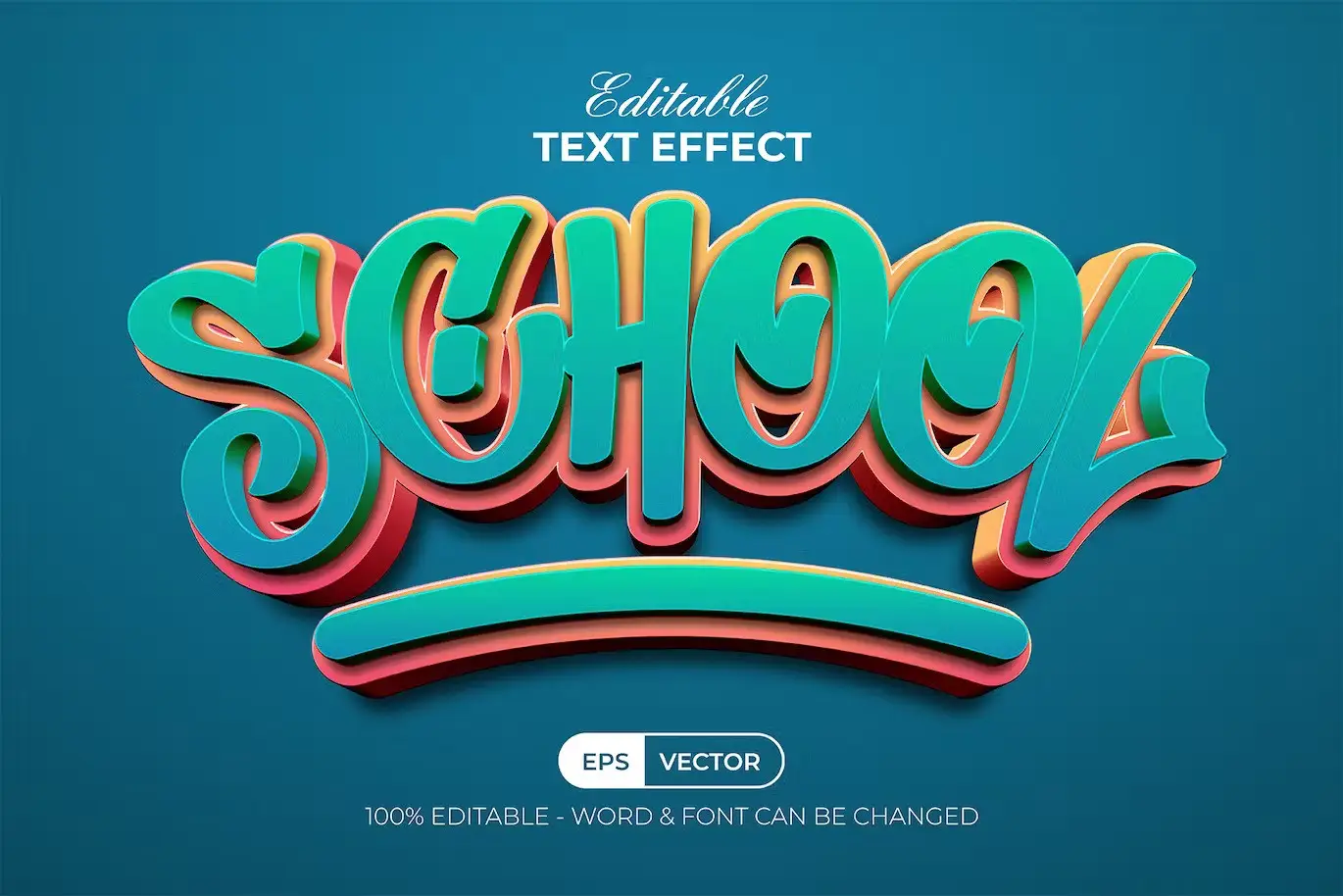
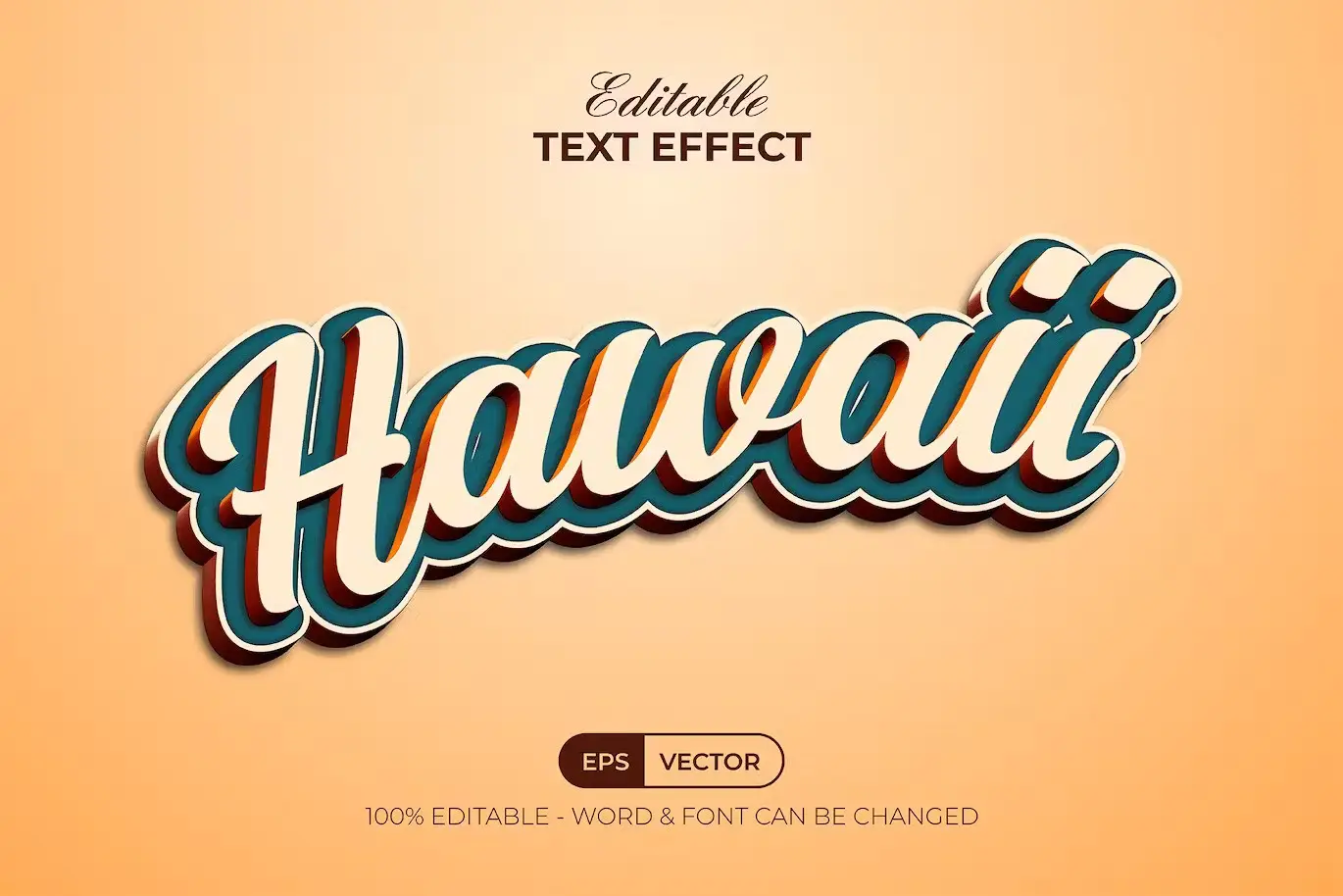
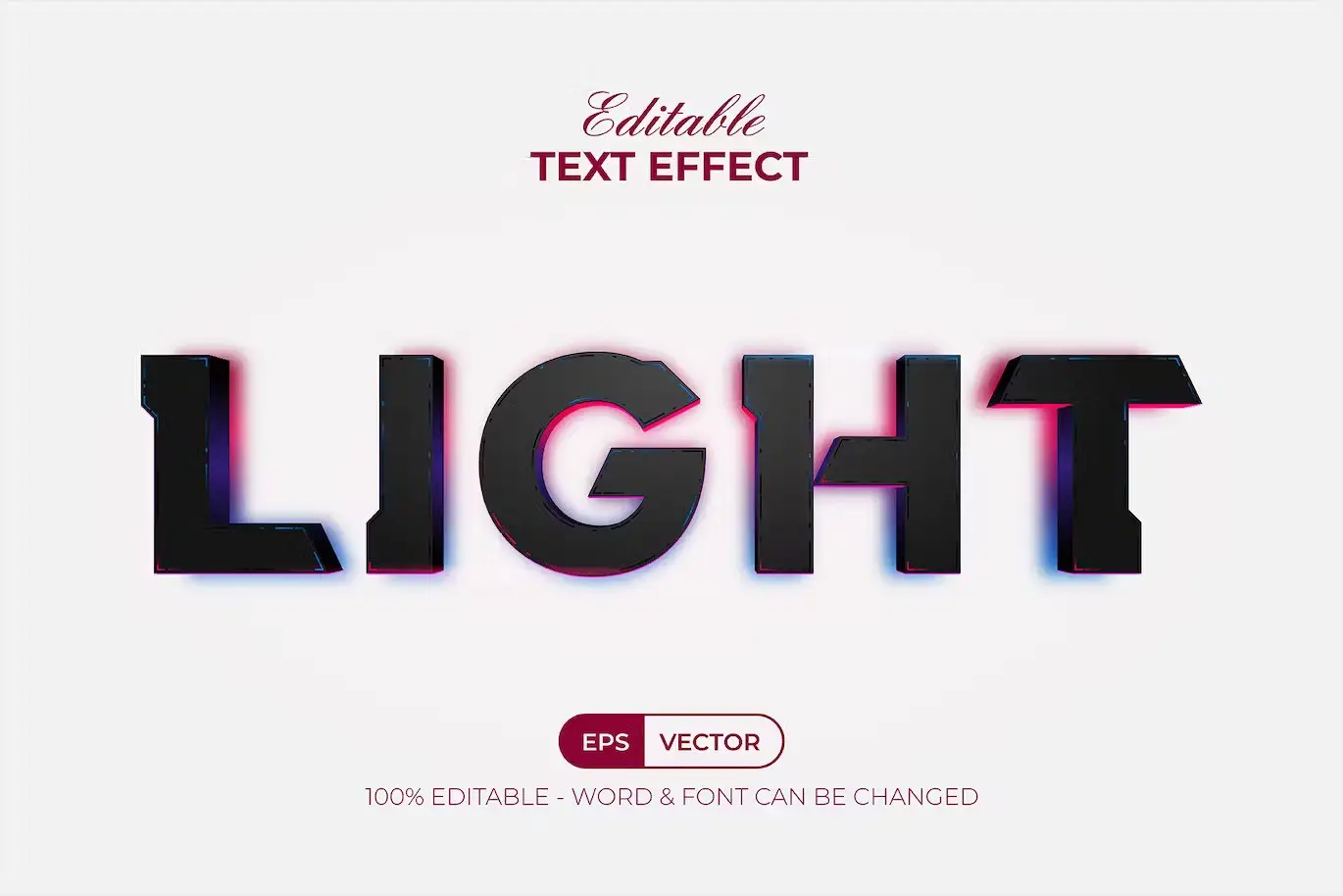
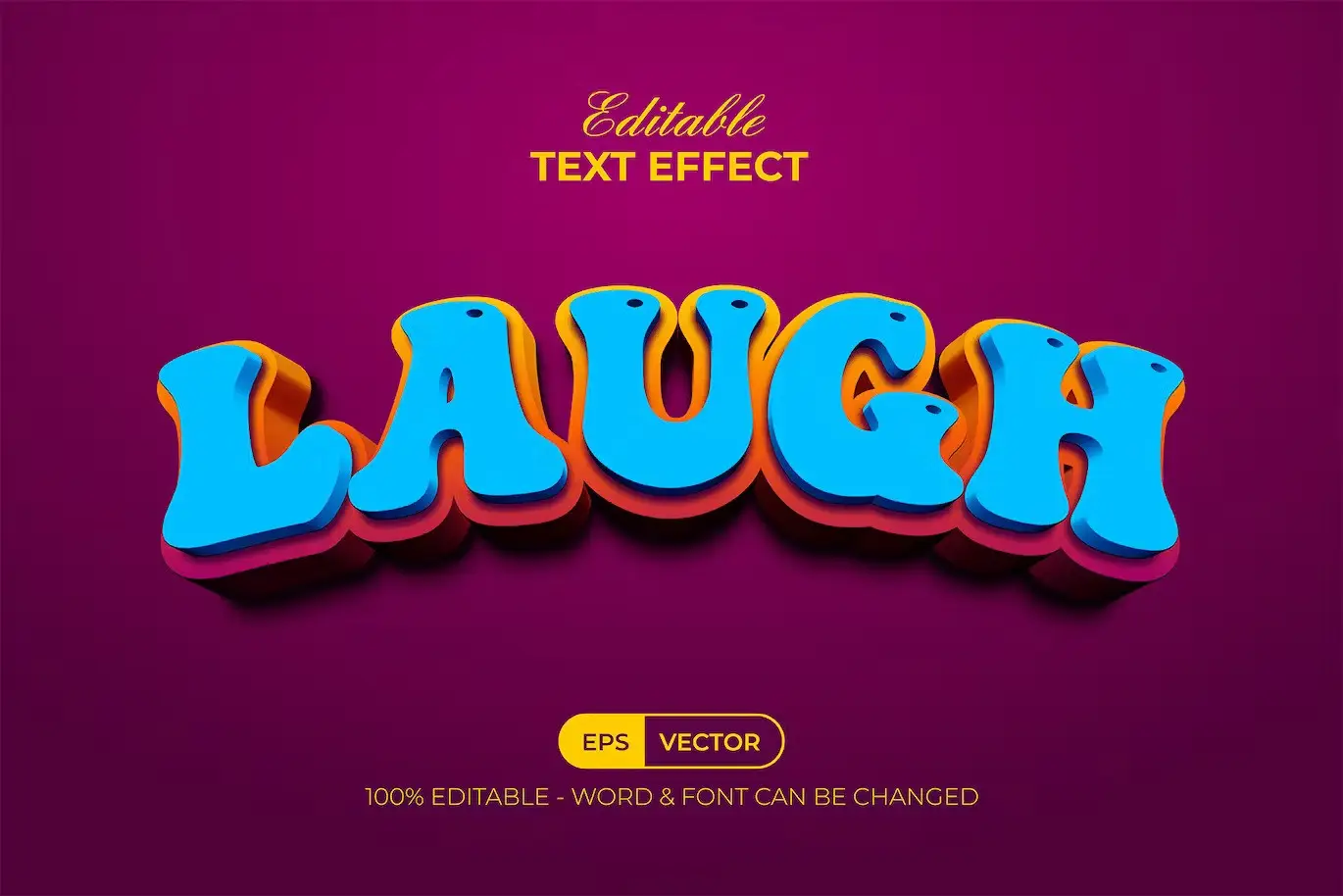
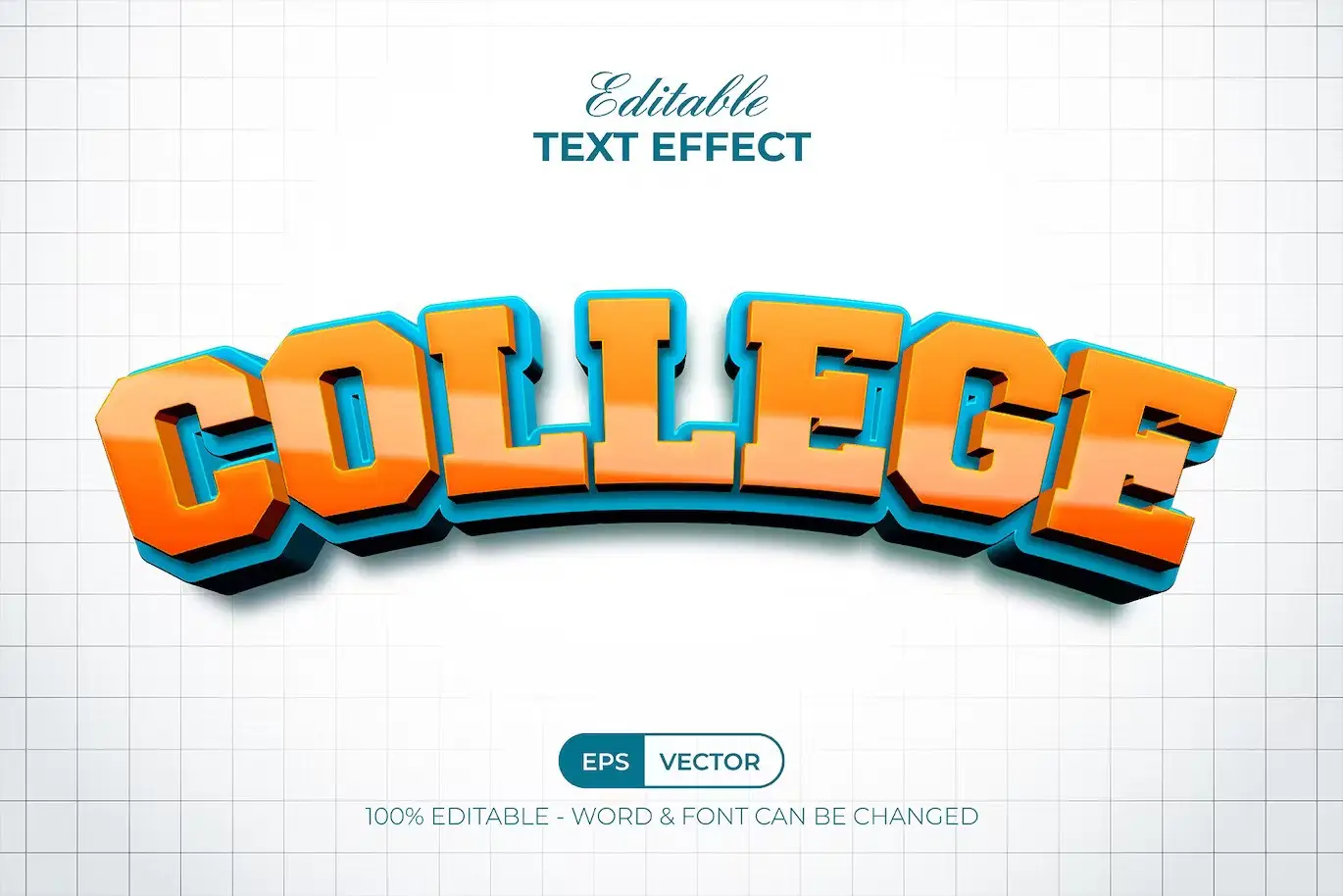
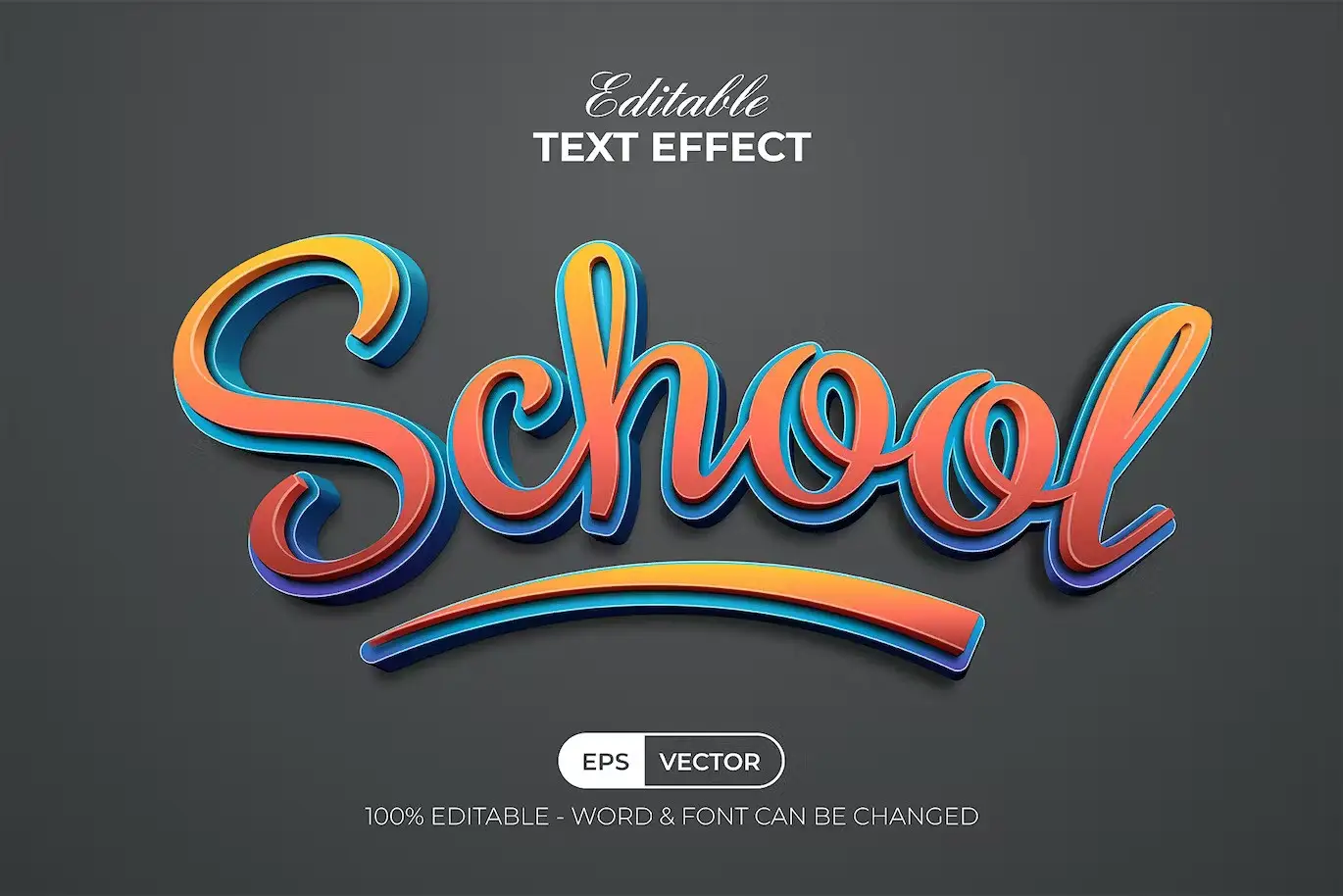
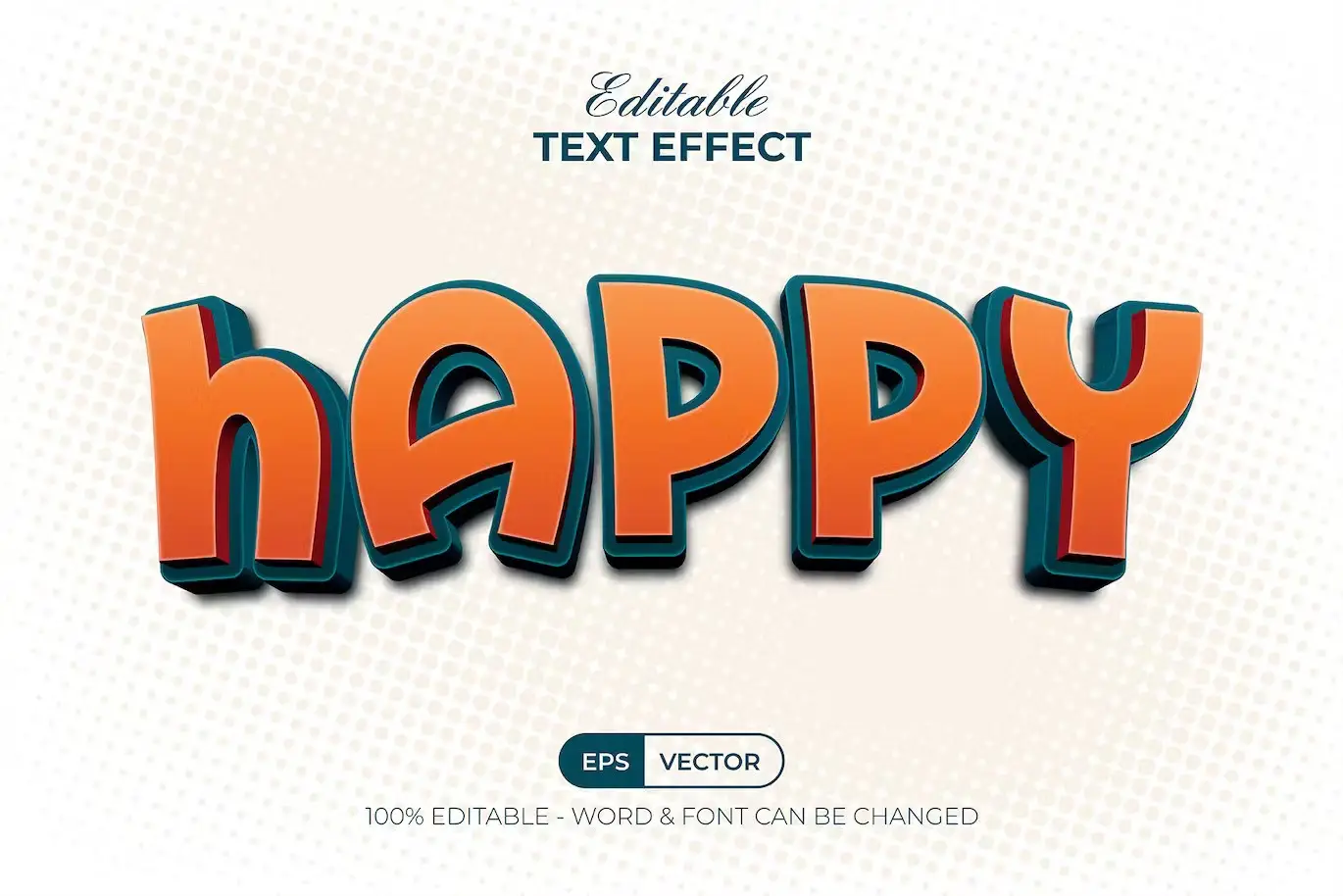

8 3D Text Effect Style for Adobe Illustrator
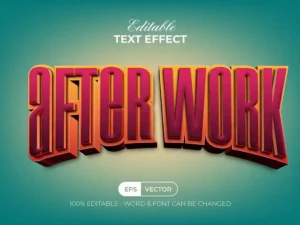
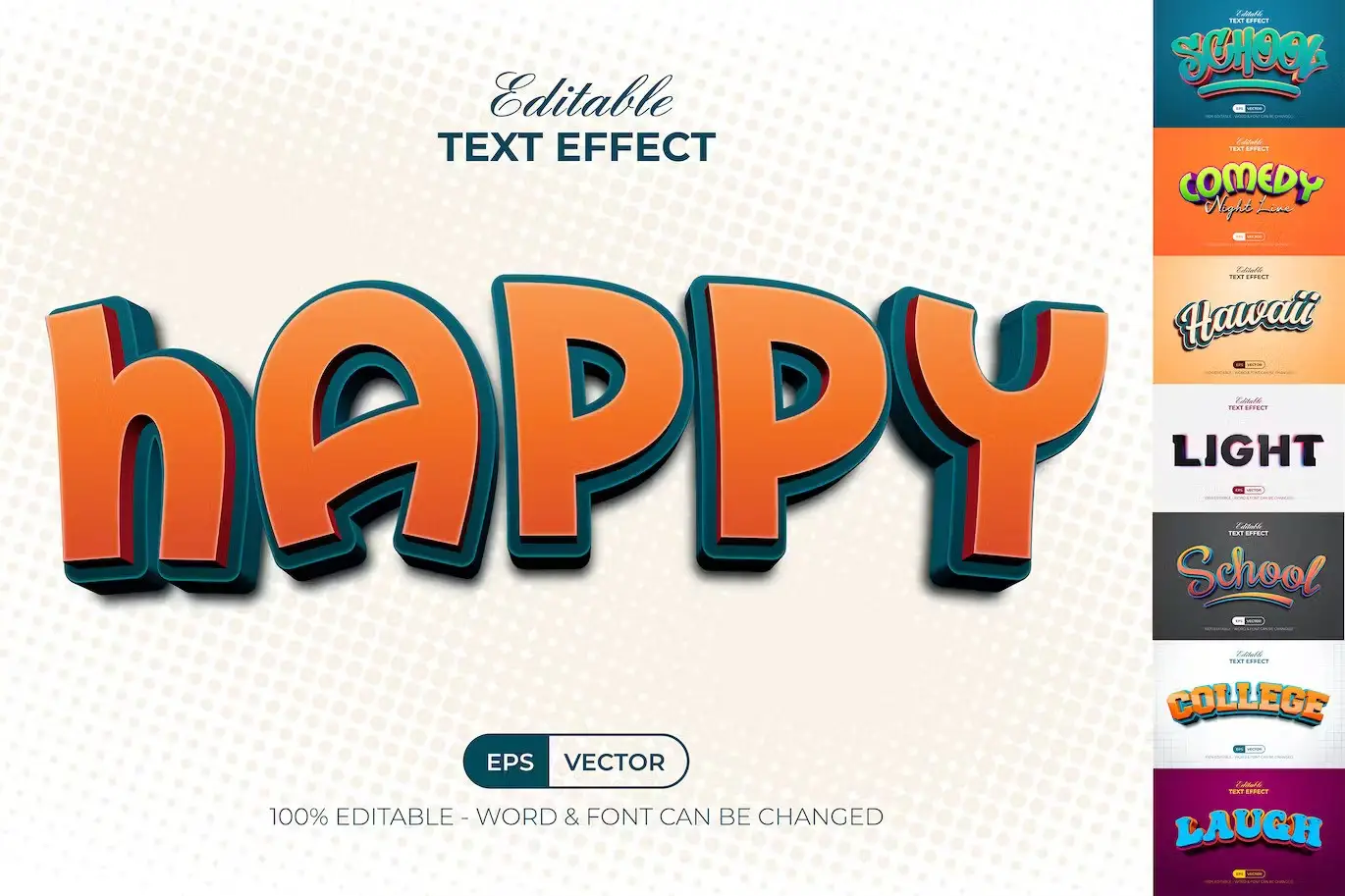
Transform your typography with the 8 3D Text Effect Style. This exclusive set of graphic styles for Adobe Illustrator allows you to effortlessly create stunning 3D text effects that will elevate your designs. Whether you’re working on a school project or a professional graphic, these styles are the perfect solution for adding depth and vibrancy to your text.
Product Overview
The 8 3D Text Effect Style is designed for anyone looking to enhance their text with modern, colorful effects. With just a few clicks, you can replace the placeholder text or shapes with your own, applying these dynamic styles from the graphic styles menu. It’s an ideal choice for both beginners and experienced designers alike.
Key Features & Benefits
- ✅ 8 Different Styles → Diverse options to suit various design needs.
- ✅ 100% Editable → Customize each style to fit your project perfectly.
- ✅ Easy to Use → Simply click to apply and watch your text come to life.
- ✅ No Skill Requirement → Perfect for everyone, regardless of design experience.
- ✅ Read Me TXT File → Includes instructions for easy setup and use.
- ✅ Free Font Included → Get started right away with the fonts used in the previews.
Why Choose This Product
The 8 3D Text Effect Style stands out due to its user-friendly design and professional quality. Trusted by designers worldwide, this set not only saves you time but also enhances your creative projects with minimal effort. Imagine the impact of your designs as you easily apply these vibrant styles, making your text pop and grab attention.
Specifications
| File Format | EPS, AI, JPG |
|---|---|
| Compatibility | Adobe Illustrator CC or above |
| Included Files | 8 EPS Files, 1 AI (8 Artboards), 1 AI (Graphic Style Only), 8 JPG Previews |
What’s Included / What’s in the Box
- 📦 8 EPS Files
- 📦 1 AI File with 8 Artboards
- 📦 1 AI File for Graphic Style Only
- 📦 8 JPG Preview Images
- 📦 Read Me TXT File
Perfect For
- Graphic Designers
- Students working on projects
- Marketing professionals
- Anyone looking to enhance their typography
How to Use
1. Open Adobe Illustrator and load the provided files.
2. Select the text or shape you want to apply the effect to.
3. Navigate to the graphic styles menu and choose your desired 3D text effect.
4. Enjoy your beautifully styled text!
FAQ
- Can I customize the styles? Yes, all styles are 100% editable to fit your needs.
- What version of Illustrator do I need? This product is compatible with Adobe Illustrator CC and above.
Add to cart now and start creating stunning text effects today! 🚀
User Reviews
Be the first to review “8 3D Text Effect Style”
You must be logged in to post a review.
Cartoon Text Effect Handwrite Style
Sold by
Comic Text Effect Red Shiny Style
Sold by
Cute Graffiti Text Effect Style
Sold by
Original price was: $5.00.$2.50Current price is: $2.50.


There are no reviews yet.