
Christmas 2 Photoshop Action

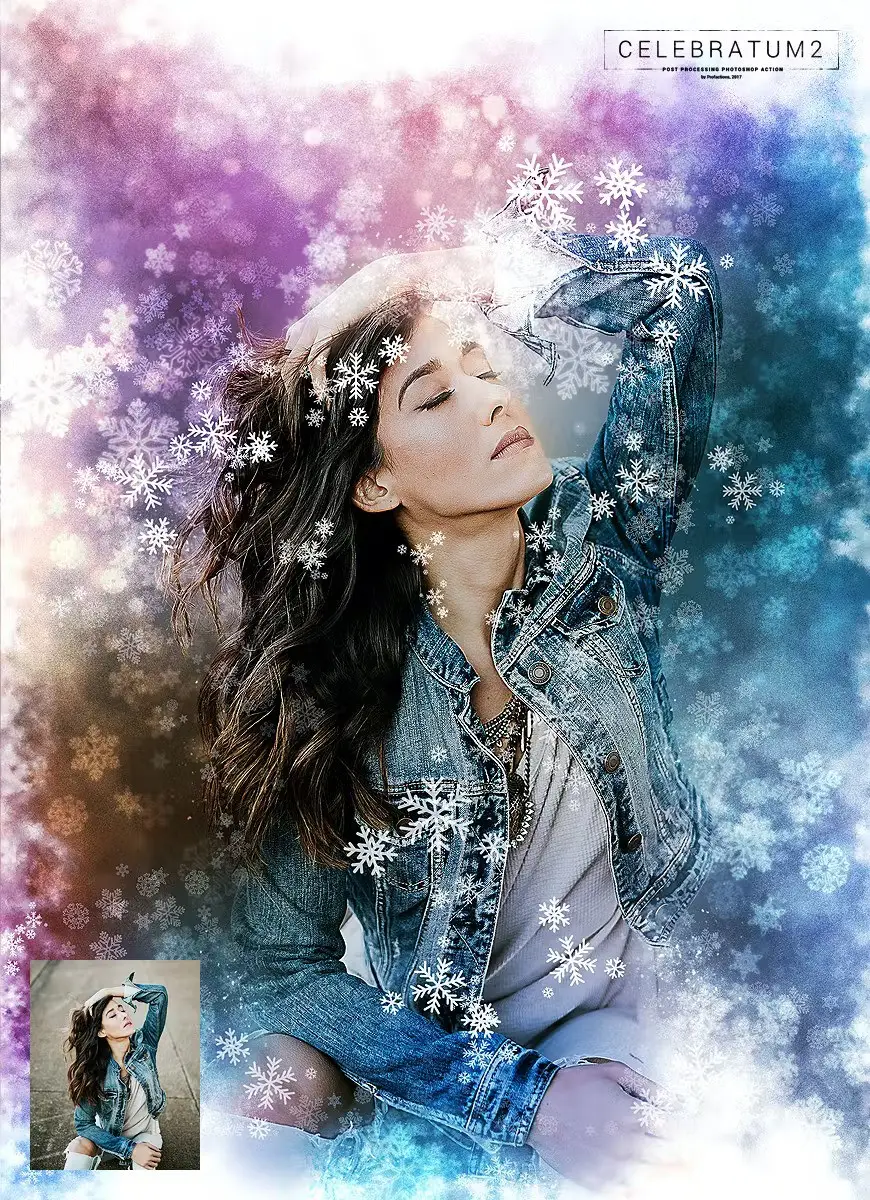
Original price was: $5.00.$2.50Current price is: $2.50.

Profactions
Product Specs:
- Compatible with: Actions
- File Type: ZIP
- File Size: 3.0 MB
- Instant Download
Christmas 2 Photoshop Action
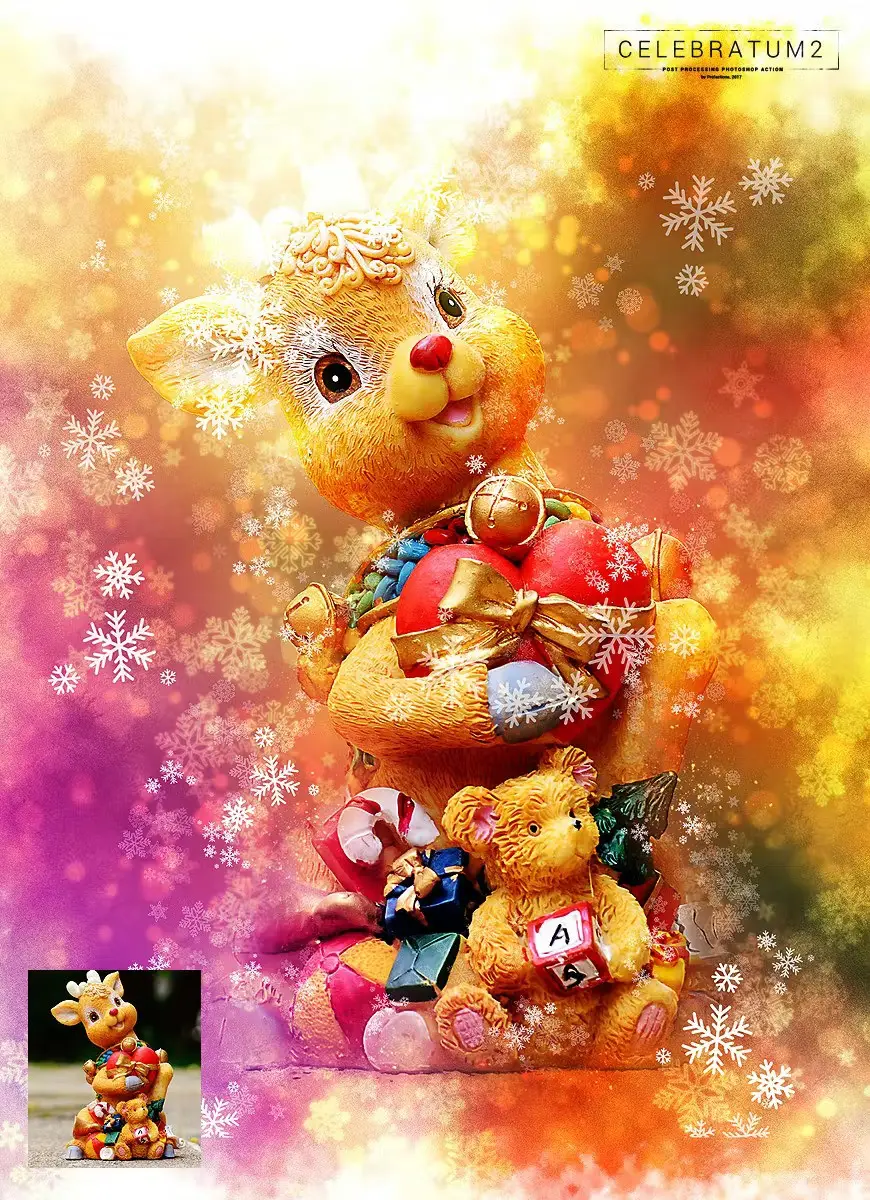
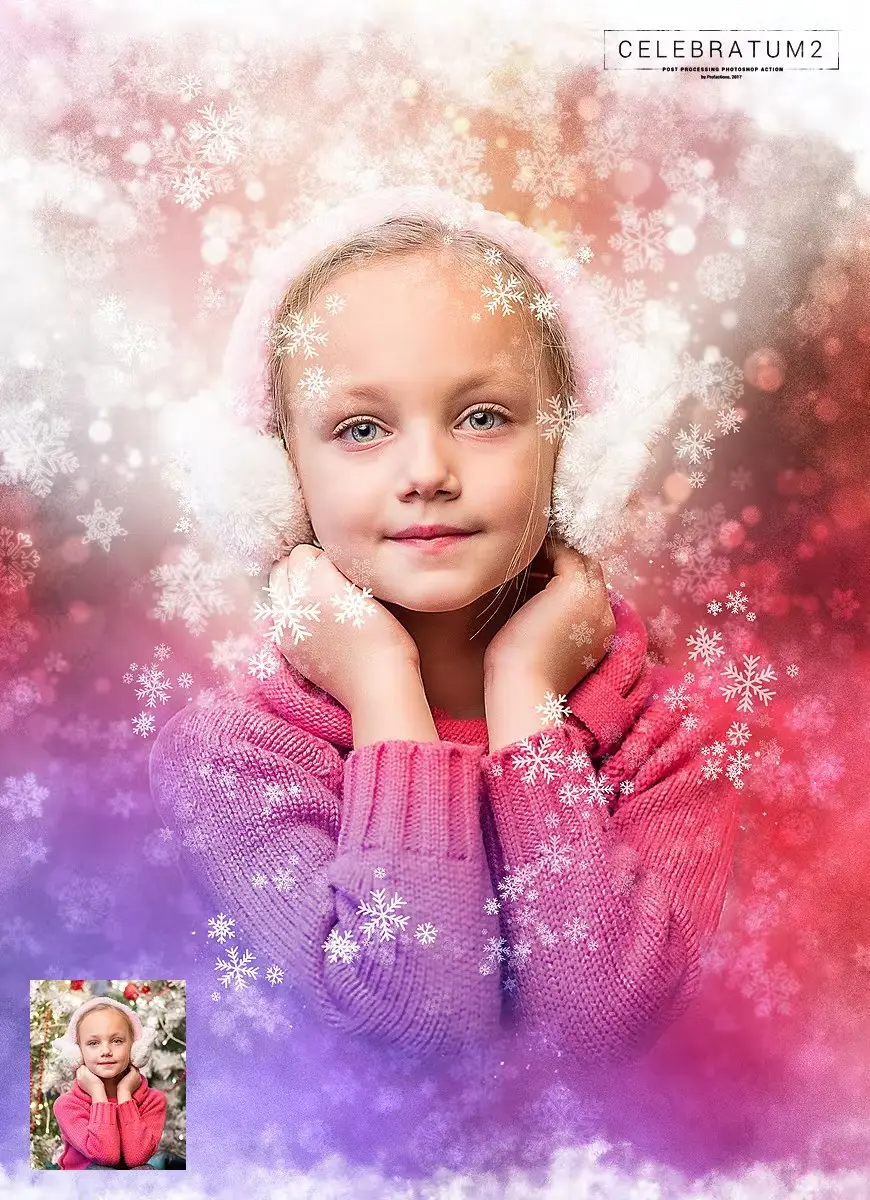
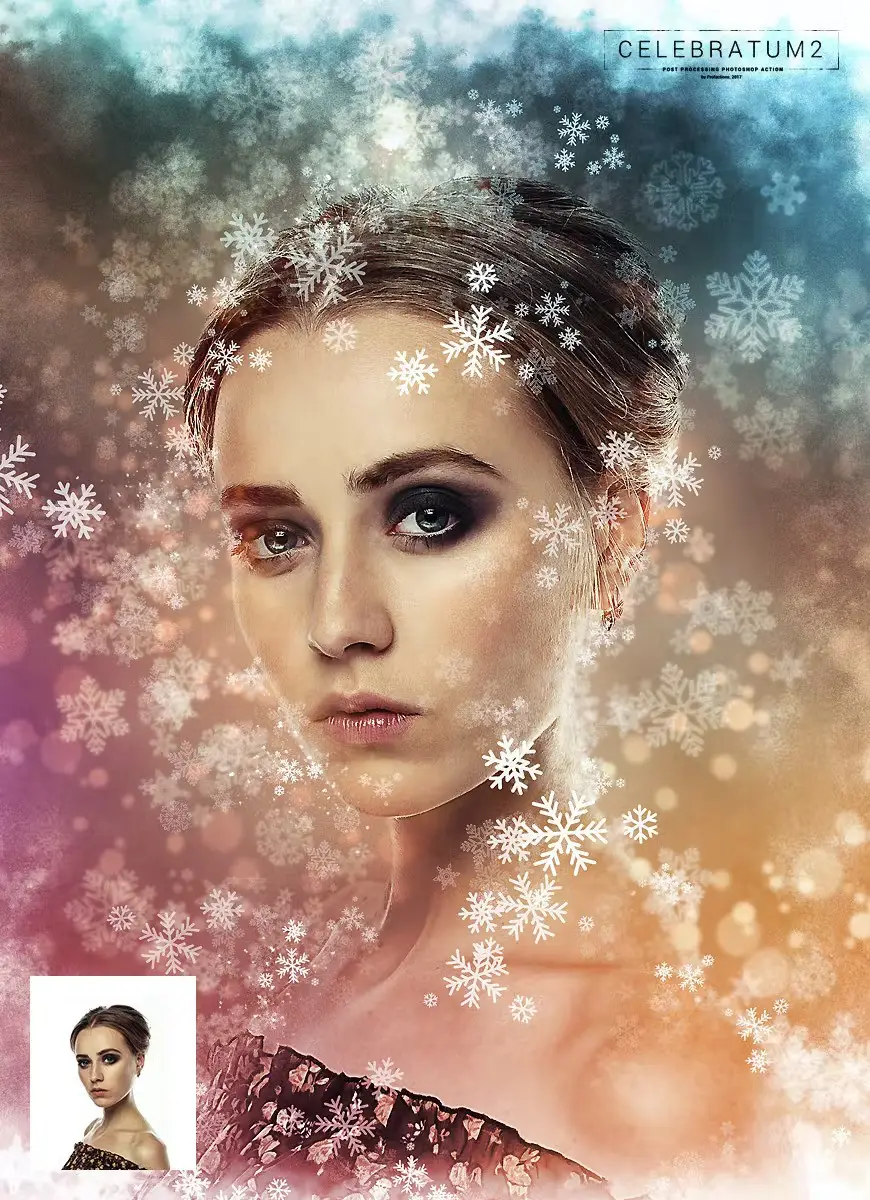
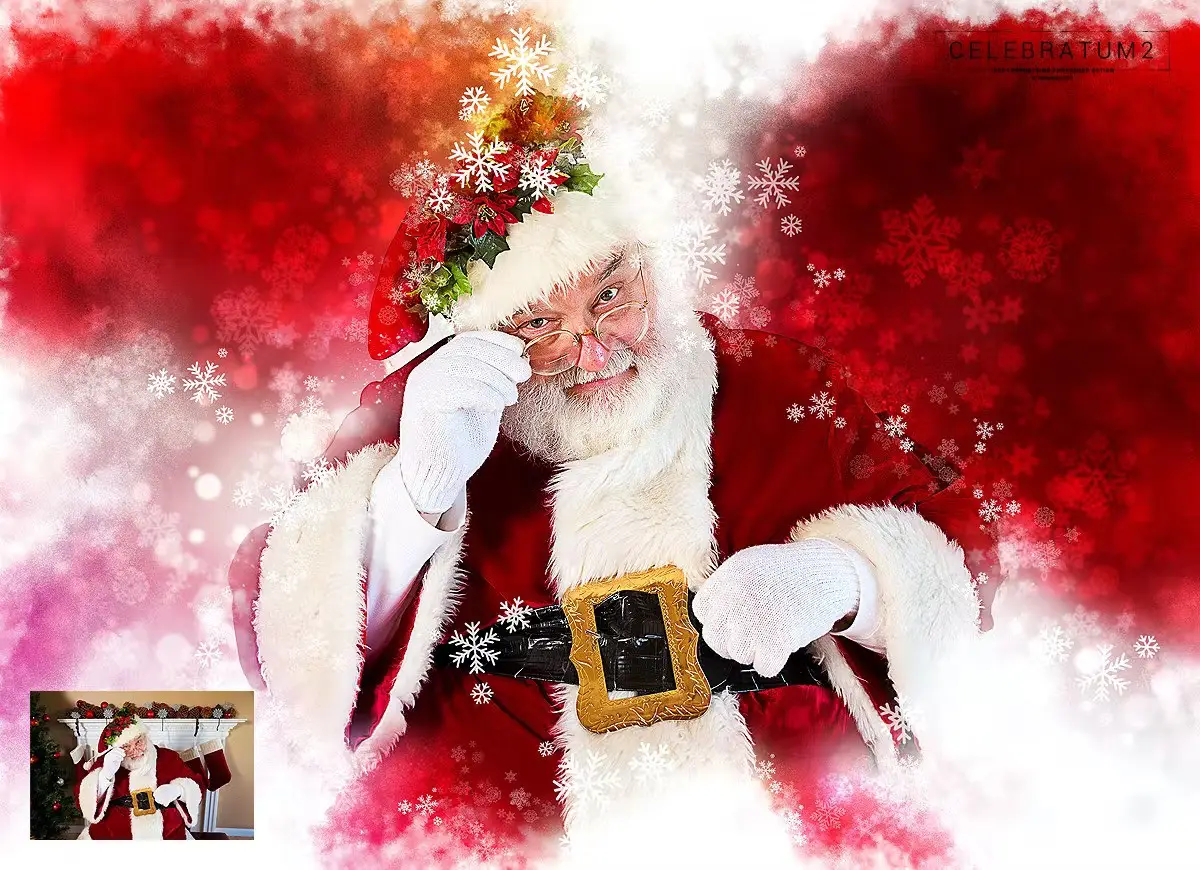
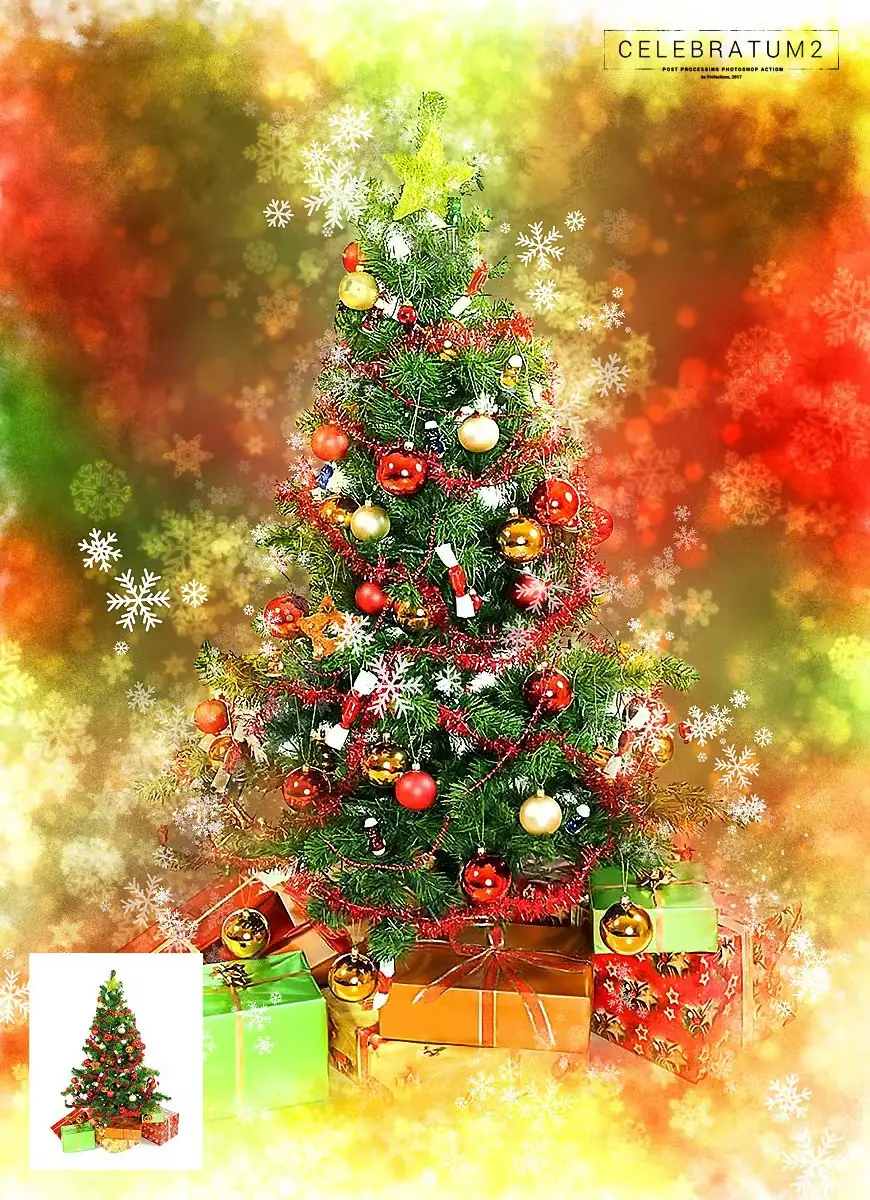
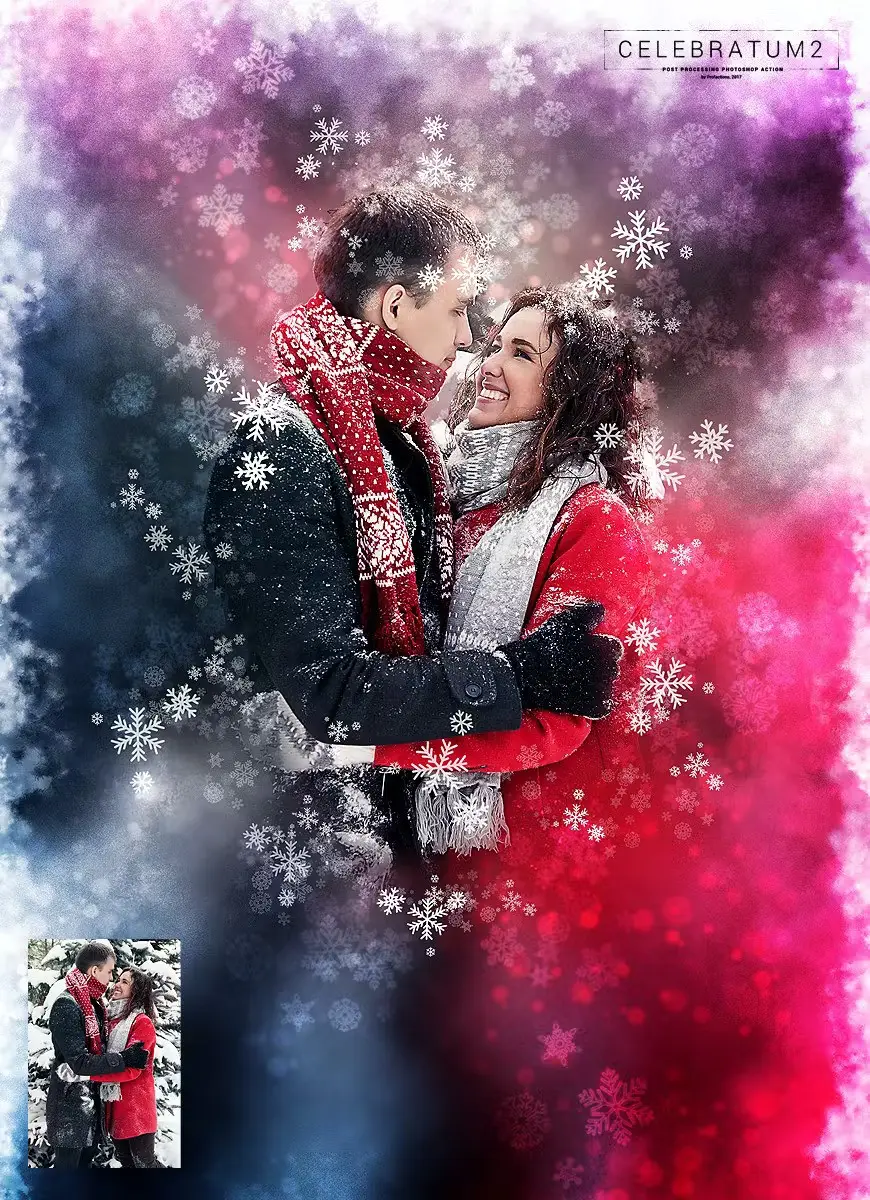
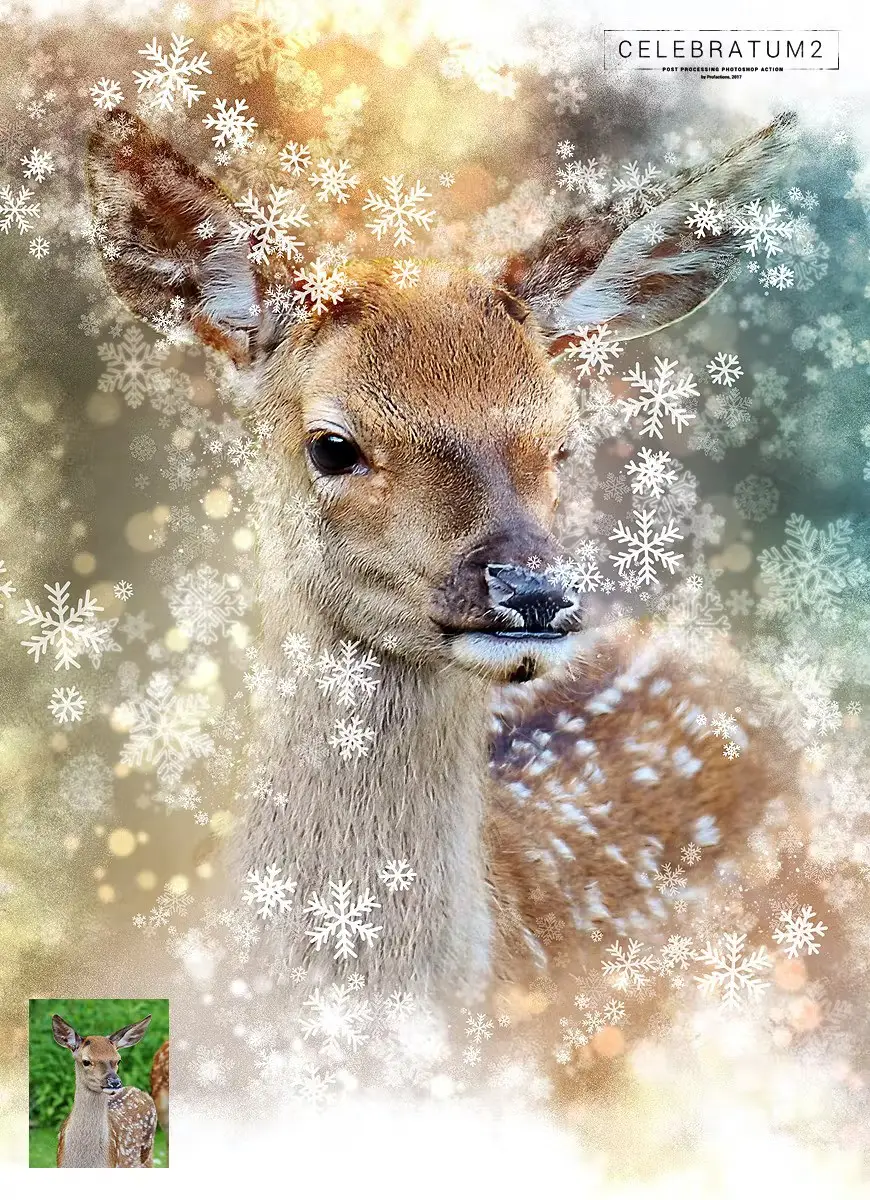
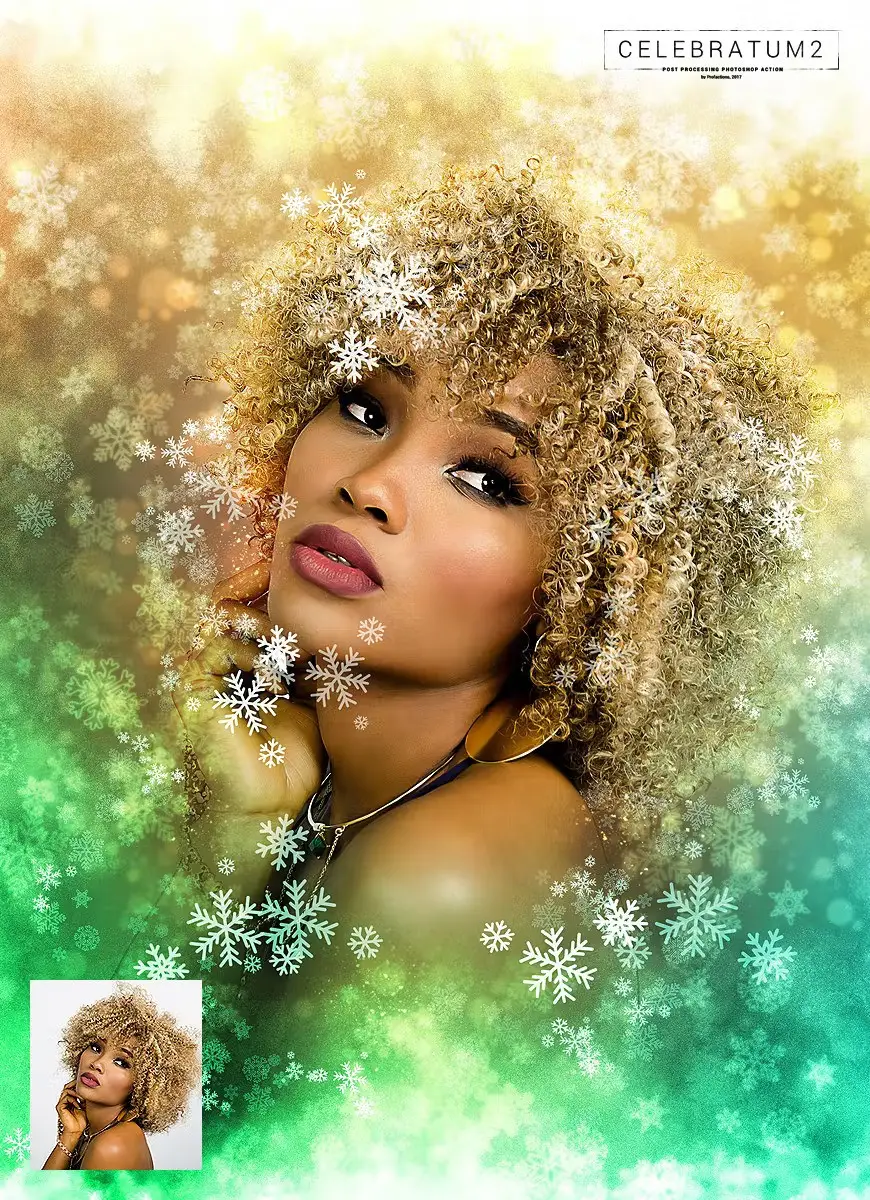
Transform your photos into stunning holiday greeting cards with the Christmas 2 Photoshop Action. This action adds professional snowflakes, lights, and soft focus effects, creating a magical atmosphere perfect for the festive season. With just one click, you can achieve highly detailed results and customize them effortlessly.
Product Overview
The Christmas 2 Photoshop Action is designed for anyone looking to enhance their holiday photos. Whether you’re a professional photographer or a casual user, this action simplifies the editing process while delivering beautiful results that capture the spirit of Christmas and New Year.
Key Features & Benefits
- ✅ One-Click Action → Quickly transform your images with minimal effort.
- ✅ High-Quality Effects → Achieve professional-grade snowflakes and lighting effects.
- ✅ Customizable Options → Easily adjust and personalize your images with 20 color presets.
- ✅ User-Friendly Guide → Includes a detailed user guide and video tutorial for seamless usage.
- ✅ Compatible with Multiple Versions → Works on Photoshop CS3, CS4, CS5, CS6, CC, and later versions.
Why Choose This Product
This action stands out due to its ease of use and impressive results. Trusted by both hobbyists and professionals, the Christmas 2 Photoshop Action allows you to create stunning holiday visuals that evoke joy and nostalgia. Its detailed effects and customization options ensure that every image can reflect your unique style.
Specifications (Technical Details)
| File Type | .atn, .abr, .txt |
|---|---|
| Compatibility | Photoshop CS3, CS4, CS5, CS6, CC (English versions) |
| Recommended Photo Size | 3000–4000px (recommended 3500px) |
| Recommended Resolution | 240-300dpi (recommended 300dpi) |
What’s Included / What’s in the Box
- 📦 Main .atn file
- Brushes .abr file
- User guide .txt file with recommendations
- 20 color presets
- Fully editable graphic elements
- Well-organized folders
Perfect For
- Photographers looking to enhance holiday images
- Graphic designers creating festive designs
- Social media marketers aiming for eye-catching posts
- Anyone wanting to add a personal touch to their holiday photos
How to Use
- Open your image in Photoshop.
- Load the action and click to apply.
- Adjust the effects as desired.
- Save your final masterpiece!
FAQ
- Can I use this action on non-English versions of Photoshop? Yes, you can switch your Photoshop to English temporarily to use the action.
- What resolution should my photos be? For best results, use images between 3000-4000px at 300dpi.
Add to cart now and start creating your festive masterpieces today! 🎄
User Reviews
Be the first to review “Christmas 2 Photoshop Action”
You must be logged in to post a review.

Sketch Generator – Draftum – UXP Photoshop Plugin
Sold by Profactions
3D Sketch Photoshop Action
Sold by Profactions
Color Pencil Drawing Photoshop Action
Sold by Profactions
Watercolor Sketch Photoshop Action
Sold by Profactions
Pencil Drawing Photoshop Action
Sold by Profactions
Magic Lights Photoshop Action
Sold by Profactions Original price was: $5.00.$2.50Current price is: $2.50.


There are no reviews yet.