
Pencil Drawing Photoshop Action
Original price was: $5.00.$2.50Current price is: $2.50.

Profactions
Product Specs:
- Compatible with: Actions
- File Type: ZIP
- File Size: 185.4 MB
- Instant Download
Pencil Drawing Photoshop Action
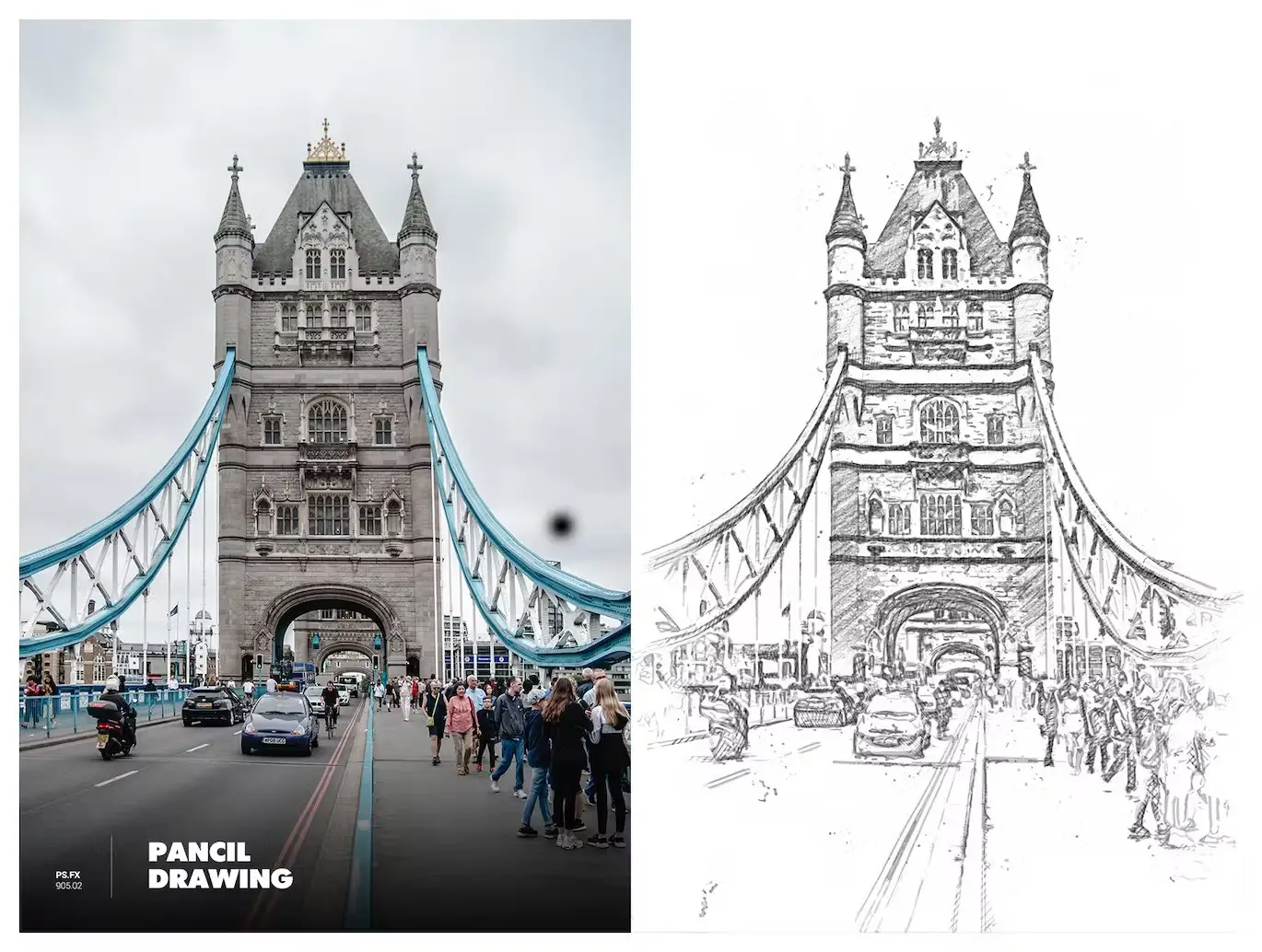
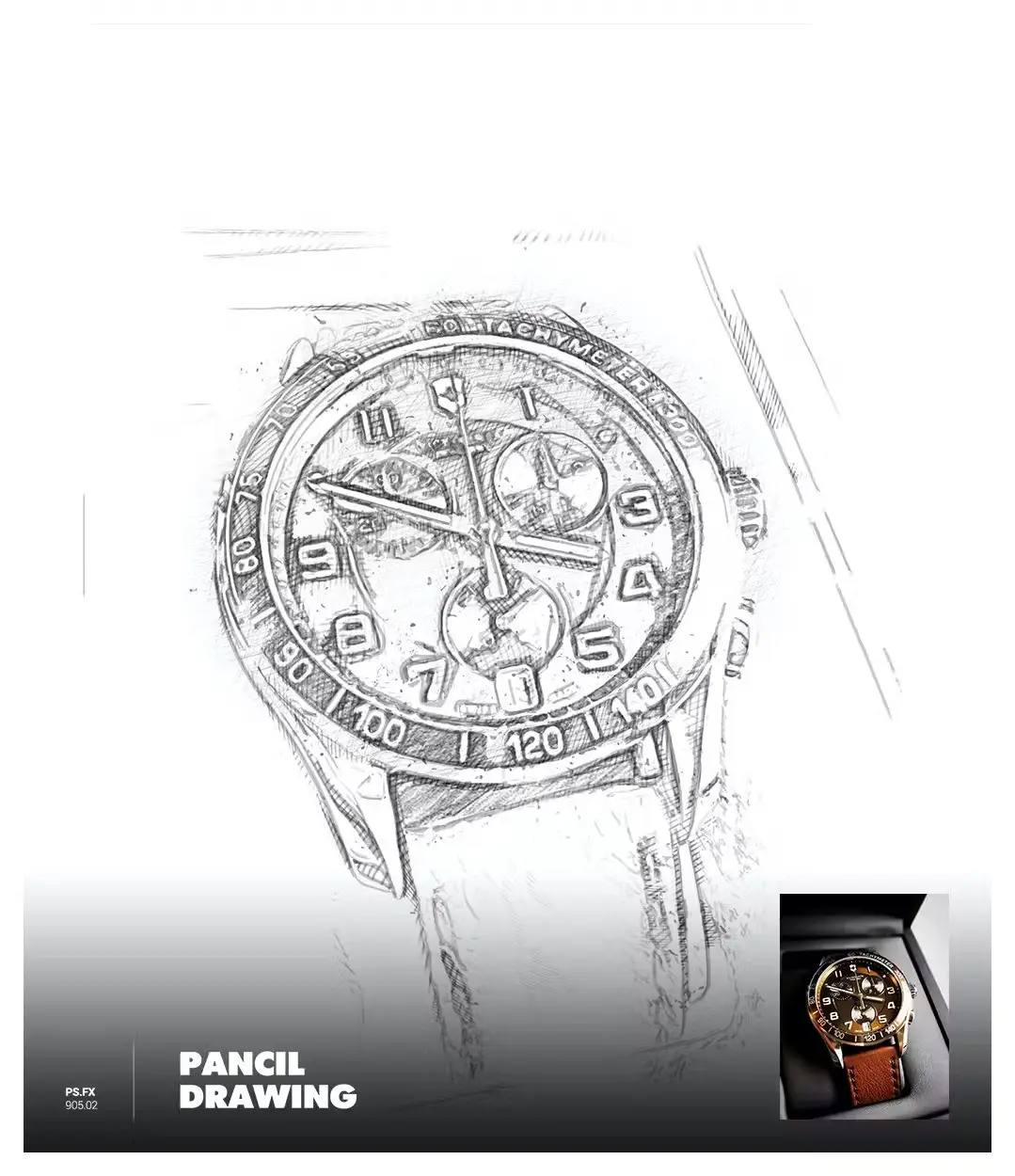
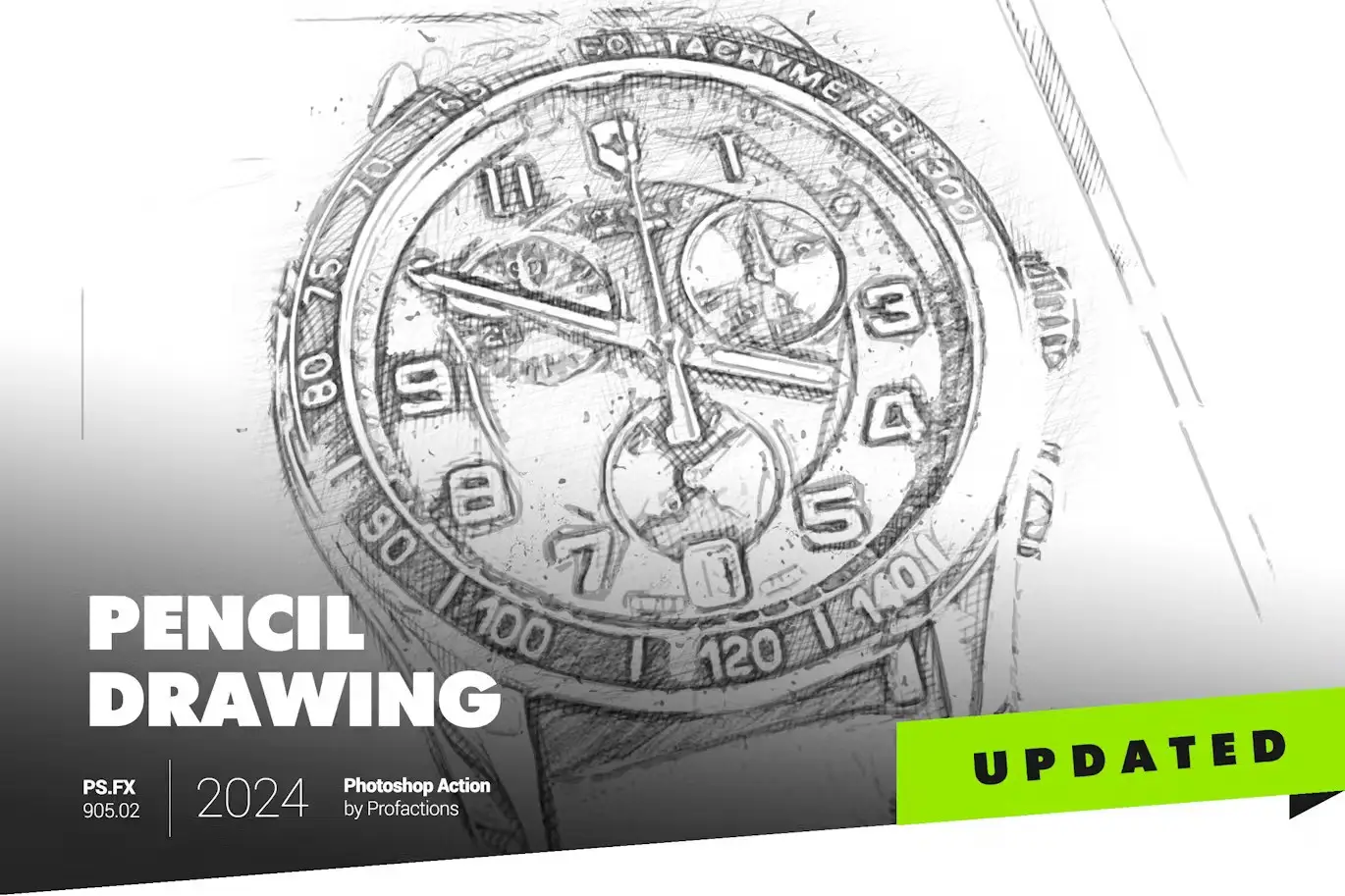
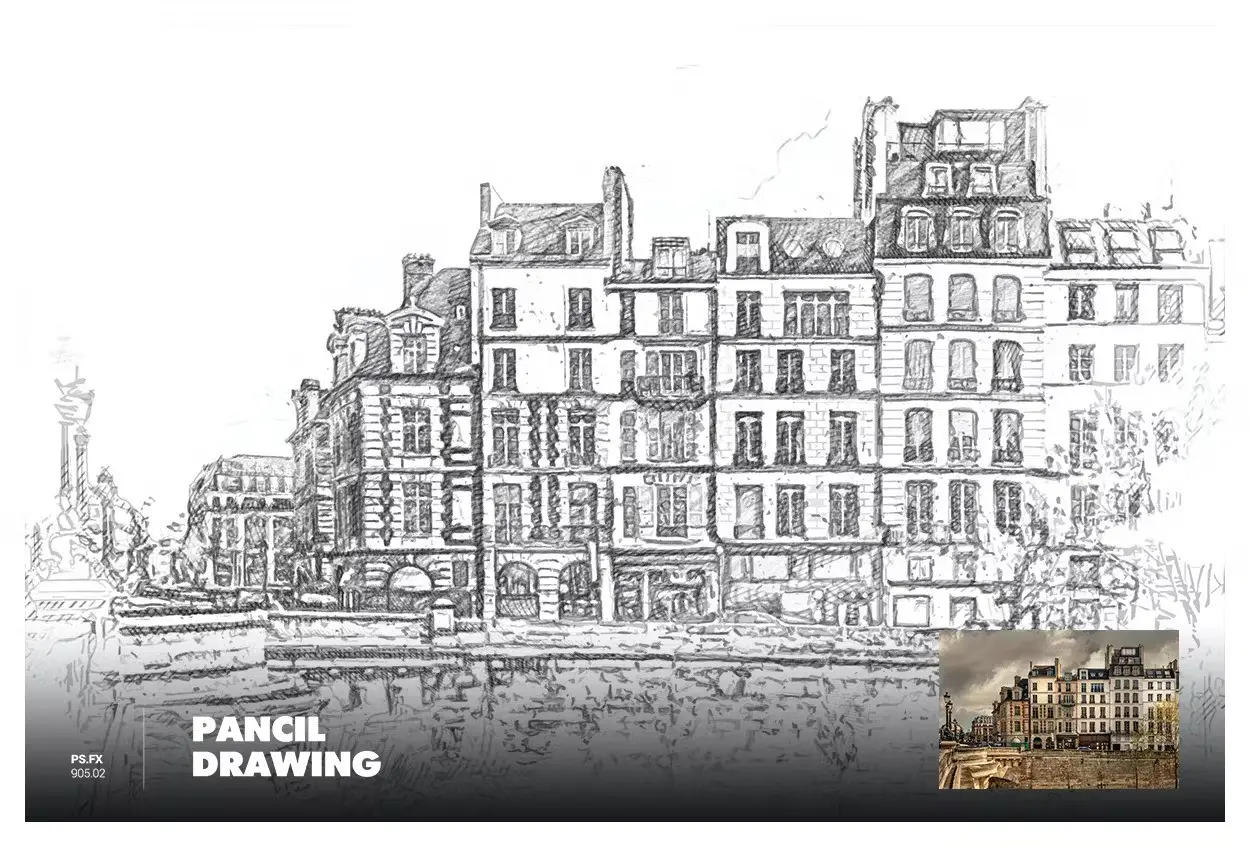
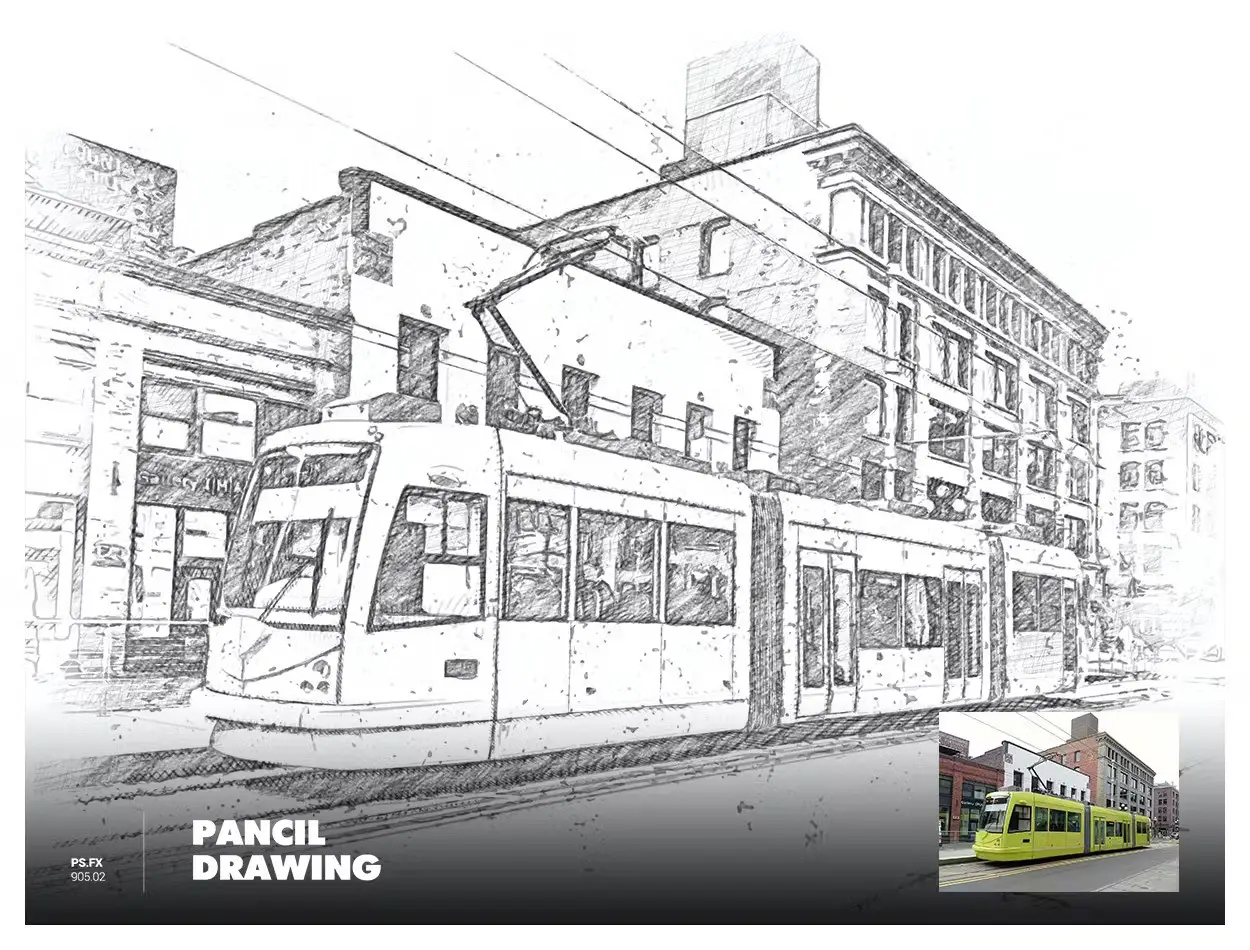
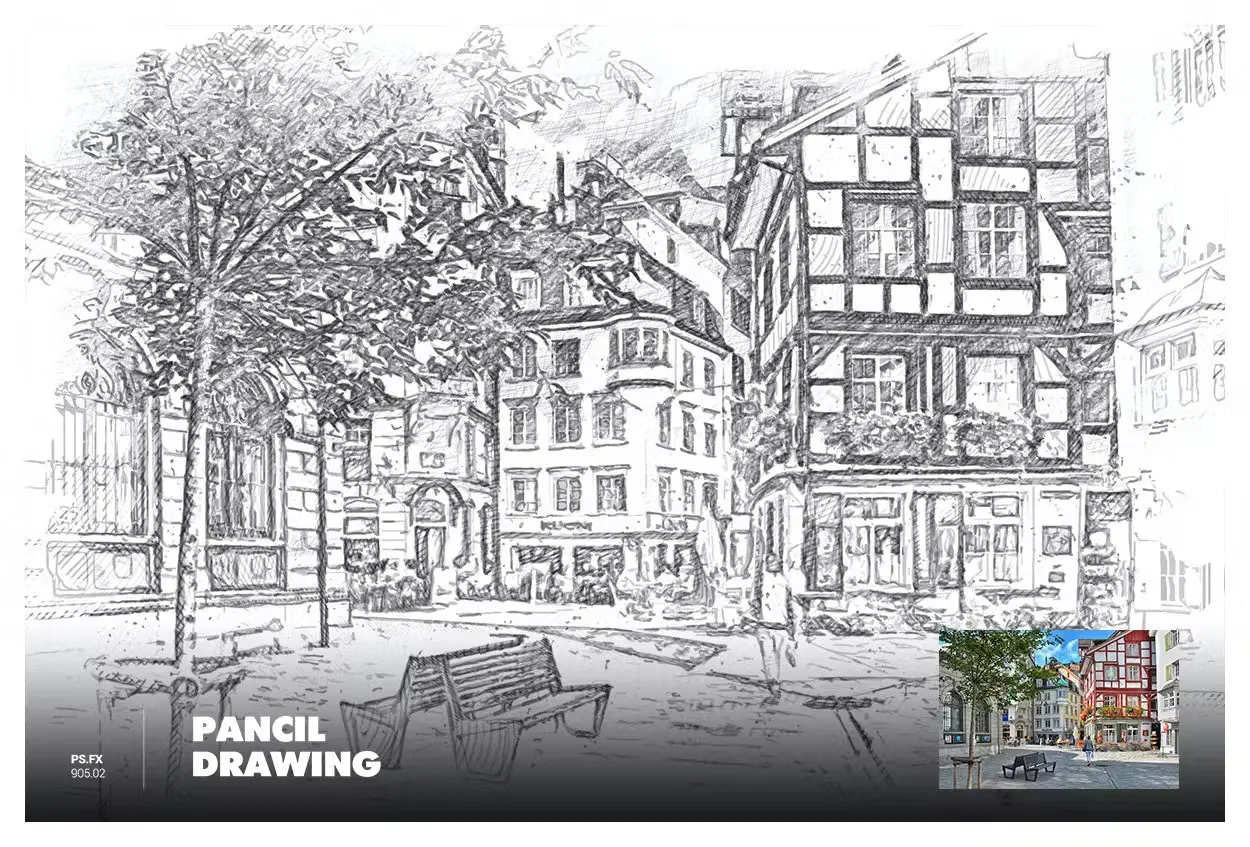
Bring the timeless artistry of pencil drawings to your digital canvas with our Pencil Drawing Photoshop Action. This transformative tool effortlessly converts your images into classic, hand-drawn sketches, adding depth and authenticity to your creations. Immerse your designs in the elegance of pencil strokes, creating a visually stunning and nostalgic effect with just one click.
Product Overview
The Pencil Drawing Photoshop Action is designed for both professionals and beginners who wish to enhance their digital artwork. With a simple click, you can achieve a beautifully rendered pencil sketch effect, perfect for illustrations, graphic designs, and more.
Key Features & Benefits
- ✅ Simple and smart unique algorithm → Effortlessly transforms your images into pencil sketches.
- ✅ Easy to install and use in one click → Get started quickly without any hassle.
- ✅ Fully editable and well-organized results → Customize your sketches to fit your creative vision.
- ✅ Color presets and adjustments → Tailor the effect to your liking with various options.
- ✅ User’s guide file with instructions → Clear guidance to help you make the most of the action.
Why Choose This Product
This Pencil Drawing Photoshop Action stands out for its user-friendly design and professional results. Whether you’re an artist looking to add a unique touch to your portfolio or a beginner exploring digital art, this action simplifies the process while delivering high-quality outcomes. Trusted by creatives worldwide, it’s the perfect addition to your digital toolkit.
Specifications
| Compatibility | Photoshop CC2015.5, CC2017, CC2018, CC2019, CC2020, CC2021, CC2022, CC2023+ |
|---|---|
| Language Requirement | Only works with English version of Photoshop |
| File Format | JPEG (recommended) |
| Image Size | 2500–3500px (recommended 3000px) |
| Resolution | 240-300dpi (recommended 300dpi) |
| Color Mode | RGB, 8 Bits/Channel |
What’s Included / What’s in the Box
- 📦 Pencil Drawing Photoshop Action file
- User guide with instructions
- Helper file with additional recommendations
Perfect For
- Digital artists
- Graphic designers
- Illustrators
- Beginners exploring digital art
How to Use
To achieve the best results, follow these simple steps:
- Open your image in Photoshop.
- Load the Pencil Drawing Action.
- Click to apply the effect.
- Customize the result using the provided presets.
FAQ
- Can I use this action with other languages? No, it works only with the English version of Photoshop.
- What if I encounter issues? Please refer to the user guide first, then contact support if needed.
Note: Images shown in the preview are not included with the purchase; they are for demonstration purposes only.
Add the Pencil Drawing Photoshop Action to your creative arsenal today and start transforming your images into stunning sketches! 🚀
User Reviews
Be the first to review “Pencil Drawing Photoshop Action”
You must be logged in to post a review.

Real Painting – Virtuoso – UXP Photoshop Plugin
Sold by Profactions
Magic Lights Photoshop Action
Sold by Profactions
Watercolor Sketch Photoshop Action
Sold by Profactions
Molecular Dispersion – Moleculum – Photoshop Action
Sold by Profactions
Scribbles Photoshop Action
Sold by Profactions
Color Pencil Drawing Photoshop Action
Sold by Profactions Original price was: $5.00.$2.50Current price is: $2.50.


There are no reviews yet.