
3D Sketch Photoshop Action

Original price was: $5.00.$2.50Current price is: $2.50.

Profactions
Product Specs:
- Compatible with: Actions
- File Type: ZIP
- File Size: 32.8 MB
- Instant Download
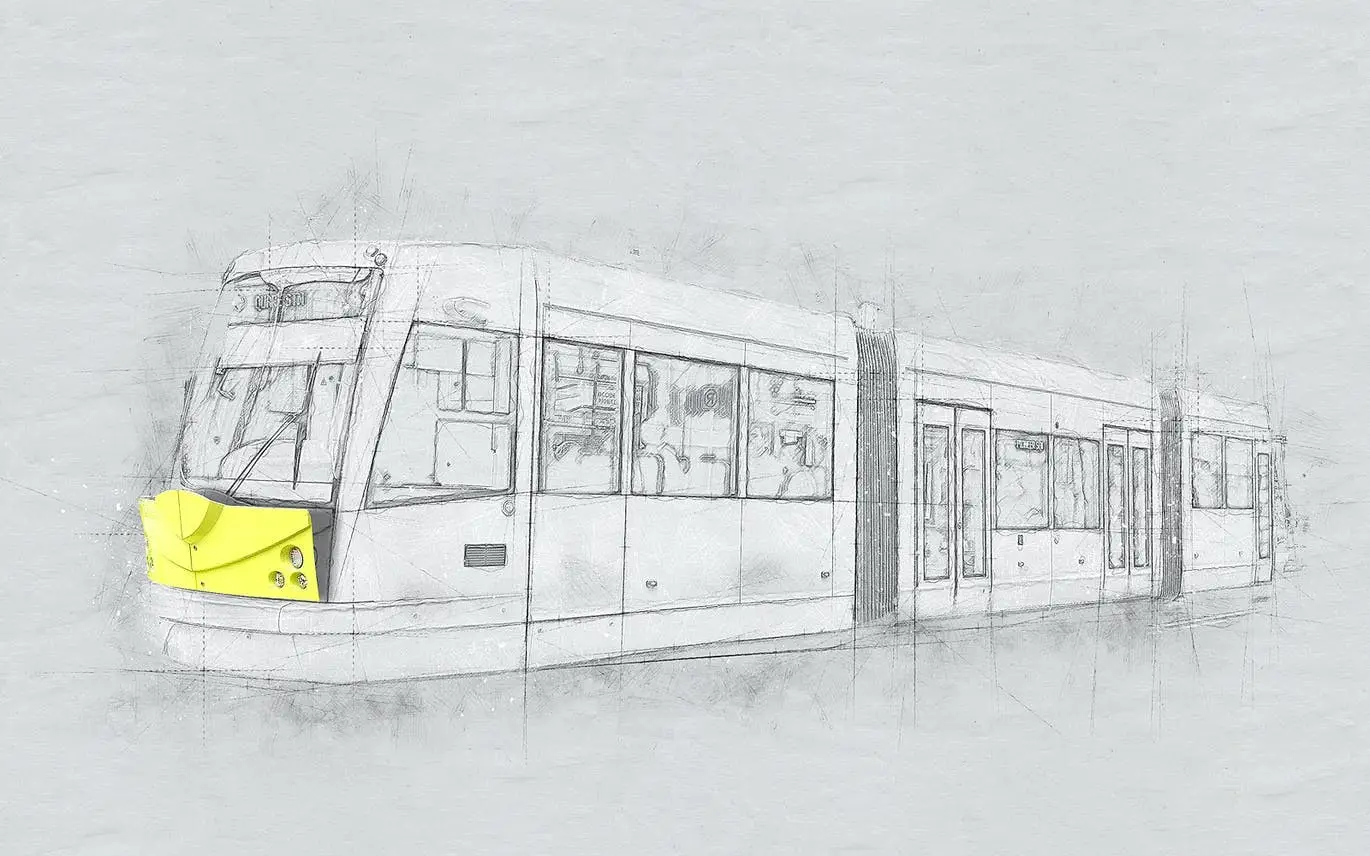
3D Sketch Photoshop Action
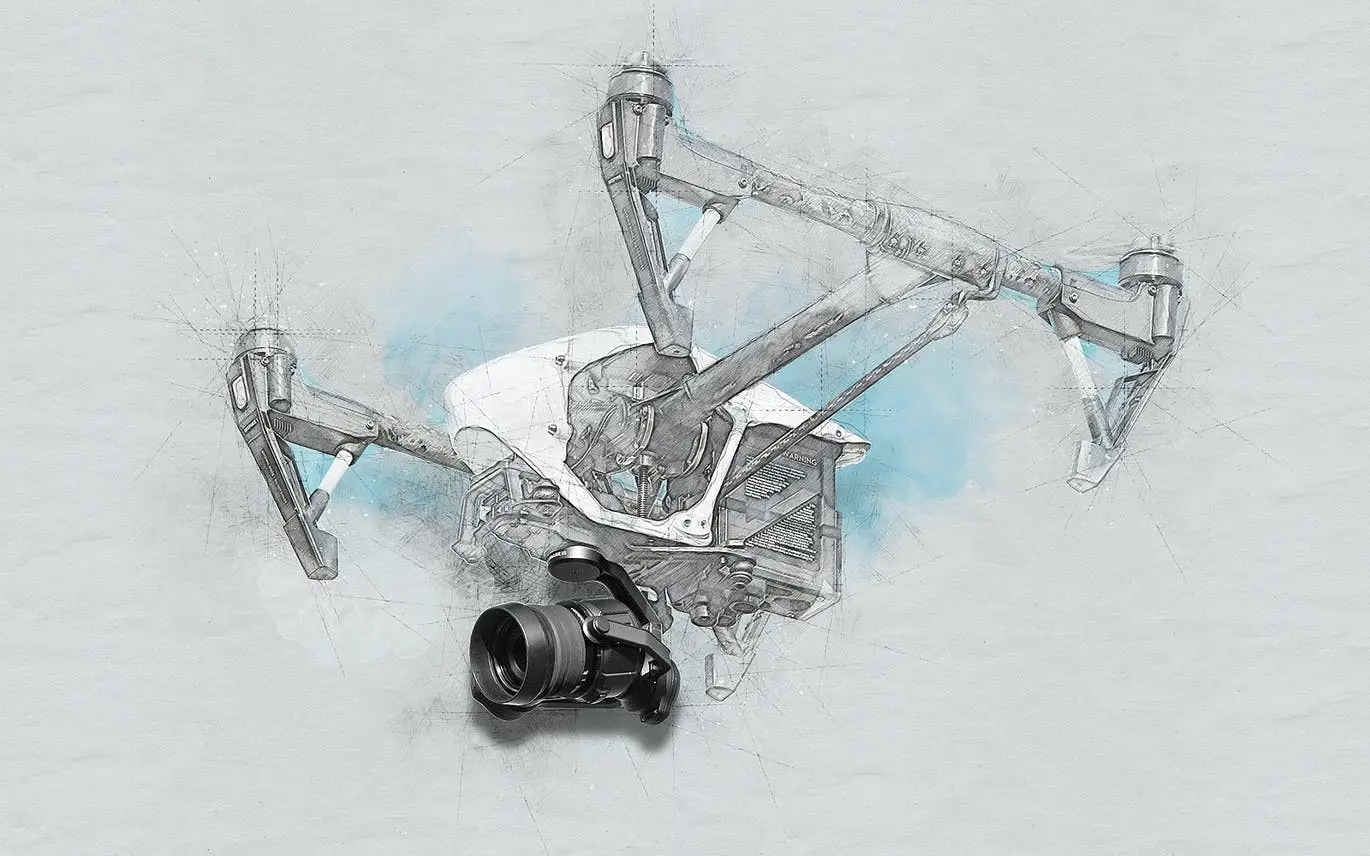
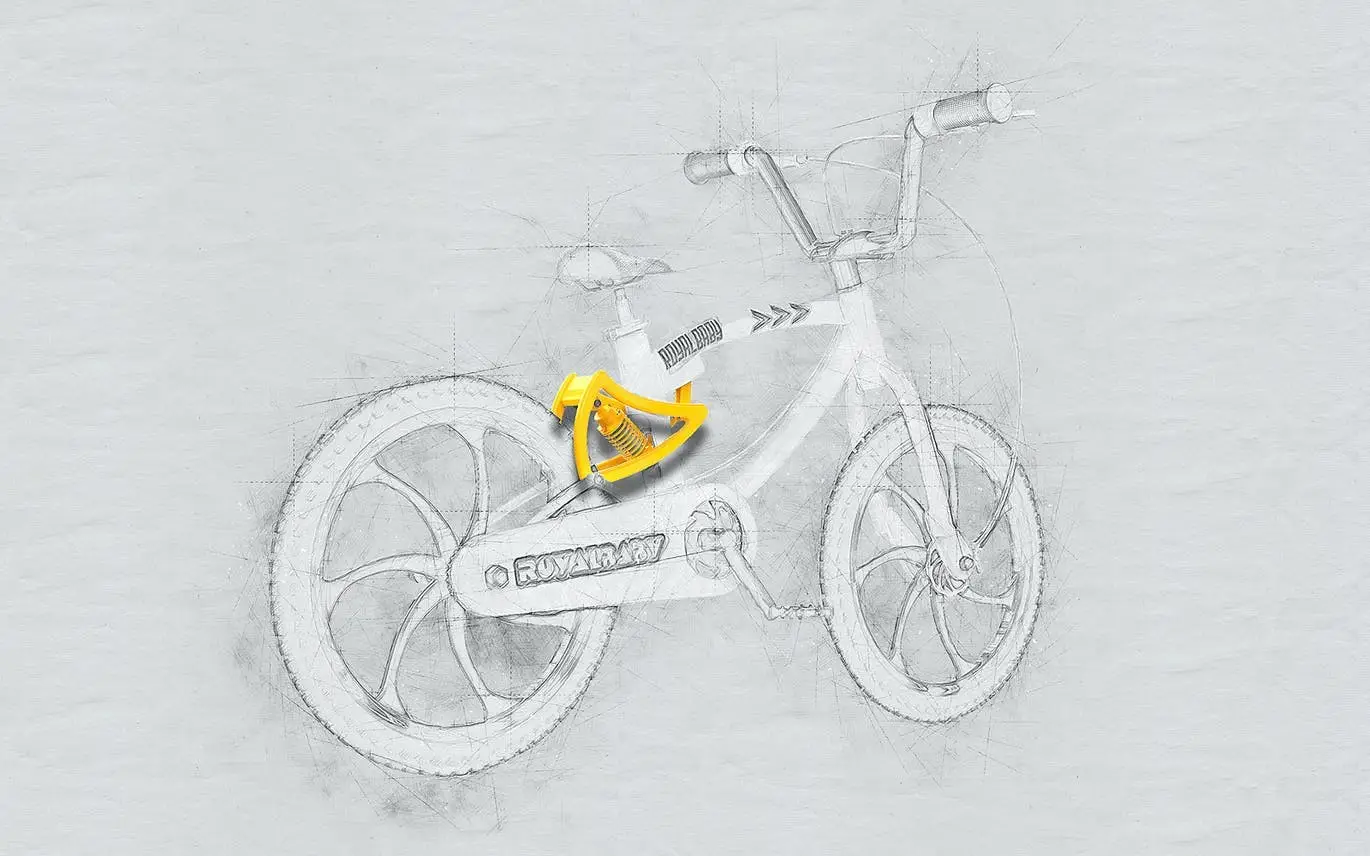
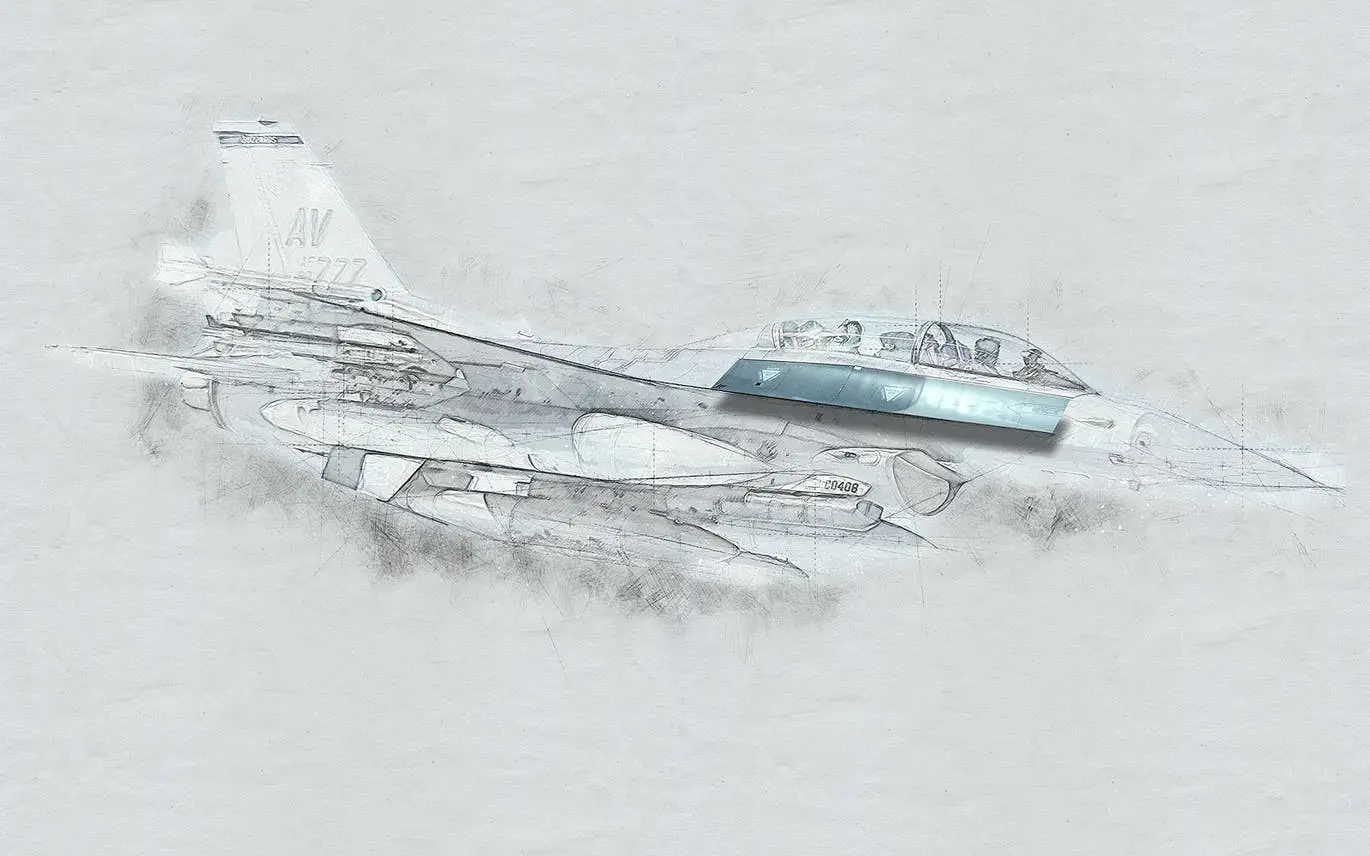
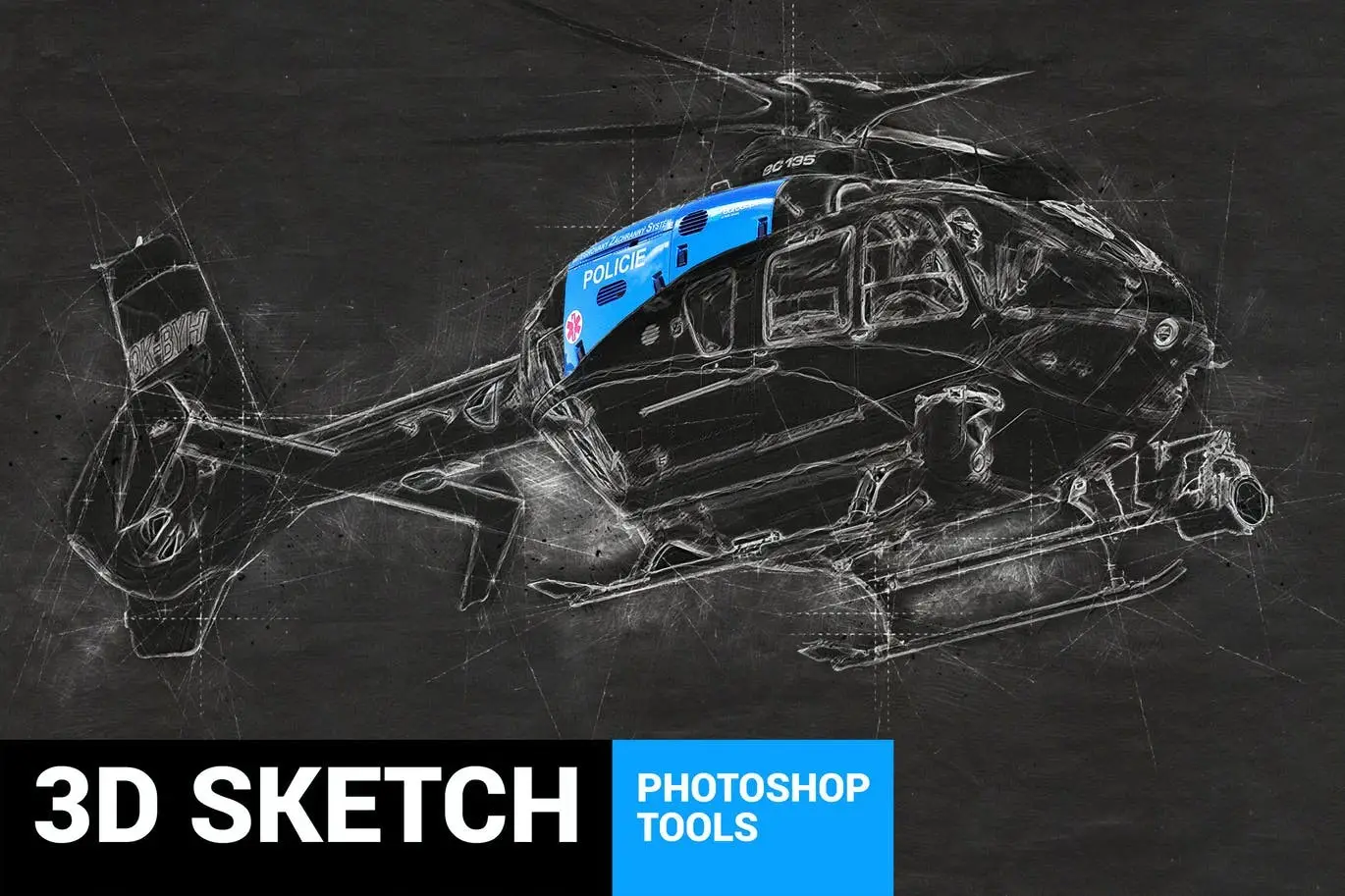
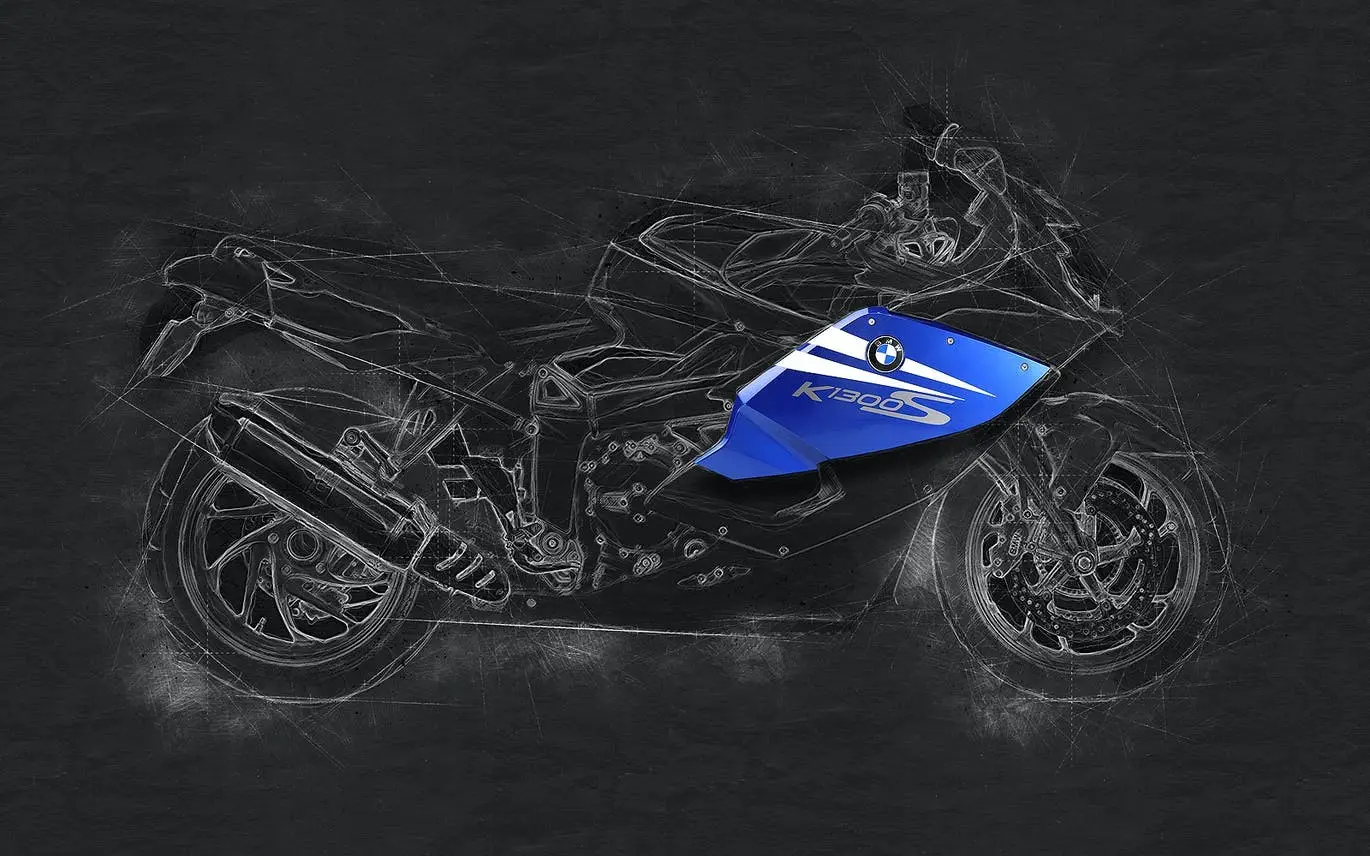
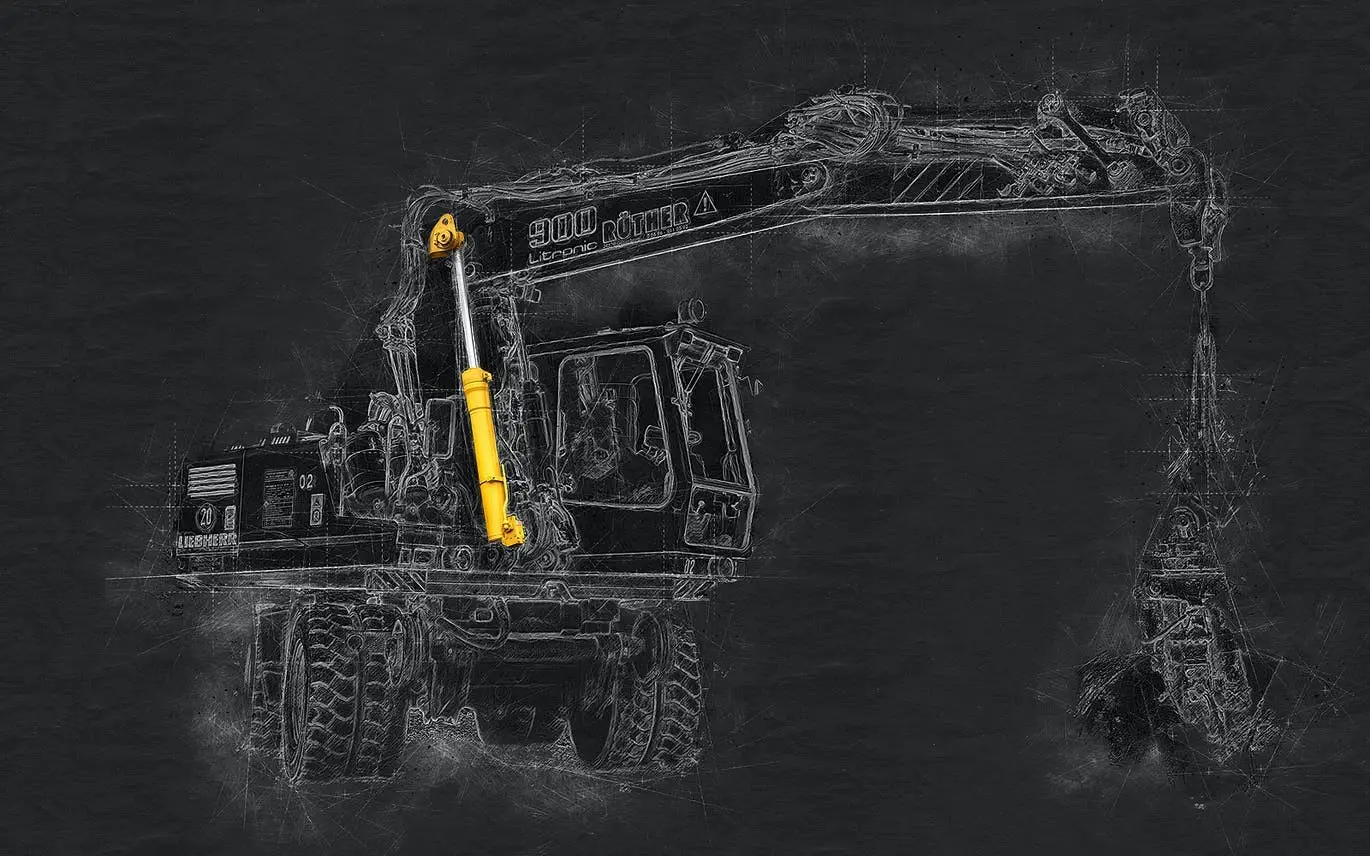
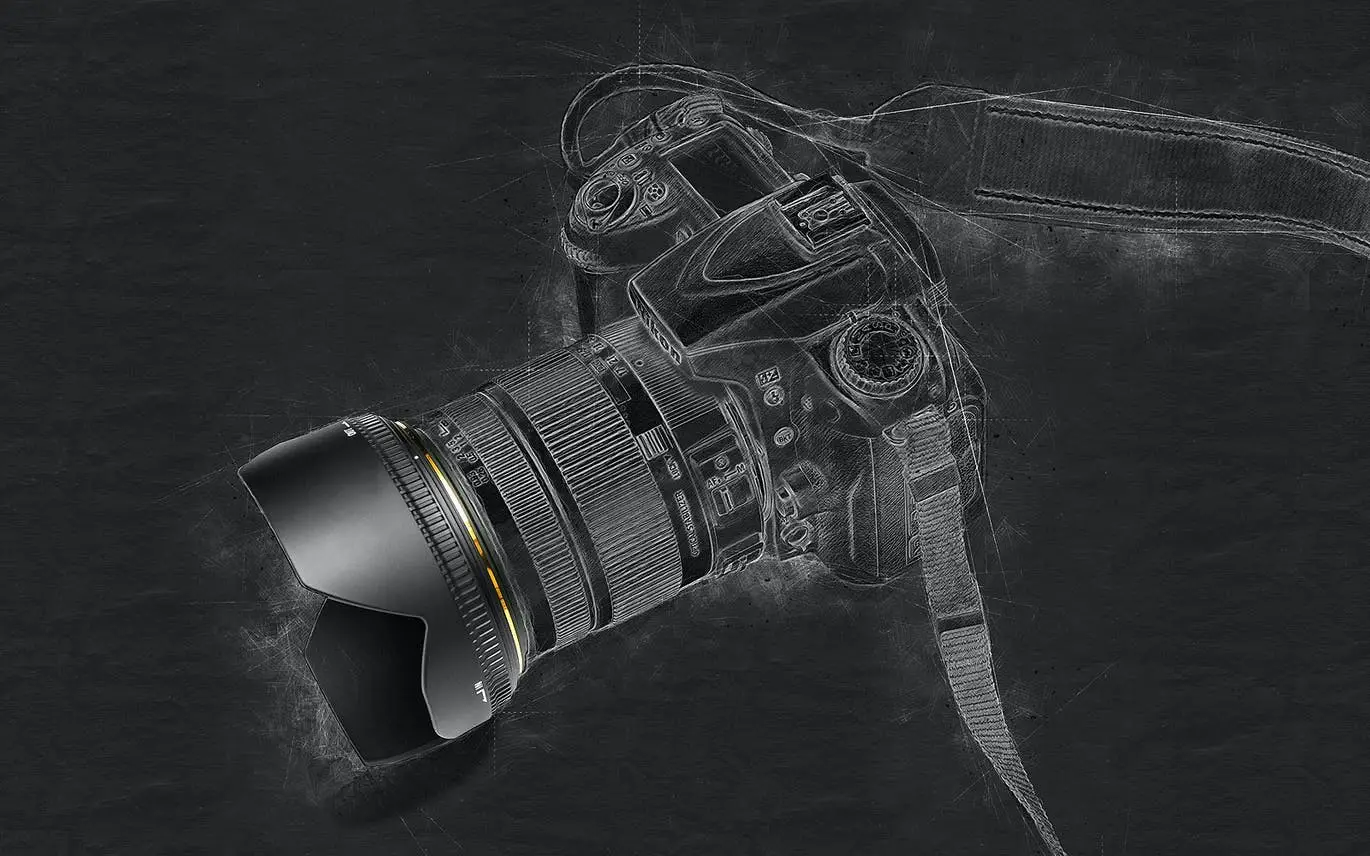
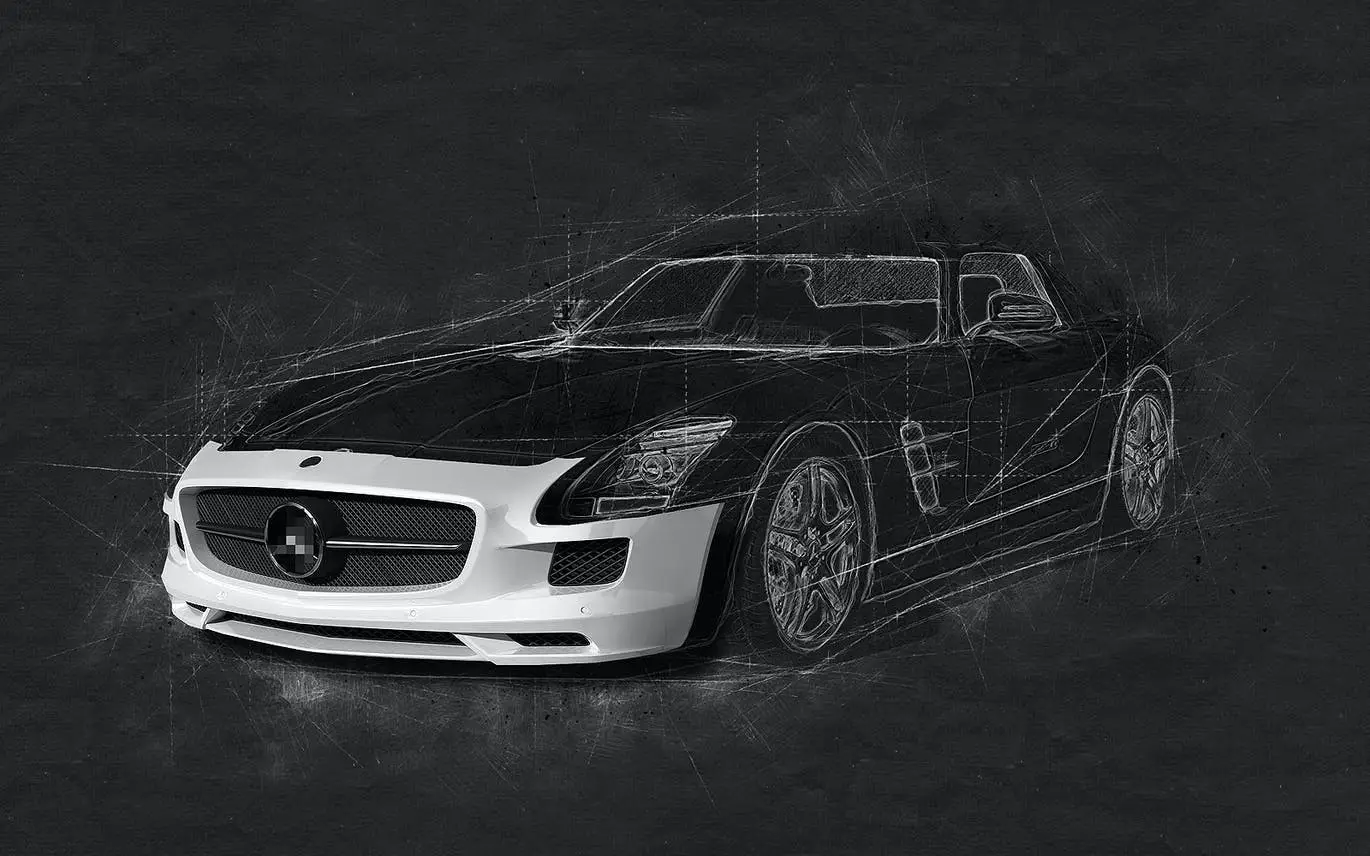
Transform your photos into stunning professional technical sketches with the 3D Sketch Photoshop Action. This innovative tool allows you to create impressive 3D effects in just one minute, making it perfect for a variety of subjects, including cars, bikes, aircraft, gadgets, and instruments.
Product Overview
The 3D Sketch Photoshop Action is designed for anyone looking to elevate their digital artwork. Whether you’re a professional designer or a hobbyist, this action provides a highly detailed result with numerous customization options. With just one click, you can achieve a unique sketch effect that enhances your creative projects.
Key Features & Benefits
- ✅ One-Click Action → Effortlessly transform images into sketches with a simple click.
- ✅ Highly Detailed Results → Achieve professional-quality sketches with 3D elements.
- ✅ Customizable Options → Easily adjust settings to fit your creative vision.
- ✅ Video Tutorial Included → Step-by-step guidance to help you get started quickly.
- ✅ Compatible with Multiple Versions → Works with Photoshop CS3 to CC 2017 (English versions).
- ✅ Organized Files → Includes main .atn file, brushes (.abr), patterns (.pat), and a user guide.
- ✅ Color Presets → Comes with 20 color presets to enhance your sketches.
Why Choose This Product
The 3D Sketch Photoshop Action stands out due to its ease of use and versatility. It allows you to create intricate sketches without the need for extensive drawing skills. Trusted by artists and designers worldwide, this action is perfect for enhancing your portfolio or creating eye-catching visuals for projects.
Specifications (Technical Details)
| File Type | .atn, .abr, .pat |
|---|---|
| Compatibility | Photoshop CS3, CS4, CS5, CS6, CC, CC2014, CC2015, CC2017 (English versions) |
| Recommended Photo Size | 2000–4000px (recommended 3000px) |
| Recommended Resolution | 240-300dpi (recommended 300dpi) |
What’s Included / What’s in the Box
- 📦 Main .atn file
- Brushes (.abr) file
- Patterns (.pat) file
- User guide (.txt) with recommendations
- 20 color presets
- Fully editable graphic elements
Perfect For
- Graphic Designers
- Photographers
- Artists looking to enhance their digital work
- Anyone interested in creating unique visual effects
How to Use
1. Open your image in Photoshop.
2. Load the action and select it from the Actions panel.
3. Click the play button to apply the effect.
4. Customize as desired using the provided options.
FAQ
- Can I use this action on non-English versions of Photoshop? Yes, switch your Photoshop to English to run the action, then revert back.
- What types of images work best? Images sized between 2000-4000px at 300dpi yield the best results.
Add to cart now and start creating stunning sketches today! 🚀
User Reviews
Be the first to review “3D Sketch Photoshop Action”
You must be logged in to post a review.
Color Pencil Drawing Photoshop Action
Sold by Profactions
Magic Lights Photoshop Action
Sold by Profactions
Dark Sketch Photoshop Action
Sold by Profactions
Christmas 2 Photoshop Action
Sold by Profactions
Sketch Generator – Draftum – UXP Photoshop Plugin
Sold by Profactions
Bubbles Photoshop Action
Sold by Profactions Original price was: $5.00.$2.50Current price is: $2.50.


There are no reviews yet.