
Bubbles Photoshop Action
Original price was: $5.00.$2.50Current price is: $2.50.

Profactions
Product Specs:
- Compatible with: Actions
- File Type: ZIP
- File Size: 9.0 MB
- Instant Download
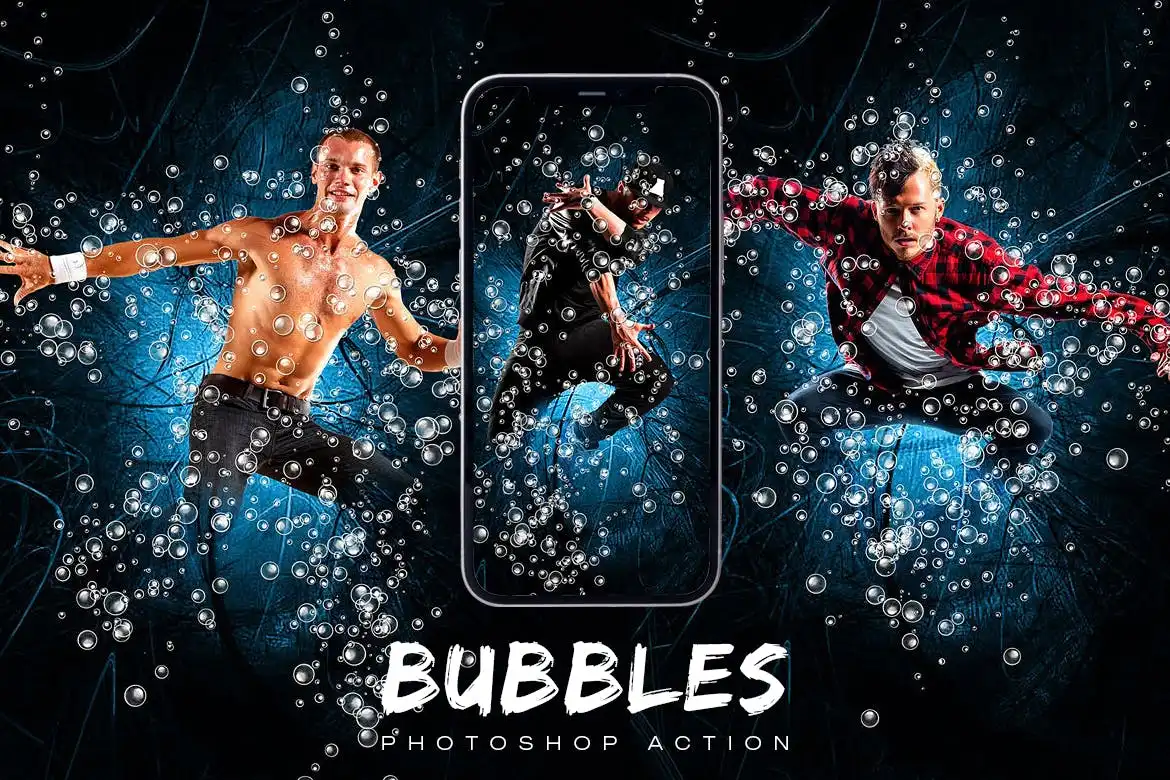
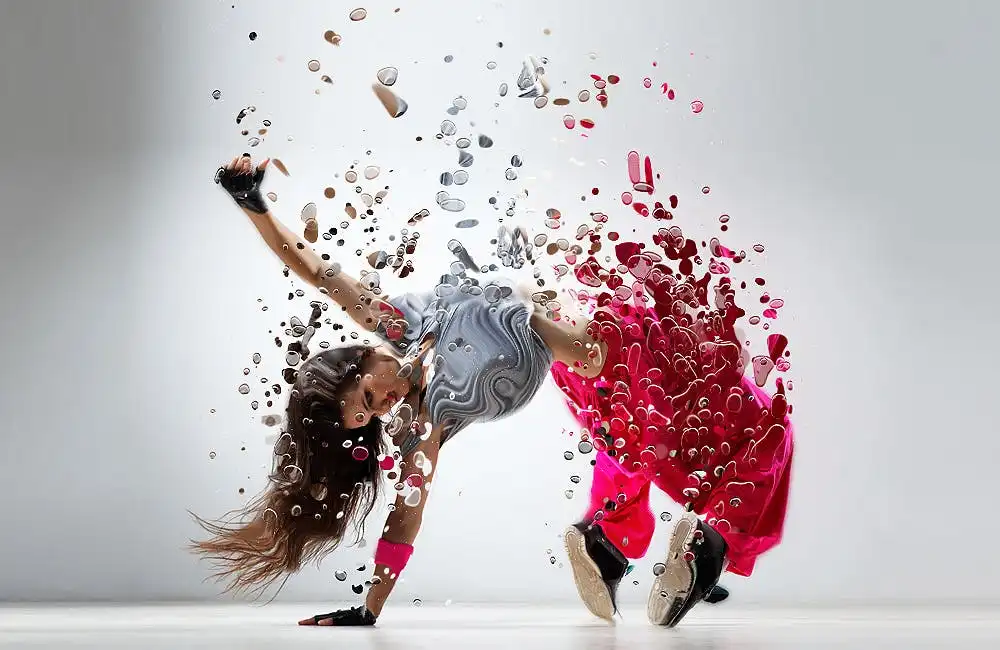
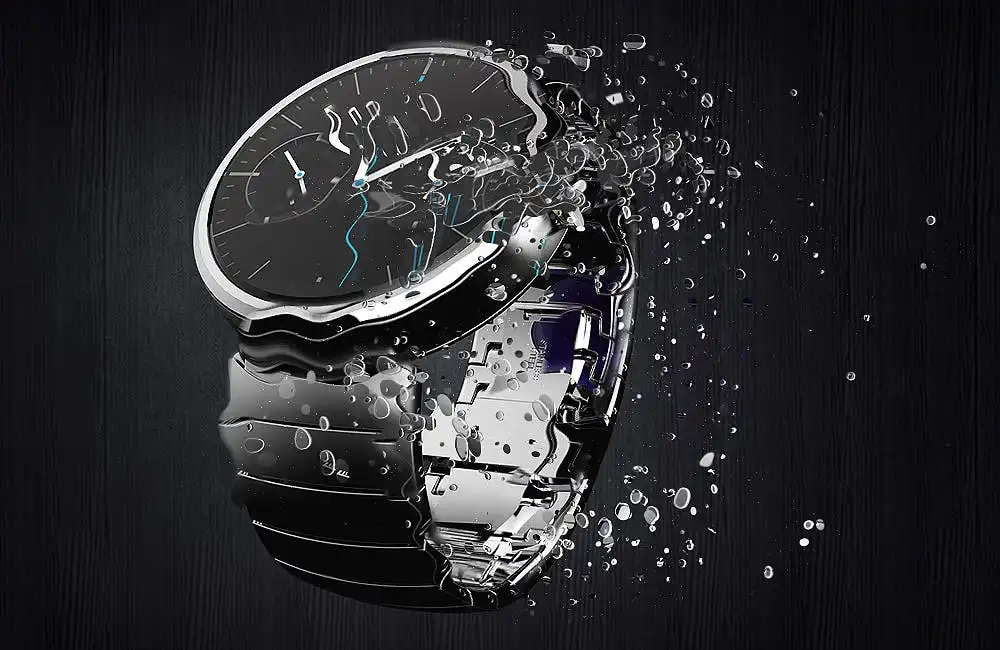
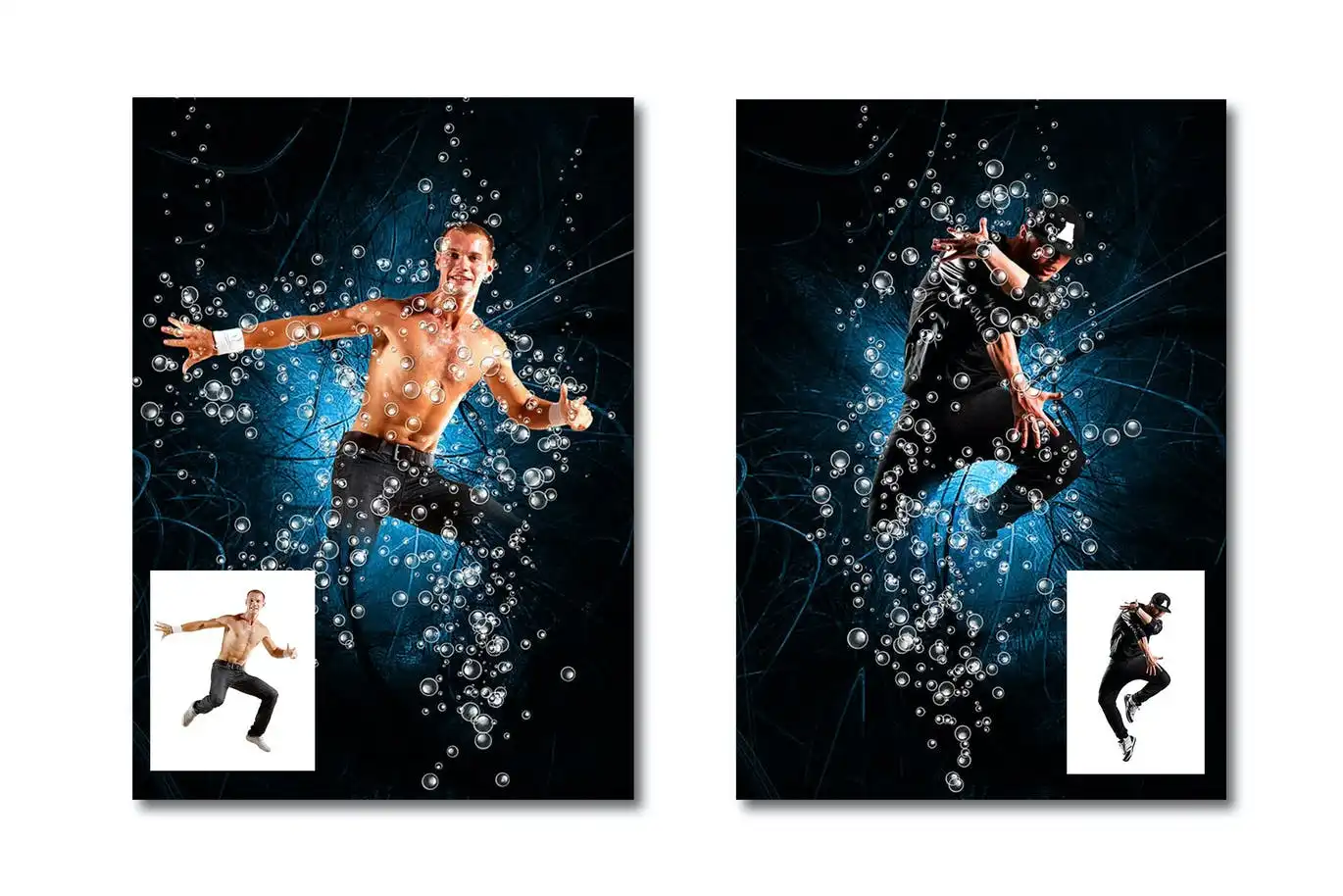
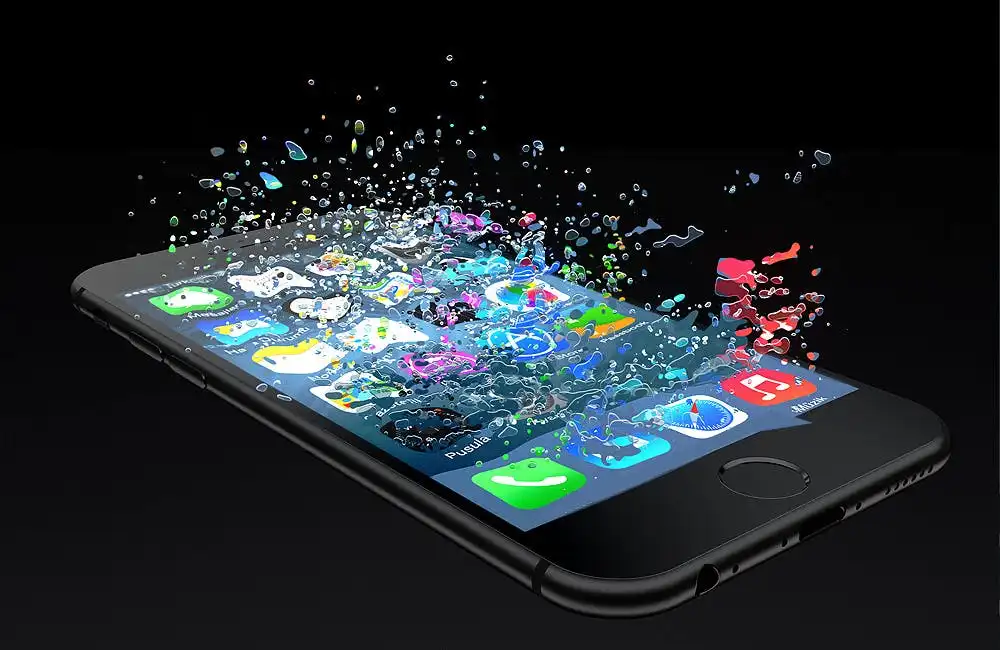
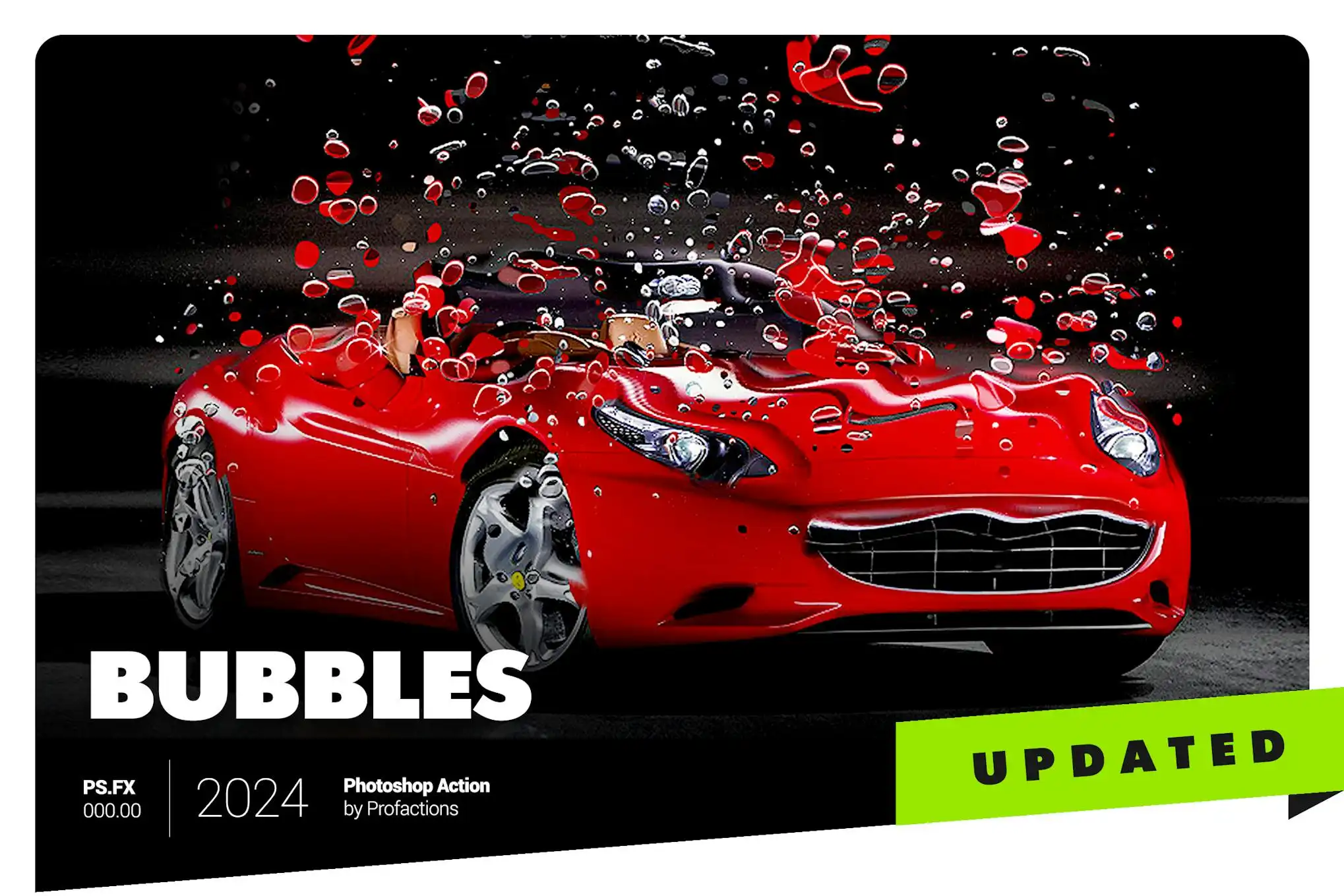
Bubbles Photoshop Action: Create Stunning Bubble Effects
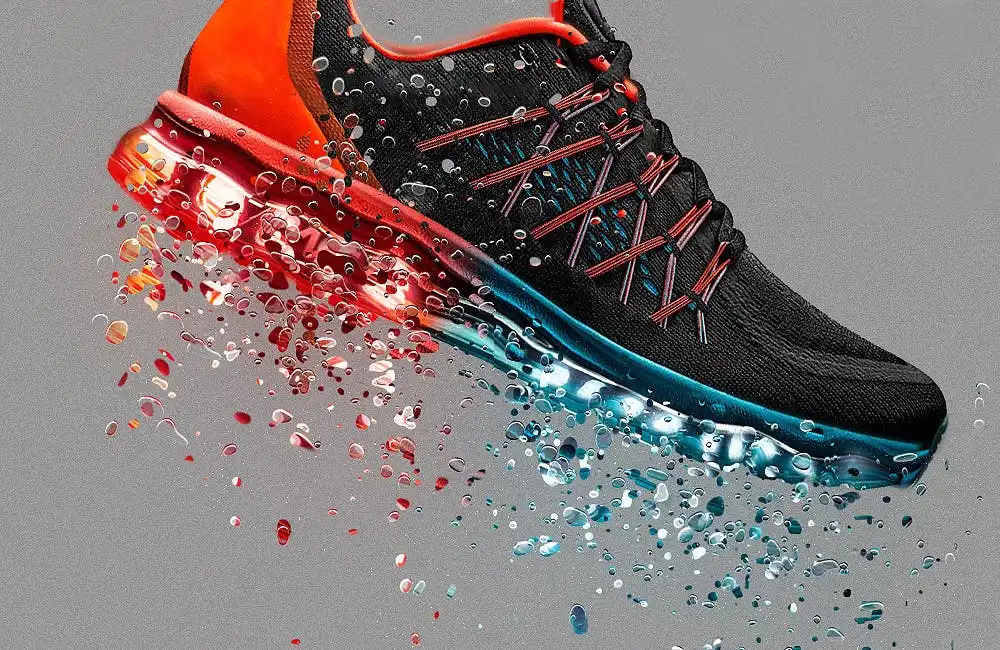
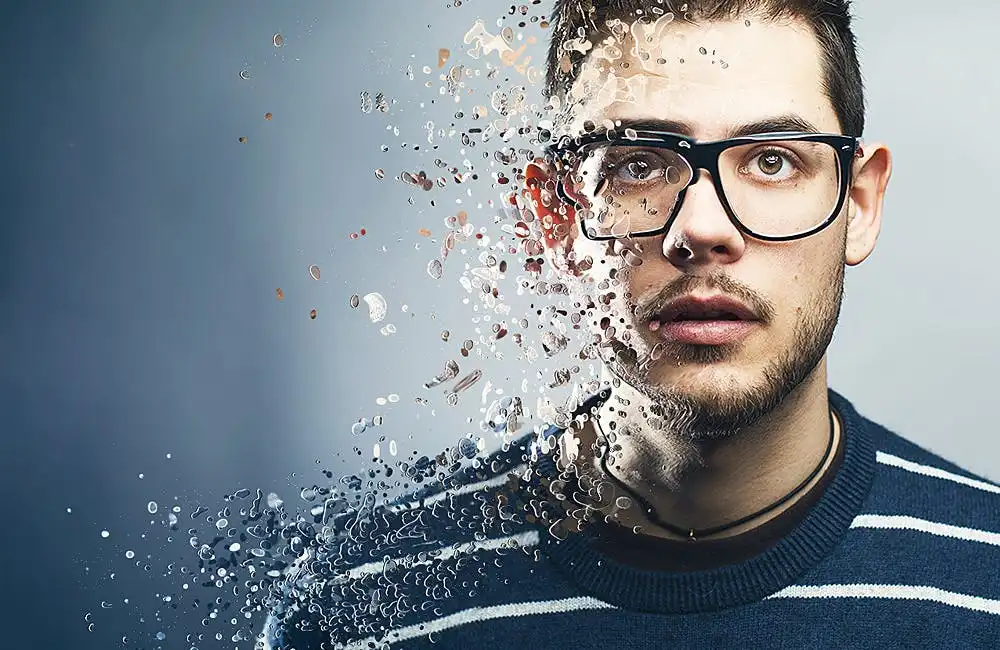
Transform your photos with the Bubbles Photoshop Action, designed to add captivating bubble effects around your subjects. This user-friendly action allows you to enhance your images effortlessly, making them stand out.
Product Overview
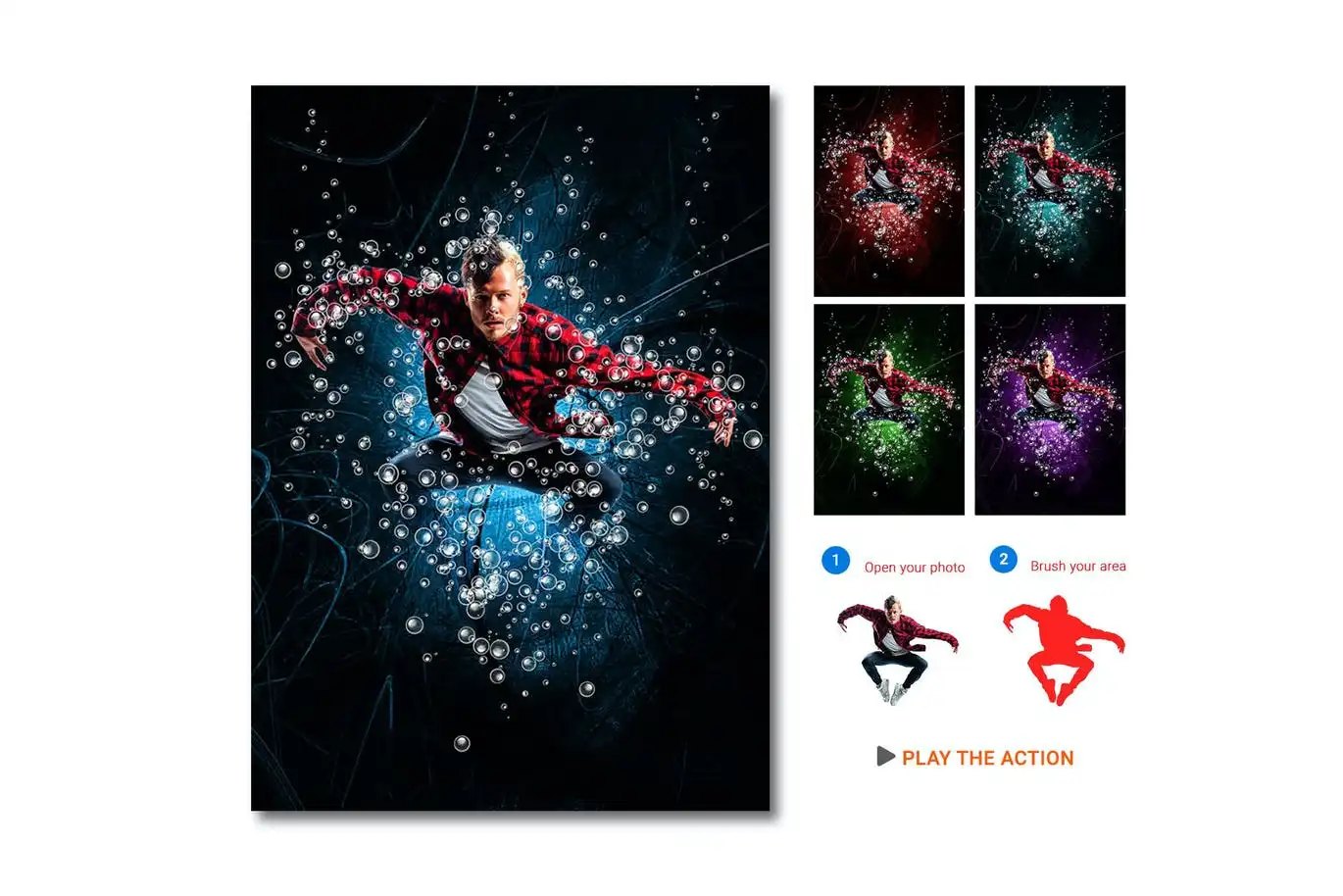
The Bubbles Photoshop Action is perfect for photographers and graphic designers looking to introduce a playful and dynamic element to their work. With four distinct action directions—UP, LEFT, RIGHT, and DOWN—you can easily customize the bubble dispersion to suit your creative vision.
Key Features & Benefits
- ✅ Four Action Directions → Choose from UP, LEFT, RIGHT, or DOWN for versatile effects.
- ✅ Easy to Use → Simply brush the desired area, select a direction, and click play for instant results.
- ✅ Compatibility → Works seamlessly with Photoshop CS3, CS4, CS5, CS6, and CC (English versions).
- ✅ Comprehensive Package → Includes main .atn files, a user guide, 10 color presets, and numerous graphic elements.
- ✅ Fully Editable Layers → Customize your bubble effects with well-organized layers for complete control.
- ✅ Optimal Photo Size → Best results with images sized between 1000–3000px, ideally at 2000px.
- ✅ High Resolution → Recommended photo resolution of 240-300dpi for crisp, clear effects.
Why Choose This Product
The Bubbles Photoshop Action is a trusted tool among creatives, allowing you to add a unique touch to your images without the hassle of complex editing. Whether you’re enhancing portraits, product photos, or artistic compositions, this action provides a quick and effective solution to achieve stunning results. Join countless satisfied users and elevate your design projects today!
Specifications
| File Type | .atn |
|---|---|
| Compatibility | Photoshop CS3, CS4, CS5, CS6, CC (English versions) |
| Recommended Photo Size | 1000–3000px (2000px recommended) |
| Recommended Resolution | 240-300dpi (300dpi recommended) |
What’s Included
- 📦 Main .atn files with 4 action directions
- User guide (.txt) with recommendations
- 10 color presets
- Variety of graphic elements
Perfect For
- Photographers looking to enhance their images
- Graphic designers seeking playful effects
- Social media content creators wanting to stand out
How to Use
- Open your image in Photoshop.
- Brush the area where you want the bubbles to appear.
- Select your desired bubble direction.
- Click play to apply the effect.
FAQ
- Can I use this action with non-English versions of Photoshop? Yes, you can switch to English, run the action, and then revert to your language.
- What if I encounter issues? Refer to the user guide included in the package for troubleshooting tips and recommendations.
Add the Bubbles Photoshop Action to your toolkit today and start creating stunning bubble effects in just a few clicks! 🚀
User Reviews
Be the first to review “Bubbles Photoshop Action”
You must be logged in to post a review.

Quick Sketch – Mixart – UXP Photoshop Plugin
Sold by Profactions
Real Painting – Virtuoso – UXP Photoshop Plugin
Sold by Profactions
Magic Lights Photoshop Action
Sold by Profactions
Watercolor Sketch Photoshop Action
Sold by Profactions
Scribbles Photoshop Action
Sold by Profactions
Color Pencil Drawing Photoshop Action
Sold by Profactions Original price was: $5.00.$2.50Current price is: $2.50.


There are no reviews yet.