
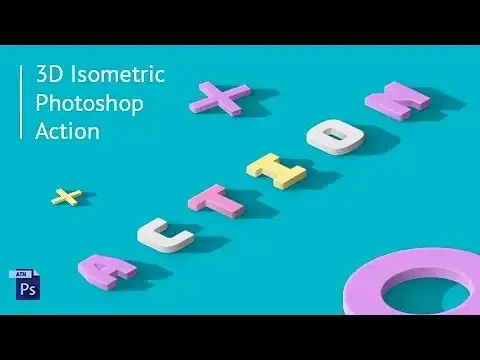
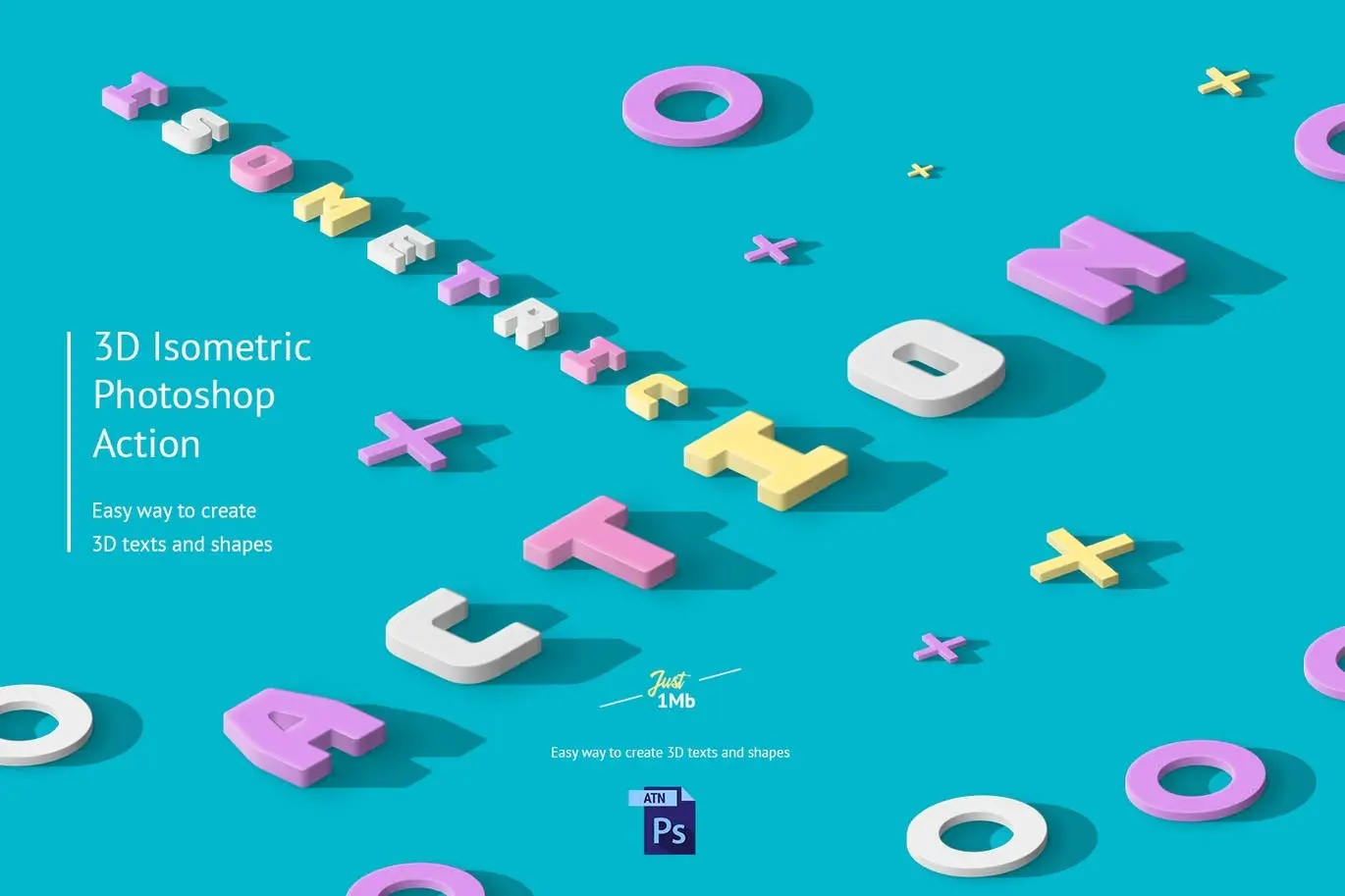
3D Isometric Photoshop Action
Original price was: $5.00.$2.50Current price is: $2.50.

Andrew Skoch Design
Product Specs:
- Compatible with: Actions
- File Type: ZIP
- File Size: 576.9 KB
- Instant Download
3D Isometric Photoshop Action
Transform your designs effortlessly with the 3D Isometric Photoshop Action. This powerful tool allows you to create stunning 3D effects with just one click, making it perfect for designers looking to enhance their projects.
Product Overview
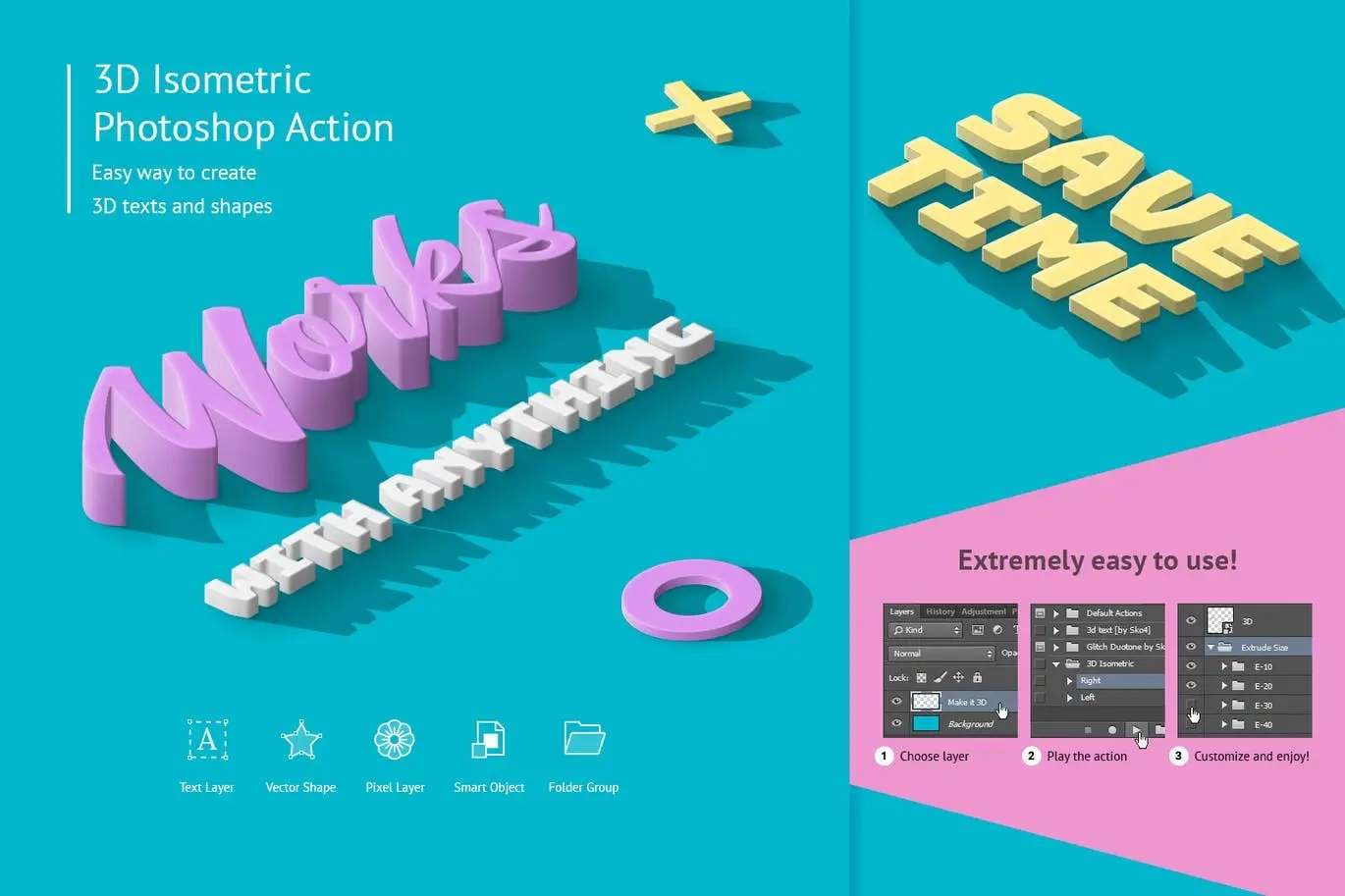
The 3D Isometric Photoshop Action is designed for professionals and enthusiasts alike. Compatible with Photoshop versions CS3 through CC2018, this action simplifies the process of converting text, vector shapes, pixel layers, smart objects, and layer groups into realistic 3D objects. With a comprehensive video tutorial available, you’ll be guided through every step to achieve impressive results.
Key Features & Benefits
- ✅ One-Click Transformation → Instantly create 3D effects without complex steps.
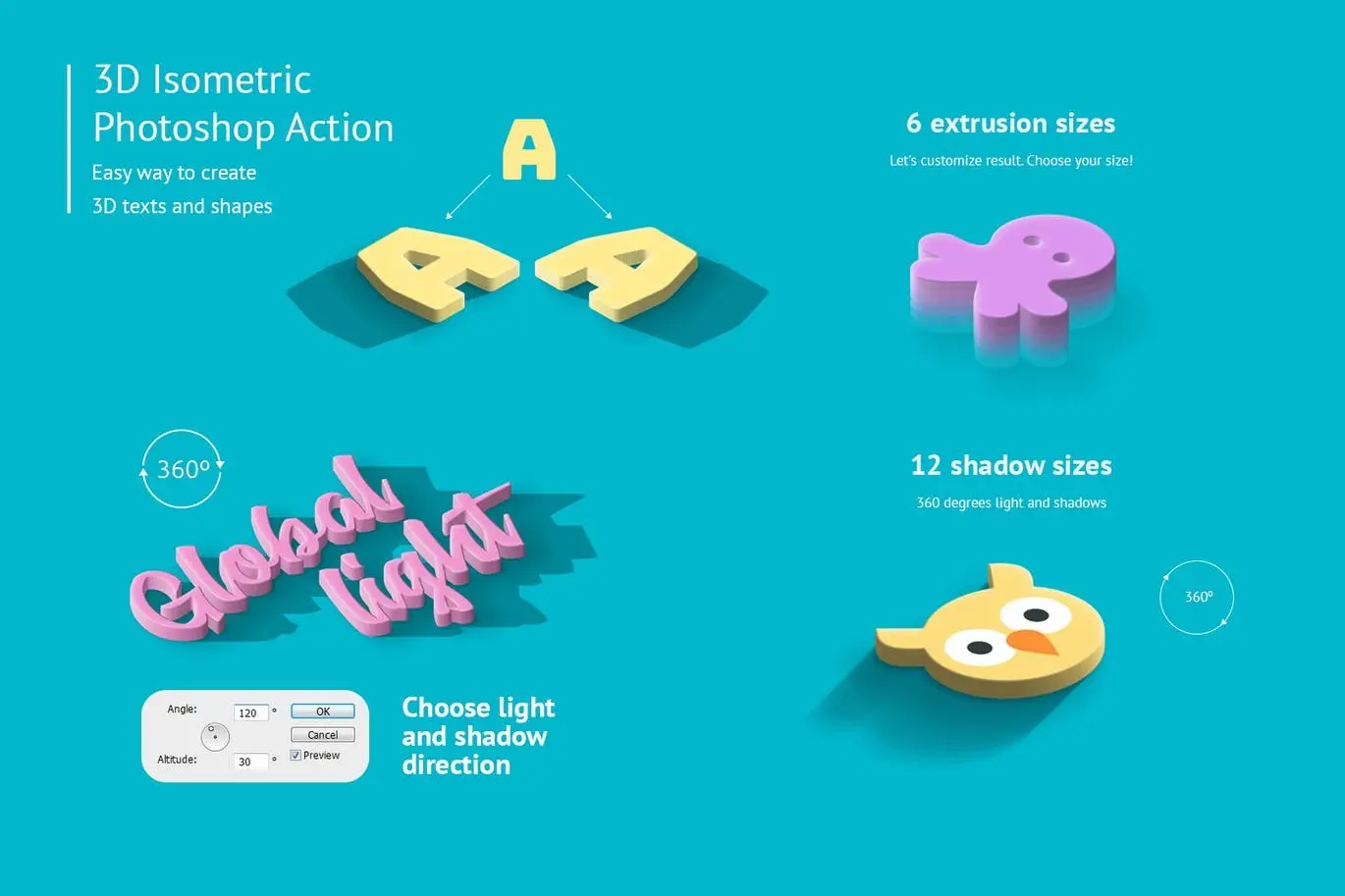
- ✅ Highly Customizable → Adjust extrusion sizes, shadow dimensions, and light direction to fit your design needs.
- ✅ Multiple Options → Choose from 10 extrusion sizes and 12 shadow sizes for versatile design possibilities.
- ✅ Global Light Function → Control light and shadow direction for a 360-degree effect.
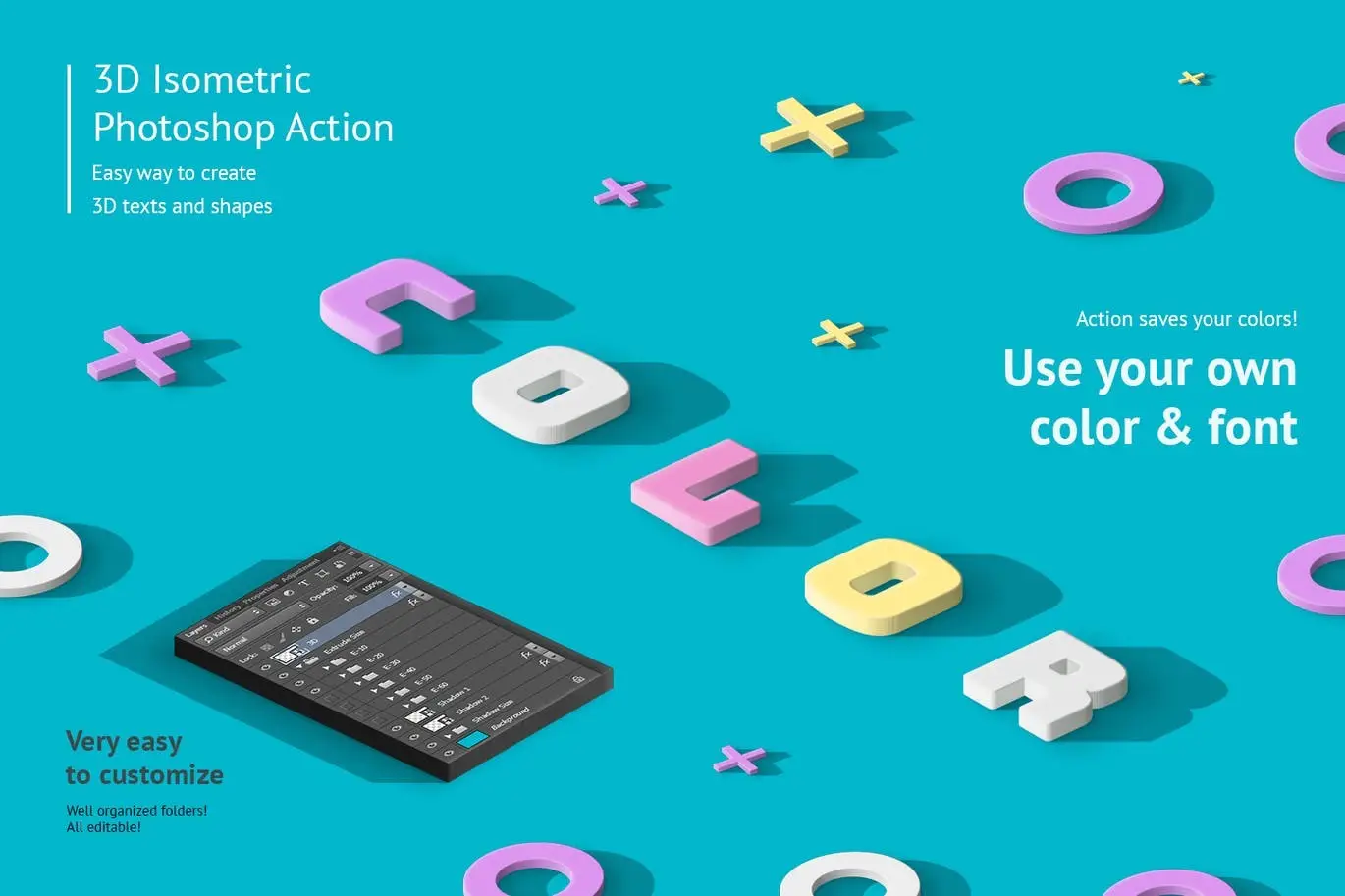
- ✅ Editable Layers → All layers are well-organized and customizable, allowing for easy adjustments.
- ✅ PDF Help File Included → Access detailed instructions to maximize your use of the action.
Why Choose This Product
This 3D Isometric Photoshop Action stands out due to its simplicity and effectiveness. Whether you’re creating graphics for social media, marketing materials, or personal projects, this action saves you time while delivering professional results. Trusted by designers worldwide, it helps bring your creative visions to life.
Specifications (Technical Details)
| Compatibility | Photoshop CS3, CS4, CS5, CS6, CC, CC2014, CC2015, CC2015.5, CC2017, CC2018 |
|---|---|
| File Type | Photoshop Action (.atn) |
| Included Files | PDF Help File, Video Tutorial |
What’s Included / What’s in the Box
- 📦 3D Isometric Photoshop Action File
- 📦 PDF Help Documentation
- 📦 Video Tutorial Link
Perfect For
- Graphic Designers
- Marketing Professionals
- Social Media Managers
- Creative Enthusiasts
How to Use
1. Open your Photoshop and load the action file.
2. Select the layer you want to transform.
3. Run the action and watch your design come to life!
FAQ
- Do I need to use the English version of Photoshop? Yes, this action is designed for the English version for optimal performance.
- Can I customize the colors? Absolutely! You can use your own colors and fonts.
Ready to elevate your designs? Add to cart now and start creating stunning 3D effects today! 🚀
User Reviews
Be the first to review “3D Isometric Photoshop Action”
You must be logged in to post a review.

Graffiti Text Effects – 10 PSD – vol 1
Sold by Andrew Skoch Design
Chrome Text Effects
Sold by Andrew Skoch Design
Halftone Procreate Brushes
Sold by Andrew Skoch Design
Chalk Lettering – Photoshop Action
Sold by Andrew Skoch Design
Sand Effect Photoshop Action
Sold by Andrew Skoch Design
Embroidery Photoshop Action
Sold by Andrew Skoch Design Original price was: $5.00.$2.50Current price is: $2.50.


There are no reviews yet.