
Chalk Lettering – Photoshop Action
Original price was: $5.00.$2.50Current price is: $2.50.

Andrew Skoch Design
Product Specs:
- Compatible with: Actions
- File Type: ZIP
- File Size: 20.5 MB
- Instant Download
Chalk Lettering – Photoshop Action
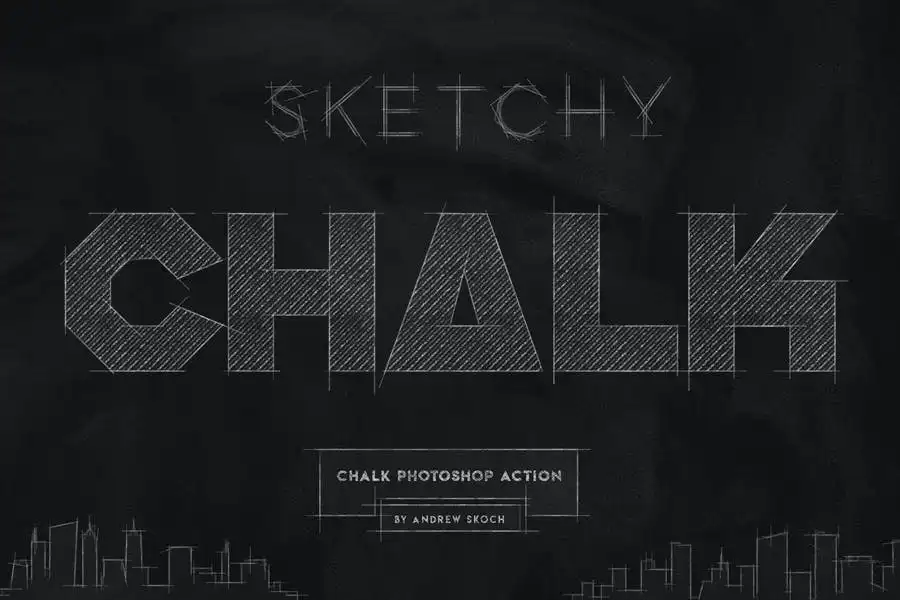
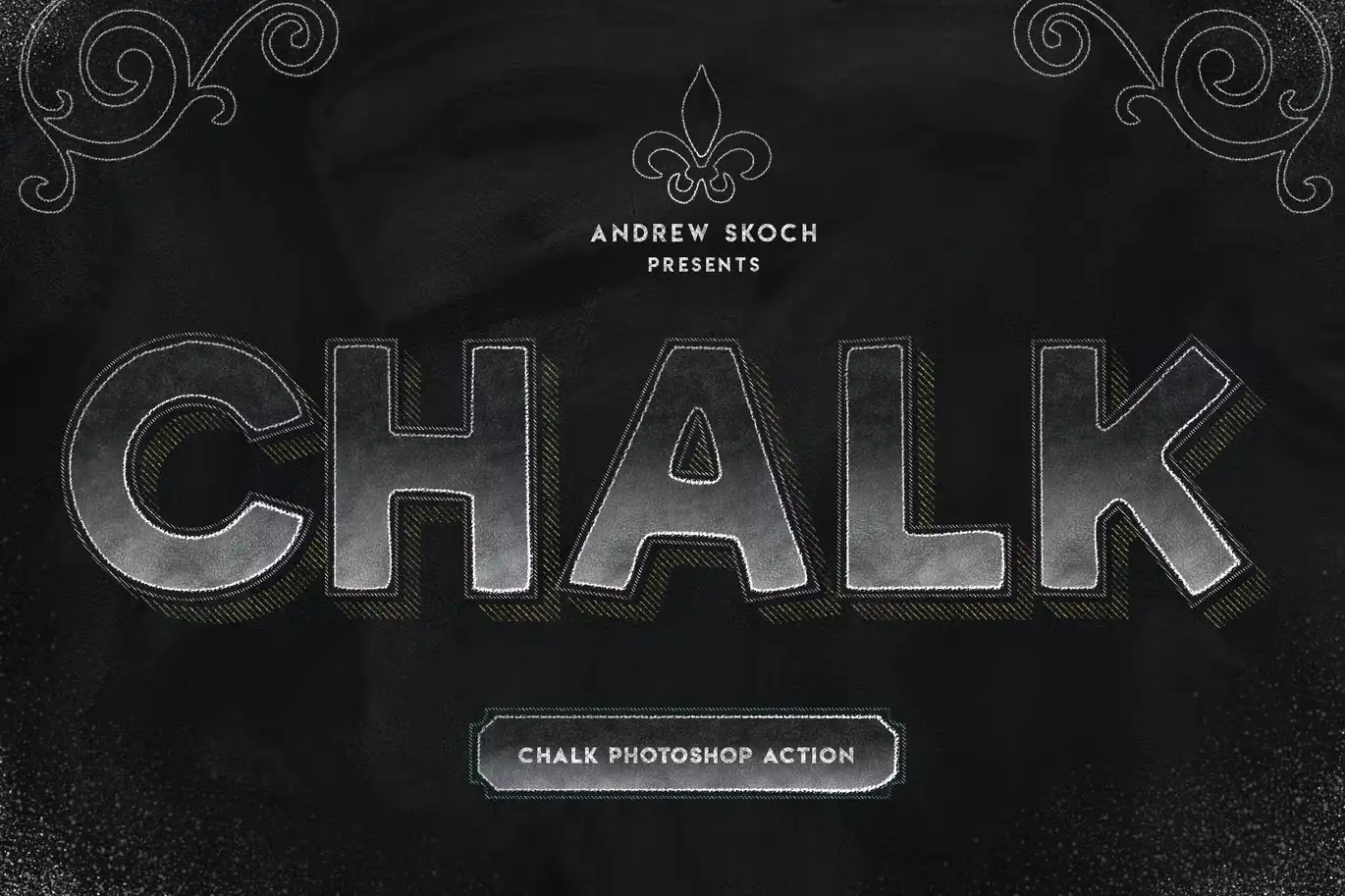
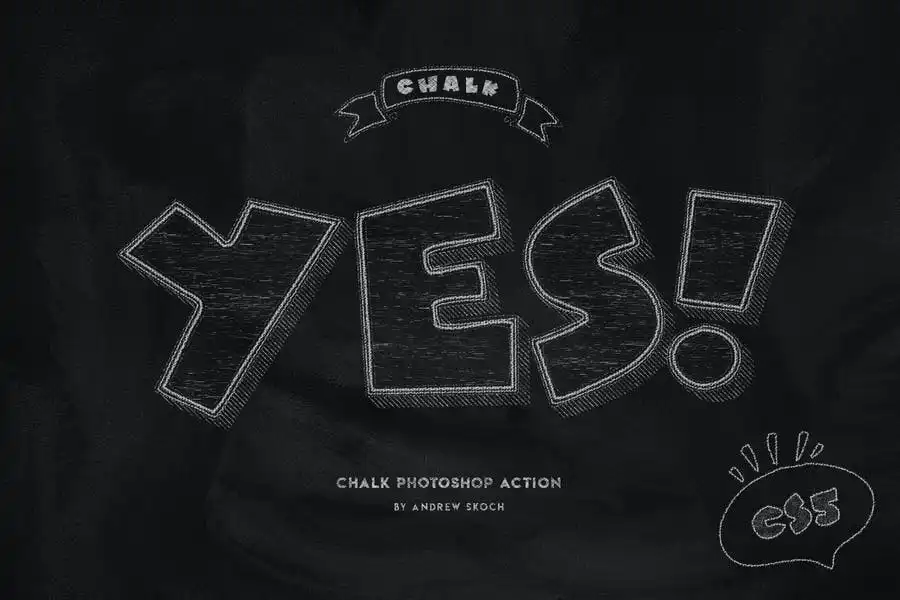
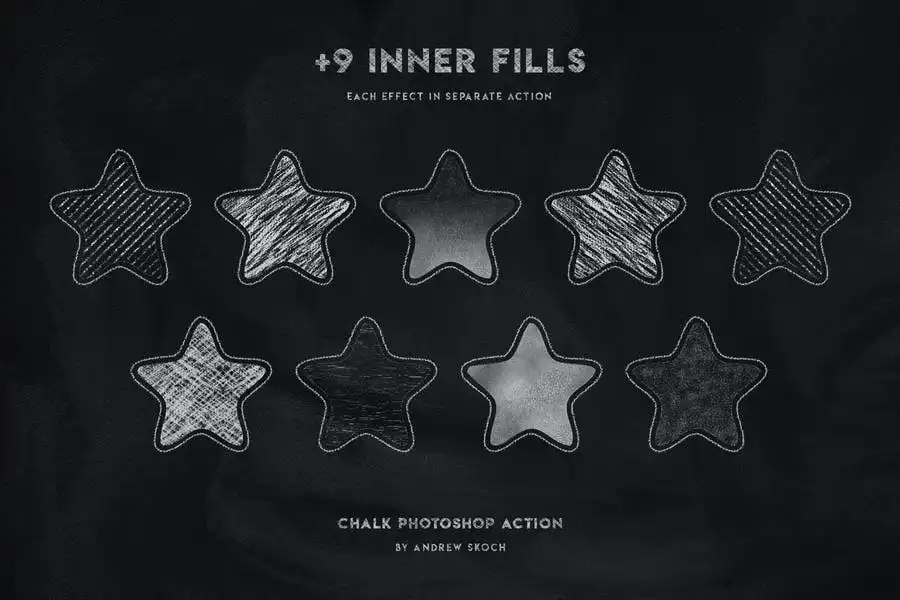
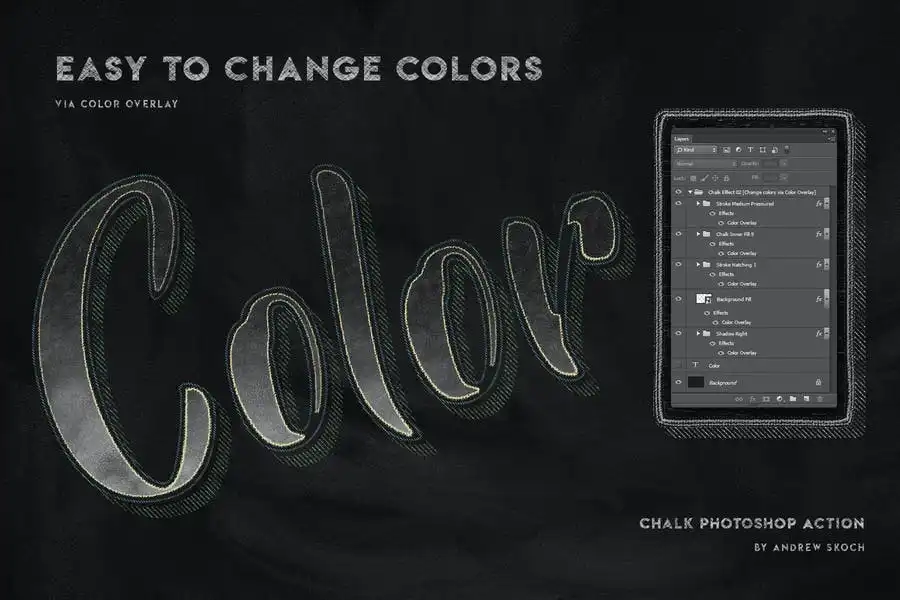
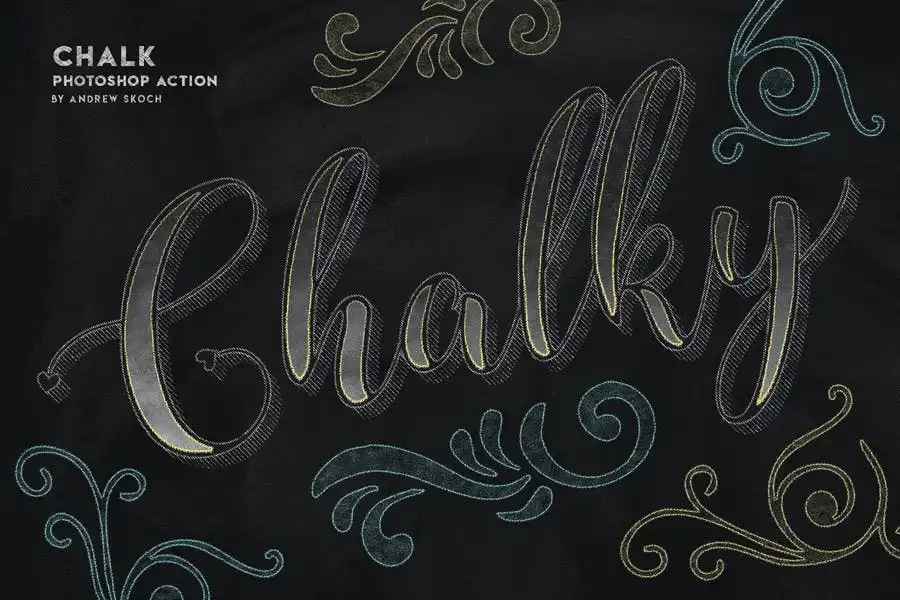
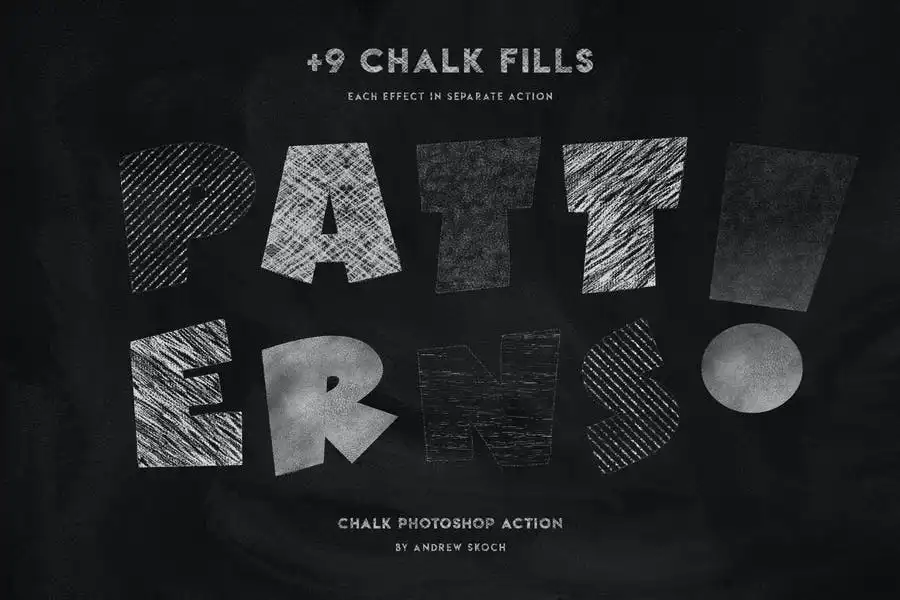
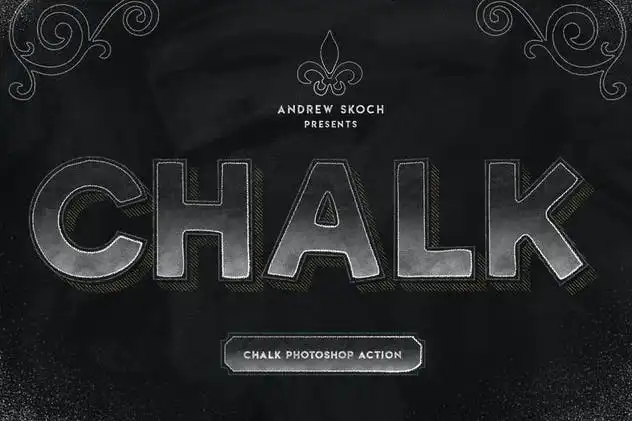
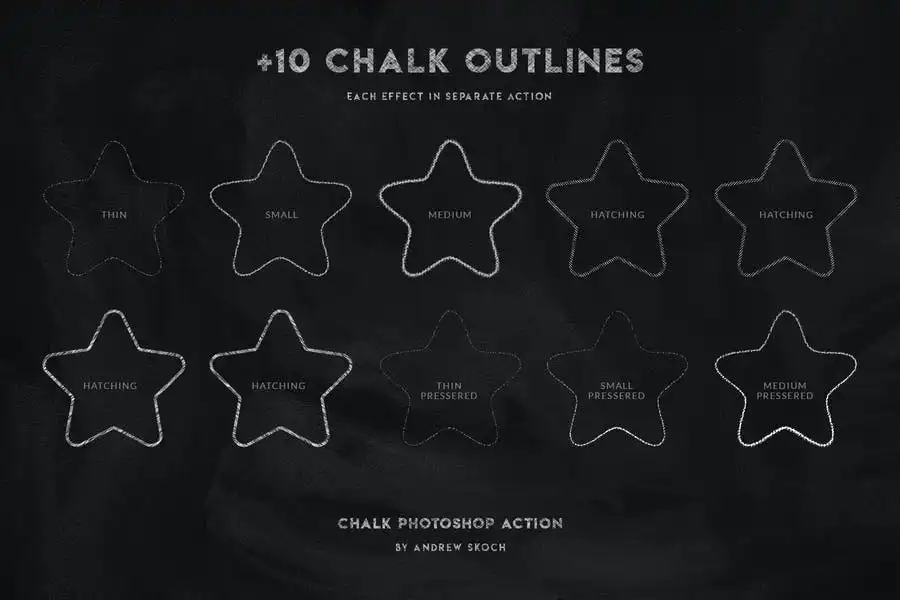
Transform your designs with the Chalk Lettering – Photoshop Action, delivering a stunning chalk effect in just seconds. Whether you’re working with text, logos, or shapes, this action allows you to create beautiful chalk fills and outlines with ease. Customize every element with your choice of colors!
Product Overview
This Photoshop action is perfect for designers looking to add a unique touch to their projects. The realistic chalk effect enhances your typography and graphics, making them stand out in any design. Ideal for both beginners and professionals, this action simplifies the creative process while providing impressive results.
Key Features & Benefits
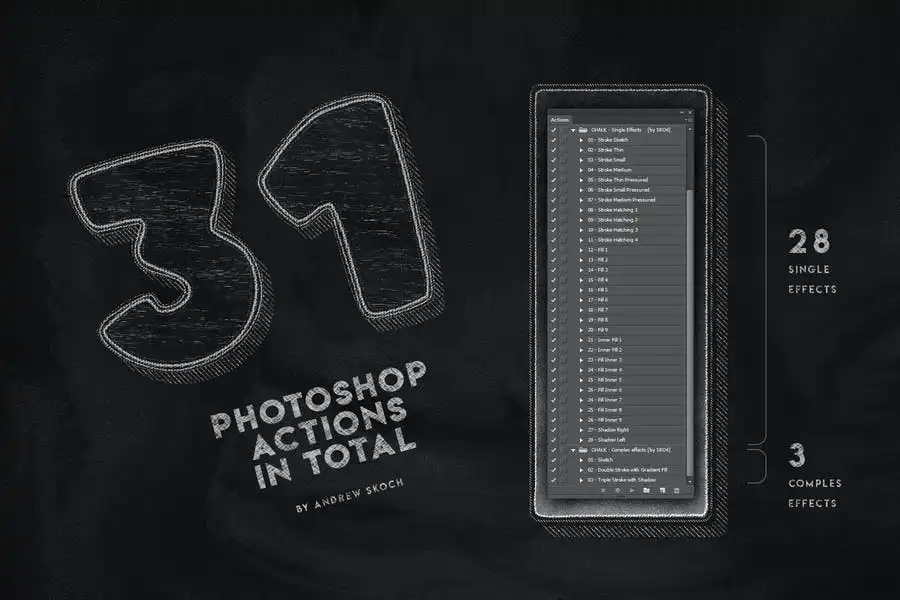
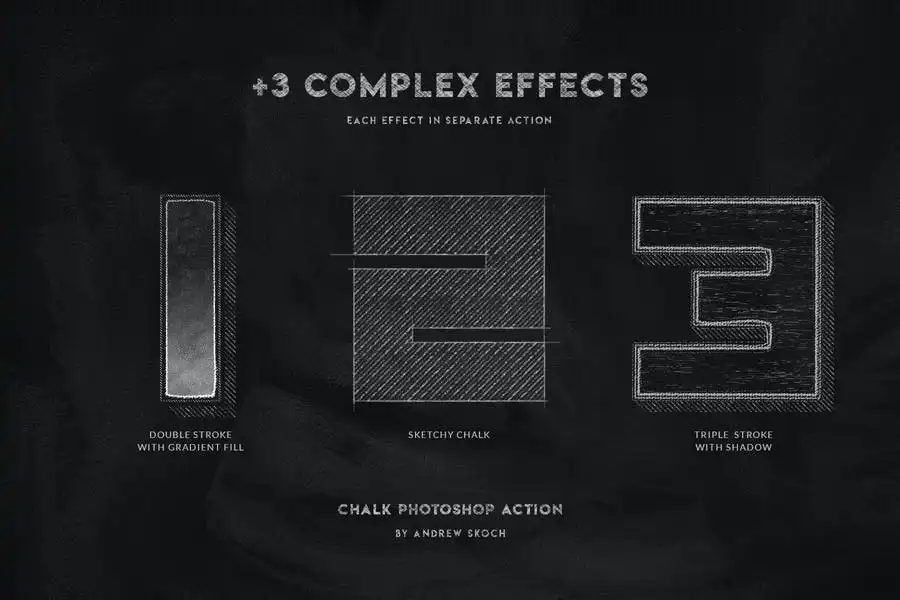
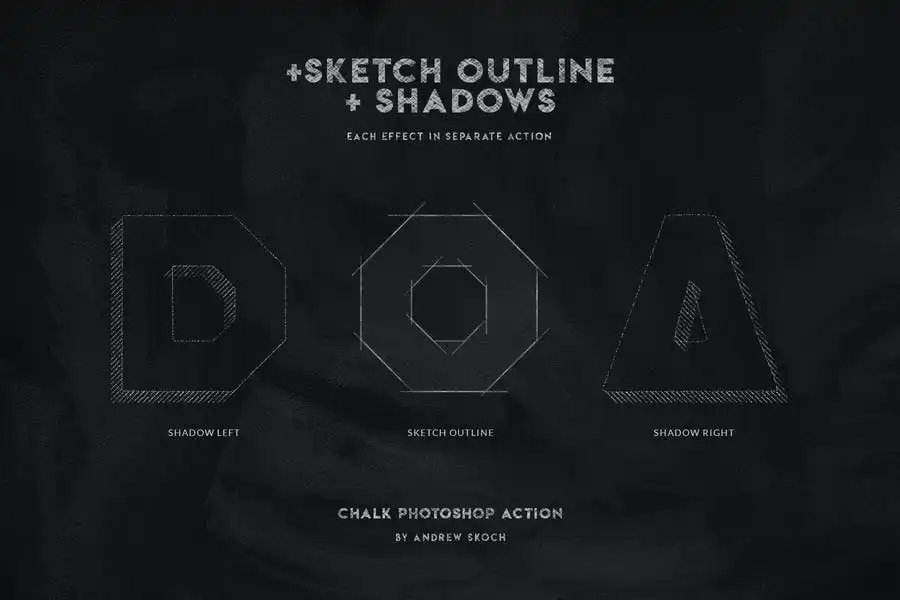
- ✅ 31 Actions Included → A comprehensive toolkit with 28 single effects and 3 complex effects for versatile design options.
- ✅ Customizable Colors → Choose your preferred colors for chalk fills and outlines to match your project’s theme.
- ✅ Wide Compatibility → Works seamlessly with text layers, vector shapes, pixel layers, smart objects, and folder groups.
- ✅ Easy to Use → User-friendly setup with a detailed PDF help file, including font links and instructions.
- ✅ Professional Quality → Achieve a polished and realistic chalk effect that enhances your design portfolio.
Why Choose This Product
The Chalk Lettering – Photoshop Action is a must-have for anyone looking to elevate their design work. Its unique features and ease of use make it a favorite among graphic designers and artists. Trusted by creatives worldwide, this action allows you to produce professional-quality results without extensive effort.
Specifications (Technical Details)
| File Type | Description |
|---|---|
| ANT File | Action file for Photoshop |
| PAT File | Patterns file for unique textures |
| ABR File | Brushes file for added effects |
| PSD File | Template for easy start |
| Help file with fonts links and instructions |
What’s Included / What’s in the Box
- 📦 31 Photoshop actions
- 📦 Patterns and brushes files
- 📦 PSD template for quick setup
- 📦 Comprehensive PDF guide
Perfect For
- Graphic Designers
- Typographers
- Artists and Illustrators
- Marketing Professionals
- Anyone looking to enhance their digital designs
How to Use
Simply load the action in Photoshop, select your desired text or shape, and apply the chalk effect. Experiment with different colors and effects to achieve the look you want!
FAQ
- Can I use this action with any version of Photoshop? Yes, it is compatible with most recent versions of Photoshop.
- Do I need to have any special skills to use this action? No, the action is designed for users of all skill levels.
Add to cart now and start creating stunning chalk lettering effects today! 🚀
User Reviews
Be the first to review “Chalk Lettering – Photoshop Action”
You must be logged in to post a review.
Pencil Effect For Poster
Sold by Andrew Skoch Design
Smoke 12 Procreate Brushes
Sold by Andrew Skoch Design
Wall Text or Logo Mockups
Sold by Andrew Skoch Design
New 80s Text Effects
Sold by Andrew Skoch Design
Gradient and Geometry Backgrounds Vol.2
Sold by Andrew Skoch Design
Hologram Text Effects
Sold by Andrew Skoch Design Original price was: $5.00.$2.50Current price is: $2.50.


There are no reviews yet.