
Sand Effect Photoshop Action




Original price was: $5.00.$2.50Current price is: $2.50.

Andrew Skoch Design
Product Specs:
- Compatible with: Actions | Photoshop
- File Type: 2 ZIP
- File Size: 10.8 MB
- Instant Download
Sand Effect Photoshop Action
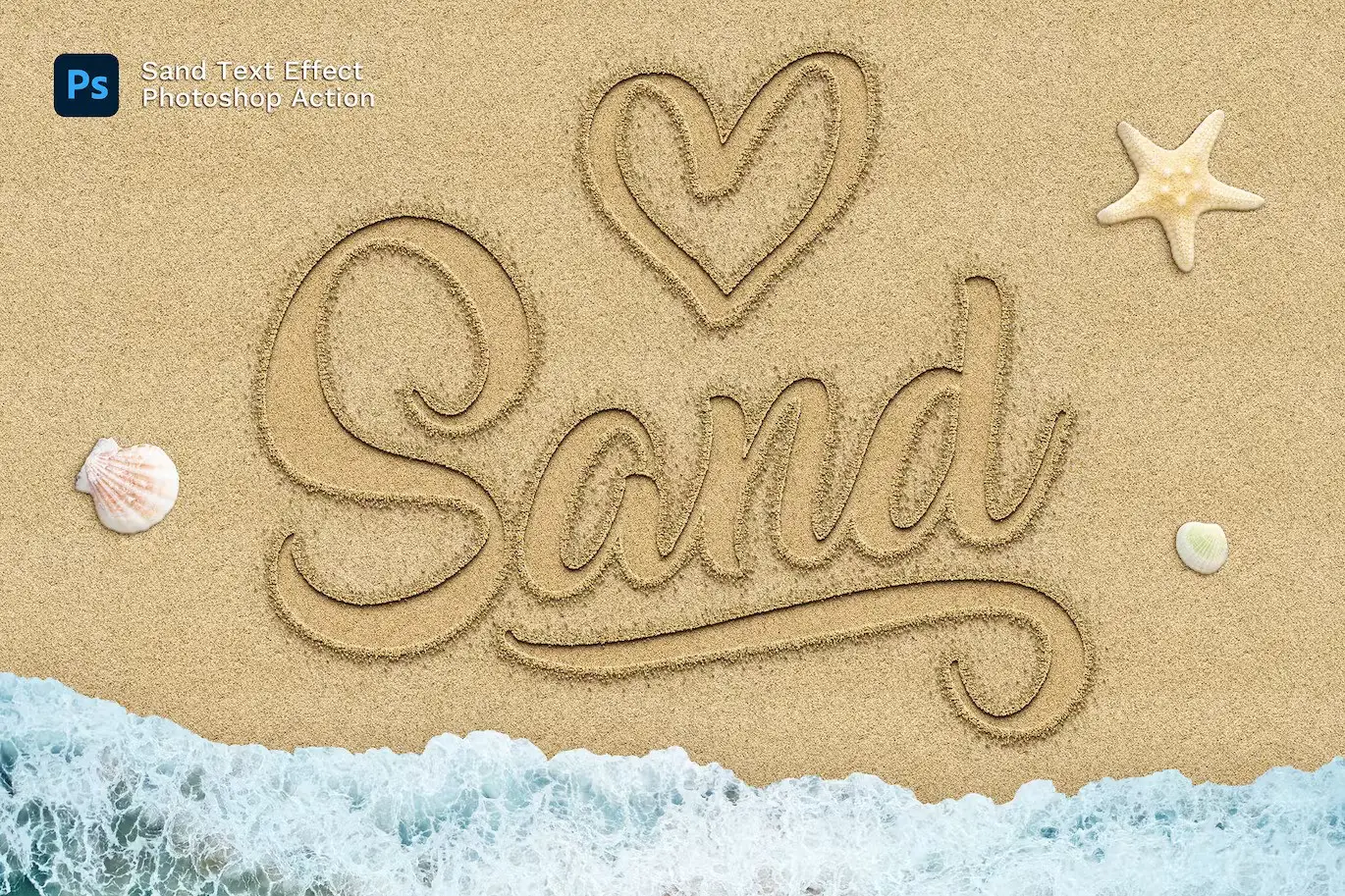
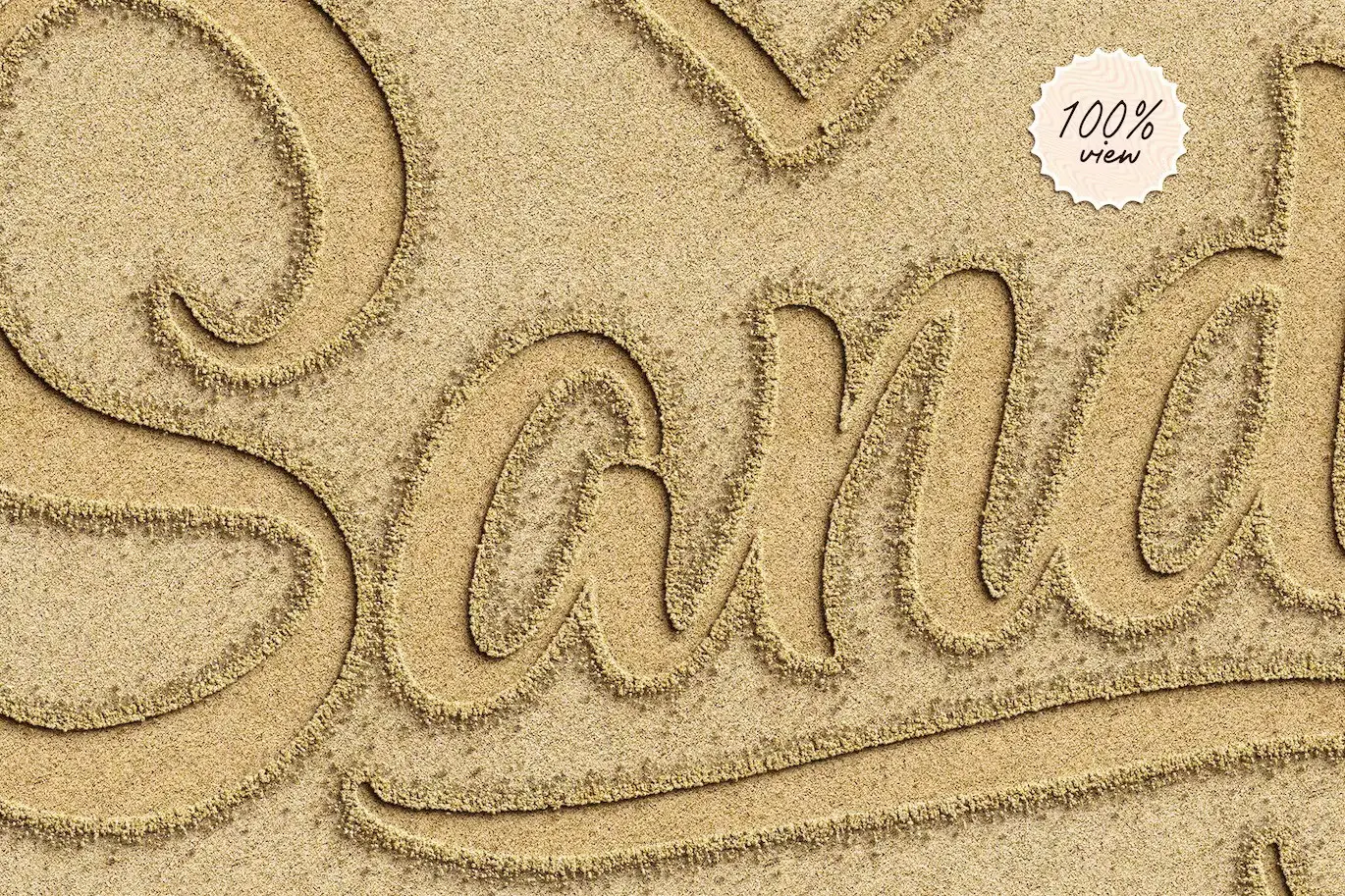
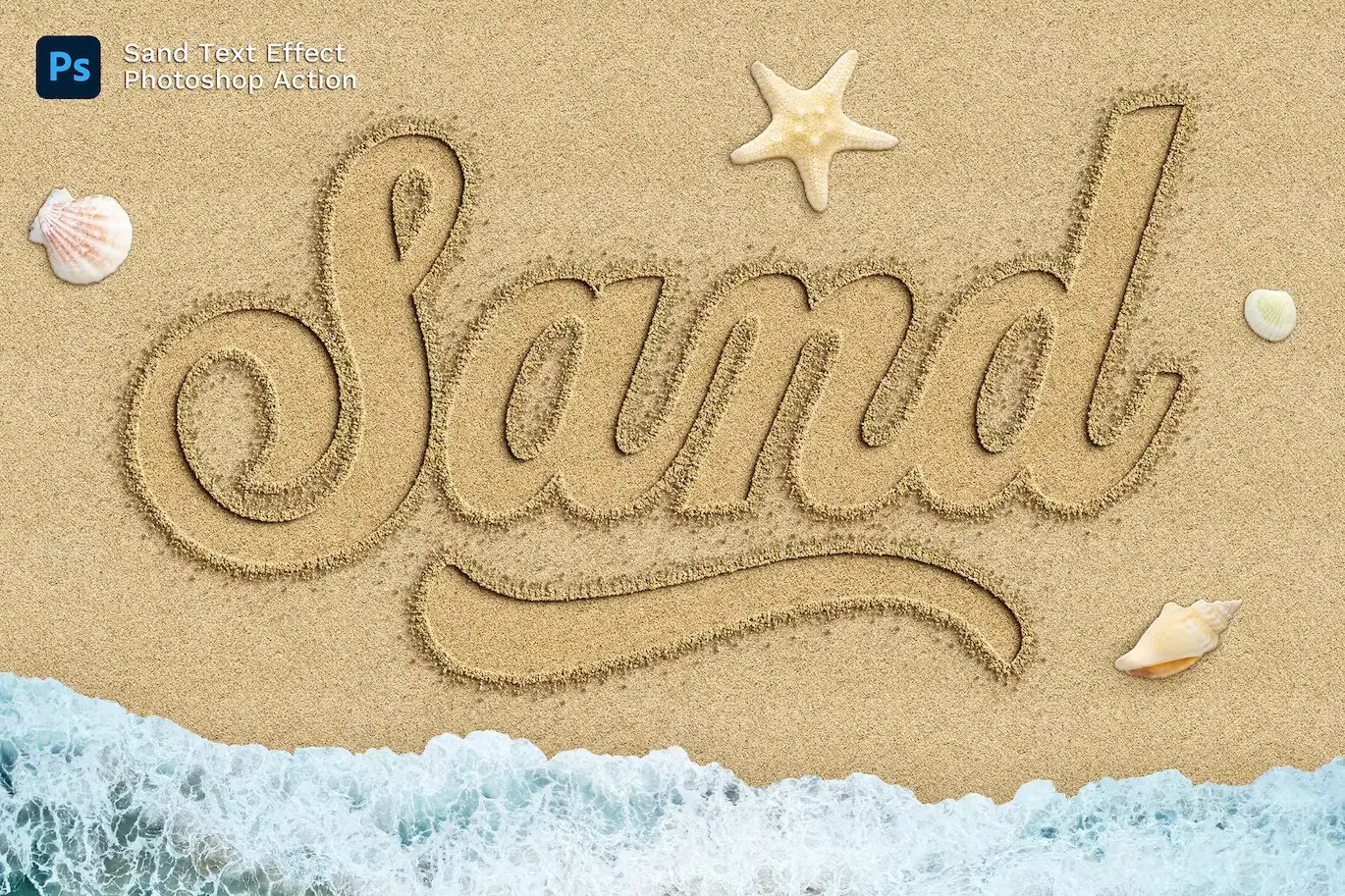
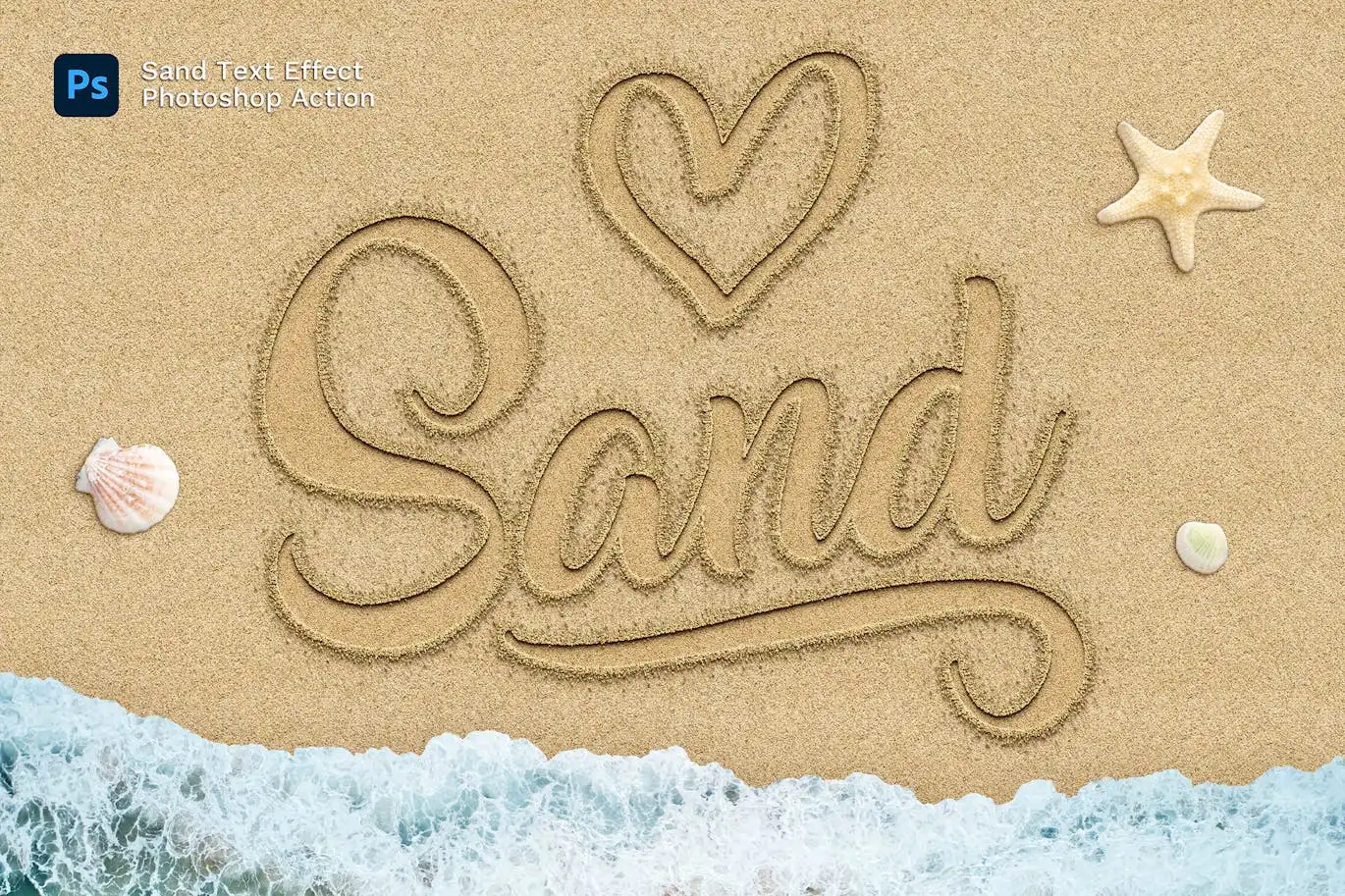
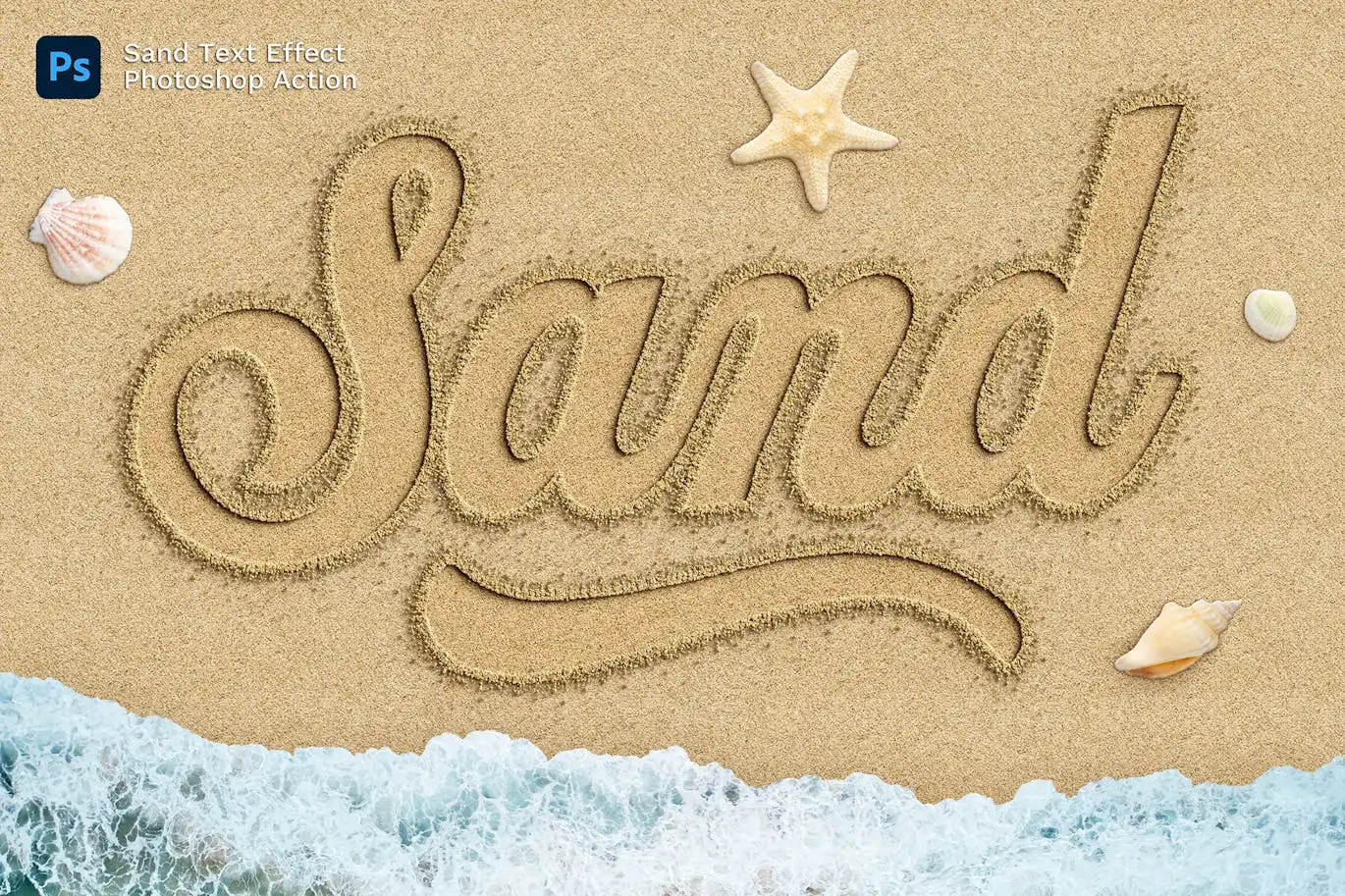
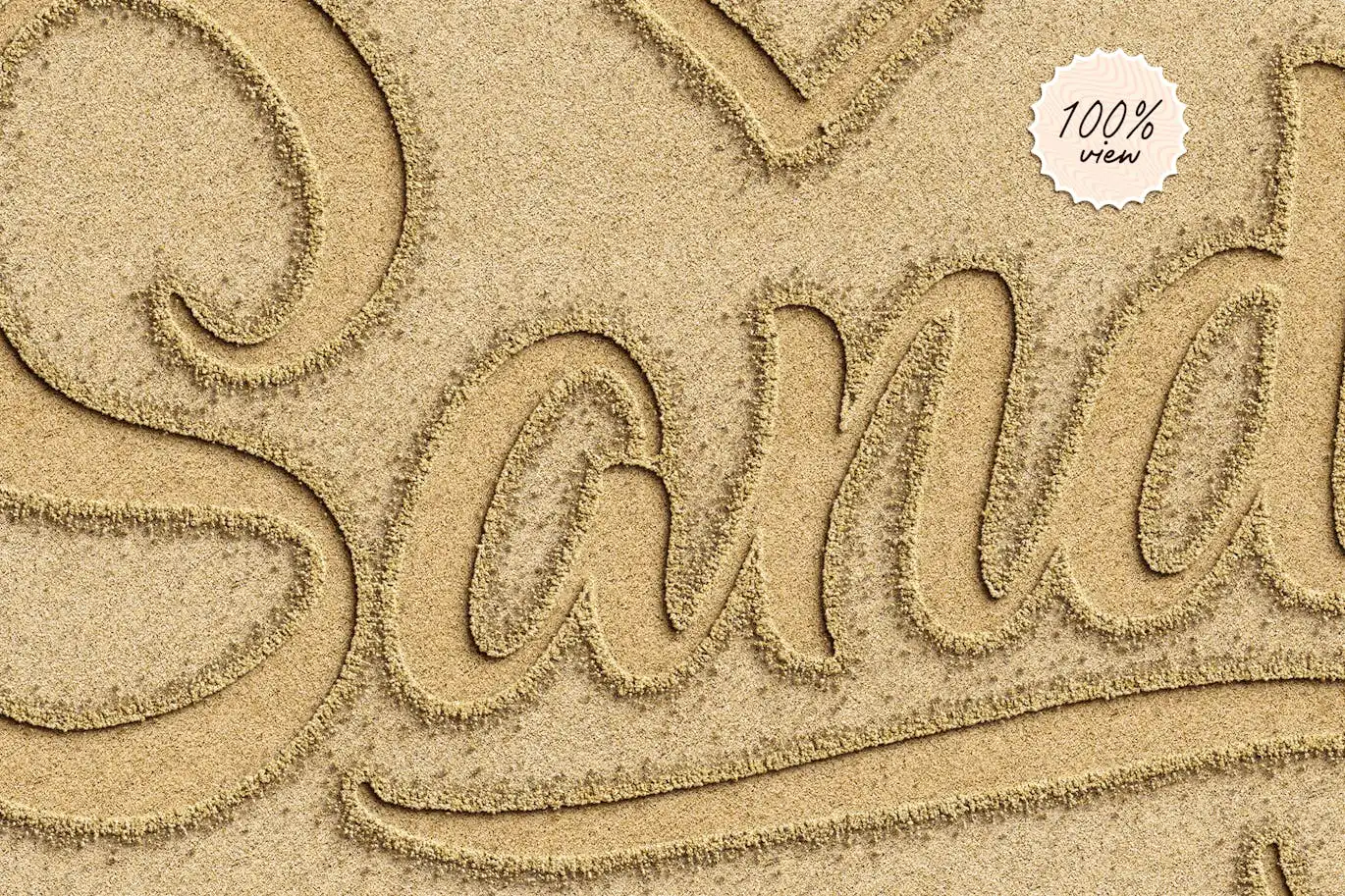
Transform your text or logo into a stunning sand effect with the Sand Effect Photoshop Action. This innovative tool allows you to create a realistic sand writing effect in just seconds, perfect for summer-themed projects or beach-inspired designs. With a simple one-click action, you can effortlessly enhance your graphics.
Product Overview
This Photoshop action is designed for anyone looking to add a unique touch to their designs. Whether you’re a professional designer or a hobbyist, this action makes it easy to achieve a beautiful sand effect without the need for advanced skills. Simply apply the action, and watch your text or logo come alive on a sandy background.
Key Features & Benefits
- ✅ Realistic Sand Effect → Create lifelike text or logo designs that look like they were written in the sand.
- ✅ One-Click Action → Apply the effect with a single click, saving you time and effort.
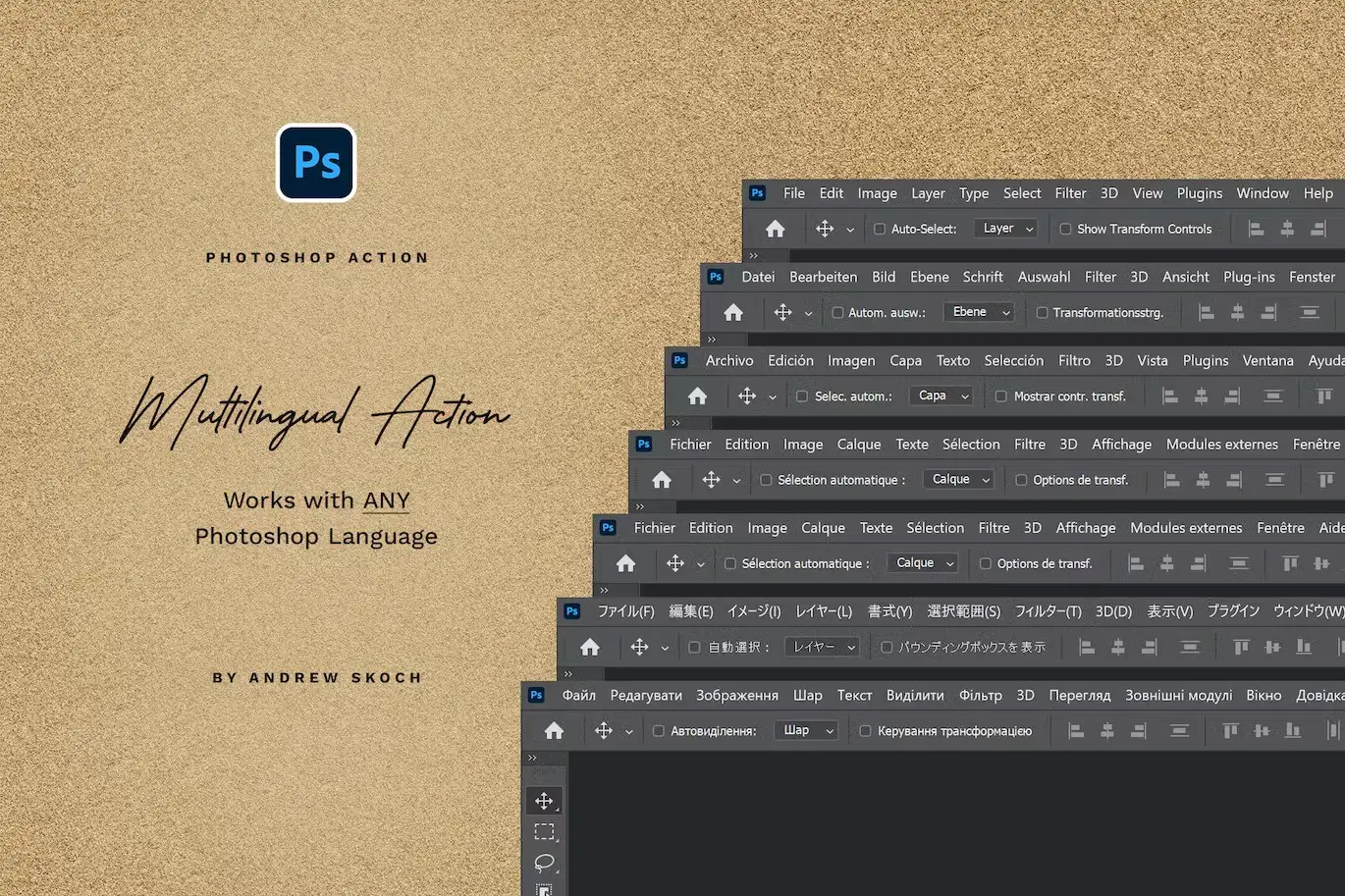
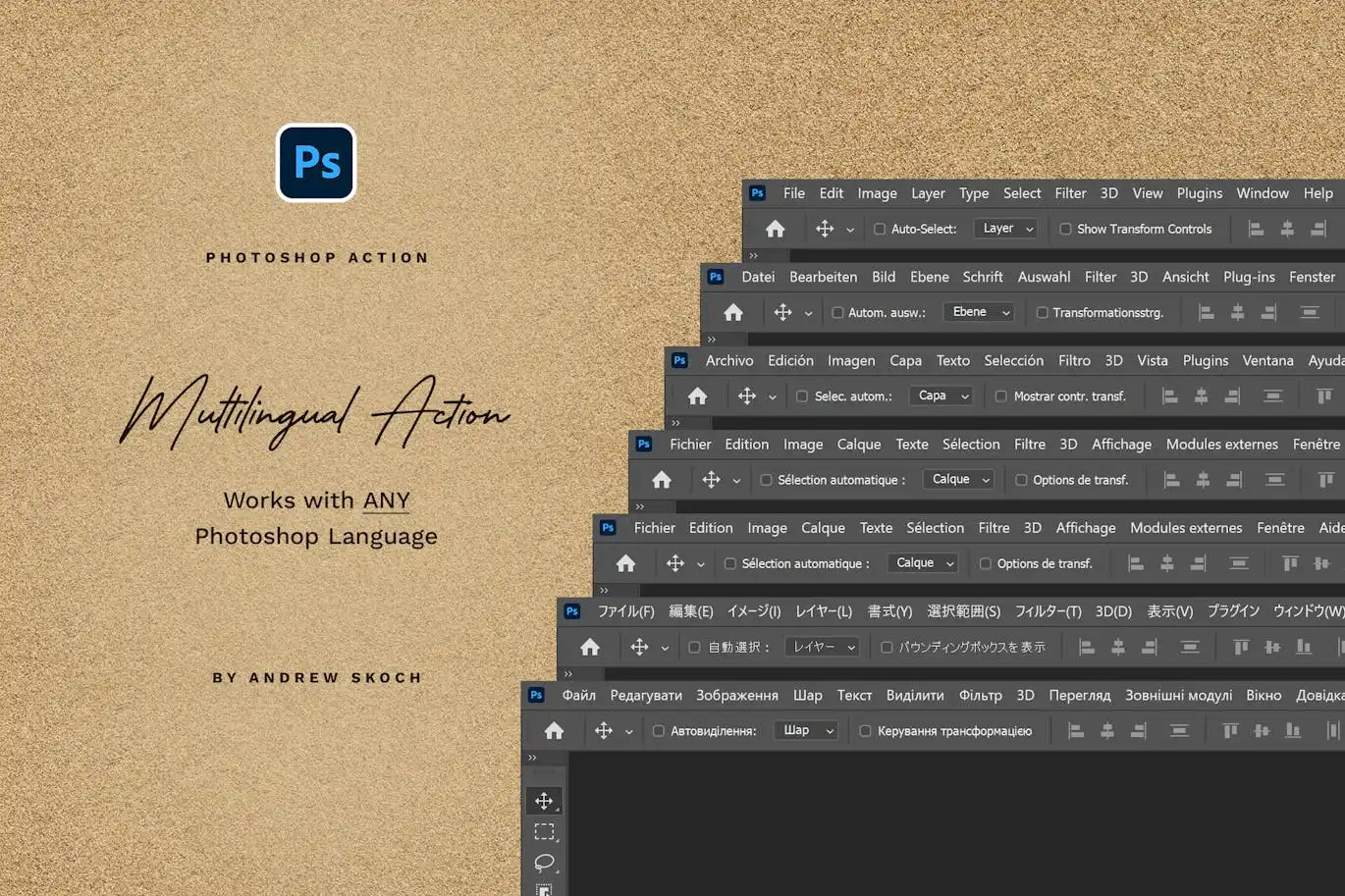
- ✅ Compatible with Any Language → The action works seamlessly with any interface language in Photoshop.
- ✅ Multiple Uses → Play the action multiple times on the same PSD, allowing for versatile design options.
- ✅ Comprehensive Support → Includes a detailed PDF help file with font links and instructions for easy setup.
- ✅ Video Tutorial → Access a video guide to help you get started quickly and effectively.
Why Choose This Product
The Sand Effect Photoshop Action stands out due to its user-friendly design and professional results. Trusted by designers worldwide, this action not only enhances your projects but also saves you valuable time. Imagine the stunning visuals you can create for beach parties, summer events, or promotional materials. With this action, you can easily add a creative flair to your designs, making them memorable and engaging.
Specifications (Technical Details)
| File Type | Description |
|---|---|
| ANT File | Action file for Photoshop |
| PAT File | Sand patterns file |
| ABR File | Sand brushes file |
| Help file with fonts links and instructions | |
| PSD | Template for easy start |
What’s Included / What’s in the Box
- 📦 ANT File – Action file
- PAT File – Sand patterns file
- ABR File – Sand brushes file
- PDF – Help file with instructions
- PSD – Template for quick setup
Perfect For
- Graphic Designers
- Social Media Managers
- Event Planners
- Marketing Professionals
- Creative Hobbyists
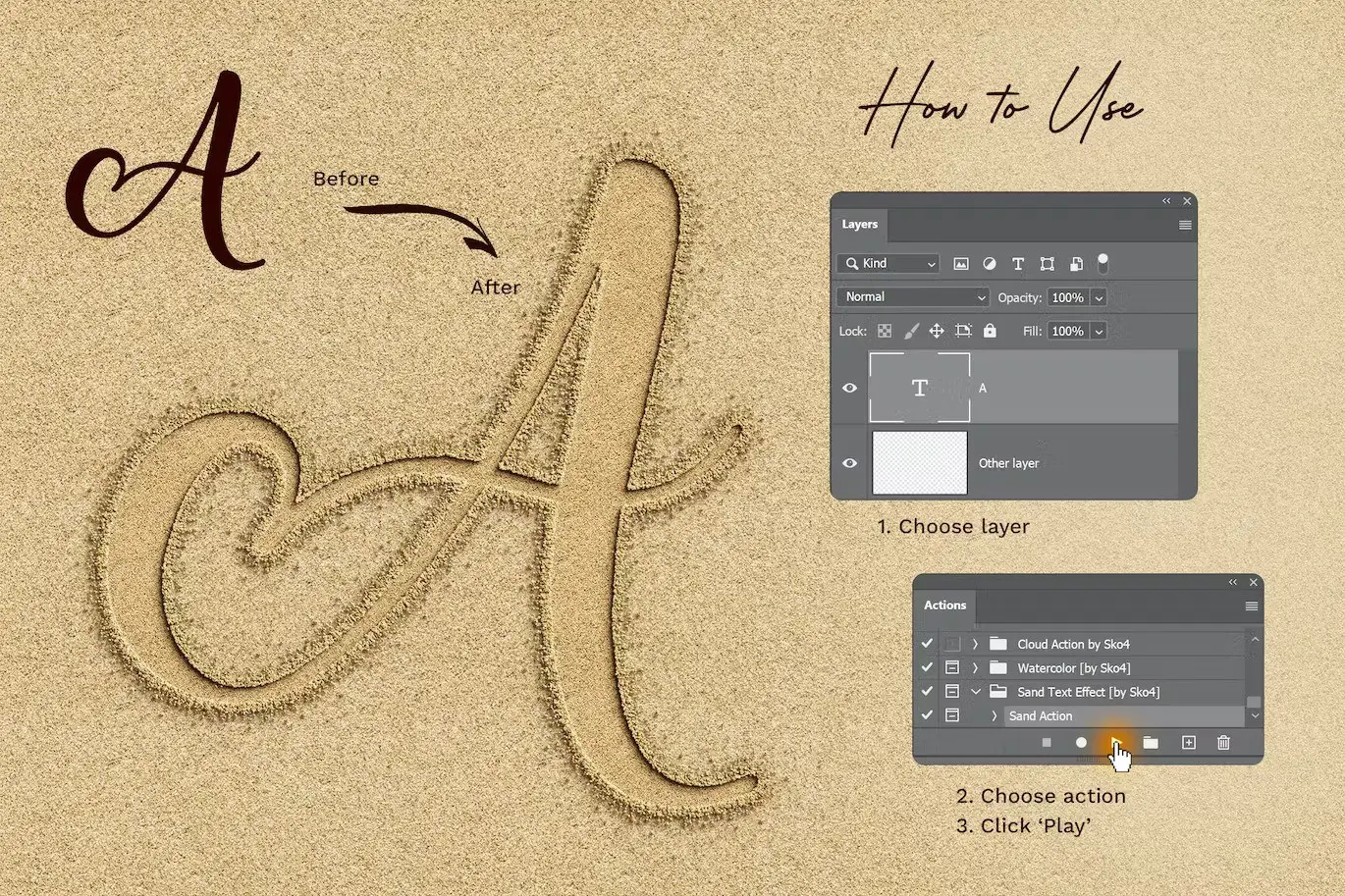
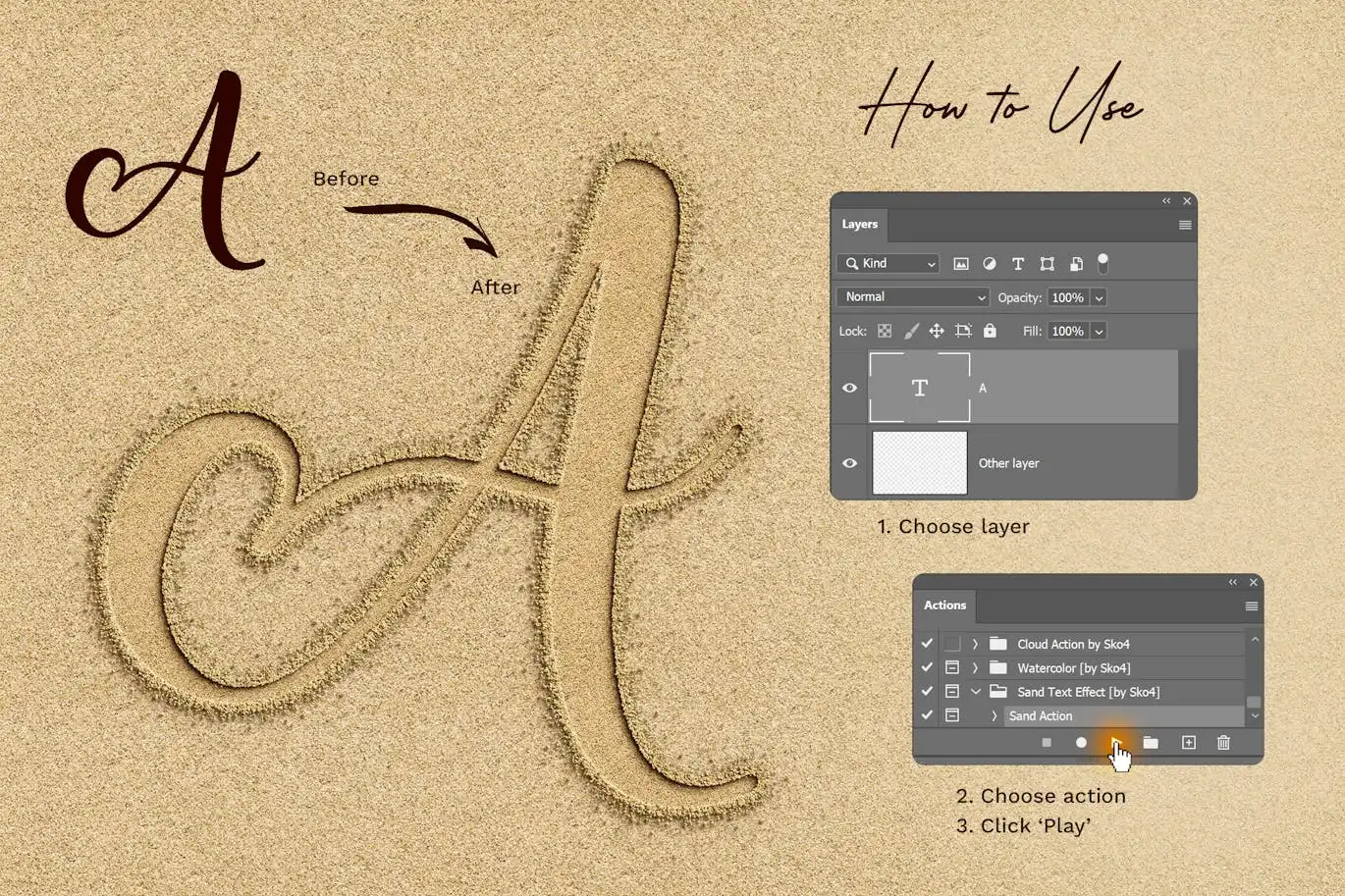
How to Use
To achieve the best results with the Sand Effect Photoshop Action, follow these simple steps:
- Open your desired PSD file in Photoshop.
- Select the text or logo layer you want to apply the effect to.
- Run the Sand Effect action from the Actions panel.
- Adjust shadows and layers as needed for your desired look.
FAQ
- Can I use this action with any version of Photoshop? Yes, it is compatible with various versions of Photoshop.
- Is there a money-back guarantee? Yes, we offer a satisfaction guarantee on our products.
Ready to create stunning sand effects? Add to cart now and start designing today! 🚀
User Reviews
Be the first to review “Sand Effect Photoshop Action”
You must be logged in to post a review.
Grass Photoshop Action
Sold by Andrew Skoch Design
Halftone Photoshop Brushes
Sold by Andrew Skoch Design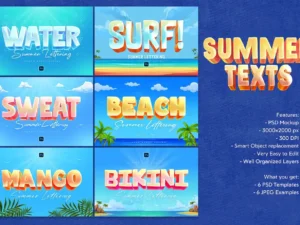
Summer Text Effects
Sold by Andrew Skoch Design
Fur Photoshop Brushes
Sold by Andrew Skoch Design
Feathers Procreate Brushes
Sold by Andrew Skoch Design
Embroidery Stitches Procreate Brush
Sold by Andrew Skoch Design Original price was: $5.00.$2.50Current price is: $2.50.


There are no reviews yet.