
Grass Photoshop Action
Original price was: $5.00.$2.50Current price is: $2.50.

Andrew Skoch Design
Product Specs:
- Compatible with: Actions
- File Type: ZIP
- File Size: 89.7 MB
- Instant Download
Grass Photoshop Action: Transform Your Designs Instantly
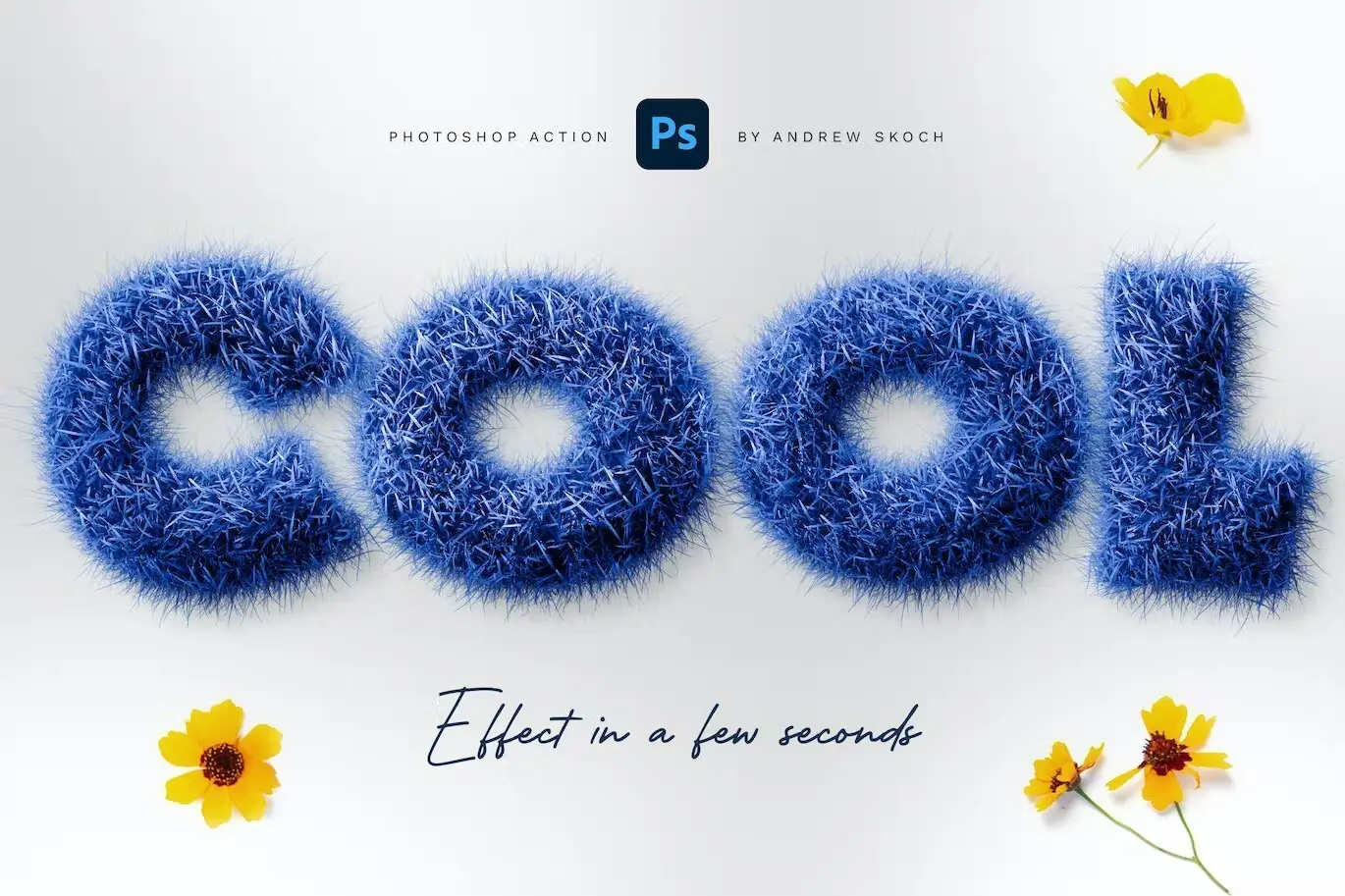
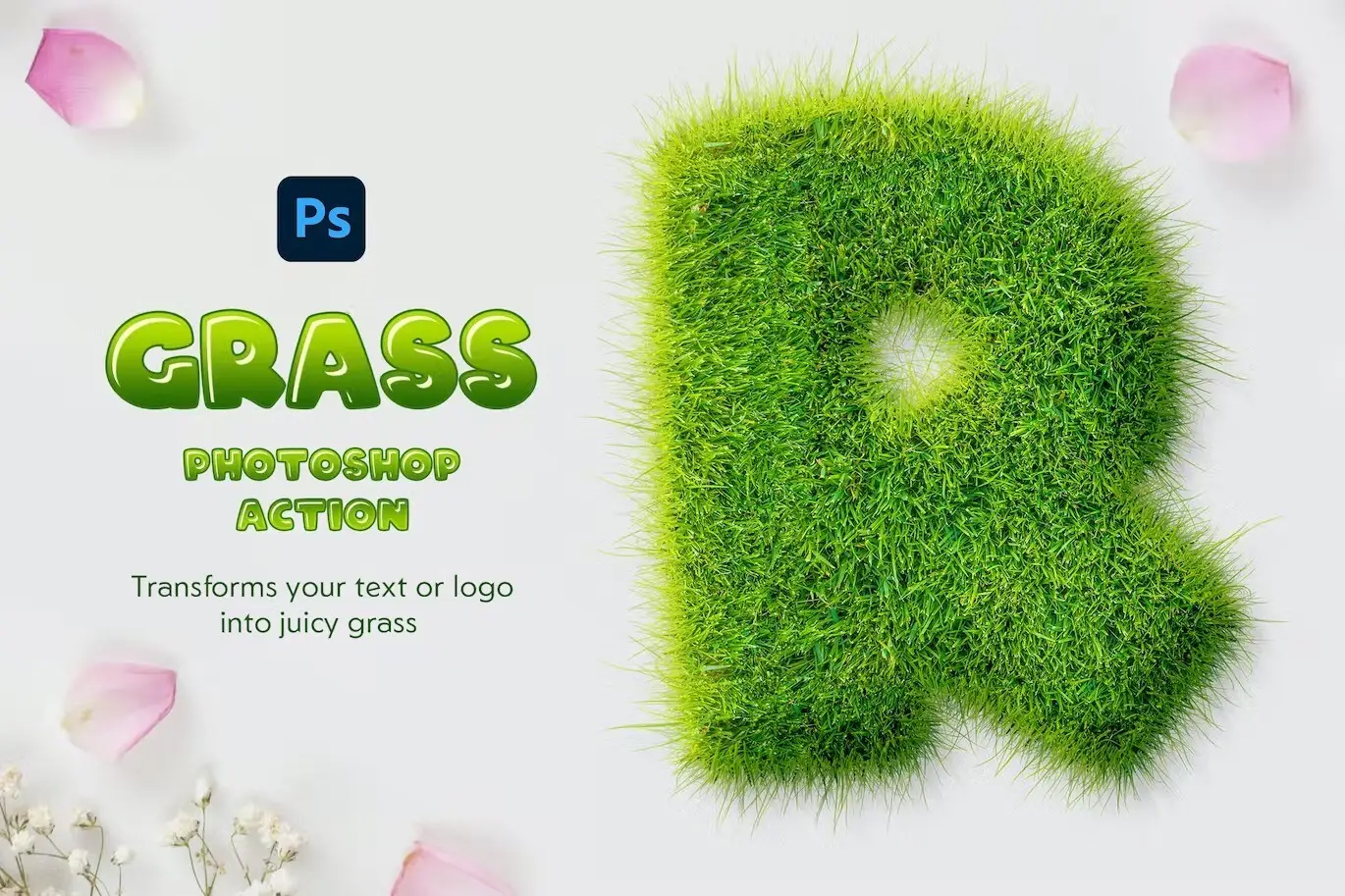
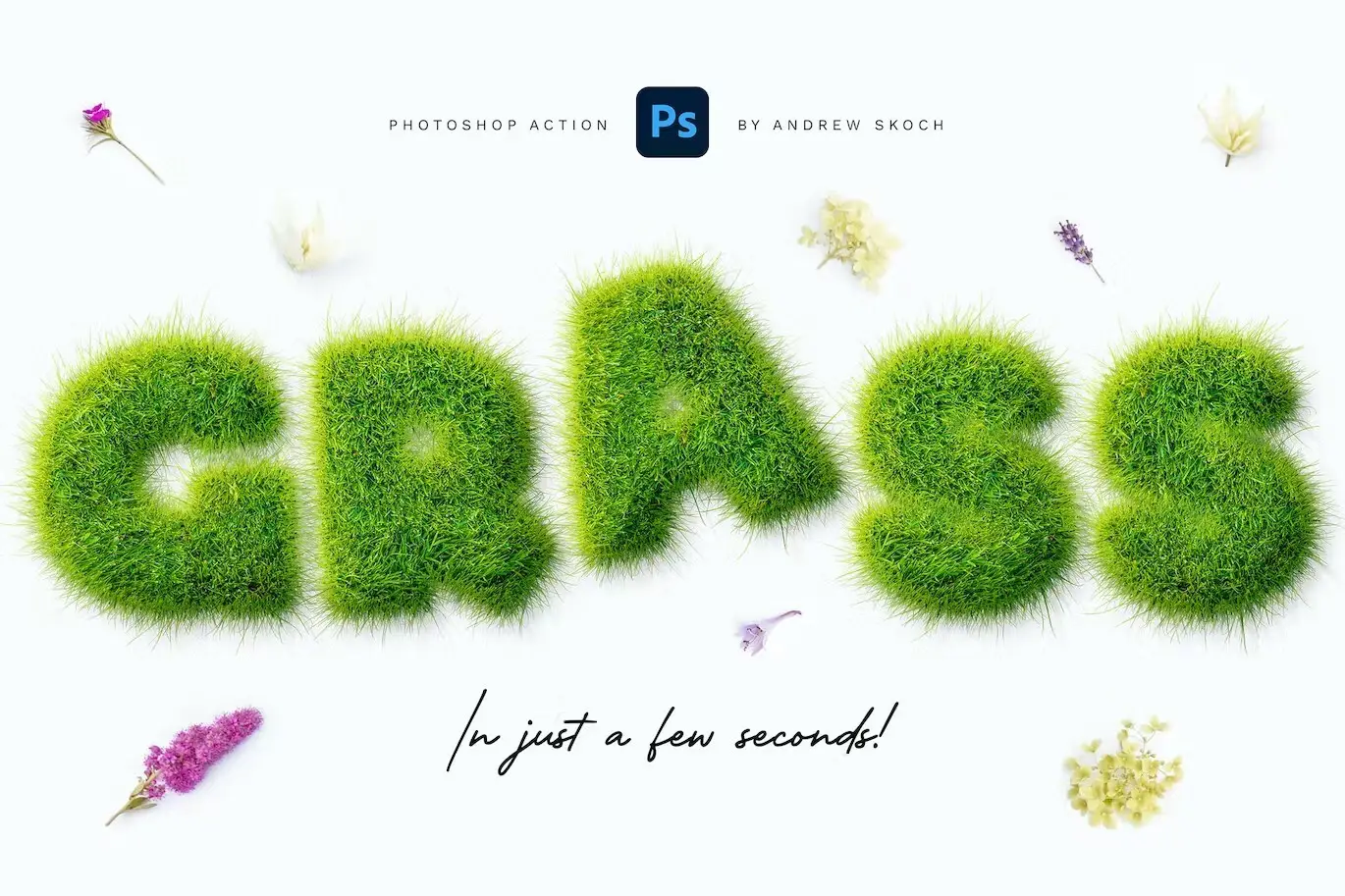
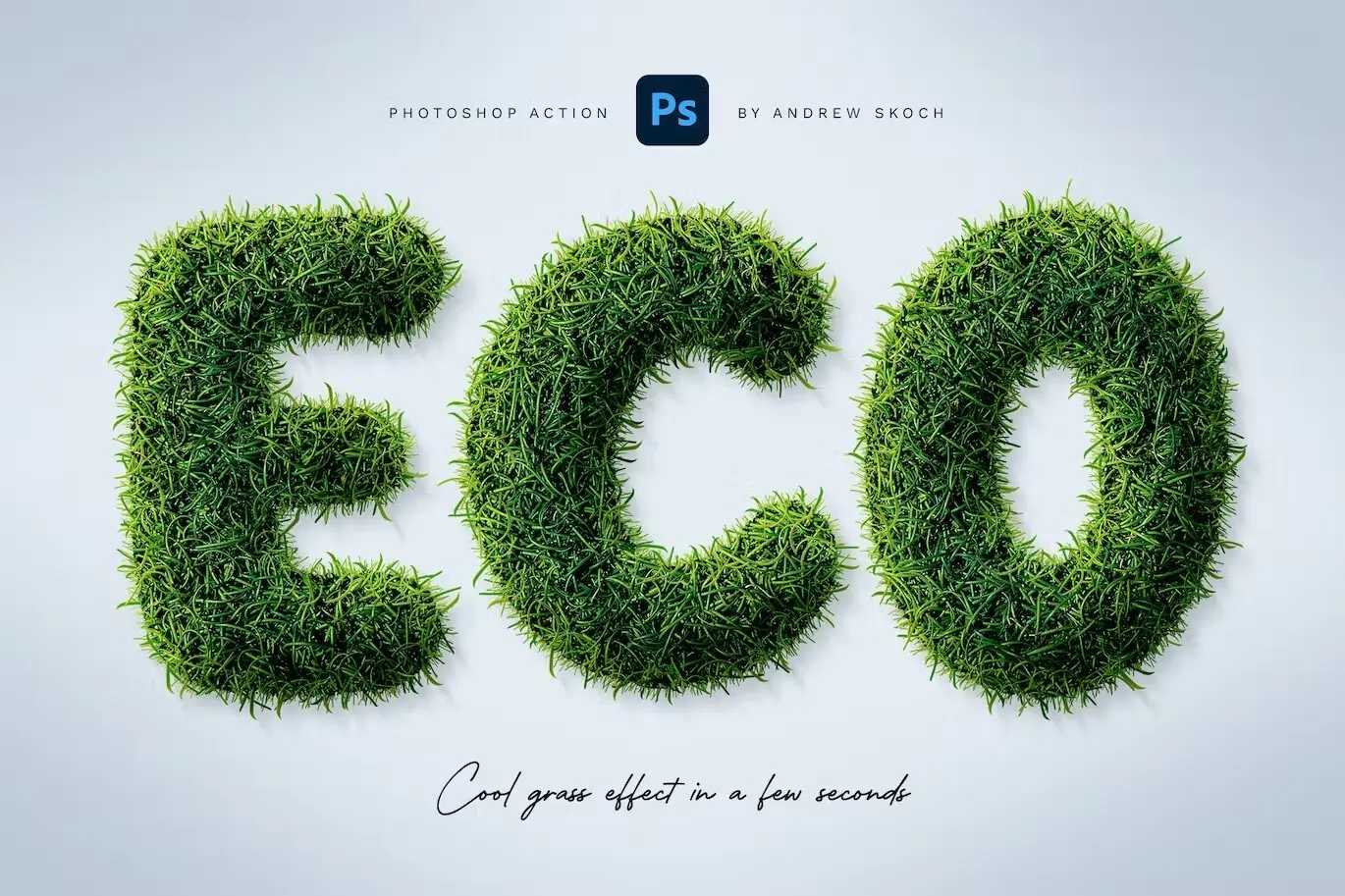
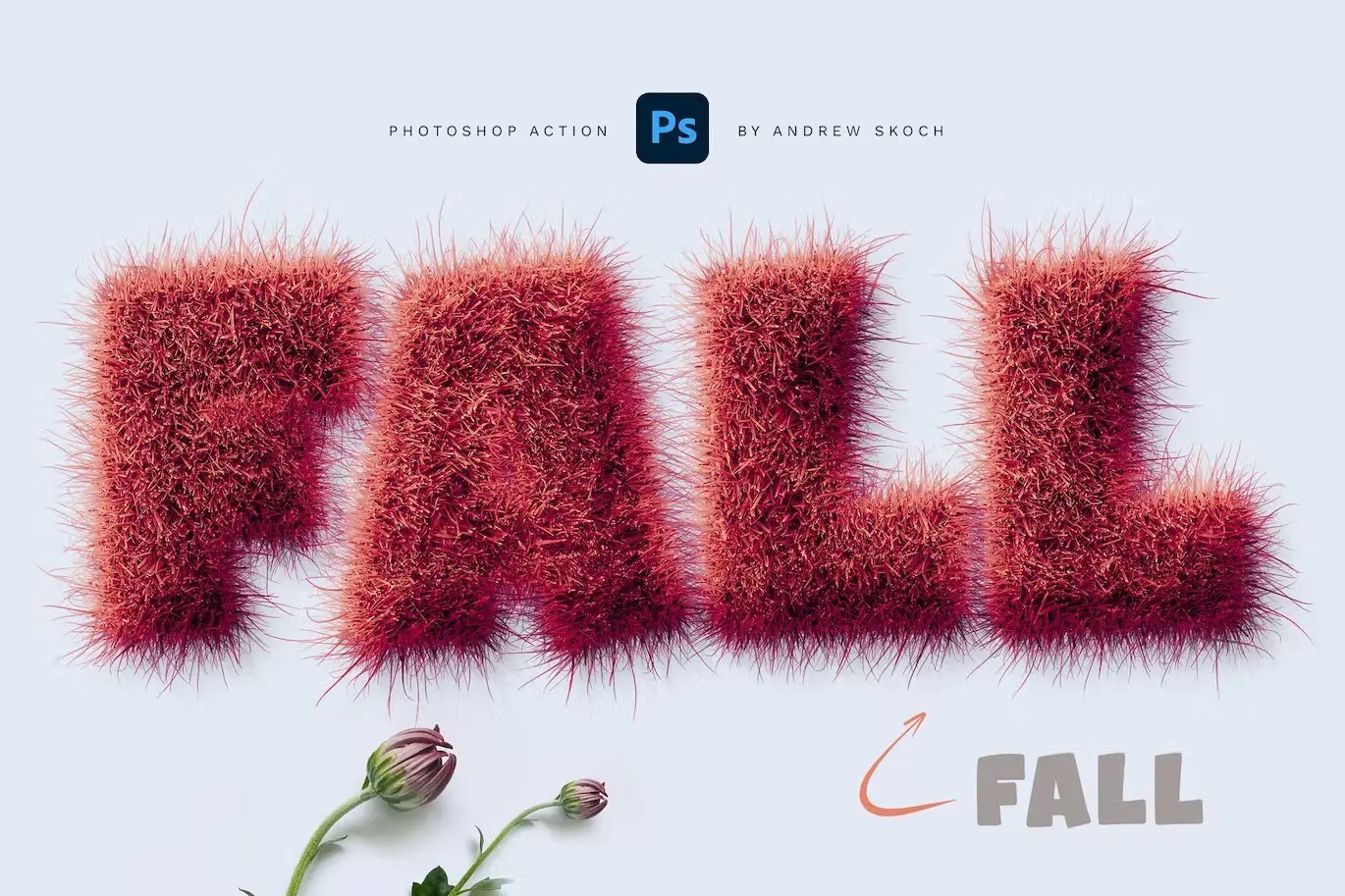
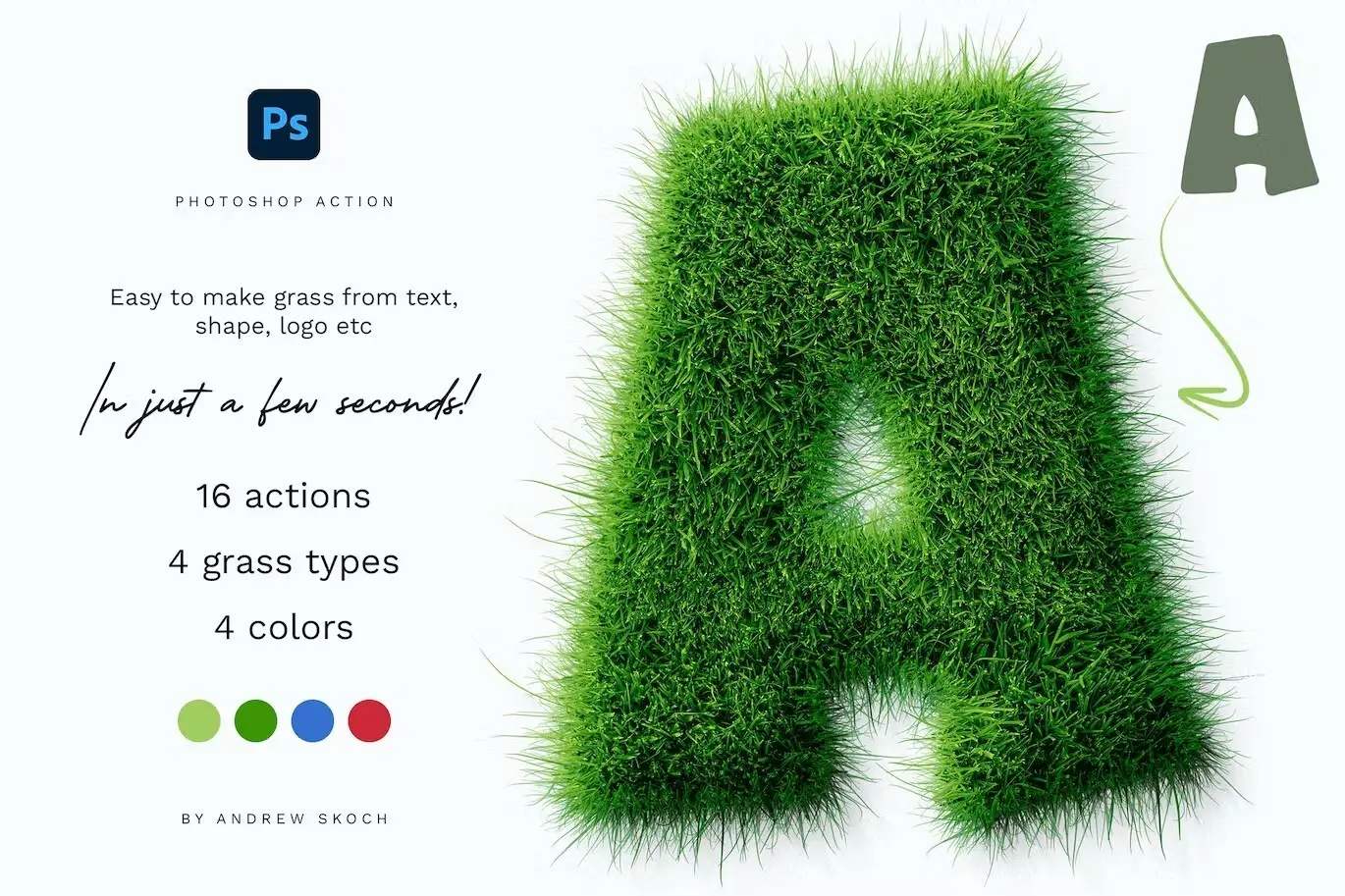
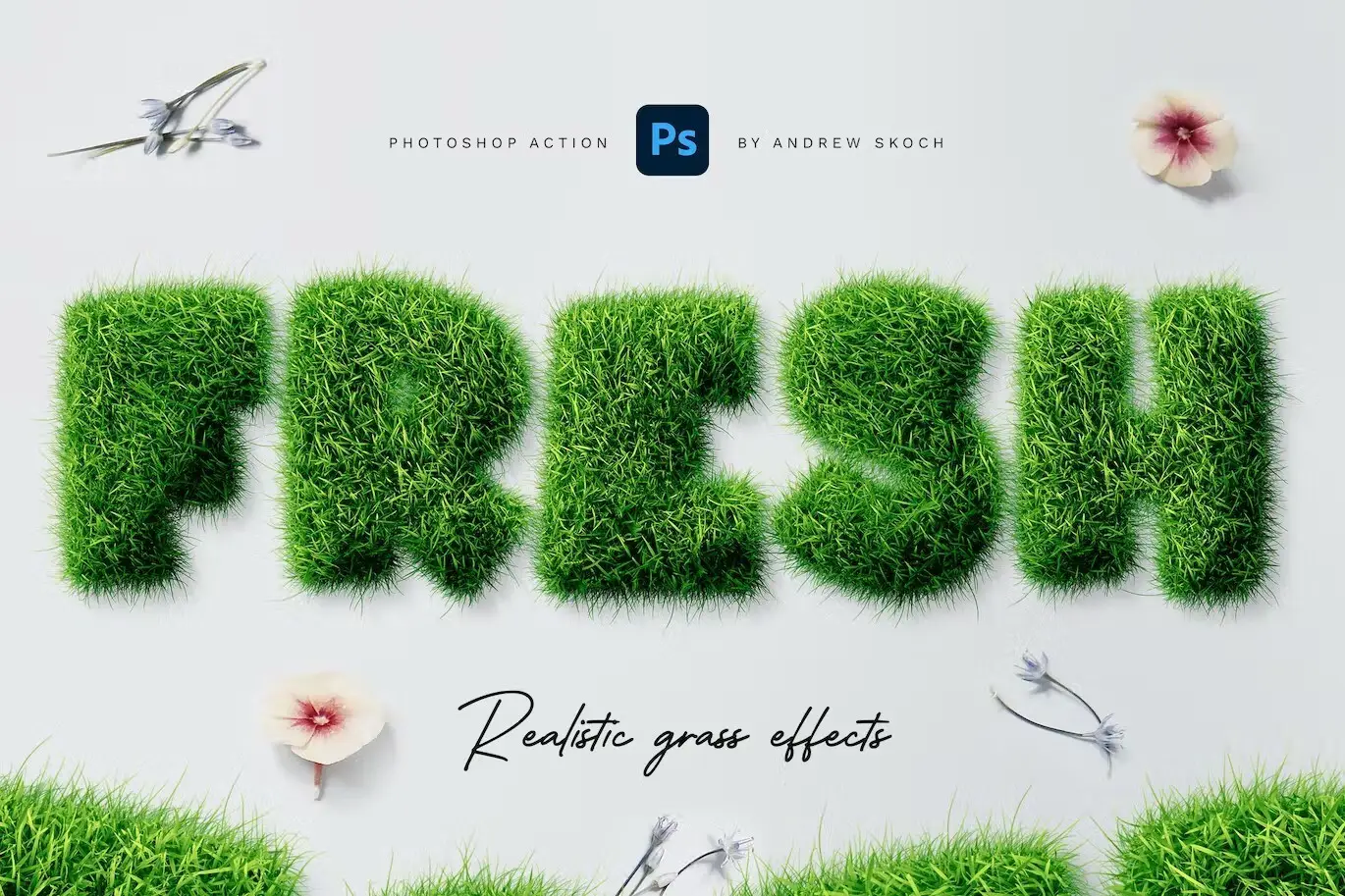
Bring the vibrant essence of summer to your projects with the Grass Photoshop Action. This innovative tool allows you to create stunning grass effects on your text, shapes, and logos in just a few seconds! Whether you’re designing for a fresh, nature-inspired look or simply want to add a touch of greenery, this action makes it effortless.
Product Overview
The Grass Photoshop Action is designed for anyone looking to enhance their digital designs with a natural touch. Perfect for graphic designers, marketers, or anyone wanting to add a fresh vibe to their visuals, this action simplifies the process of creating realistic grassy effects.
Key Features & Benefits
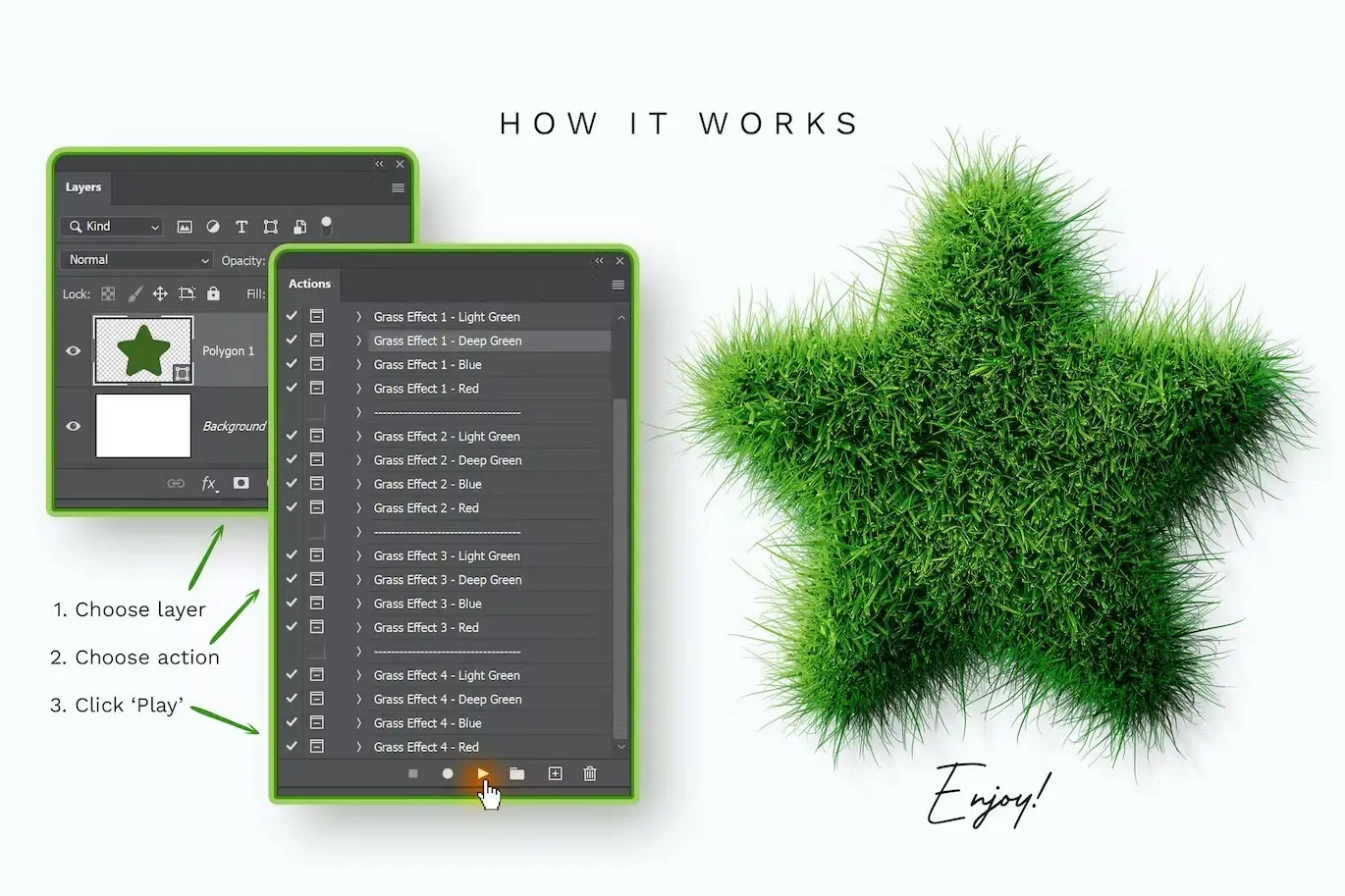
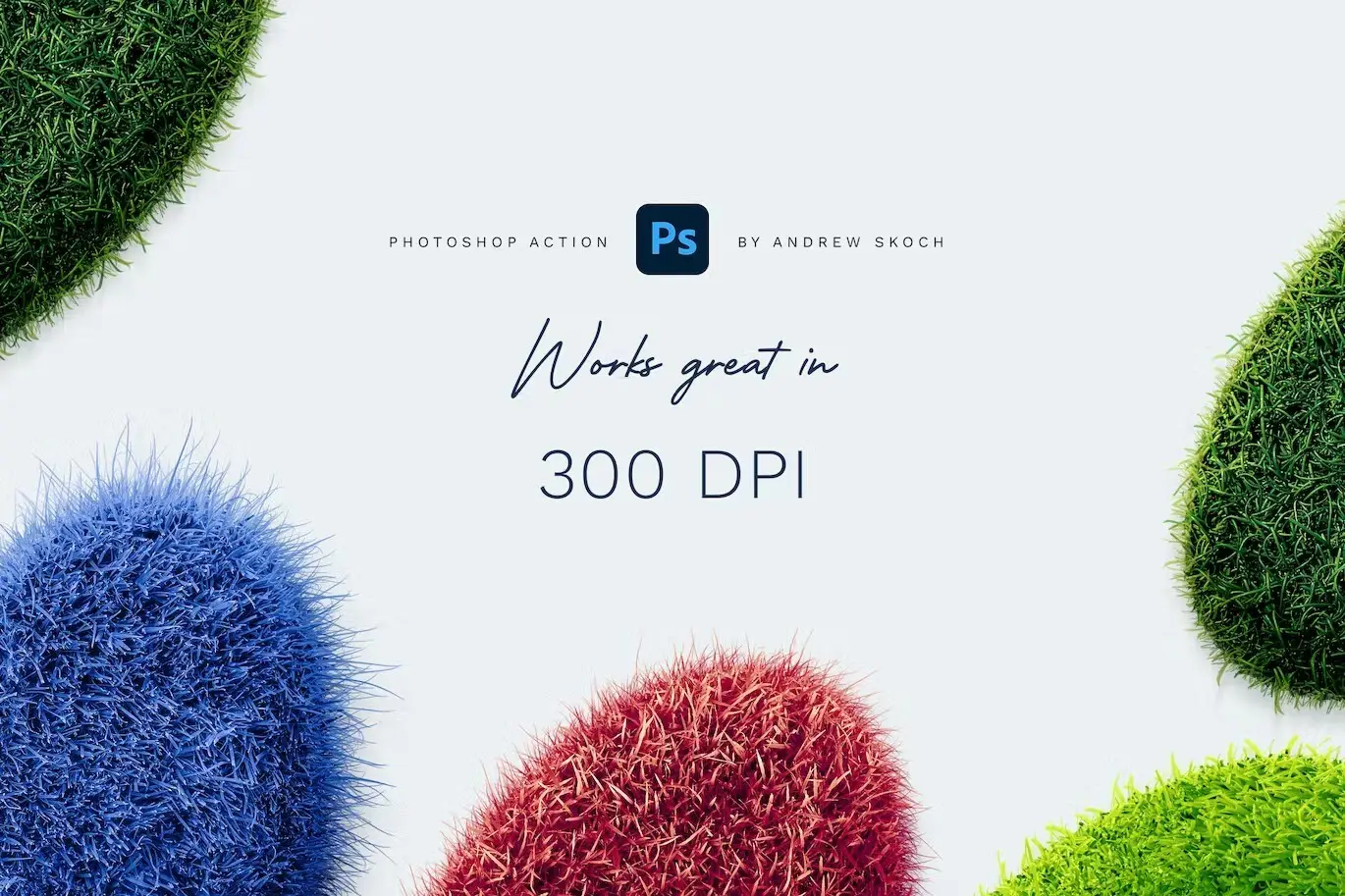
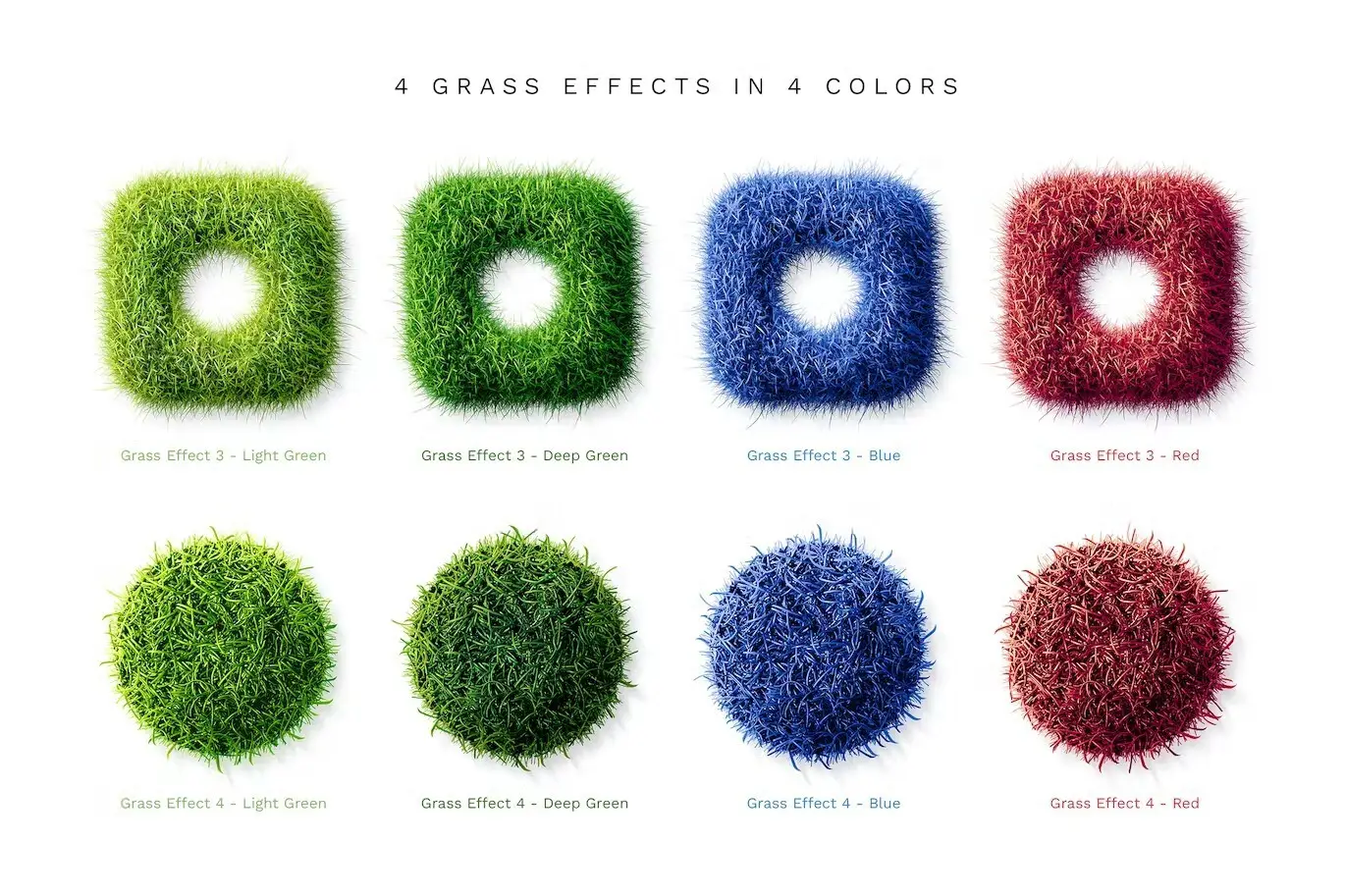
- ✅ 16 Actions in Total → Includes 4 grass types with 4 color variations for each type.
- ✅ Customizable Shadow Angles → Adjust the shadow angle to fit your design needs.
- ✅ Multiple Uses → Play the action multiple times within the same PSD project for varied results.
- ✅ Fast Processing → Achieve beautiful results in just a few seconds.
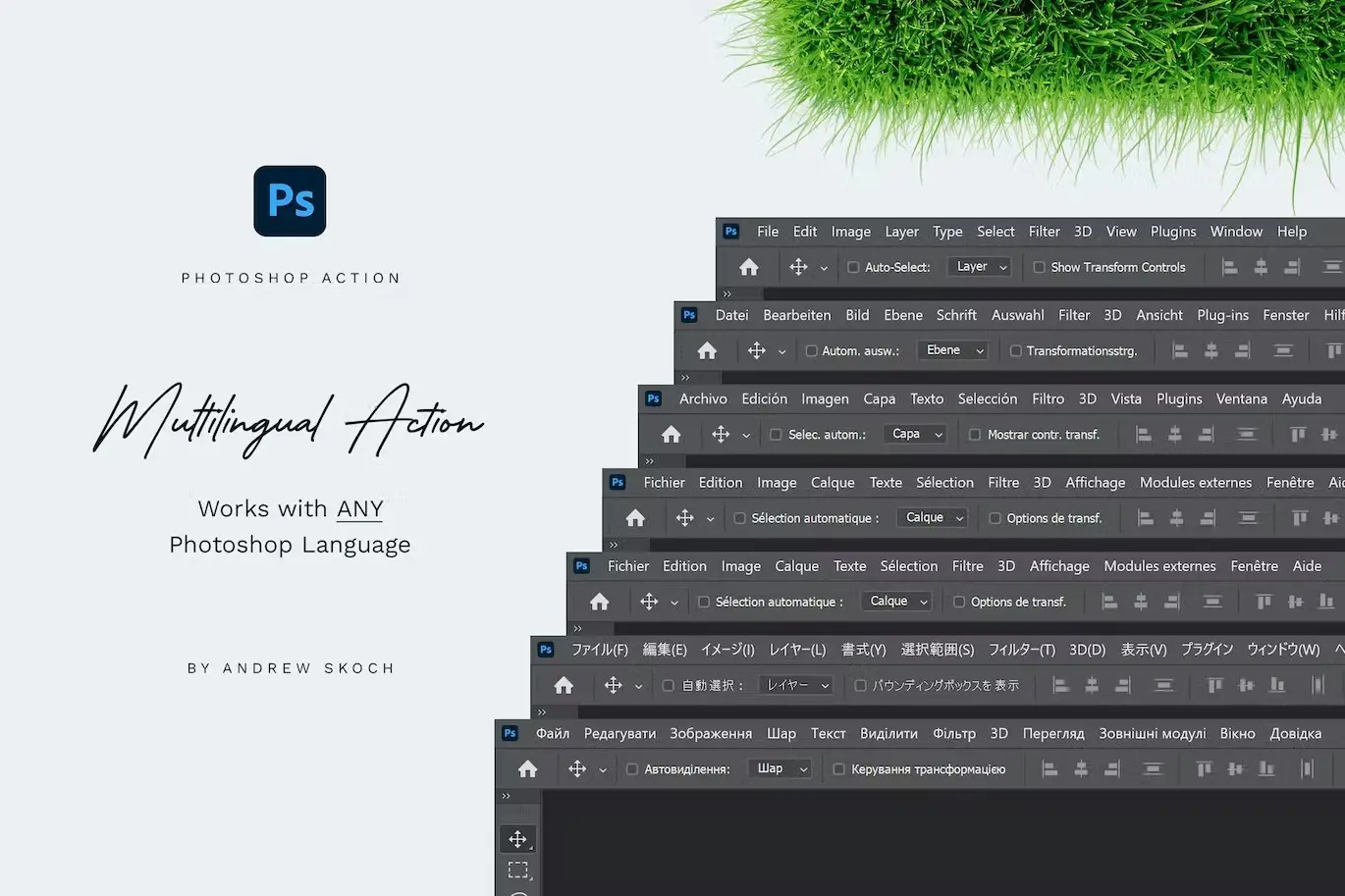
- ✅ Multilingual Support → Works seamlessly with any language set in your Photoshop interface.
- ✅ Versatile Compatibility → Suitable for text, logos, shapes, layer groups, and raster layers.
Why Choose This Product
The Grass Photoshop Action stands out due to its ease of use and versatility. You can create multiple variants in the same project, saving you valuable time while allowing for creativity. Trusted by designers worldwide, this action is a reliable tool for adding a lush, green aesthetic to your work.
Specifications (Technical Details)
| File Type | Description |
|---|---|
| ANT File | Action file for Photoshop |
| PAT File | Patterns file for grass effects |
| ABR File | Brushes file for additional textures |
| PSD Template | Easy start template for quick access |
| Help file with instructions |
What’s Included / What’s in the Box
- 📦 ANT File – Action file
- 📦 PAT File – Patterns file
- 📦 ABR File – Brushes file
- 📦 PSD Template – For easy start
- 📦 PDF – Help file with instructions
Perfect For
- Graphic Designers
- Marketers
- Content Creators
- Anyone looking to enhance their digital artwork
How to Use
Simply select the desired layer or group in your Photoshop project and click ‘PLAY’. Adjust the shadow angle as needed and enjoy the lush grass effect!
FAQ
- Can I use this action on any layer type? Yes, it works with text, logos, shapes, and raster layers.
- Is there a tutorial available? Yes, you can find a video tutorial here.
Add the Grass Photoshop Action to your toolkit today and start creating stunning designs effortlessly! 🚀
User Reviews
Be the first to review “Grass Photoshop Action”
You must be logged in to post a review.
Light Painting Photoshop Brushes
Sold by Andrew Skoch Design
Enamel Metal Pin Mockups
Sold by Andrew Skoch Design
Clouds Procreate Brushes
Sold by Andrew Skoch Design
Grunge Text Effects
Sold by Andrew Skoch Design
Metal Text and Logo Effects
Sold by Andrew Skoch Design
Sand Effect Photoshop Action
Sold by Andrew Skoch Design Original price was: $5.00.$2.50Current price is: $2.50.


There are no reviews yet.