Hey there, creative soul! 👋 Are you ready to supercharge your Photoshop workflow and add some serious magic to your digital art? If you’ve been searching for the absolute best tools to make your designs pop, you’ve stumbled upon a goldmine. The grasycho Collection on BrushesPack is packed with pro-level assets—from high-res brushes to clever automation scripts—that will transform the way you create. ✨ Whether you’re a seasoned graphic designer or just starting your artistic journey, this collection is your ticket to faster workflows, jaw-dropping effects, and boundless inspiration. Buckle up, because we’re about to dive into 10 incredible products that deserve a permanent spot in your digital toolkit! 🚀
Why Use These Photoshop Tools & Brushes?
Let’s be real for a second—great design isn’t just about talent; it’s about having the right weapons in your arsenal. The grasycho Collection is meticulously crafted to solve real creative problems. Need to add dramatic lighting? There’s a brush for that. Want to slice your images into geometric masterpieces? There’s a script for that. These resources save you hours of tedious work, letting you focus on what you do best: creating stunning art. 🎨 From atmospheric smoke and fire effects to futuristic plexus lines, these tools are perfect for everything from fantasy illustrations and photo manipulations to sleek branding projects. Say goodbye to creative roadblocks and hello to pure, unadulterated flow! 🌟
Top 10 grasycho Collection Picks
Slice at Any Angle PS Script
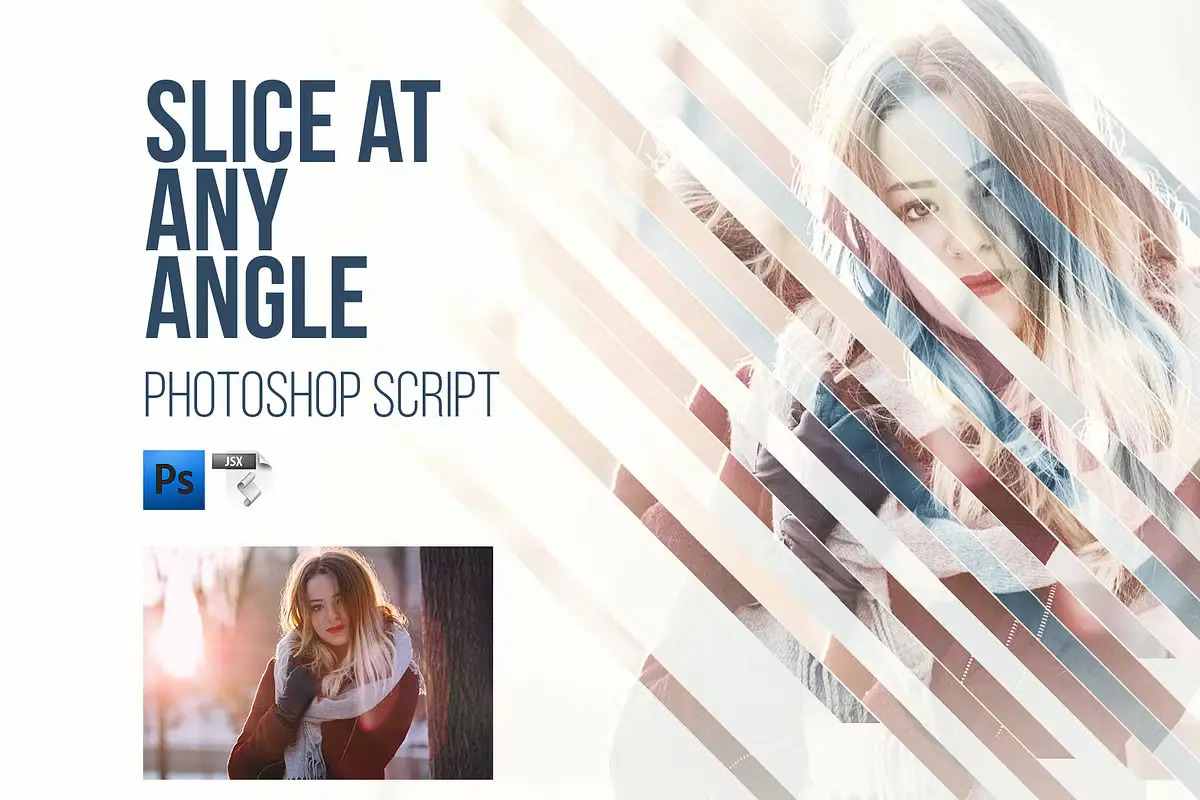
Okay, this one is a total game-changer! ✂️ The Slice at Any Angle PS Script lets you cut your images into perfect layers at literally any angle between -360 and 360 degrees. Imagine creating stunning geometric collages or splitting a portrait into diagonal shards—this script does it in seconds! It’s like having a digital guillotine that follows your wildest creative commands. Perfect for modern, edgy designs that scream “wow!” 💥
100 PS Lens Flares Brushes Vol 2
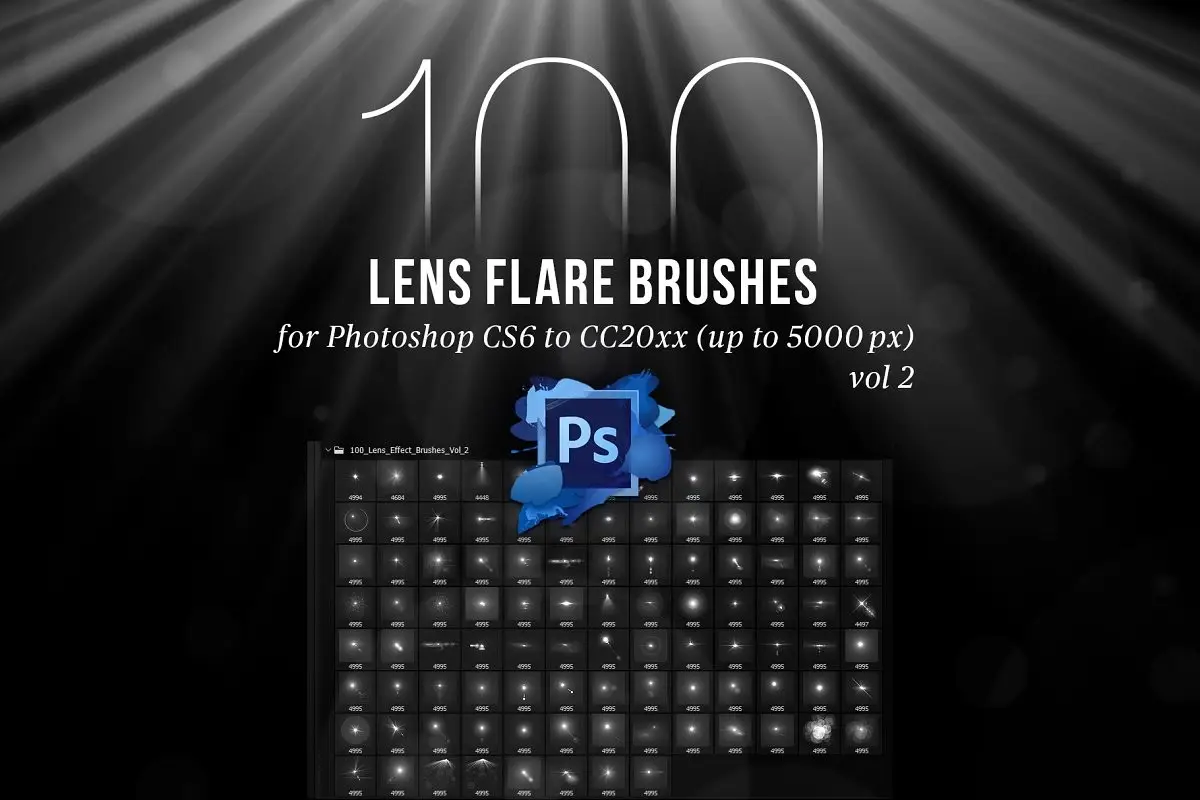
Lighting is everything, and this brush pack delivers it in spades! ☀️ With 100 PS Lens Flares Brushes Vol 2, you can paint realistic lens flares, sunbursts, and magical light leaks directly onto your canvas. These brushes are massive (up to 4995x4995px!), so you get ultra-crisp details even on big projects. Whether you’re adding a cinematic glow to a landscape or a playful shimmer to a product shot, this set is pure gold. Get ready to make your art shine! ✨
25 Hi-Res Cloud Brushes
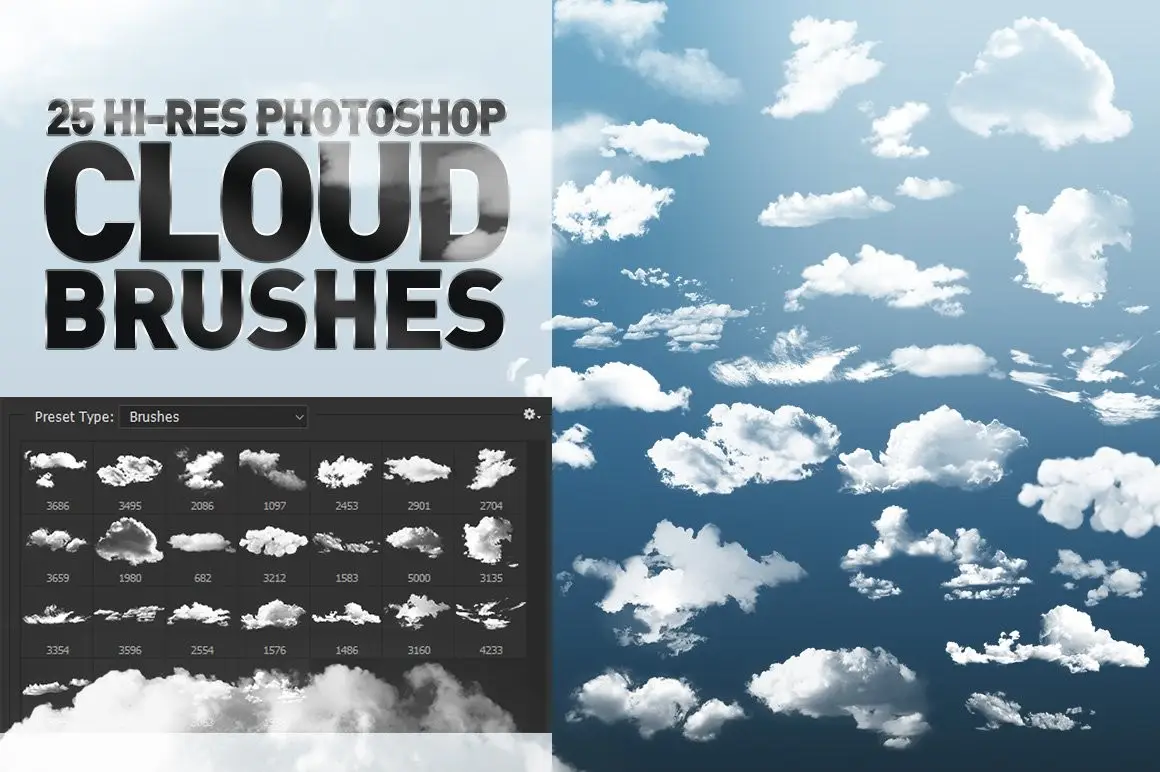
Dreamy skies, here we come! ☁️ The 25 Hi-Res Cloud Brushes are an absolute must for any artist who loves painting atmospheric backgrounds. These aren’t just fluffy blobs—they’re incredibly detailed, high-resolution brushes that mimic real cloud formations with stunning accuracy. Use them for fantasy landscapes, romantic portraits, or even abstract textures. One stroke and you’ll feel like you’re walking on air. Pure magic! 🌈
100 Photoshop Smoke Brushes + PNGs
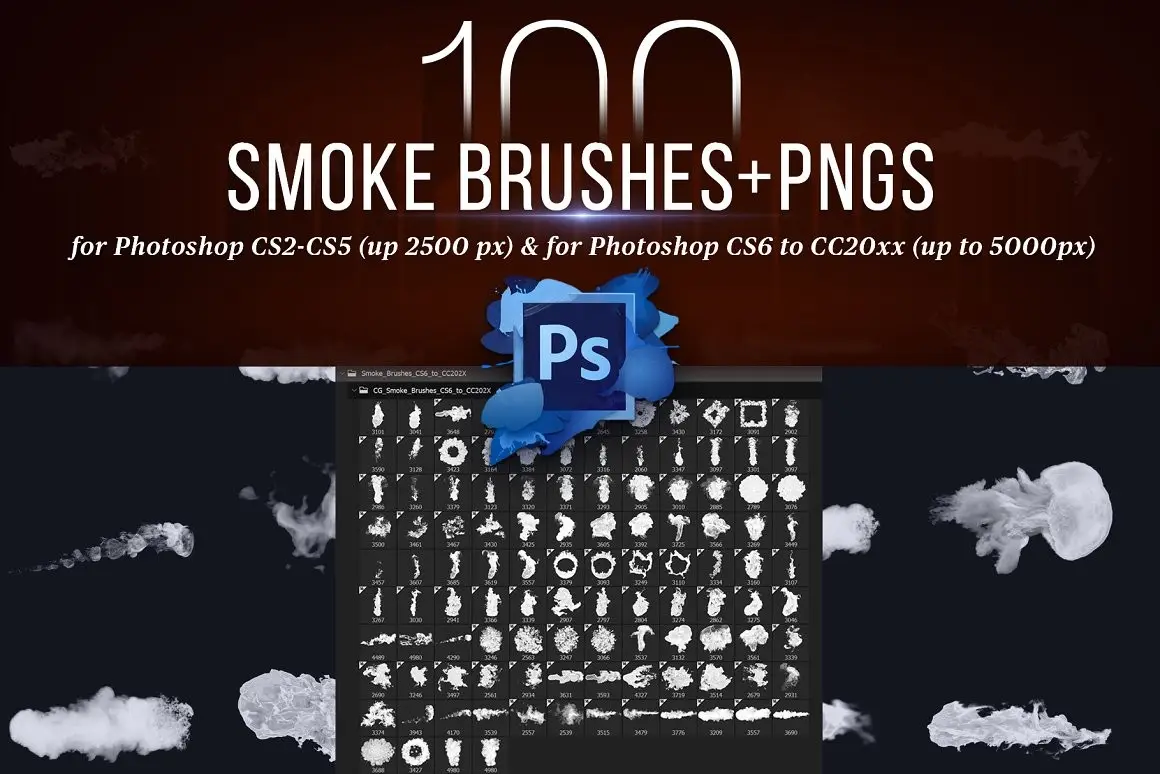
Add a little mystery and atmosphere to your work with this incredible smoke set! 💨 The 100 Photoshop Smoke Brushes + PNGs gives you both brushes and transparent PNG files, so you have maximum flexibility. Whether you need wispy curls, thick plumes, or swirling fog, this pack covers it all. Perfect for horror posters, magical scenes, or adding depth to product photography. It’s like capturing smoke in a bottle—but way more useful! 🖤
100 Photoshop Flame Brushes + PNGs
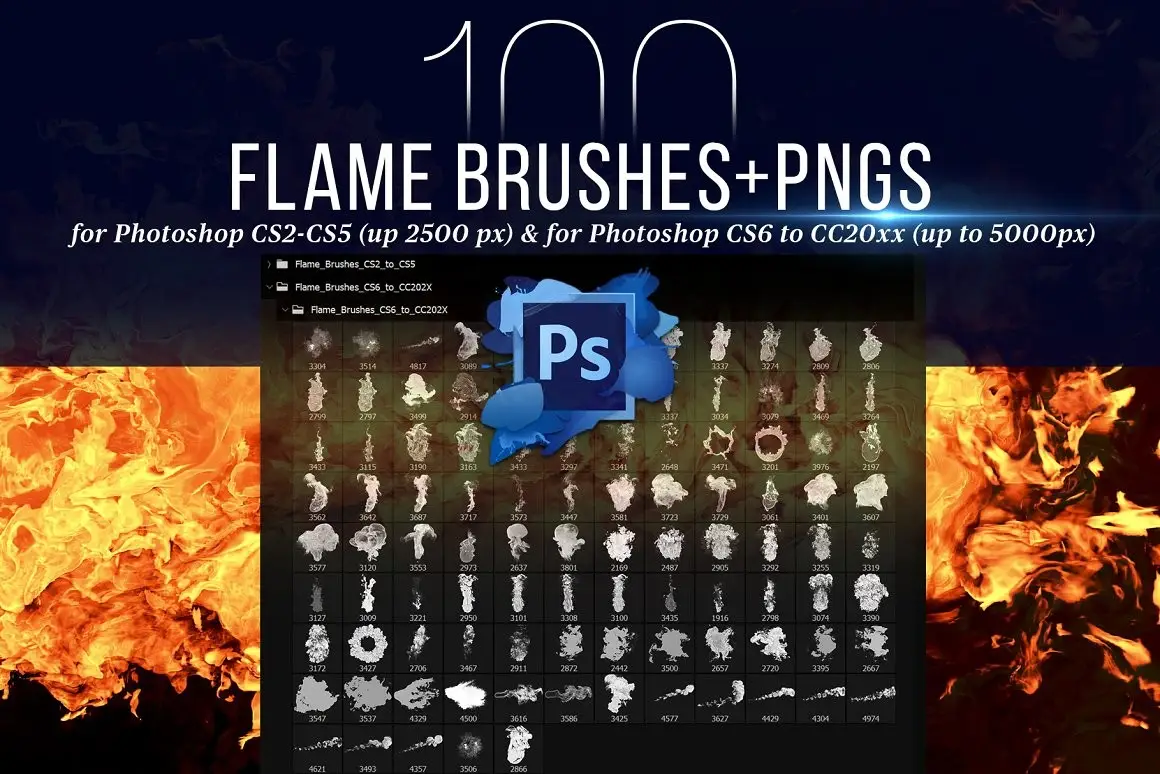
Let’s get fired up! 🔥 The 100 Photoshop Flame Brushes + PNGs are your go-to for adding scorching hot effects. From tiny candle flickers to roaring infernos, this collection has every flame you can imagine. The included PNGs make it super easy to composite fire into your scenes without any fuss. Use them for album covers, fantasy art, or to make your typography literally burn. Caution: your artwork may get too hot to handle! 😍
134 Spotlight Brushes for Photoshop
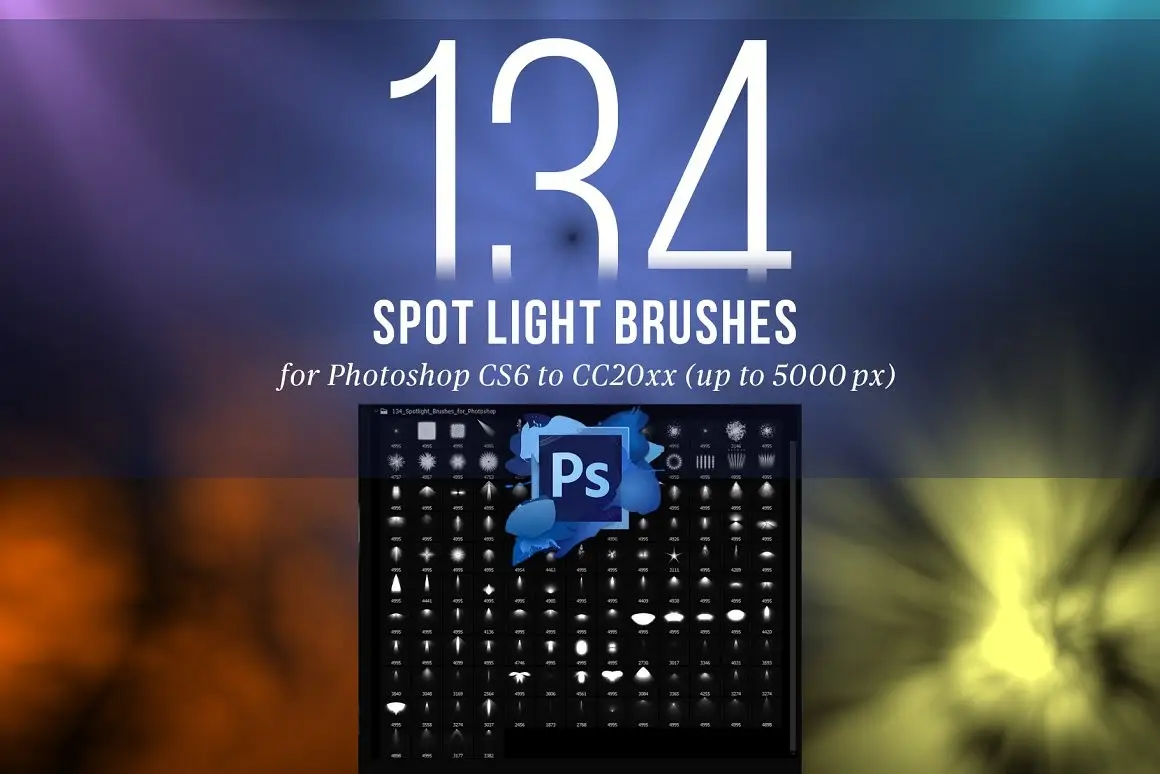
Let there be light! 🎬 The 134 Spotlight Brushes for Photoshop will help you create dramatic, stage-worthy lighting in seconds. Whether you need a soft, romantic glow or a harsh, dramatic beam cutting through the darkness, this set has it all. These high-res brushes are perfect for concert posters, theater backdrops, and moody portraits. Your subjects will look like superstars under this spotlight! 🌟
Dust, Powder and Particle Brushes

Ready to sprinkle some chaos and texture into your art? 💥 The Dust, Powder and Particle Brushes are perfect for adding realistic debris, magical sparkles, or gritty grunge. Imagine dust motes dancing in a sunbeam, or particles exploding from a magical blast—these brushes make it effortless. They’re ideal for adding motion, atmosphere, and that “lived-in” feel to your digital worlds. Get messy, get creative! ✨
Slice at Any Angle PS Script (Original)

Double the slicing, double the fun! ✂️ This original version of the Slice at Any Angle PS Script is just as powerful, offering the same incredible ability to cut your images at any angle. It’s a fantastic automation tool that turns a tedious manual task into a playful, one-click wonder. Whether you’re building a diamond pattern or a chaotic kaleidoscope, this script is your best friend. Your creative possibilities are truly limitless! 🚀
CG Plexus Brushes for Photoshop
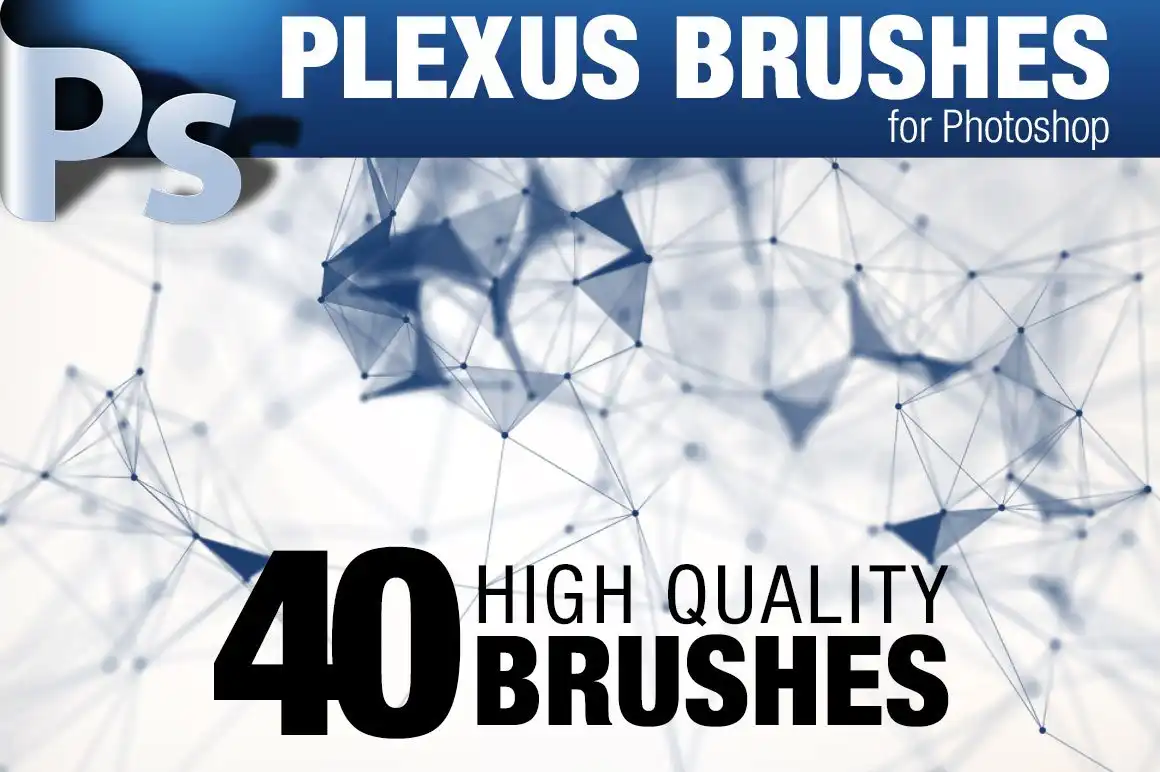
Step into the future with these stunning, sci-fi-inspired brushes! 🤖 The CG Plexus Brushes for Photoshop bring you 40 high-res brushes that create those gorgeous, interconnected network lines and particle systems you see in tech and sci-fi designs. They’re perfect for creating backgrounds for music videos, futuristic interfaces, or cyberpunk cityscapes. Instant cool factor, guaranteed! 🔮
25 Hi-Res Cloud Brushes (Original)
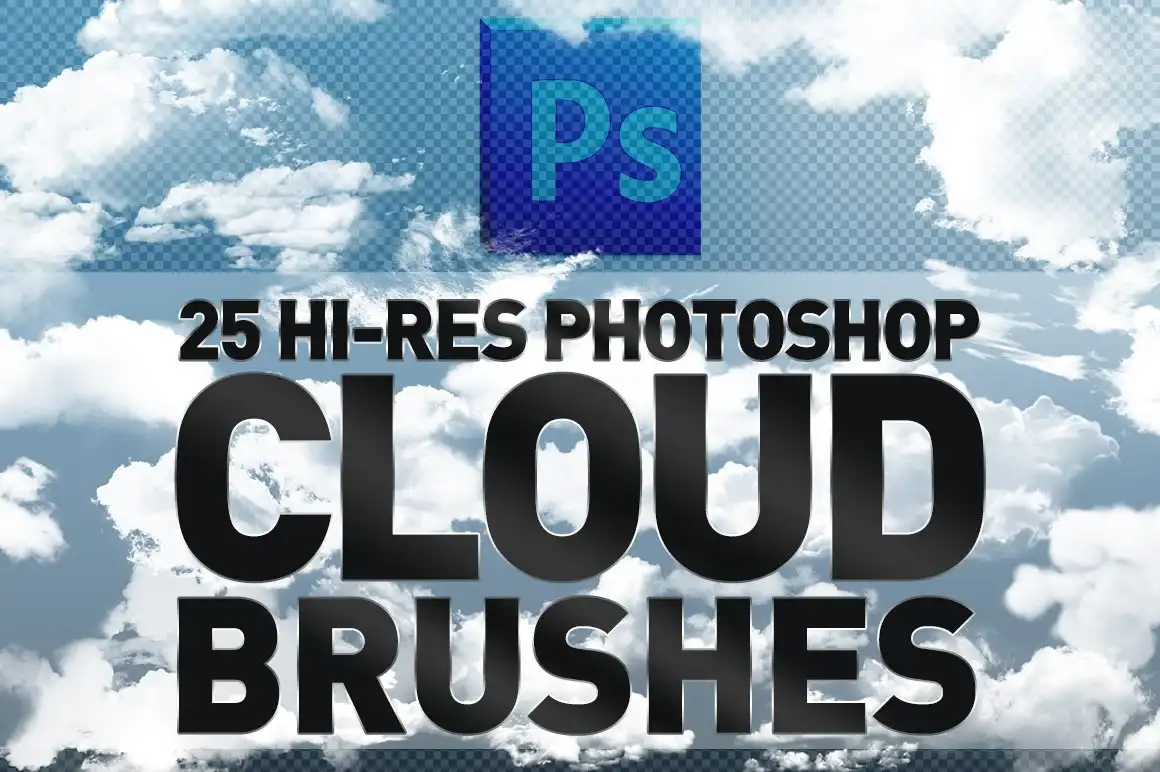
Back by popular demand, the original 25 Hi-Res Cloud Brushes are a timeless classic! ☁️ These beautifully crafted brushes let you paint majestic, photorealistic clouds that will elevate your skies from boring to breathtaking. Whether you’re working on a serene landscape or an epic fantasy scene, these brushes deliver incredible detail and depth. Just one swipe and you’ll be on cloud nine! 😊
Conclusion
And there you have it, friends! The grasycho Collection is an absolute treasure trove for anyone who loves to create. From the mind-bending Slice at Any Angle Scripts to the atmospheric Cloud, Smoke, and Fire Brushes, every single product is designed to spark joy and supercharge your workflow. 🎨✨ These aren’t just tools—they’re creative catalysts that turn your wildest ideas into stunning realities. So go ahead, level up your digital art game and grab these gems before they vanish into the cloud! Don’t forget to check out the entire grasycho Store for even more goodies. Happy creating! 🚀💖
Frequently Asked Questions
Are the grasycho brushes compatible with all versions of Photoshop?
Most of the brushes and scripts in the grasycho Collection are designed to be compatible with Photoshop CS6 and newer (including CC 202X versions). Always check the specific product description for version requirements, but you’re generally good to go with modern Photoshop installations! 🖥️
Can I use these brushes for commercial projects?
Yes! Once you purchase a product from the grasycho Collection, you are typically granted a commercial license to use the assets in your own projects, including client work. However, you cannot resell the brushes or scripts themselves as your own. Always read the specific license details on the product page to be 100% sure. 💼
Do I need any special skills to use the Slice at Any Angle PS Script?
Not at all! The script is designed to be user-friendly. Simply install it in your Photoshop scripts folder, run it, and choose your slicing angle. It’s incredibly intuitive, so even beginners can achieve stunning geometric cuts in just a few clicks. It’s like magic, but better! 🪄