
134 Spotlight Brushes for Photoshop
Original price was: $14.00.$7.00Current price is: $7.00.

Grasycho
Product Specs:
- Compatible with: Brushes
- File Type: ZIP
- File Size: 671.3 MB
- Instant Download
134 Spotlight Brushes for Photoshop
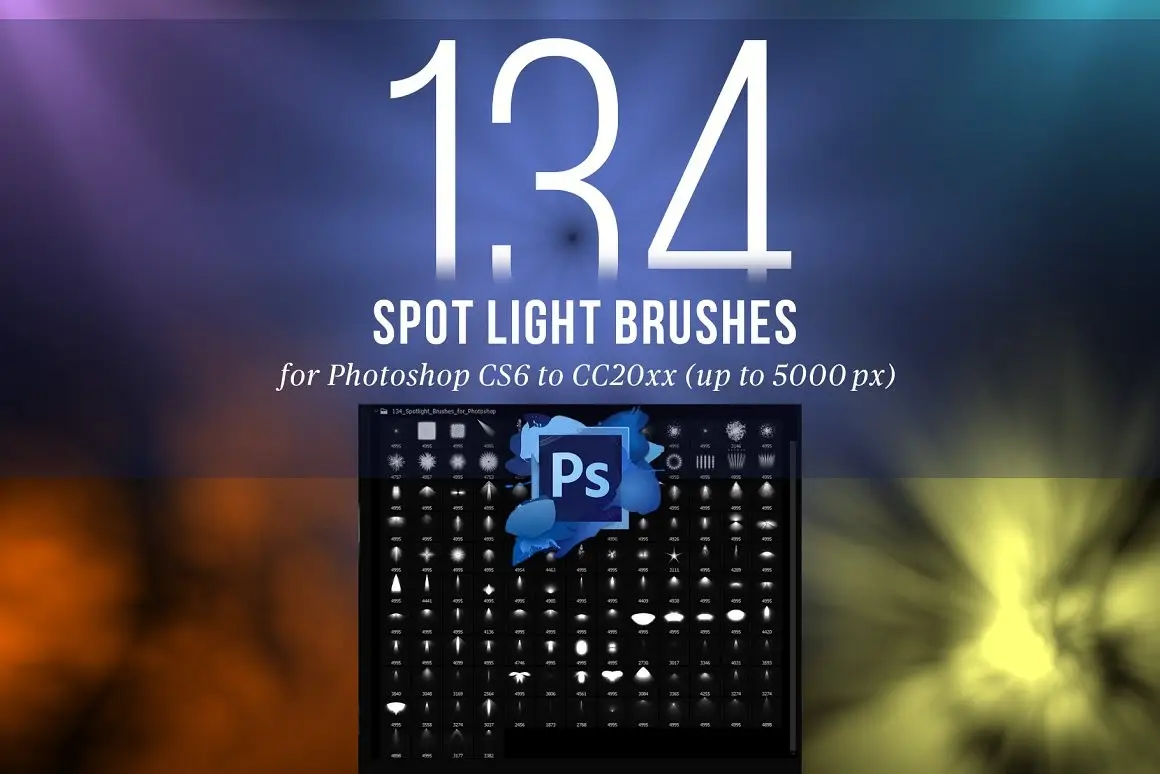
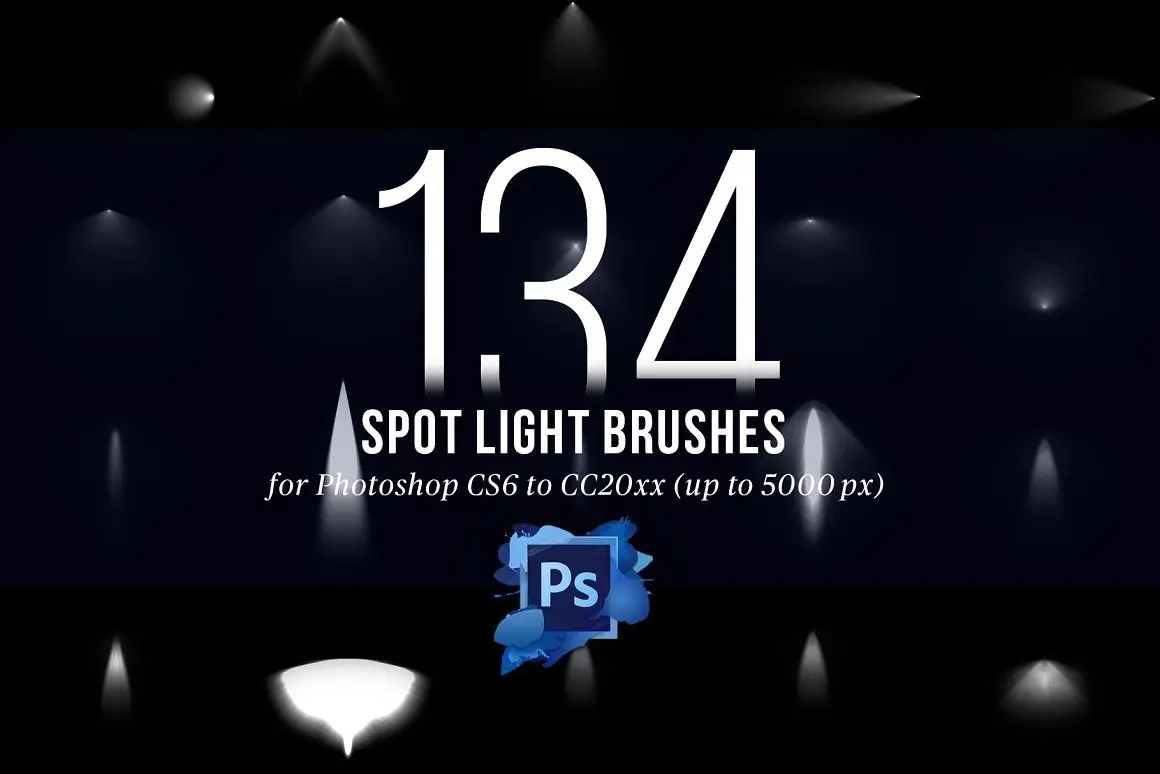
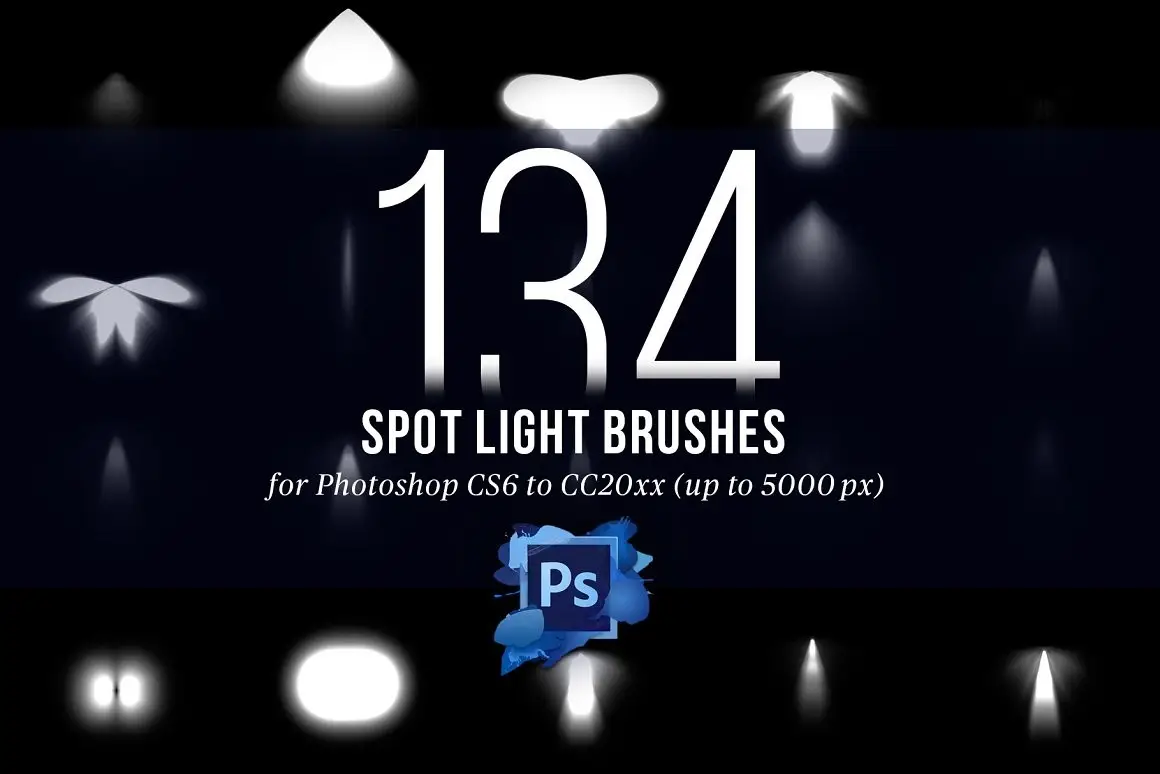
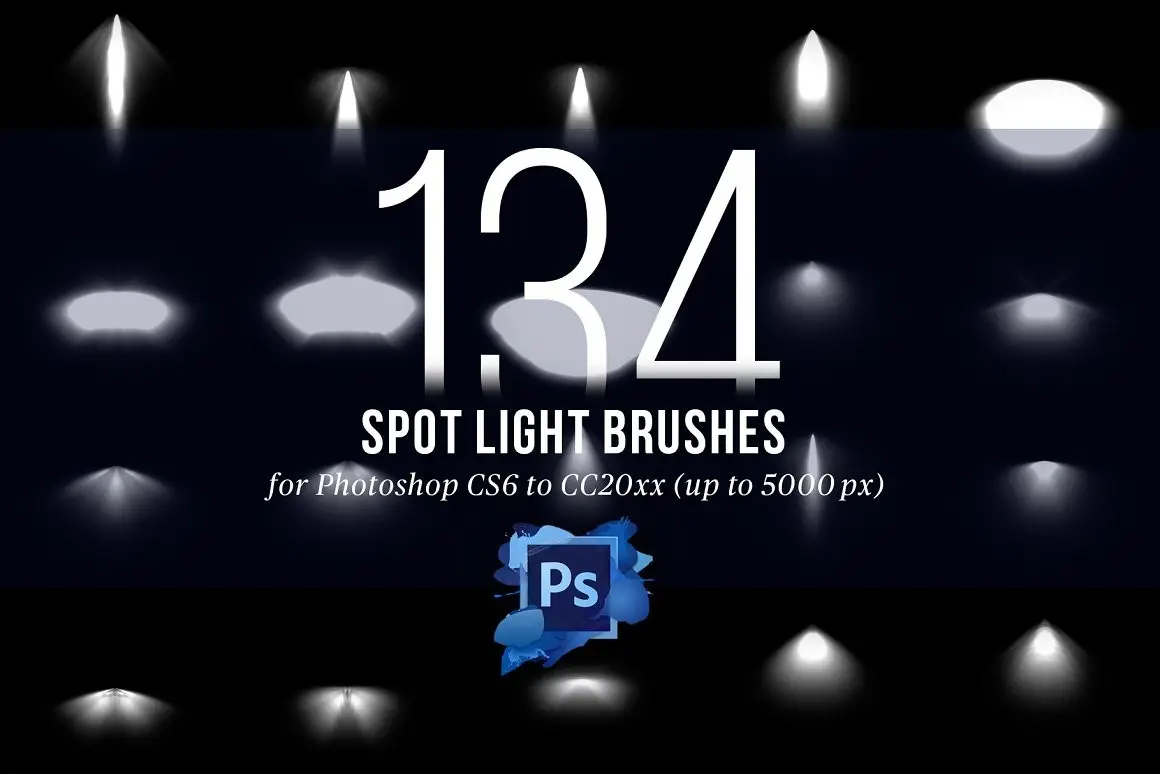
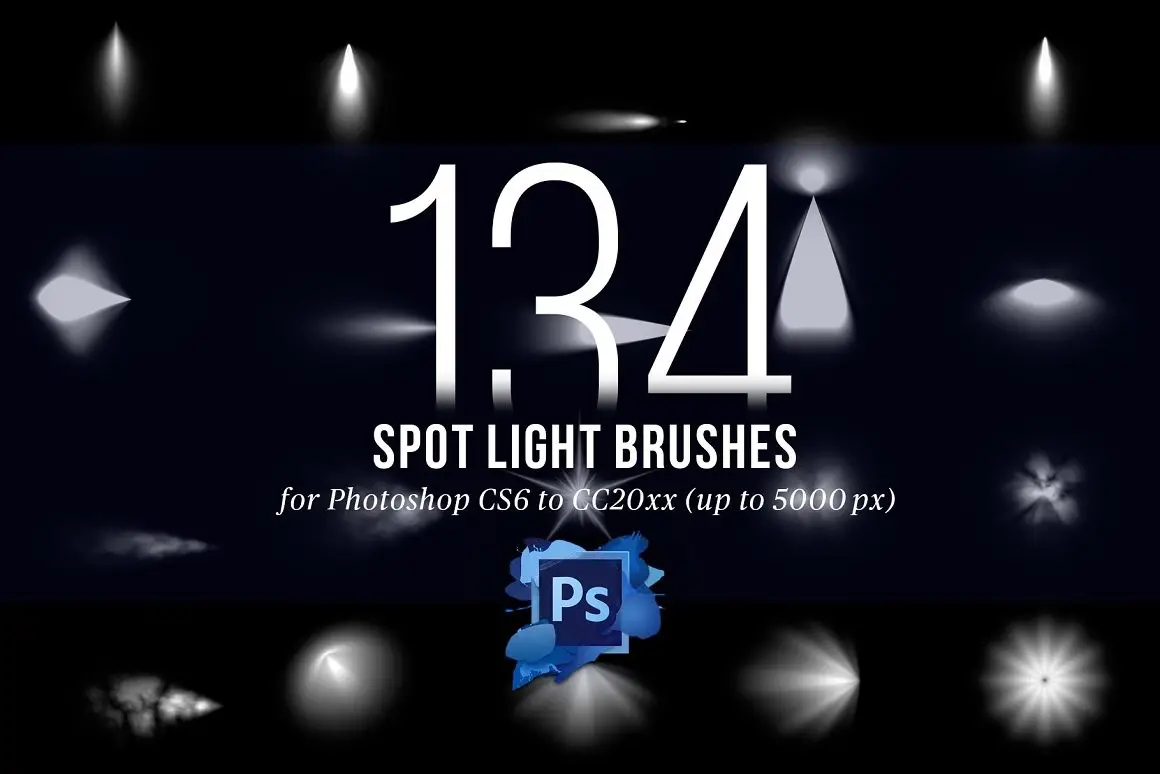
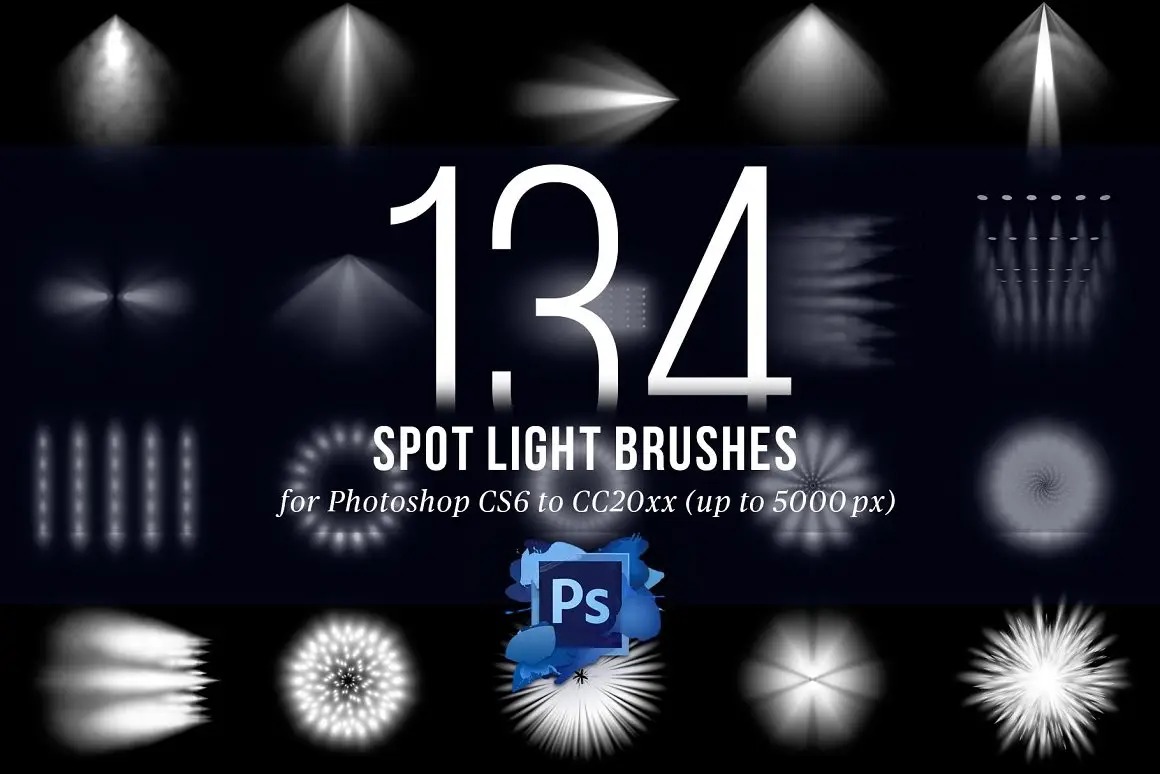
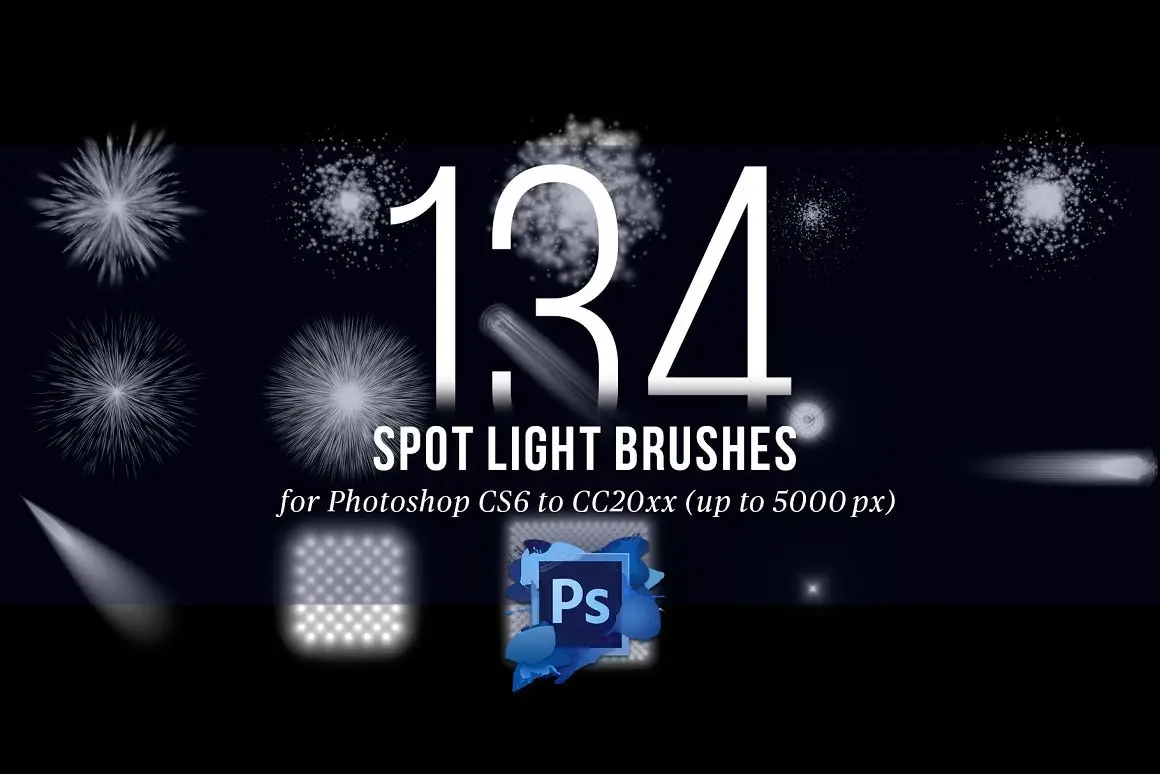
Transform your digital artwork with our 134 Spotlight Brushes for Photoshop. Designed for use with Photoshop CS6 to CC202x, these high-resolution brushes provide stunning light effects that elevate your designs. Whether you’re crafting a vibrant party scene or a dramatic theater backdrop, these brushes are the perfect solution for adding depth and illumination to your projects.
Product Overview
This collection includes a single Photoshop *.abr file containing 134 meticulously crafted spotlight brushes. Each brush boasts a resolution of up to 4995×4995 pixels, ensuring your artwork maintains its quality and detail, no matter the size. Perfect for graphic designers, illustrators, and digital artists, these brushes will help you create captivating visuals with ease.
Key Features & Benefits
- ✅ High Resolution (up to 4995×4995 px) → Ensures crisp and detailed artwork.
- ✅ Easy to Use → Simply load the *.abr file into Photoshop and start creating.
- ✅ Versatile Styles → Ideal for various projects, from festive decorations to dramatic lighting effects.
- ✅ Compatible with Photoshop CS6 to CC202x → Seamlessly integrates into your existing workflow.
- ✅ Professional Quality → Trusted by artists for achieving stunning results.
Why Choose This Product
When you choose our 134 Spotlight Brushes for Photoshop, you’re investing in a tool that enhances your creative potential. These brushes are crafted to provide unique lighting effects that can make your designs stand out. Whether you’re working on a commercial project or personal artwork, these brushes offer the versatility and quality needed to impress clients and audiences alike.
Specifications (Technical Details)
| Product Type | Photoshop Brushes |
|---|---|
| File Format | *.abr |
| Resolution | Up to 4995×4995 px |
| Compatibility | Photoshop CS6 to CC202x |
What’s Included / What’s in the Box
- 📦 134 Spotlight Brushes in a single *.abr file
Perfect For
- Graphic Designers
- Illustrators
- Digital Artists
- Event Planners (for promotional materials)
- Anyone looking to enhance their Photoshop projects
How to Use
- Download the *.abr file.
- Open Photoshop and go to the Brush panel.
- Select ‘Load Brushes’ and choose the downloaded file.
- Start creating with your new spotlight brushes!
FAQ
- Can I use these brushes in older versions of Photoshop? No, these brushes are compatible with Photoshop CS6 and later versions only.
- Are the brushes customizable? Yes, you can adjust the size, opacity, and blending modes to fit your project needs.
Ready to enhance your designs? Add the 134 Spotlight Brushes for Photoshop to your toolkit today and start creating stunning visuals! 🚀
User Reviews
Be the first to review “134 Spotlight Brushes for Photoshop”
You must be logged in to post a review.
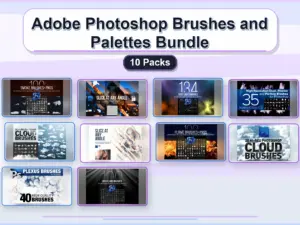
Adobe Photoshop Brushes and Palettes Bundle – 10 Packs
Sold by Grasycho
Slice at Any Angle PS Script
Sold by Grasycho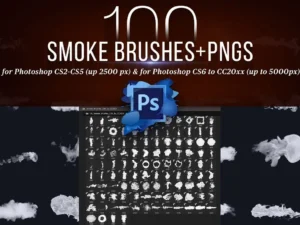
100 Photoshop Smoke Brushes + PNGs
Sold by Grasycho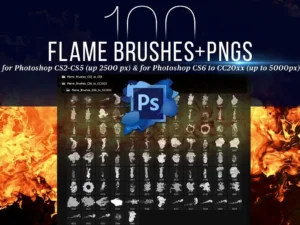
100 Photoshop Flame Brushes + PNGs
Sold by Grasycho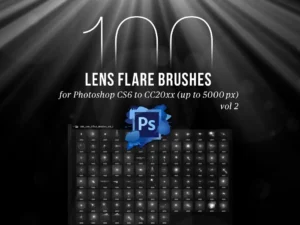
100 PS Lens Flares Brushes Vol 2
Sold by Grasycho
25 Hi-Res Cloud Brushes
Sold by Grasycho Original price was: $14.00.$7.00Current price is: $7.00.


There are no reviews yet.