
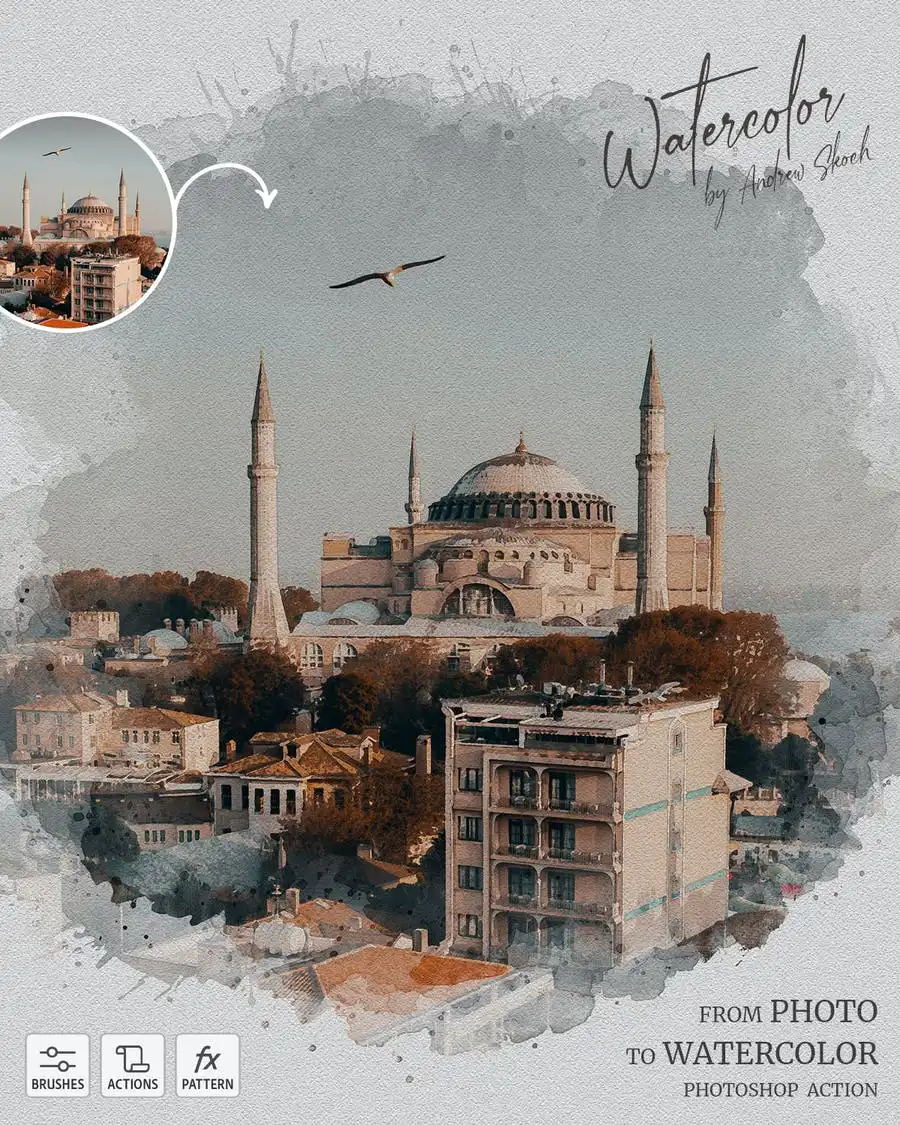
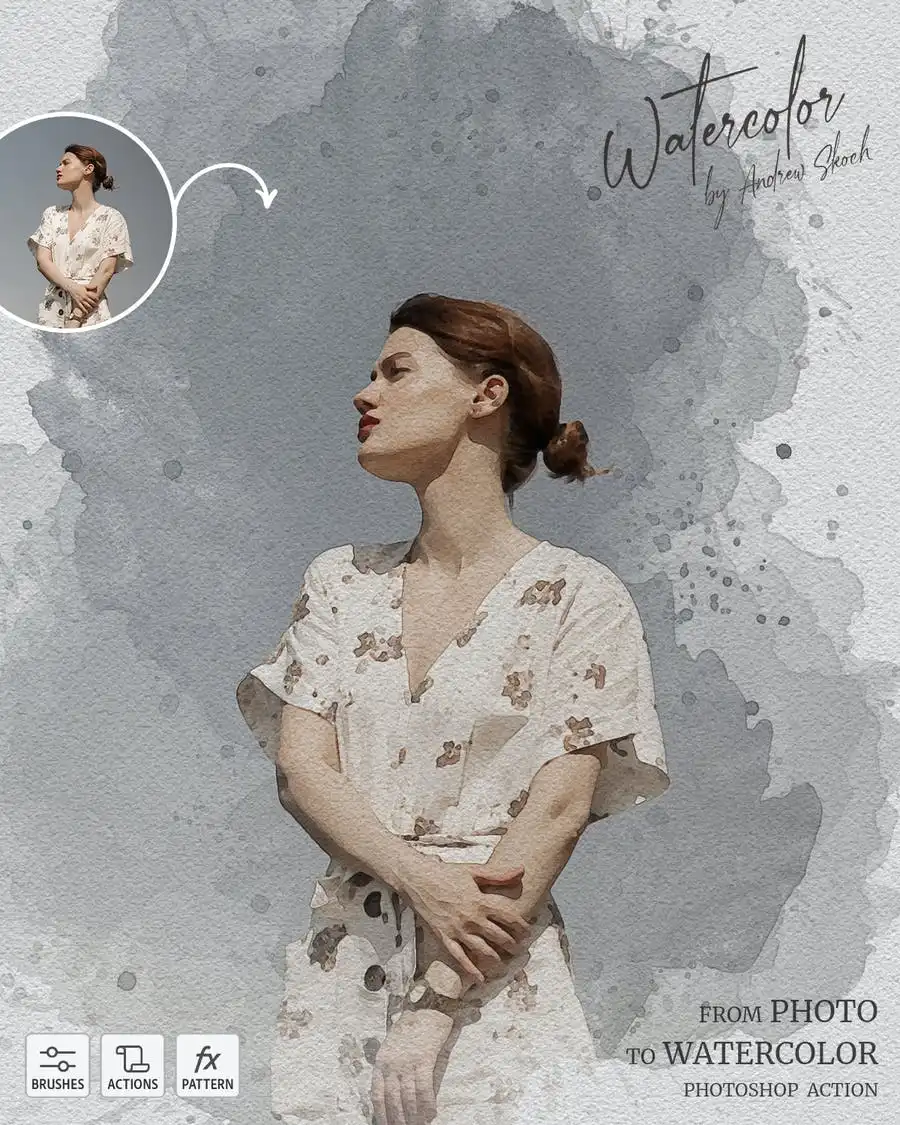
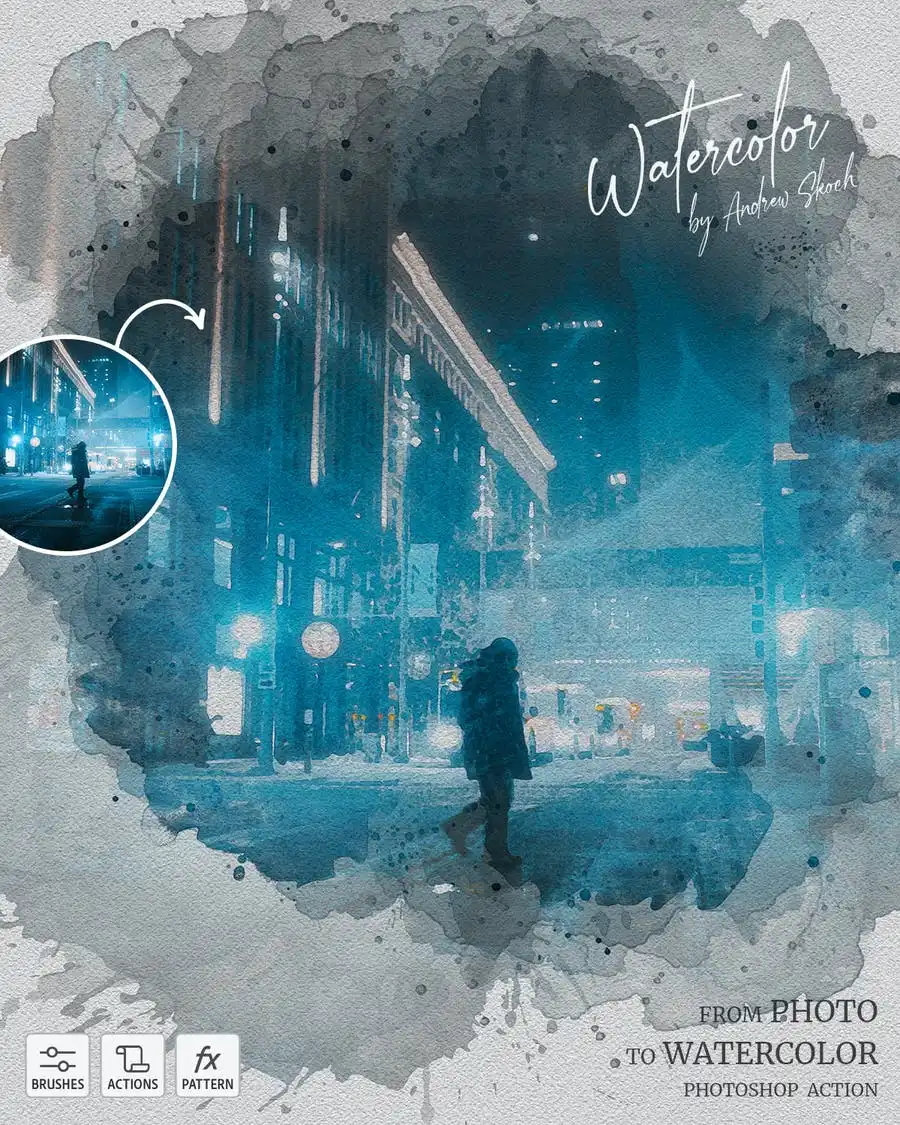
Watercolor from Photo – Photoshop Action
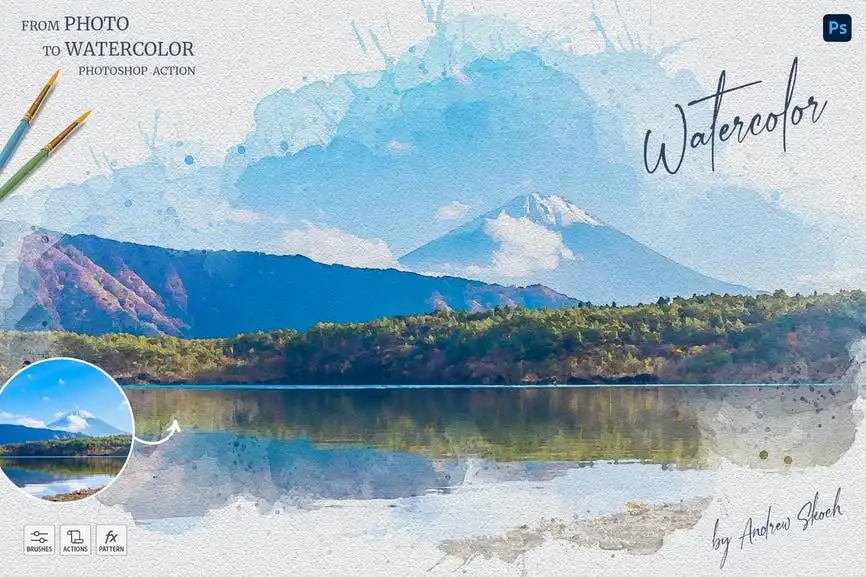
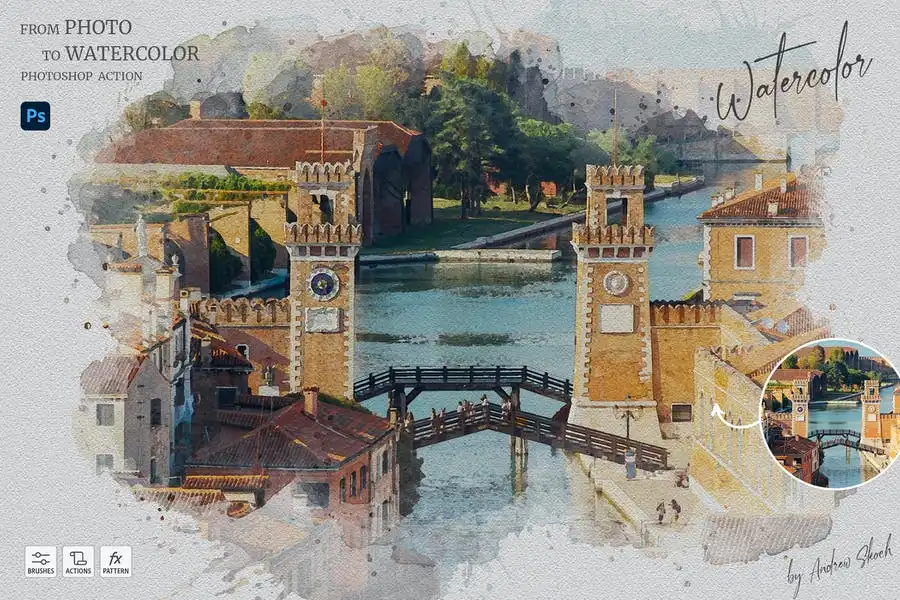
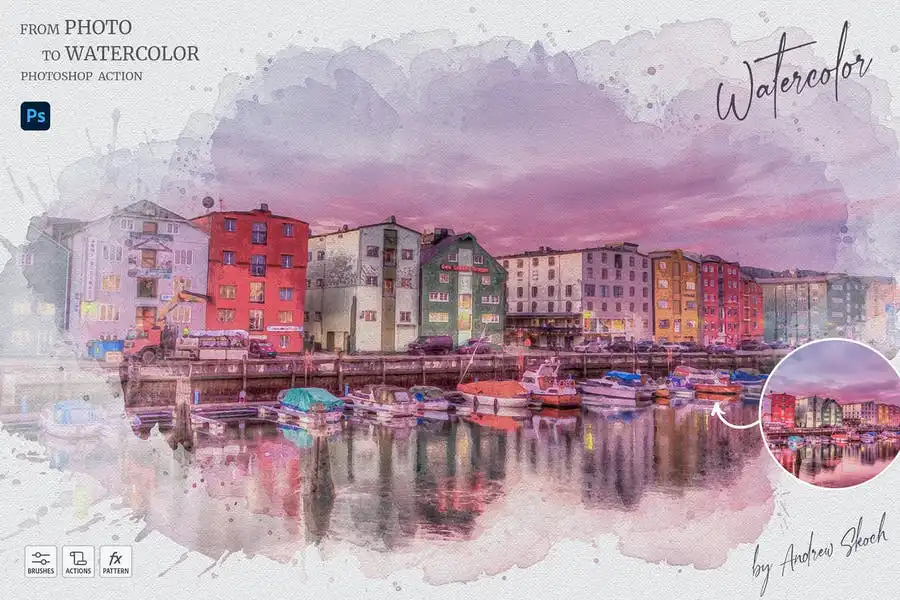
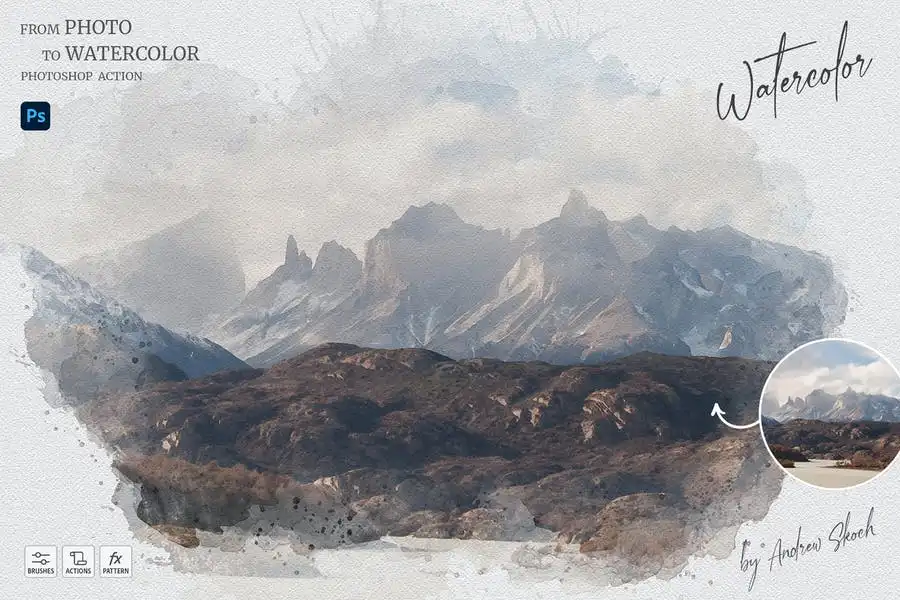
Original price was: $5.00.$2.50Current price is: $2.50.

Andrew Skoch Design
Product Specs:
- Compatible with: Actions
- File Type: ZIP
- File Size: 51.5 MB
- Instant Download
Watercolor from Photo – Photoshop Action
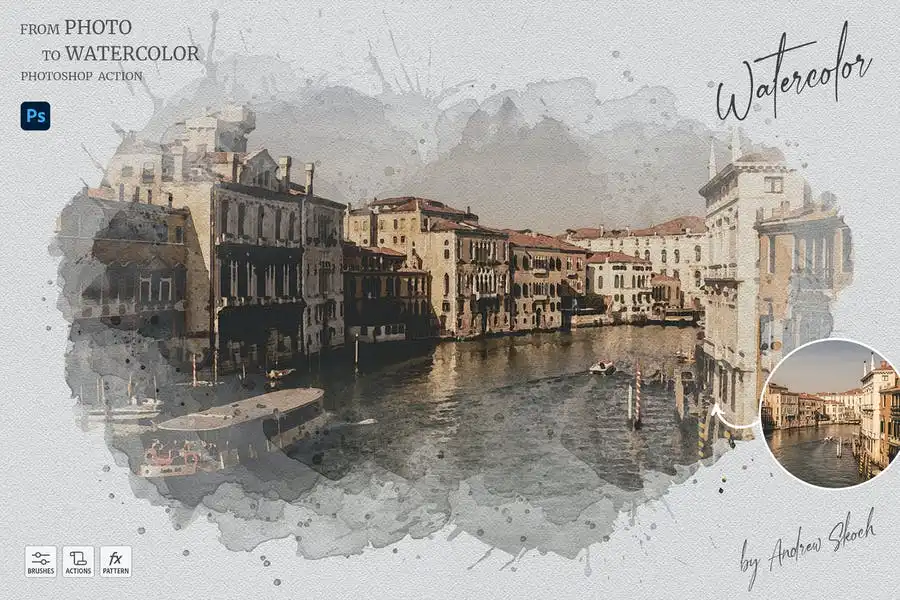
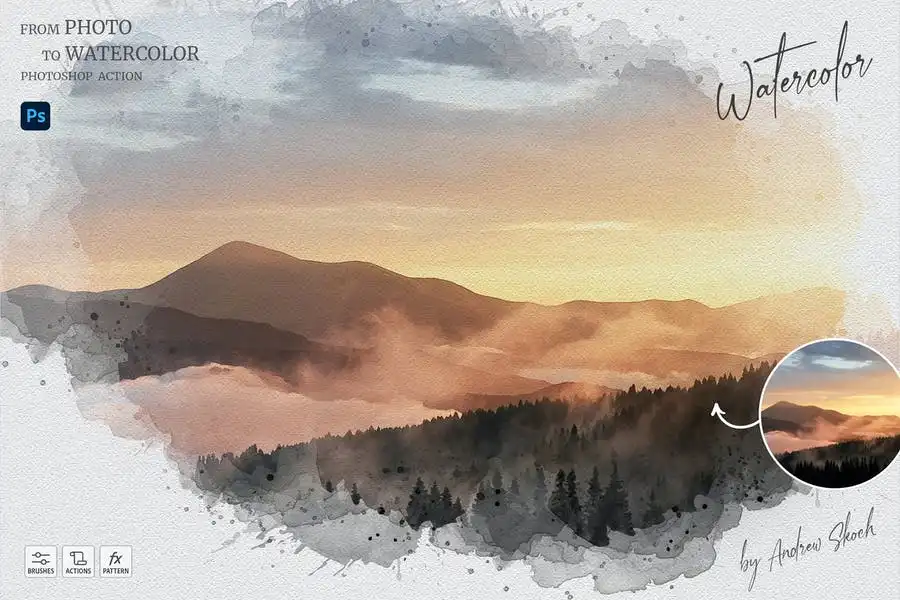
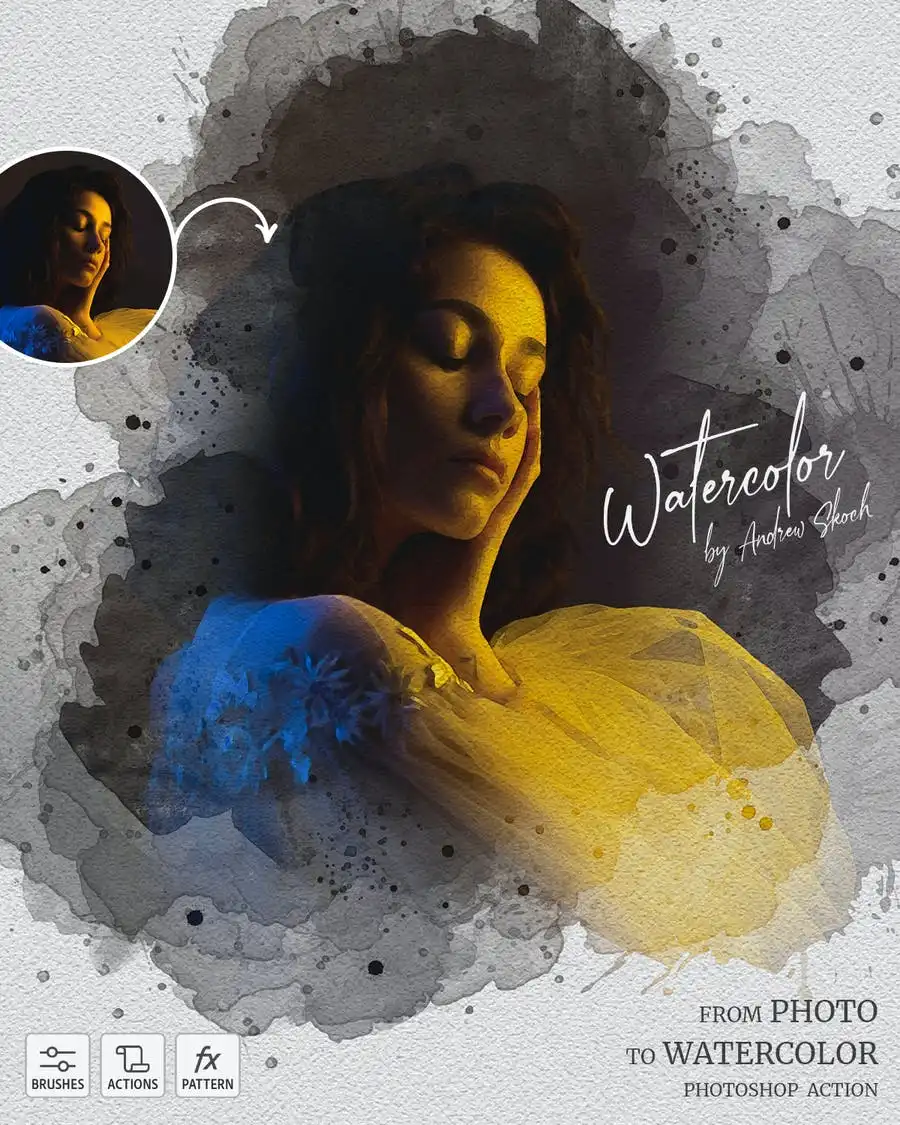
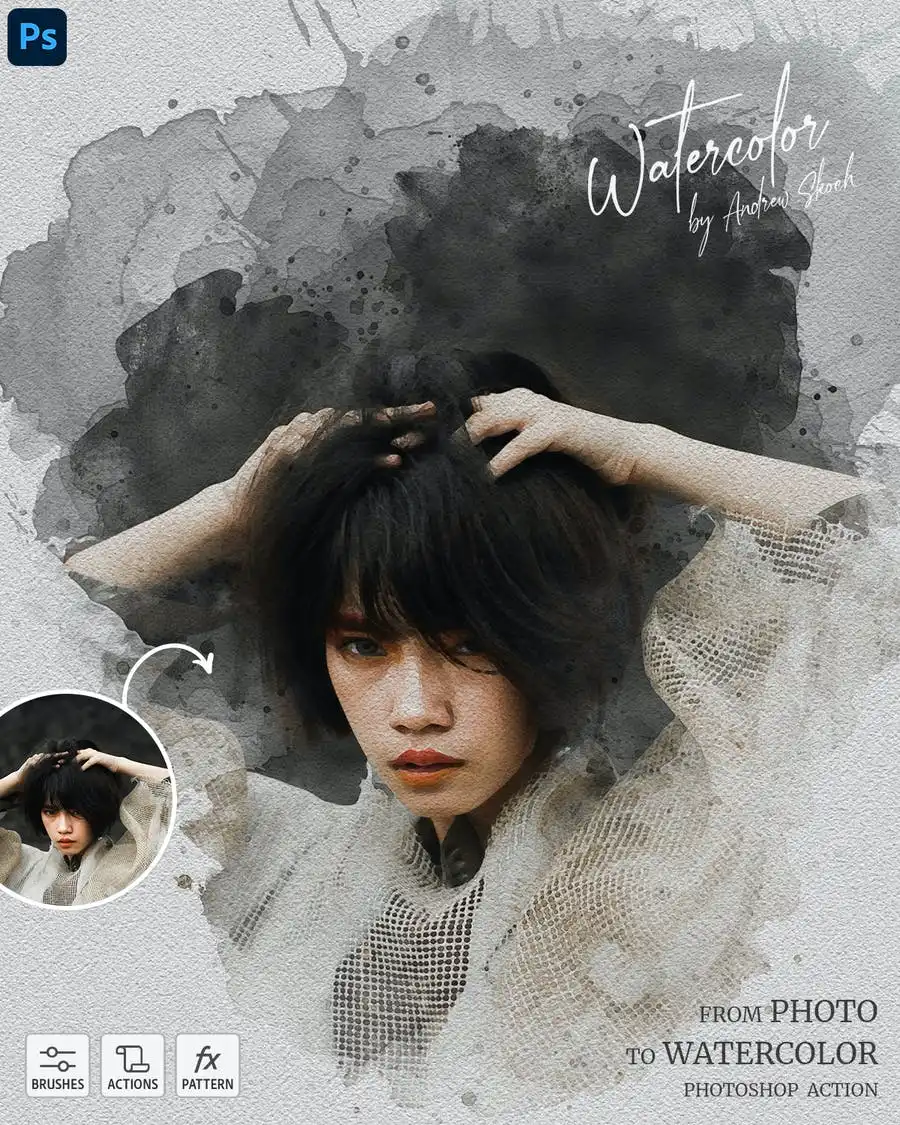
Transform your photos into stunning watercolor artworks effortlessly! With the Watercolor from Photo – Photoshop Action, you can achieve a realistic watercolor painting effect in just seconds. This easy-to-use Photoshop action allows you to unleash your creativity with paint splashes on a watercolor paper texture, turning your images into beautiful pieces of art.
Product Overview
This Photoshop action is perfect for photographers, designers, and artists looking to create unique watercolor effects from their photos. Whether you want to enhance portraits, landscapes, or any other image, this action provides a quick and effective solution.
Key Features & Benefits
- ✅ One-Click Application → Easily apply the watercolor effect to any image in your PSD file with just one click.
- ✅ Multiple Versions → Choose between a quick version and a classic version for more control over the painting area.
- ✅ Flexible Usage → Works seamlessly in Photoshop CS5, CS6, CC, and all newer versions, accommodating various workflows.
- ✅ Layer Compatibility → No need for special layer names; simply select your photo layer and play the action!
- ✅ Multiple Results → Play the action multiple times on the same image to achieve different artistic effects.
- ✅ Organized Structure → Enjoy a well-organized folder structure for easy navigation and access to your results.
Why Choose This Product
The Watercolor from Photo – Photoshop Action stands out for its simplicity and effectiveness. It’s trusted by artists and designers worldwide for transforming ordinary photos into extraordinary watercolor art. With detailed instructions included, you can start creating beautiful pieces right away, regardless of your skill level.
Specifications
| File Type | ATN, ABR, PAT, PDF |
|---|---|
| Compatibility | Photoshop CS5, CS6, CC (All Versions) |
| Instructions | Included in PDF format |
What’s Included / What’s in the Box
- 📦 ATN file with the action
- 📦 ABR file with brushes
- 📦 PAT file with patterns
- 📦 HELP – PDF file with detailed instructions
Perfect For
- Photographers looking to enhance their images
- Graphic designers wanting to create unique artwork
- Artists exploring new styles and techniques
How to Use
- Open your image in Photoshop.
- Select the layer with your photo.
- Click PLAY to apply the action.
FAQ
- Can I use this action in any language version of Photoshop?
Yes, the action works in any Photoshop language version.
- Can I apply the action to multiple images?
Absolutely! You can apply the action to multiple images within the same PSD file.
Don’t miss out on the opportunity to elevate your photography with this innovative action. Add to cart now and start creating stunning watercolor art today! 🚀
User Reviews
Be the first to review “Watercolor from Photo – Photoshop Action”
You must be logged in to post a review.

Graffiti Text Effects – 10 PSD – vol 1
Sold by Andrew Skoch Design
Leaves Shadow Overlays
Sold by Andrew Skoch Design
Glitch YouTube Thumbnails
Sold by Andrew Skoch Design
Spray Paint Photoshop Action
Sold by Andrew Skoch Design
Neon Outline Photoshop Effect
Sold by Andrew Skoch Design
Glowing Neon Photoshop Brushes
Sold by Andrew Skoch Design Original price was: $5.00.$2.50Current price is: $2.50.


There are no reviews yet.