
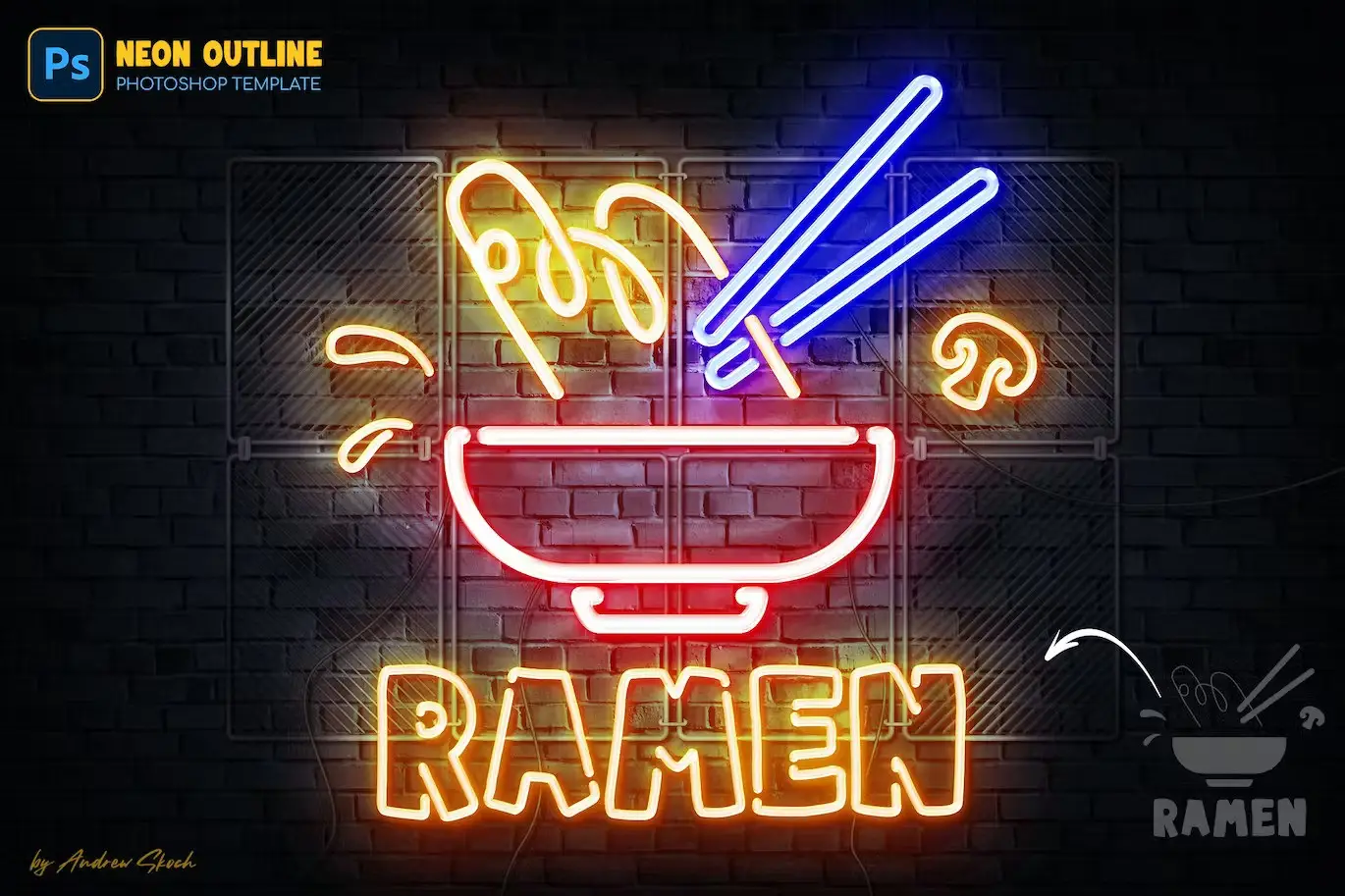
Neon Outline Photoshop Effect
Original price was: $5.00.$2.50Current price is: $2.50.

Andrew Skoch Design
Product Specs:
- Compatible with: Templates
- File Type: ZIP
- File Size: 198.1 MB
- Instant Download
Neon Outline Photoshop Effect
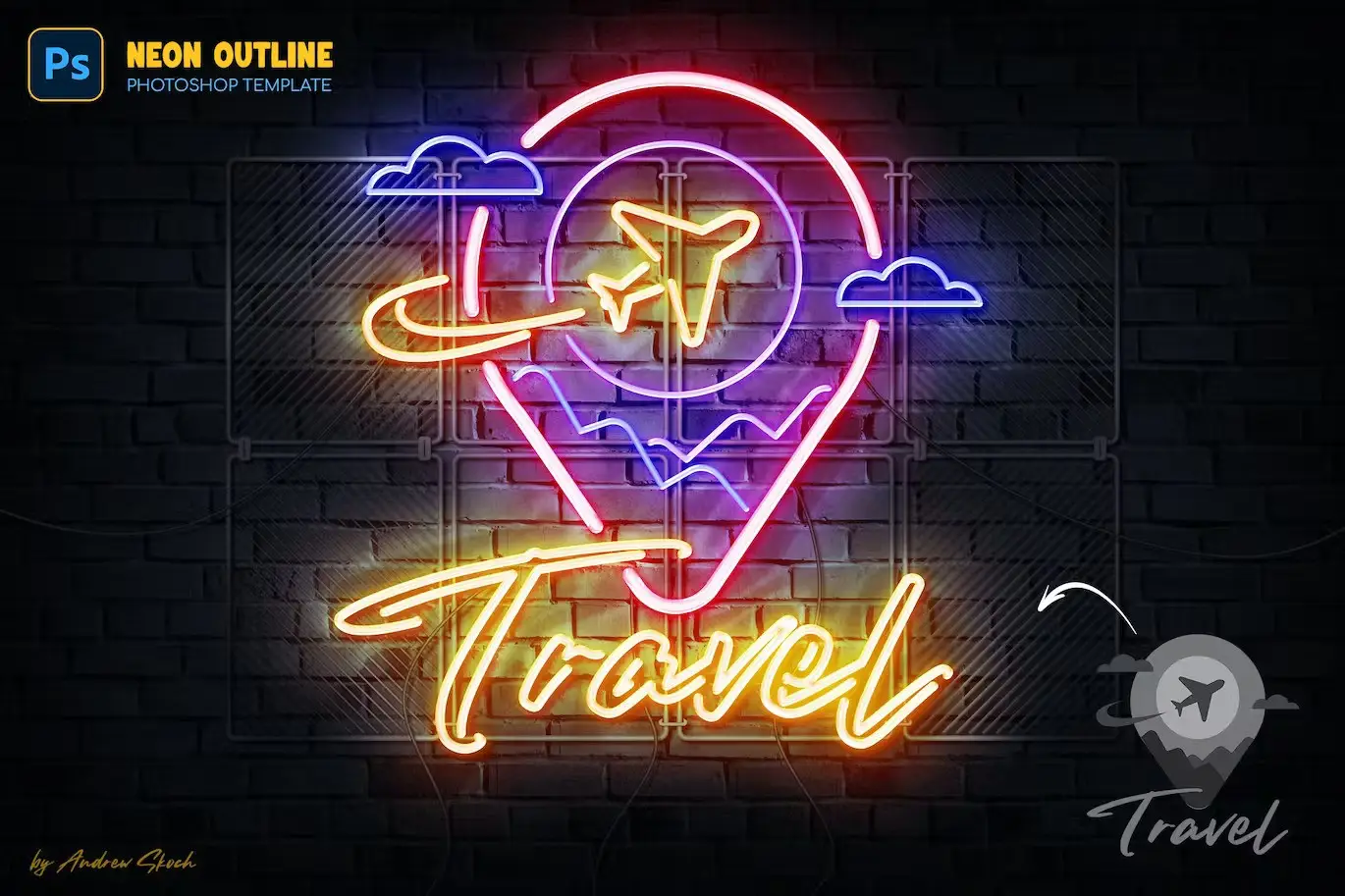
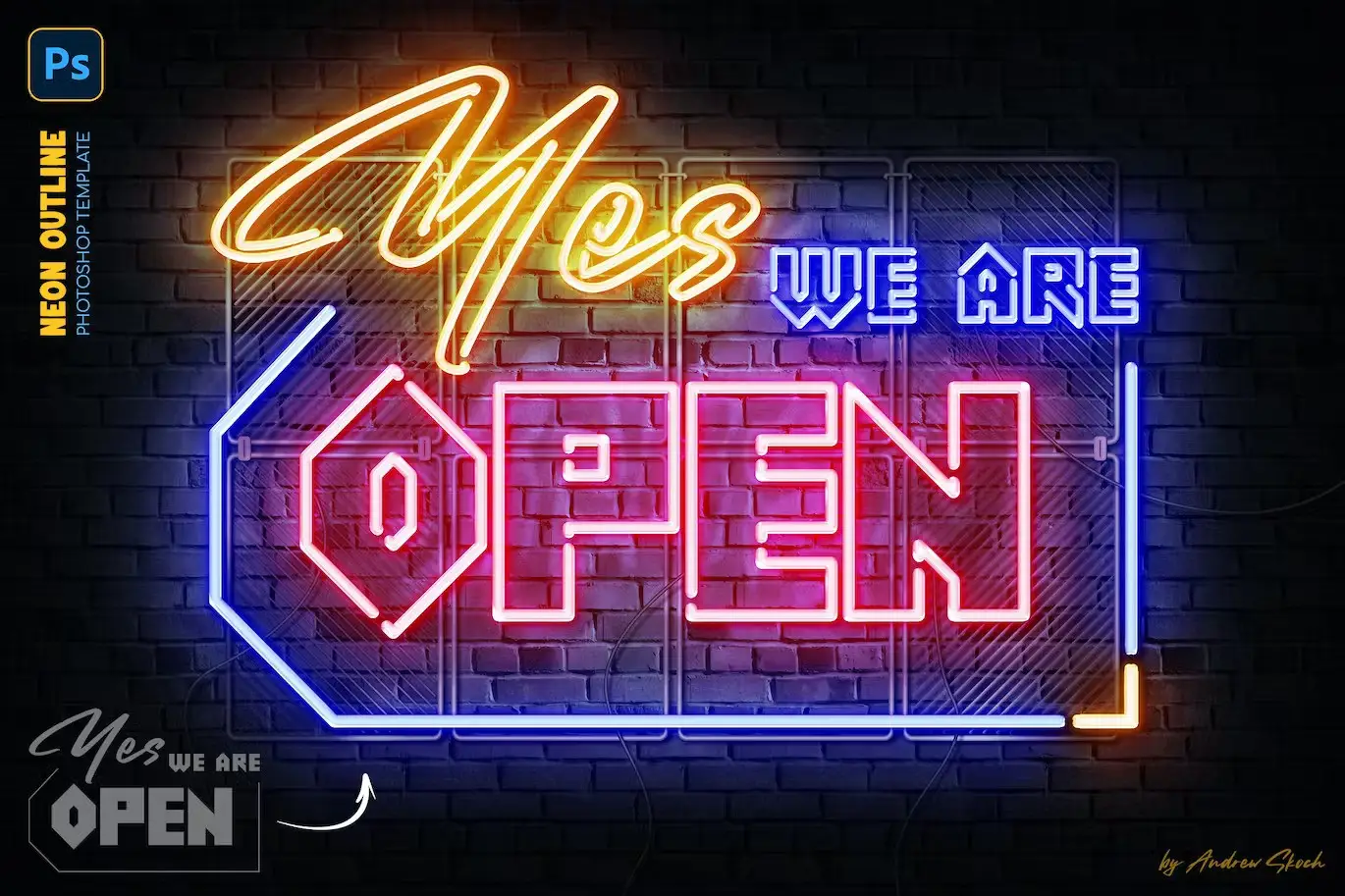
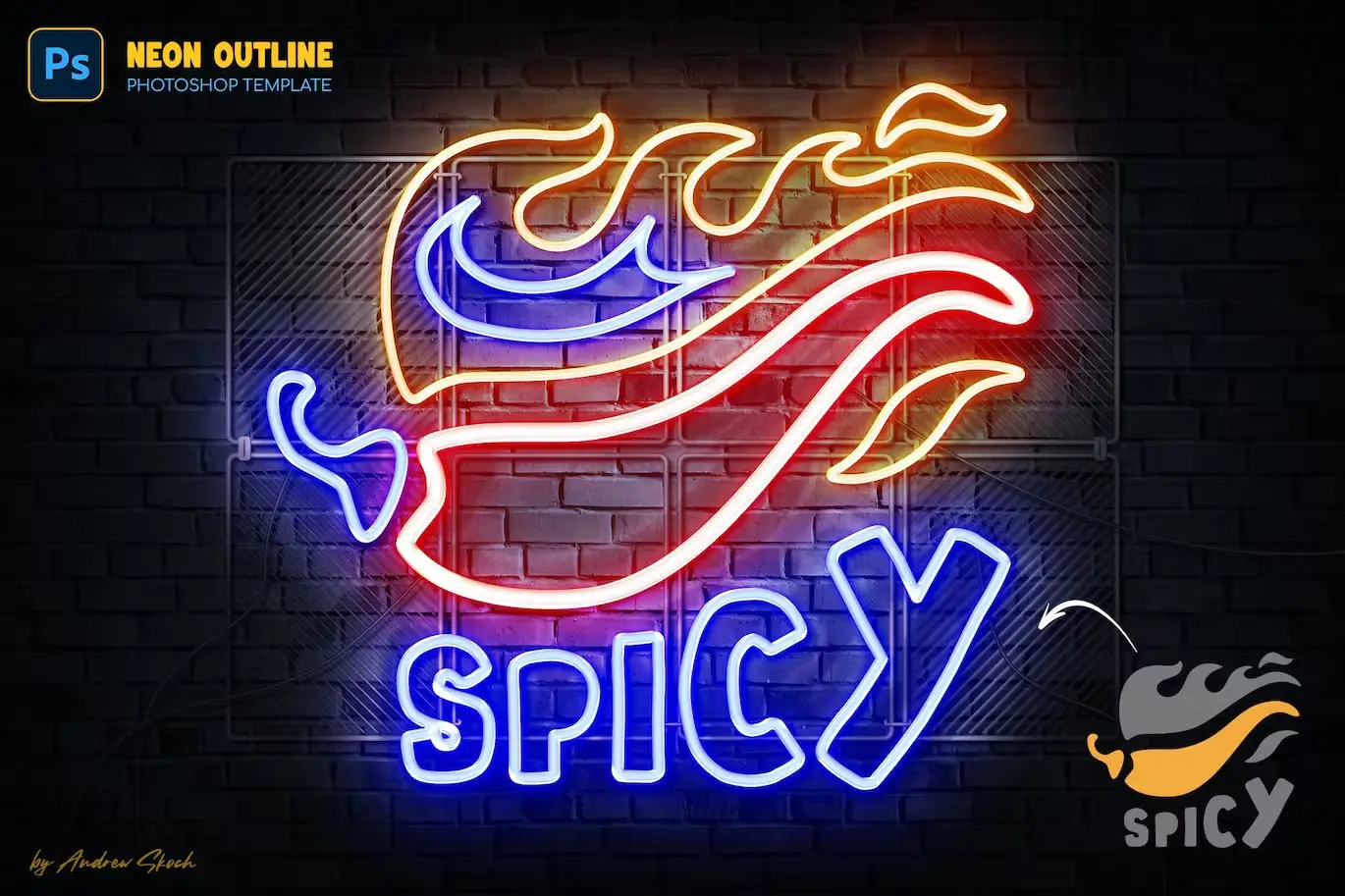
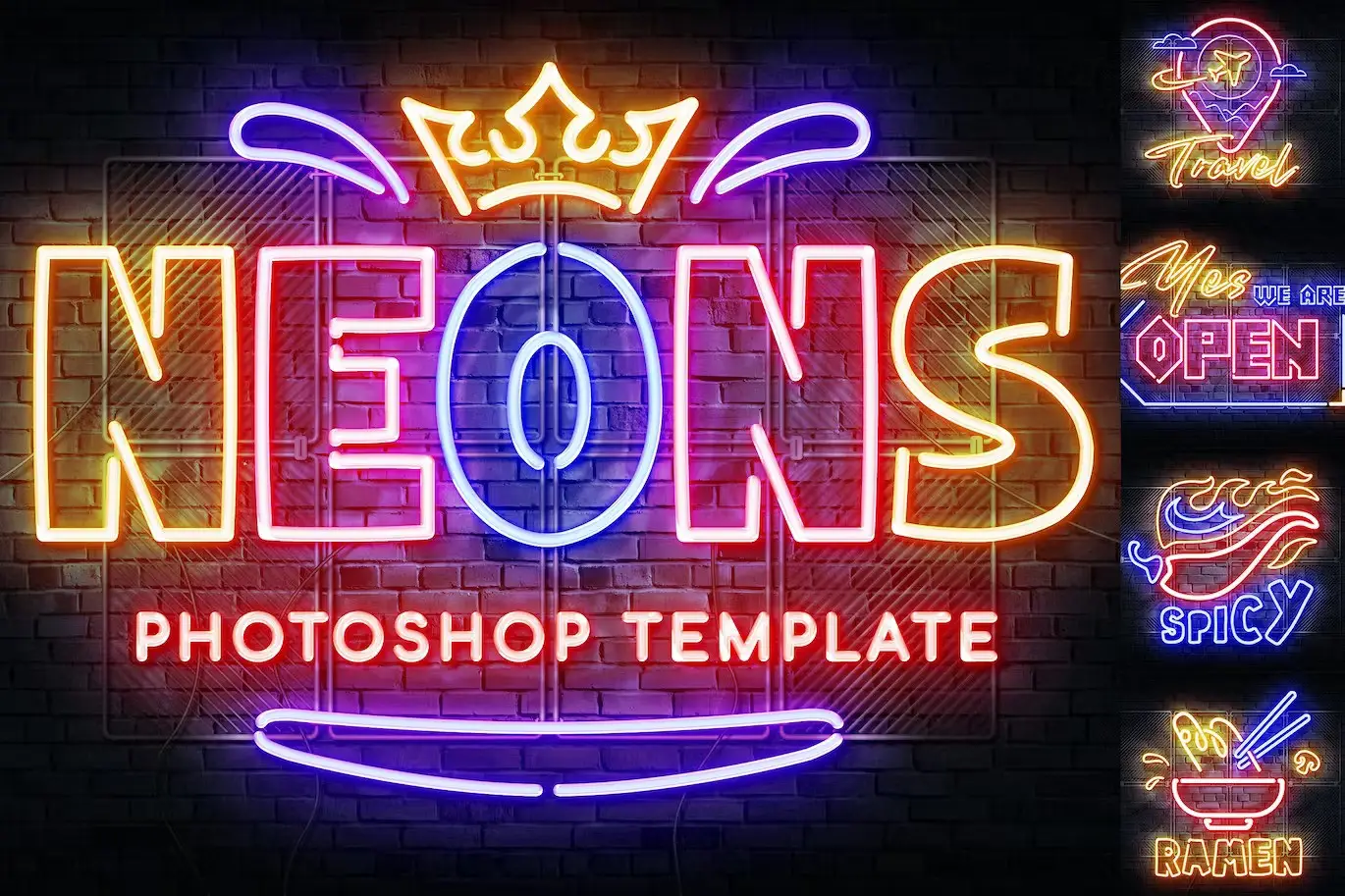
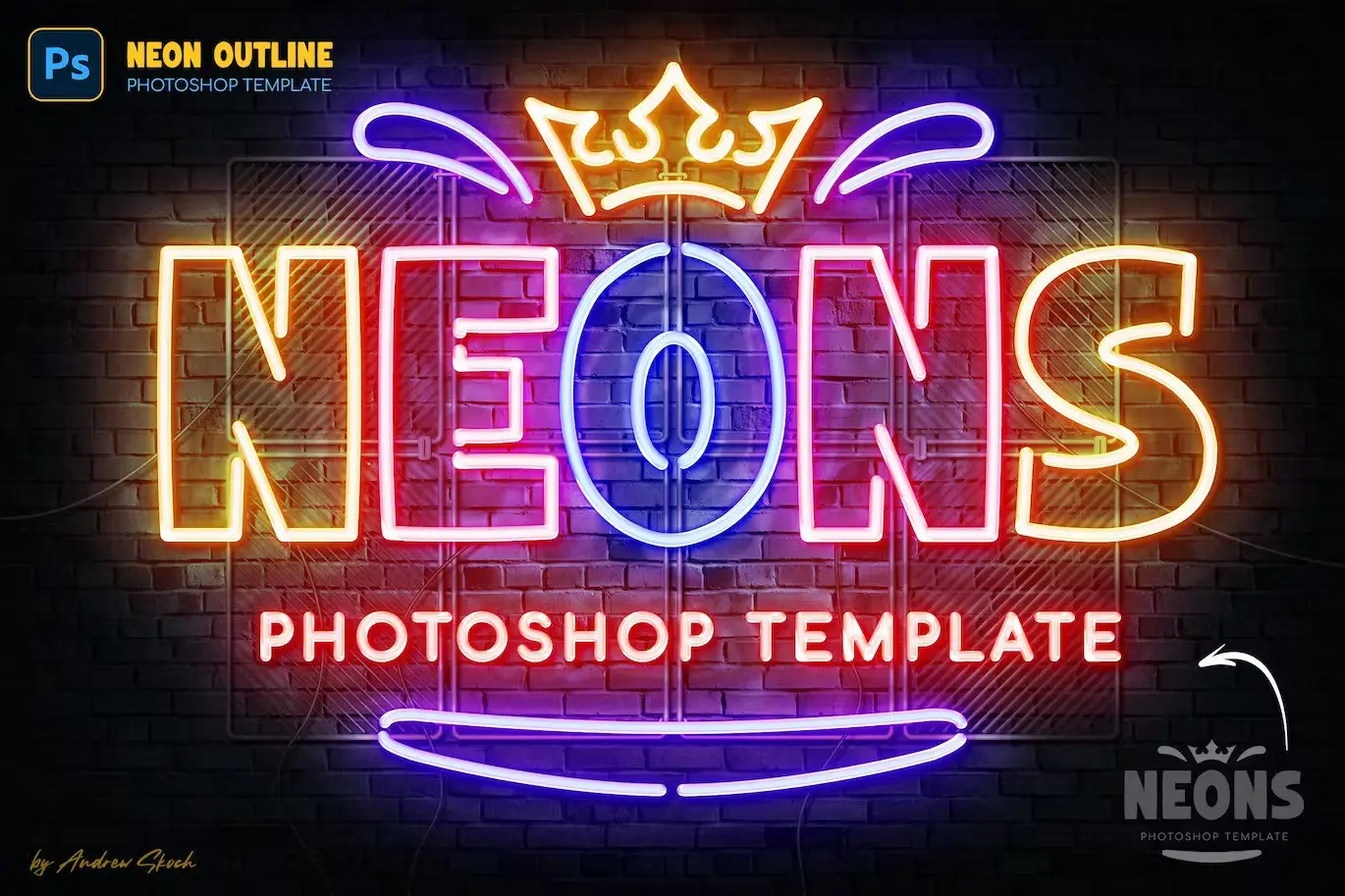
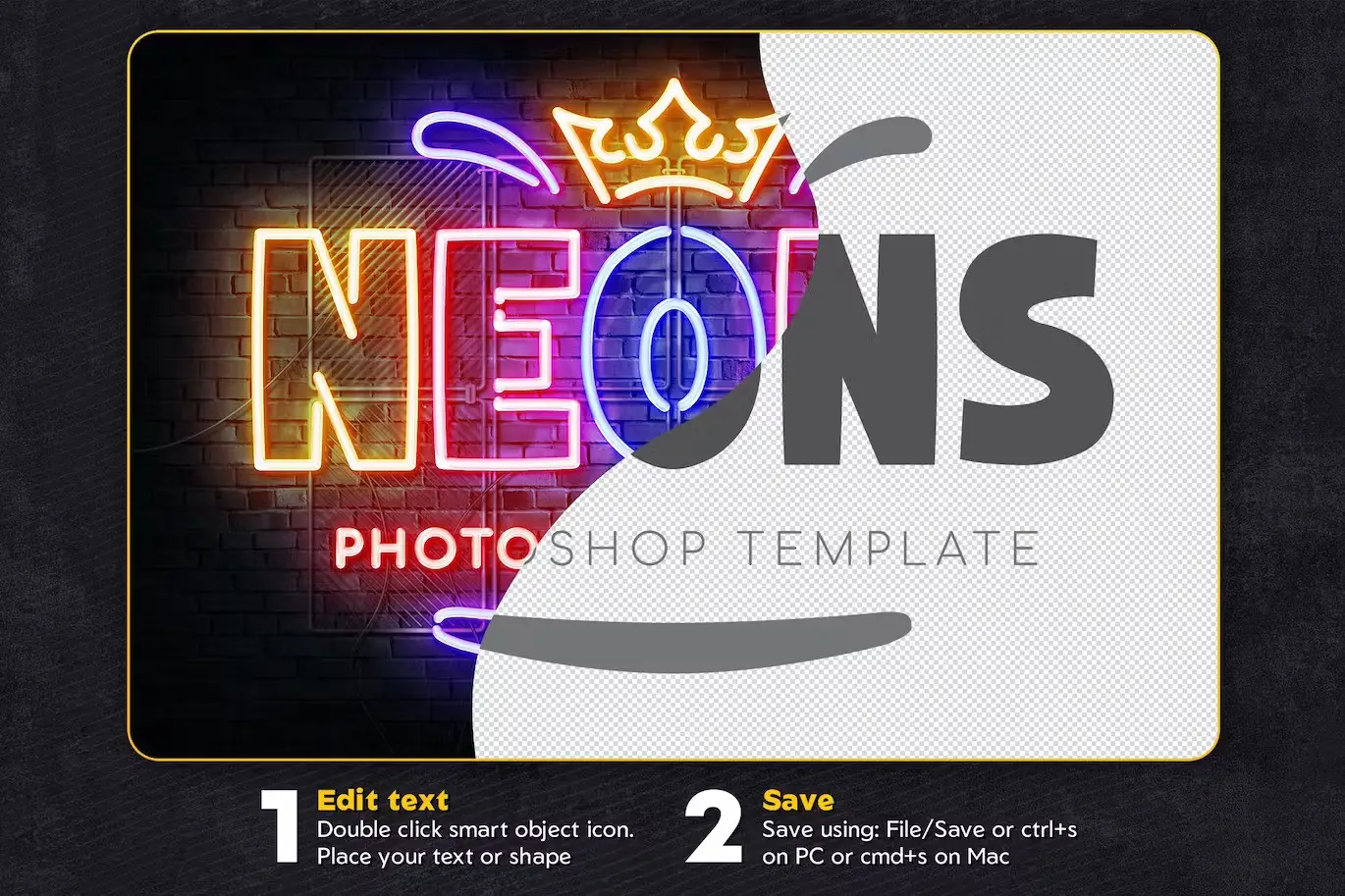
Transform your logo into vibrant neon lights effortlessly! The Neon Outline Photoshop Effect enables you to create stunning neon effects for your text, logos, shapes, and icons with just a few clicks. Simply open the smart object, place your logo, and save. The neon effect is applied automatically, giving you a professional look in no time.
Product Overview
This digital design asset is perfect for anyone looking to enhance their branding or creative projects with eye-catching neon effects. Whether you’re designing a sign, logo, or promotional material, this effect will add a modern touch that stands out.
Key Features & Benefits
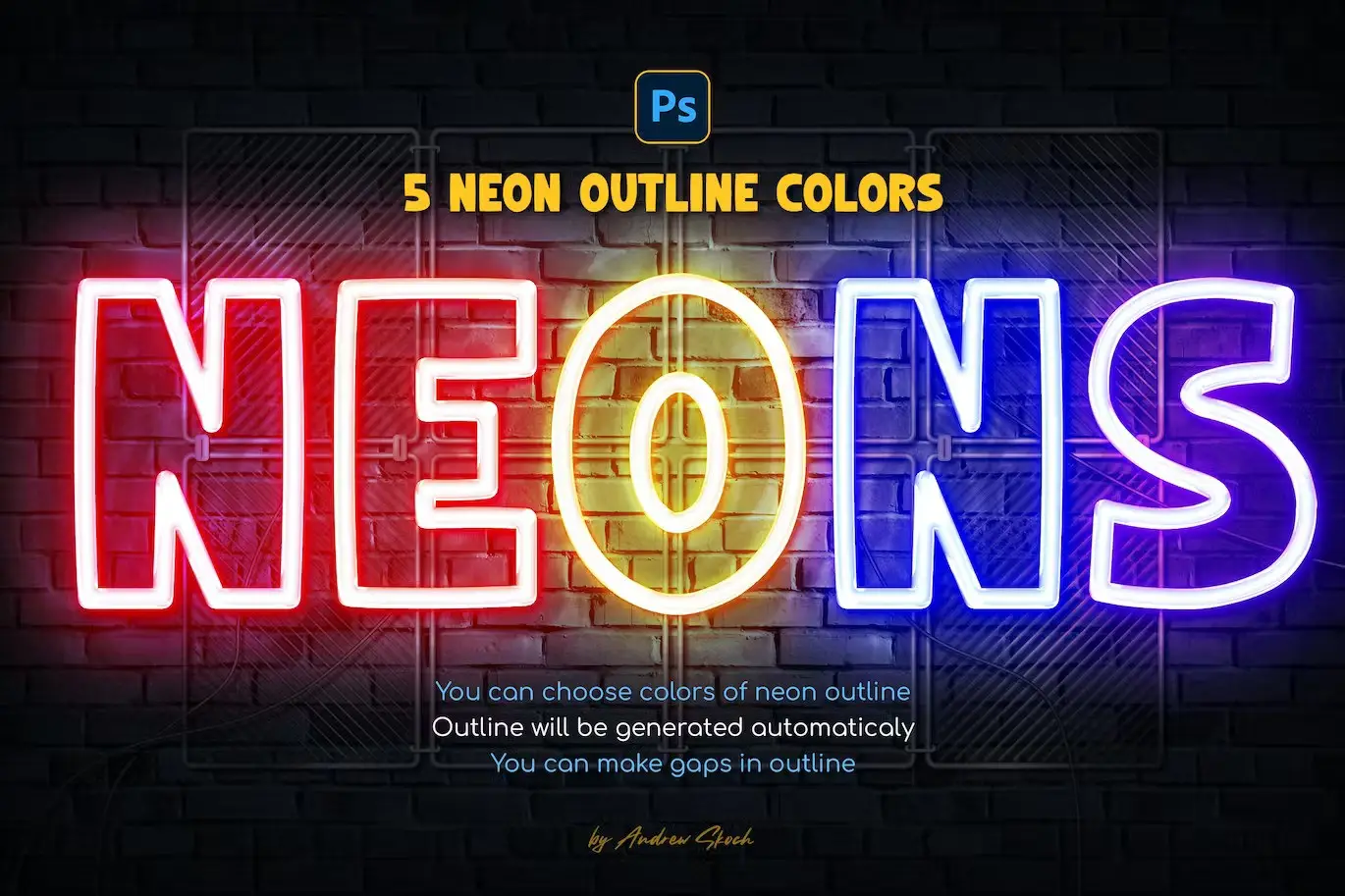
- ✅ 5 Vibrant Colors → Choose from a selection of bright neon colors to match your design aesthetic.
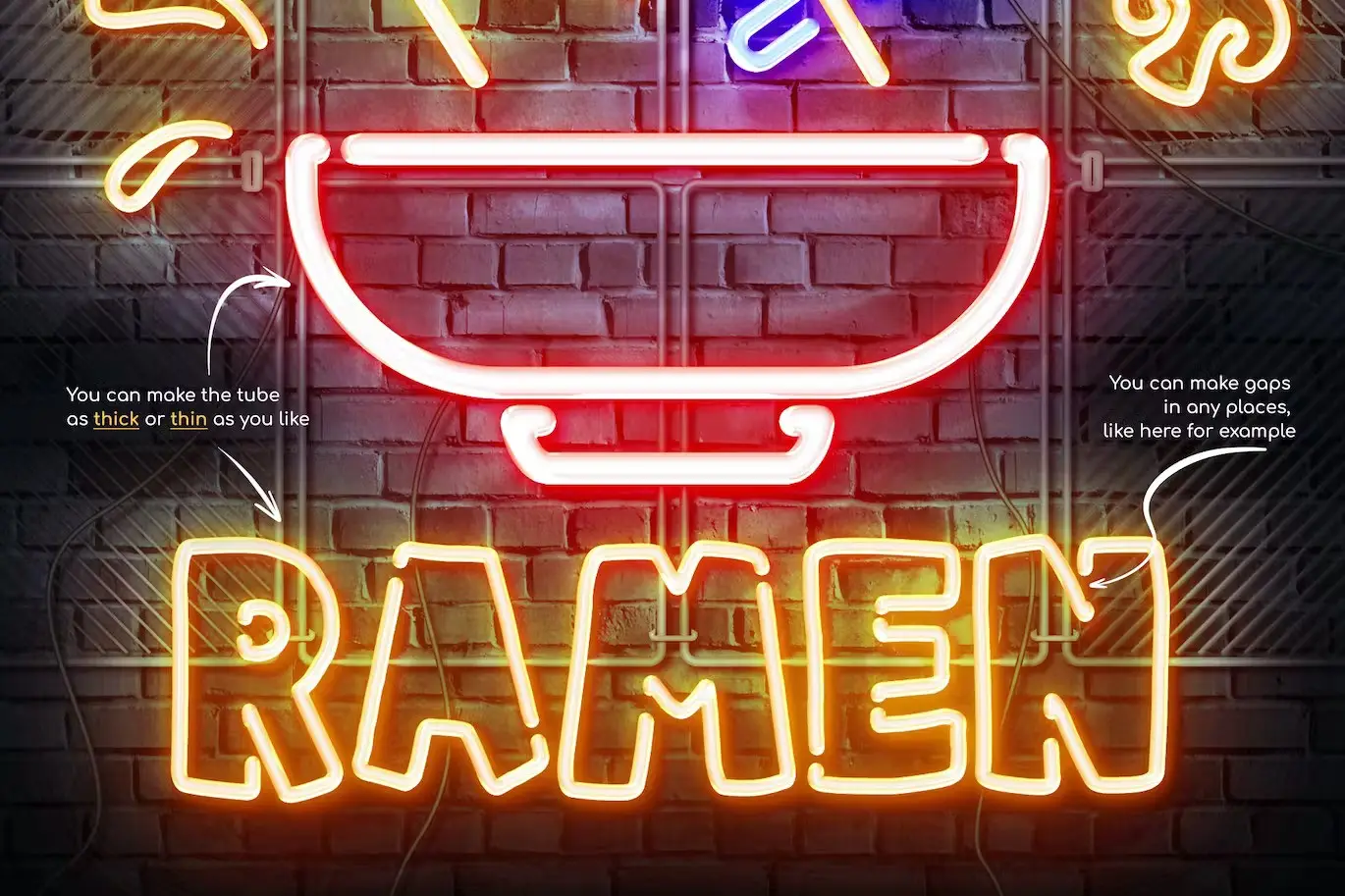
- ✅ Adjustable Tube Thickness → Customize the thickness of the neon tubes to suit your style.
- ✅ Easy Smart Object Replacement → Quickly replace your logo or text with minimal effort.
- ✅ Well Organized Layers → Navigate through the layers easily for a smooth editing experience.
- ✅ High Resolution → 300 DPI and 3000×2000 pixels ensure your designs look sharp and professional.
- ✅ Comprehensive Video Instruction → Follow along with detailed video tutorials for seamless usage.
Why Choose This Product
The Neon Outline Photoshop Effect is designed for both beginners and professionals. Its intuitive setup allows you to achieve stunning results without extensive Photoshop skills. This asset is trusted by designers worldwide for its quality and ease of use, making it a must-have for your design toolkit.
Specifications
| Item | Details |
|---|---|
| File Format | PSD, JPG |
| Resolution | 300 DPI |
| Dimensions | 3000×2000 Pixels |
| Compatibility | Adobe Photoshop |
What’s Included
- 📦 6 PSD Photoshop Templates
- 6 JPG Example Images
- PDF Help File with Font Links and Instructions
- Video Instruction Included
Perfect For
- Graphic Designers
- Marketing Professionals
- Small Business Owners
- Creative Enthusiasts
How to Use
1. Open the PSD file in Adobe Photoshop.
2. Double-click the smart object layer to insert your logo or text.
3. Save and close the smart object to see the neon effect applied.
4. Adjust the tube thickness and color as desired.
FAQ
- Can I use this effect for any type of logo?
Yes, it works with text layers, vector shapes, pixel layers, and smart objects.
- Is the template easy to edit?
Absolutely! The layers are well organized for a hassle-free editing experience.
Add to cart now and start creating stunning neon designs today! 🚀
User Reviews
Be the first to review “Neon Outline Photoshop Effect”
You must be logged in to post a review.
Watercolor Painting – Photoshop Action
Sold by Andrew Skoch Design
Grunge Text Effects
Sold by Andrew Skoch Design
Leaves Shadow Overlays
Sold by Andrew Skoch Design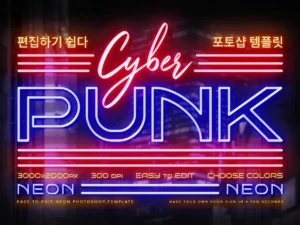
Cyberpunk Neon Logo
Sold by Andrew Skoch Design
Watercolor Procreate Brushes
Sold by Andrew Skoch Design
Grass Procreate Brushes
Sold by Andrew Skoch Design Original price was: $5.00.$2.50Current price is: $2.50.


There are no reviews yet.