
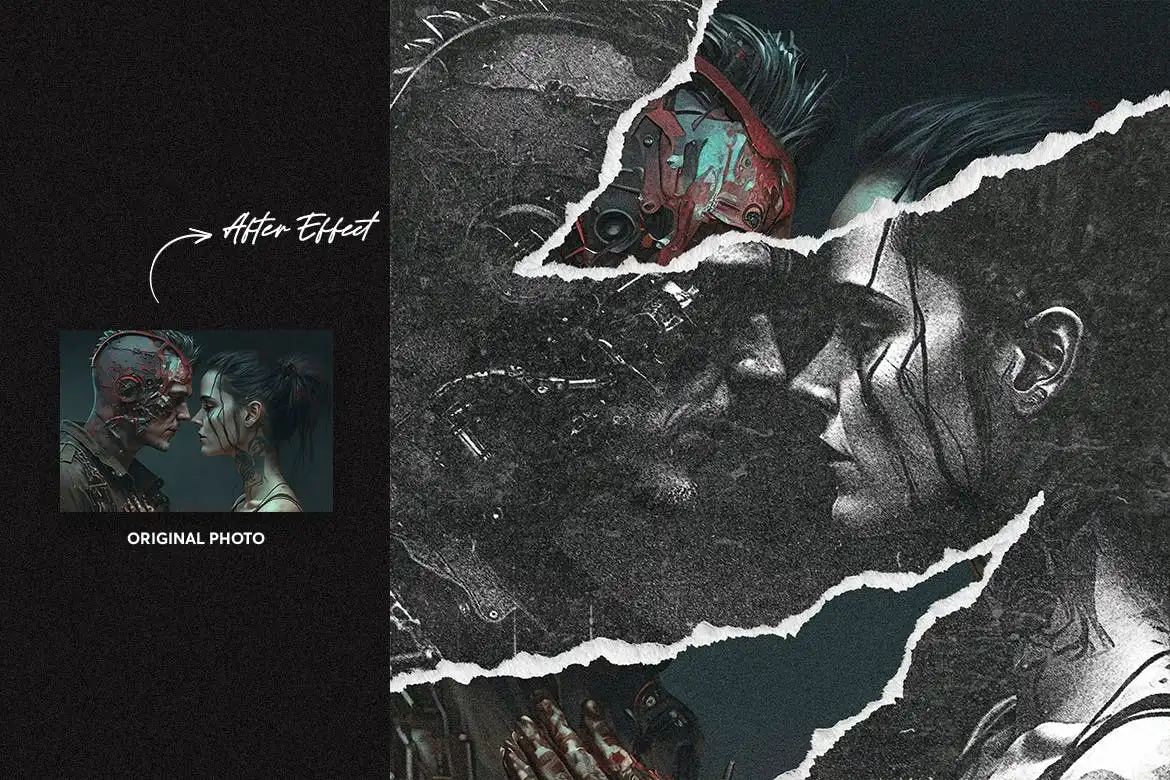
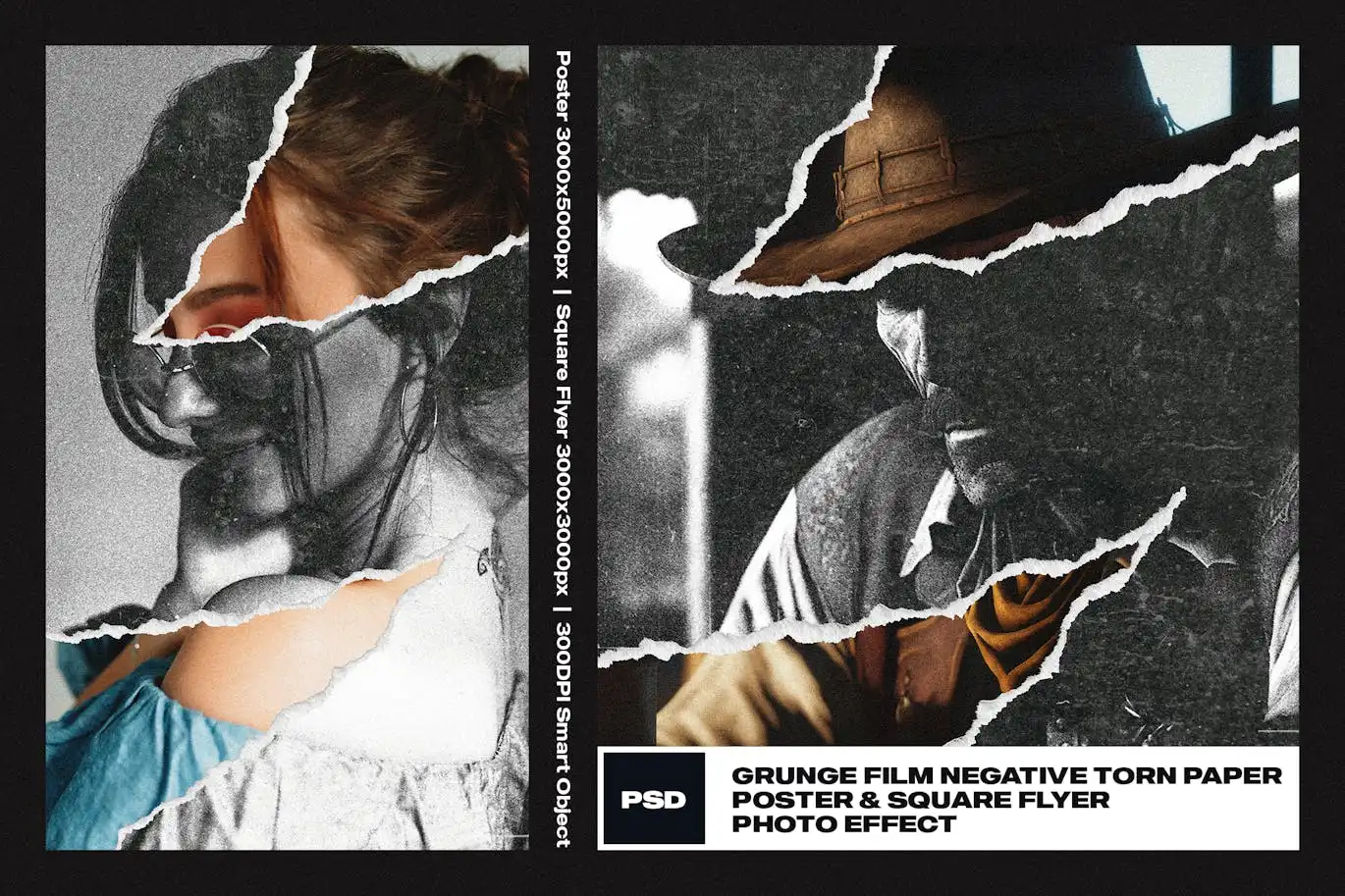
Torn paper and sketch effect for square flyer


Original price was: $5.00.$2.50Current price is: $2.50.

Doku Doku Nomi
Product Specs:
- Compatible with: Templates | Graphics
- File Type: ZIP
- File Size: 67.4 MB
- Instant Download
Torn Paper and Sketch Effect for Square Flyer
Transform your designs with the Torn Paper and Sketch Effect for Square Flyer. This unique digital asset allows you to create stunning visuals effortlessly, making it an essential tool for designers looking to enhance their projects.
Product Overview
The Torn Paper and Sketch Effect is designed specifically for square flyers, providing a creative and artistic touch to your text and logos. Whether you’re working on promotional materials, event flyers, or personal projects, this effect adds a layer of sophistication and style. It’s perfect for anyone who wants to make their designs stand out.
Key Features & Benefits
- ✅ Editable Texts → Customize all text elements easily to suit your project needs.
- ✅ High-Resolution Compatibility → Perfectly suited for 300DPI projects, ensuring your designs look sharp in print.
- ✅ Organized Layers → All layers are clearly named and categorized for quick navigation, saving you time during your design process.
- ✅ Easy to Use → Simply type your desired text or logo, and watch the effect transform your design in seconds.
- ✅ Exclusive to Adobe Photoshop → Designed to leverage the powerful features of Photoshop, ensuring high-quality results.
Why Choose This Product
This Torn Paper and Sketch Effect stands out for its realistic details and aesthetic appeal. As a designer, you understand the importance of unique elements in your work, and this product delivers just that. It has been crafted with care to ensure that you can achieve professional results without the hassle. Trusted by designers worldwide, it’s a tool that enhances creativity and efficiency.
Specifications
| Detail | Description |
|---|---|
| Software Compatibility | Adobe Photoshop |
| Resolution | 300 DPI |
| File Type | PSD |
| Editable Elements | Text and Logos |
What’s Included
- 📦 Torn Paper and Sketch Effect PSD file
- Instruction guide for using Smart Objects
- Links to free fonts used in the presentation
Perfect For
- Graphic Designers
- Marketing Professionals
- Event Planners
- Small Business Owners
How to Use
1. Open the PSD file in Adobe Photoshop.
2. Double-click the Smart Object layer to edit the text or logo.
3. Save your changes and watch the effect apply automatically.
FAQ
- Can I use this effect for print projects? Yes, it is optimized for 300DPI, making it suitable for print.
- Is it compatible with other software? This effect is specifically designed for Adobe Photoshop.
Add to cart now and elevate your designs with the Torn Paper and Sketch Effect! 🚀
User Reviews
Be the first to review “Torn paper and sketch effect for square flyer”
You must be logged in to post a review.

Comic Sketch Photo Effect
Sold by Doku Doku Nomi
Grainy Heatmap Photo Effect
Sold by Doku Doku Nomi
Refraction Square And Poster Effect
Sold by Doku Doku Nomi
Tilt Shift Photo Effect
Sold by Doku Doku Nomi
Grunge Wood text effect
Sold by Doku Doku Nomi
Grunge text effect on wall
Sold by Doku Doku Nomi Original price was: $5.00.$2.50Current price is: $2.50.


There are no reviews yet.