
Tilt Shift Photo Effect


Original price was: $5.00.$2.50Current price is: $2.50.

Doku Doku Nomi
Product Specs:
- Compatible with: Textures | Adobe Photoshop
- File Type: ZIP
- File Size: 40.0 MB
- Instant Download
Tilt Shift Photo Effect: Transform Your Images Effortlessly
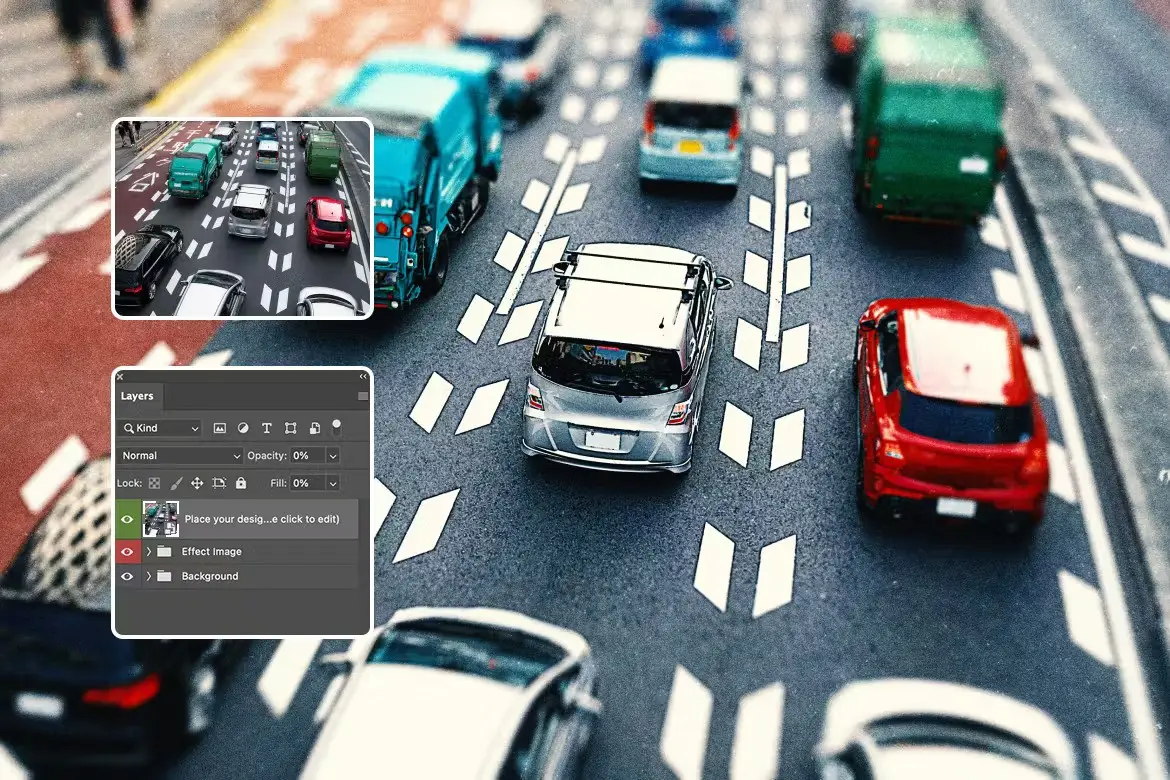
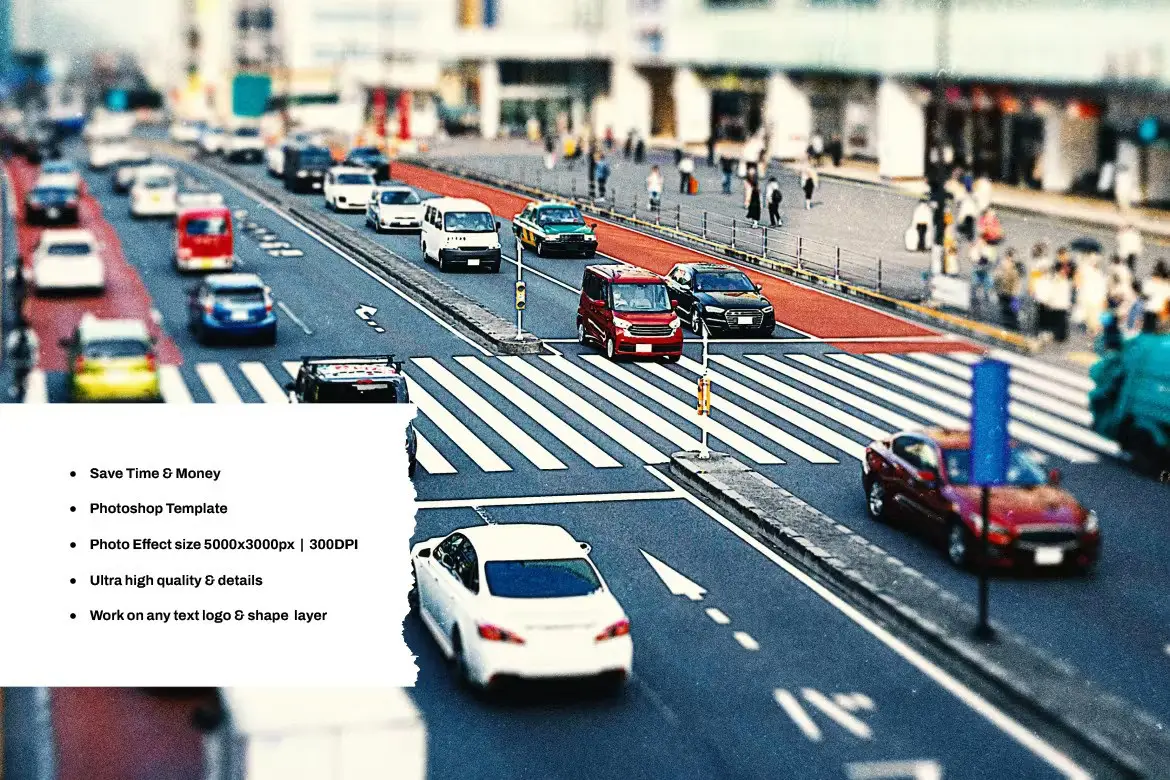
Are you looking to add a unique touch to your photos? The Tilt Shift Photo Effect is your perfect solution! This digital design asset allows you to create stunning miniature-style images with just a few clicks. Whether you’re a professional photographer or a hobbyist, this effect will elevate your work and impress your audience.
Product Overview
The Tilt Shift Photo Effect is designed for users who want to achieve a captivating tilt-shift look in their photography. This product is ideal for anyone looking to enhance their images with a professional touch. With its user-friendly features, you can easily apply this effect to any text or logo, making it a versatile addition to your design toolkit.
Key Features & Benefits
- ✅ Editable Texts → Customize any text or logo effortlessly, ensuring your design is unique.
- ✅ High-Quality Output → Perfect for 300DPI projects, making it suitable for both digital and print applications.
- ✅ Organized Layers → All layers are clearly named and categorized, allowing for quick navigation and easy adjustments.
- ✅ Smart Object Compatibility → Designed specifically for Adobe Photoshop, ensuring seamless integration into your workflow.
- ✅ Large Canvas Size → Comes with a 5000×3000 pixel resolution, providing ample space for detailed designs.
Why Choose This Product
This Tilt Shift Photo Effect stands out due to its ease of use and professional-quality results. Trusted by designers worldwide, this product has been crafted to meet the needs of both beginners and experienced users. By incorporating this effect into your projects, you can create eye-catching visuals that captivate your audience and enhance your portfolio.
Specifications
| Feature | Details |
|---|---|
| Software Compatibility | Adobe Photoshop |
| Resolution | 5000×3000 pixels |
| Layer Organization | Well-structured and named layers |
| Usage | Editable for text and logos |
| Project Compatibility | 300DPI for print and digital |
What’s Included
- 📦 Tilt Shift Photo Effect files
- Instruction manual for easy setup
- Links to free fonts used in the presentation
Perfect For
- Photographers looking to enhance their images
- Graphic designers creating unique visuals
- Marketing professionals needing standout graphics
How to Use
To get started with the Tilt Shift Photo Effect, simply open your image in Adobe Photoshop, apply the effect to your text or logo, and customize as needed. Follow the included instructions for a seamless experience.
FAQ
- Can I use this effect for print projects? Yes, it is optimized for 300DPI, making it suitable for both digital and print use.
- Is it easy to customize? Absolutely! All texts are editable, allowing you to personalize your designs quickly.
Add the Tilt Shift Photo Effect to your collection today and start transforming your images effortlessly! 🚀
User Reviews
Be the first to review “Tilt Shift Photo Effect”
You must be logged in to post a review.

Broken Glass Photo Effect v1.5
Sold by Doku Doku Nomi
Halftone Comic Photo Effect
Sold by Doku Doku Nomi
Comic Portrait Photo Effect
Sold by Doku Doku Nomi
Smudge Painting Photoshop Action
Sold by Doku Doku Nomi
Torn paper and sketch effect for square flyer
Sold by Doku Doku Nomi
Screen Glitch Photoshop Action
Sold by Doku Doku Nomi Original price was: $5.00.$2.50Current price is: $2.50.


There are no reviews yet.