
Tinge Texture Photoshop Brushes
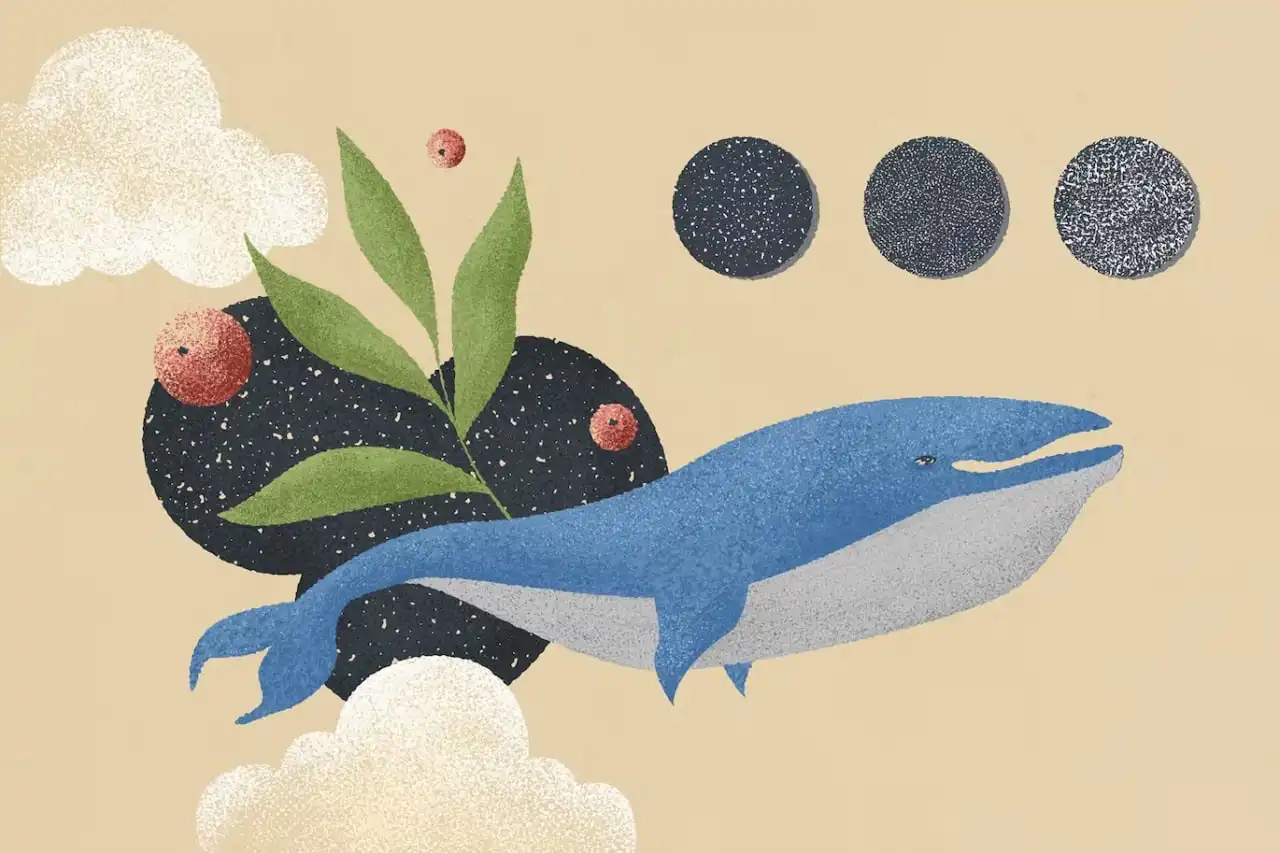
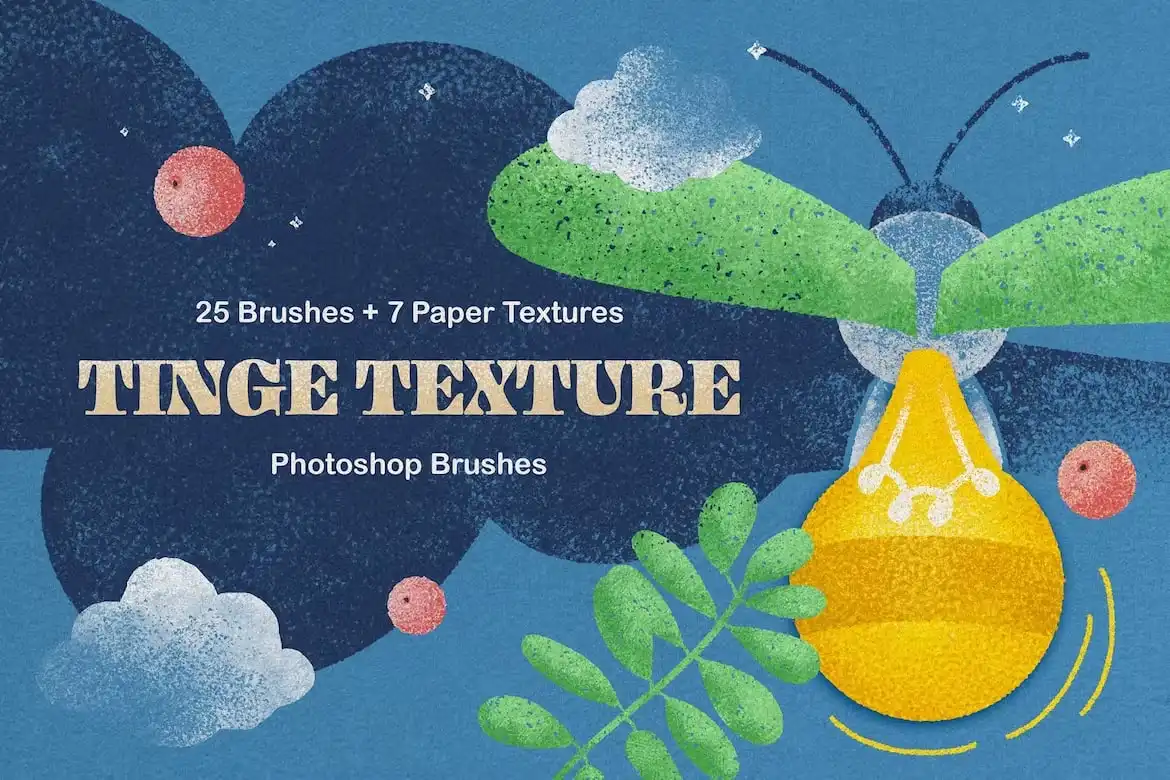
Tinge Texture Photoshop Brushes
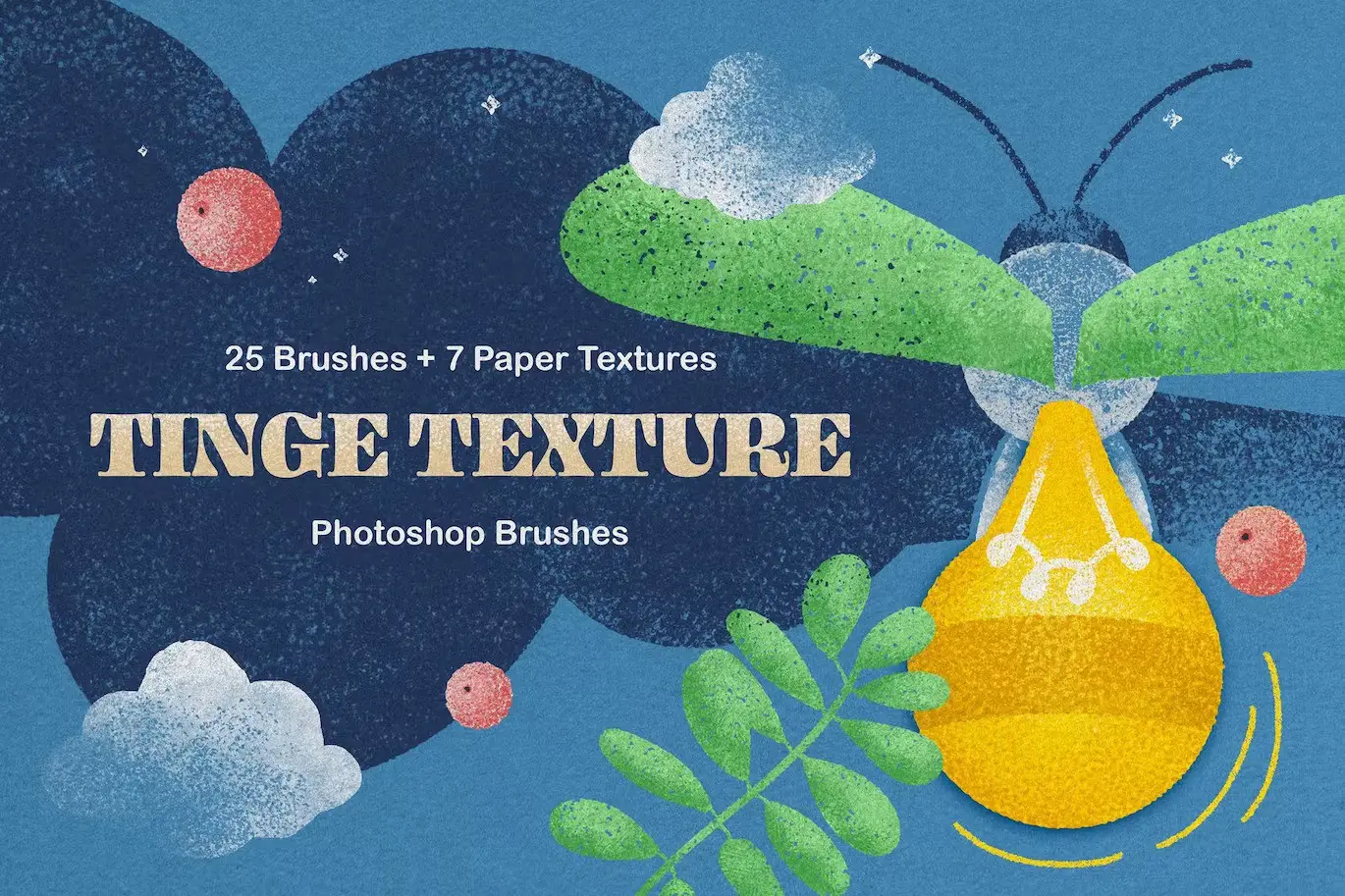
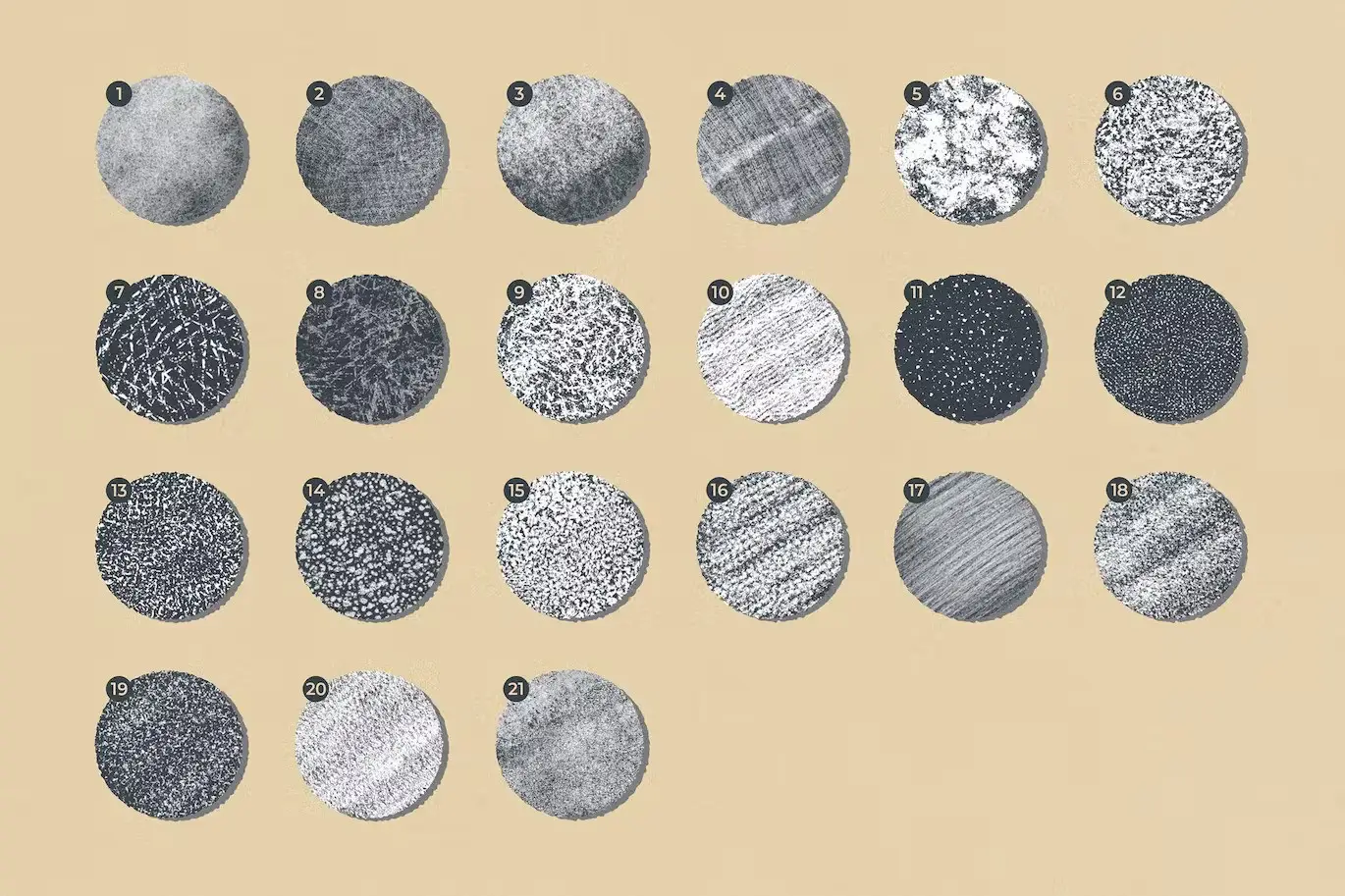
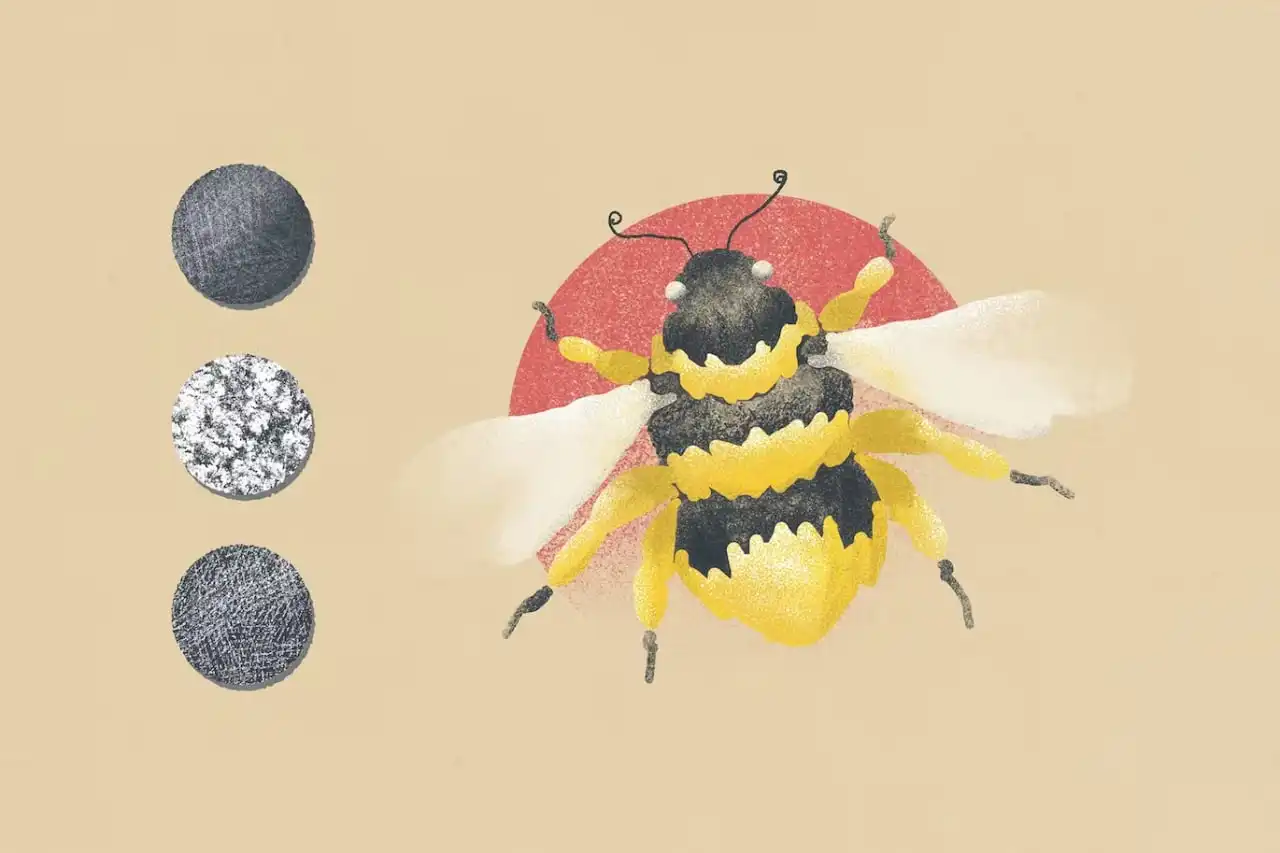
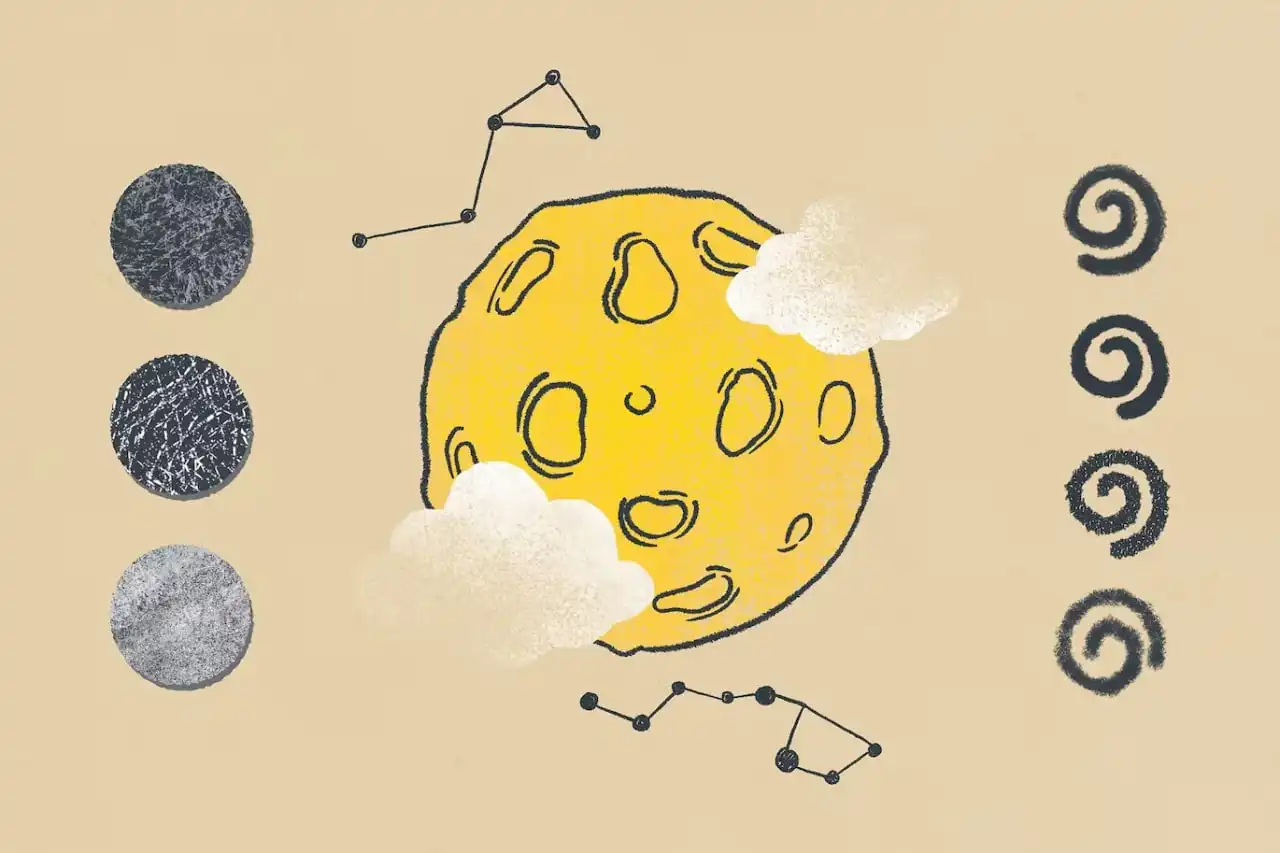
If you’re looking to break away from conventional digital illustration techniques, the Tinge Texture Photoshop Brushes are your perfect solution. This unique collection of brushes offers a fresh approach to creativity, allowing you to add rich textures and depth to your artwork.
Product Overview
The Tinge Texture Photoshop Brushes are designed for artists who want to infuse their digital creations with the charm of traditional drawing tools. Whether you’re a professional illustrator or a hobbyist, these brushes will elevate your projects, making them more vibrant and engaging.
Key Features & Benefits
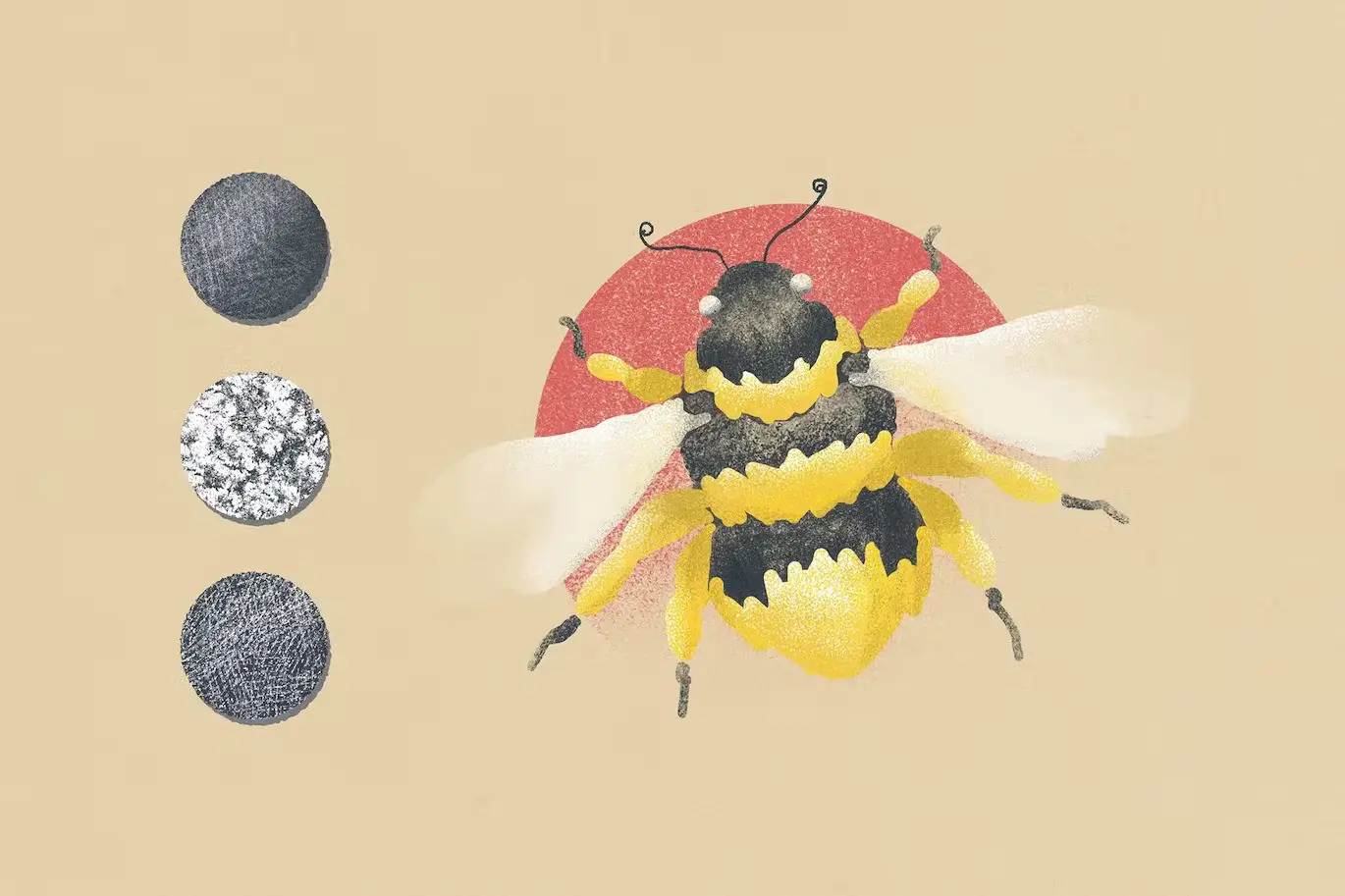
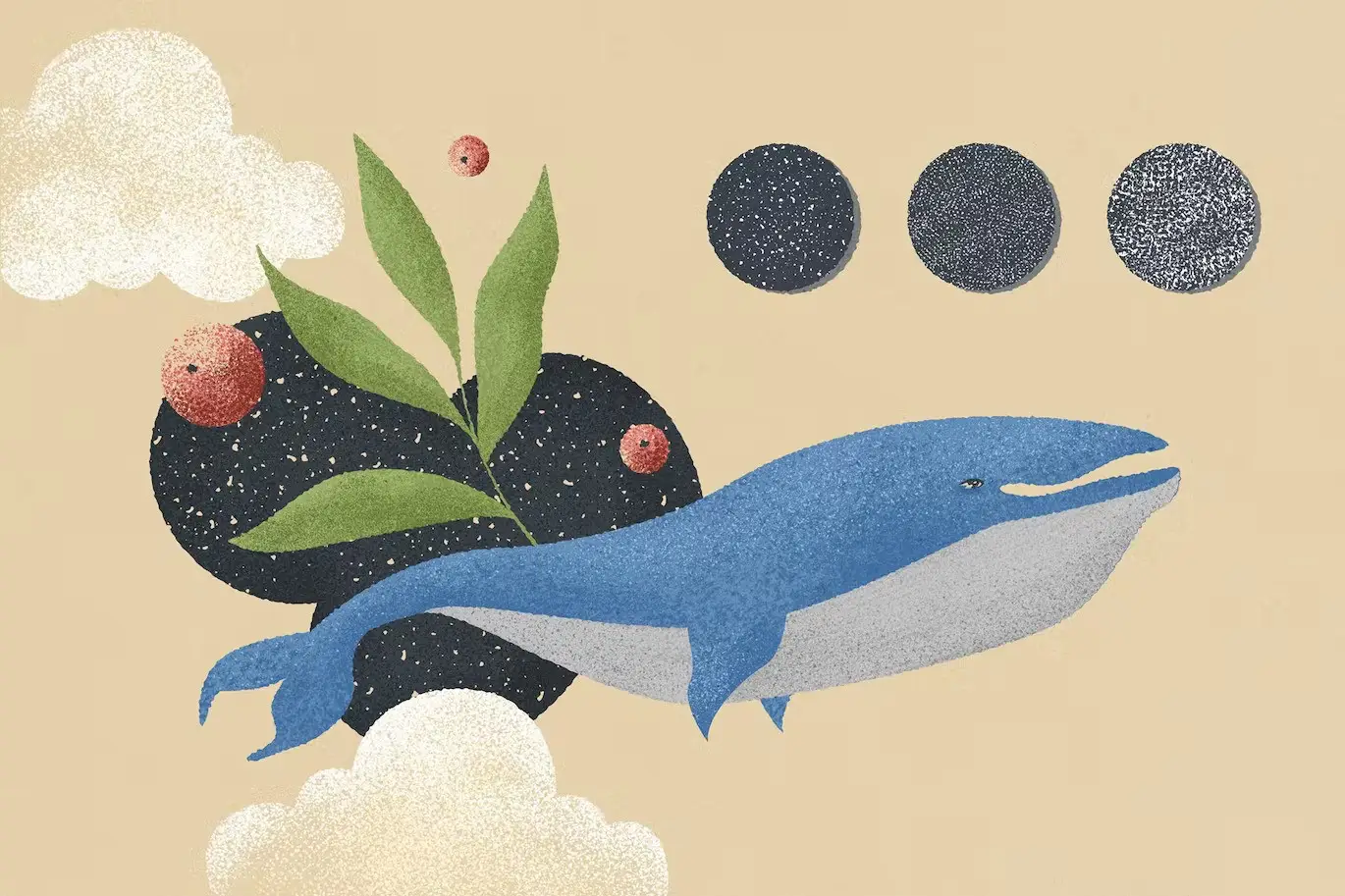
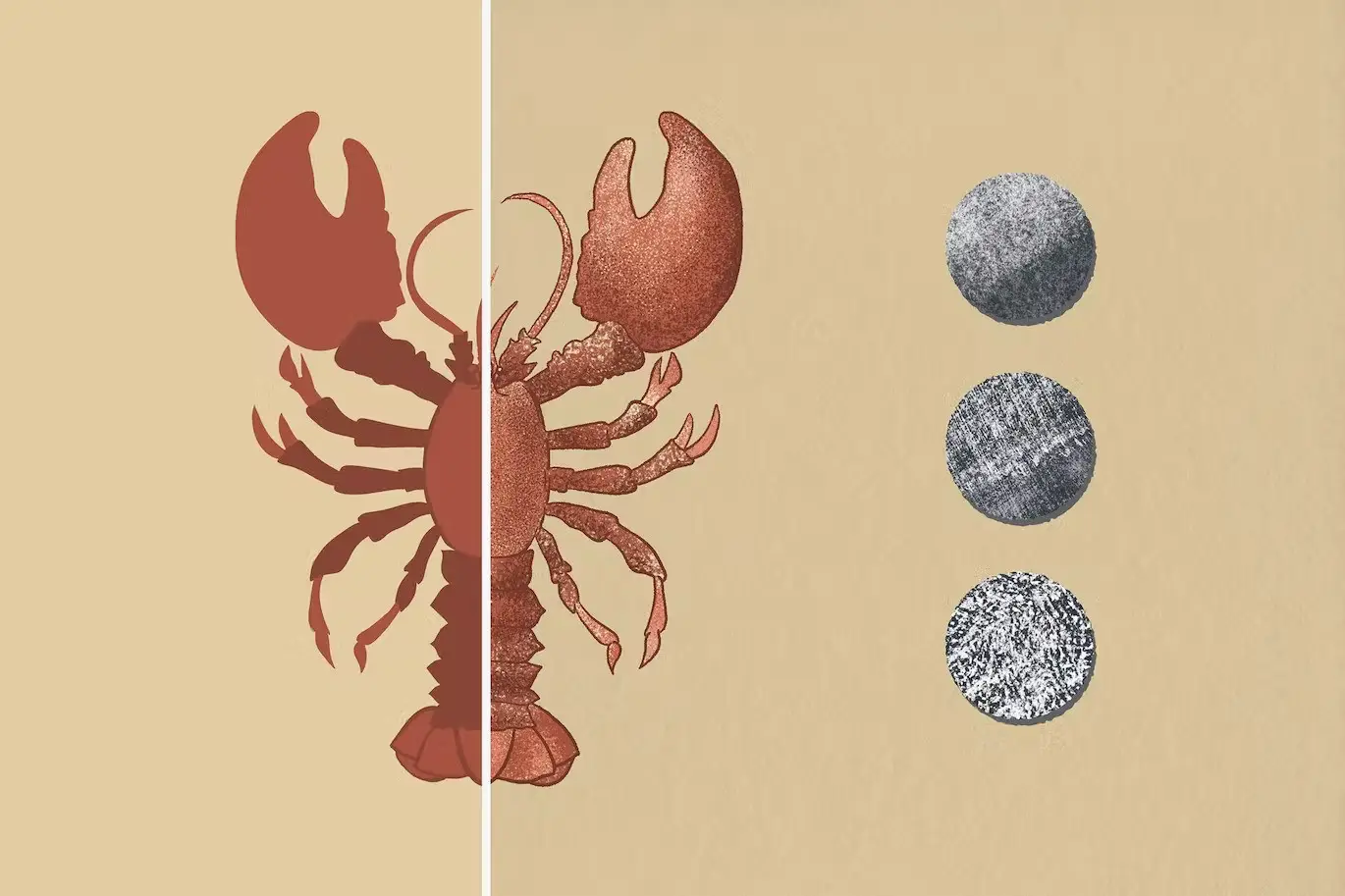
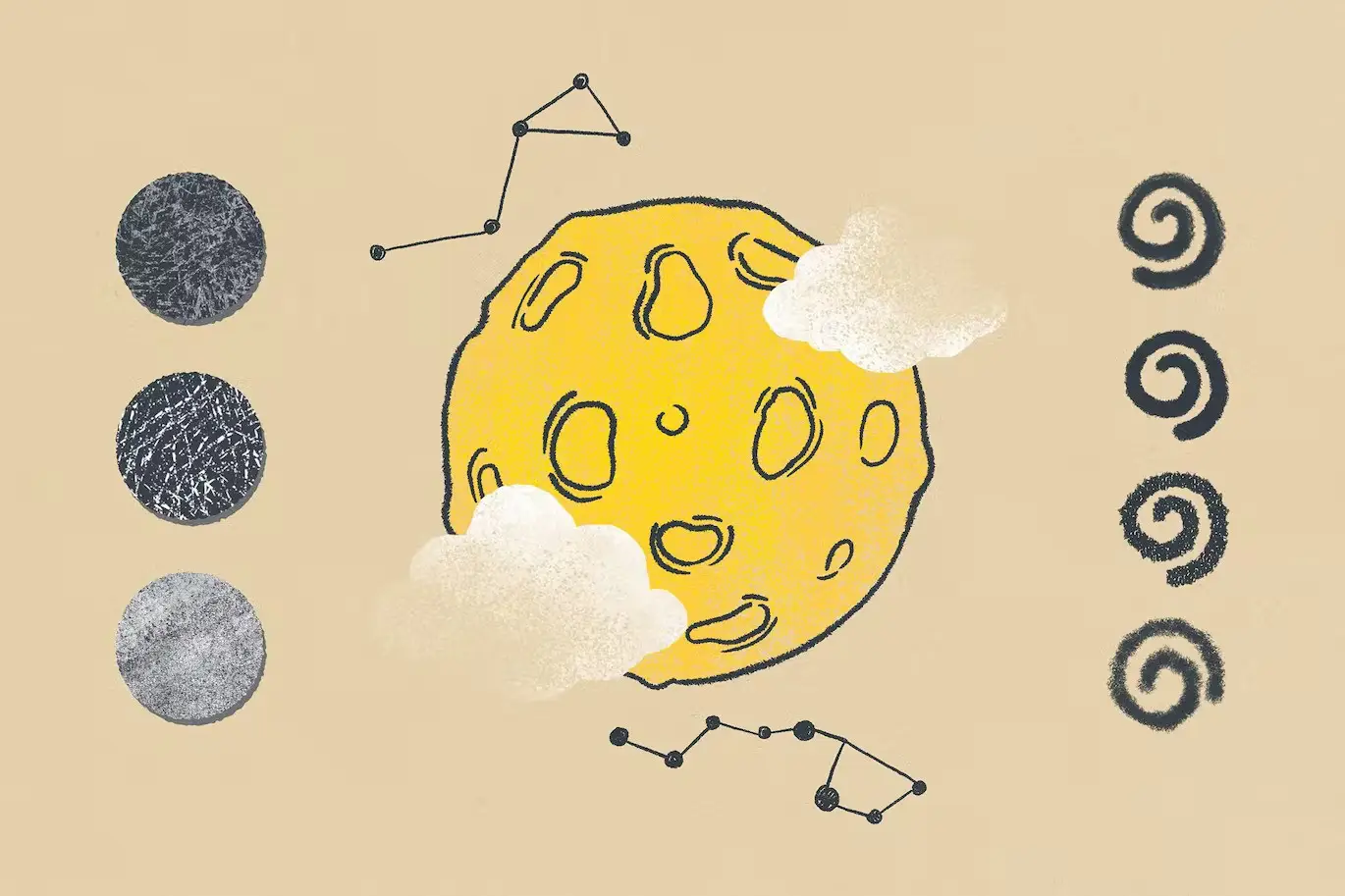
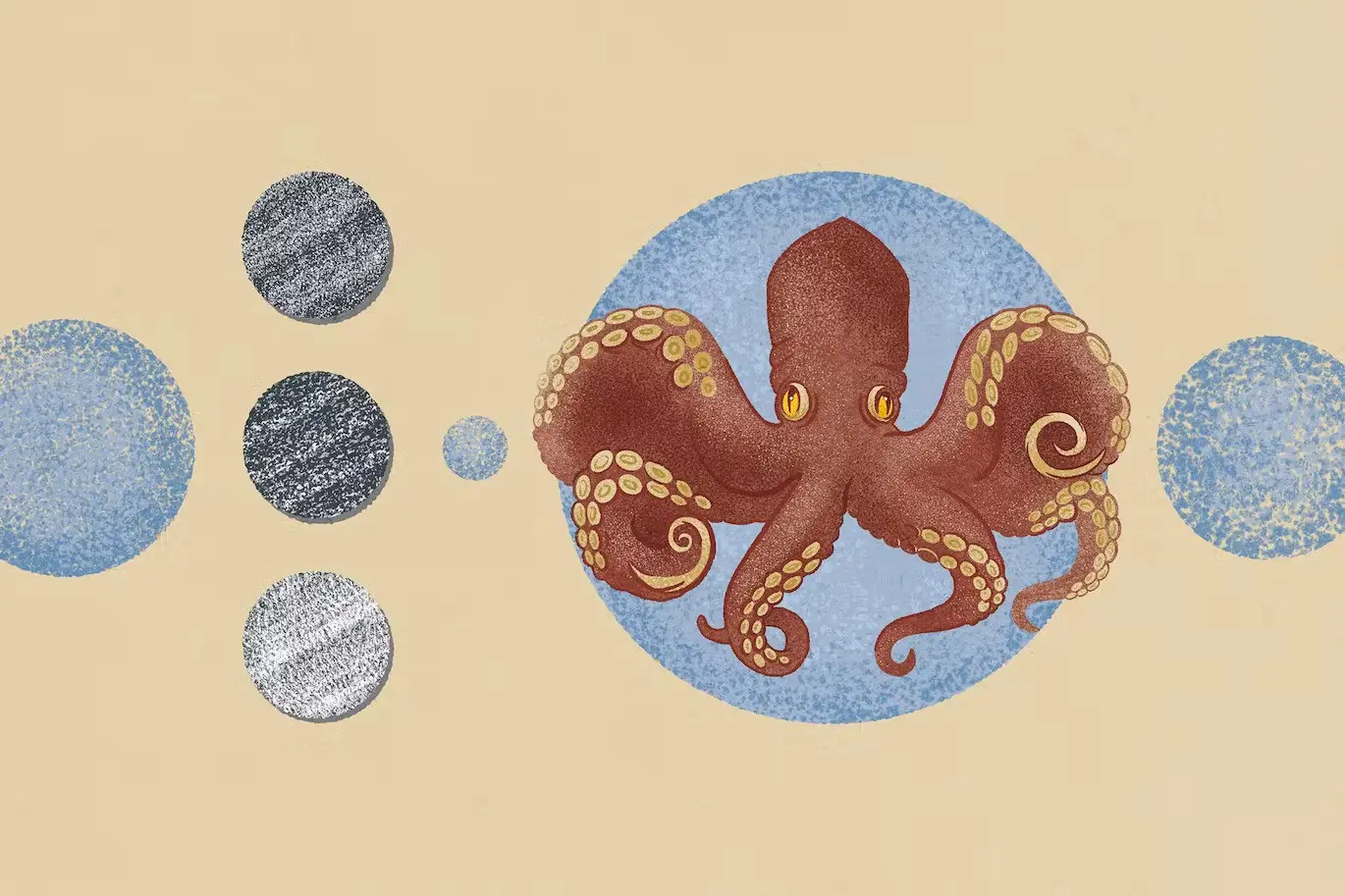
- ✅ 25 High-Quality Brushes → Mimic the feel of traditional pencils, charcoal, and crayons for authentic textures.
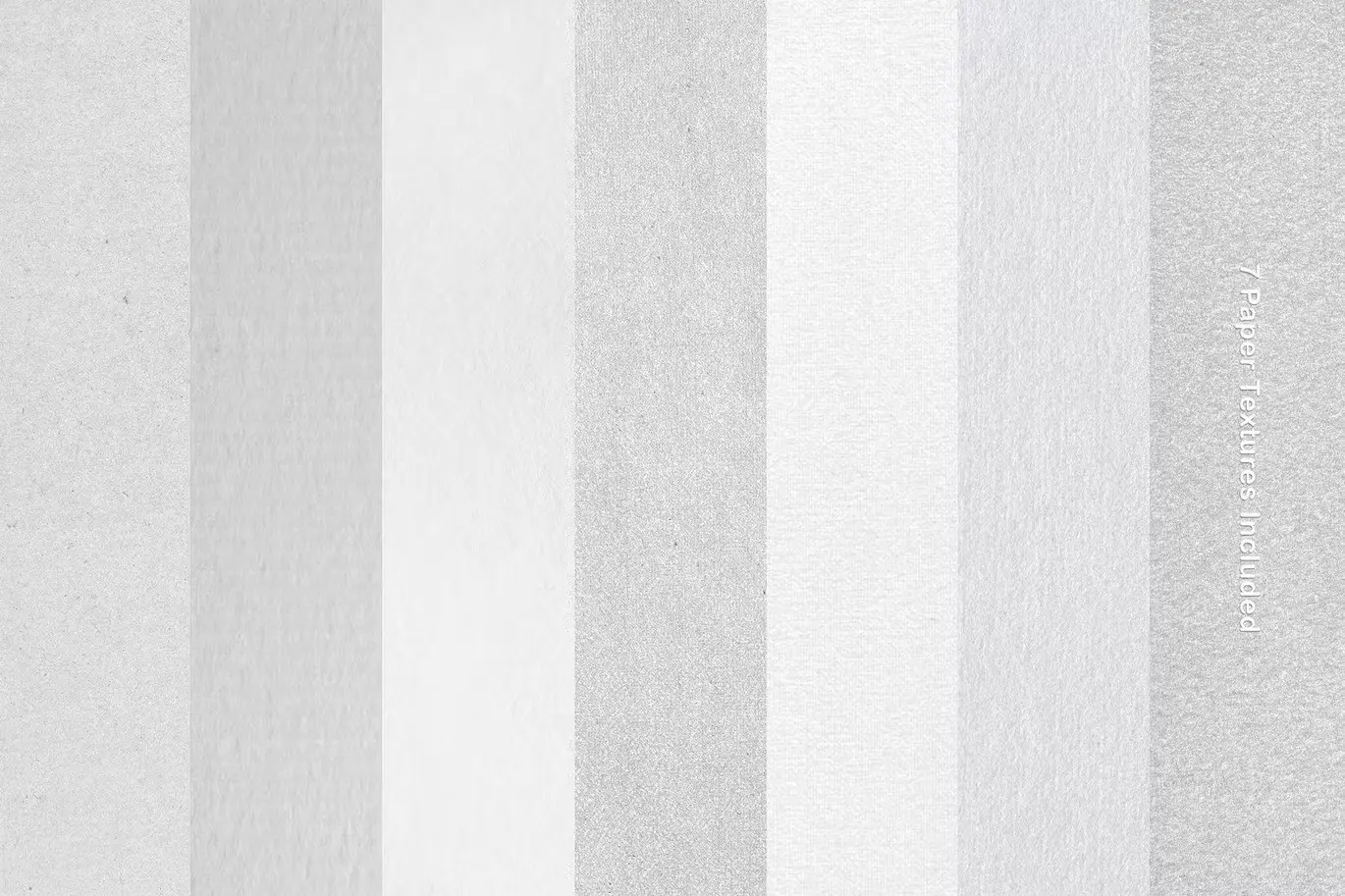
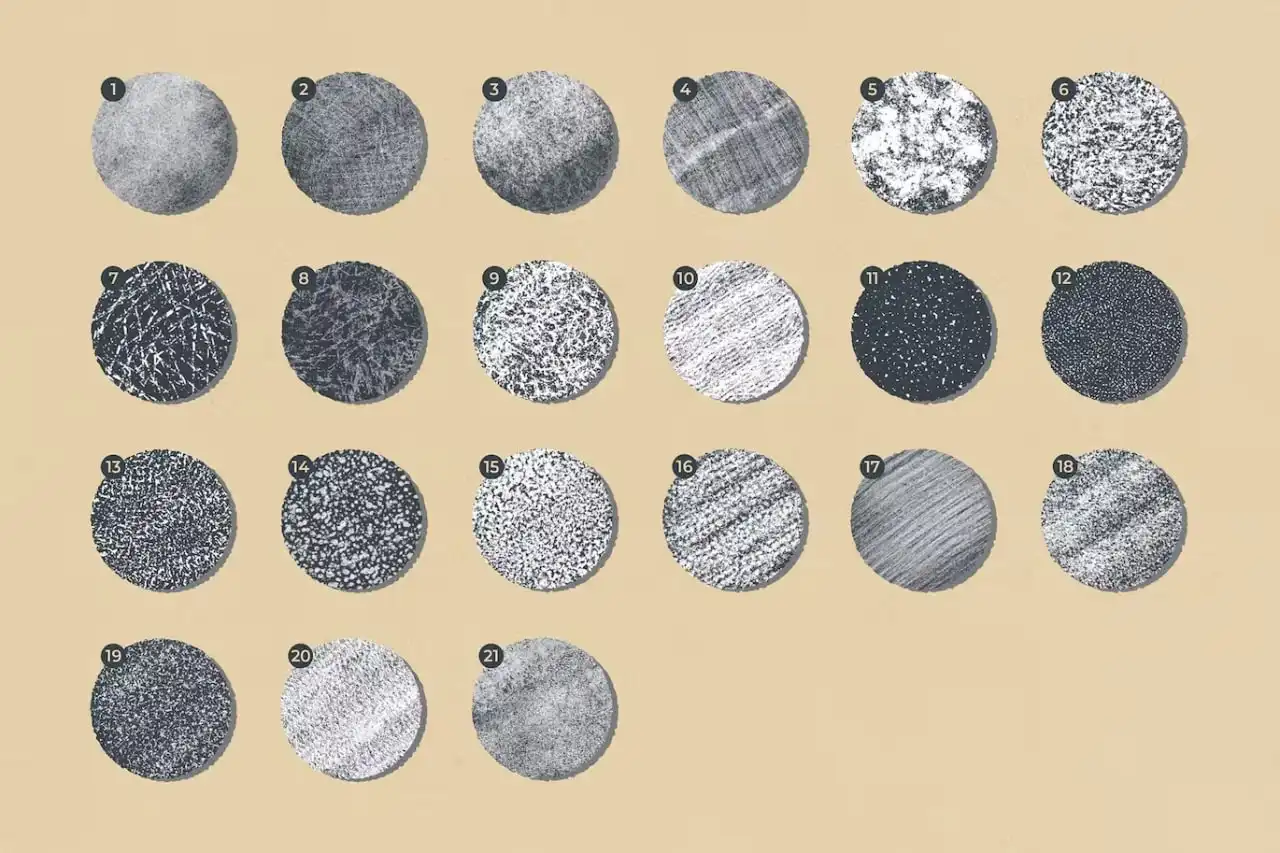
- ✅ 7 Paper Textures → Enhance your artwork with realistic backgrounds that add depth and interest.
- ✅ Easy to Use → Compatible with Photoshop, making it simple to integrate into your workflow.
- ✅ Instruction Included → Get started quickly with clear guidance on how to use the brushes effectively.
- ✅ Perfect for Children’s Book Illustrations → Create colorful, textured artworks that capture the imagination.
Why Choose This Product
The Tinge Texture Photoshop Brushes stand out due to their ability to replicate traditional drawing experiences while working digitally. This collection is not only versatile but also trusted by artists around the world for its quality and ease of use. By incorporating these brushes into your art, you can create personalized and vivid illustrations that resonate with viewers.
Specifications
| Brush Count | 25 |
|---|---|
| Texture Count | 7 Paper Textures (JPG) |
| Compatibility | Adobe Photoshop |
| Included Files | Brush files, JPG textures, Instruction manual |
What’s Included / What’s in the Box
- 📦 25 Photoshop brushes
- 📦 7 paper textures (JPG)
- 📦 Instruction manual
Perfect For
- Digital artists
- Illustrators
- Graphic designers
- Children’s book creators
How to Use
To get the best results from your Tinge Texture brushes, follow these simple steps:
- Install the brushes in Adobe Photoshop.
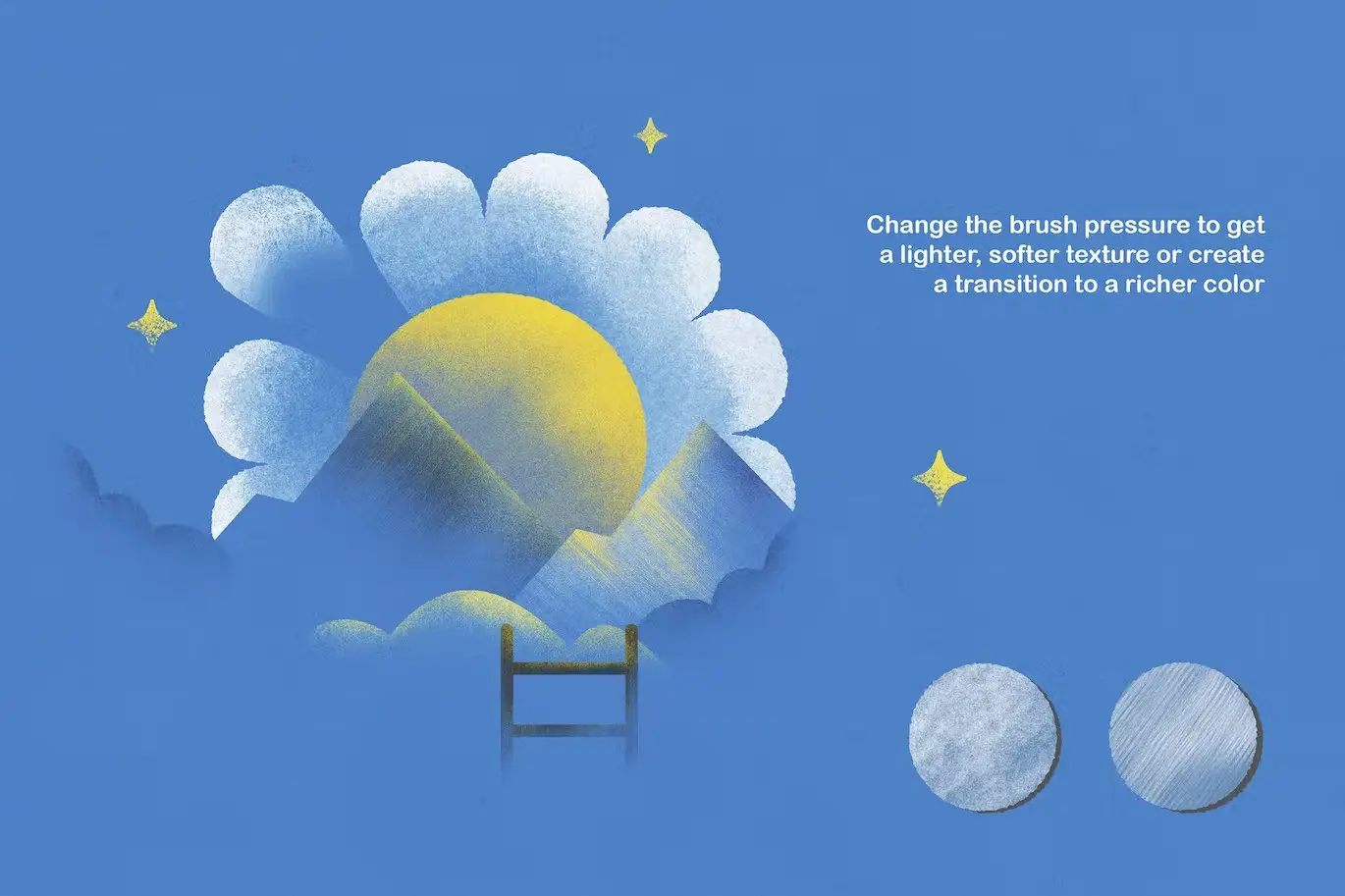
- Select a brush and adjust the size and opacity to suit your project.
- Experiment with different textures to enhance your artwork.
FAQ
- Are these brushes compatible with other software? No, they are specifically designed for Adobe Photoshop.
- Can I use these brushes for commercial projects? Yes, you can use them for both personal and commercial projects.
Add to cart now and start creating stunning artwork with the Tinge Texture Photoshop Brushes! 🚀
User Reviews
Be the first to review “Tinge Texture Photoshop Brushes”
You must be logged in to post a review.
Original price was: $5.00.$2.50Current price is: $2.50.


There are no reviews yet.