
Sparkle Photoshop Action





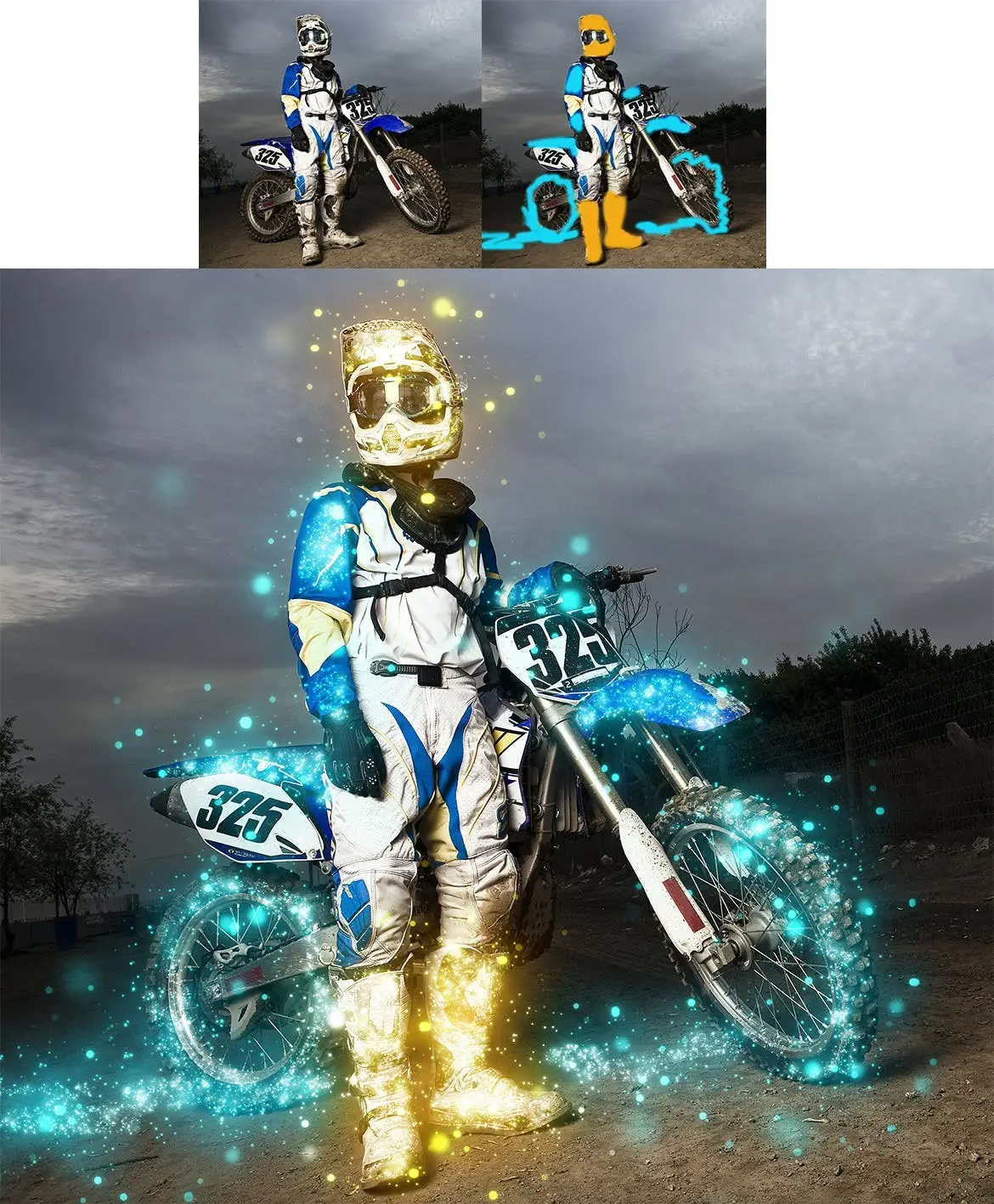
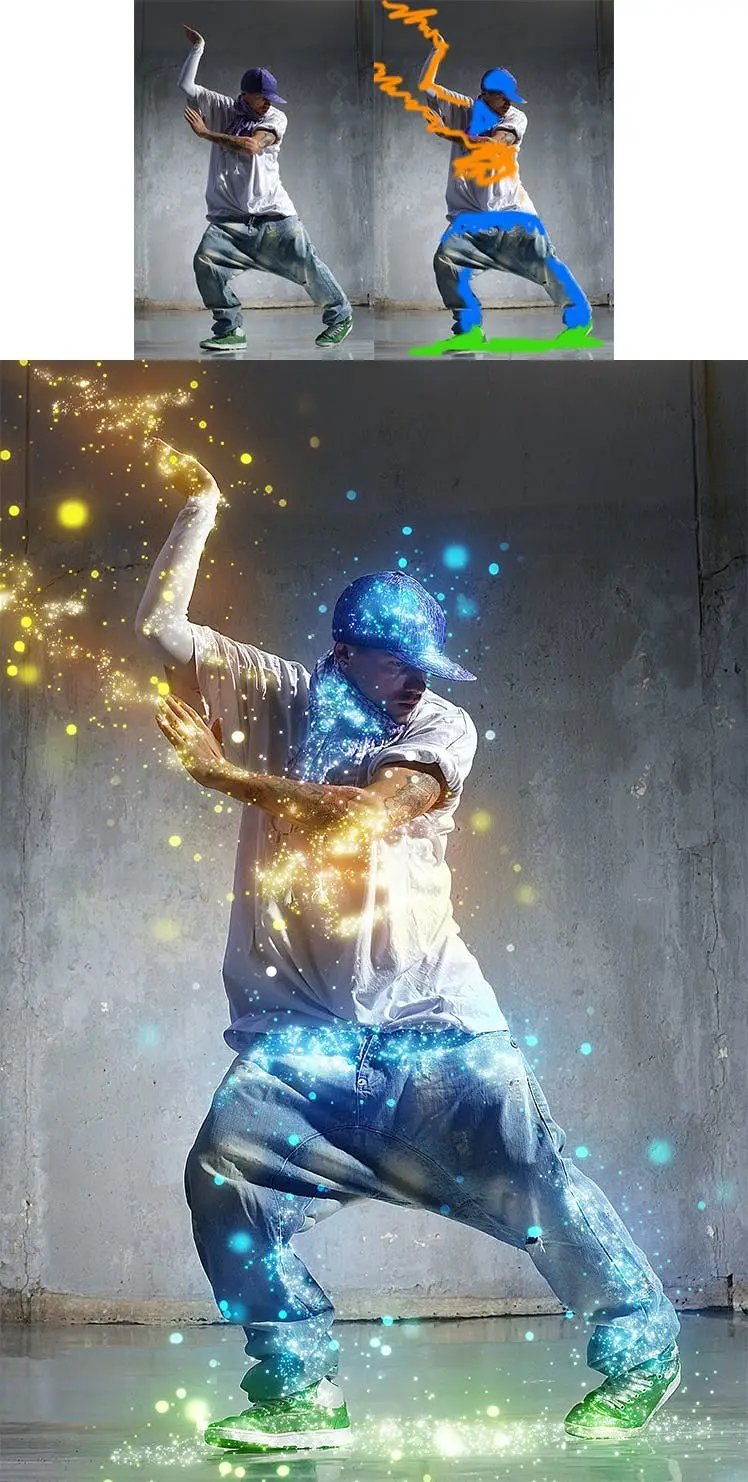
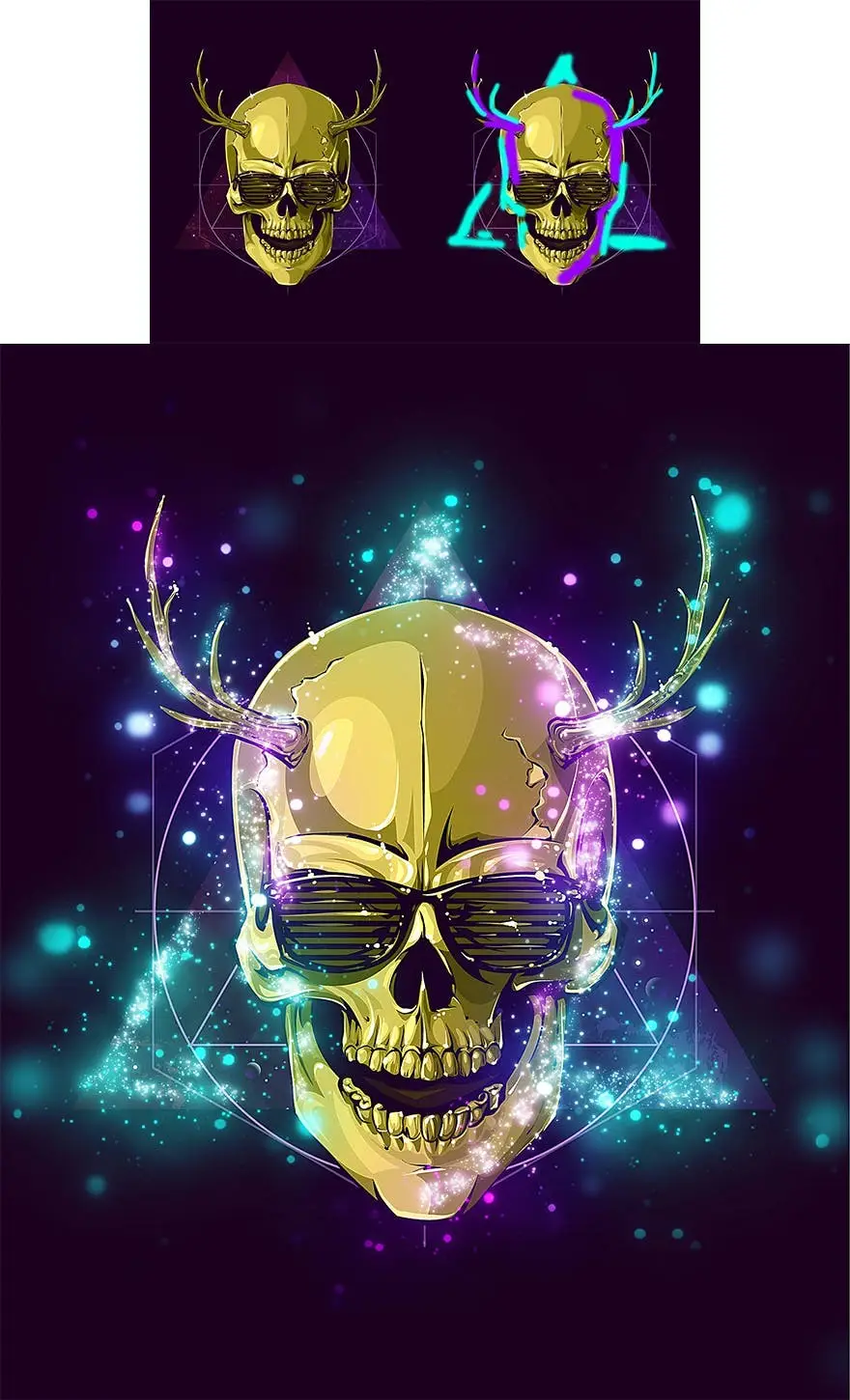



Sparkle Photoshop Action
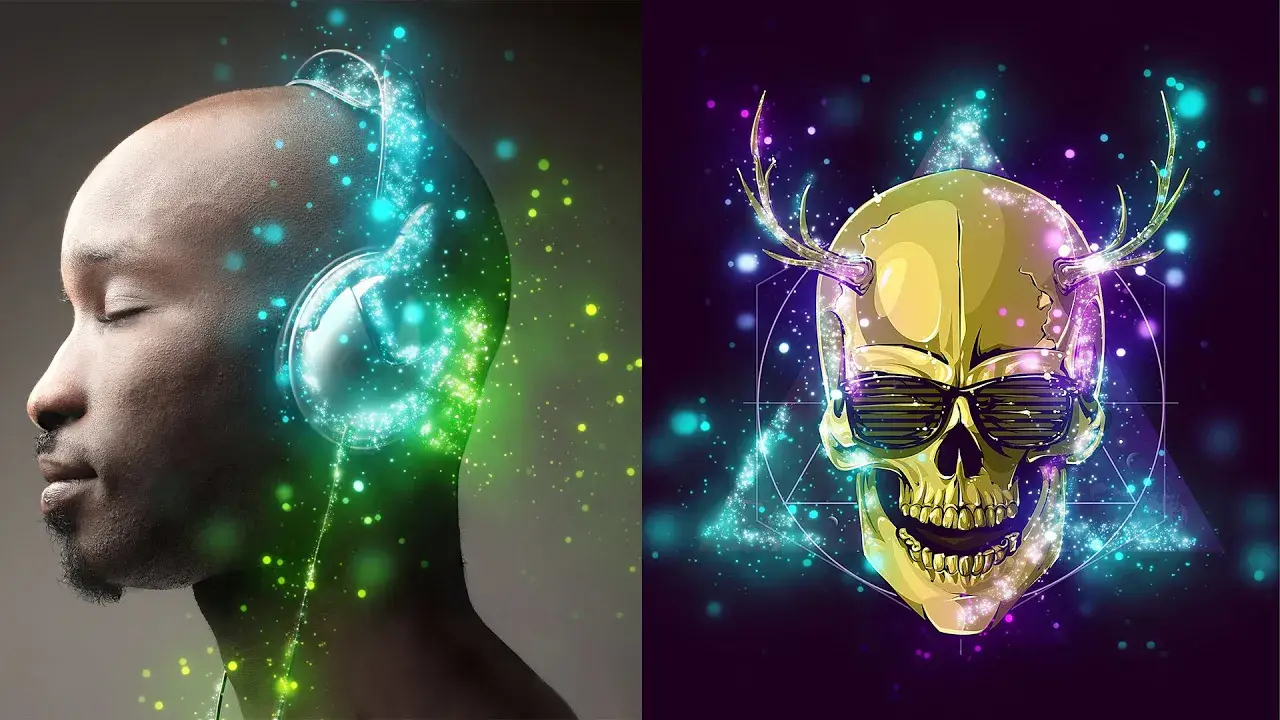
Transform your images into dazzling masterpieces with the Sparkle Photoshop Action. This innovative tool allows you to easily add sparkling effects to your designs, enhancing their visual impact and making them truly stand out.
Product Overview
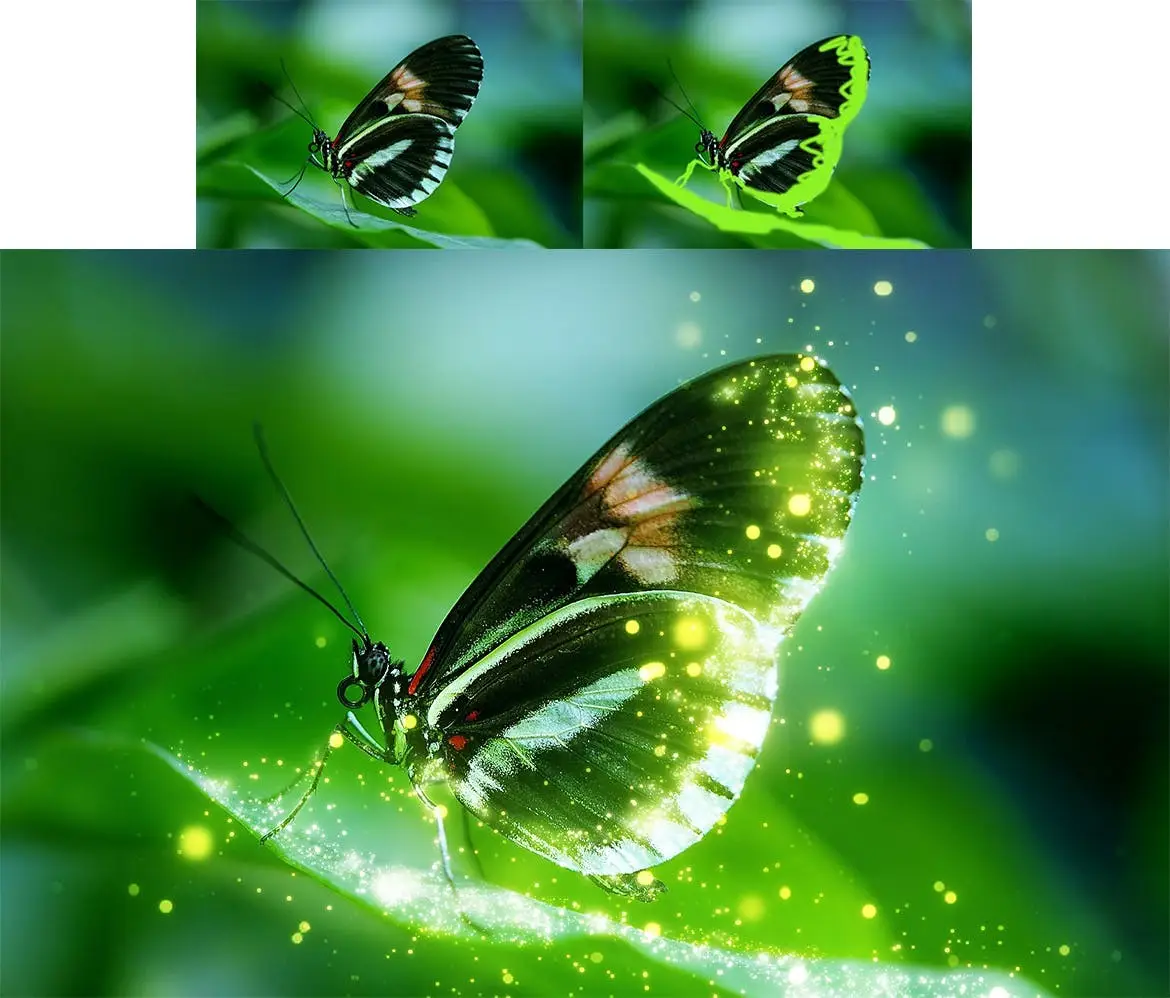
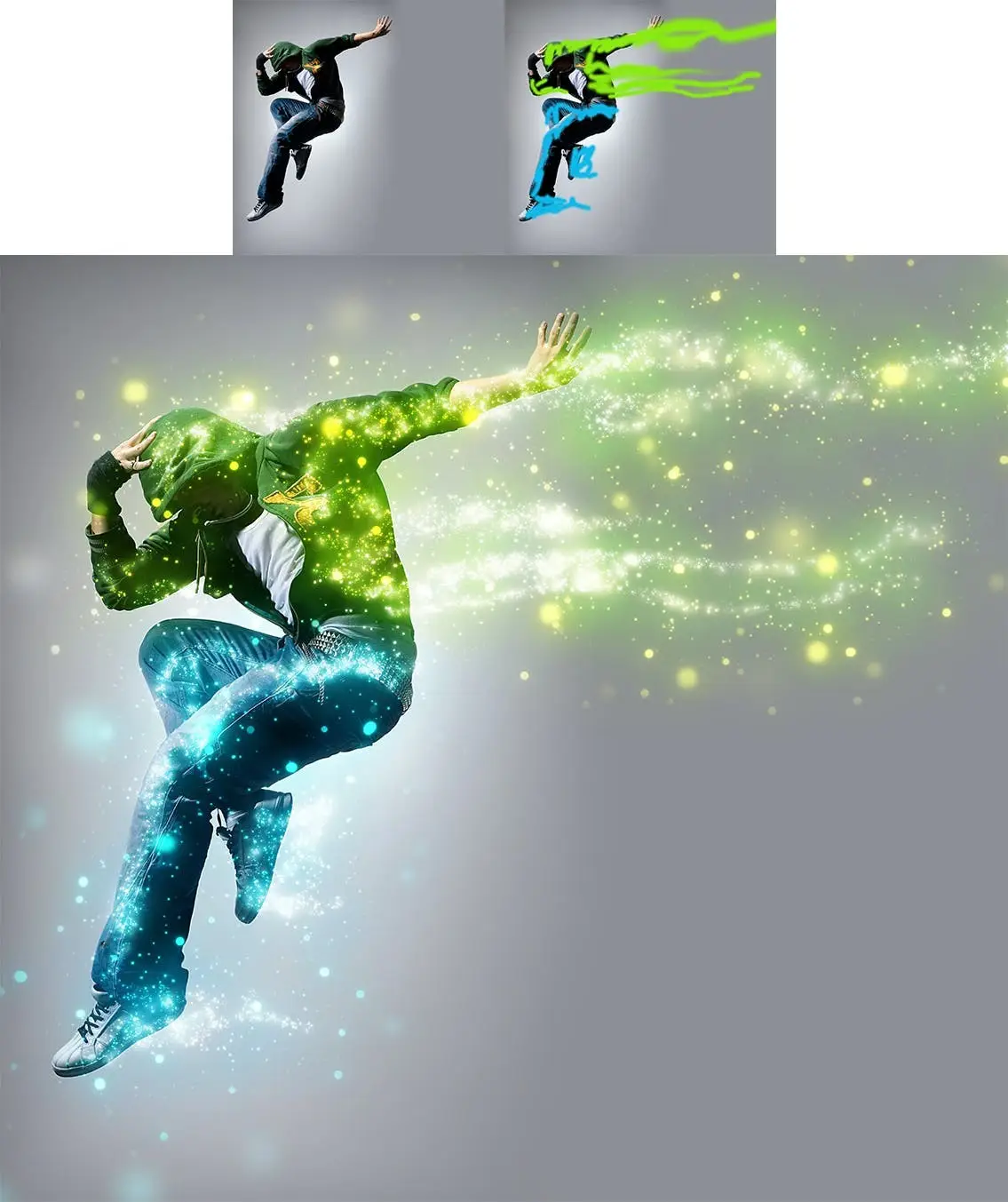
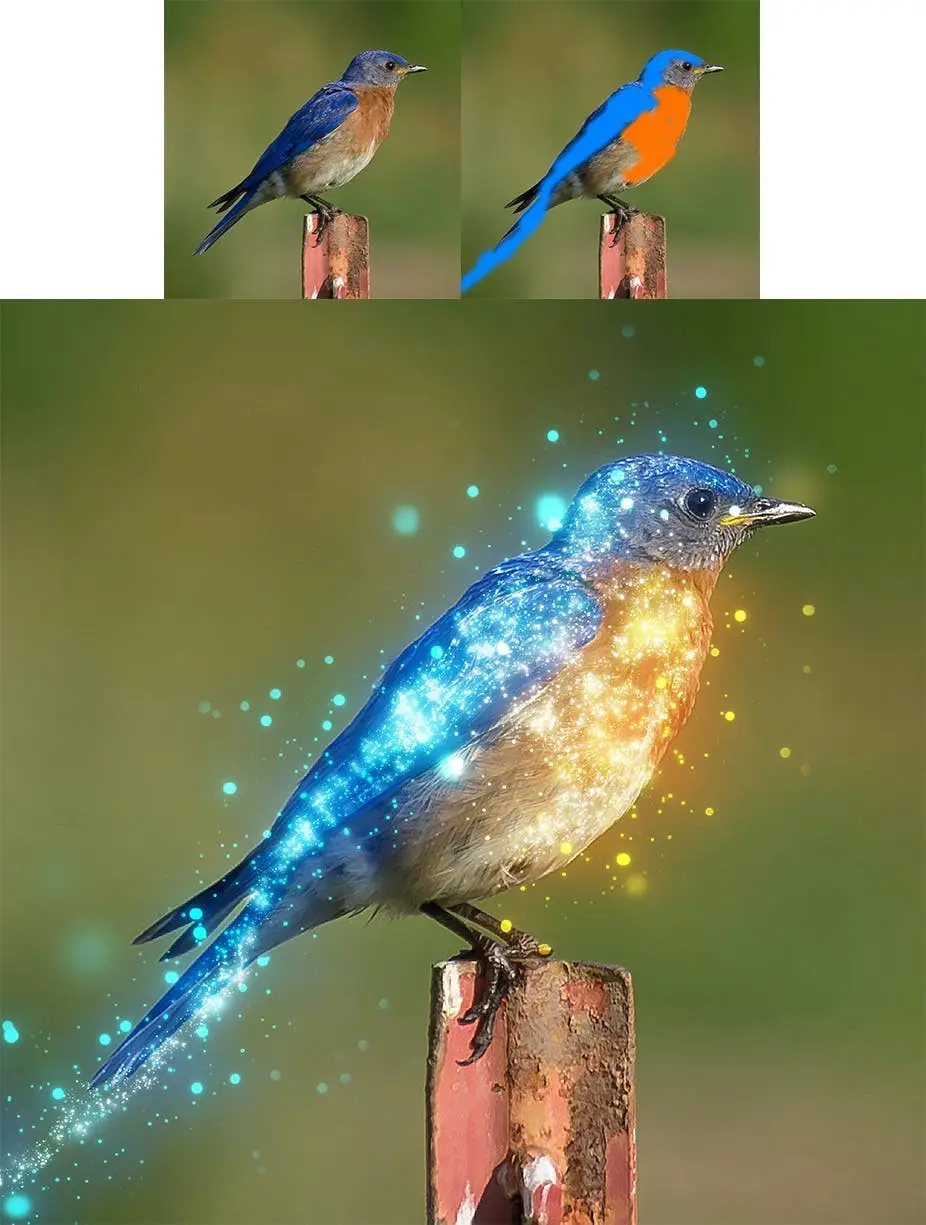
The Sparkle Photoshop Action is perfect for designers looking to add a touch of magic to their work. By simply brushing over the areas you want to sparkle, you can create stunning glitter effects that will captivate your audience. This action is compatible with various versions of Photoshop, ensuring a seamless experience for users.
Key Features & Benefits
- ✅ Easy to Use → Simply brush over your desired area and play the action to create beautiful sparkles.
- ✅ Customizable Colors → The color you brush will determine the sparkle color, allowing for endless creativity.
- ✅ Comprehensive Video Tutorial → Included in the ‘Readme.txt’ file, the tutorial guides you through setup and effect customization.
- ✅ Wide Compatibility → Tested and works on Photoshop CS3, CS4, CS5, CS6, CC, CC 2015.5, CC 2017+, and later versions.
- ✅ English Version Requirement → The action is designed for the English version of Photoshop, with instructions on how to switch back and forth included.
Why Choose This Product
The Sparkle Photoshop Action stands out for its user-friendly design and flexibility. Whether you’re a professional designer or a hobbyist, this action simplifies the process of adding stunning effects to your images. With a focus on quality and ease of use, it’s a trusted choice for enhancing your creative projects.
Specifications
| Compatibility | Photoshop CS3, CS4, CS5, CS6, CC, CC 2015.5, CC 2017+ |
|---|---|
| Language Requirement | English version of Photoshop |
What’s Included / What’s in the Box
- 📦 Sparkle Photoshop Action file
- 📦 Readme.txt file with installation and usage instructions
- 📦 Video tutorial link for detailed guidance
Perfect For
- Graphic designers
- Photographers looking to enhance their images
- Creative enthusiasts wanting to add sparkle to their projects
How to Use
- Open your image in Photoshop.
- Brush over the areas where you want to apply the sparkle effect.
- Play the action and watch your image transform!
FAQ
- Can I use this action in non-English versions of Photoshop? No, this action is specifically designed for the English version.
- What if I encounter issues? Ensure you watch the video tutorial first. If problems persist, visit the support page in the readme file.
Don’t miss out on the chance to elevate your designs! Add the Sparkle Photoshop Action to your toolkit today and start creating stunning visual effects! 🚀
User Reviews
Be the first to review “Sparkle Photoshop Action”
You must be logged in to post a review.
Original price was: $5.00.$2.50Current price is: $2.50.


There are no reviews yet.