
Blizzard Photoshop Action


Original price was: $5.00.$2.50Current price is: $2.50.

Seven Styles
Product Specs:
- Compatible with: Actions
- File Type: ZIP
- File Size: 34.8 MB
- Instant Download
Blizzard Photoshop Action: Create Stunning Winter Effects
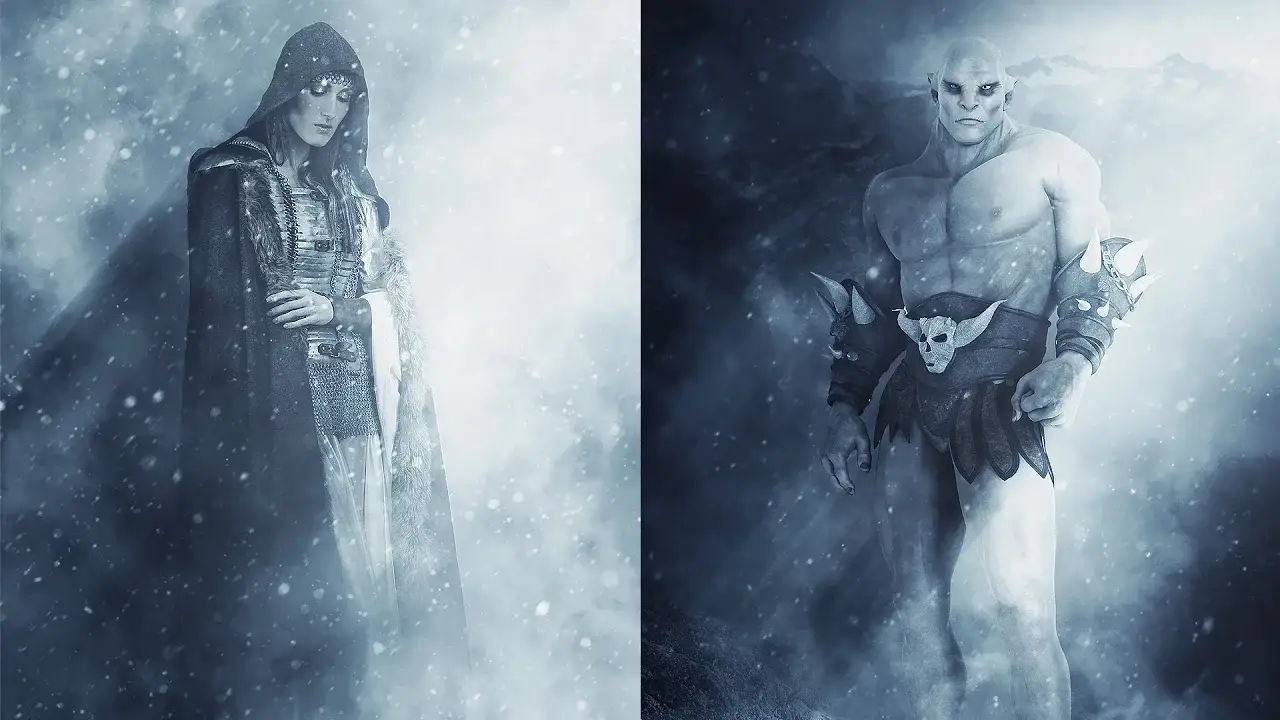
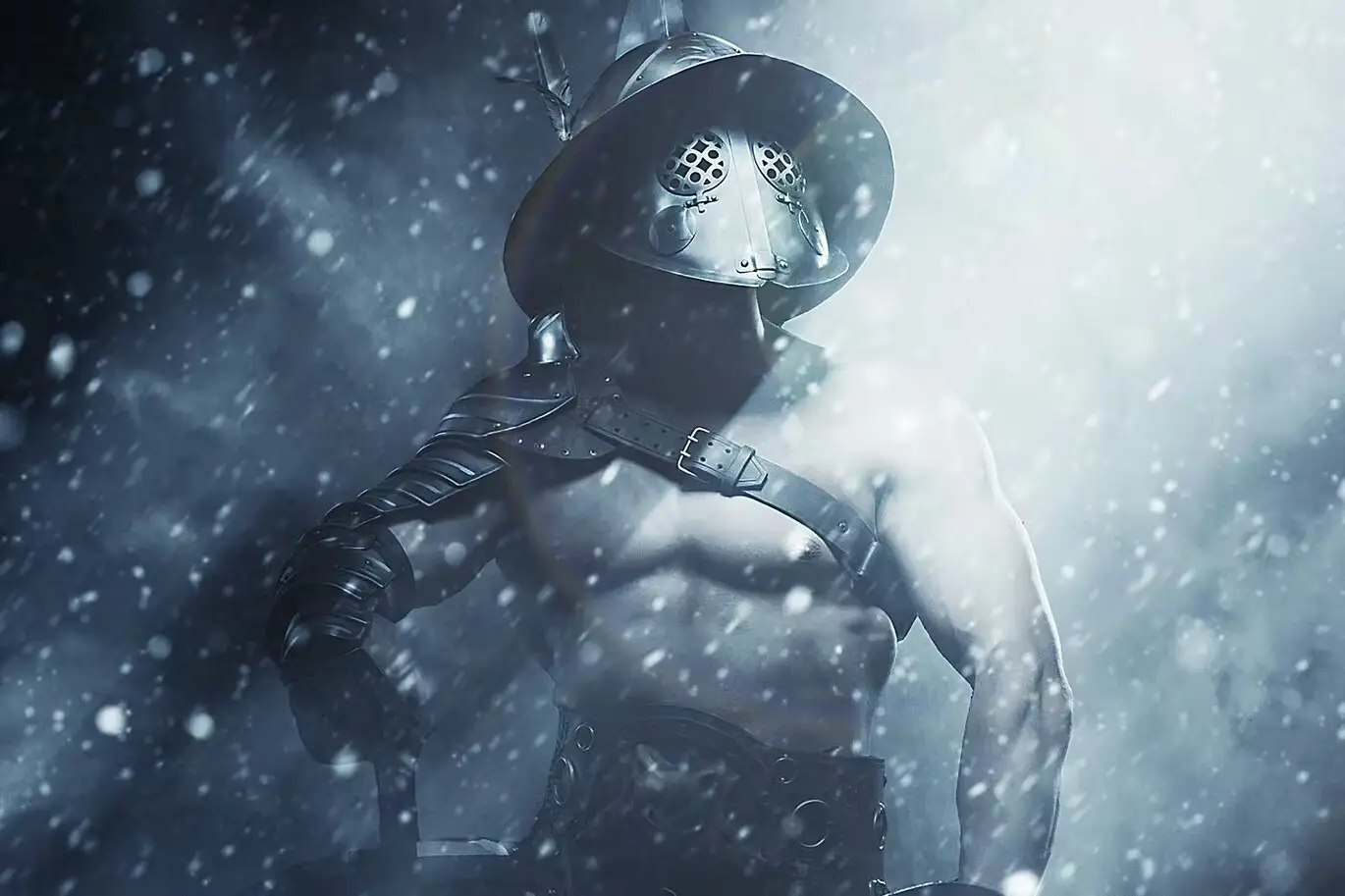
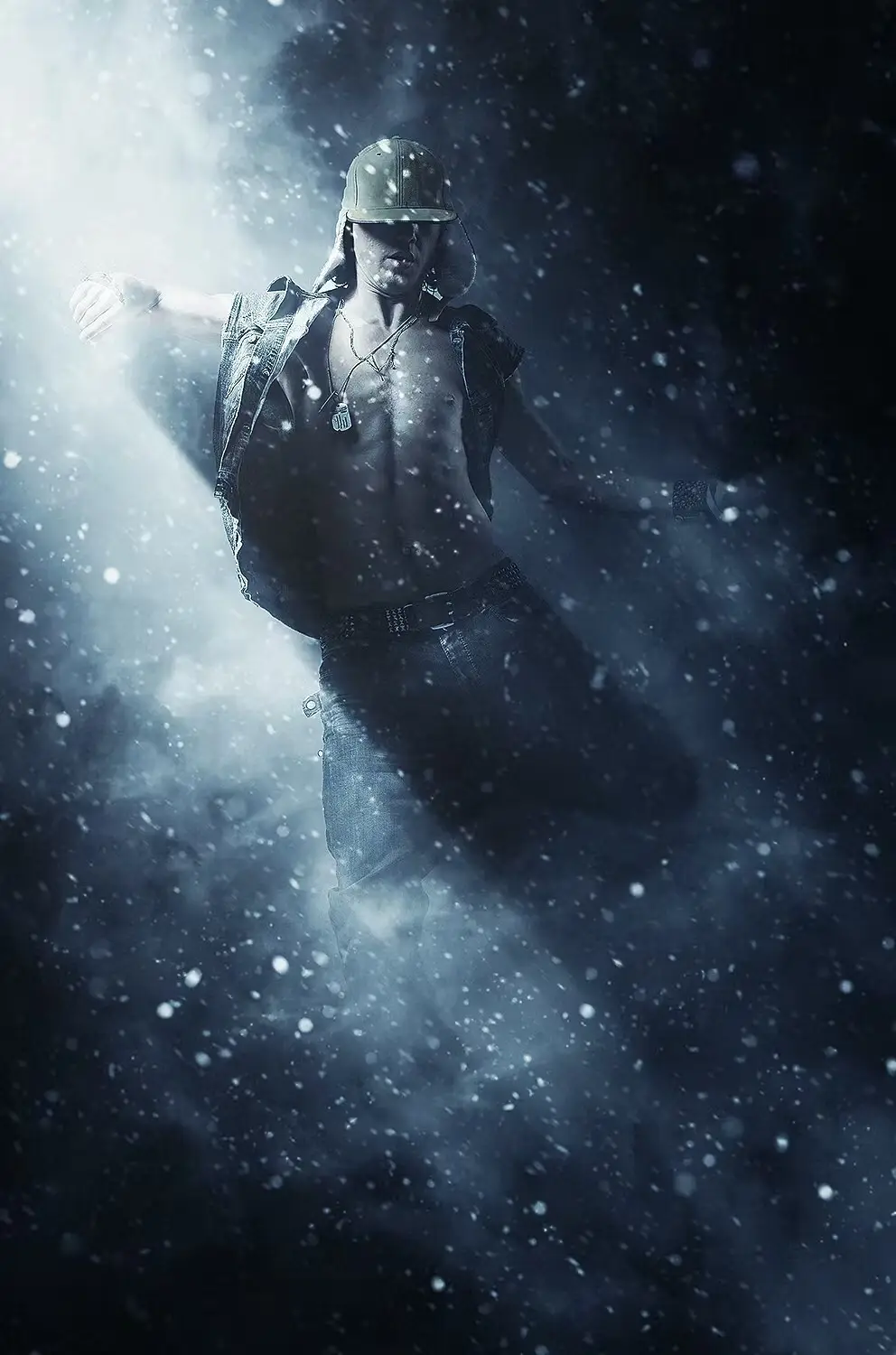
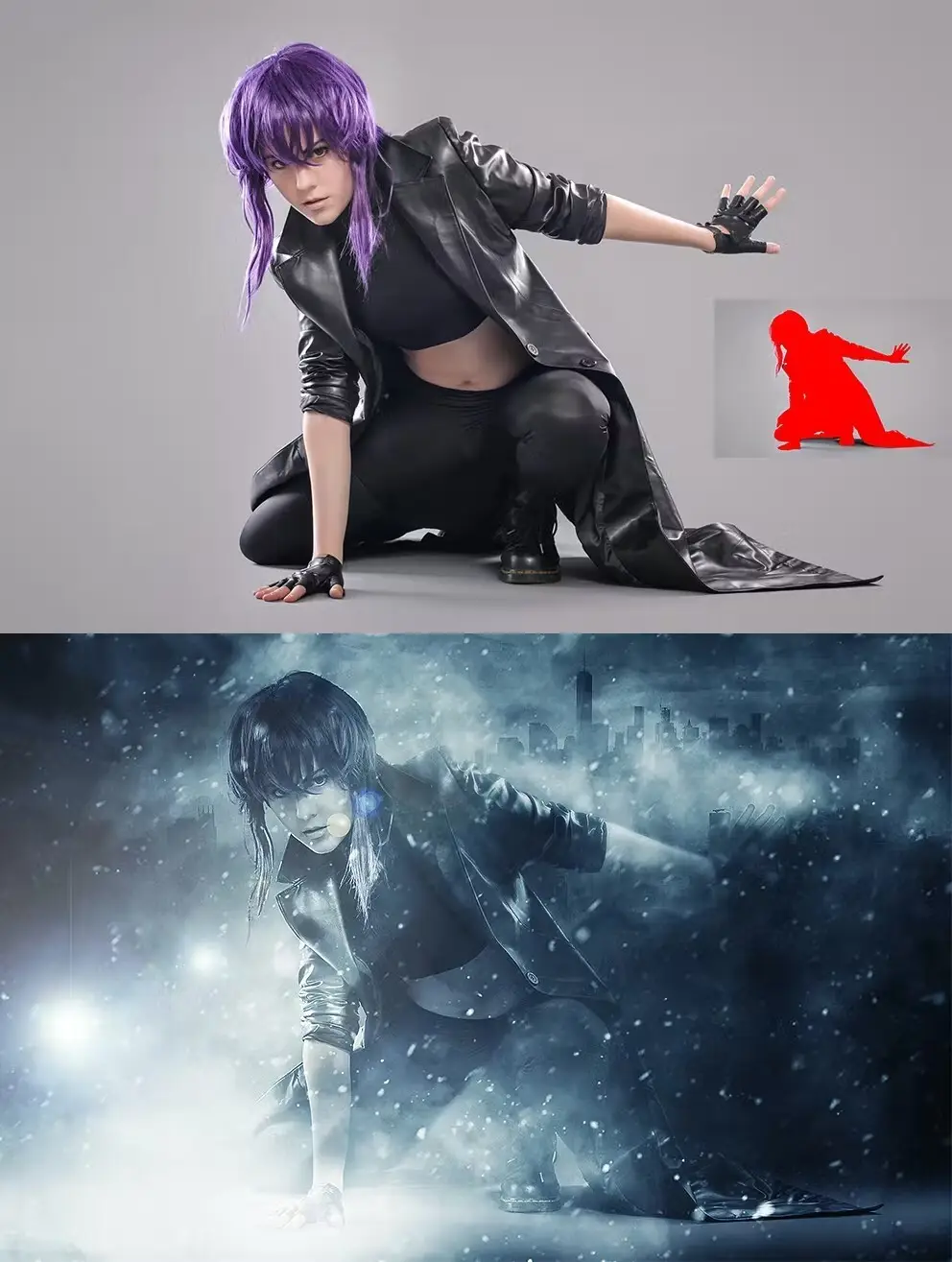
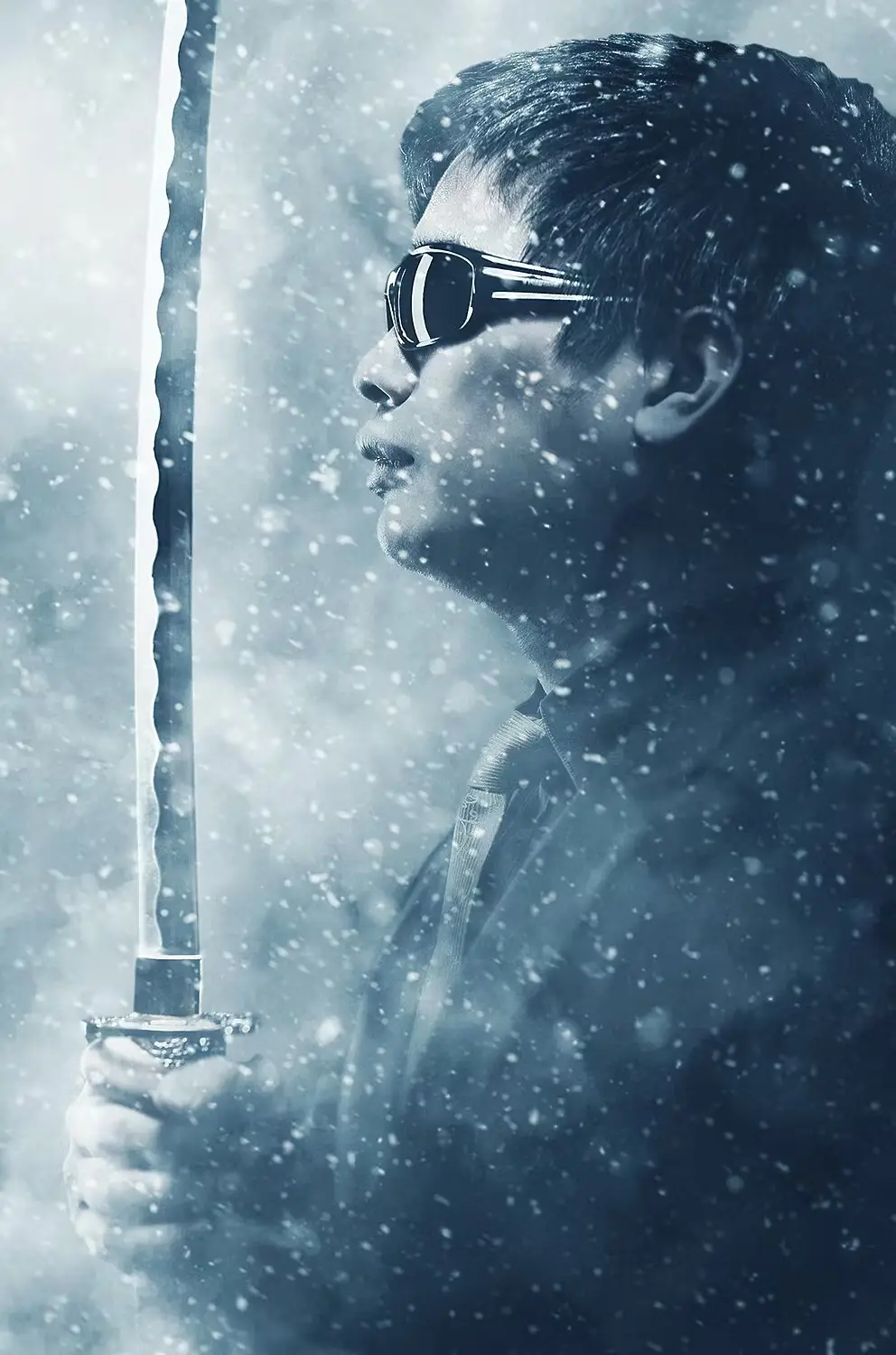
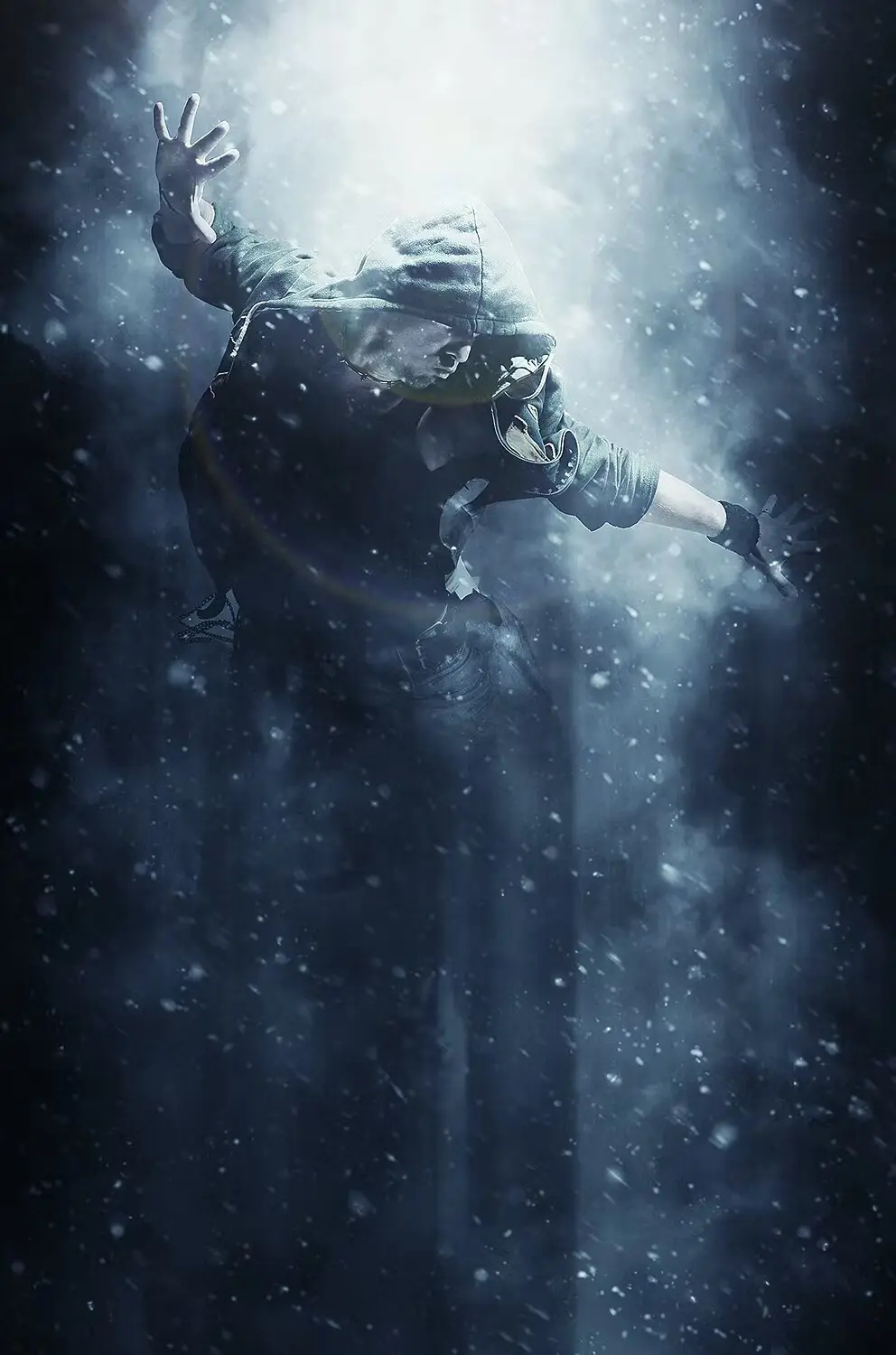
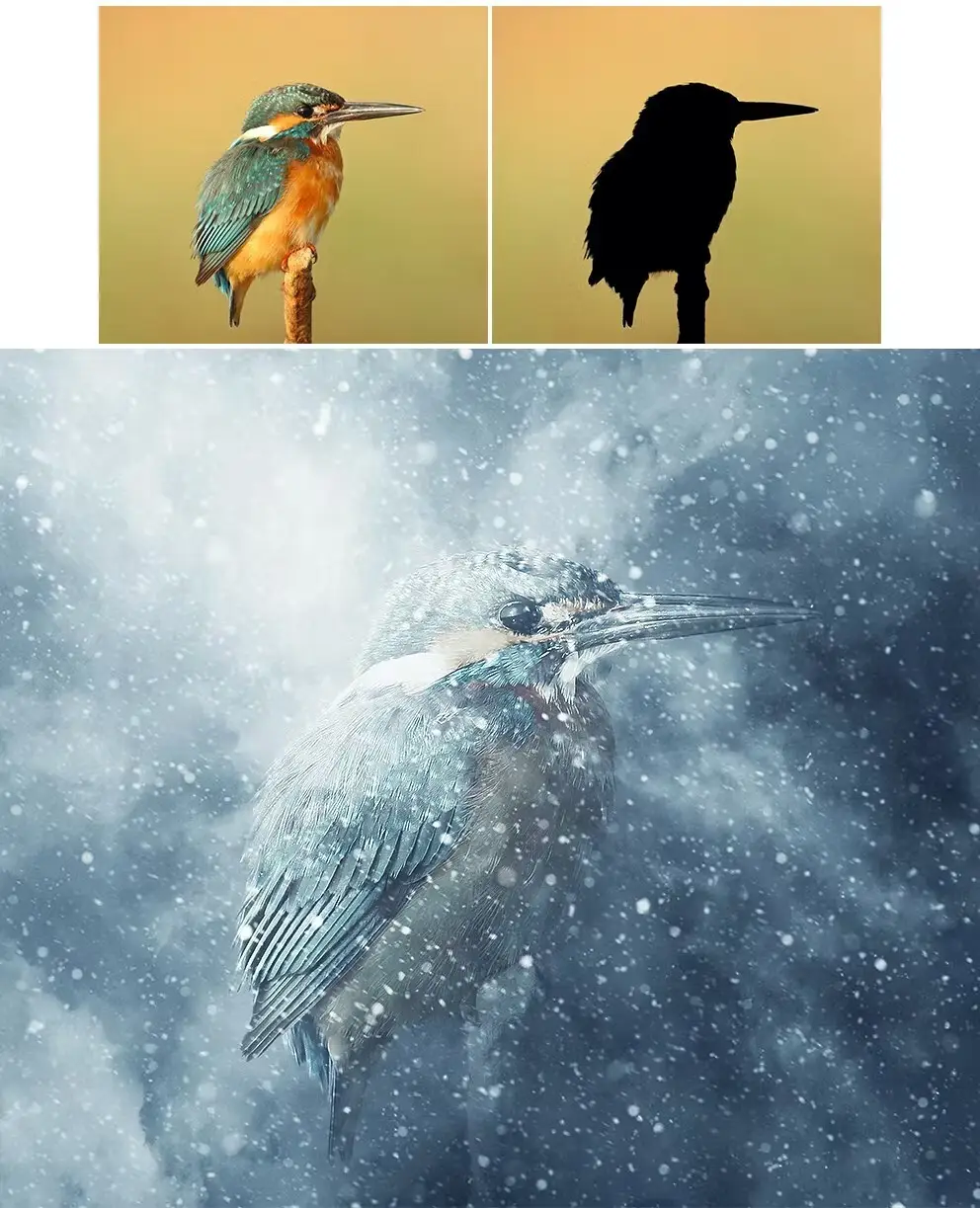
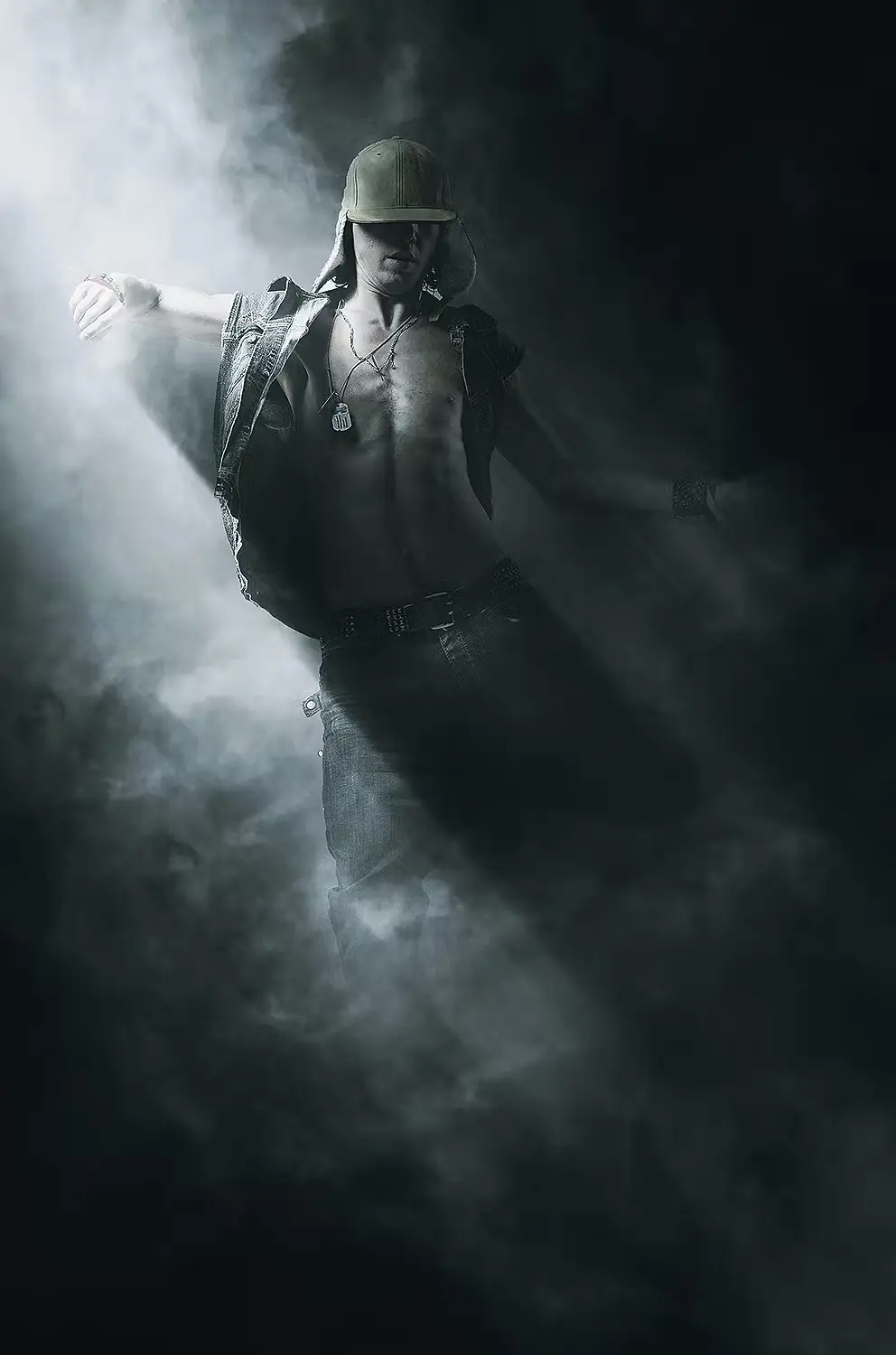
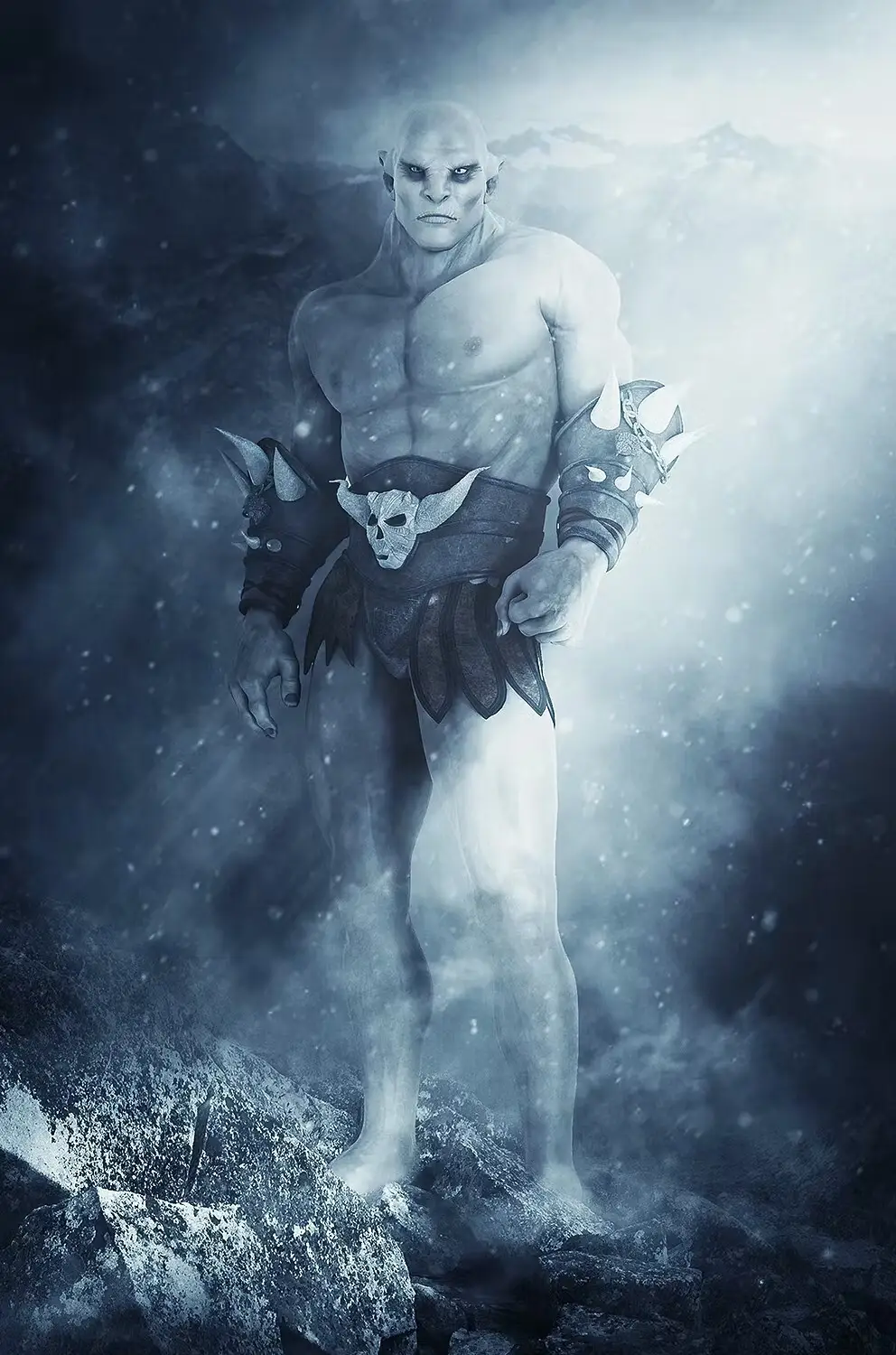
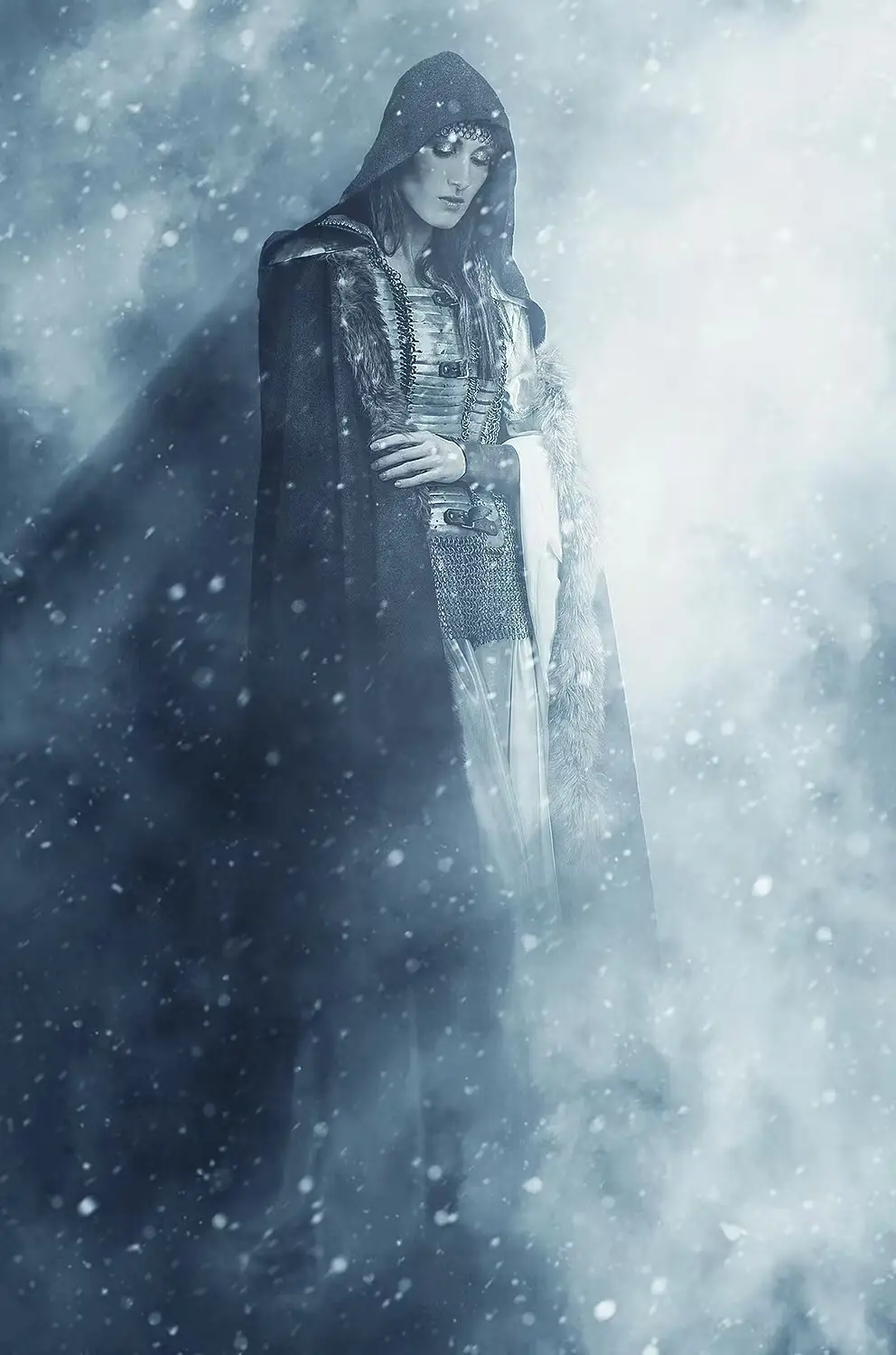
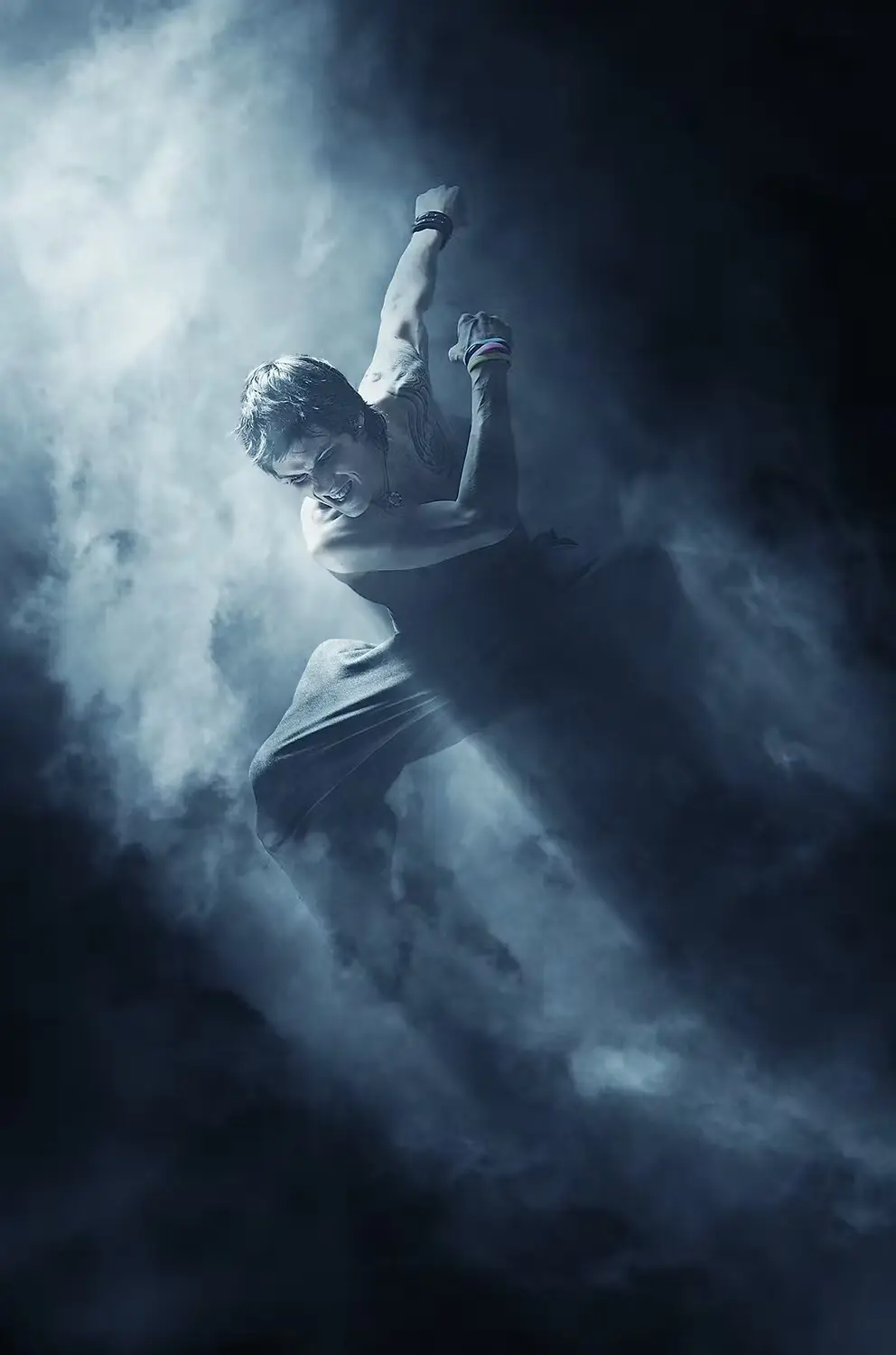
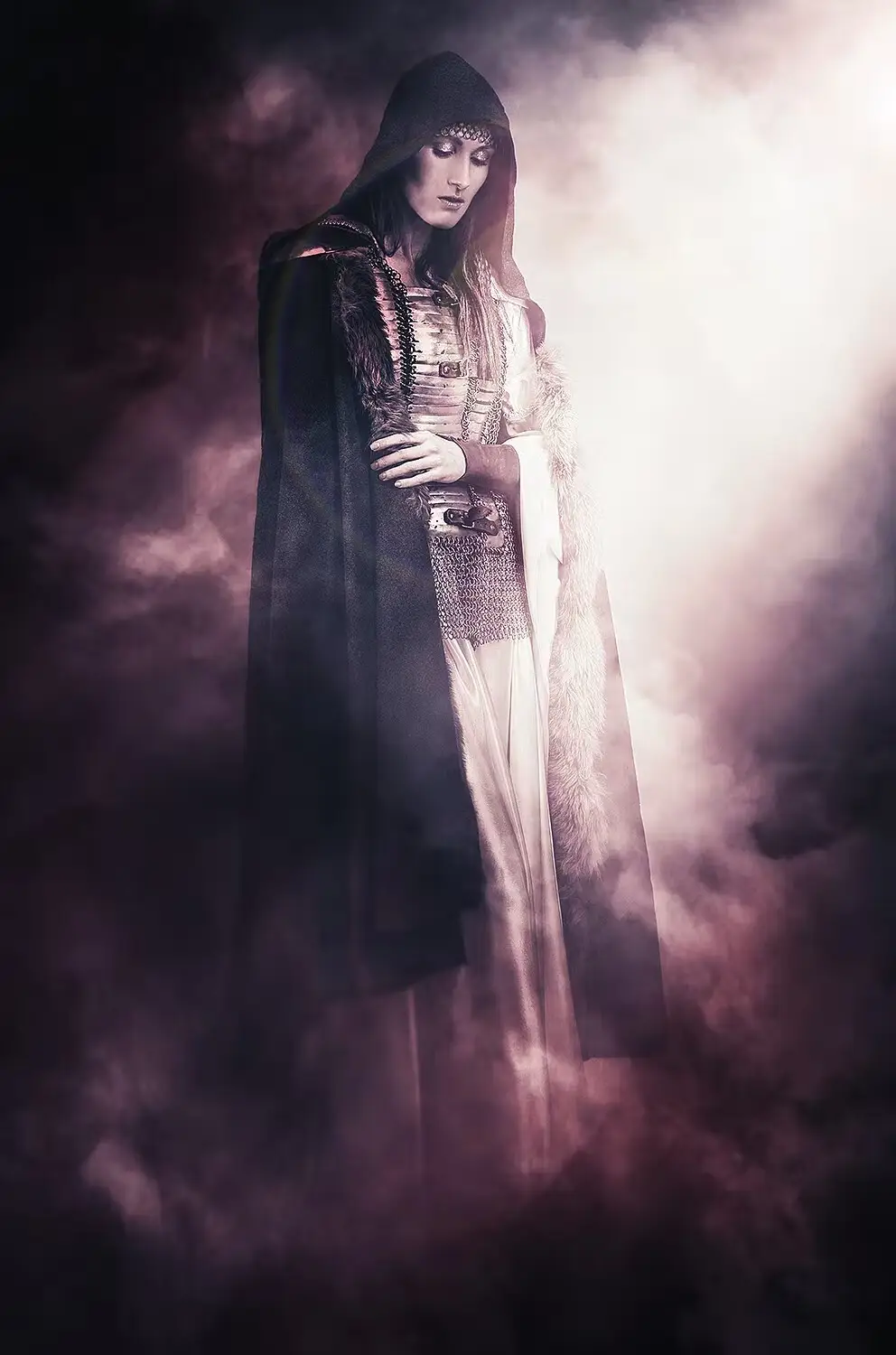
Transform your photos into mesmerizing winter scenes with the Blizzard Photoshop Action. This powerful tool allows you to effortlessly apply a beautiful blizzard effect, enhancing your images with a touch of seasonal magic. Whether you’re looking to create a snowy atmosphere or add dramatic flair to your visuals, this action is your go-to solution.
Product Overview
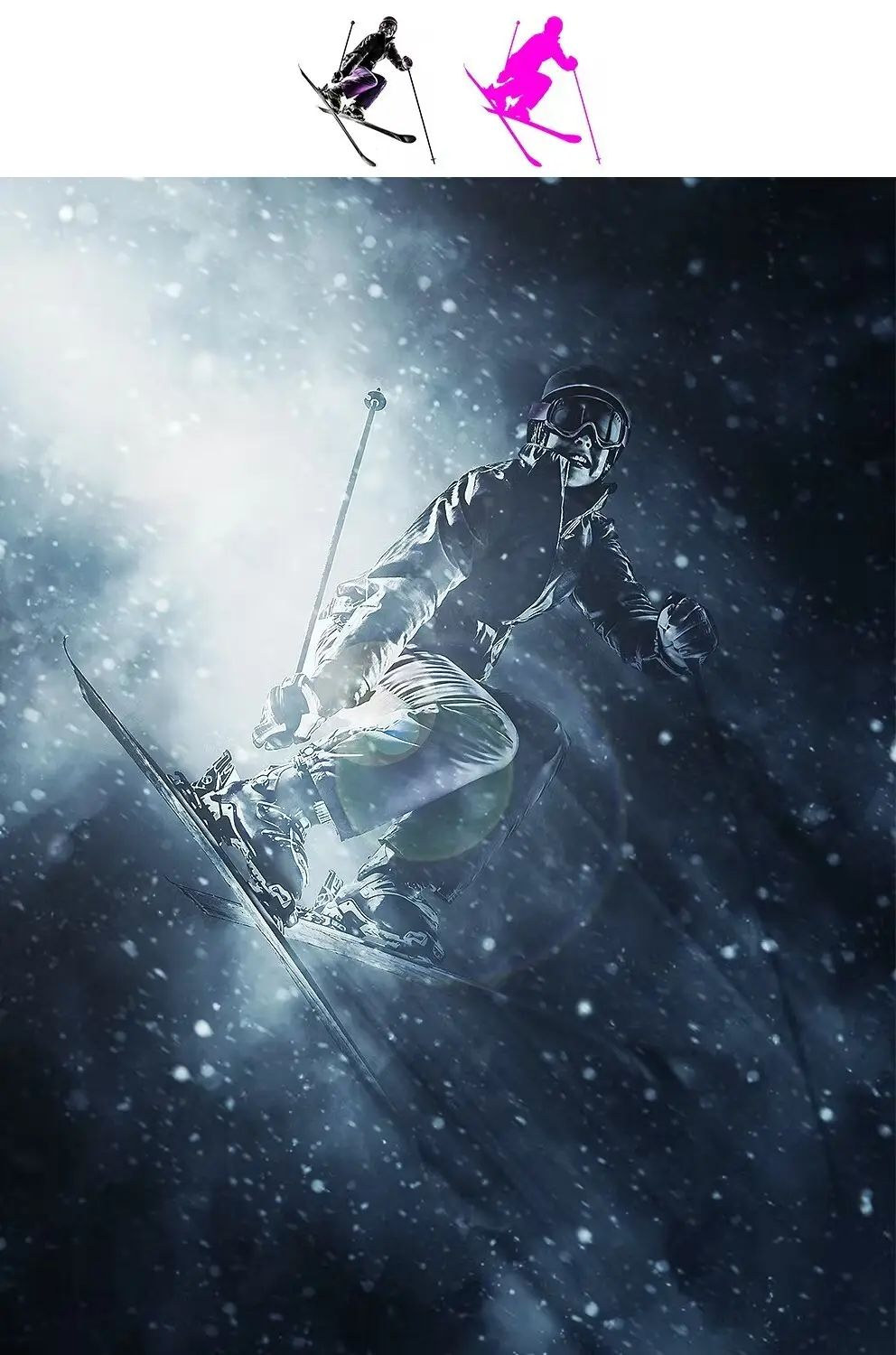
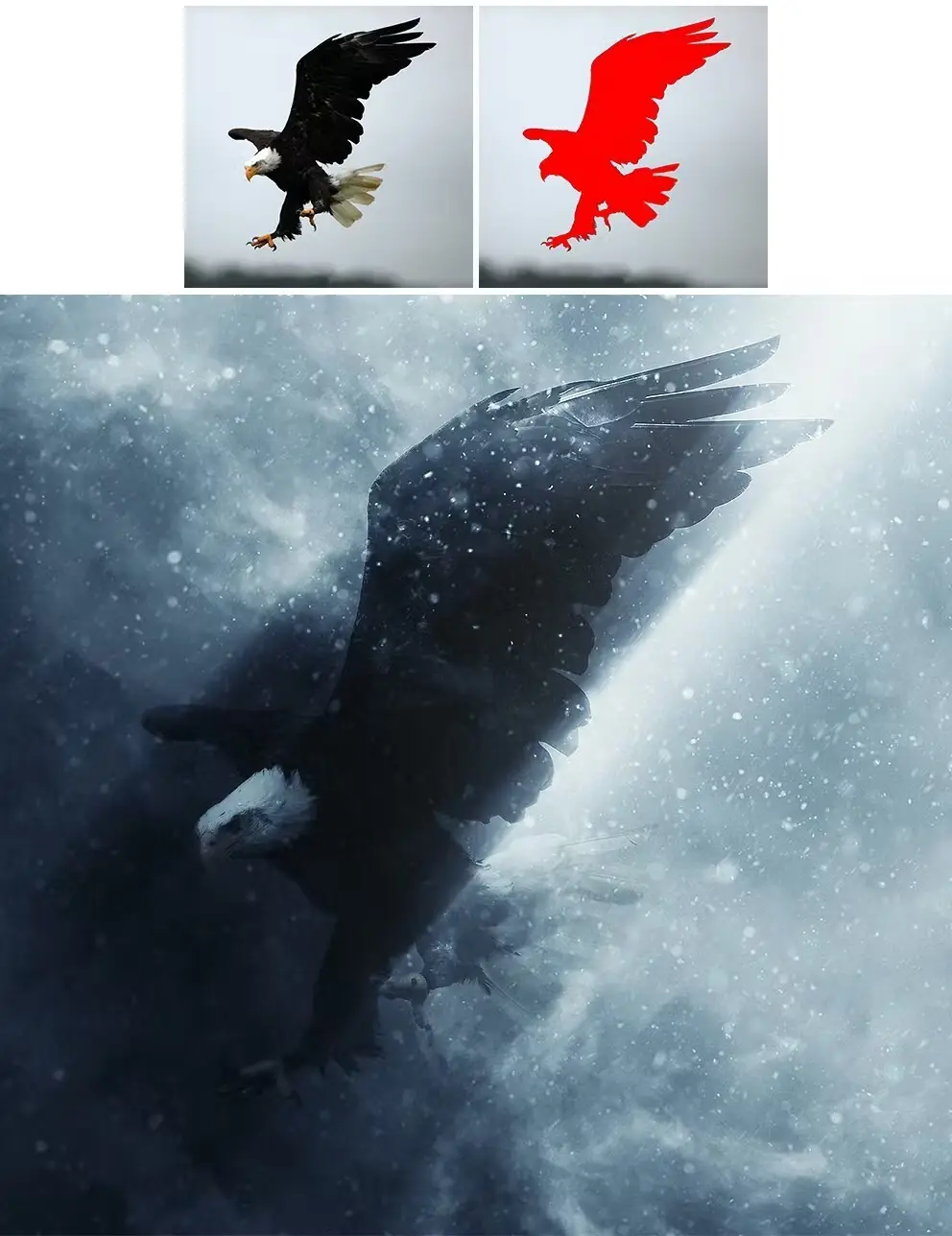
The Blizzard Photoshop Action is designed for photographers and digital artists who want to add a professional winter effect to their images. With just a few clicks, you can fill your subject with color and let the action do the work. Each layer remains editable, giving you complete creative control over the final look.
Key Features & Benefits
- ✅ Easy to Use → Simply fill your subject with color and play the action for instant results.
- ✅ Layered Structure → Maintain full control over each element, allowing for personalized adjustments.
- ✅ Multiple Light Source Angles → Choose from 8 different directional light angles to enhance your effect.
- ✅ Comprehensive Video Tutorial → Included in the ‘Readme.txt’ file, guiding you through setup and customization.
- ✅ Compatibility → Works seamlessly with Photoshop CS4, CS5, CS6, CC, and CC 2015.5+ (English version only).
Why Choose This Product
The Blizzard Photoshop Action stands out for its user-friendly design and powerful effects. Trusted by photographers worldwide, it allows you to create stunning winter visuals quickly and efficiently. Whether you’re a beginner or a seasoned professional, this action will elevate your artwork, making it perfect for seasonal projects, marketing materials, or personal use.
Specifications
| Compatibility | Photoshop CS4, CS5, CS6, CC, CC 2015.5+ |
|---|---|
| Language Requirement | English version of Photoshop only |
| Included Files | Action file, Readme.txt, Video tutorial link |
What’s Included / What’s in the Box
- 📦 Blizzard Photoshop Action file
- 📦 Readme.txt with setup instructions
- 📦 Link to video tutorial for detailed guidance
Perfect For
- Photographers looking to enhance winter-themed images
- Digital artists wanting to create unique seasonal effects
- Marketers needing eye-catching visuals for campaigns
How to Use
- Open your image in Photoshop.
- Fill your subject with the desired color.
- Run the Blizzard Action and adjust layers as needed.
FAQ
- Can I use this action in other languages? No, it only works in the English version of Photoshop.
- What if I encounter issues? Watch the video tutorial first, then visit the support page if needed.
Ready to create stunning winter effects? Add the Blizzard Photoshop Action to your cart now and start transforming your images today! 🚀
User Reviews
Be the first to review “Blizzard Photoshop Action”
You must be logged in to post a review.

Soft Focus 2 Photoshop Action
Sold by Seven Styles
100 Watercolor Ink Photoshop Brushes Vol 2
Sold by Seven Styles
Painted Photoshop Effect
Sold by Seven Styles
Magic Dust Photoshop Action
Sold by Seven Styles
Grid Photoshop Action
Sold by Seven Styles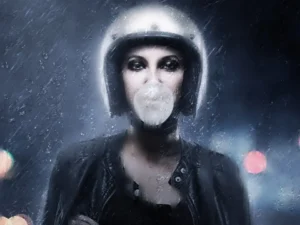
Fearless 2 Photoshop Action
Sold by Seven Styles Original price was: $5.00.$2.50Current price is: $2.50.


There are no reviews yet.