
Grid Photoshop Action






Original price was: $5.00.$2.50Current price is: $2.50.

Seven Styles
Product Specs:
- Compatible with: Actions
- File Type: ZIP
- File Size: 1.6 MB
- Instant Download
Grid Photoshop Action – Transform Your Designs Effortlessly
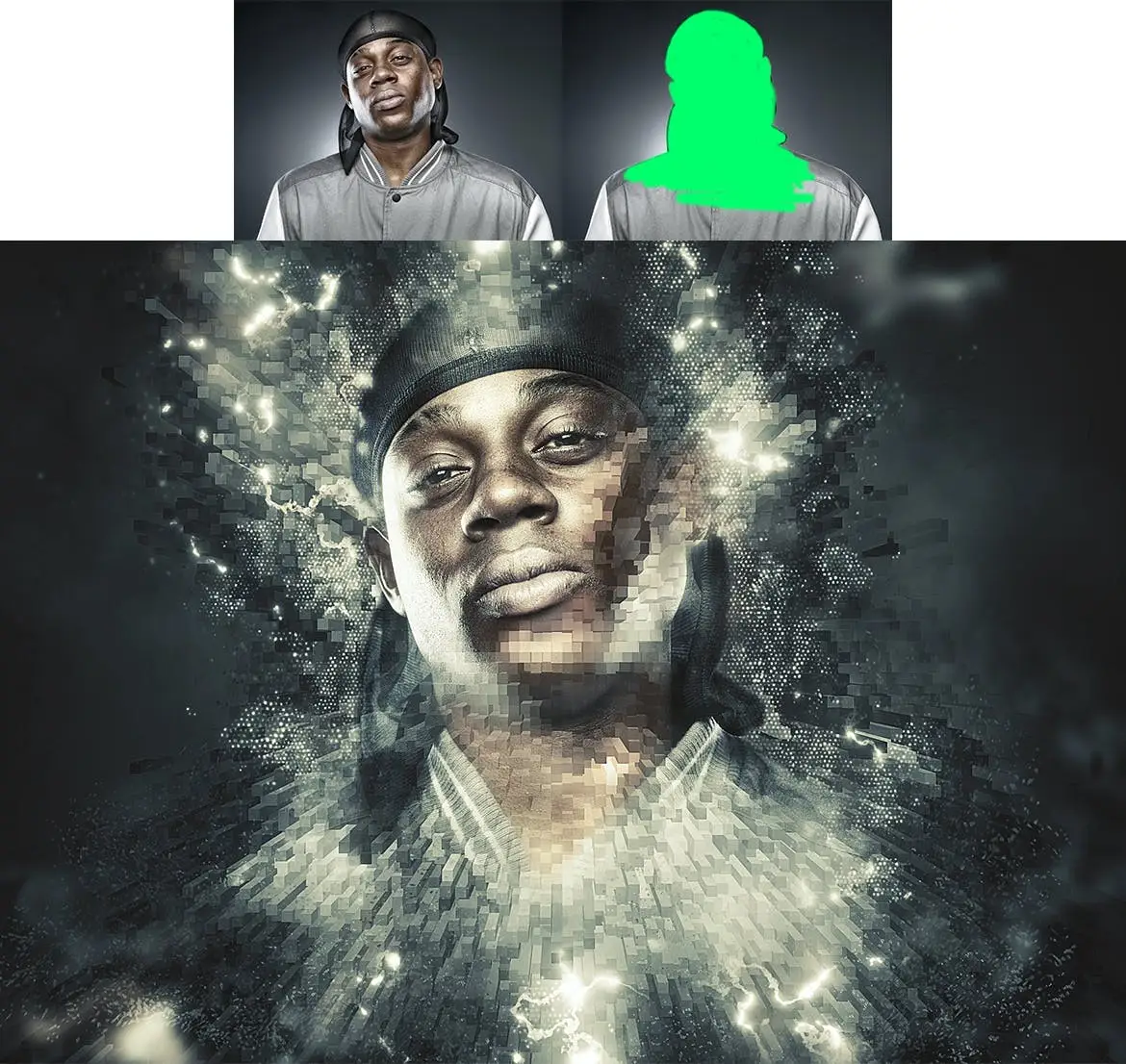
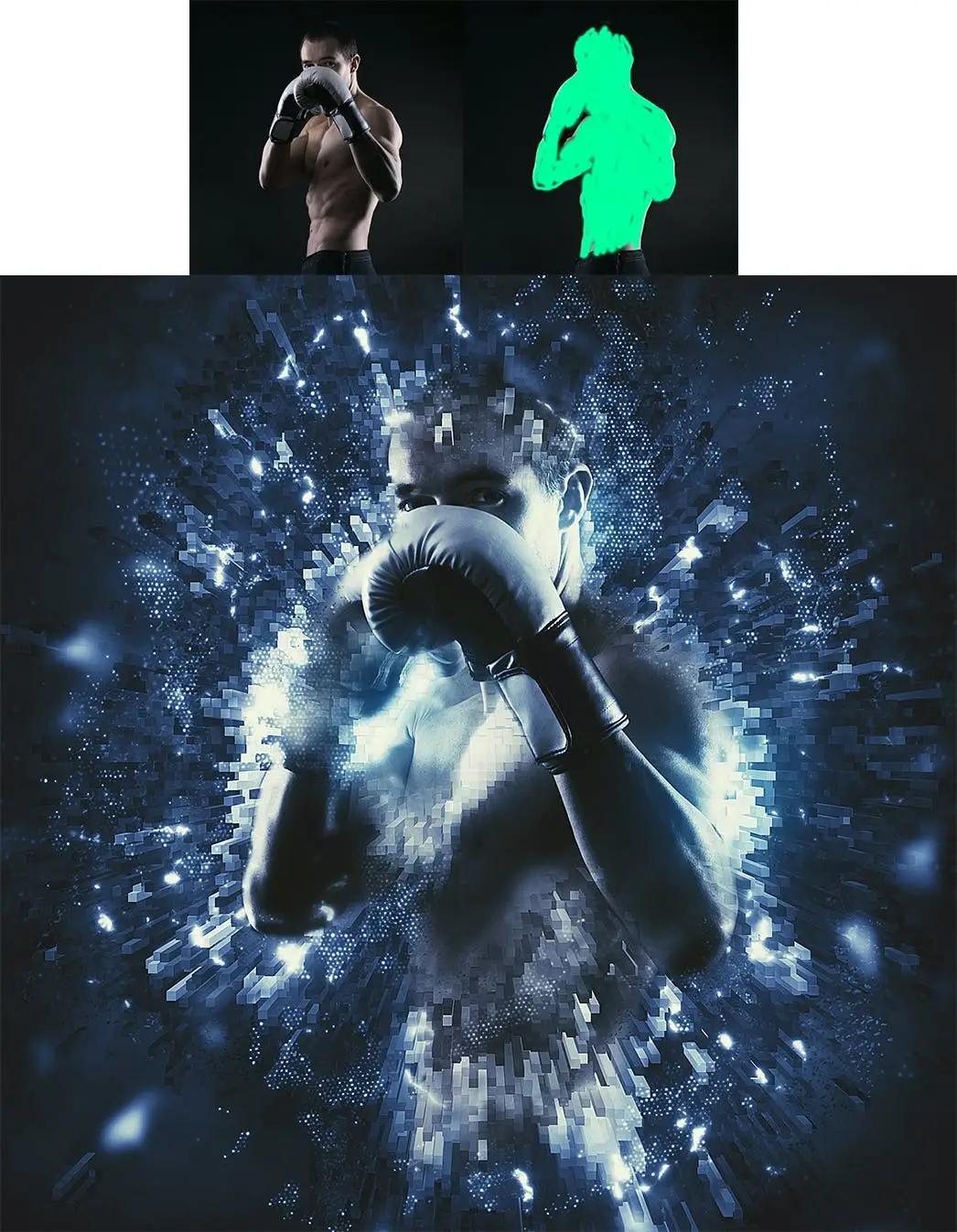
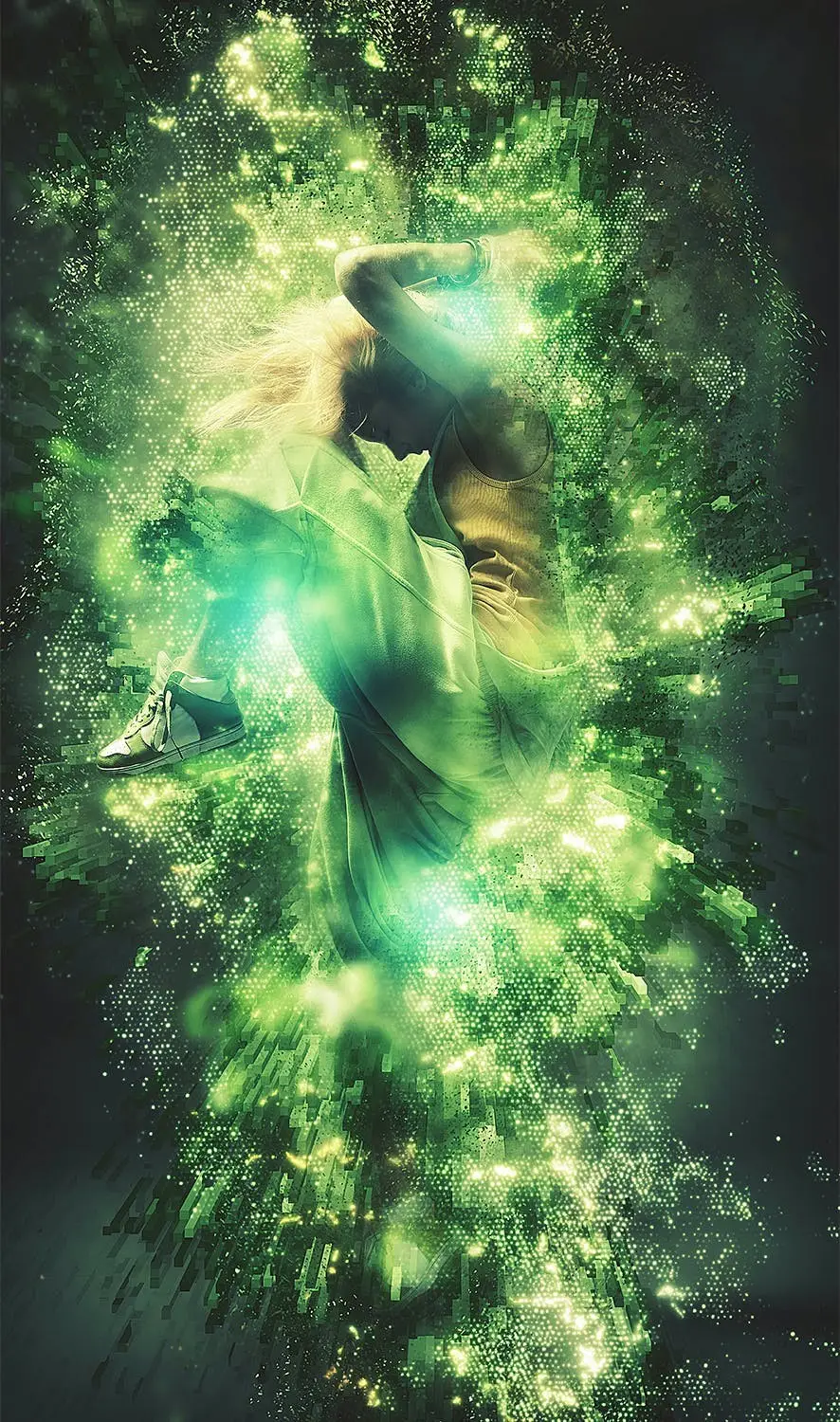
Unlock the potential of your designs with the Grid Photoshop Action. This powerful tool allows you to create stunning grid effects with just a few clicks. Simply fill in your subject with a color and play the action to see your vision come to life!
Product Overview
The Grid Photoshop Action is designed for photographers and digital artists who want to enhance their images with futuristic grid effects. Whether you’re working on a winter-themed project or looking to add a touch of digital flair, this action is your go-to solution. With easy-to-follow instructions and a comprehensive video tutorial, you’ll be able to customize your effects to suit your style.
Key Features & Benefits
- ✅ Easy to Use → Just fill your subject with color and run the action for instant results.
- ✅ Comprehensive Video Tutorial → Learn setup and customization techniques with the included tutorial.
- ✅ Compatibility → Works seamlessly with Photoshop CS3, CS4, CS5, CS6, CC, CC 2015.5, CC 2017+, ensuring broad usability.
- ✅ English Version Requirement → Optimized for the English version of Photoshop, with guidance on switching languages if needed.
- ✅ Support Available → Access dedicated support via the link in the readme file for any troubleshooting needs.
Why Choose This Product
This Grid Photoshop Action stands out because of its simplicity and effectiveness. Trusted by designers worldwide, it allows you to create professional-grade effects without extensive Photoshop knowledge. The action not only saves you time but also enhances your creative workflow, enabling you to focus on your artistic vision.
Specifications
| Compatibility | Photoshop CS3, CS4, CS5, CS6, CC, CC 2015.5, CC 2017+ |
|---|---|
| Language Requirement | English version of Photoshop required |
What’s Included
- 📦 Grid Photoshop Action file
- 📦 Readme.txt file with installation instructions
- 📦 Video tutorial link for step-by-step guidance
Perfect For
- Photographers looking to enhance their images
- Graphic designers wanting to add unique effects
- Digital artists exploring new visual styles
How to Use
- 1. Open your image in Photoshop.
- 2. Fill your subject with the desired color.
- 3. Run the Grid Photoshop Action.
- 4. Customize the effect using the tutorial as a guide.
FAQ
- Can I use this action in non-English versions of Photoshop?
No, the action is specifically designed for the English version of Photoshop.
- What if I encounter issues?
Refer to the video tutorial first, and if problems persist, contact support via the readme file.
Ready to elevate your designs? Add to cart now and start creating stunning visuals today! 🚀
Mixed Media Photoshop Action
Sold by Seven Styles
Painted Photoshop Effect
Sold by Seven Styles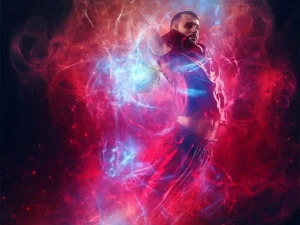
Energy Photoshop Action
Sold by Seven Styles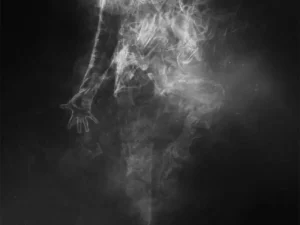
Smoke Photoshop Action
Sold by Seven Styles
Magic Dust Photoshop Action
Sold by Seven Styles
Sparkle Photoshop Action
Sold by Seven Styles Original price was: $5.00.$2.50Current price is: $2.50.


There are no reviews yet.