
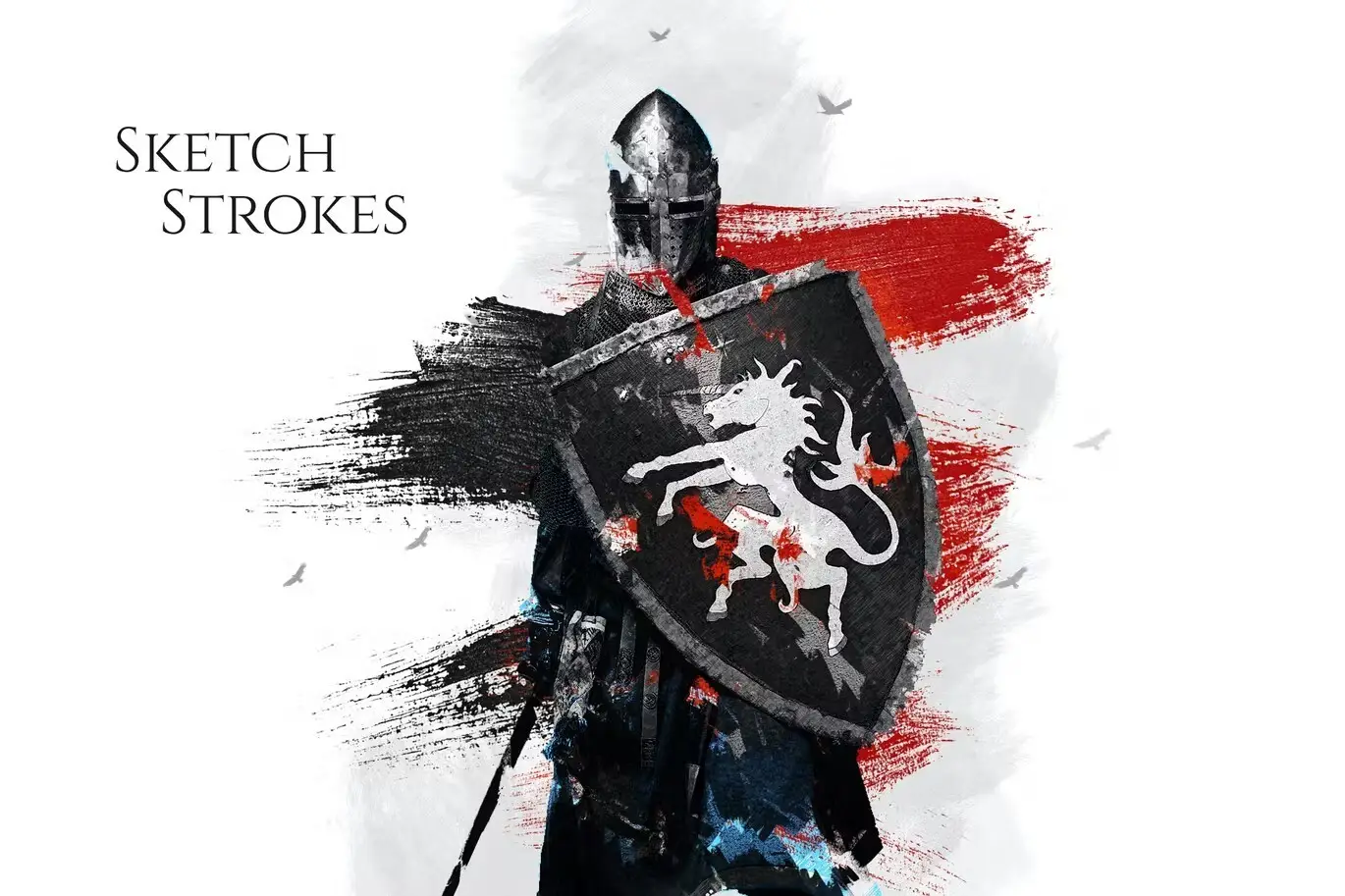
Sketch Strokes Photoshop Action
Original price was: $5.00.$2.50Current price is: $2.50.

315700
Product Specs:
- Compatible with: Actions
- File Type: ZIP
- File Size: 6.0 MB
- Instant Download
Sketch Strokes Photoshop Action
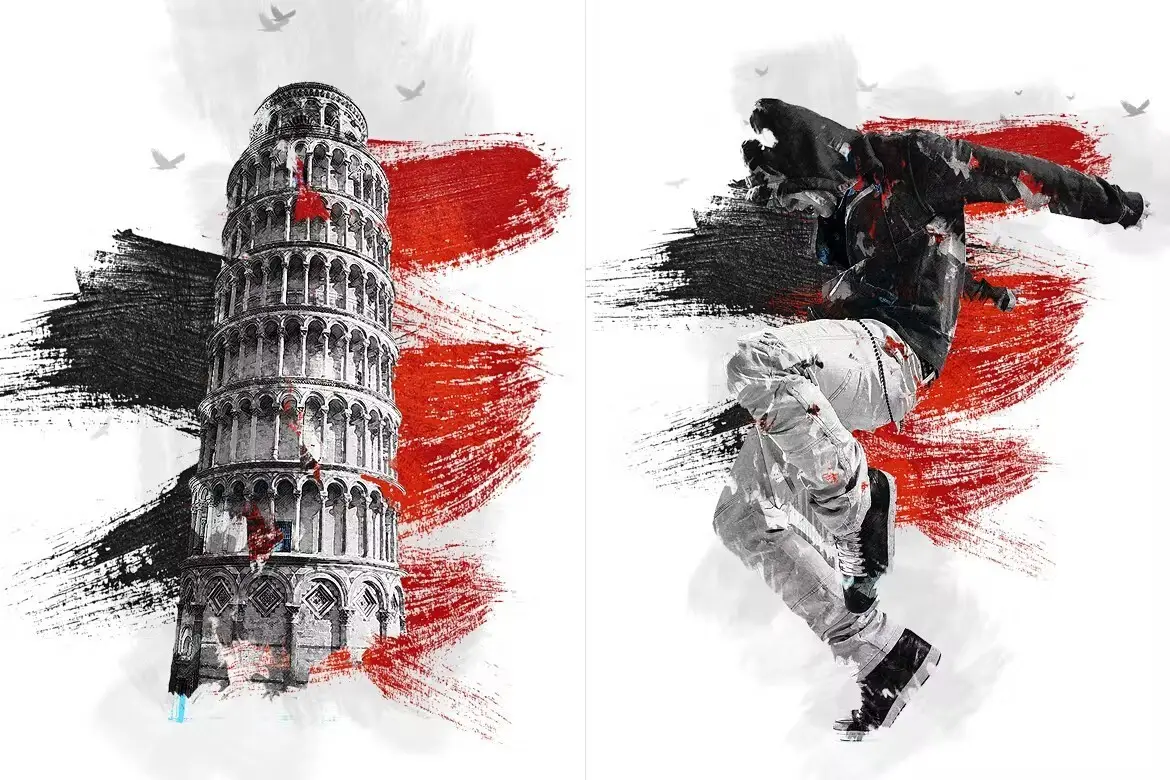
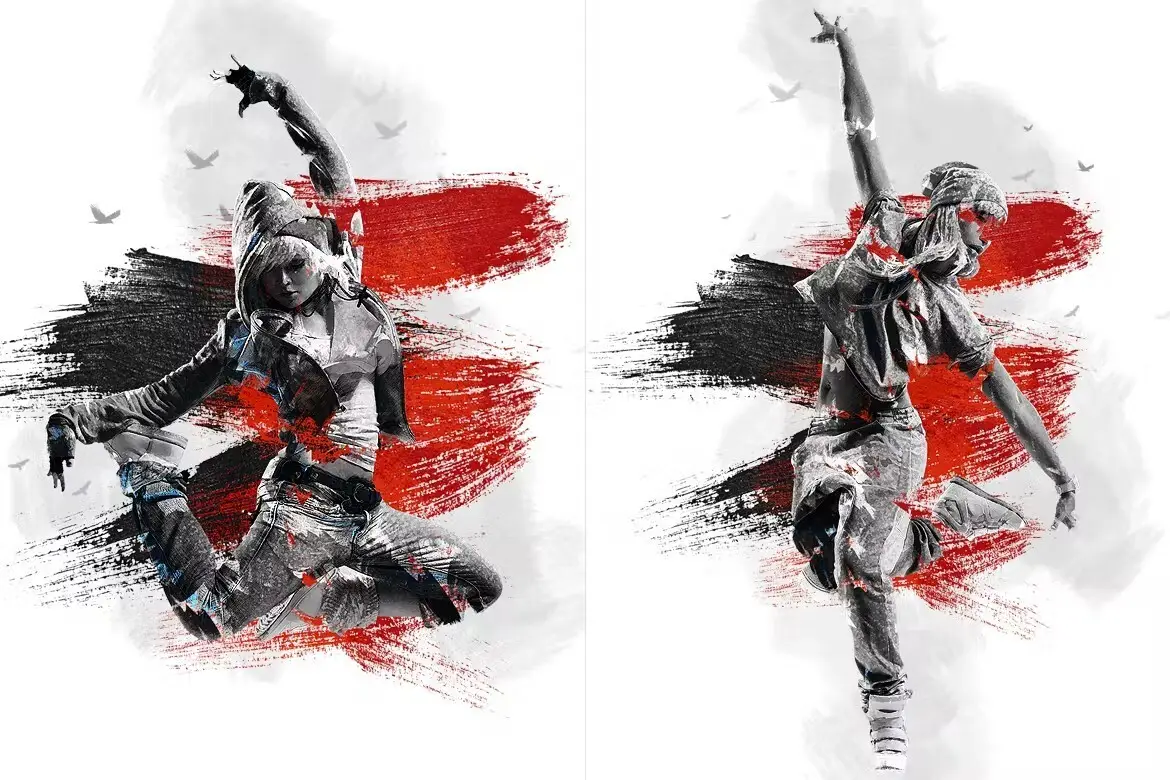
Transform your images into stunning hand-drawn sketches with the Sketch Strokes Photoshop Action. This action simplifies the sketching process, allowing you to create beautiful artwork effortlessly. Whether you’re a professional designer or a hobbyist, this tool is your gateway to artistic expression.
Product Overview
The Sketch Strokes Photoshop Action is designed for artists and designers who want to add a unique touch to their digital creations. This non-destructive action works seamlessly in Adobe Photoshop, enabling you to achieve realistic sketch effects with just a click. It’s perfect for enhancing illustrations, photographs, and more.
Key Features & Benefits
- ✅ Non-Destructive Action → Preserve your original images while applying effects.
- ✅ Well-Arranged Layers → Easily modify and customize each layer to suit your style.
- ✅ Adjustable Layers → Fine-tune the intensity and appearance of your sketches.
- ✅ Compatible with Multiple Versions → Works with CS3, CS6, and CC for flexibility.
- ✅ User-Friendly → Simple to use, making it accessible for everyone.
- ✅ YouTube Tutorial Available → Follow along with our comprehensive guide to maximize your results.
Why Choose This Product
The Sketch Strokes Photoshop Action stands out for its ease of use and professional quality results. Trusted by artists worldwide, it allows you to create intricate sketches without the need for advanced drawing skills. Imagine transforming your photos into art pieces that capture the essence of hand-drawn illustrations, all while saving time and effort.
Specifications
| File Types | ATN (action), ABR (brush), PAT (pattern) |
|---|---|
| Compatibility | Adobe Photoshop CS3, CS6, CC |
| Help Files | Included |
What’s Included / What’s in the Box
- 📦 ATN File (Photoshop Action)
- 📦 ABR File (Brush)
- 📦 PAT File (Pattern)
- 📦 Help Files
Perfect For
- Graphic Designers
- Illustrators
- Photographers
- Artists looking to enhance their digital art
How to Use
To get started with the Sketch Strokes Photoshop Action, simply open your image in Photoshop, load the action, and apply it. Adjust the layers as needed to achieve your desired effect. For detailed instructions, refer to the included help files or watch the tutorial on YouTube.
FAQ
- Can I use this action on any image? Yes, it works on various image types, but the best results are typically with high-resolution images.
- Is the tutorial easy to follow? Absolutely! The tutorial is designed for all skill levels, ensuring you can achieve great results.
Add to cart now and start creating your stunning sketches today! 🚀
User Reviews
Be the first to review “Sketch Strokes Photoshop Action”
You must be logged in to post a review.
APS Reloaded Photoshop Action
Sold by 315700

Memories Photoshop Action
Sold by 315700
Rupture Effect Photoshop Action
Sold by 315700
Obsidian Photoshop Action
Sold by 315700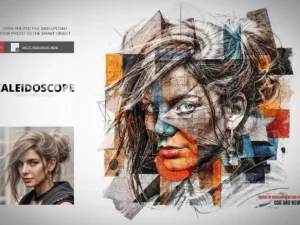
Kaleidoscope Template for Photoshop
Sold by 315700 Original price was: $5.00.$2.50Current price is: $2.50.


There are no reviews yet.