
Burnt Photoshop Action
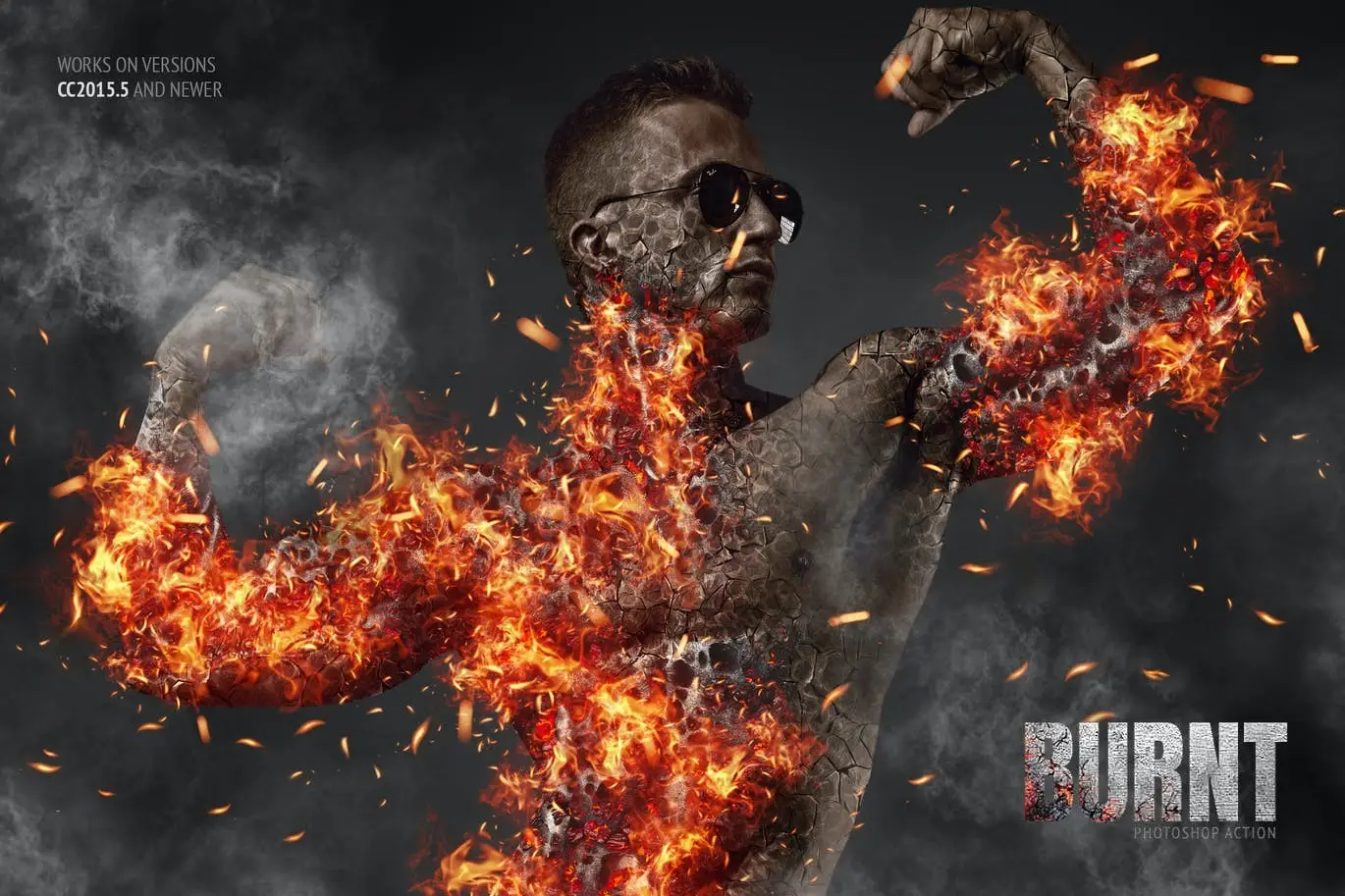
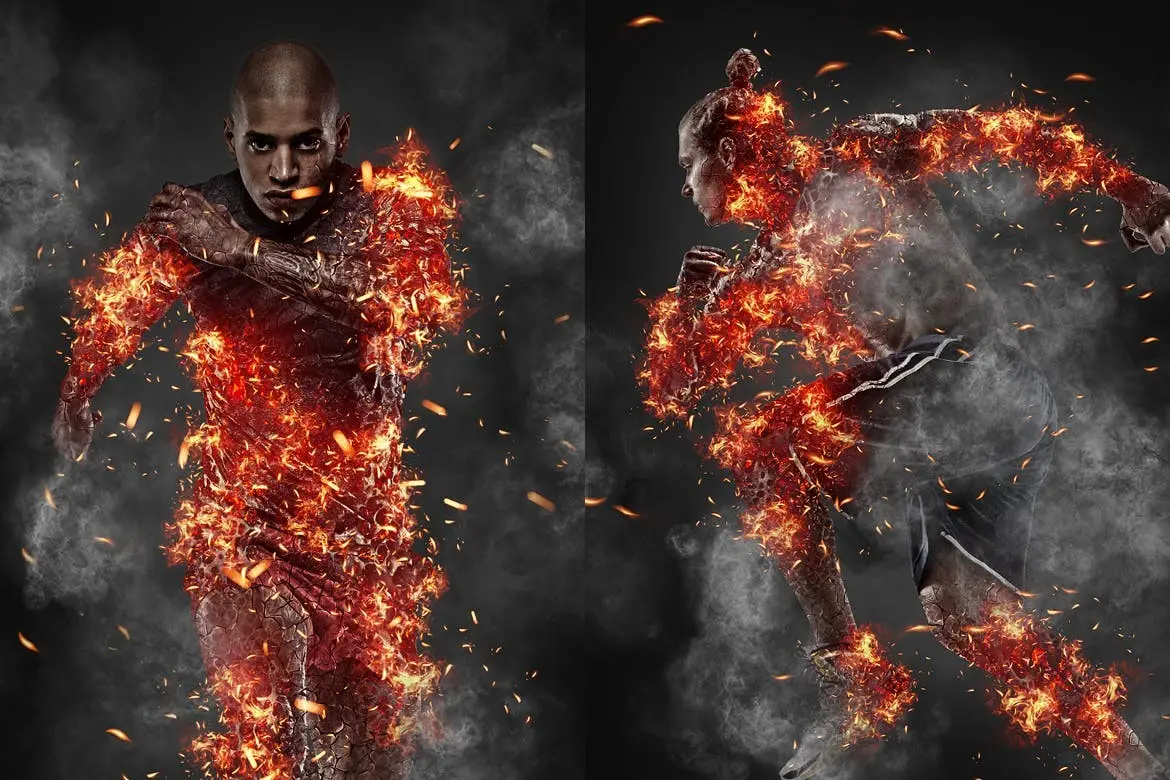
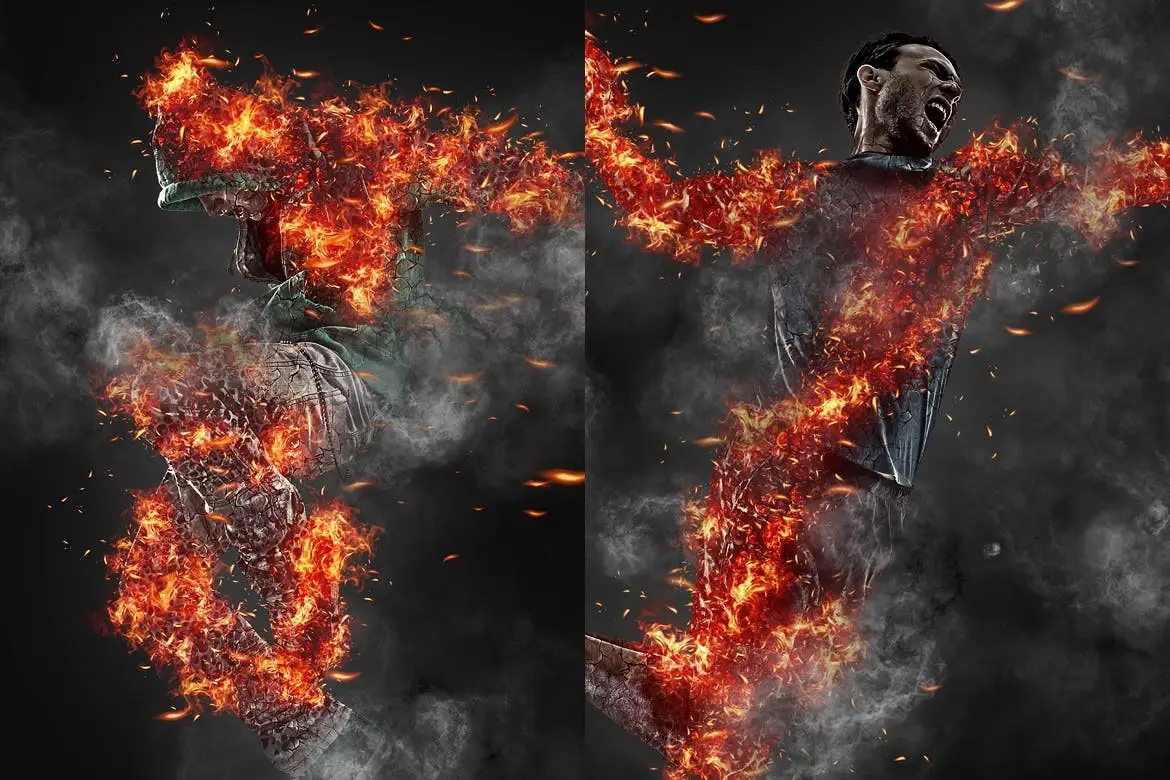
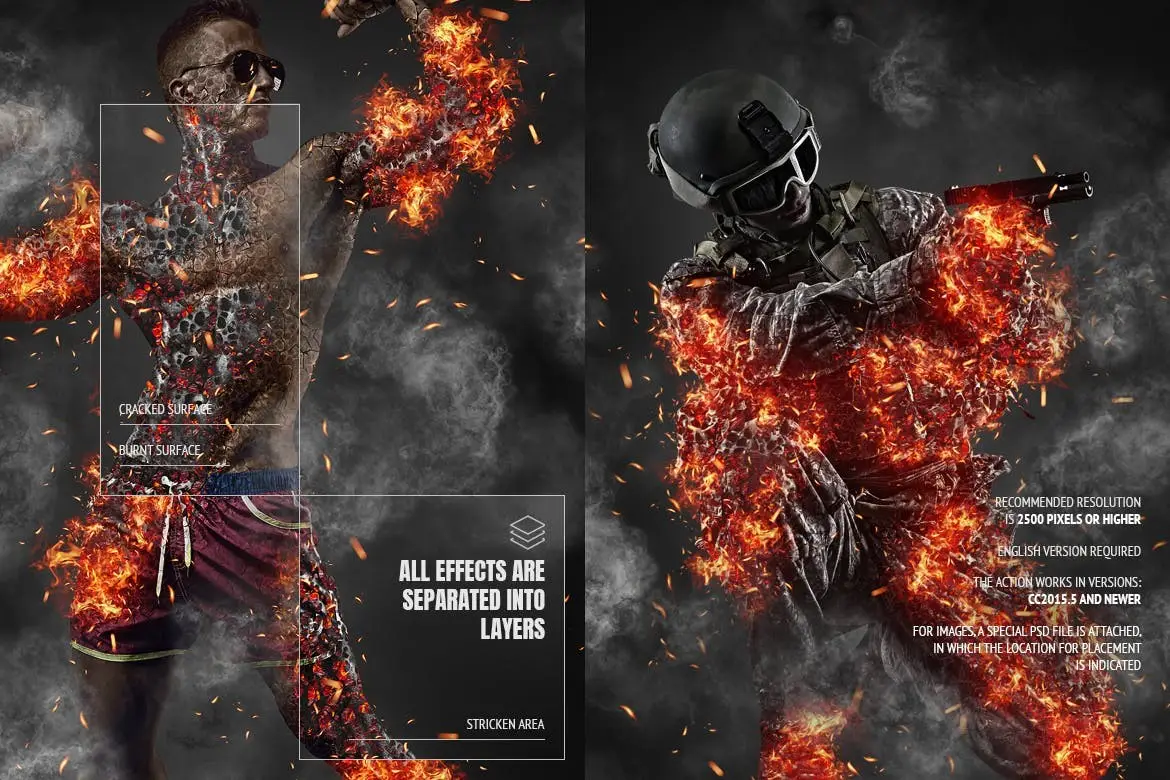
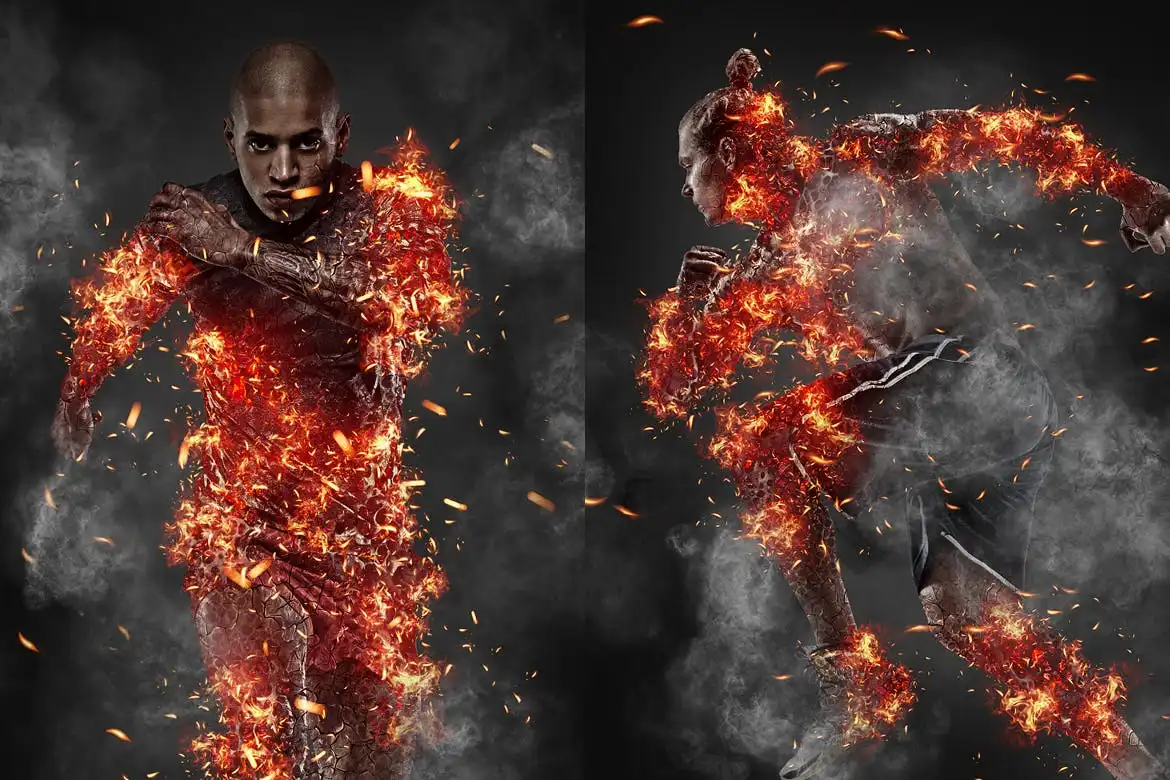
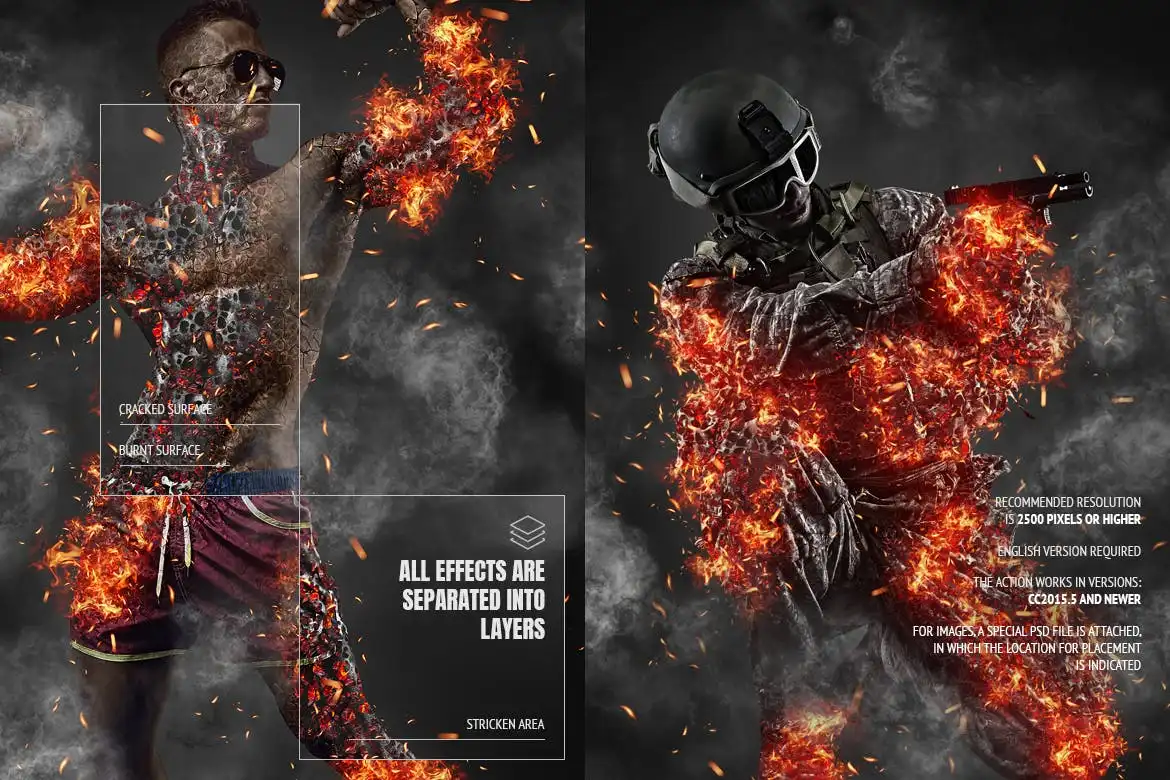
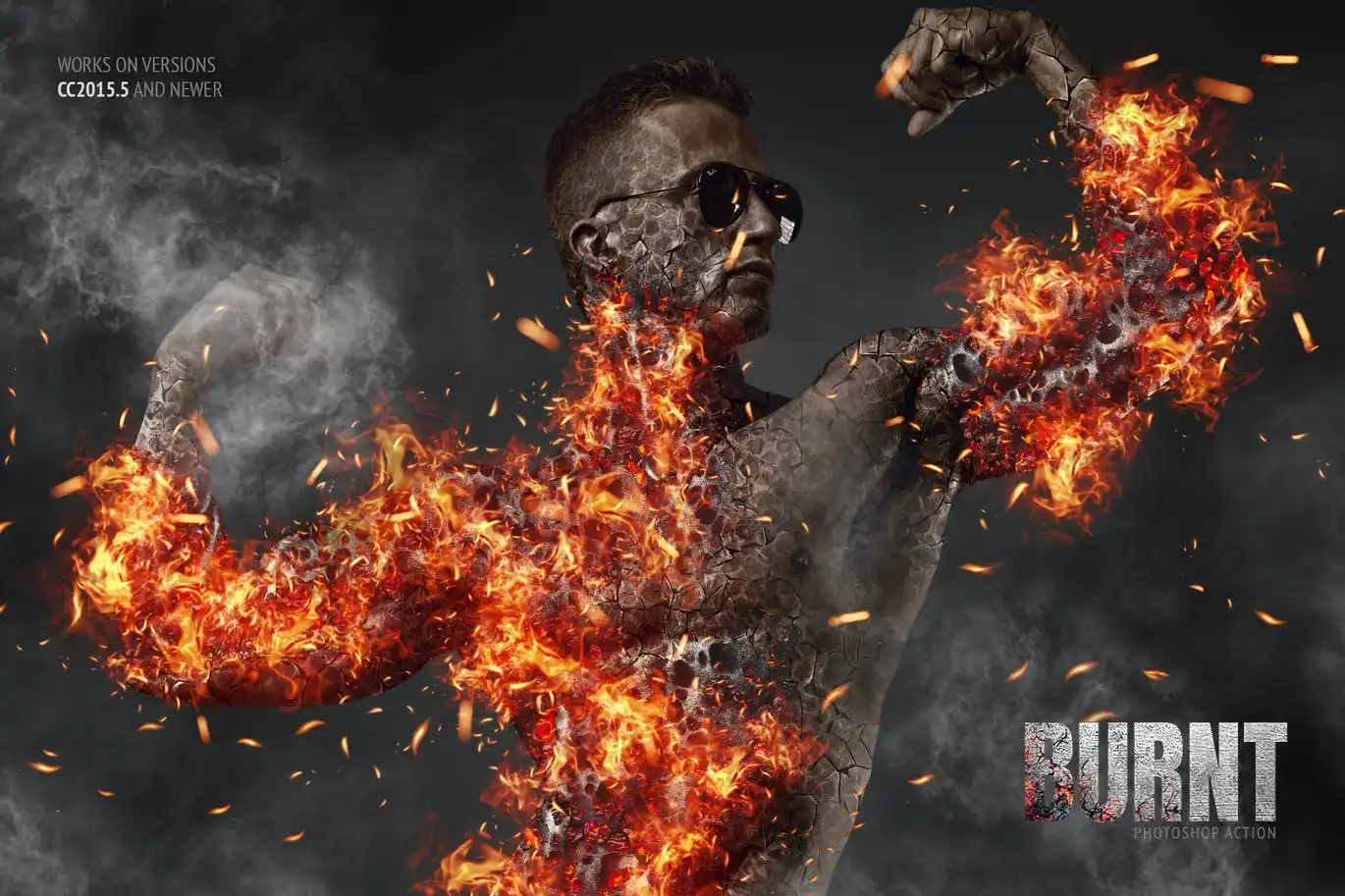
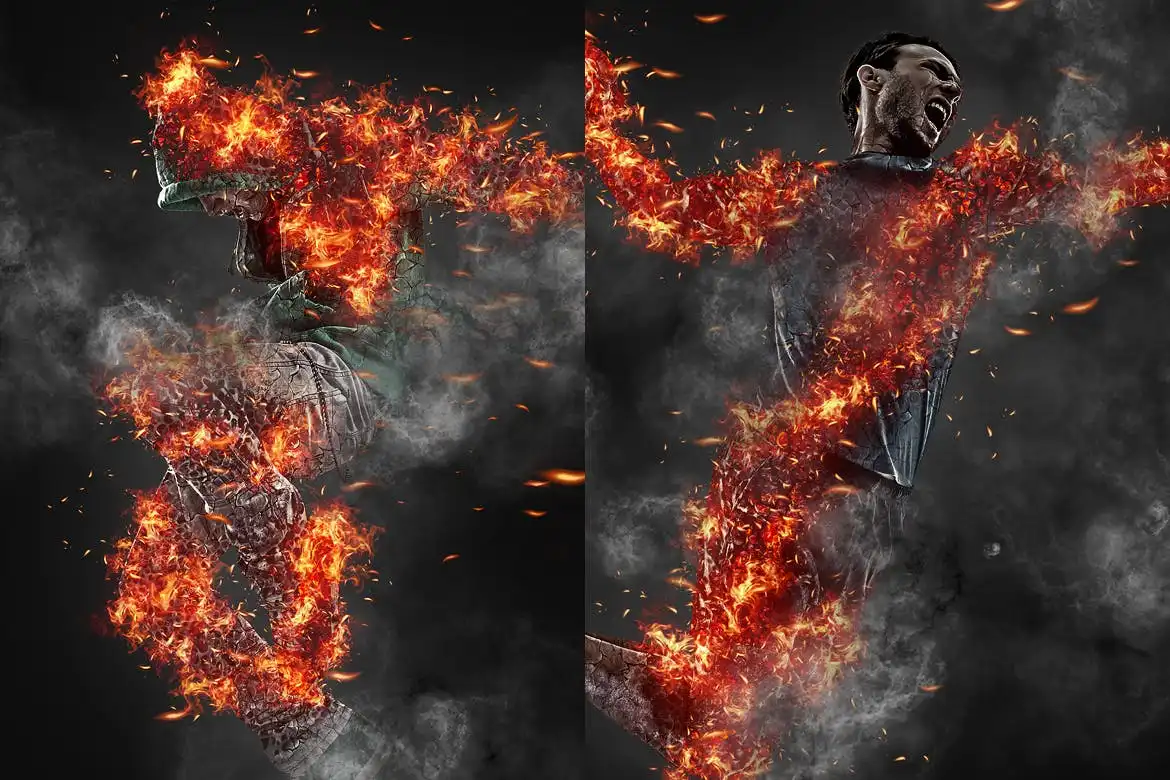
Burnt Photoshop Action: Create Stunning Fire Effects
Transform your designs with the Burnt Photoshop Action. This powerful tool allows you to effortlessly add realistic fire and smoke effects to your images, making them pop with life and intensity. Whether you’re working on a graphic design project or enhancing a photo, this action is your go-to solution for dramatic visuals.
Product Overview
The Burnt Photoshop Action is designed for creatives who want to add a touch of fiery realism to their work. Ideal for graphic designers, photographers, and digital artists, this action simplifies the process of creating stunning fire effects, allowing you to focus more on your creativity and less on technical details.
Key Features & Benefits
- ✅ 1 ATN File (Action) → Easily apply the burnt effect with a single click.
- ✅ 1 ABR File (Brush) → Customize your designs with realistic smoke and ash brushes.
- ✅ 1 PAT File (Texture) → Add depth and detail to your fire effects with high-quality textures.
- ✅ Non-Destructive Action → Make edits without compromising your original images.
- ✅ Well-Arranged Layers → Enjoy a clean workspace with organized layers for easy adjustments.
- ✅ Adjustable Layers → Tailor the intensity and appearance of the effects to suit your style.
- ✅ Compatible with CC2015.5 and newer → Works seamlessly with the latest versions of Photoshop.
Why Choose This Product
The Burnt Photoshop Action stands out due to its user-friendly design and powerful capabilities. Trusted by professionals, it allows you to create stunning visuals that captivate your audience. With a comprehensive YouTube tutorial available, you’ll be up and running in no time, mastering the art of fire effects with ease. This action is perfect for anyone looking to enhance their digital artwork or photography.
Specifications
| File Type | ATN, ABR, PAT |
|---|---|
| Compatibility | Photoshop CC2015.5 and newer |
| Recommended Resolution | 2500 pixels or higher |
| Language | English version only |
What’s Included
- 📦 1 ATN File (Action)
- 📦 1 ABR File (Brush)
- 📦 1 PAT File (Texture)
- 📦 Help Files
Perfect For
- Graphic Designers
- Photographers
- Digital Artists
- Anyone looking to enhance their digital artwork
How to Use
To get started, simply load the ATN file into Photoshop, apply the action to your desired image, and customize the layers to achieve your preferred look. For detailed guidance, refer to the included help files or watch the tutorial on YouTube.
FAQ
- Can I use this action on non-English versions of Photoshop? No, this action is designed to work specifically with the English version of Photoshop.
- Are the images in the preview included? No, the preview images are for demonstration purposes only and are not included with the action.
Add the Burnt Photoshop Action to your toolkit today and start creating breathtaking fire effects that will elevate your designs! 🚀
User Reviews
Be the first to review “Burnt Photoshop Action”
You must be logged in to post a review.
Original price was: $5.00.$2.50Current price is: $2.50.


There are no reviews yet.